Screenshot Editor - SnapStyler
Creating beautiful screenshots
Entwickelt für iPhone, iPad
Kostenlos · In-App-Käufe
- Altersfreigabe4+
- KategorieGrafik und Design
- EntwicklerManuel Chilela Saliulo
- SprachenEnglisch+ 1 weitere
- Größe45,6 MB
Verlinkt auf die offizielle App Store-Seite
Download.org hostet keine Datei von Screenshot Editor - SnapStyler. Die Schaltfläche öffnet die App-Seite bei App Store, wo Manuel Chilela Saliulo die App veröffentlicht. Eintrag zuletzt geprüft am 10.11.2026.
Screenshots

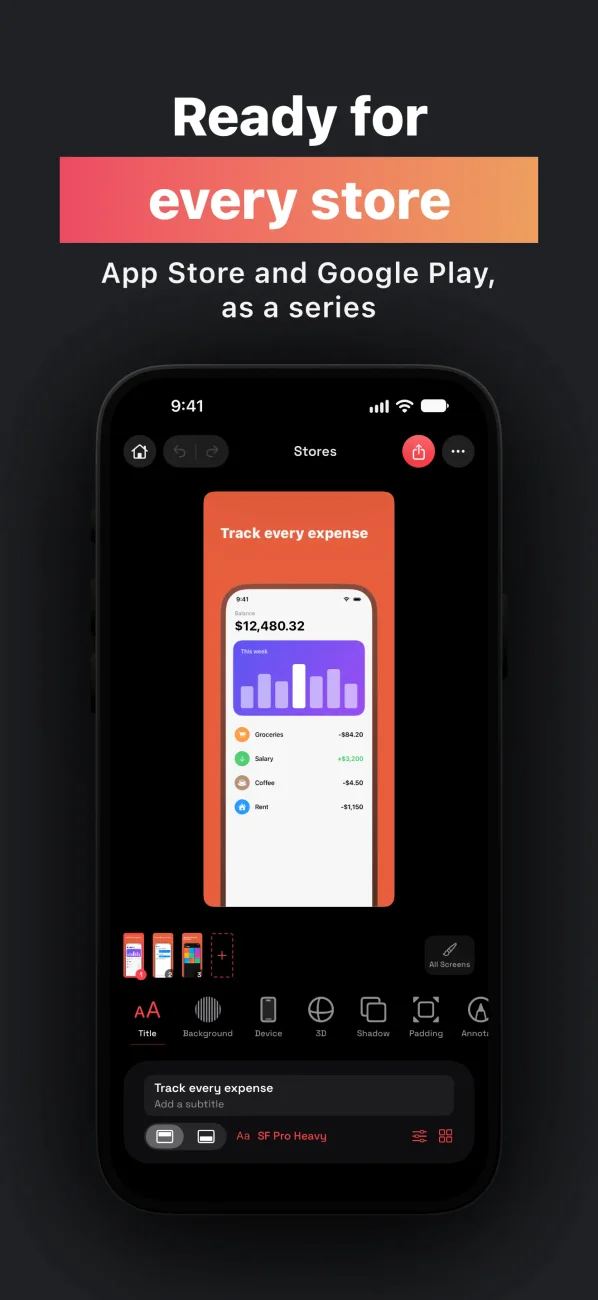
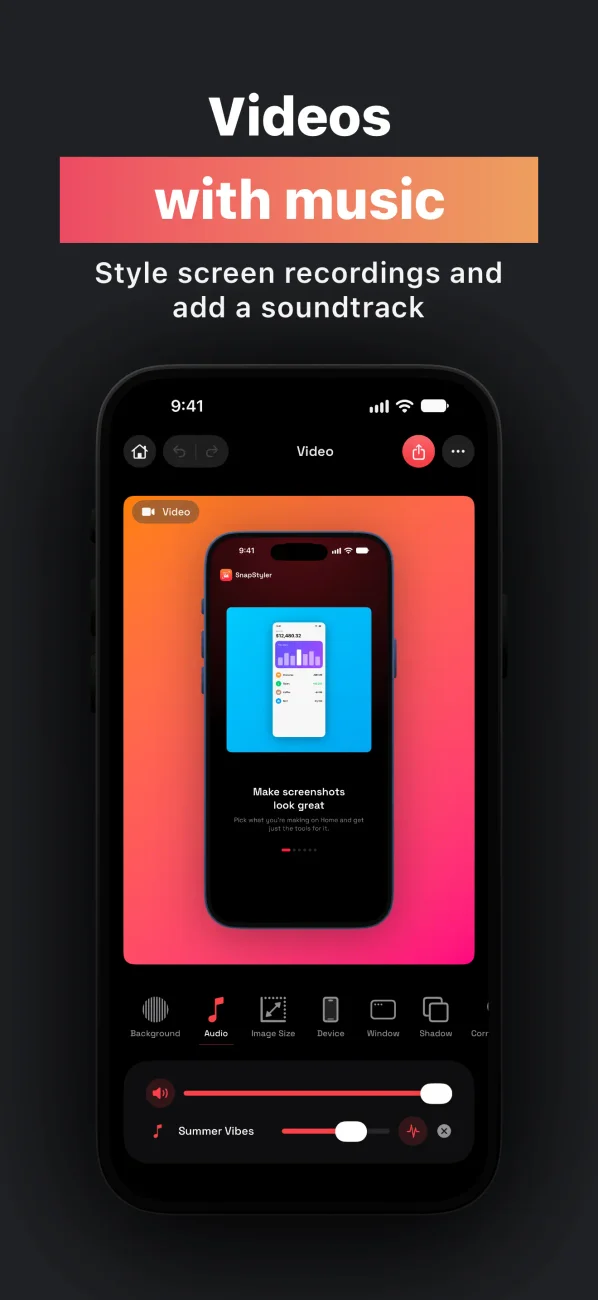
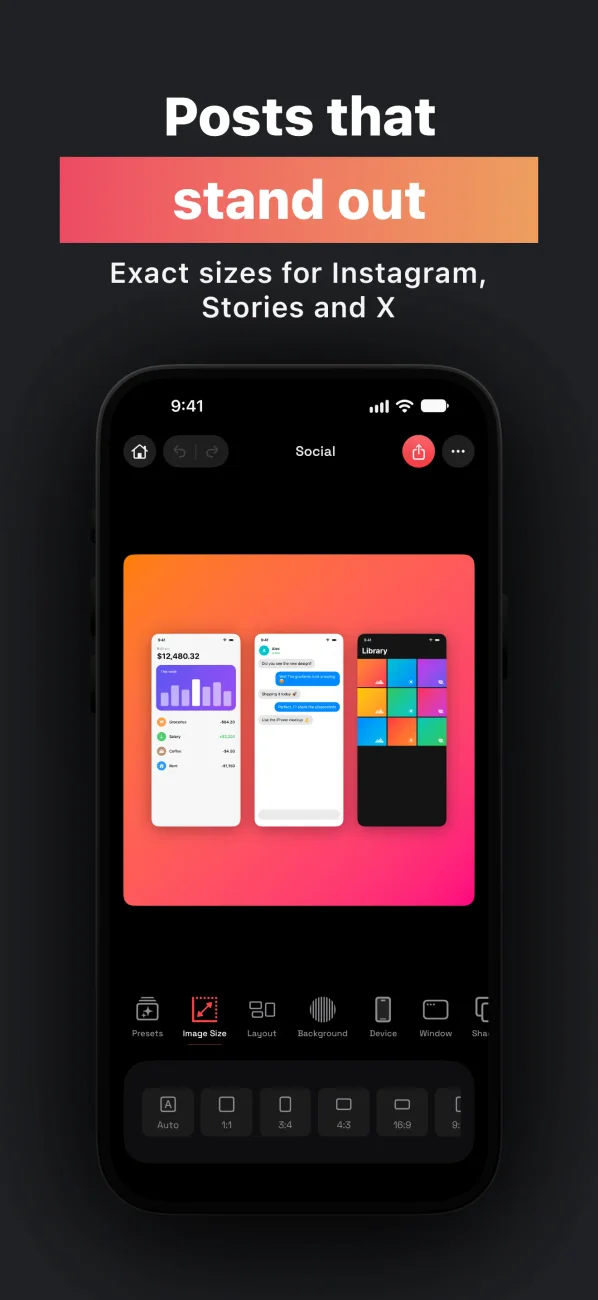
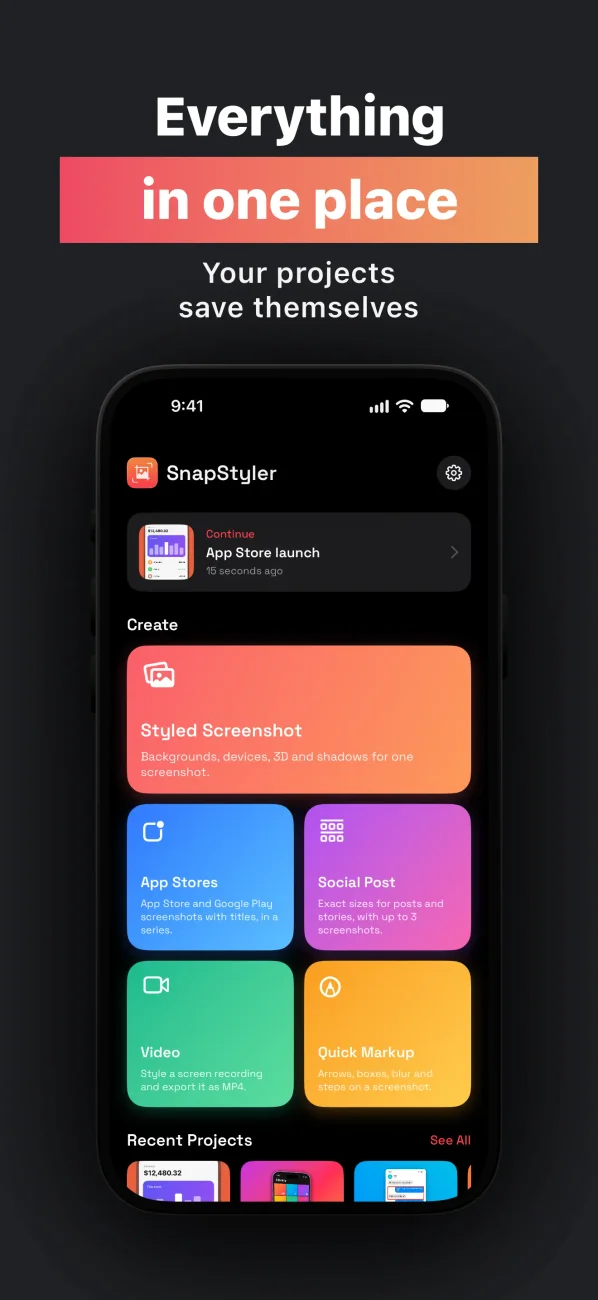
Info
Der Entwickler hat diesen Text nicht in Ihrer Sprache bereitgestellt.
Make every screenshot look great.
SnapStyler turns plain screenshots into polished images in seconds. Pick what you're making on Home and get just the tools for it: a styled screenshot, a social media post, App Store and Google Play screenshots, a screen recording or a quick markup.
BEAUTIFUL SCREENSHOTS
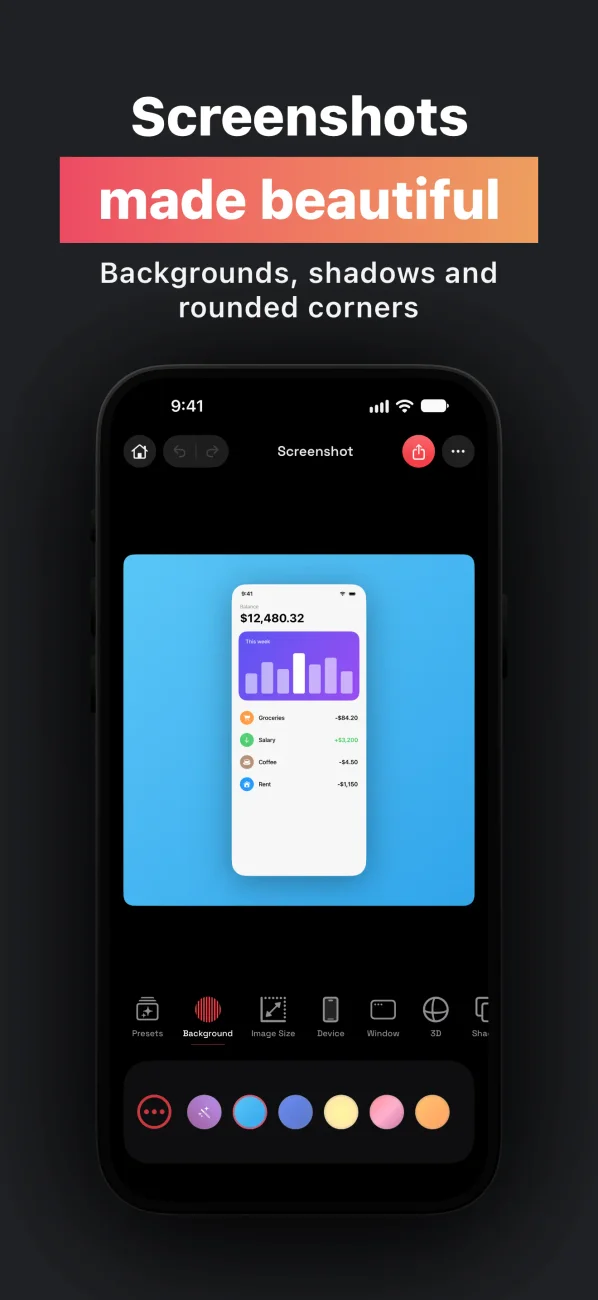
• Gradients, solid colors, your own photos or a smart background made from your screenshot's colors
• Rounded corners, padding, soft or colored shadows and an outline
• Square, portrait, landscape or any aspect ratio
• Built-in presets, and save your own looks to reuse
WINDOWS AND DEVICES
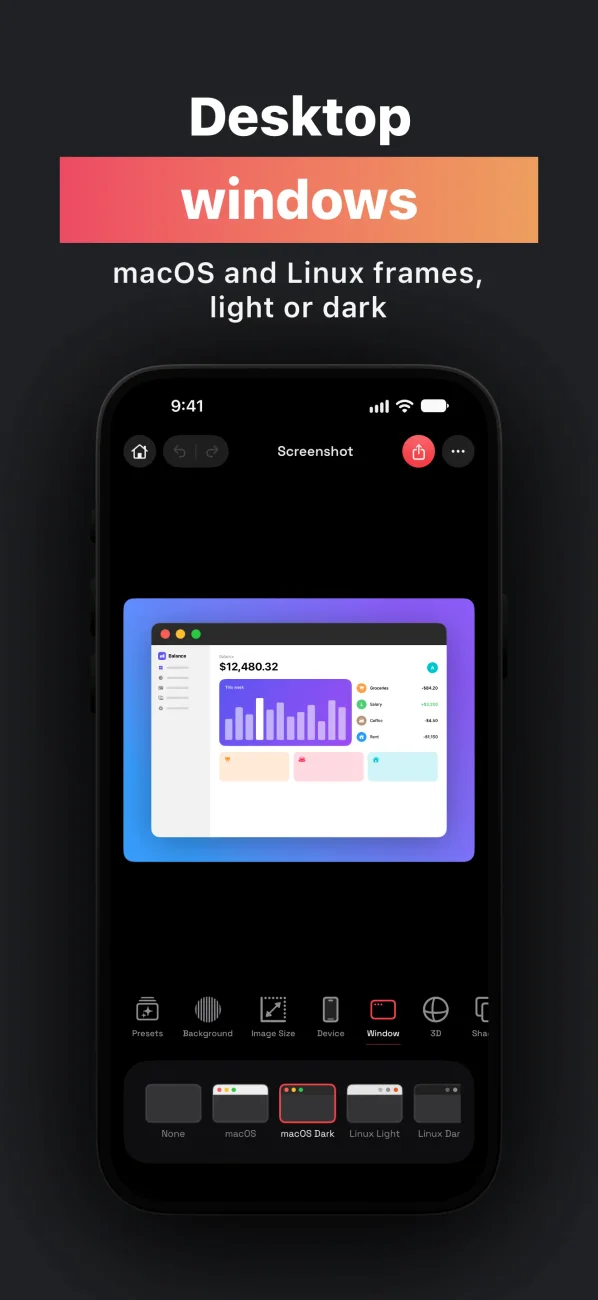
• macOS and Linux window frames, light or dark
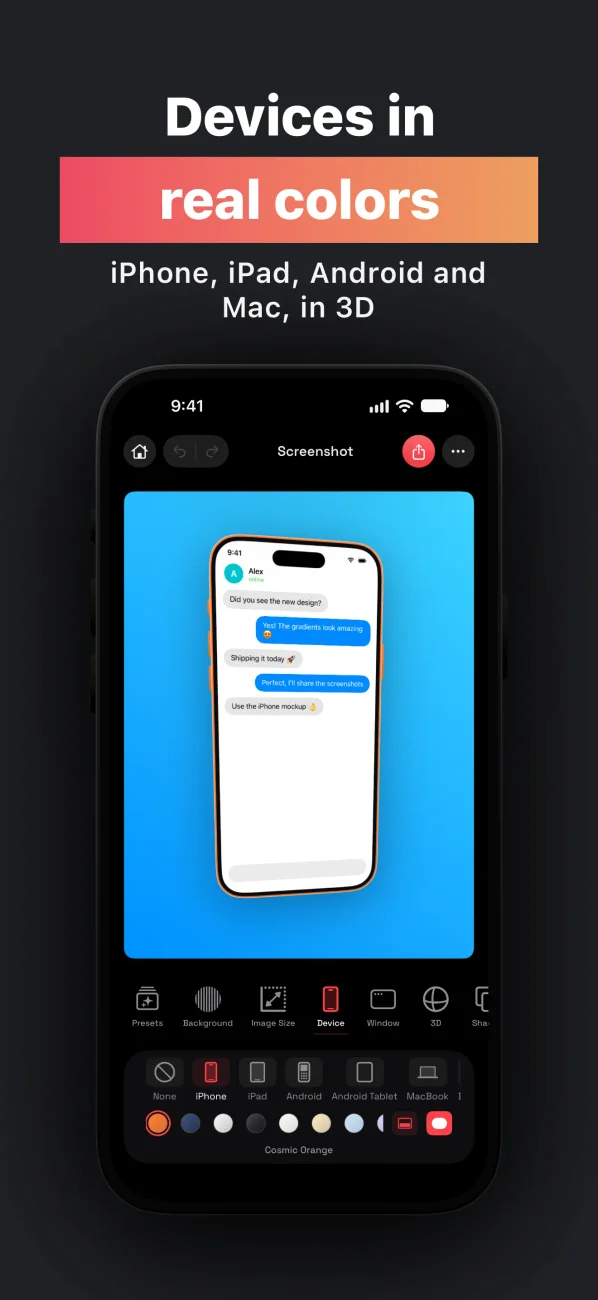
• iPhone, iPad, Android phones and tablets, MacBook and browser mockups
• Tilt any of them in 3D
MADE FOR SOCIAL MEDIA
• Exact sizes for Instagram posts and Stories, X, LinkedIn, Facebook and YouTube
• Combine up to 3 screenshots side by side, in a fan or in depth
• Style screen recordings and export them as MP4
APP STORE AND GOOGLE PLAY
• Ready-made templates with titles and subtitles: Classic, Hero, Marker, Dark, Bold, Tilted and more
• Exact App Store sizes for iPhone 6.9", 6.5" and iPad 13", plus Google Play phone and tablets
• Build a whole series, give each screen its own background or style, and export them all at once
POINT OUT WHAT MATTERS
• Arrows, boxes, highlights, numbered steps, a magnifier, a spotlight, emoji and text
• Blur anything private before you share
YOUR WORK, SAVED
• Projects save automatically, so you can pick up where you left off
• Share and open .snaps project files
• Send screenshots straight from Photos or any app with the share extension
• Export as PNG or JPEG, up to 3x, straight to Photos or Files
Terms of Use: https://www.apple.com/legal/internet-services/itunes/dev/stdeula/
Neue Funktionen
Version 1.3 · 08.10.2026
SnapStyler has been redesigned from top to bottom.
• New Home: pick what you're making (screenshot, App Stores, social post, video or markup) and get just the tools for it
• App Store and Google Play templates with titles, including the new Marker style, and whole series with a style per screen
• Android devices, store templates without the Dynamic Island, and 3D tilt for any device
• New annotations: numbered steps, magnifier, spotlight and emoji
• Exact sizes for Instagram, Stories, X, LinkedIn, Facebook and YouTube
• Combine up to 3 screenshots, and style screen recordings as MP4
• Projects save automatically, and you can share them as .snaps files
• Smart backgrounds, your own presets, and a new introduction
App-Datenschutz
Was Manuel Chilela Saliulo im App Store zum Umgang dieser App mit Daten angibt.
-
Keine Daten erfasst
Der Entwickler erfasst keine Daten von dieser App.
Die Datenschutzpraktiken können variieren, zum Beispiel je nach den von Ihnen verwendeten Funktionen oder Ihrem Alter.
Informationen
- Anbieter
- Manuel Chilela Saliulo
- Kategorie
- Grafik und Design
- Version
- 1.3
- Aktualisiert
- 08.10.2026
- Veröffentlicht
- 02.06.2025
- Größe
- 45,6 MB
- Erfordert
- iOS 17.6 oder neuer
- Altersfreigabe
- 4+
- Preis
- Kostenlos
- In-App-Käufe
- Ja
- Sprachen
- Englisch, Portugiesisch
- Copyright
- © JA Criativos
Das könnte Ihnen auch gefallen
-
 Animacy FontDancing Typography
-
 Screenshot - PrettyShotGrafik und Design
-
 NeoShot - Beautiful screenshotGrafik und Design
-
 OziSnap - Photo Editor & SnapGrafik und Design
-
 GradientSnap - Screenshot toolGrafik und Design
-
 Screenshot Editor – EkranGrafik und Design
-
 Shotbot - Framed ScreenshotsGrafik und Design
-
 Create Logo Design for BusinesGrafik und Design
-
 Text CardGrafik und Design
-
 Screenshot Remote - PC CaptureGrafik und Design