Screenshot Editor - SnapStyler
Creating beautiful screenshots
Designed for iPhone, iPad
Free · In-app purchases
- Age rating4+
- CategoryGraphics & Design
- DeveloperManuel Chilela Saliulo
- LanguagesEnglish+ 1 more
- Size45.6 MB
Links to the official App Store page
Download.org hosts no file of Screenshot Editor - SnapStyler. The button opens its official App Store page, published by Manuel Chilela Saliulo. Listing last checked on Nov 10, 2026.
Screenshots

About
Make every screenshot look great.
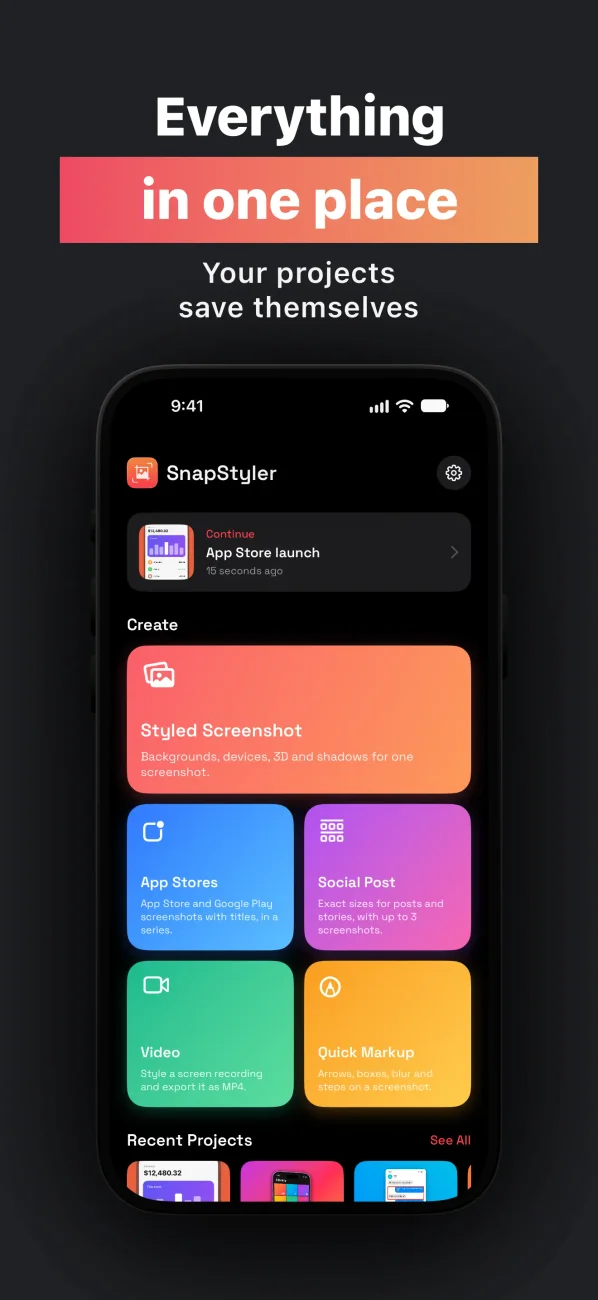
SnapStyler turns plain screenshots into polished images in seconds. Pick what you're making on Home and get just the tools for it: a styled screenshot, a social media post, App Store and Google Play screenshots, a screen recording or a quick markup.
BEAUTIFUL SCREENSHOTS
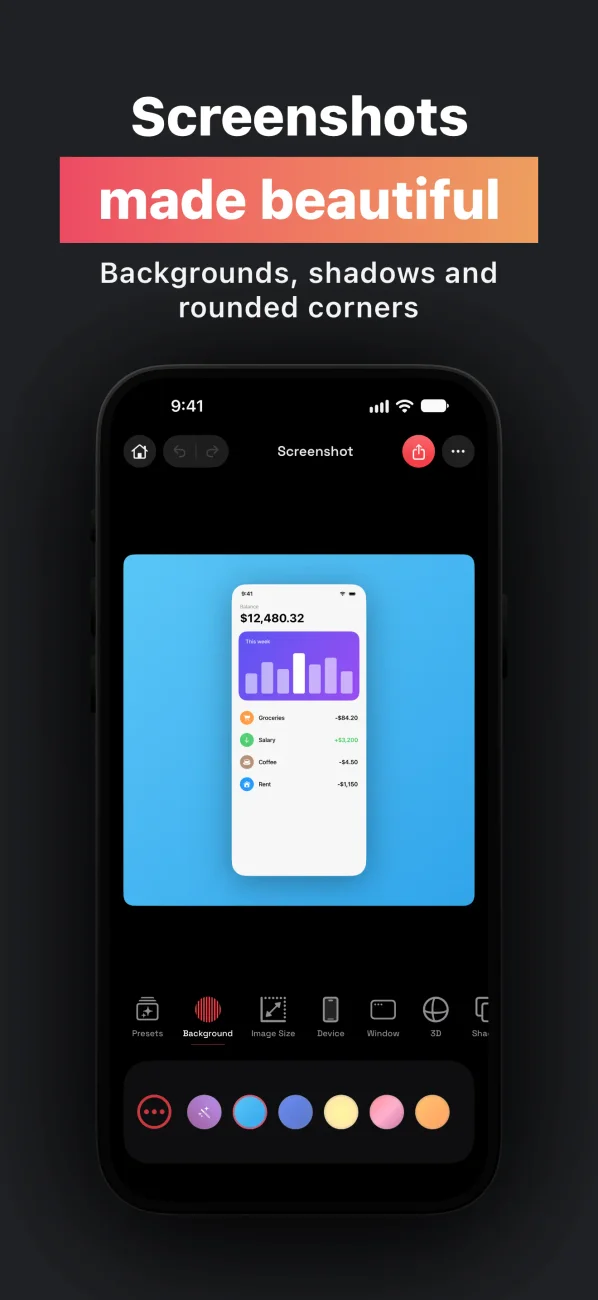
• Gradients, solid colors, your own photos or a smart background made from your screenshot's colors
• Rounded corners, padding, soft or colored shadows and an outline
• Square, portrait, landscape or any aspect ratio
• Built-in presets, and save your own looks to reuse
WINDOWS AND DEVICES
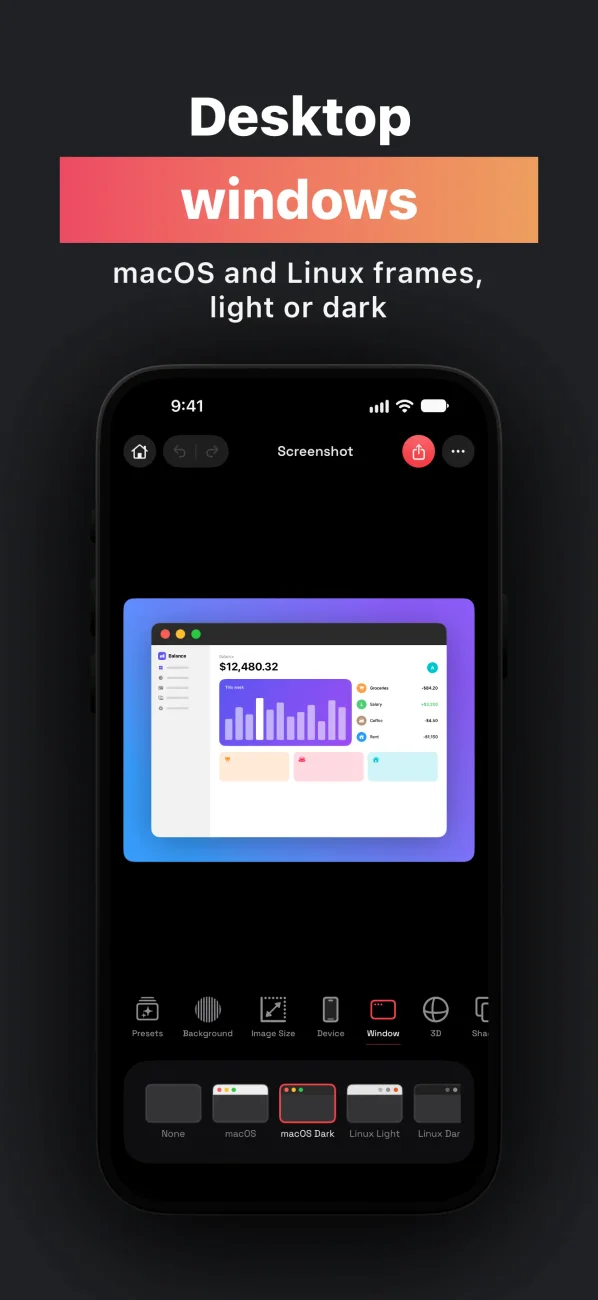
• macOS and Linux window frames, light or dark
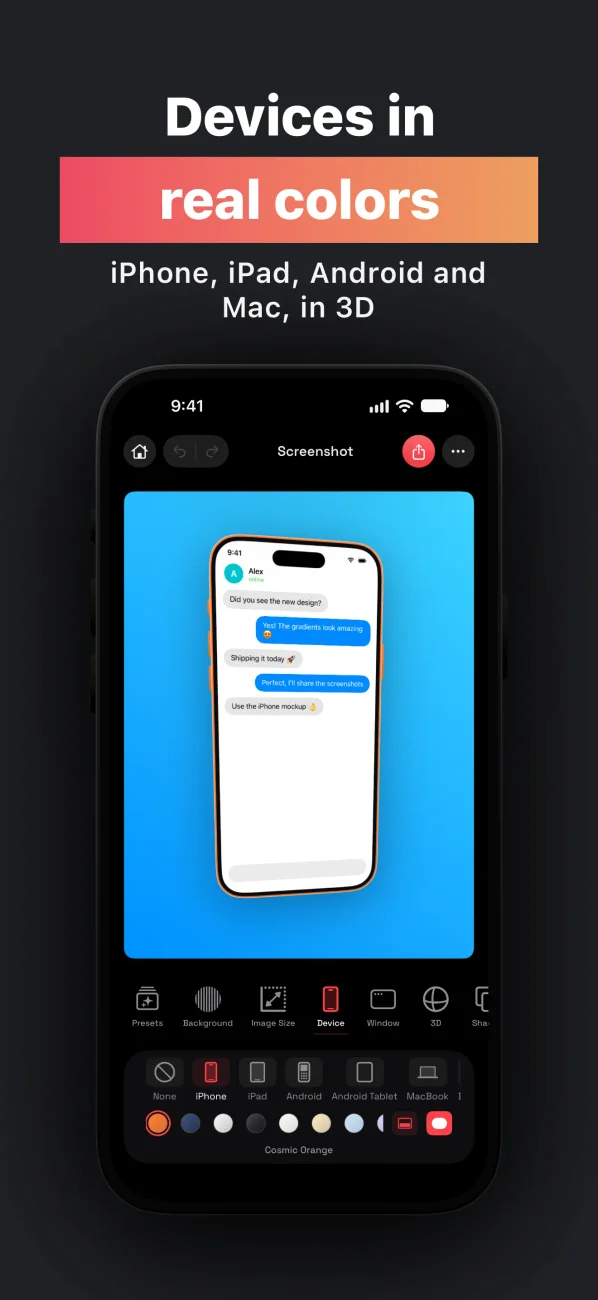
• iPhone, iPad, Android phones and tablets, MacBook and browser mockups
• Tilt any of them in 3D
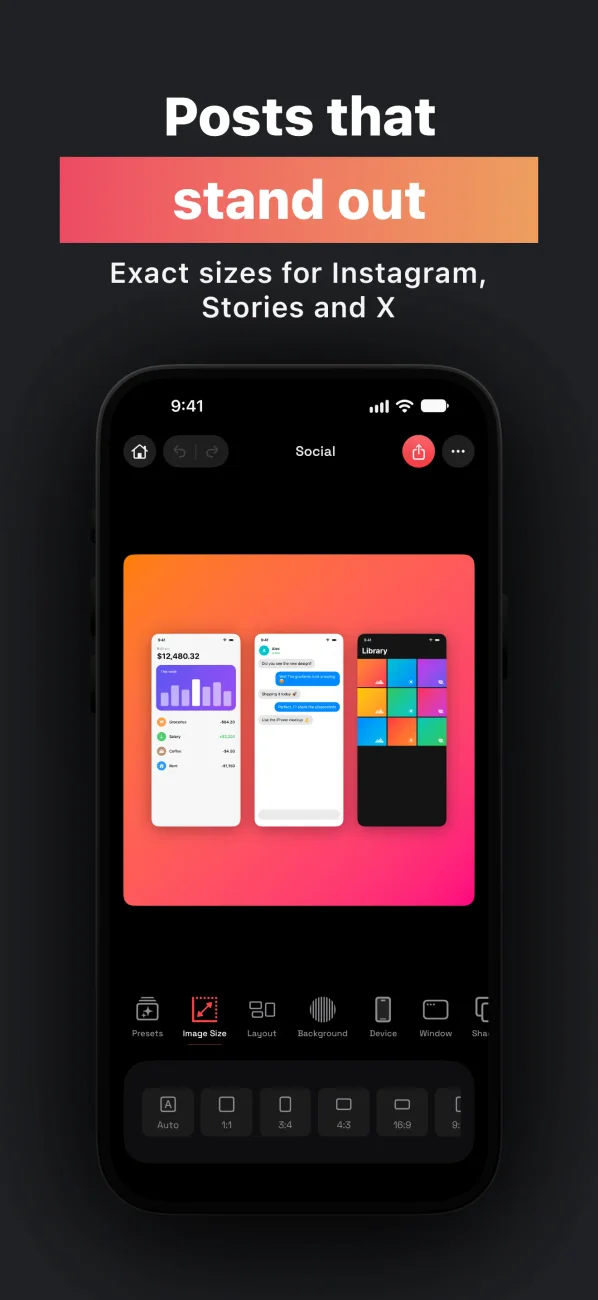
MADE FOR SOCIAL MEDIA
• Exact sizes for Instagram posts and Stories, X, LinkedIn, Facebook and YouTube
• Combine up to 3 screenshots side by side, in a fan or in depth
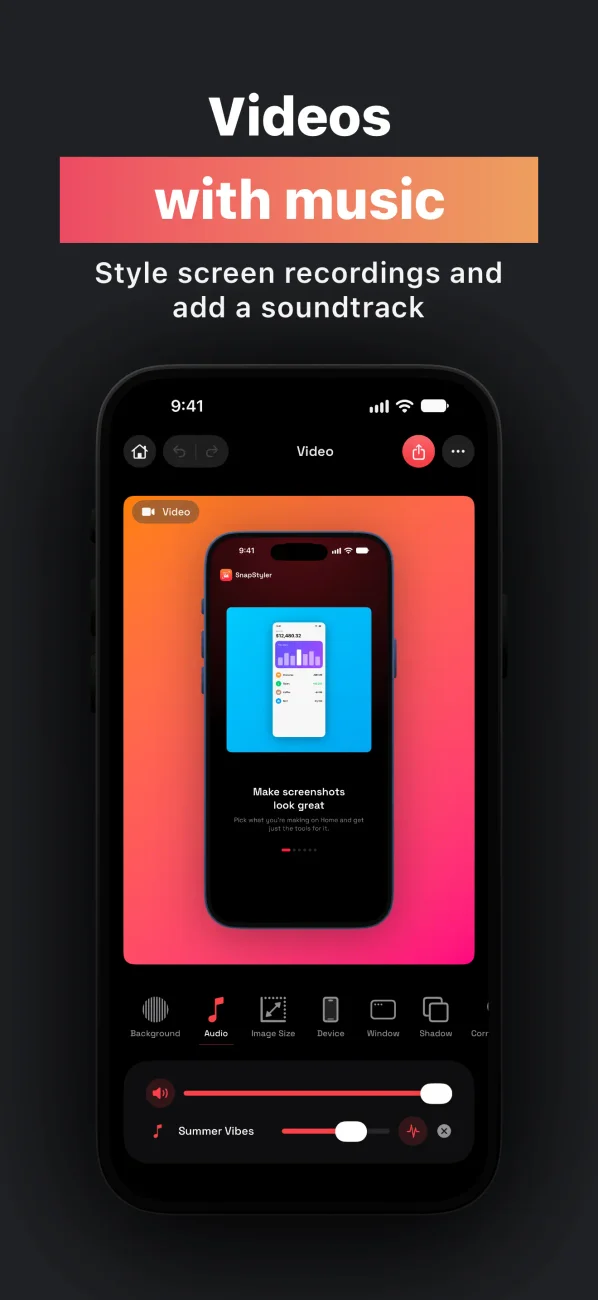
• Style screen recordings and export them as MP4
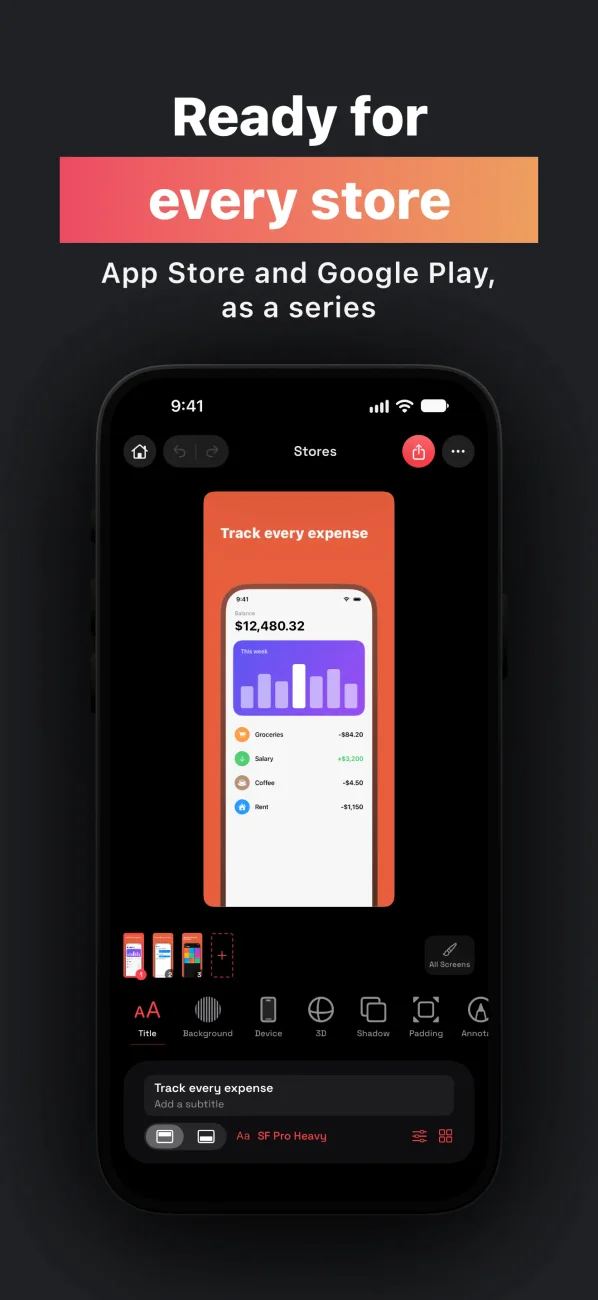
APP STORE AND GOOGLE PLAY
• Ready-made templates with titles and subtitles: Classic, Hero, Marker, Dark, Bold, Tilted and more
• Exact App Store sizes for iPhone 6.9", 6.5" and iPad 13", plus Google Play phone and tablets
• Build a whole series, give each screen its own background or style, and export them all at once
POINT OUT WHAT MATTERS
• Arrows, boxes, highlights, numbered steps, a magnifier, a spotlight, emoji and text
• Blur anything private before you share
YOUR WORK, SAVED
• Projects save automatically, so you can pick up where you left off
• Share and open .snaps project files
• Send screenshots straight from Photos or any app with the share extension
• Export as PNG or JPEG, up to 3x, straight to Photos or Files
Terms of Use: https://www.apple.com/legal/internet-services/itunes/dev/stdeula/
What’s new
Version 1.3 · Oct 8, 2026
SnapStyler has been redesigned from top to bottom.
• New Home: pick what you're making (screenshot, App Stores, social post, video or markup) and get just the tools for it
• App Store and Google Play templates with titles, including the new Marker style, and whole series with a style per screen
• Android devices, store templates without the Dynamic Island, and 3D tilt for any device
• New annotations: numbered steps, magnifier, spotlight and emoji
• Exact sizes for Instagram, Stories, X, LinkedIn, Facebook and YouTube
• Combine up to 3 screenshots, and style screen recordings as MP4
• Projects save automatically, and you can share them as .snaps files
• Smart backgrounds, your own presets, and a new introduction
App privacy
What Manuel Chilela Saliulo declares on the App Store about how this app handles data.
-
Data not collected
The developer does not collect any data from this app.
Privacy practices may vary, for example with the features you use or your age.
Information
- Seller
- Manuel Chilela Saliulo
- Category
- Graphics & Design
- Version
- 1.3
- Updated
- Oct 8, 2026
- Released
- Jun 2, 2025
- Size
- 45.6 MB
- Requires
- iOS 17.6 or later
- Age rating
- 4+
- Price
- Free
- In-app purchases
- Yes
- Languages
- English, Portuguese
- Copyright
- © JA Criativos
You might also like
-
 Animacy FontDancing Typography
-
 Screenshot - PrettyShotCreate beautiful crop photos
-
 NeoShot - Beautiful screenshotCreate posters from screenshot
-
 OziSnap - Photo Editor & SnapEasy Camera & Photo Filters
-
 GradientSnap - Screenshot toolCapture & Beautify Screenshots
-
 Screenshot Editor – EkranDevice frames & video edits
-
 Shotbot - Framed ScreenshotsGraphics & Design
-
 Create Logo Design for BusinesLogo Creator,Flyer,Card Maker
-
 Text CardMake your text look better
-
 Screenshot Remote - PC CaptureTake screenshots via LAN/Wi-Fi