
Scroll - Auto Scroll Browser
Long Reads, Articles, Manga
Entwickelt für iPhone, iPad, iPod touch
Kostenlos · In-App-Käufe
- Altersfreigabe17+
- KategorieDienstprogramme
- EntwicklerKosuke Yamanaka
- SprachenEnglisch+ 2 weitere
- Größe25,6 MB
Verlinkt auf die offizielle App Store-Seite
Download.org hostet keine Datei von Scroll - Auto Scroll Browser. Die Schaltfläche öffnet die App-Seite bei App Store, wo Kosuke Yamanaka die App veröffentlicht. Eintrag zuletzt geprüft am 24.11.2026.
Screenshots



Info
Der Entwickler hat diesen Text nicht in Ihrer Sprache bereitgestellt.
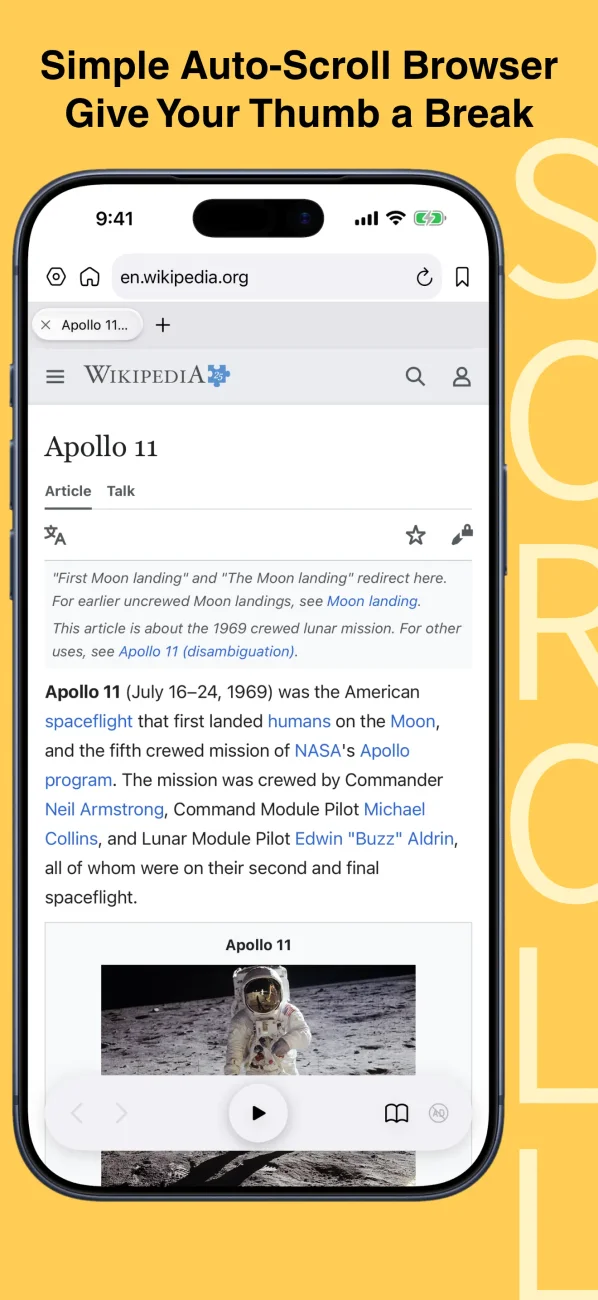
Scroll is a browser for iPhone and iPad designed to make long web pages easier to read — without constant swiping.
■AUTO-SCROLL AT YOUR PACE
Start or pause automatic scrolling with the central play button. Press and hold the button to view and adjust the scrolling speed without leaving the page.
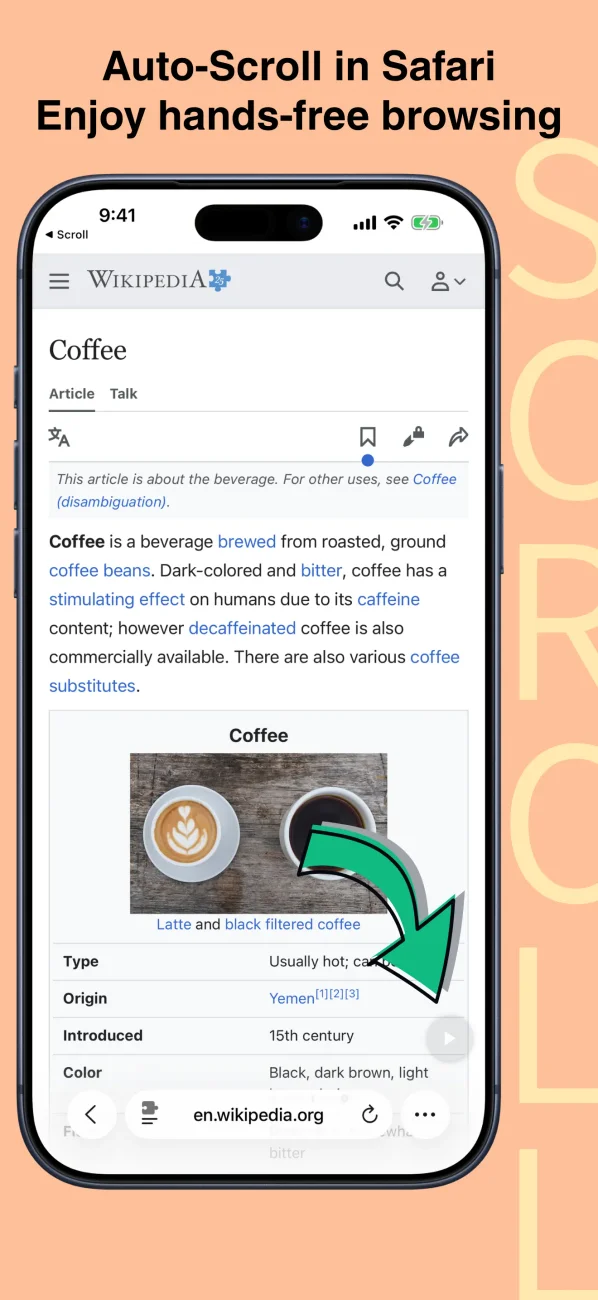
■AUTO-SCROLL IN SAFARI WITH SCROLL PRO
Start auto-scrolling in Safari with the play button in the lower-right corner of sites you allow. Turn on tilt scrolling in Scroll or Safari to adjust speed by tilting your device. Scroll Pro also includes ad removal and image saving.
■SIMPLE TAB MANAGEMENT
Open, switch between, and close tabs from the tab bar. Open links in a new Scroll tab to keep your current page open.
■ESSENTIAL BROWSING TOOLS
Enter a website address or search the web directly from the address bar. Move backward and forward, return to your home page, and organize frequently visited websites with bookmarks and folders. Import bookmarks exported from Safari all at once or choose individual items. Duplicate detection lets you add only bookmarks that are not already in Scroll or repeated in the import file.
■SAVE IMAGES, BROWSE ANYTIME
With Scroll Pro, save images from a webpage all at once to Scroll’s built-in library. Previously saved images remain available for free, even offline. You can use auto-scroll while viewing them.
■CONTENT CONTROLS
Use supported content controls to hide distracting page elements and stay focused on what you want to read.
Privacy Policy:
https://cob-app.com/2026/07/18/privacy-policy-scroll/
Terms of Service:
https://www.apple.com/legal/internet-services/itunes/dev/stdeula/
CREDITS
Some screenshots and previews display third-party web content for demonstration purposes only.
Pepper&Carrot:
Based on the webcomic Pepper&Carrot by David Revoy.
https://www.peppercarrot.com
Licensed under Creative Commons Attribution 4.0 International (CC BY 4.0).
https://creativecommons.org/licenses/by/4.0/
Wikipedia:
Article text from “Apollo 11” and “Coffee” by Wikipedia contributors.
https://en.wikipedia.org/wiki/Apollo_11
https://en.wikipedia.org/wiki/Coffee
Wikipedia text is available under Creative Commons Attribution-ShareAlike 4.0 International (CC BY-SA 4.0).
https://creativecommons.org/licenses/by-sa/4.0/
Neue Funktionen
Version 1.4.0 · 23.11.2026
New:
• Scroll Pro now includes a Safari extension. Tap the play button in the lower-right corner of a page to start auto-scrolling on sites you allow.
• With tilt scrolling in Scroll Pro, you can tilt your device to change speed in Scroll or Safari. Return to the angle you held it at when you started to resume your usual speed.
Update:
• The plan picker now shows which features are included with monthly, annual, and lifetime plans.
• Saving images from web pages is now a Scroll Pro feature. You can still view previously saved images for free.
App-Datenschutz
Was Kosuke Yamanaka im App Store zum Umgang dieser App mit Daten angibt.
-
Keine Daten erfasst
Der Entwickler erfasst keine Daten von dieser App.
Die Datenschutzpraktiken können variieren, zum Beispiel je nach den von Ihnen verwendeten Funktionen oder Ihrem Alter.
Informationen
- Anbieter
- Kosuke Yamanaka
- Kategorie
- Dienstprogramme
- Version
- 1.4.0
- Aktualisiert
- 23.11.2026
- Veröffentlicht
- 05.08.2026
- Größe
- 25,6 MB
- Erfordert
- iOS 15.0 oder neuer
- Altersfreigabe
- 17+
- Preis
- Kostenlos
- In-App-Käufe
- Ja
- Sprachen
- Englisch, Japanisch, Spanisch
- Copyright
- © 2024 COB
Das könnte Ihnen auch gefallen
-
 Auto Scroll for Safari: GlidaDienstprogramme
-
 Continuous Scroll Speed AppDienstprogramme
-
 Modex - Build Your Own BrowserDienstprogramme
-
 DogskDienstprogramme
-
 TelescopureDienstprogramme
-
 Avodek: Private Browser + AIDienstprogramme
-
 Koga BrowserDienstprogramme
-
 Dart BrowserDienstprogramme
-
 Blank BrowserDienstprogramme
-
 Surf: Private Browser & FilesDienstprogramme