ScrollPause: Stop the Scroll
Pause it. Lock it. Keep it.
Entwickelt für iPhone
Kostenlos · In-App-Käufe
- Altersfreigabe4+
- KategorieProduktivität
- EntwicklerNguyen Dinh Chung
- SprachenEnglisch+ 1 weitere
- Größe3,6 MB
Verlinkt auf die offizielle App Store-Seite
Download.org hostet keine Datei von ScrollPause: Stop the Scroll. Die Schaltfläche öffnet die App-Seite bei App Store, wo Nguyen Dinh Chung die App veröffentlicht. Eintrag zuletzt geprüft am 12.11.2026.
Screenshots



Info
Der Entwickler hat diesen Text nicht in Ihrer Sprache bereitgestellt.
ScrollPause puts one moment of friction between you and the app you open without meaning to.
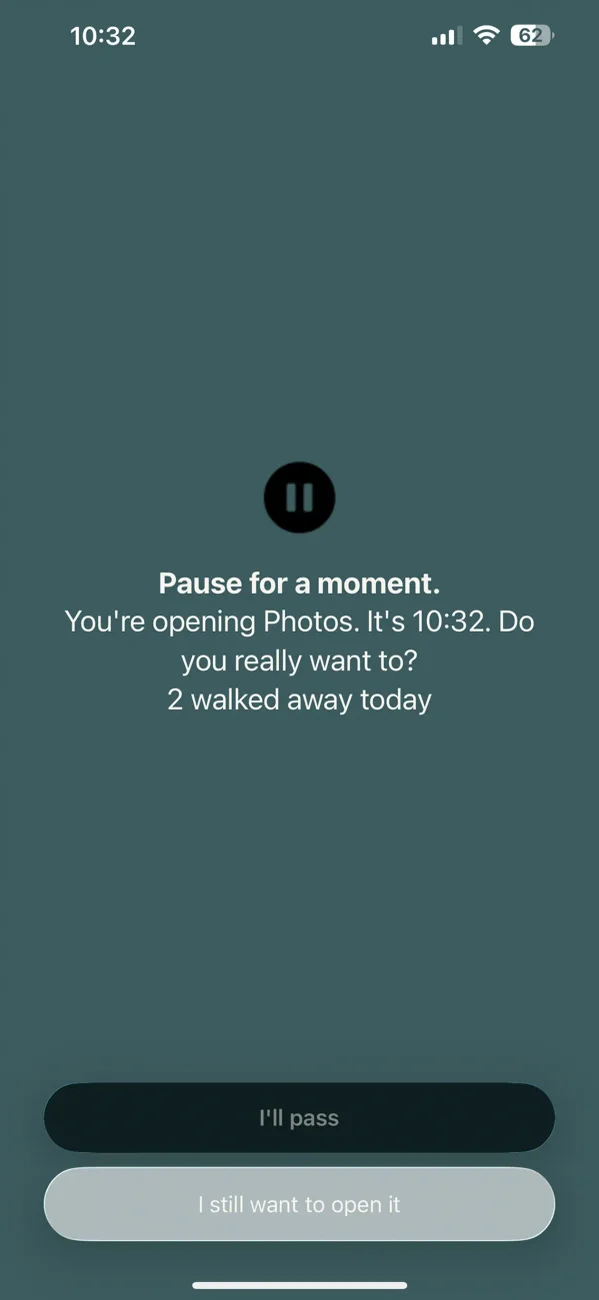
Pick the apps that pull you in. The next time you open one, a pause screen appears first. It tells you which app you are opening and what time it is, and asks whether you really meant to. Tap "I'll pass" and the app closes. Tap through twice and you get five minutes, then the pause comes back.
That is the whole idea. No streaks, no lectures, no shame.
LOCK SCROLLPAUSE ITSELF WITH A PIN
Every screen-time tool has the same weak point: the moment you decide to switch it off. Usually that moment arrives late at night, and it wins.
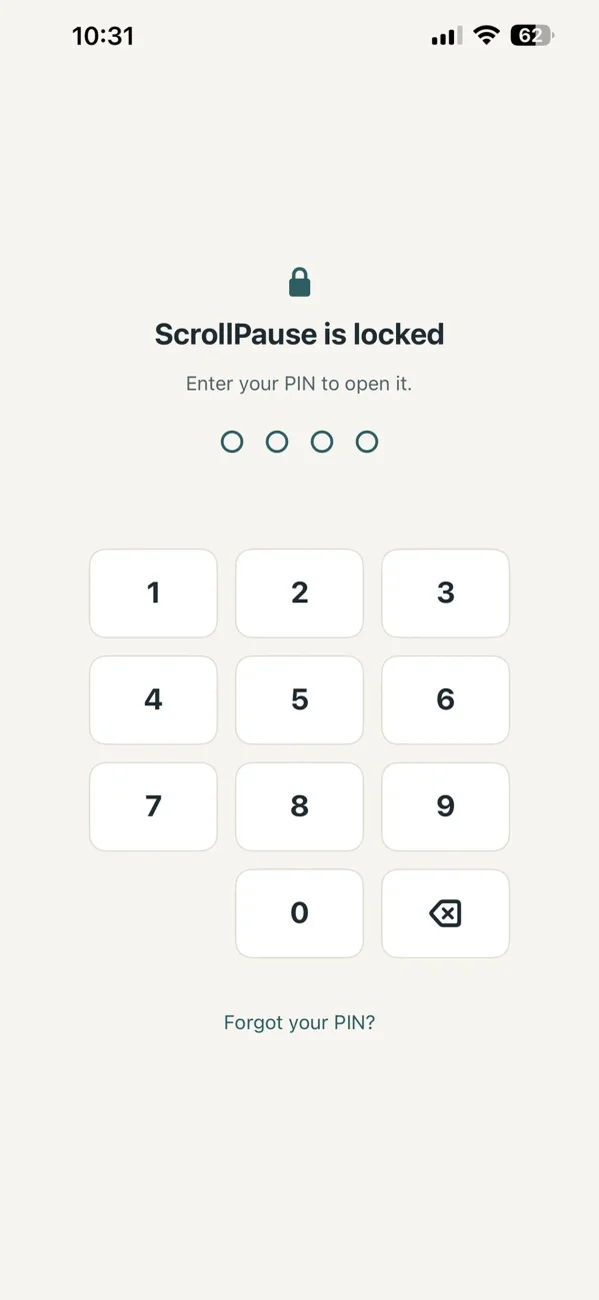
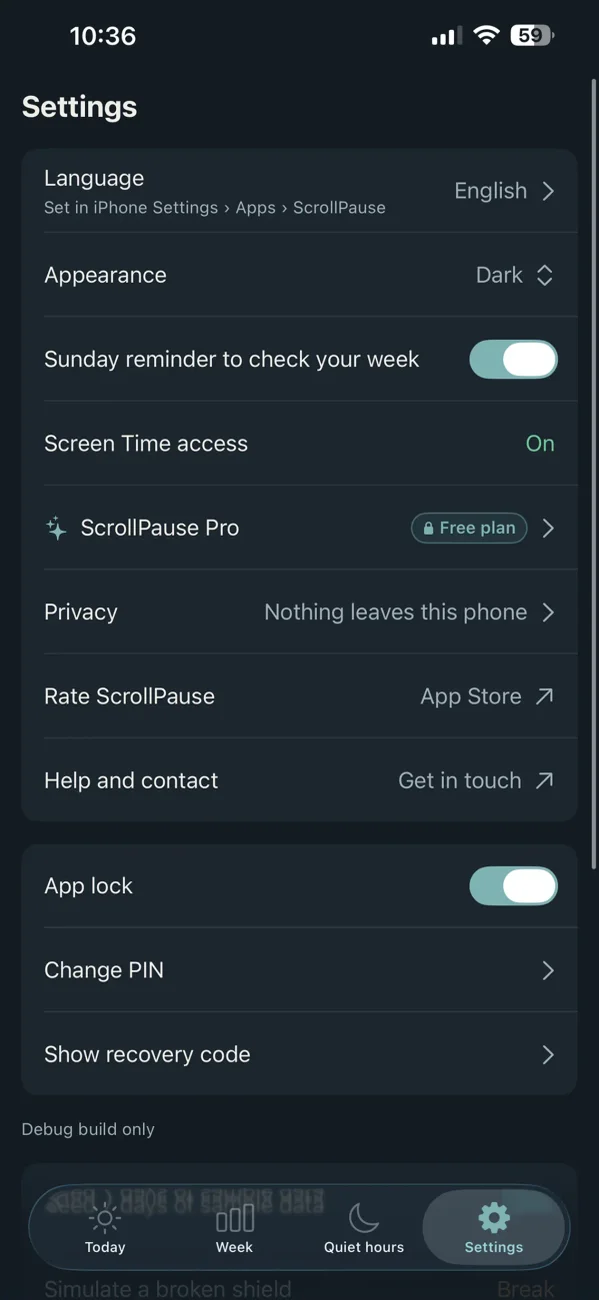
Set a four-digit PIN and ScrollPause asks for it before it opens. Your quiet hours, your paused apps, your settings — none of it can be changed by whoever is holding the phone. Including you, at 1am.
• The PIN is asked when the app opens, and again after thirty seconds away
• Five wrong tries and the waiting starts: thirty seconds, then five minutes, then fifteen, then an hour
• Moving the phone's clock forward does not shorten that wait
• The app switcher preview is covered, so a glance at your phone shows nothing
• Forgot it? A twelve-character recovery code, saved when you set the PIN and readable again from Settings whenever you want
What the PIN honestly does and does not do: it guards ScrollPause. It cannot stop anyone from deleting the app, or from switching Screen Time off in iPhone Settings — no app on iOS can do that, and any app that says otherwise is selling you something.
WHAT ELSE YOU GET
• A pause screen in front of the apps you choose, drawn by iOS itself
• Two taps to get in, so going in is a decision rather than a reflex
• A count of how often you paused and how often you walked away
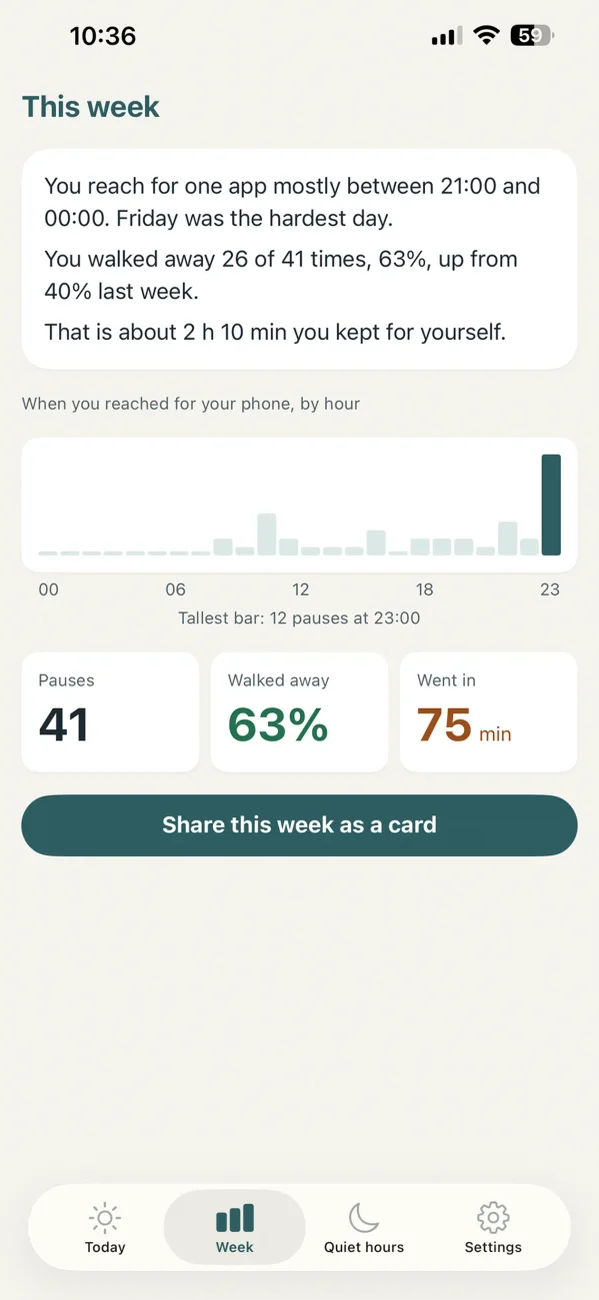
• A weekly summary in plain words: when you reach for your phone most, which day was hardest, how you compare to last week
• A home-screen widget with the minutes you kept today
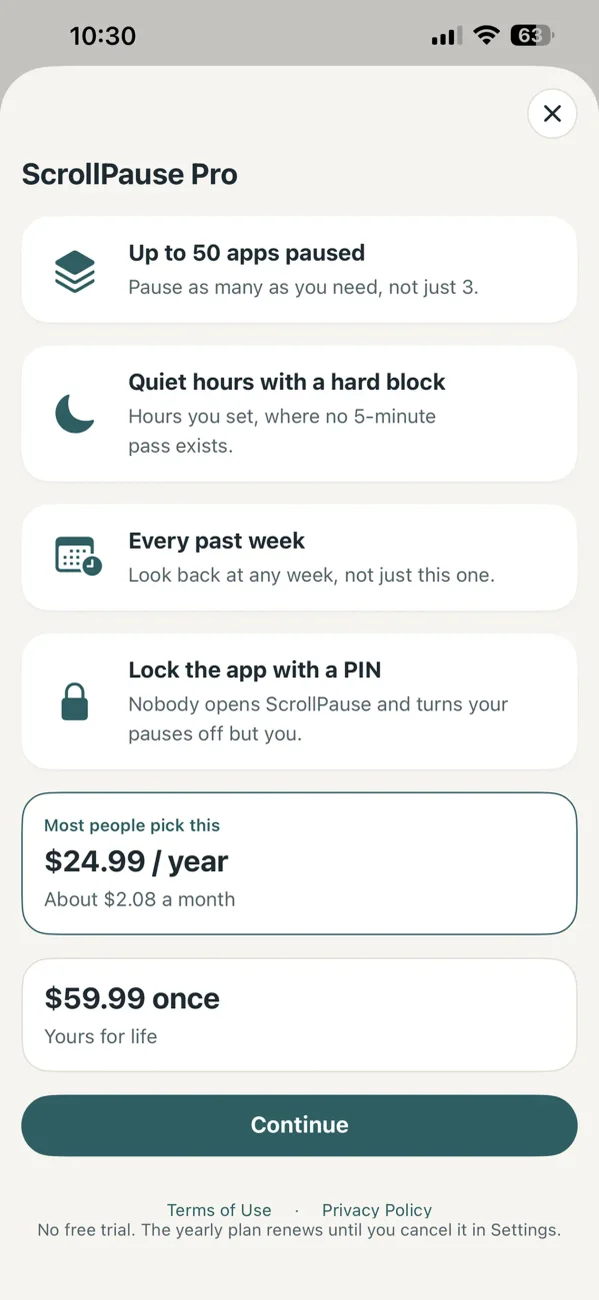
SCROLLPAUSE PRO
• Lock the app with a PIN
• Pause up to 50 apps instead of 3
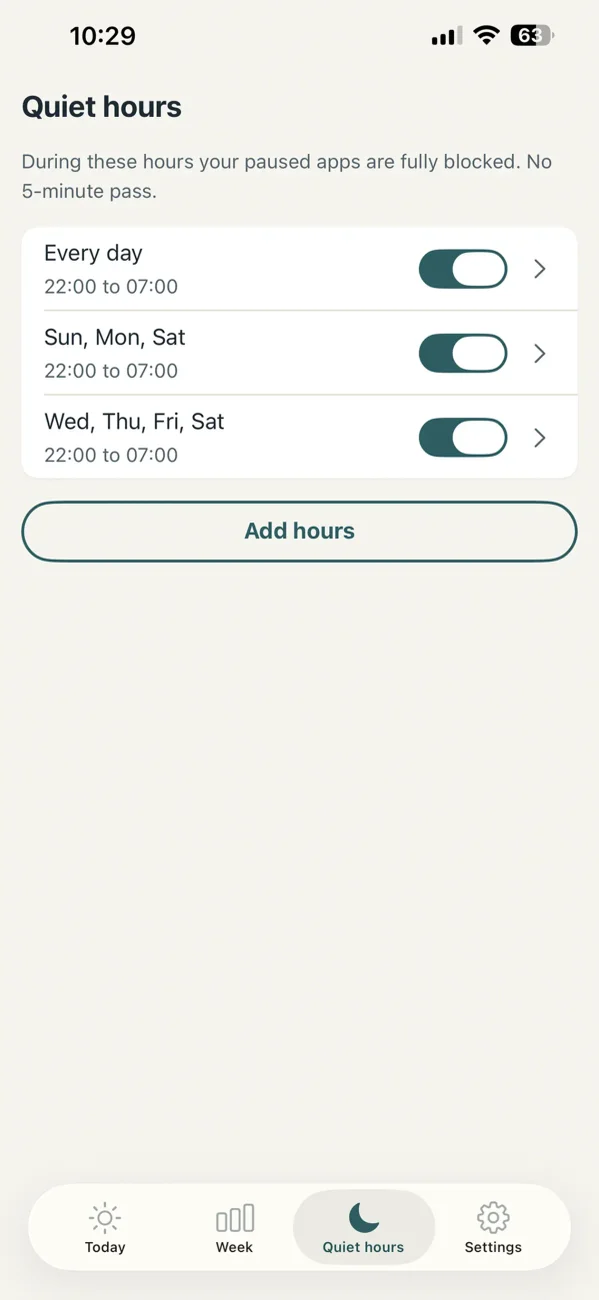
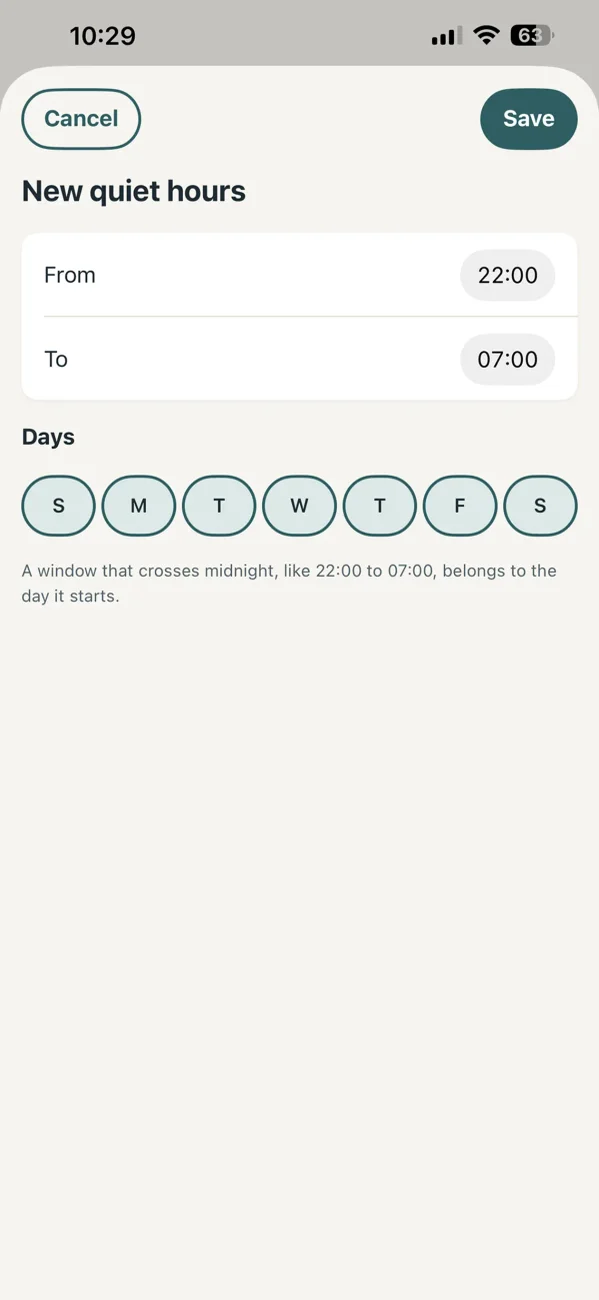
• Quiet hours: the hours where there is no five-minute pass at all
• Every past week, not just this one
Pro is a yearly plan or a one-time lifetime purchase. There is no free trial that renews behind your back.
NOTHING LEAVES YOUR PHONE
No account. No sign-in. No server. No ads. No analytics. No third-party code of any kind.
The apps you choose are handled by Apple's Screen Time system, which hands ScrollPause an anonymous token for each one — a value the app cannot read or turn back into a name. Your counts live in a database on your iPhone. Your PIN is stored as a one-way hash in the iOS Keychain and never leaves the device. Delete the app and all of it goes with it.
Made by PrimeTruth Team. Questions: zenDesign219@gmail.com
Terms of Use (EULA): https://www.apple.com/legal/internet-services/itunes/dev/stdeula/
Privacy Policy: https://primetruthteam.github.io/scrollpause/privacy/
App-Datenschutz
Was Nguyen Dinh Chung im App Store zum Umgang dieser App mit Daten angibt.
-
Keine Daten erfasst
Der Entwickler erfasst keine Daten von dieser App.
Die Datenschutzpraktiken können variieren, zum Beispiel je nach den von Ihnen verwendeten Funktionen oder Ihrem Alter.
Informationen
- Anbieter
- Nguyen Dinh Chung
- Kategorie
- Produktivität
- Version
- 1.0
- Aktualisiert
- 10.09.2026
- Veröffentlicht
- 09.09.2026
- Größe
- 3,6 MB
- Erfordert
- iOS 17.0 oder neuer
- Altersfreigabe
- 4+
- Preis
- Kostenlos
- In-App-Käufe
- Ja
- Sprachen
- Englisch, Vietnamesisch
- Copyright
- © 2026 PrimeTruth Team
Das könnte Ihnen auch gefallen
-
 Habit Switch: GewohnheitenDrang überstehen, umgewöhnen
-
 TidyScroll: Clean to ScrollProduktivität
-
 Lockify: App Blocker & FokusBildschirmzeit · ADHS Sperre
-
 DoneAgo - Last Time TrackerTrack When You Last Did It
-
 noShorts: Ohne KurzvideosReels & Shorts blockieren
-
 Slowth: Kurzvideos blockierenWeniger Scrollen, mehr Fokus
-
 Bildschirmzeit – PauseGewohnheitstraining & Timer
-
 Socialite: Stay ConnectedProduktivität
-
 UniverAI: KI Chatbot & StudioBilder, Tarot, Aufsätze & mehr
-
 UNDOOMED: Reels & Feed BlockerNachrichten ja, Scroll nein