- 対象年齢4+
- カテゴリ仕事効率化
- 開発元Nguyen Dinh Chung
- 言語英語ほか1言語
- サイズ3.6 MB
App Storeの公式ページにリンクしています
Download.orgはScrollPause: Stop the Scrollのファイルを一切ホストしていません。ボタンを押すと、Nguyen Dinh Chungが公開しているApp Storeのアプリページが開きます。ページの最終確認:2026/11/12。
スクリーンショット
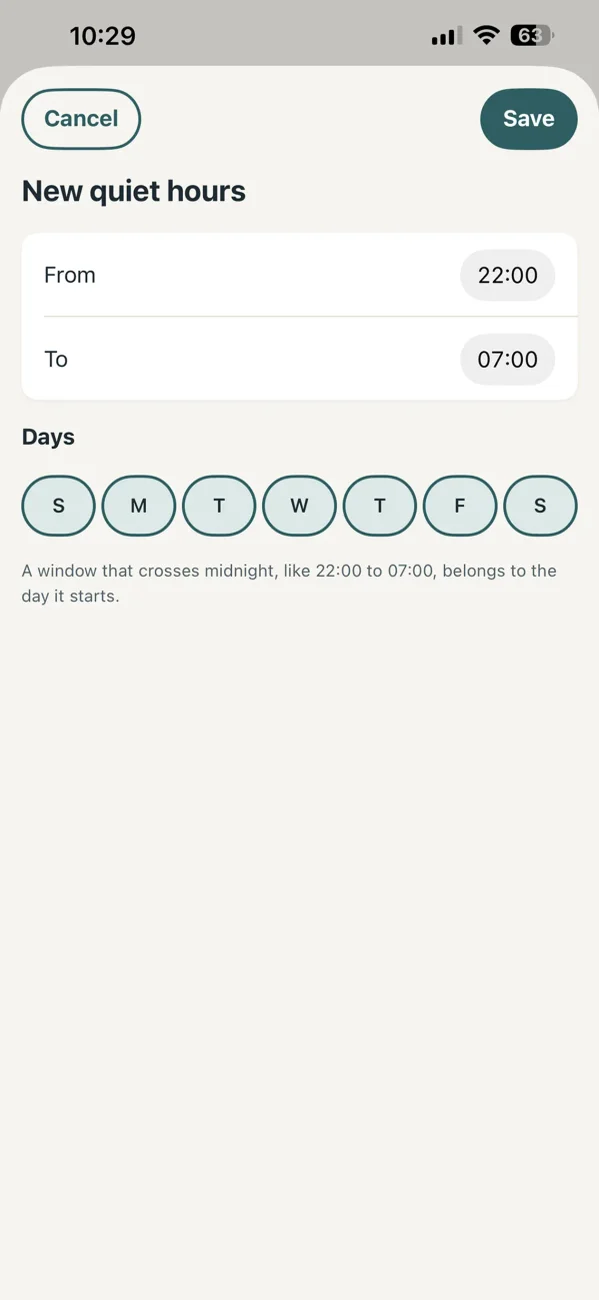
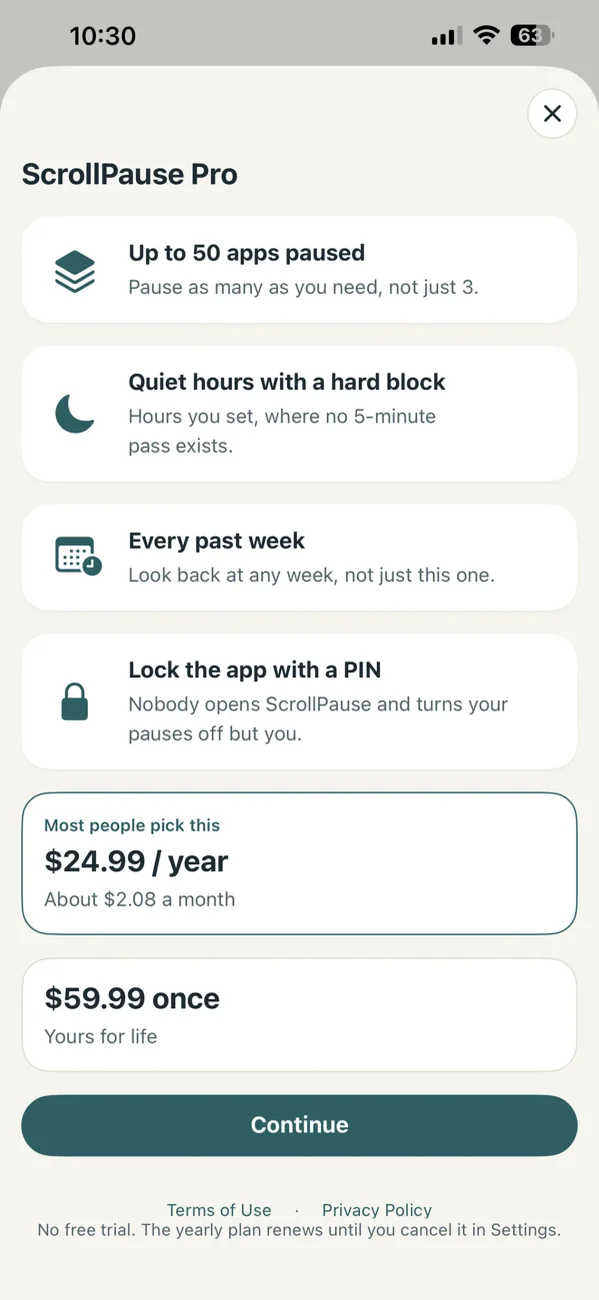
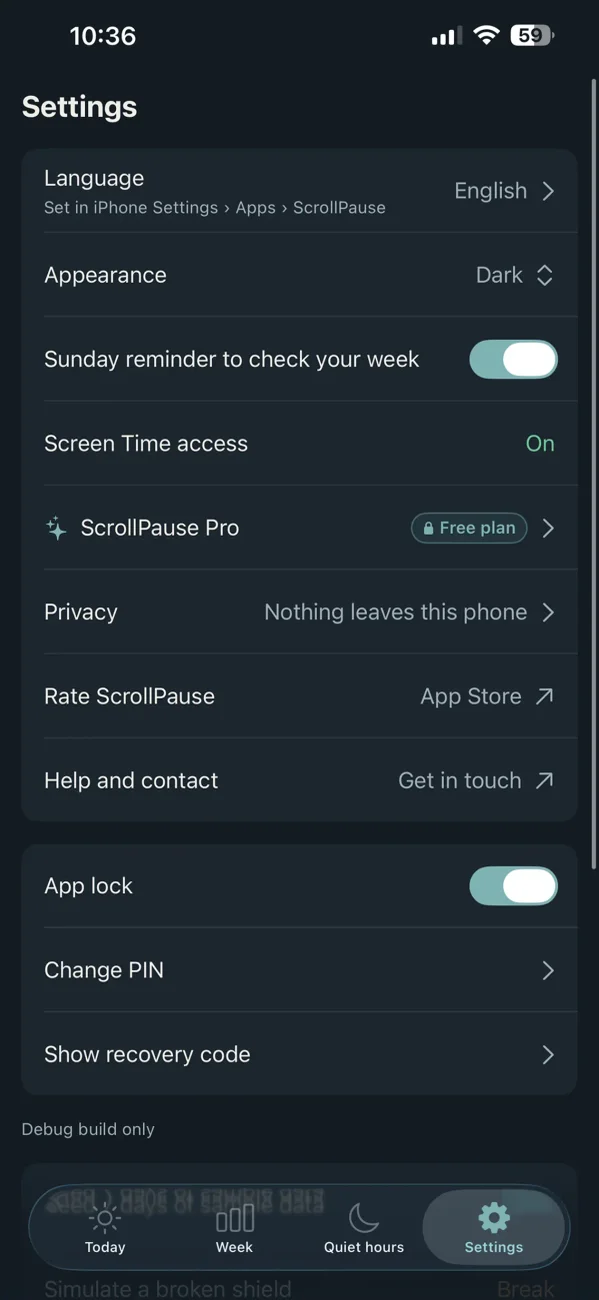
概要
開発元はこのテキストをお使いの言語で提供していません。
ScrollPause puts one moment of friction between you and the app you open without meaning to.
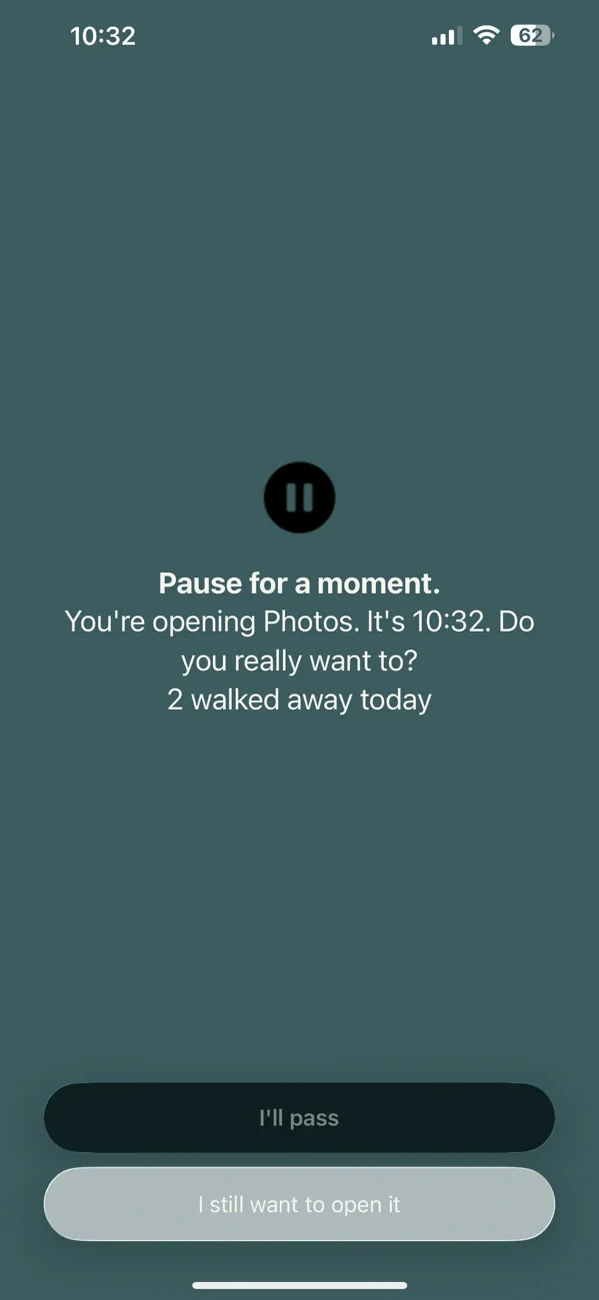
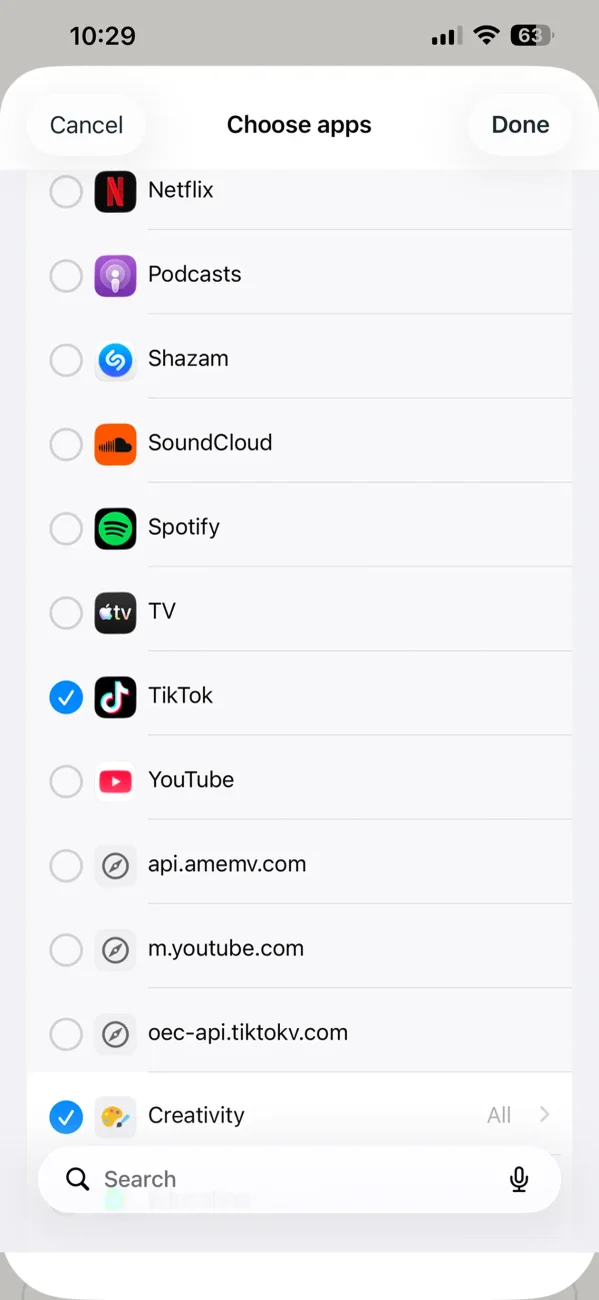
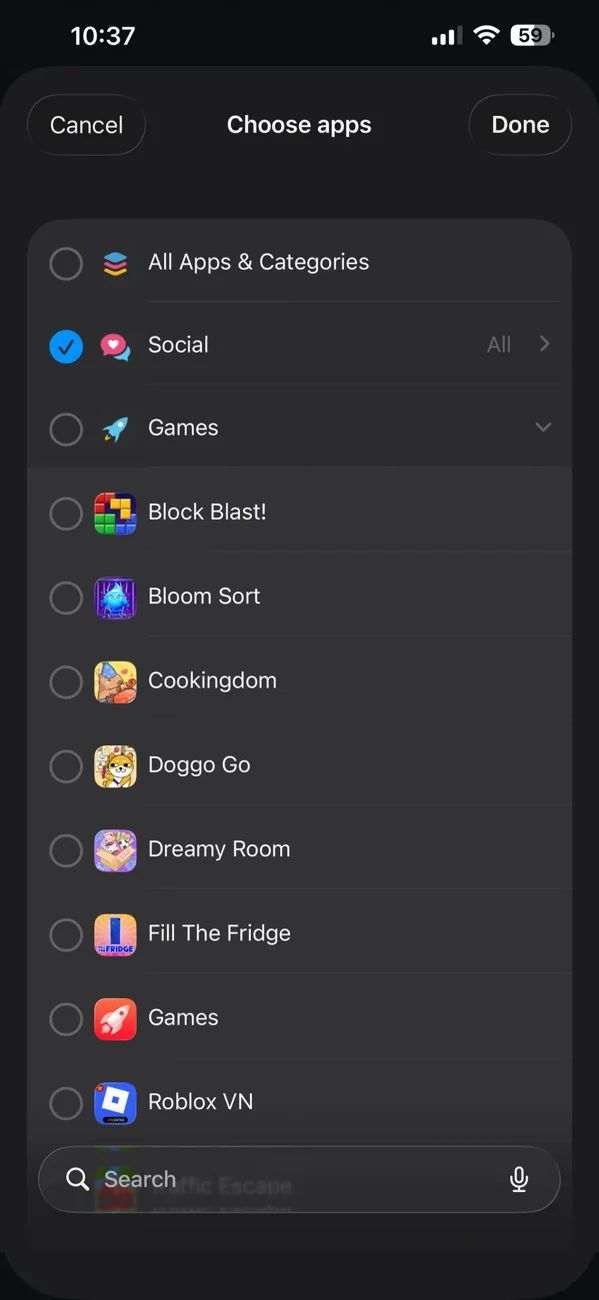
Pick the apps that pull you in. The next time you open one, a pause screen appears first. It tells you which app you are opening and what time it is, and asks whether you really meant to. Tap "I'll pass" and the app closes. Tap through twice and you get five minutes, then the pause comes back.
That is the whole idea. No streaks, no lectures, no shame.
LOCK SCROLLPAUSE ITSELF WITH A PIN
Every screen-time tool has the same weak point: the moment you decide to switch it off. Usually that moment arrives late at night, and it wins.
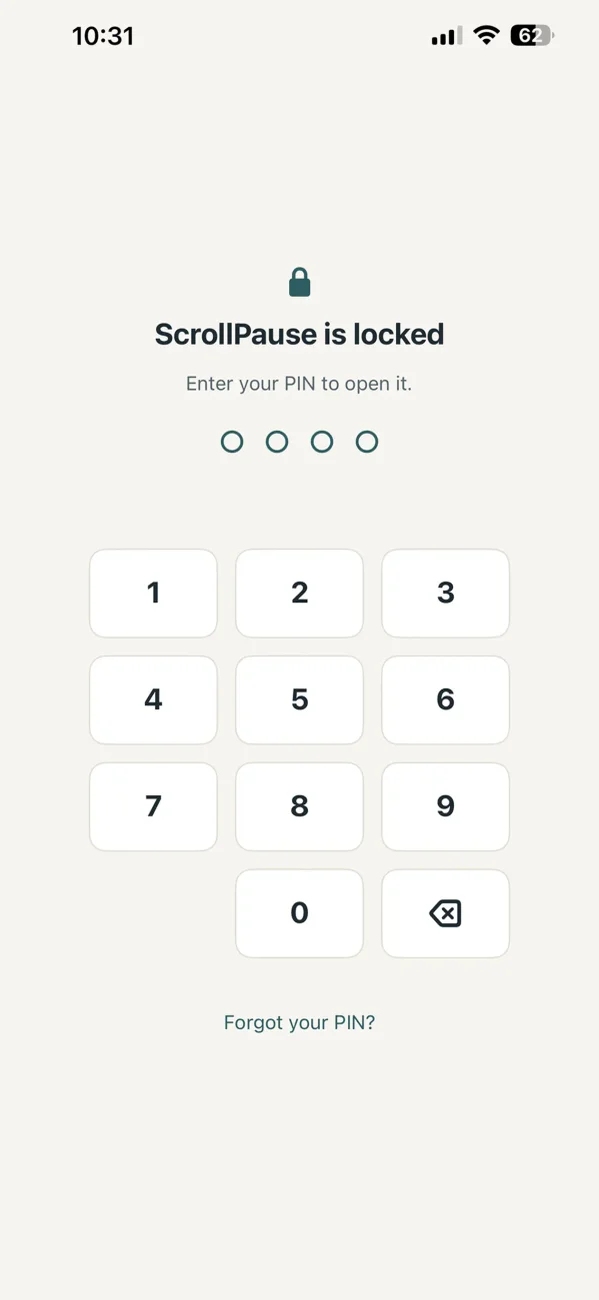
Set a four-digit PIN and ScrollPause asks for it before it opens. Your quiet hours, your paused apps, your settings — none of it can be changed by whoever is holding the phone. Including you, at 1am.
• The PIN is asked when the app opens, and again after thirty seconds away
• Five wrong tries and the waiting starts: thirty seconds, then five minutes, then fifteen, then an hour
• Moving the phone's clock forward does not shorten that wait
• The app switcher preview is covered, so a glance at your phone shows nothing
• Forgot it? A twelve-character recovery code, saved when you set the PIN and readable again from Settings whenever you want
What the PIN honestly does and does not do: it guards ScrollPause. It cannot stop anyone from deleting the app, or from switching Screen Time off in iPhone Settings — no app on iOS can do that, and any app that says otherwise is selling you something.
WHAT ELSE YOU GET
• A pause screen in front of the apps you choose, drawn by iOS itself
• Two taps to get in, so going in is a decision rather than a reflex
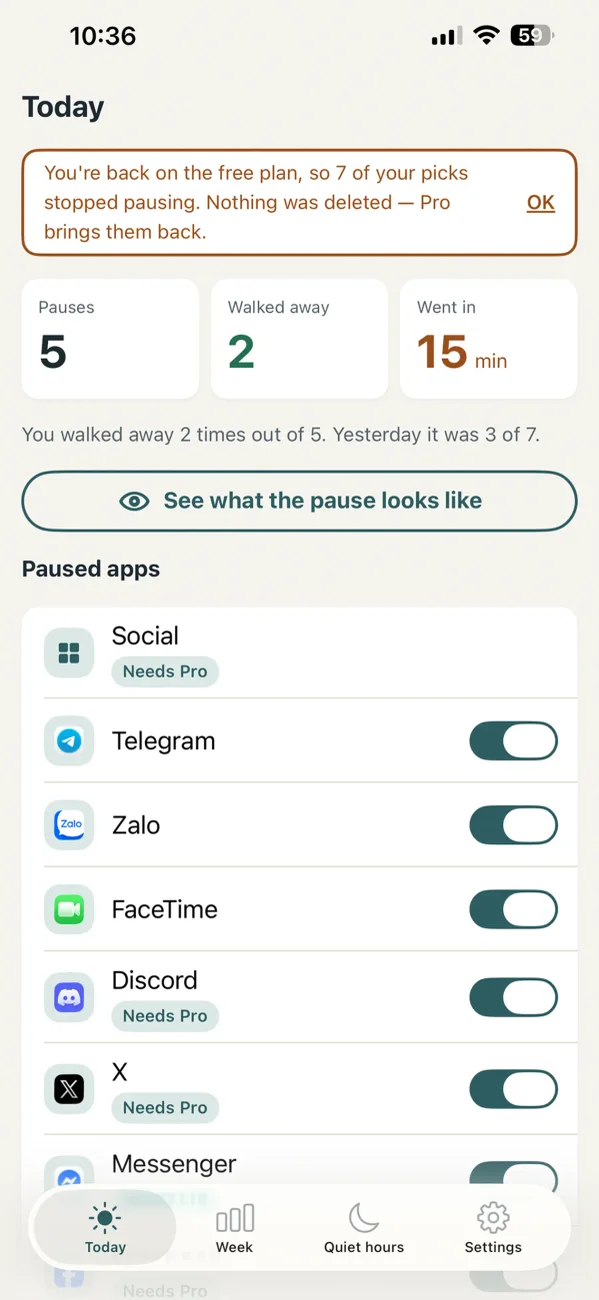
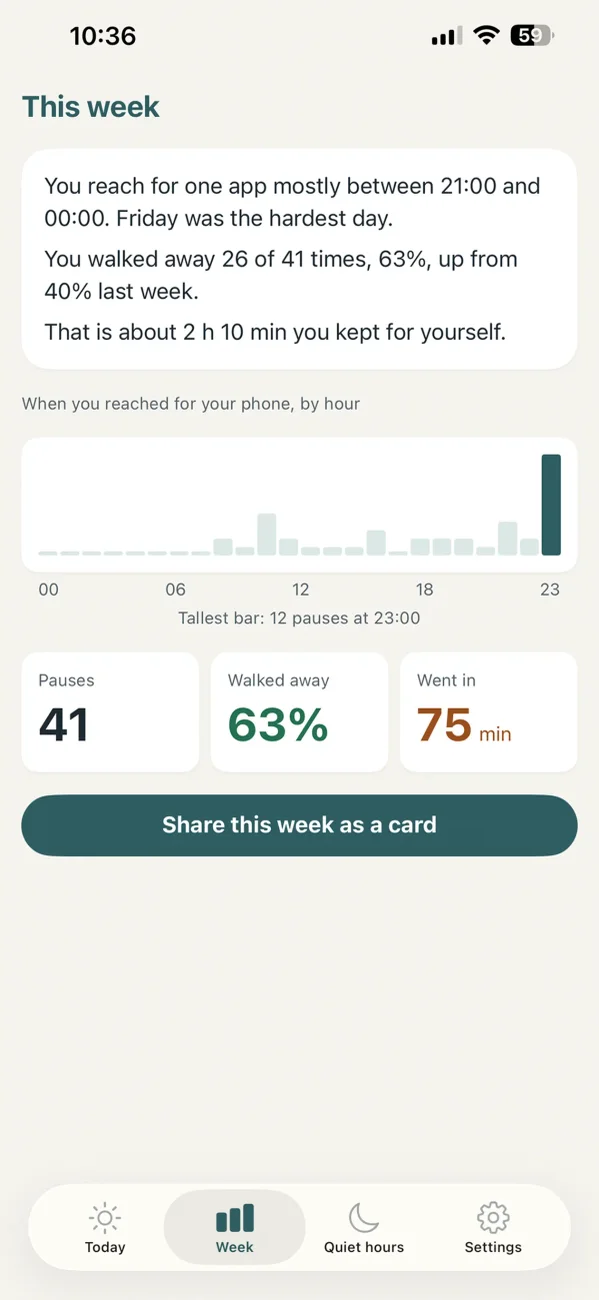
• A count of how often you paused and how often you walked away
• A weekly summary in plain words: when you reach for your phone most, which day was hardest, how you compare to last week
• A home-screen widget with the minutes you kept today
SCROLLPAUSE PRO
• Lock the app with a PIN
• Pause up to 50 apps instead of 3
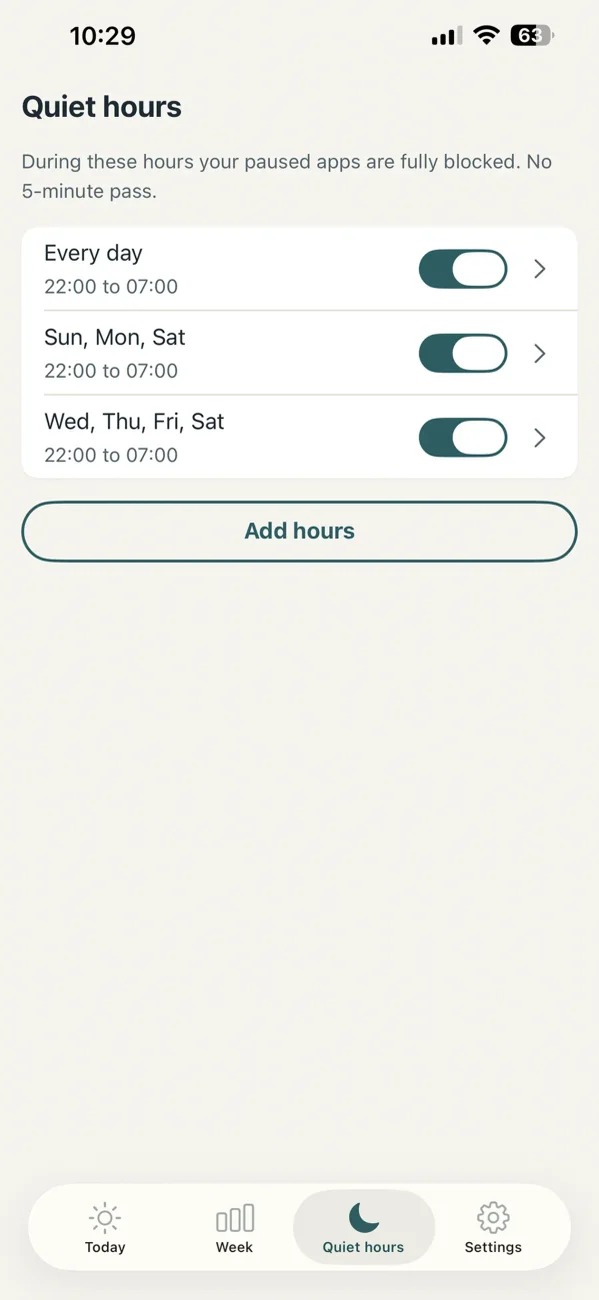
• Quiet hours: the hours where there is no five-minute pass at all
• Every past week, not just this one
Pro is a yearly plan or a one-time lifetime purchase. There is no free trial that renews behind your back.
NOTHING LEAVES YOUR PHONE
No account. No sign-in. No server. No ads. No analytics. No third-party code of any kind.
The apps you choose are handled by Apple's Screen Time system, which hands ScrollPause an anonymous token for each one — a value the app cannot read or turn back into a name. Your counts live in a database on your iPhone. Your PIN is stored as a one-way hash in the iOS Keychain and never leaves the device. Delete the app and all of it goes with it.
Made by PrimeTruth Team. Questions: zenDesign219@gmail.com
Terms of Use (EULA): https://www.apple.com/legal/internet-services/itunes/dev/stdeula/
Privacy Policy: https://primetruthteam.github.io/scrollpause/privacy/
アプリのプライバシー
このアプリのデータの取り扱いについて、Nguyen Dinh ChungがApp Storeで申告している内容です。
-
データの収集なし
開発元はこのアプリからデータを収集しません。
プライバシーの取り扱いは、ご利用の機能やお客様の年齢などに応じて異なる場合があります。
情報
- 販売元
- Nguyen Dinh Chung
- カテゴリ
- 仕事効率化
- バージョン
- 1.0
- 更新日
- 2026/9/10
- リリース
- 2026/9/9
- サイズ
- 3.6 MB
- 必要条件
- iOS 17.0以降
- 対象年齢
- 4+
- 価格
- 無料
- アプリ内課金
- あり
- 言語
- 英語, ベトナム語
- 著作権
- © 2026 PrimeTruth Team
こちらもおすすめ
-
 Habit Switch: 習慣を入れ替える衝動を越えて、置き換える
-
 TidyScroll: Clean to Scroll仕事効率化
-
 Lockify: アプリロック & 集中力スクリーンタイム · ADHD 勉強
-
 DoneAgo - Last Time TrackerTrack When You Last Did It
-
 noShorts: ショート動画なしリール非表示でSNSの使いすぎ防止
-
 Slowth: ショート動画をブロックスクロールを減らして、集中する時間を
-
 スクリーンタイム - ブレイクチェック習慣のタイマー、アプリ制限なし
-
 Socialite: Stay Connected仕事効率化
-
 UniverAI: AIチャット・画像生成・占い・文字起こしGPT・Gemini・宿題・PDF要約・動画作成・タロット
-
 UNDOOMED: リール・フィードブロッカーメッセージだけ、スクロールなし