ScrollSnap: Long Screenshots
Record, stitch, crop & redact
Entwickelt für iPhone, iPod touch
Kostenlos
- Altersfreigabe17+
- KategorieDienstprogramme
- Entwickler茂元 生
- SprachenEnglisch+ 1 weitere
- Größe14,1 MB
Verlinkt auf die offizielle App Store-Seite
Download.org hostet keine Datei von ScrollSnap: Long Screenshots. Die Schaltfläche öffnet die App-Seite bei App Store, wo 茂元 生 die App veröffentlicht. Eintrag zuletzt geprüft am 16.11.2026.
Screenshots
Info
Der Entwickler hat diesen Text nicht in Ihrer Sprache bereitgestellt.
Multiple screens. One long image.
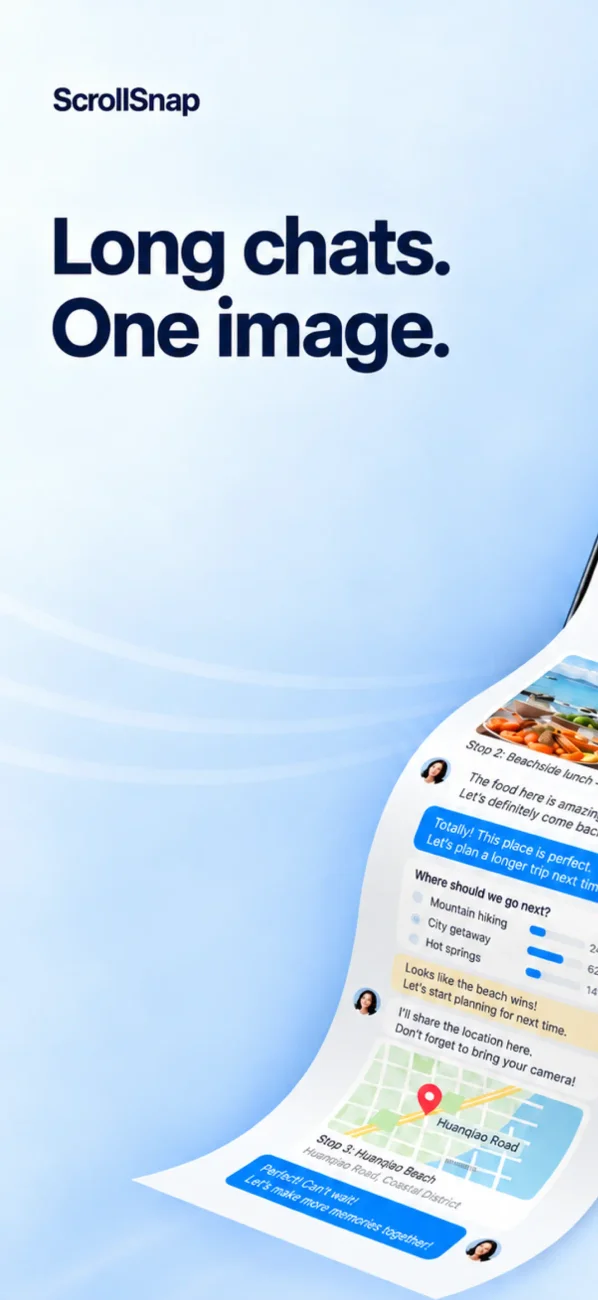
ScrollSnap turns scrolling recordings, screenshots, and webpages into long images. Capture conversations, save articles and notes, build step-by-step guides, or collect movie subtitles—all in one app, from capture and review to editing and sharing.
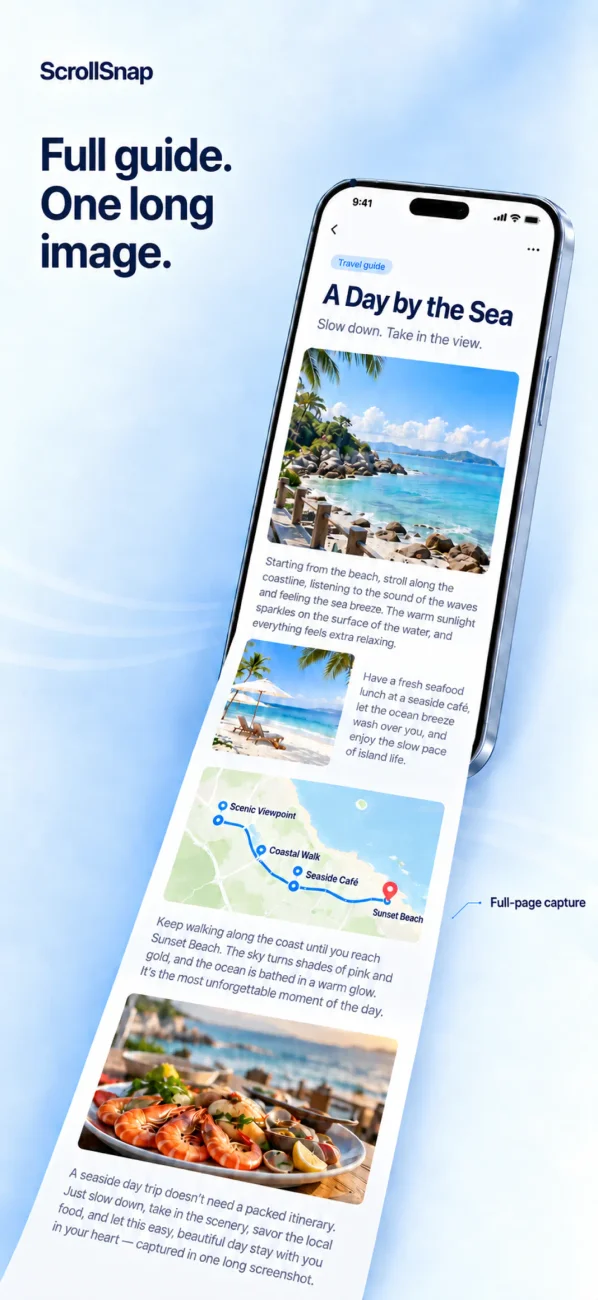
【Turn Scrolling Recordings into Long Screenshots】
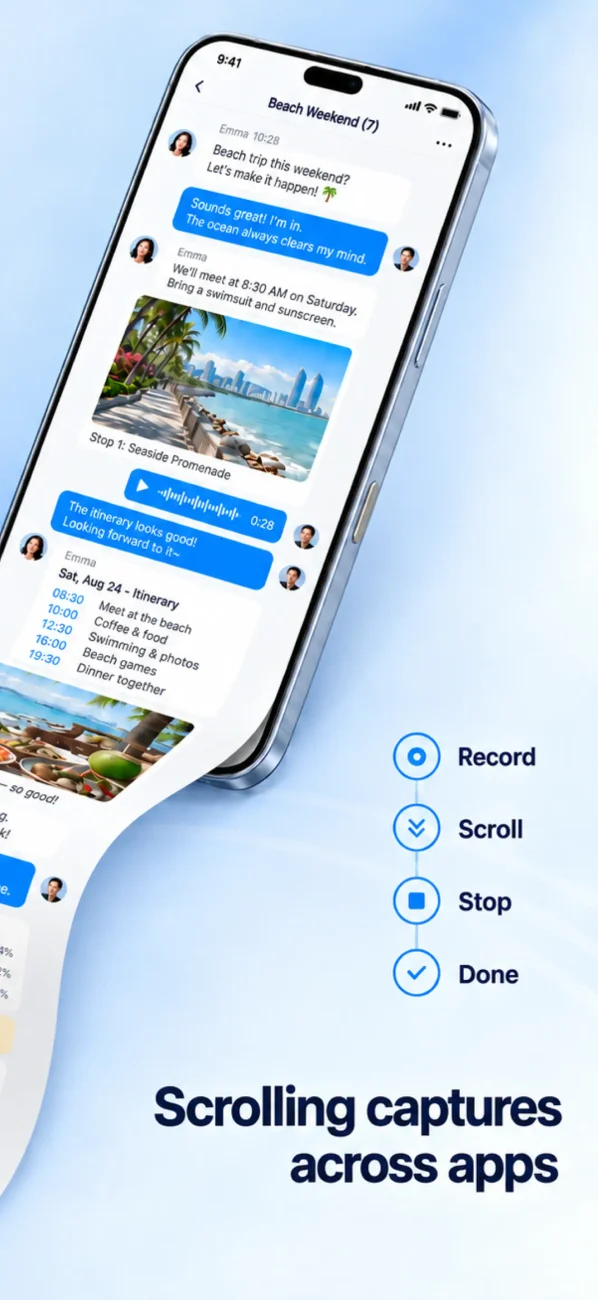
Follow the instructions to start a system screen recording, switch to the page you want to capture, and scroll steadily. Return to ScrollSnap to generate your long screenshot. You can also import existing scrolling videos from Photos or Files and keep the originals for later use.
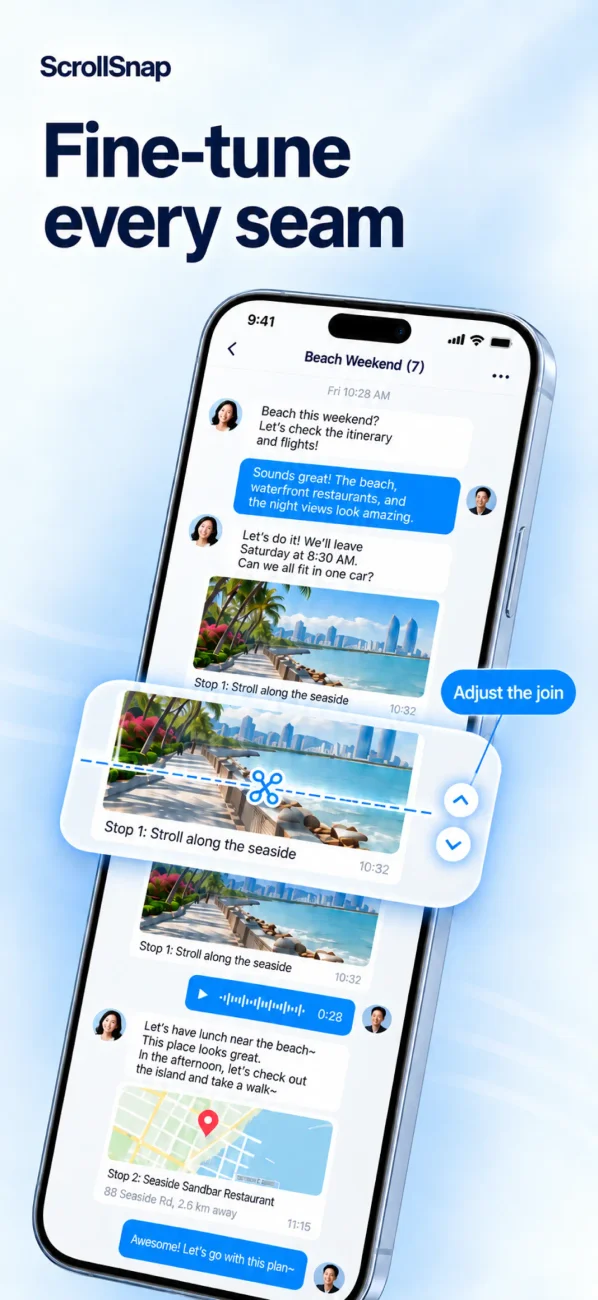
【Fine-Tune Every Join】
Check the text, beginning, end, and joins after generation. Use manual stitching and cropping to adjust the visible area of each segment and remove overlapping content. Content missed in the original recording cannot be recovered. If you scroll too quickly or skip a section, you may need to record again.
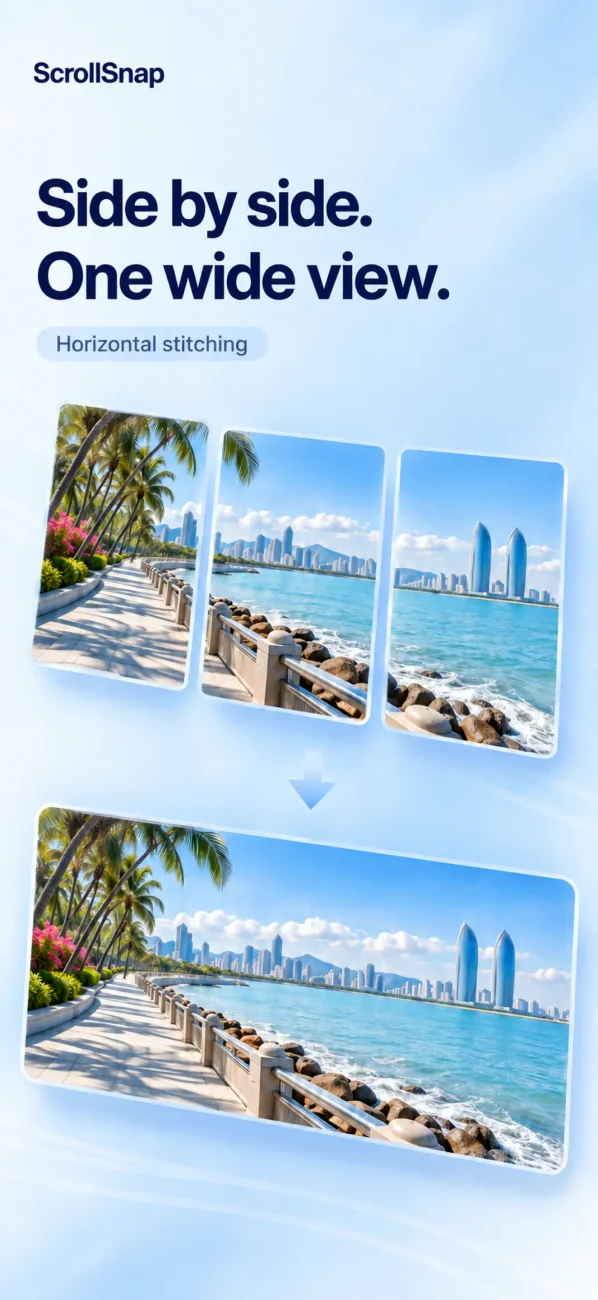
【Stitch Images Vertically or Horizontally】
Combine screenshots and photos in order, vertically or horizontally. Use subtitle stitching to bring selected movie dialogue together. Create conversation captures, visual notes, step-by-step instructions, and subtitle collections.
【Capture Long Webpages】
Open a webpage in ScrollSnap, let it load, and choose the area to capture. Lazy loading, infinite scrolling, dynamic elements, and website permissions may affect the result, so check your capture before saving. ScrollSnap does not bypass login requirements or content protection.
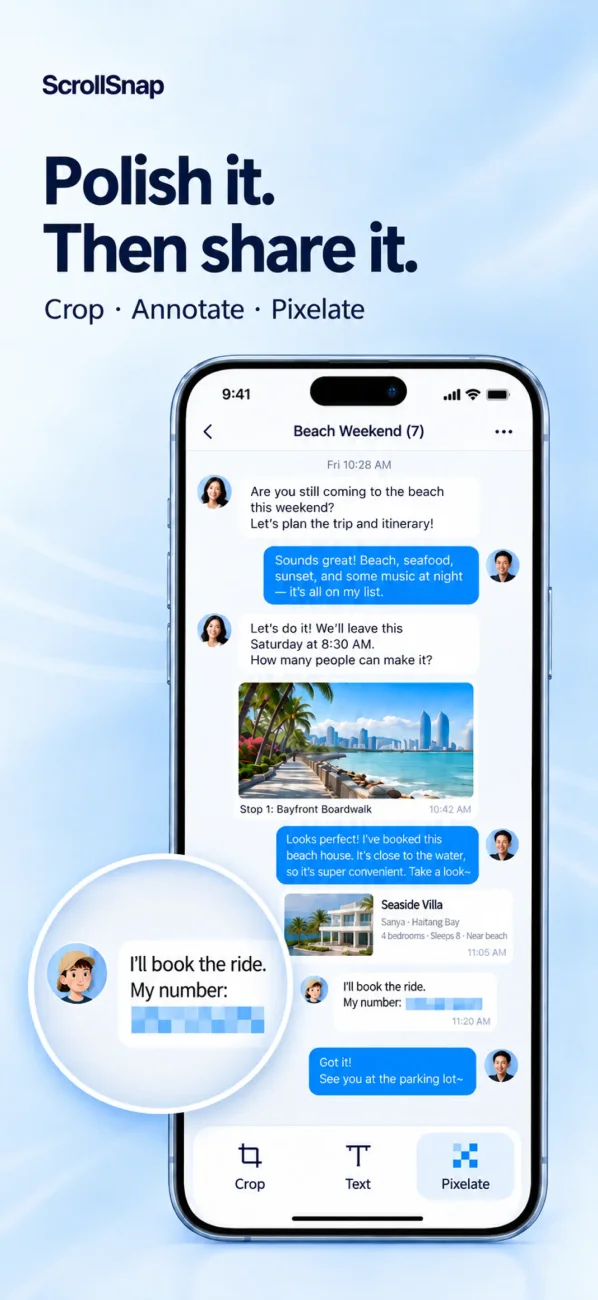
【Edit Before You Share】
Crop, annotate, pixelate, add watermarks, or replace avatars to prepare your images for sharing. Check that names, profile pictures, and other sensitive information are properly covered. Video tools also let you trim, rotate, mute, and extract still frames.
【Keep Originals and Results Together】
Manage source videos and finished images in your local media library. Save completed work to Photos or export files through the system share sheet. ScrollSnap’s local library and Photos store files separately. Back up important work before uninstalling the app or clearing local data.
【Usage Credits and Privacy】
ScrollSnap is free to download. Some actions require available usage credits. You can use complimentary credits or earn credits by watching rewarded ads, as explained when you perform an action. Ad availability depends on your network connection and ad supply.
Image and video processing takes place on your device. Your media is not uploaded as part of ScrollSnap’s media-processing workflow. Browsing webpages and choosing to share content may connect to the relevant websites or services. Advertising and analytics services may process device, usage, and technical data. Please see the Privacy Policy for details.
Help: https://smydamao.github.io/scrollsnap/#guide
Support: zhichi.dmshow@qq.com
Neue Funktionen
Version 1.2.2 · 20.09.2026
- Improved saving and sharing.
- Improved progress updates for long screenshot generation, making processing status easier to follow.
- Refined stitching and editing for a smoother, more reliable experience.
App-Datenschutz
Was 茂元 生 im App Store zum Umgang dieser App mit Daten angibt.
-
Nicht mit Ihnen verknüpfte Daten
Können erfasst werden, sind aber nicht mit Ihrer Identität verknüpft.
- Benutzerinhalte
- Nutzungsdaten
- Diagnose
Die Datenschutzpraktiken können variieren, zum Beispiel je nach den von Ihnen verwendeten Funktionen oder Ihrem Alter.
Informationen
- Anbieter
- 茂元 生
- Kategorie
- Dienstprogramme
- Version
- 1.2.2
- Aktualisiert
- 20.09.2026
- Veröffentlicht
- 31.05.2026
- Größe
- 14,1 MB
- Erfordert
- iOS 15.0 oder neuer
- Altersfreigabe
- 17+
- Preis
- Kostenlos
- Sprachen
- Englisch, Vereinf. Chinesisch
- Copyright
- © 2026 maoyuan sheng
Das könnte Ihnen auch gefallen
-
 Reelscap: Langer ScreenshotEinmal scrollen, alles dabei.
-
 Long: Full Screenshot CaptureLange Bildschirme erfassen
-
 ScrollShot - Long ScreenshotsDienstprogramme
-
 Scrollie: Langer ScreenshotZusammenfügen & Untertitel
-
 Zeta Stitch - Long ScreenshotsDienstprogramme
-
 Tailor: Lange ScreenshotsInhalte zu einem Bild vereinen
-
 StitchPics-Stitch ScreenshotsDienstprogramme
-
 Stitch It: Lange ScreenshotsFotos & Bilder zusammenfügen
-
 StitchShot - ScreenShotCaptureDienstprogramme
-
 WorkBuddy - AI Work AgentDienstprogramme