
SendMouse: Remote Mouse
PC Control & File Transfer
Entwickelt für iPhone, iPod touch
Kostenlos · In-App-Käufe
- Altersfreigabe12+
- KategorieDienstprogramme
- EntwicklerChoongHo Yu
- SprachenEnglisch+ 4 weitere
- Größe32,9 MB
Verlinkt auf die offizielle App Store-Seite
Download.org hostet keine Datei von SendMouse: Remote Mouse. Die Schaltfläche öffnet die App-Seite bei App Store, wo ChoongHo Yu die App veröffentlicht. Eintrag zuletzt geprüft am 17.11.2026.
Screenshots
Info
Der Entwickler hat diesen Text nicht in Ihrer Sprache bereitgestellt.
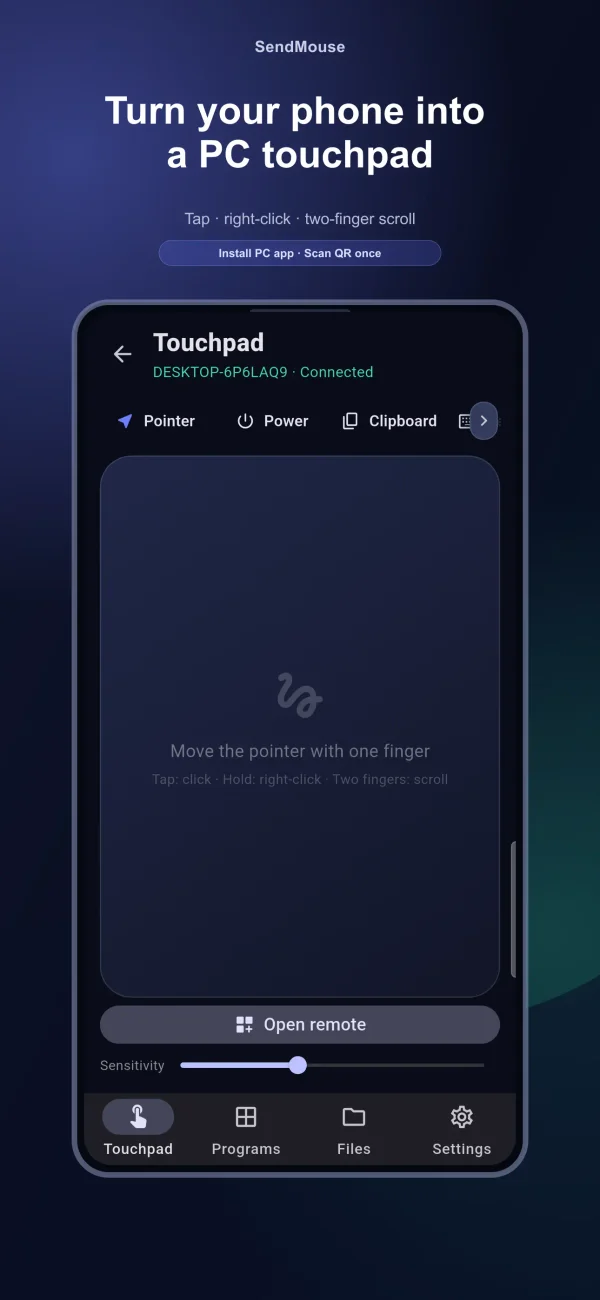
Turn your phone into a clean, practical touchpad and keyboard for your PC. SendMouse brings everyday computer controls and direct file transfer together without streaming your desktop screen.
This mobile app works with SendMouse for Windows or macOS. Connect your phone and computer to the same Wi-Fi, then scan the QR shown on the computer once.
Key features
• Touchpad: tap to click, long-press to right-click, and scroll with two fingers
• Keyboard: type on your phone and send input to the PC
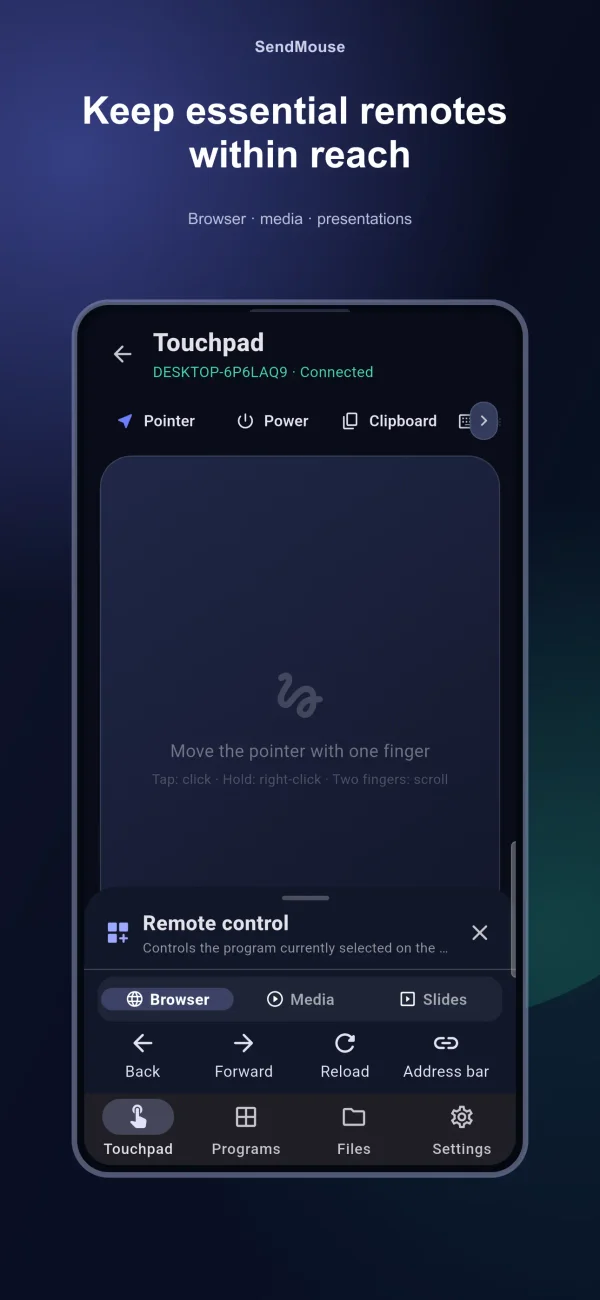
• Remotes: control the browser, media playback, and presentations
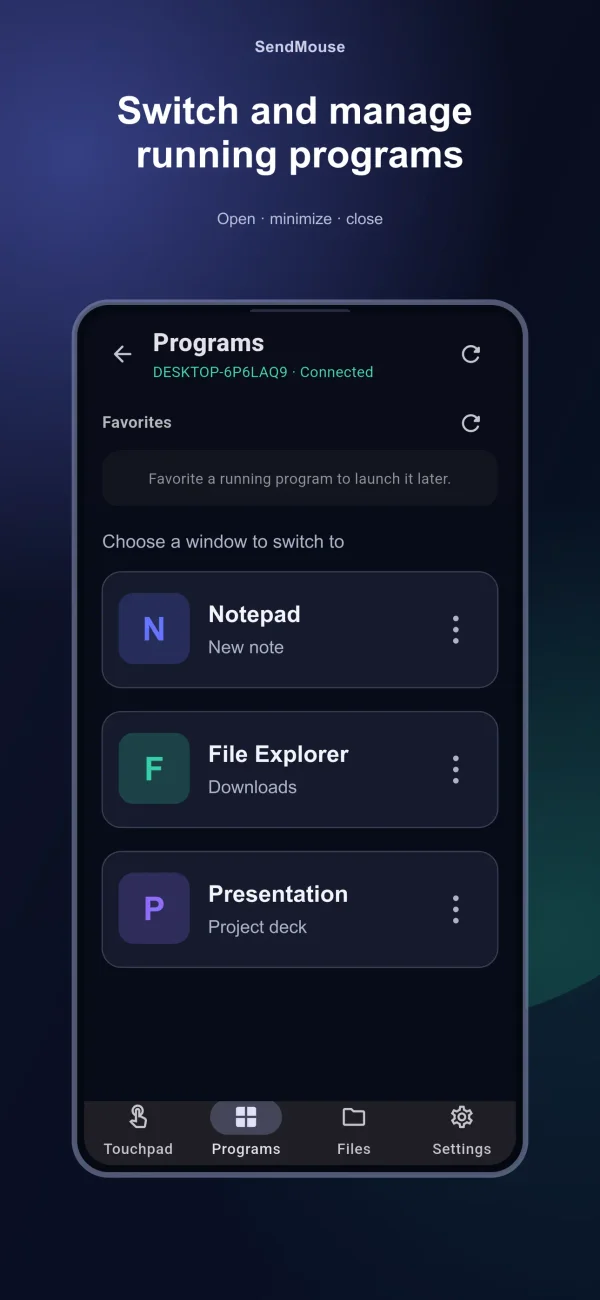
• Programs: switch, minimize, or close running windows
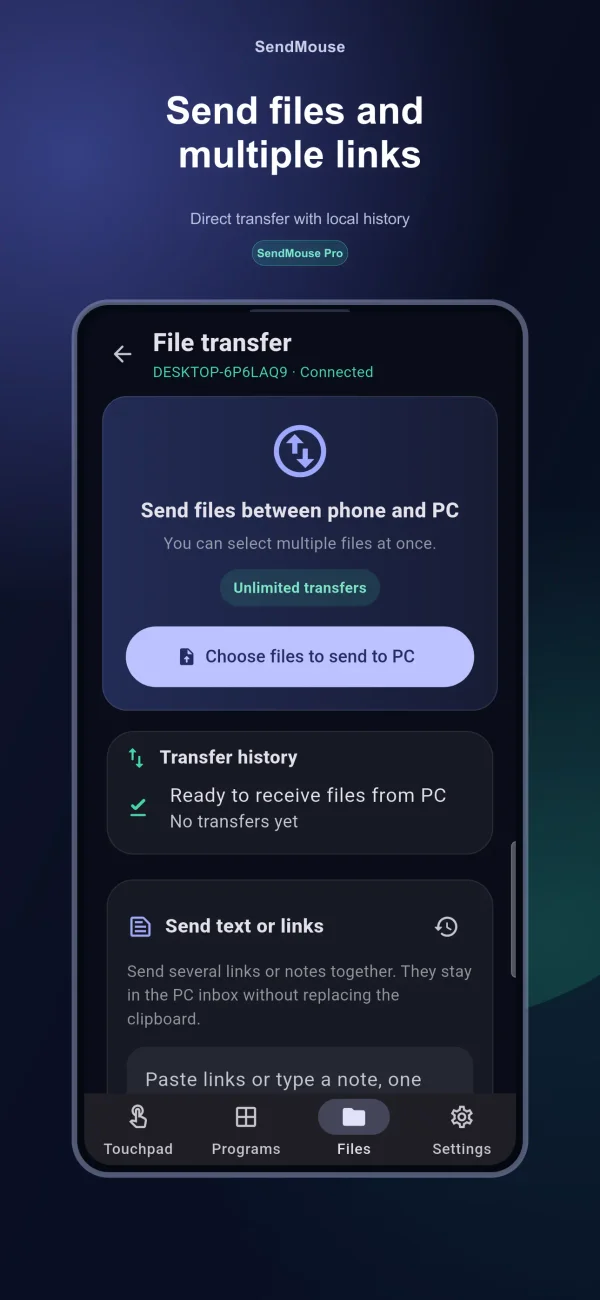
• File transfer: select and send multiple files between phone and PC
• Text transfer: send several links or notes together and find them in history
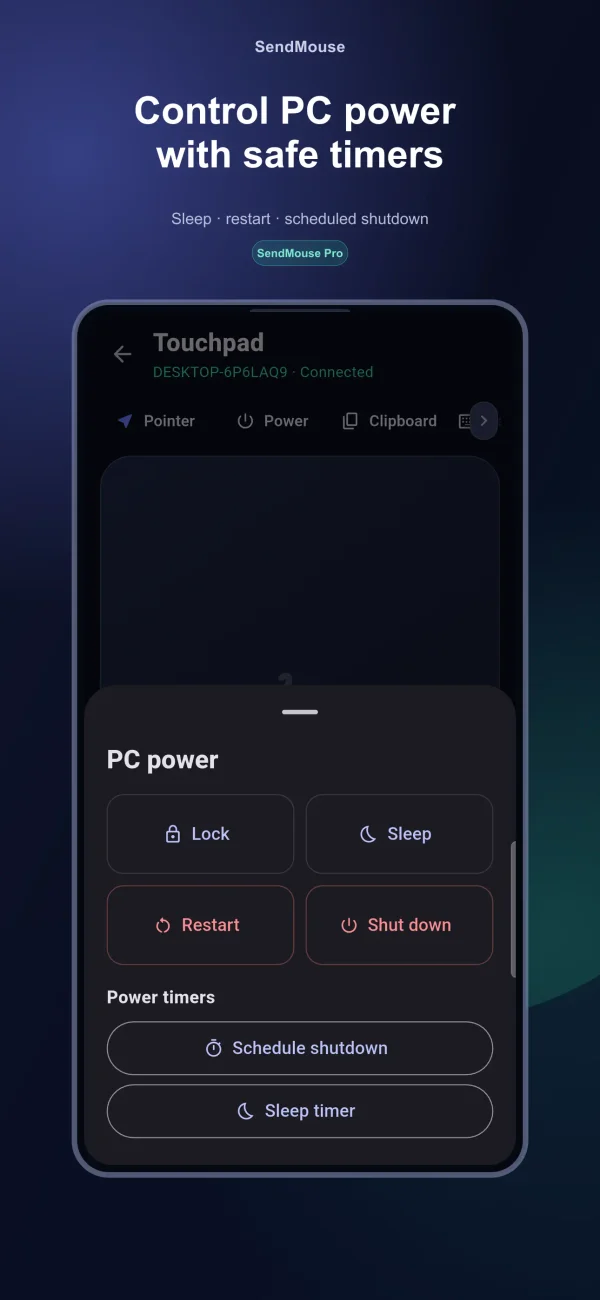
• PC power: lock, sleep, restart, shut down, or set a custom timer
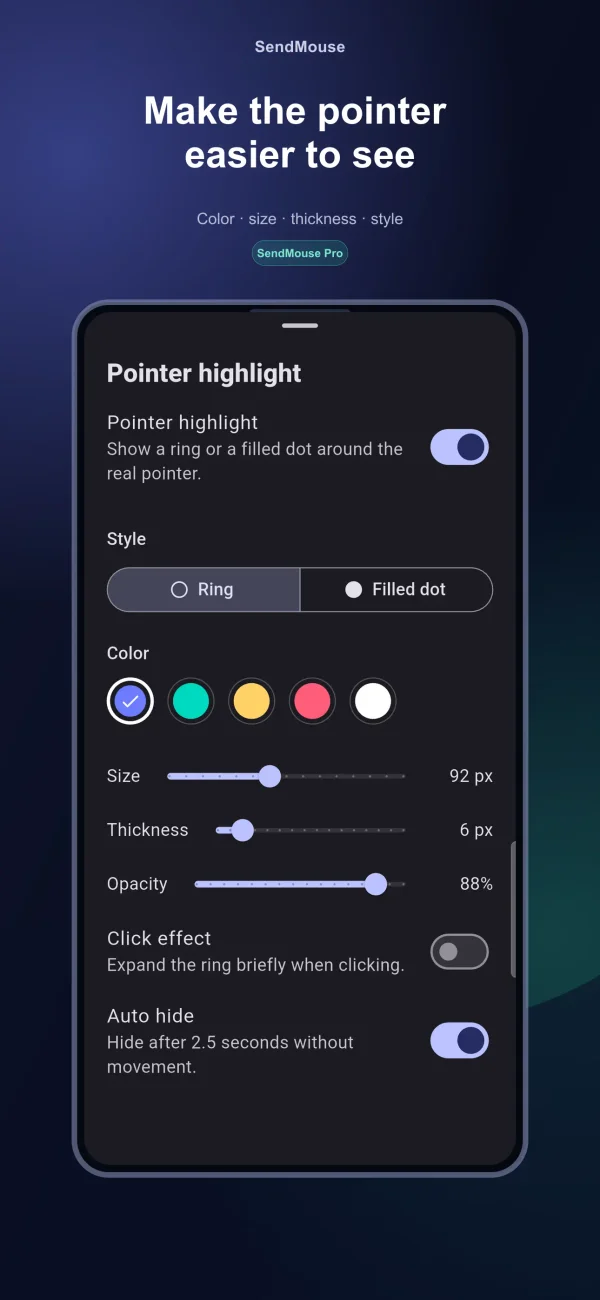
• Pointer highlight: adjust color, size, thickness, and display style
Commands, files, and text travel directly between paired devices over an encrypted local connection. SendMouse does not store transferred content on a central server.
The free version includes banner ads and a combined daily limit of three file or text transfers. An optional monthly or yearly SendMouse Pro subscription, or a lifetime purchase, removes ads and unlocks unlimited transfers, advanced power timers, and pointer customization.
Download the PC app and view setup instructions:
https://123eggs.com/en/apps/sendmouse
Terms of Use: https://www.apple.com/legal/internet-services/itunes/dev/stdeula/
Privacy Policy: https://123eggs.com/en/apps/sendmouse/privacy
App-Datenschutz
Was ChoongHo Yu im App Store zum Umgang dieser App mit Daten angibt.
-
Nicht mit Ihnen verknüpfte Daten
Können erfasst werden, sind aber nicht mit Ihrer Identität verknüpft.
- Nutzungsdaten
Die Datenschutzpraktiken können variieren, zum Beispiel je nach den von Ihnen verwendeten Funktionen oder Ihrem Alter.
Informationen
- Anbieter
- ChoongHo Yu
- Kategorie
- Dienstprogramme
- Version
- 1.0
- Aktualisiert
- 28.08.2026
- Veröffentlicht
- 28.08.2026
- Größe
- 32,9 MB
- Erfordert
- iOS 15.6 oder neuer
- Altersfreigabe
- 12+
- Preis
- Kostenlos
- In-App-Käufe
- Ja
- Sprachen
- Englisch, Französisch, Japanisch, Koreanisch, Spanisch
- Copyright
- © rose100
Das könnte Ihnen auch gefallen
-
 Seruz TunerDienstprogramme
-
 Fantastic MouseDienstprogramme
-
 InkanvaDienstprogramme
-
 FreeMouse: Trackpad & KeyboardDienstprogramme
-
 Home Scanner Anti-VersteckteKamera Security Detector Blink
-
 RPad: Trackpad & MausPresenter & Laserpointer
-
 ZIP entpacken 7z TAR öffnenArchiv entzippen: GZ, BZ2, XZ
-
 ClipVault - X Video ArchiveDienstprogramme
-
 Kamera Detector Device ScanBluetooth & WIFi Spy Scanner
-
 Remote Mouse for MacDienstprogramme