
SendMouse: Remote Mouse
PC Control & File Transfer
Designed for iPhone, iPod touch
Free · In-app purchases
- Age rating12+
- CategoryUtilities
- DeveloperChoongHo Yu
- LanguagesEnglish+ 4 more
- Size32.9 MB
Links to the official App Store page
Download.org hosts no file of SendMouse: Remote Mouse. The button opens its official App Store page, published by ChoongHo Yu. Listing last checked on Nov 17, 2026.
Screenshots
About
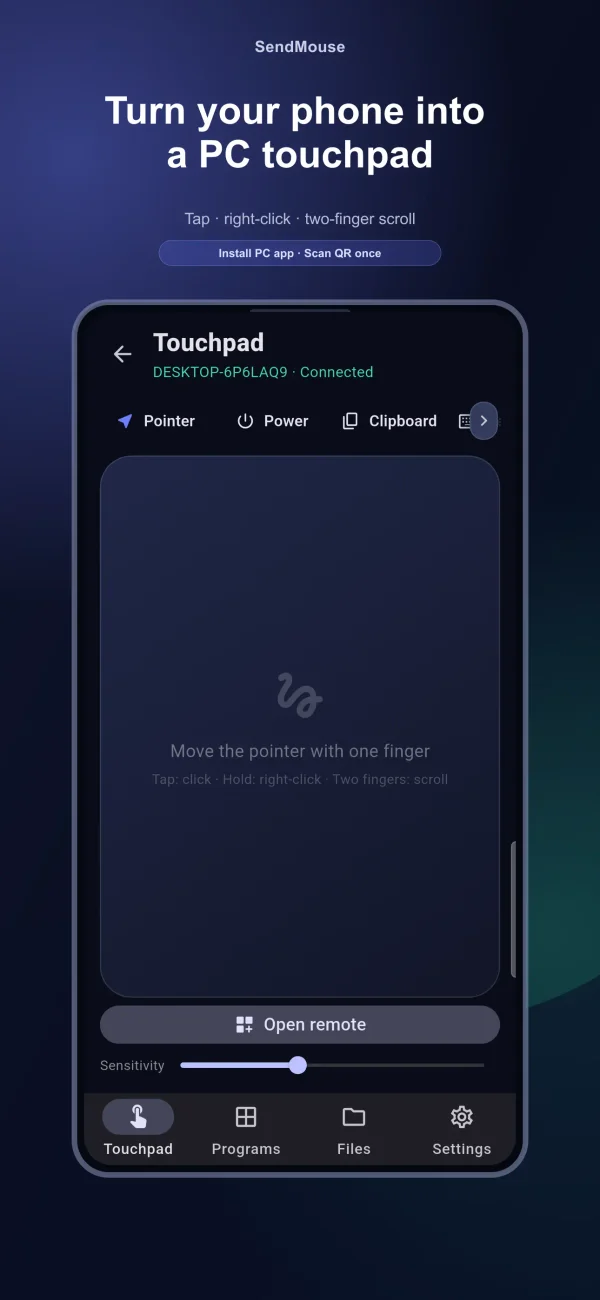
Turn your phone into a clean, practical touchpad and keyboard for your PC. SendMouse brings everyday computer controls and direct file transfer together without streaming your desktop screen.
This mobile app works with SendMouse for Windows or macOS. Connect your phone and computer to the same Wi-Fi, then scan the QR shown on the computer once.
Key features
• Touchpad: tap to click, long-press to right-click, and scroll with two fingers
• Keyboard: type on your phone and send input to the PC
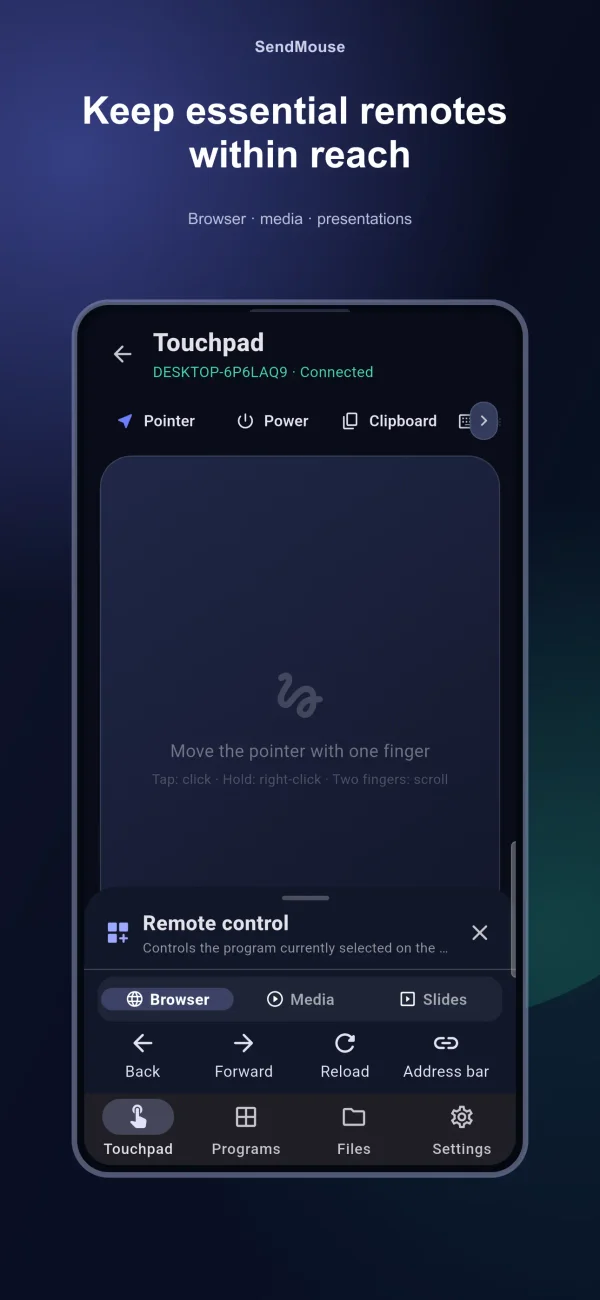
• Remotes: control the browser, media playback, and presentations
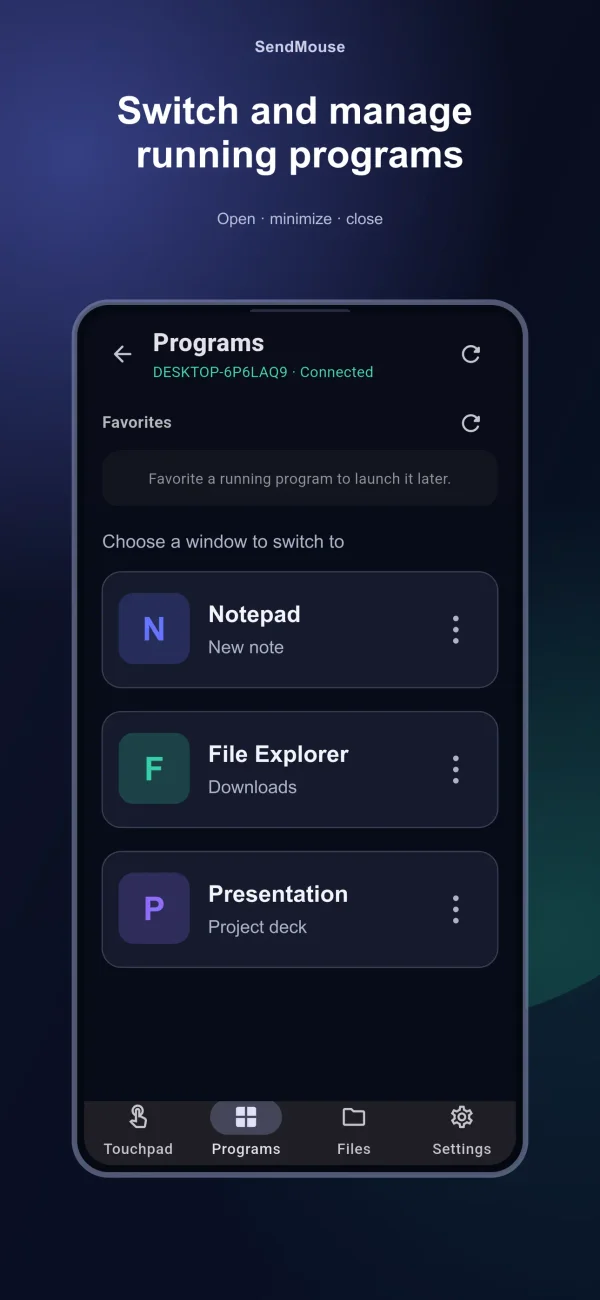
• Programs: switch, minimize, or close running windows
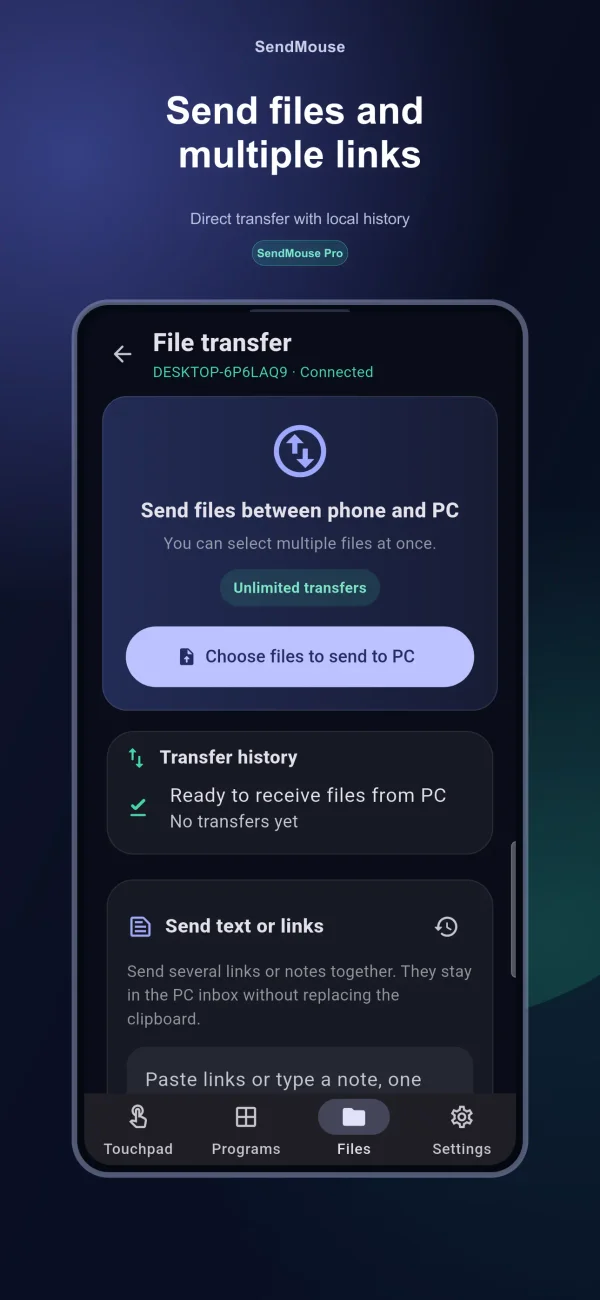
• File transfer: select and send multiple files between phone and PC
• Text transfer: send several links or notes together and find them in history
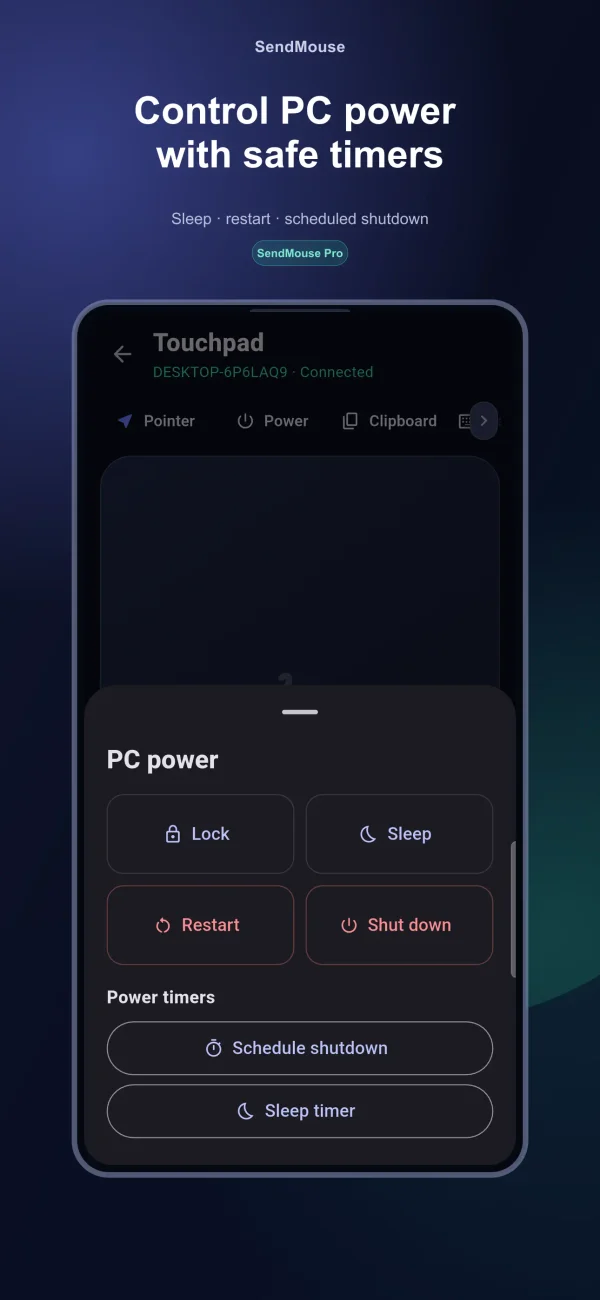
• PC power: lock, sleep, restart, shut down, or set a custom timer
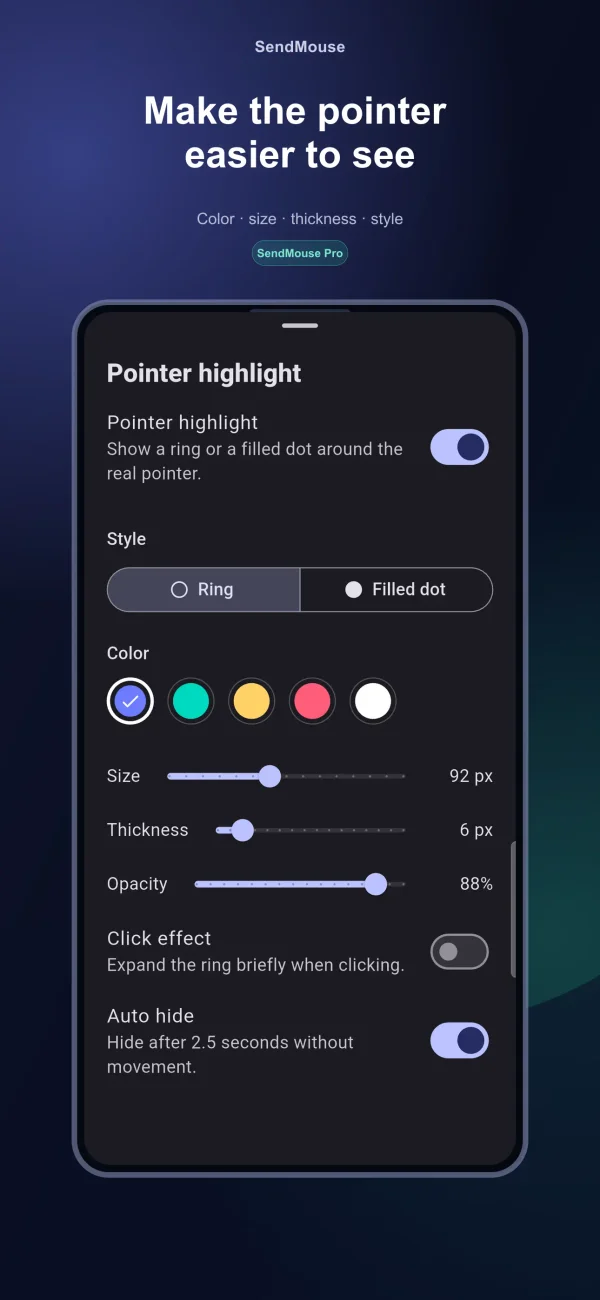
• Pointer highlight: adjust color, size, thickness, and display style
Commands, files, and text travel directly between paired devices over an encrypted local connection. SendMouse does not store transferred content on a central server.
The free version includes banner ads and a combined daily limit of three file or text transfers. An optional monthly or yearly SendMouse Pro subscription, or a lifetime purchase, removes ads and unlocks unlimited transfers, advanced power timers, and pointer customization.
Download the PC app and view setup instructions:
https://123eggs.com/en/apps/sendmouse
Terms of Use: https://www.apple.com/legal/internet-services/itunes/dev/stdeula/
Privacy Policy: https://123eggs.com/en/apps/sendmouse/privacy
App privacy
What ChoongHo Yu declares on the App Store about how this app handles data.
-
Data not linked to you
May be collected but is not linked to your identity.
- Usage data
Privacy practices may vary, for example with the features you use or your age.
Information
- Seller
- ChoongHo Yu
- Category
- Utilities
- Version
- 1.0
- Updated
- Aug 28, 2026
- Released
- Aug 28, 2026
- Size
- 32.9 MB
- Requires
- iOS 15.6 or later
- Age rating
- 12+
- Price
- Free
- In-app purchases
- Yes
- Languages
- English, French, Japanese, Korean, Spanish
- Copyright
- © rose100
You might also like
-
 Seruz TunerTuner for String Instruments
-
 Fantastic MouseTurn phone into wifi mouse
-
 InkanvaUtilities
-
 FreeMouse: Trackpad & KeyboardRemote mouse for your Mac
-
 Detector Home Protection: FindAnalyzer Scanner WiFi Signal
-
 RPad: Remote Trackpad & MousePresentation Remote & Laser
-
 Unzip: ZIP 7Z ExtractorOpen TAR, GZ, BZ2, XZ files
-
 ClipVault - X Video ArchiveSave Twitter/X posts offline
-
 Camera Detector & Device ScanDetect Analyzer: Secret Finder
-
 Remote Mouse for MacWireless trackpad for your Mac