- Altersfreigabe4+
- KategorieDienstprogramme
- EntwicklerKTMLABS LLC
- SprachenEnglisch
- Größe18,7 MB
ShellAccess ist bei App Store derzeit möglicherweise nicht verfügbar
Bei unserer letzten Prüfung war der Store-Eintrag nicht erreichbar. Der Link führt weiterhin zur offiziellen App Store-Seite.
Screenshots
Info
Der Entwickler hat diesen Text nicht in Ihrer Sprache bereitgestellt.
Connect to your Linux, macOS, and Unix servers directly from your iPhone or iPad. ShellAccess is a native SSH client built for professionals who need reliable remote server access on the go.
Full Terminal Emulation
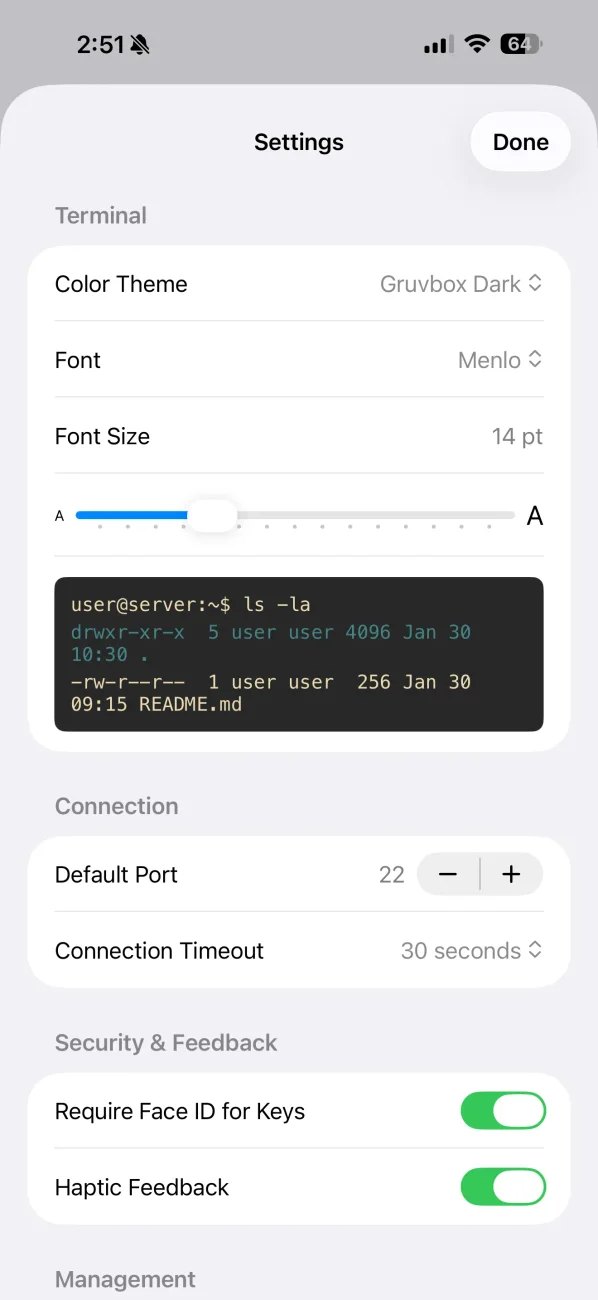
A complete terminal experience with support for interactive applications, color output, and customizable themes. Choose from Pro Dark, Dracula, Nord, Monokai, Solarized, Gruvbox, and more. Adjust font size and family to suit your workflow.
Secure Authentication
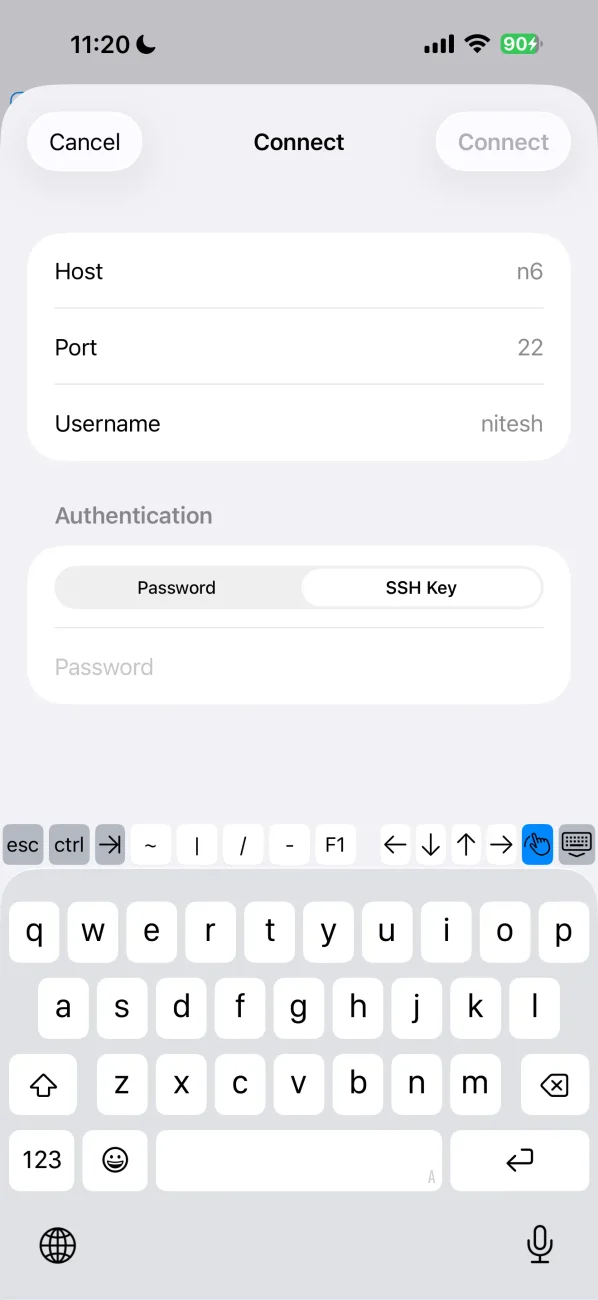
Connect using password or SSH key authentication. Generate Ed25519 and RSA keys directly in the app, or import your existing keys. Passwords can be saved securely with Face ID or Touch ID protection using the iOS Keychain.
Host Key Verification
ShellAccess verifies server identity on every connection, just like OpenSSH. Unknown hosts prompt for confirmation, and changed host keys trigger clear warnings to protect against man-in-the-middle attacks. Manage your known hosts list from Settings.
SFTP File Browser
Browse, download, and manage files on your remote servers without leaving the app. Access the built-in SFTP browser from the terminal toolbar with a single tap.
Multi-Session Support
Work across multiple servers simultaneously. Each connection runs in its own tab with independent terminal state. Switch between sessions instantly.
Server Management
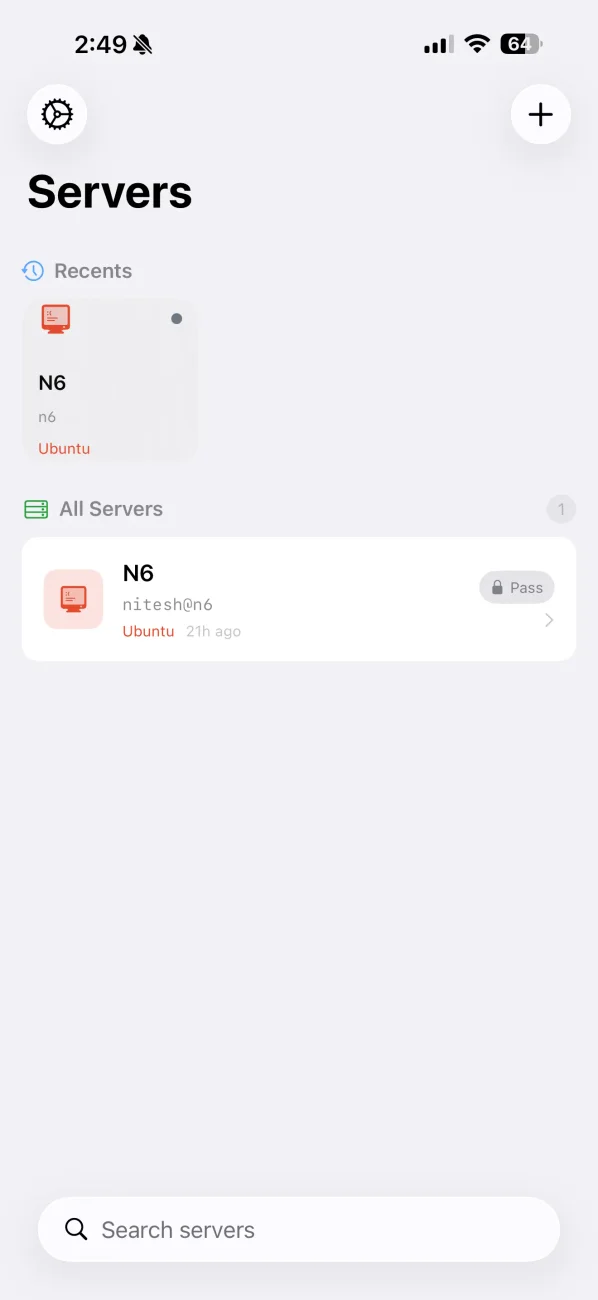
Save your frequently used servers with host, port, username, and preferred authentication method. Organize servers into folders. Quick Connect lets you jump into a one-off session without saving anything.
Port Forwarding
Set up local and remote port forwarding tunnels to securely access services behind firewalls.
Terminal Toolbar
A purpose-built accessory bar gives you quick access to Escape, Tab, Ctrl, arrow keys, and common shortcuts like Ctrl+C, Ctrl+D, and Ctrl+Z — keys that are difficult to type on a touchscreen keyboard.
Built for iOS
Native SwiftUI interface. Designed to work with the iOS keyboard, multitasking, and system security features. No web views, no Electron — a real native app.
App-Datenschutz
Was KTMLABS LLC im App Store zum Umgang dieser App mit Daten angibt.
-
Keine Daten erfasst
Der Entwickler erfasst keine Daten von dieser App.
Die Datenschutzpraktiken können variieren, zum Beispiel je nach den von Ihnen verwendeten Funktionen oder Ihrem Alter.
Informationen
- Anbieter
- KTMLABS LLC
- Kategorie
- Dienstprogramme
- Version
- 1.0
- Aktualisiert
- 23.03.2026
- Veröffentlicht
- 23.03.2026
- Größe
- 18,7 MB
- Erfordert
- iOS 26.2 oder neuer
- Altersfreigabe
- 4+
- Sprachen
- Englisch
- Copyright
- © KTMLABS LLC
Das könnte Ihnen auch gefallen
-
 PaperTrail: AI PurchaseTrackerDienstprogramme
-
 Cannoli Shell: IT Pro ToolsDienstprogramme
-
 Termz - SSH & SFTP ClientDienstprogramme
-
 thumbzonekeyboardDienstprogramme
-
 Pelekis GSM ConfiguratorDienstprogramme
-
 Ash — SSH ClientDienstprogramme
-
 IoT CentralDienstprogramme
-
 GmSpeedPlusDienstprogramme
-
 WurstfingerDie Tastatur für dicke Finger
-
 SimpleSpeak AACDienstprogramme