- Age rating4+
- CategoryUtilities
- DeveloperKTMLABS LLC
- LanguagesEnglish
- Size18.7 MB
Links to the official App Store page
Download.org hosts no file of ShellAccess. The button opens its official App Store page, published by KTMLABS LLC. Listing last checked on Nov 20, 2026.
Screenshots
About
Connect to your Linux, macOS, and Unix servers directly from your iPhone or iPad. ShellAccess is a native SSH client built for professionals who need reliable remote server access on the go.
Full Terminal Emulation
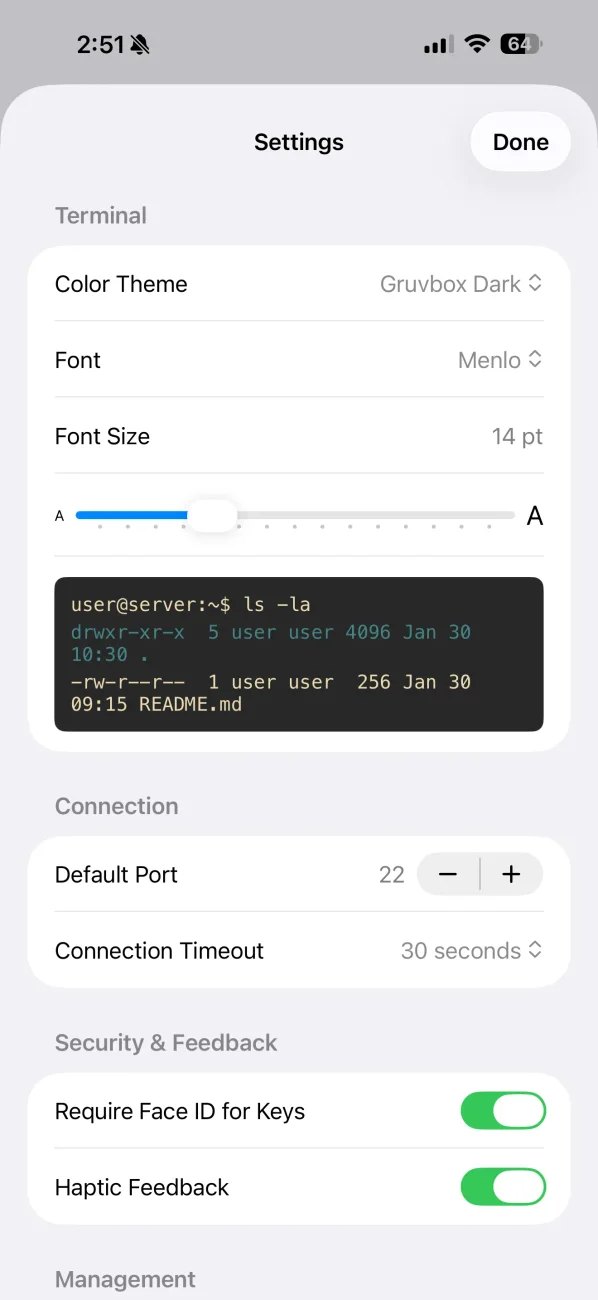
A complete terminal experience with support for interactive applications, color output, and customizable themes. Choose from Pro Dark, Dracula, Nord, Monokai, Solarized, Gruvbox, and more. Adjust font size and family to suit your workflow.
Secure Authentication
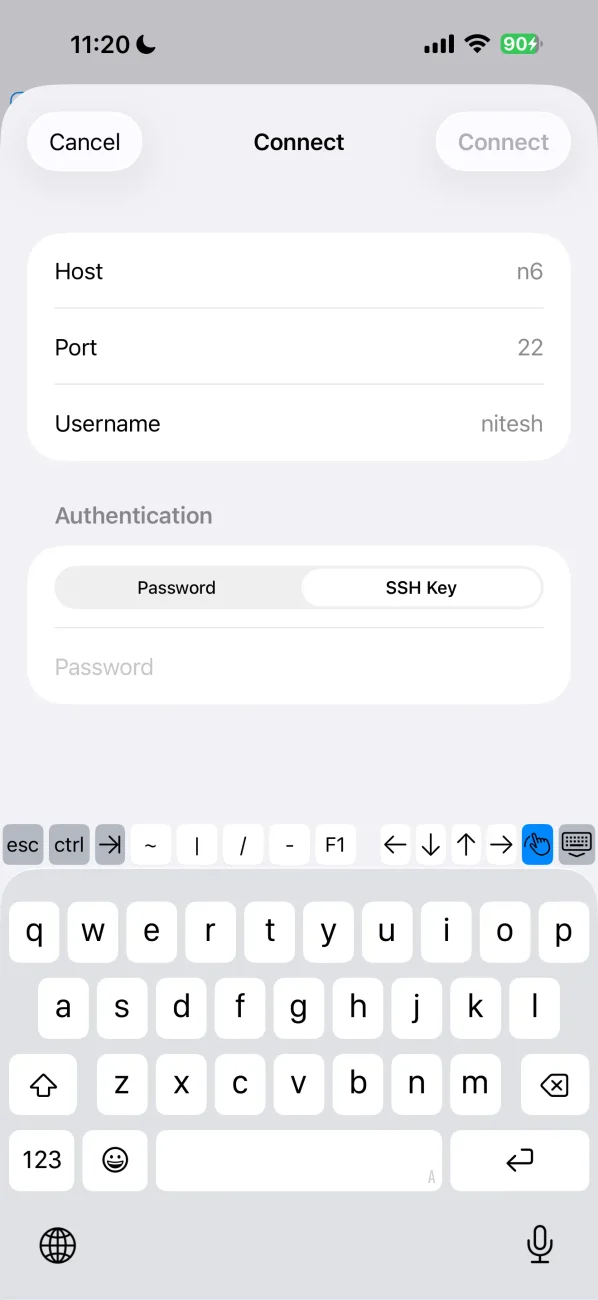
Connect using password or SSH key authentication. Generate Ed25519 and RSA keys directly in the app, or import your existing keys. Passwords can be saved securely with Face ID or Touch ID protection using the iOS Keychain.
Host Key Verification
ShellAccess verifies server identity on every connection, just like OpenSSH. Unknown hosts prompt for confirmation, and changed host keys trigger clear warnings to protect against man-in-the-middle attacks. Manage your known hosts list from Settings.
SFTP File Browser
Browse, download, and manage files on your remote servers without leaving the app. Access the built-in SFTP browser from the terminal toolbar with a single tap.
Multi-Session Support
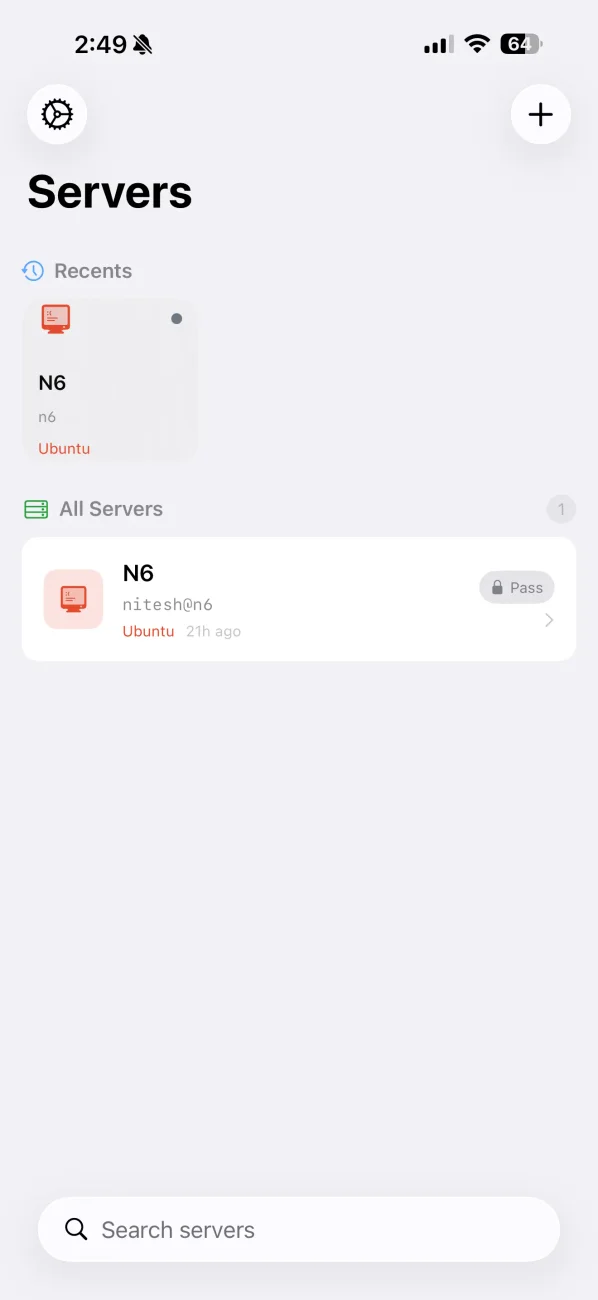
Work across multiple servers simultaneously. Each connection runs in its own tab with independent terminal state. Switch between sessions instantly.
Server Management
Save your frequently used servers with host, port, username, and preferred authentication method. Organize servers into folders. Quick Connect lets you jump into a one-off session without saving anything.
Port Forwarding
Set up local and remote port forwarding tunnels to securely access services behind firewalls.
Terminal Toolbar
A purpose-built accessory bar gives you quick access to Escape, Tab, Ctrl, arrow keys, and common shortcuts like Ctrl+C, Ctrl+D, and Ctrl+Z — keys that are difficult to type on a touchscreen keyboard.
Built for iOS
Native SwiftUI interface. Designed to work with the iOS keyboard, multitasking, and system security features. No web views, no Electron — a real native app.
App privacy
What KTMLABS LLC declares on the App Store about how this app handles data.
-
Data not collected
The developer does not collect any data from this app.
Privacy practices may vary, for example with the features you use or your age.
Information
- Seller
- KTMLABS LLC
- Category
- Utilities
- Version
- 1.0
- Updated
- Mar 23, 2026
- Released
- Mar 23, 2026
- Size
- 18.7 MB
- Requires
- iOS 26.2 or later
- Age rating
- 4+
- Price
- Free
- Languages
- English
- Copyright
- © KTMLABS LLC
You might also like
-
 PaperTrail: AI PurchaseTrackerSmart Receipt & Item Tracker
-
 Cannoli Shell: IT Pro ToolsIT command reference tools
-
 Termz - SSH & SFTP ClientTerminal for Remote Servers
-
 thumbzonekeyboardThumb-Optimized Keyboard
-
 Pelekis GSM ConfiguratorUtilities
-
 Ash — SSH ClientSSH, SFTP & Port Forward
-
 IoT CentralUtilities
-
 GmSpeedPlusGmSpeedPlus
-
 WurstfingerThe Keyboard for Fat Fingers
-
 SimpleSpeak AACFind your voice