Sidekey: Wireless Keyboard
Trackpad, shortcuts & voice
Entwickelt für iPhone
Kostenlos
- Altersfreigabe4+
- KategorieDienstprogramme
- EntwicklerKaihong Chen
- SprachenEnglisch+ 1 weitere
- Größe5,8 MB
Verlinkt auf die offizielle App Store-Seite
Download.org hostet keine Datei von Sidekey: Wireless Keyboard. Die Schaltfläche öffnet die App-Seite bei App Store, wo Kaihong Chen die App veröffentlicht. Eintrag zuletzt geprüft am 16.11.2026.
Screenshots

Info
Der Entwickler hat diesen Text nicht in Ihrer Sprache bereitgestellt.
Sidekey turns your iPhone into a wireless keyboard, trackpad and shortcut pad for your own computer. Tap keys on your phone and they type on your Mac or Windows PC over your local Wi‑Fi — no extra hardware, no cables.
NEW IN 1.1
• Made for iPhone Duo — unfold for a big keyboard on one side of the fold and a trackpad on the other, and swap them with one tap. Every mode gets its own big-screen layout.
• Laptop keyboard mode — a full computer keyboard on the inner screen that matches the connected computer, Mac or Windows.
• Landscape on any iPhone — keys, trackpad and sidebar rearrange themselves.
FEATURES
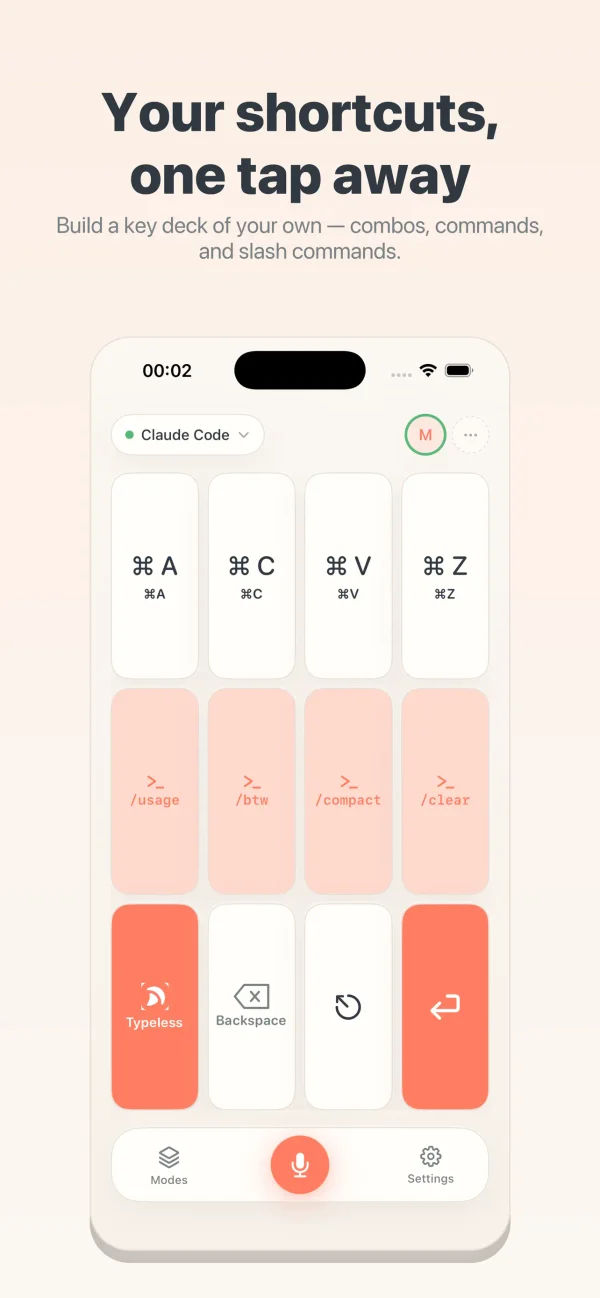
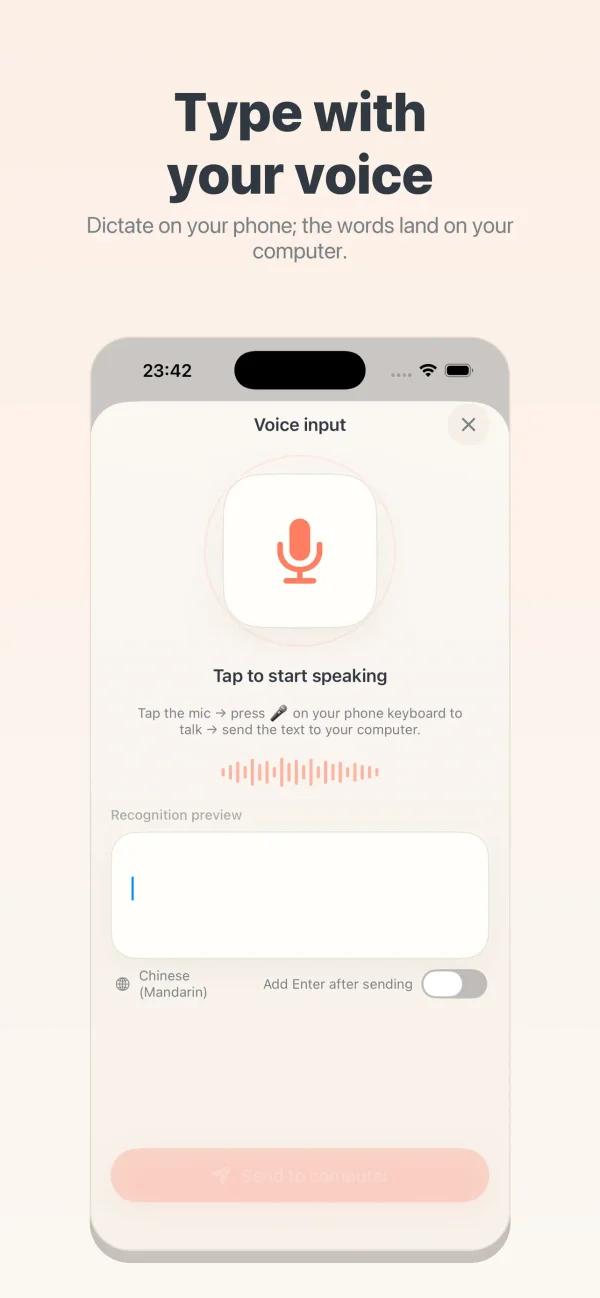
• Voice typing — dictate on your phone and send the text straight to your computer
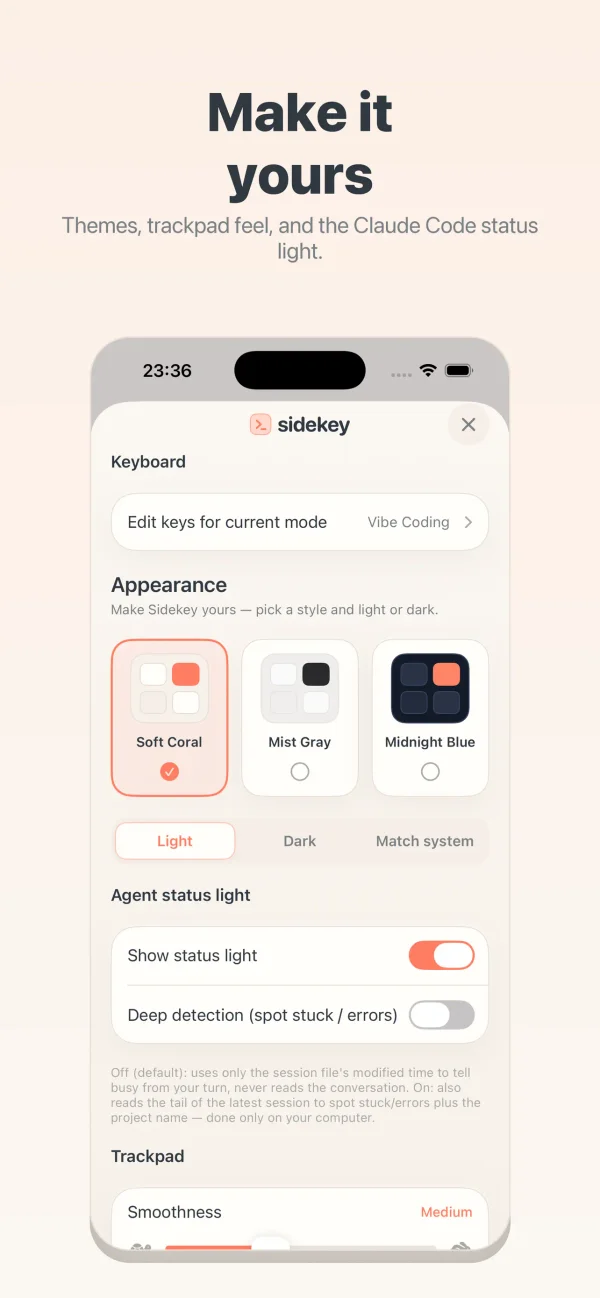
• Custom key designer — make your own keys, shortcuts and layouts
• Shortcuts & combos — Cmd/Ctrl/Alt/Shift, function keys, media keys, and left/right-specific modifiers
• Trackpad — use your phone as a touchpad with left and right buttons
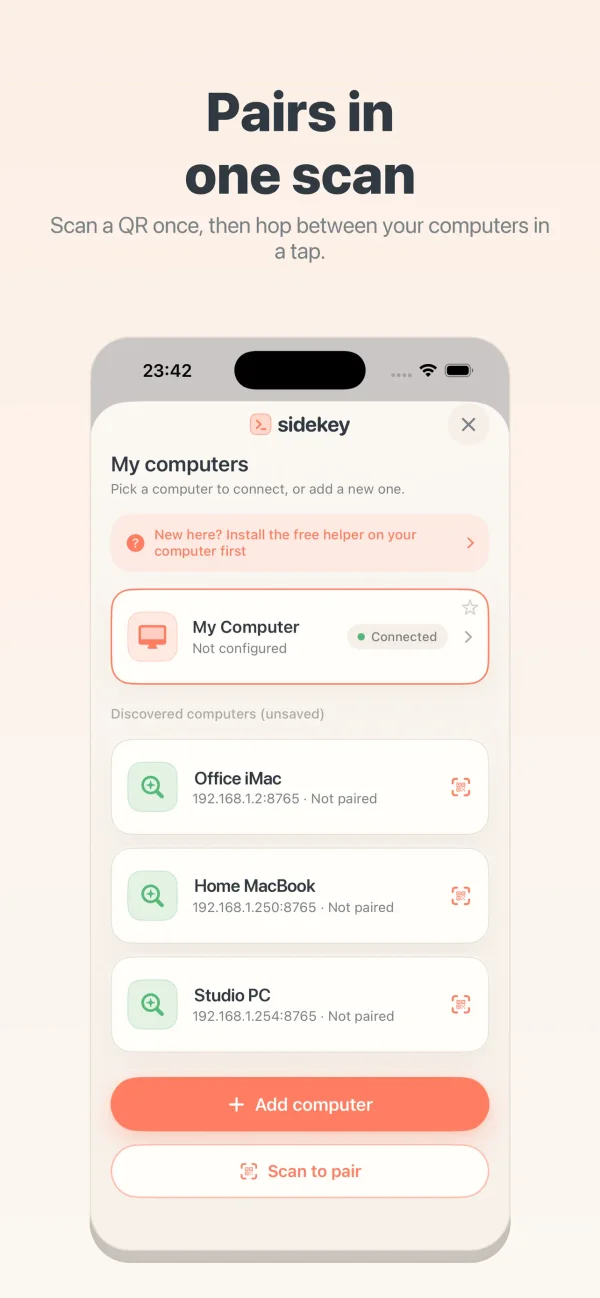
• Multiple computers — pair several and switch between them in one tap
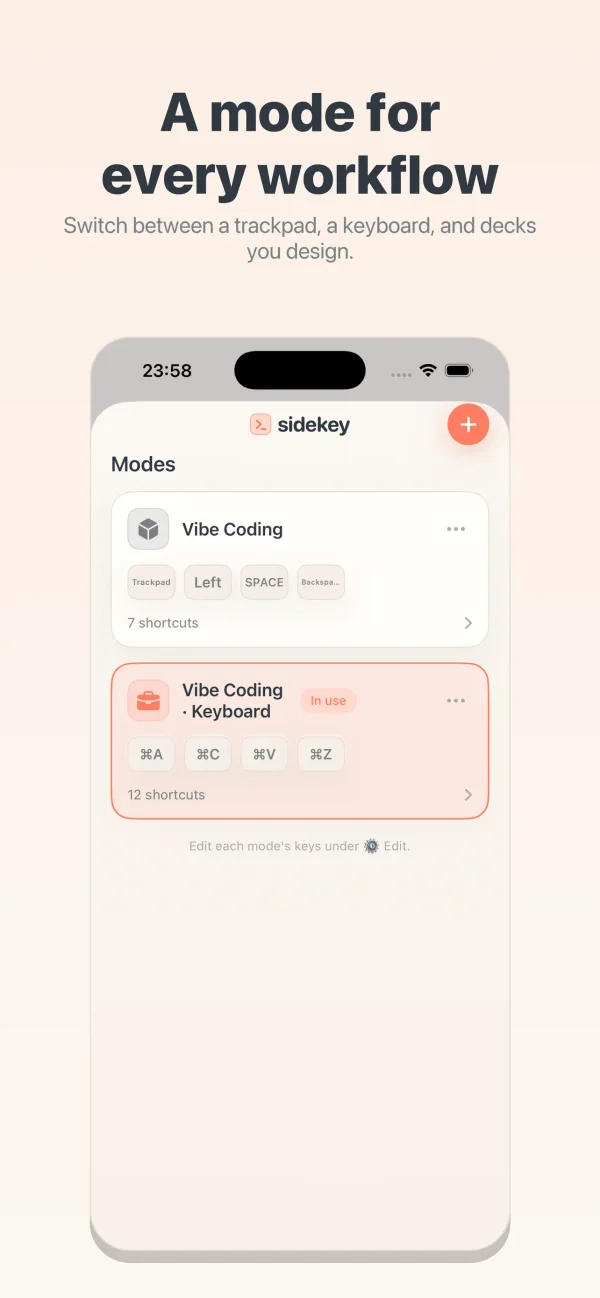
• Modes for every job — a shortcut deck, a trackpad, a full keyboard, and Codex Micro for Claude Code and Codex
• Quick pairing — scan a QR code once; it reconnects automatically
• Private by design — no account, no tracking, nothing sent to the developer
HOW IT WORKS
Sidekey works together with a small, free desktop helper you run on the computer you want to control. Put both devices on the same Wi‑Fi, scan a QR code once to pair, and you're connected. Pairing is secured with a token, and your keystrokes travel directly to your own computer — never through us.
REQUIRES THE FREE DESKTOP HELPER
Sidekey needs the free Sidekey helper running on your Mac or Windows computer. Download it from the link on our support page.
Questions or ideas? We'd love to hear from you.
Neue Funktionen
Version 1.1.1 · 11.11.2026
Fixes iPhone Duo: on real devices the inner display was treated as a regular iPhone screen, so the big-screen layout, the keyboard/trackpad split and the laptop keyboard didn't appear. They now show up as soon as you unfold. The laptop keyboard in landscape also no longer reports "not enough space" near the camera.
App-Datenschutz
Was Kaihong Chen im App Store zum Umgang dieser App mit Daten angibt.
-
Keine Daten erfasst
Der Entwickler erfasst keine Daten von dieser App.
Die Datenschutzpraktiken können variieren, zum Beispiel je nach den von Ihnen verwendeten Funktionen oder Ihrem Alter.
Informationen
- Anbieter
- Kaihong Chen
- Kategorie
- Dienstprogramme
- Version
- 1.1.1
- Aktualisiert
- 11.11.2026
- Veröffentlicht
- 08.07.2026
- Größe
- 5,8 MB
- Erfordert
- iOS 16.0 oder neuer
- Altersfreigabe
- 4+
- Preis
- Kostenlos
- Sprachen
- Englisch, Vereinf. Chinesisch
- Copyright
- © 2026 Kaihong Chen
Das könnte Ihnen auch gefallen
-
 Pocket Board Tastatur & MausBluetooth-Fernbedienung
-
 BluKeyDienstprogramme
-
 KeyBindControlMacro und Shortcuts sofort
-
 WisprPadDienstprogramme
-
 Virtual TouchPadDienstprogramme
-
 RhyLumeDienstprogramme
-
 AgentInputDienstprogramme
-
 ContactFace: Contact PhotosDienstprogramme
-
 Foldmeter: Klappwinkel, LinealWasserwaage & Durchmesser
-
 Tapeze (Typing)Dienstprogramme