Sidekey: Wireless Keyboard
Trackpad, shortcuts & voice
Được thiết kế cho iPhone
Miễn phí
- Độ tuổi4+
- Danh mụcTiện Ích
- Nhà phát triểnKaihong Chen
- Ngôn ngữTiếng Anh+ 1 ngôn ngữ khác
- Kích thước5,8 MB
Liên kết đến trang App Store chính thức
Download.org không lưu trữ tệp nào của Sidekey: Wireless Keyboard. Nút này mở trang ứng dụng trên App Store, nơi Kaihong Chen phát hành ứng dụng. Trang được kiểm tra lần cuối: 16/11/2026.
Ảnh chụp màn hình

Giới thiệu
Nhà phát triển chưa cung cấp nội dung này bằng ngôn ngữ của bạn.
Sidekey turns your iPhone into a wireless keyboard, trackpad and shortcut pad for your own computer. Tap keys on your phone and they type on your Mac or Windows PC over your local Wi‑Fi — no extra hardware, no cables.
NEW IN 1.1
• Made for iPhone Duo — unfold for a big keyboard on one side of the fold and a trackpad on the other, and swap them with one tap. Every mode gets its own big-screen layout.
• Laptop keyboard mode — a full computer keyboard on the inner screen that matches the connected computer, Mac or Windows.
• Landscape on any iPhone — keys, trackpad and sidebar rearrange themselves.
FEATURES
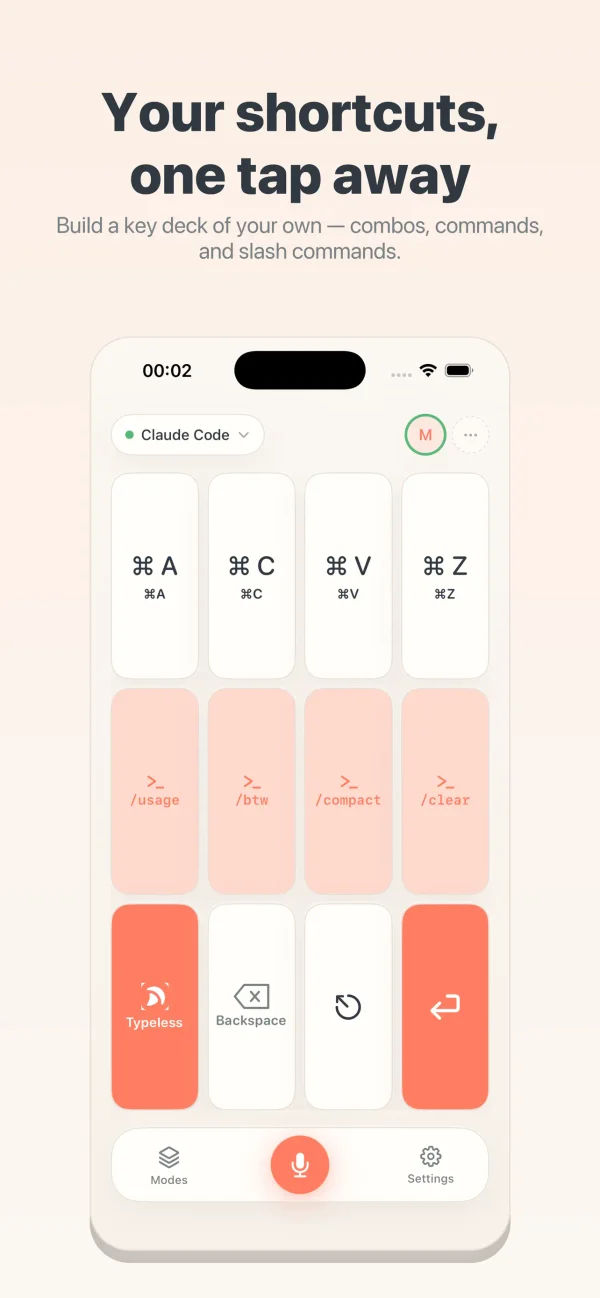
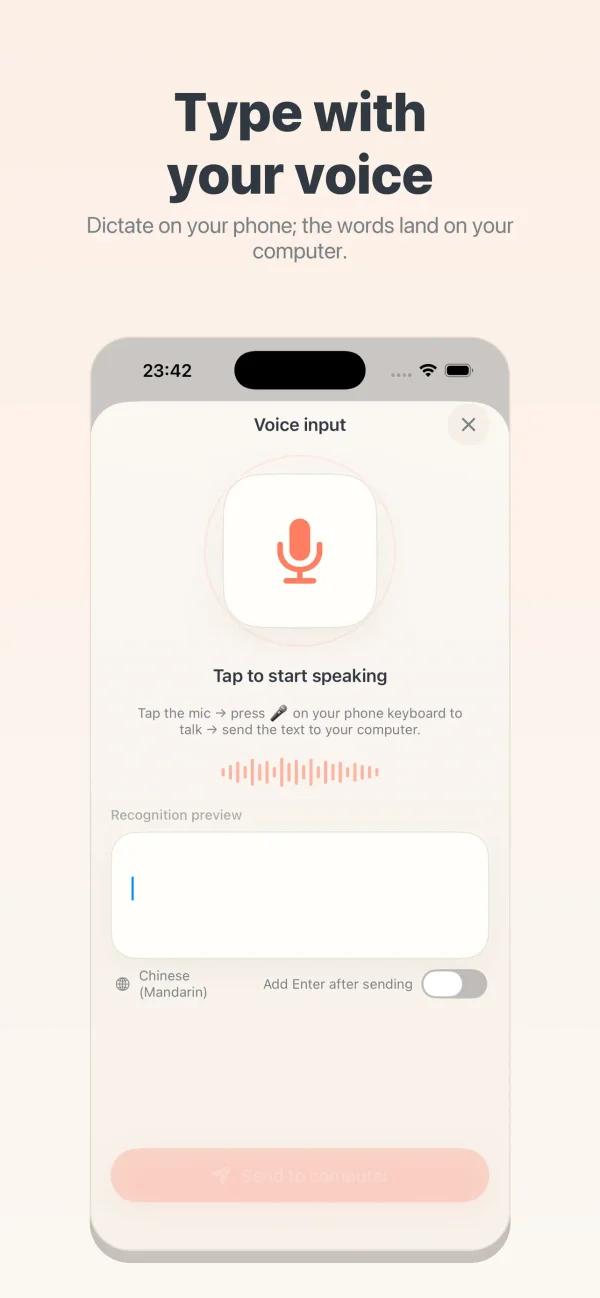
• Voice typing — dictate on your phone and send the text straight to your computer
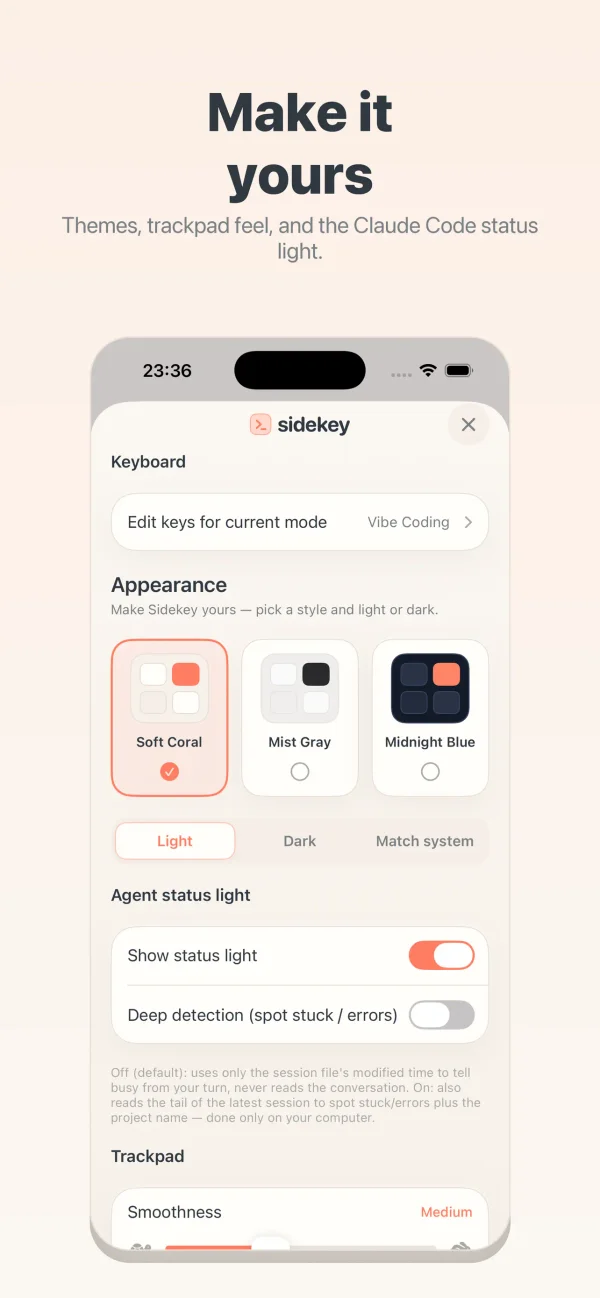
• Custom key designer — make your own keys, shortcuts and layouts
• Shortcuts & combos — Cmd/Ctrl/Alt/Shift, function keys, media keys, and left/right-specific modifiers
• Trackpad — use your phone as a touchpad with left and right buttons
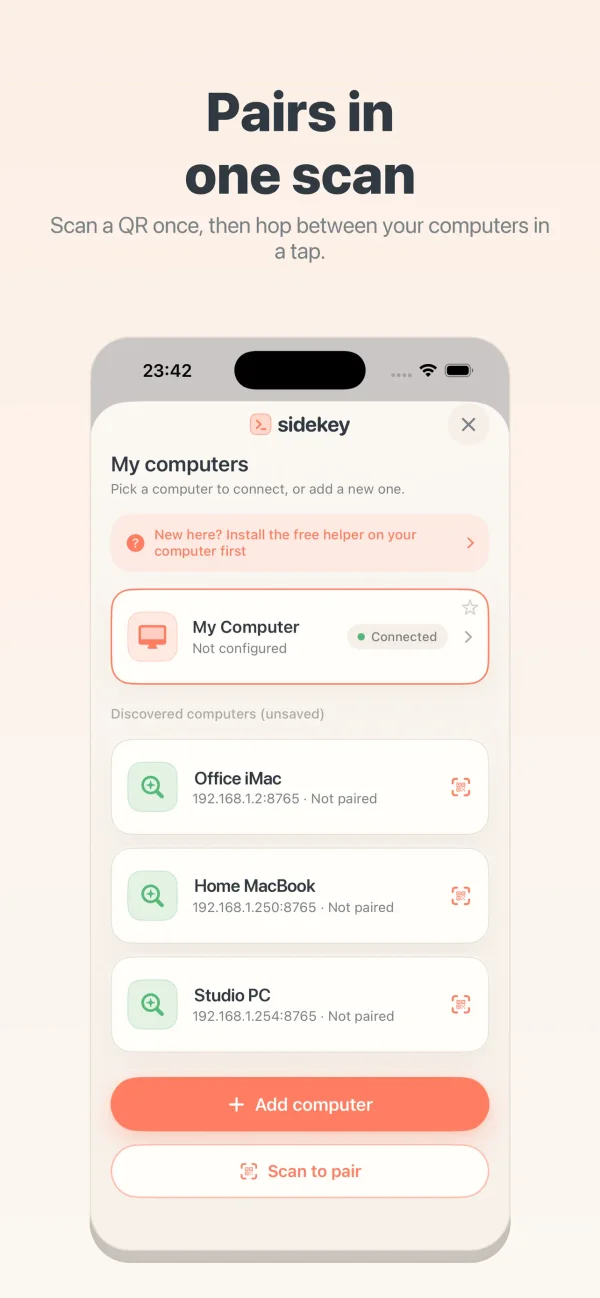
• Multiple computers — pair several and switch between them in one tap
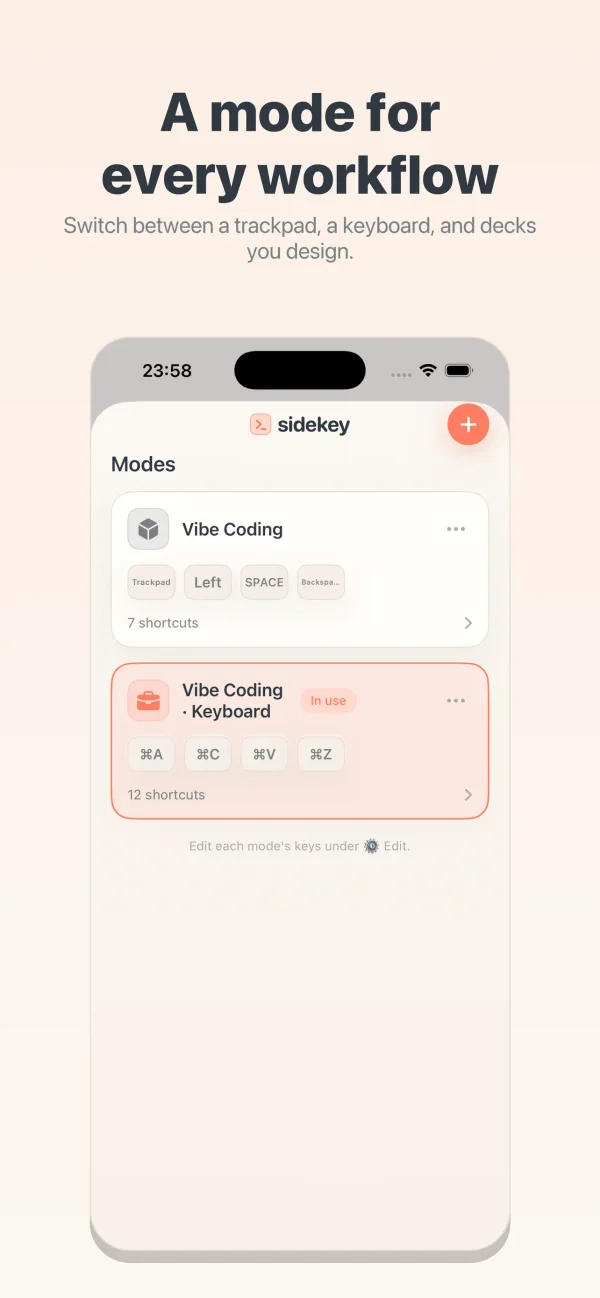
• Modes for every job — a shortcut deck, a trackpad, a full keyboard, and Codex Micro for Claude Code and Codex
• Quick pairing — scan a QR code once; it reconnects automatically
• Private by design — no account, no tracking, nothing sent to the developer
HOW IT WORKS
Sidekey works together with a small, free desktop helper you run on the computer you want to control. Put both devices on the same Wi‑Fi, scan a QR code once to pair, and you're connected. Pairing is secured with a token, and your keystrokes travel directly to your own computer — never through us.
REQUIRES THE FREE DESKTOP HELPER
Sidekey needs the free Sidekey helper running on your Mac or Windows computer. Download it from the link on our support page.
Questions or ideas? We'd love to hear from you.
Có gì mới
Phiên bản 1.1.1 · 11/11/2026
Fixes iPhone Duo: on real devices the inner display was treated as a regular iPhone screen, so the big-screen layout, the keyboard/trackpad split and the laptop keyboard didn't appear. They now show up as soon as you unfold. The laptop keyboard in landscape also no longer reports "not enough space" near the camera.
Quyền riêng tư của ứng dụng
Những gì Kaihong Chen khai báo trên App Store về cách ứng dụng này xử lý dữ liệu.
-
Dữ liệu không được thu thập
Nhà phát triển không thu thập bất kỳ dữ liệu nào từ ứng dụng này.
Phương thức đảm bảo quyền riêng tư có thể khác nhau, chẳng hạn như tuỳ theo các tính năng bạn sử dụng hoặc độ tuổi của bạn.
Thông tin
- Người bán
- Kaihong Chen
- Danh mục
- Tiện Ích
- Phiên bản
- 1.1.1
- Cập nhật
- 11/11/2026
- Phát hành
- 08/07/2026
- Kích thước
- 5,8 MB
- Yêu cầu
- iOS 16.0 trở lên
- Độ tuổi
- 4+
- Giá
- Miễn phí
- Ngôn ngữ
- Tiếng Anh, Tiếng Trung Giản thể
- Bản quyền
- © 2026 Kaihong Chen