
- Altersfreigabe4+
- KategorieDienstprogramme
- EntwicklerTom Brereton
- SprachenEnglisch+ 5 weitere
- Größe119,1 MB
Verlinkt auf die offizielle App Store-Seite
Download.org hostet keine Datei von SidePilot. Die Schaltfläche öffnet die App-Seite bei App Store, wo Tom Brereton die App veröffentlicht. Eintrag zuletzt geprüft am 16.11.2026.
Screenshots
Info
Der Entwickler hat diesen Text nicht in Ihrer Sprache bereitgestellt.
The BEST ArduPilot GCS for iPhone and iPadOS!
Works with ArduPilot autopilot via WiFi, Bluetooth Low Energy or Cellular connection, including 3DR Solo.
Supports ExpressLRS MAVLink telemetry.
NOTE: You must have either WiFi, Cellular or Serial Bluetooth connection to your drone.
User Manual is available at https://sidepilot.net
Features:
• Supports ArduCopter, ArduPlane and ArduRover via ELRS, WiFi or Bluetooth.
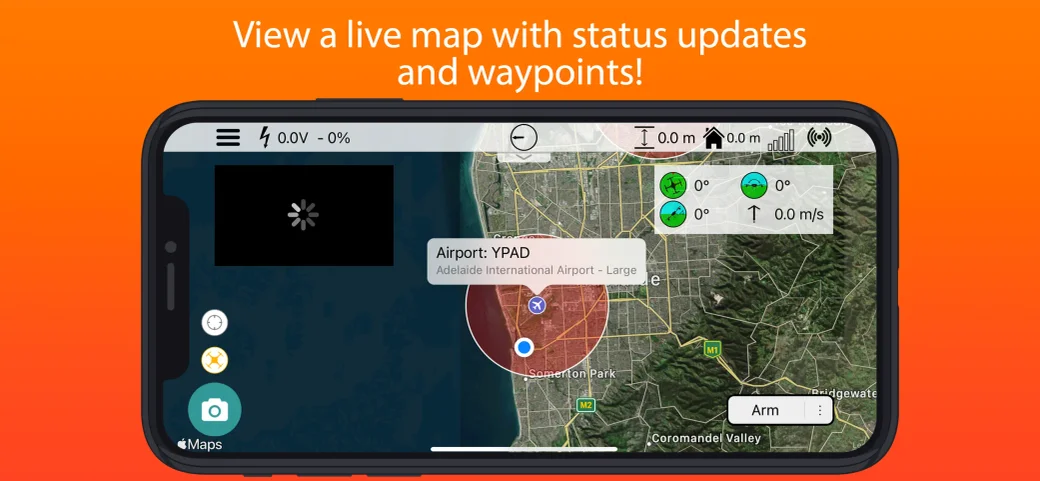
• Displays current drone location, with information such as altitude, yaw, pitch and roll.
• Internet ADSB to display nearby aircraft and provide warnings.
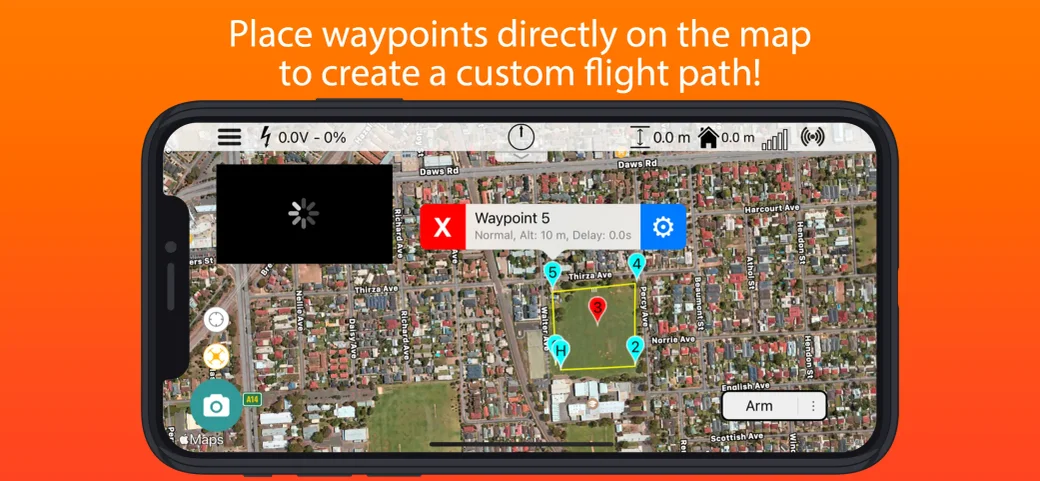
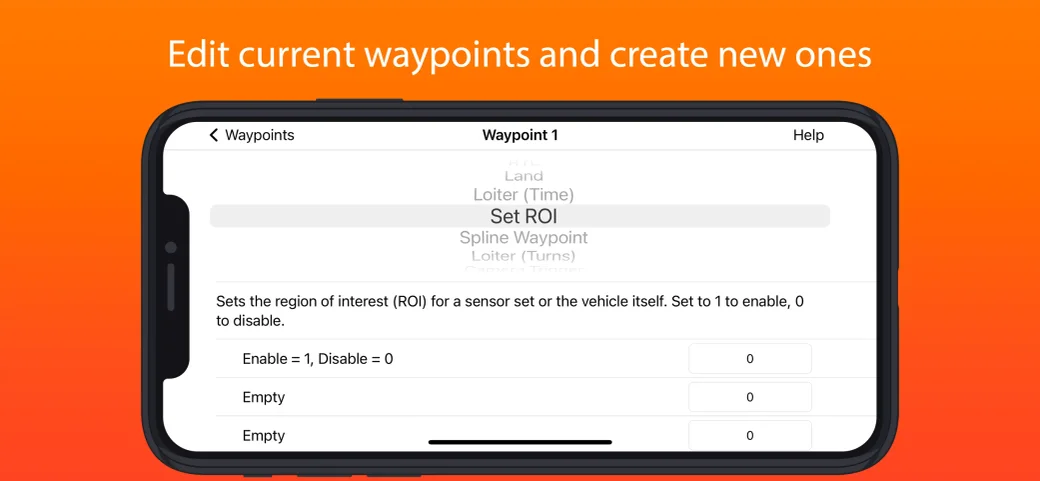
• Create, edit and delete waypoints and geofences.
• Audible alerts for important information.
• Edit, save and load parameters.
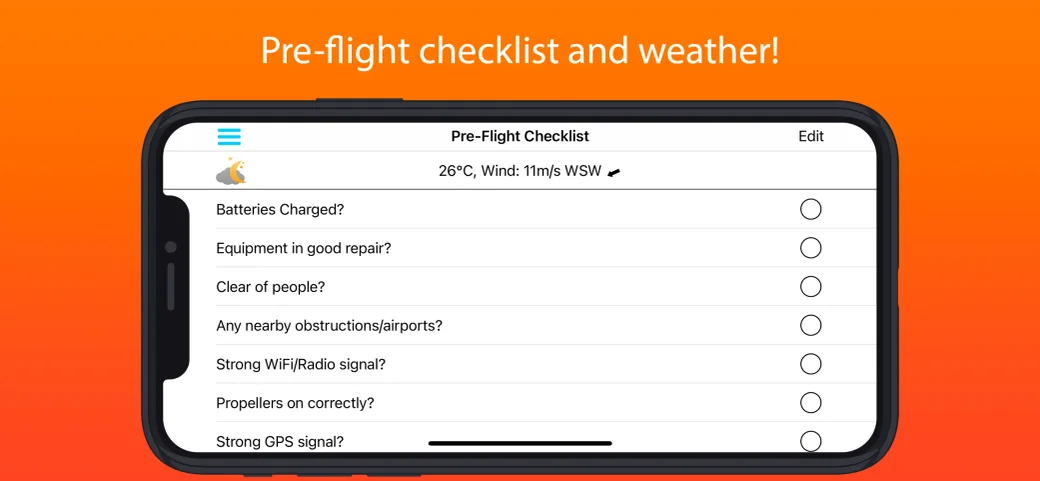
• Perform a Pre-Flight checklist with live weather information.
• Low battery warnings and alerts.
• View onboard video, and live stream it to YouTube.
• Record telemetry logs and export for sharing.
• Follow Me - Have your drone follow you using your devices GPS location, or visually with Object Tracking.
• Orbit mode - Automatically orbit an object for a fantastic cinematic shots!
• Grid Waypoints - Create a survey grid to fly.
• Tap to fly - Tap a location on the map to send your drone there!
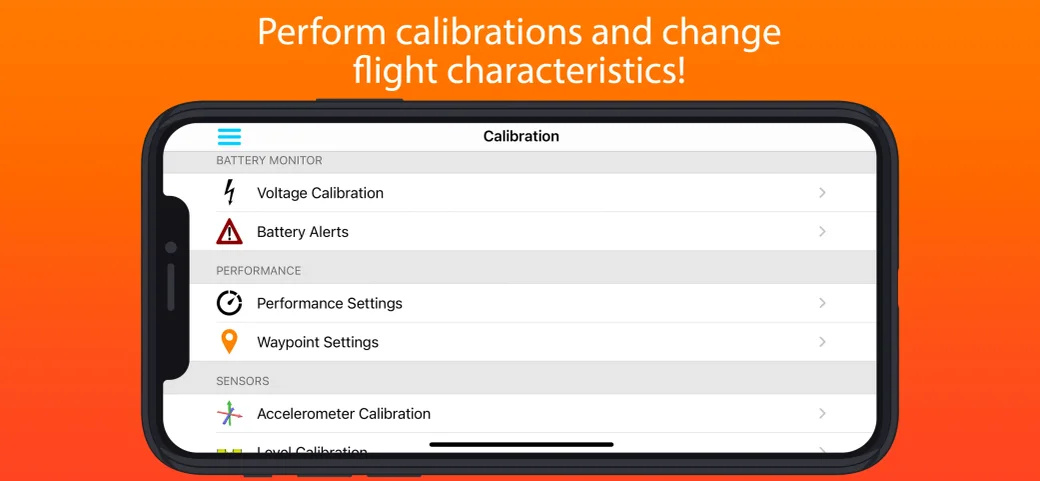
• Perform calibrations at the field.
• DroneCAN Viewer and parameter editor.
• And many, many more...
Quick-start guide (Using a WiFi connection):
1. Turn on drone and connect using WiFi.
2. Start SidePilot, navigate to settings and select either WiFi UDP, TCP or 3DR Solo (as applicable).
3. If setting up WiFi manually, click on WiFi Settings and input the correct IP address and port that the MAVLink protocol is running over.
4. Go back to the main screen and press the connect button on the top right. The app will begin displaying information about the drone. If not, double check your WiFi settings.
Please post suggestions and bug reports on the SidePilot Facebook page or via email to tom@sidepilot.net
WARNING: Continued use of GPS running in the background can dramatically decrease battery life.
Note: iPads without cellular do not have GPS capability unless tethered to a iOS Device with cellular, and even then it is poor and not suitable for navigation.
Neue Funktionen
Version 2.180 · 31.10.2026
- Quick Map Controls on main window
- Terrain shader overlay
- Improved network stability
- Improved feedback reporting
- Bug fixes
App-Datenschutz
Was Tom Brereton im App Store zum Umgang dieser App mit Daten angibt.
-
Nicht mit Ihnen verknüpfte Daten
Können erfasst werden, sind aber nicht mit Ihrer Identität verknüpft.
- Nutzungsdaten
Die Datenschutzpraktiken können variieren, zum Beispiel je nach den von Ihnen verwendeten Funktionen oder Ihrem Alter.
Informationen
- Anbieter
- Tom Brereton
- Kategorie
- Dienstprogramme
- Version
- 2.180
- Aktualisiert
- 31.10.2026
- Veröffentlicht
- 29.09.2016
- Größe
- 119,1 MB
- Erfordert
- iOS 16.6 oder neuer
- Altersfreigabe
- 4+
- Preis
- 14,99 €
- Sprachen
- Englisch, Französisch, Deutsch, Vereinf. Chinesisch, Spanisch, Ukrainisch
- Copyright
- © 2026 Tom Brereton
Das könnte Ihnen auch gefallen
-
 iDevice MonitorGeräte Systeminformationen
-
 QR Reader*Dienstprogramme
-
 SnapContact - Face to ContactsDienstprogramme
-
 QRooDienstprogramme
-
 UnagentDienstprogramme
-
 Scrollie: Langer ScreenshotZusammenfügen & Untertitel
-
 Epoch XDienstprogramme
-
 CleanerBot: clean up storageDienstprogramme
-
 websightDienstprogramme
-
 Tempo Lab: Metronome & DrumsDienstprogramme