- 対象年齢4+
- カテゴリユーティリティ
- 開発元Tom Brereton
- 言語英語ほか5言語
- サイズ119.1 MB
App Storeの公式ページにリンクしています
Download.orgはSidePilotのファイルを一切ホストしていません。ボタンを押すと、Tom Breretonが公開しているApp Storeのアプリページが開きます。ページの最終確認:2026/11/16。
スクリーンショット
概要
開発元はこのテキストをお使いの言語で提供していません。
The BEST ArduPilot GCS for iPhone and iPadOS!
Works with ArduPilot autopilot via WiFi, Bluetooth Low Energy or Cellular connection, including 3DR Solo.
Supports ExpressLRS MAVLink telemetry.
NOTE: You must have either WiFi, Cellular or Serial Bluetooth connection to your drone.
User Manual is available at https://sidepilot.net
Features:
• Supports ArduCopter, ArduPlane and ArduRover via ELRS, WiFi or Bluetooth.
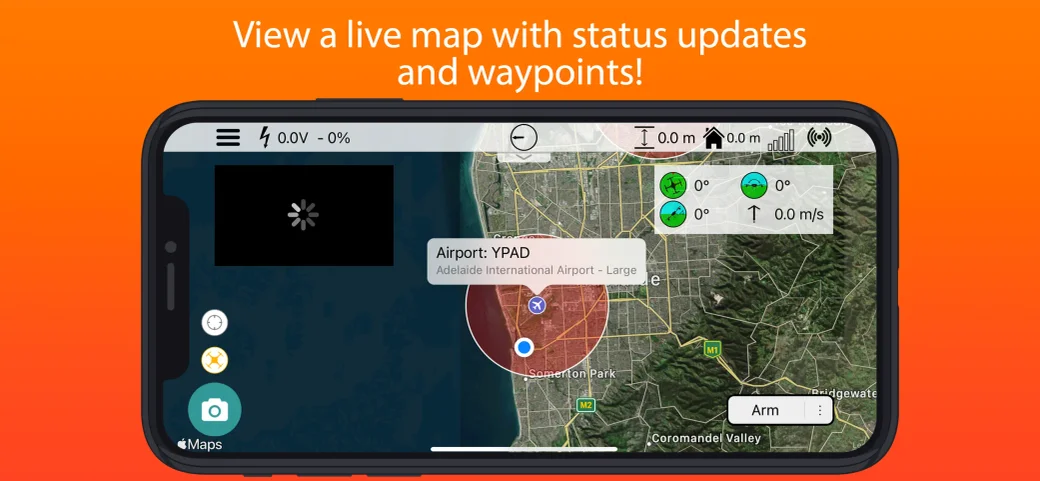
• Displays current drone location, with information such as altitude, yaw, pitch and roll.
• Internet ADSB to display nearby aircraft and provide warnings.
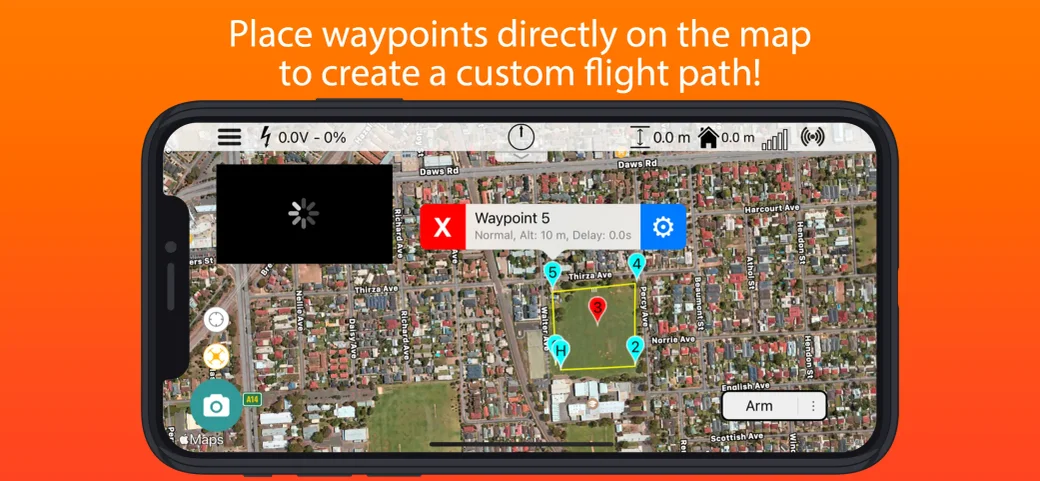
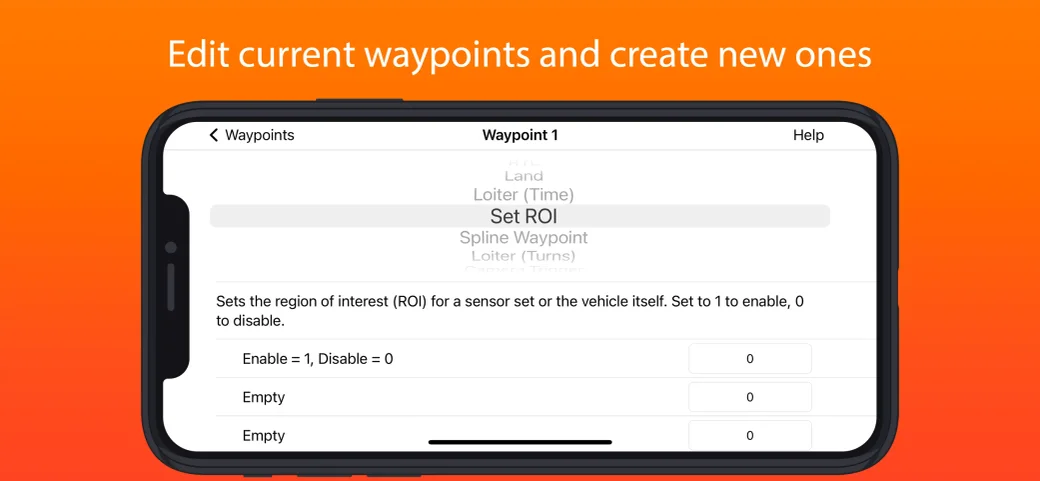
• Create, edit and delete waypoints and geofences.
• Audible alerts for important information.
• Edit, save and load parameters.
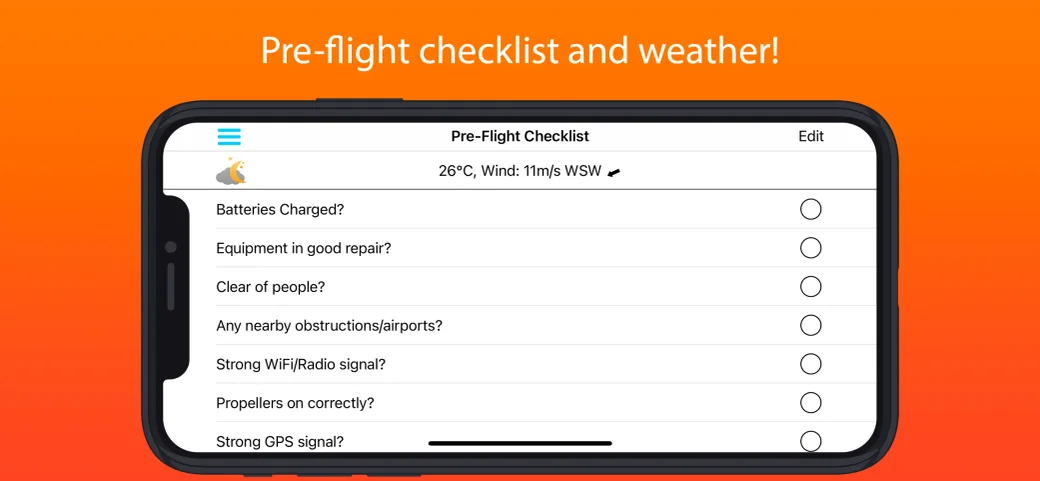
• Perform a Pre-Flight checklist with live weather information.
• Low battery warnings and alerts.
• View onboard video, and live stream it to YouTube.
• Record telemetry logs and export for sharing.
• Follow Me - Have your drone follow you using your devices GPS location, or visually with Object Tracking.
• Orbit mode - Automatically orbit an object for a fantastic cinematic shots!
• Grid Waypoints - Create a survey grid to fly.
• Tap to fly - Tap a location on the map to send your drone there!
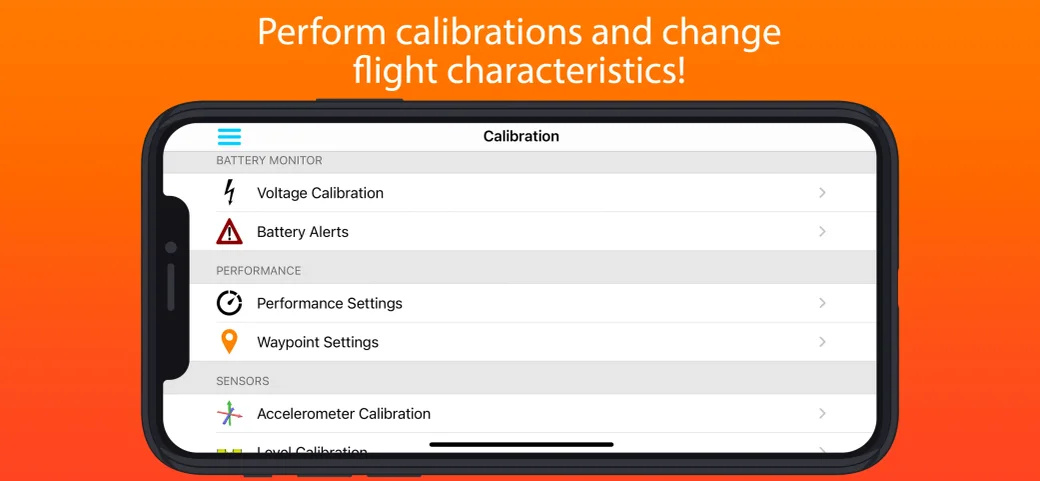
• Perform calibrations at the field.
• DroneCAN Viewer and parameter editor.
• And many, many more...
Quick-start guide (Using a WiFi connection):
1. Turn on drone and connect using WiFi.
2. Start SidePilot, navigate to settings and select either WiFi UDP, TCP or 3DR Solo (as applicable).
3. If setting up WiFi manually, click on WiFi Settings and input the correct IP address and port that the MAVLink protocol is running over.
4. Go back to the main screen and press the connect button on the top right. The app will begin displaying information about the drone. If not, double check your WiFi settings.
Please post suggestions and bug reports on the SidePilot Facebook page or via email to tom@sidepilot.net
WARNING: Continued use of GPS running in the background can dramatically decrease battery life.
Note: iPads without cellular do not have GPS capability unless tethered to a iOS Device with cellular, and even then it is poor and not suitable for navigation.
新機能
バージョン 2.180 · 2026/10/31
- Quick Map Controls on main window
- Terrain shader overlay
- Improved network stability
- Improved feedback reporting
- Bug fixes
アプリのプライバシー
このアプリのデータの取り扱いについて、Tom BreretonがApp Storeで申告している内容です。
-
ユーザーに関連付けられないデータ
収集される場合がありますが、ユーザーの識別情報には関連付けられません。
- 使用状況データ
プライバシーの取り扱いは、ご利用の機能やお客様の年齢などに応じて異なる場合があります。
情報
- 販売元
- Tom Brereton
- カテゴリ
- ユーティリティ
- バージョン
- 2.180
- 更新日
- 2026/10/31
- リリース
- 2016/9/29
- サイズ
- 119.1 MB
- 必要条件
- iOS 16.6以降
- 対象年齢
- 4+
- 価格
- ¥2,200
- 言語
- 英語, フランス語, ドイツ語, 簡体字中国語, スペイン語, ウクライナ語
- 著作権
- © 2026 Tom Brereton