- Altersfreigabe4+
- KategorieDienstprogramme
- EntwicklerSimulation Lab Software
- SprachenEnglisch
- Größe337,7 MB
Verlinkt auf die offizielle App Store-Seite
Download.org hostet keine Datei von SimLab AR/VR Viewer. Die Schaltfläche öffnet die App-Seite bei App Store, wo Simulation Lab Software die App veröffentlicht. Eintrag zuletzt geprüft am 17.11.2026.
Screenshots
Info
Der Entwickler hat diesen Text nicht in Ihrer Sprache bereitgestellt.
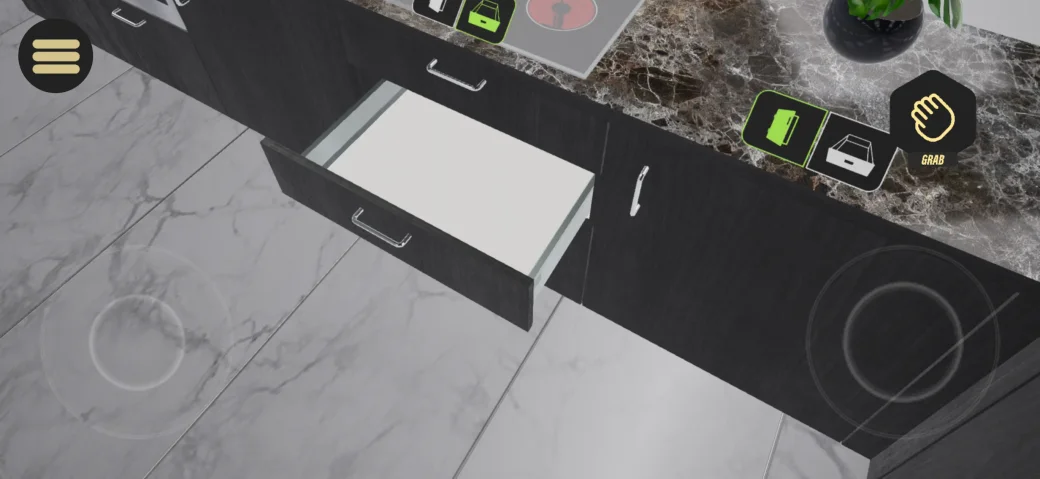
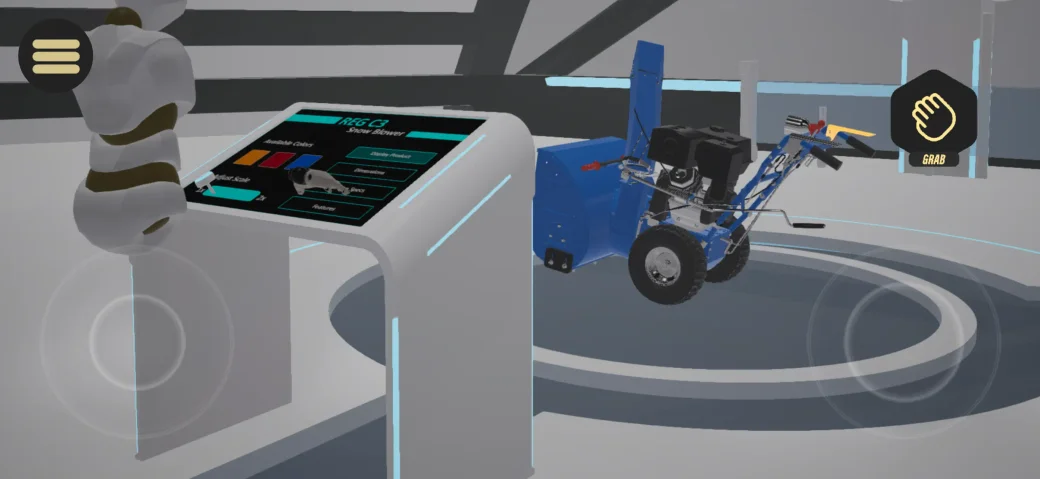
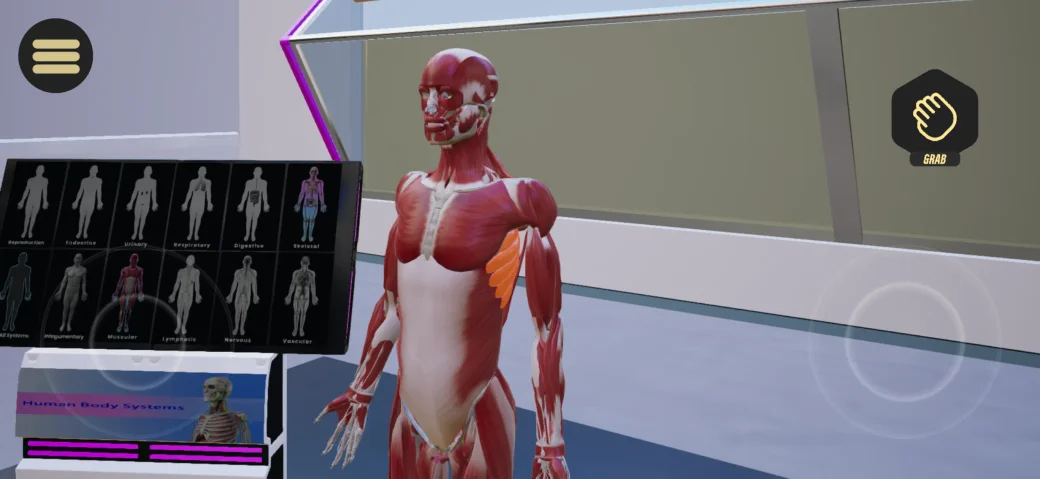
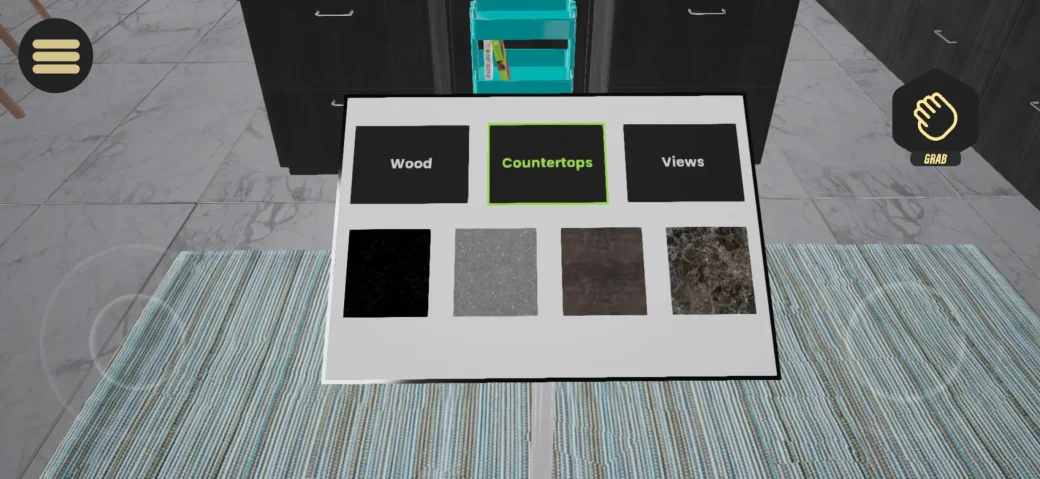
SimLab AR/VR Viewer allows you to explore interactive 3D and VR experiences created using SimLab Composer or SimLab VR Studio. These tools prepare 3D models from more than 30 supported file formats and convert them into fully interactive scenes that you can open and view on your Apple device.
Important:
3D files (such as FBX, OBJ, or USDZ) must be prepared in SimLab Composer or SimLab VR Studio before viewing. Direct file import into the app is not supported.
Features:
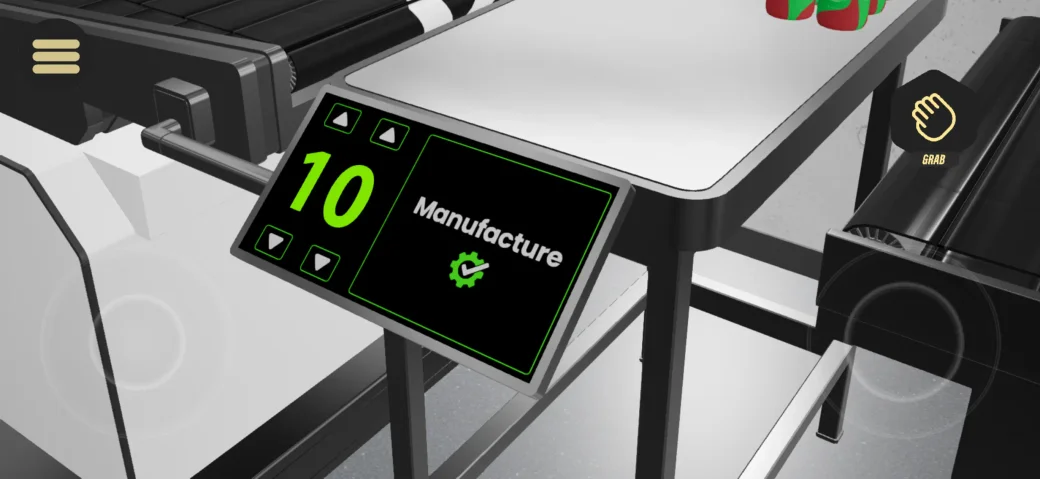
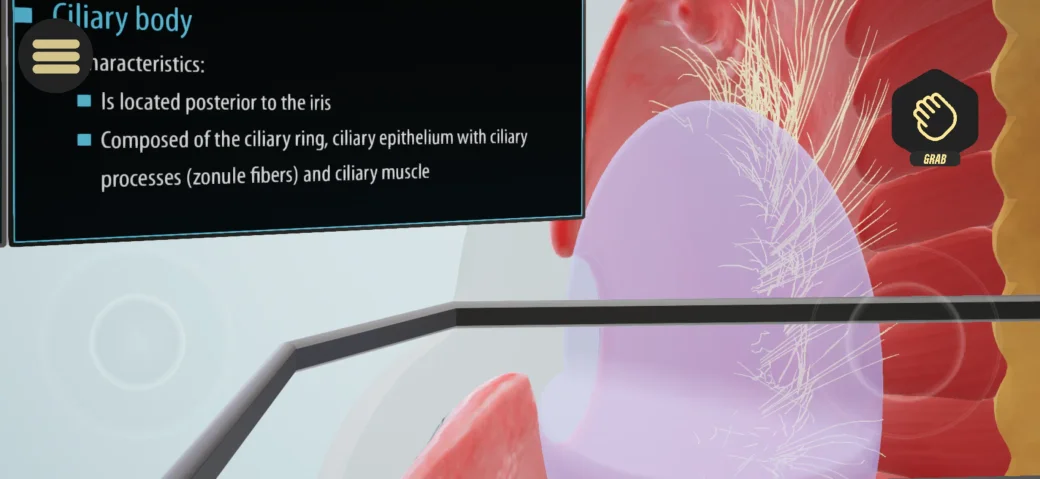
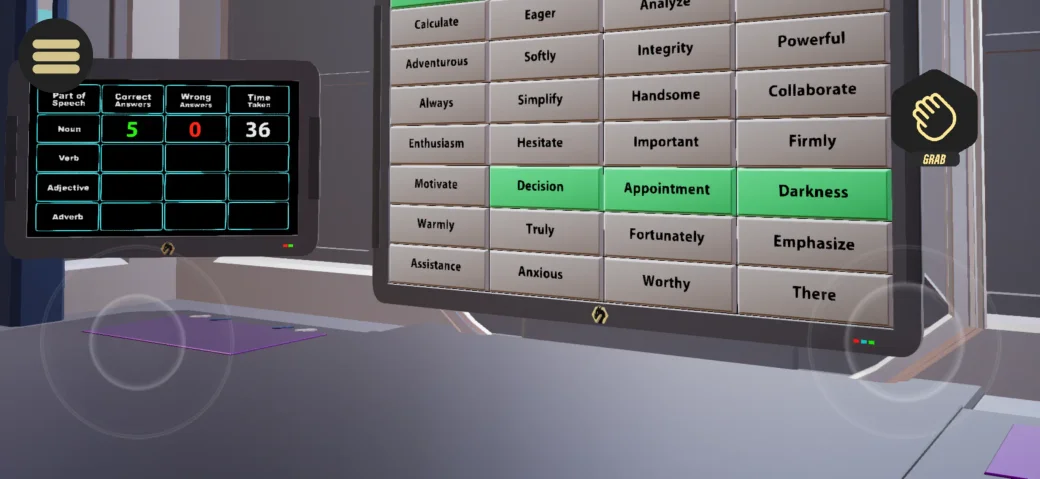
• View complete VR training and educational simulations.
• Explore mechanical assemblies and interact with prepared 3D objects.
• Deliver hands-on demonstrations and immersive learning experiences.
• Add measurements and notes for review and collaboration.
• Join multi-user sessions to communicate and work together in real time across supported platforms.
• Sync wirelessly with SimLab Composer or SimLab VR Studio to transfer and update VR experiences.
Ideal For:
• Architects and engineers: Review designs and model details in an immersive environment.
• Educators and trainers: Present interactive lessons and simulations.
• Designers and product teams: Showcase prototypes and concepts.
• Collaborative teams: Meet inside shared VR spaces to review work together.
To create VR experiences that can be viewed in this app, use SimLab Composer or SimLab VR Studio on desktop.
Neue Funktionen
Version 16.0.7 · 19.07.2026
• Grab & Grabbable Sequence Improvements: Apply Grabbable Object properties and Grabbable Sequences to a single asset simultaneously, enabling complex, multi-layered manual interactions on interconnected object parts.
• VR Runtime QR Code Interactivity: Scan physical or virtual QR codes during simulations to read data strings and dynamically trigger context-specific events.
• Quest 3 Instant QR Launch: Load VR experiences instantly on Meta Quest 3 by scanning a QR code, completely bypassing the account login process.
• Quest Hand Tracking in PC-VR: Utilize native Meta Quest hand tracking seamlessly while streaming heavy, high-fidelity experiences via tethered PC-VR mode.
• Hand Attachment Tools: Pin 3D objects or custom animation sequences directly to virtual hands to ensure they follow and move perfectly with the player's hands.
• Adding Enhancements for overall performance and Fixing some bugs in the Application To Enhance the overall User Experience
App-Datenschutz
Was Simulation Lab Software im App Store zum Umgang dieser App mit Daten angibt.
-
Keine Daten erfasst
Der Entwickler erfasst keine Daten von dieser App.
Die Datenschutzpraktiken können variieren, zum Beispiel je nach den von Ihnen verwendeten Funktionen oder Ihrem Alter.
Informationen
- Anbieter
- Simulation Lab Software
- Kategorie
- Dienstprogramme
- Version
- 16.0.7
- Aktualisiert
- 19.07.2026
- Veröffentlicht
- 15.02.2018
- Größe
- 337,7 MB
- Erfordert
- iOS 15.0 oder neuer
- Altersfreigabe
- 4+
- Preis
- Kostenlos
- Sprachen
- Englisch
- Copyright
- © 2026 Simulation Lab Software L.L.C
Das könnte Ihnen auch gefallen
-
 VR Camera ViewerDienstprogramme
-
 SKM AR ViewerIhre 3D Modelle in AR
-
 RTAB-Map - 3D LiDAR ScannerDienstprogramme
-
 VRPlayerXDienstprogramme
-
 vrBox - VR PlayerDienstprogramme
-
 3D-Dateibetrachter ProSTP STL FBX GLTF & mehr
-
 Linear Interpolation MasterDienstprogramme
-
 Glovius - 3D CAD File ViewerDienstprogramme
-
 SiteScape - LiDAR 3D Scanner3D Scanning for Construction