- Classification d’âge4+
- CatégorieUtilitaires
- DéveloppeurSimulation Lab Software
- LanguesAnglais
- Taille345,3 Mo
Renvoie vers la page App Store officielle
Download.org n’héberge aucun fichier de SimLab AR/VR Viewer. Le bouton ouvre la page de l’application sur App Store, où Simulation Lab Software la publie. Fiche vérifiée pour la dernière fois le 27/11/2026.
Captures d’écran
À propos
Le développeur n’a pas fourni ce texte dans votre langue.
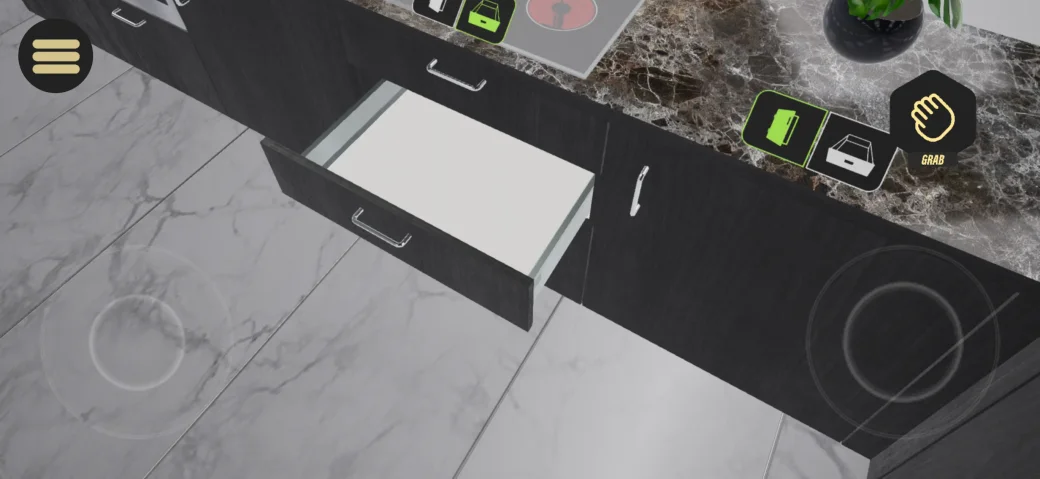
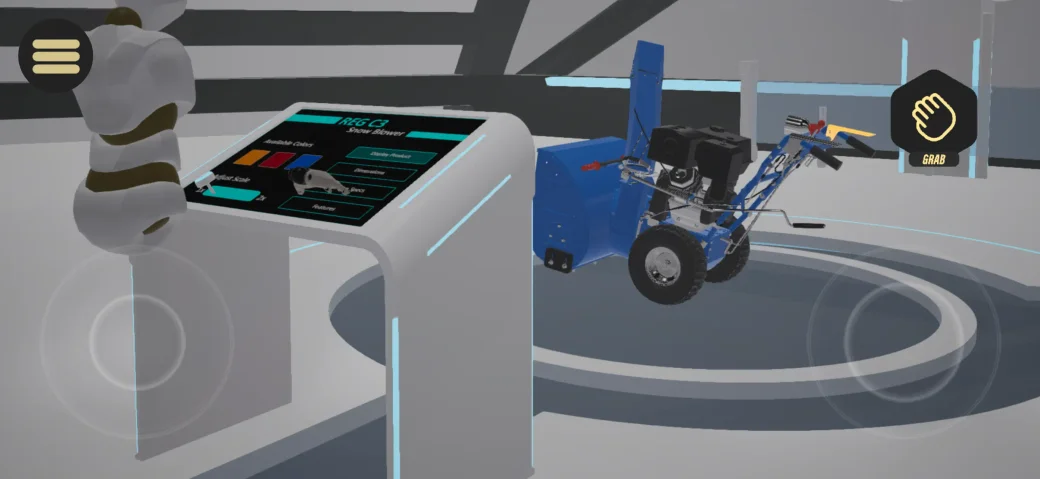
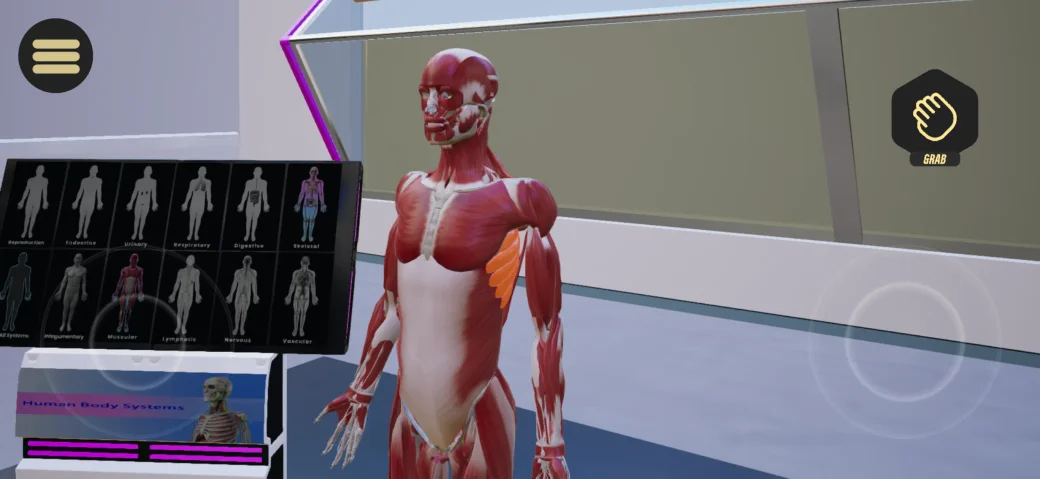
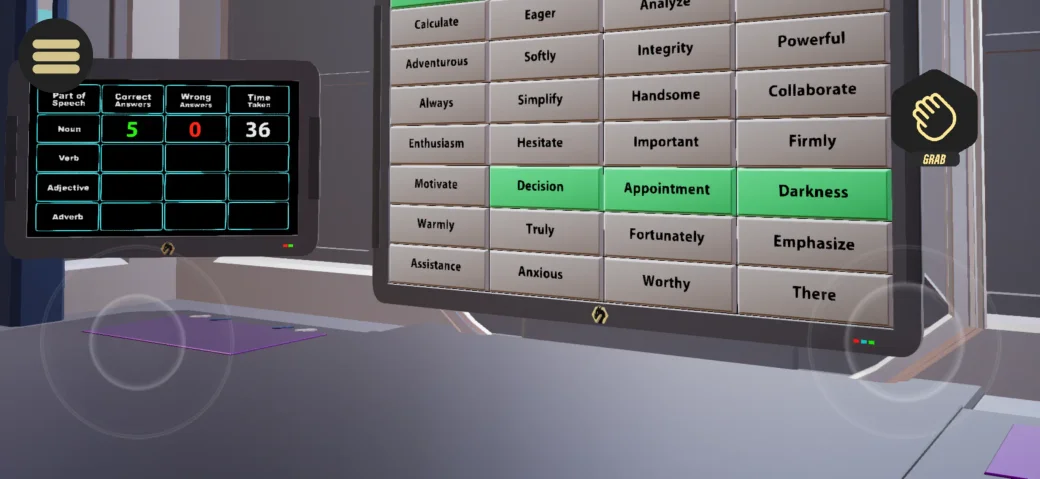
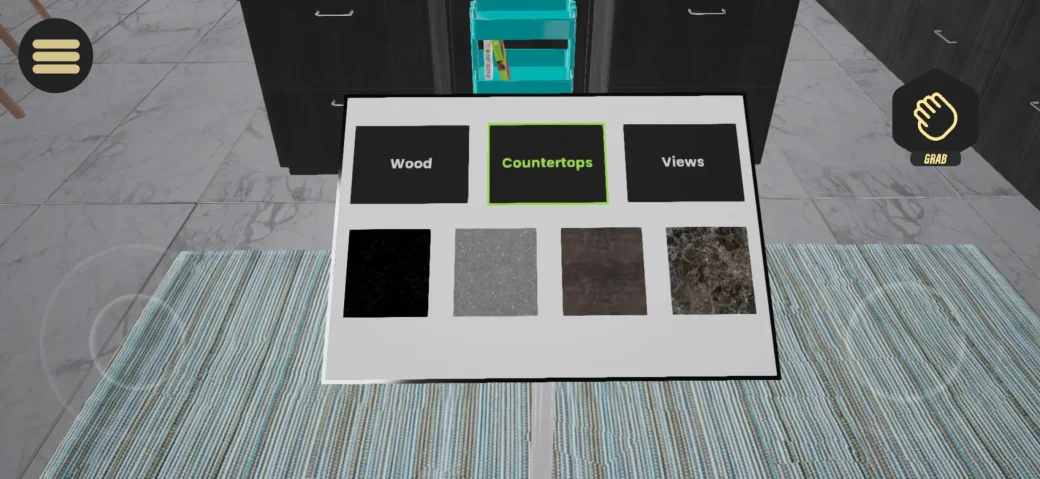
SimLab AR/VR Viewer allows you to explore interactive 3D and VR experiences created using SimLab Composer or SimLab VR Studio. These tools prepare 3D models from more than 30 supported file formats and convert them into fully interactive scenes that you can open and view on your Apple device.
Important:
3D files (such as FBX, OBJ, or USDZ) must be prepared in SimLab Composer or SimLab VR Studio before viewing. Direct file import into the app is not supported.
Features:
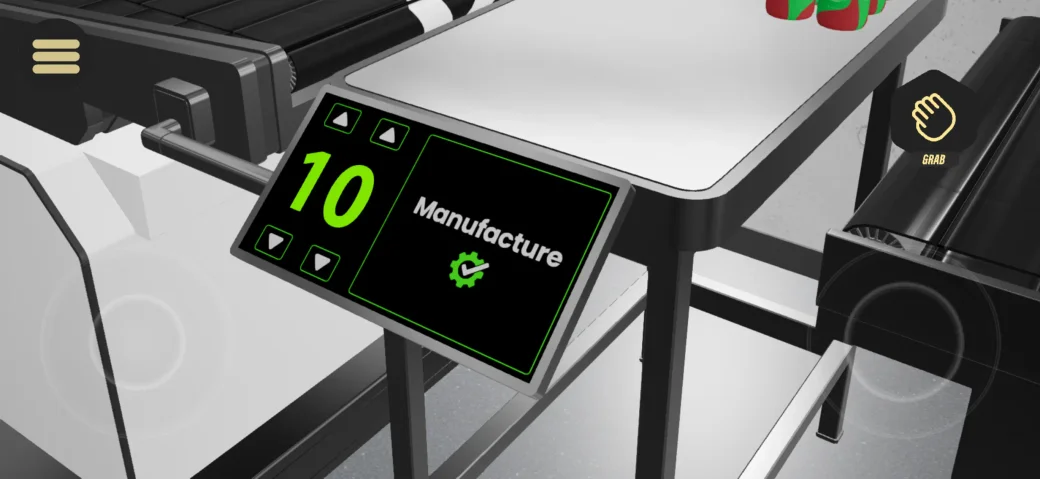
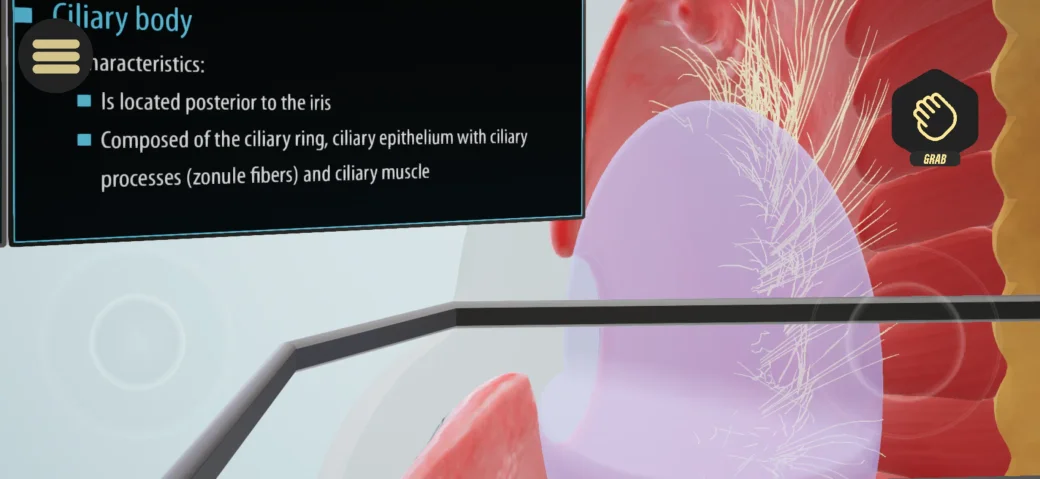
• View complete VR training and educational simulations.
• Explore mechanical assemblies and interact with prepared 3D objects.
• Deliver hands-on demonstrations and immersive learning experiences.
• Add measurements and notes for review and collaboration.
• Join multi-user sessions to communicate and work together in real time across supported platforms.
• Sync wirelessly with SimLab Composer or SimLab VR Studio to transfer and update VR experiences.
Ideal For:
• Architects and engineers: Review designs and model details in an immersive environment.
• Educators and trainers: Present interactive lessons and simulations.
• Designers and product teams: Showcase prototypes and concepts.
• Collaborative teams: Meet inside shared VR spaces to review work together.
To create VR experiences that can be viewed in this app, use SimLab Composer or SimLab VR Studio on desktop.
Nouveautés
Version 17.0.7 · 26/11/2026
-Supports every new SimLab Composer feature.
-New user-friendly and intuitive design.
-Place models on printed AprilTag markers.
-Improved Notes and user feedback.
-Support for interactive html panels as HUD.
-Scan QR codes to open Vrpackages.
-Web and app users now meet in the same collaboration room.
-Offline Experience viewing and transferring over wifi from SimLab Composer.
-New on-screen controls with a Jump button.
-Support for Gaussian splats, live mirrors, graphics presets.
-General fixes and improvements.
Confidentialité de l’application
Ce que Simulation Lab Software déclare sur l’App Store au sujet du traitement des données par cette application.
-
Données non collectées
Le développeur ne collecte aucune donnée à partir de cette application.
Les pratiques en matière de confidentialité peuvent varier, notamment en fonction des fonctionnalités que vous utilisez ou de votre âge.
Informations
- Vendeur
- Simulation Lab Software
- Catégorie
- Utilitaires
- Version
- 17.0.7
- Mis à jour
- 26/11/2026
- Publié
- 15/02/2018
- Taille
- 345,3 Mo
- Nécessite
- iOS 15.0 ou version ultérieure
- Classification d’âge
- 4+
- Prix
- Gratuit
- Langues
- Anglais
- Copyright
- © 2026 Simulation Lab Software L.L.C
Vous aimerez peut-être aussi
-
 VR Camera ViewerUtilitaires
-
 SKM AR ViewerUtilitaires
-
 RTAB-Map - 3D LiDAR ScannerUtilitaires
-
 VRPlayerXUtilitaires
-
 vrBox - VR PlayerUtilitaires
-
 Visionneur de Fichiers 3D ProSTP STL FBX GLTF et plus
-
 Linear Interpolation MasterUtilitaires
-
 Glovius - 3D CAD File ViewerUtilitaires
-
 SiteScape - LiDAR 3D Scanner3D Scanning for Architecture