- Altersfreigabe4+
- KategorieProduktivität
- EntwicklerBhautik Gadhiya
- SprachenEnglisch
- Größe18,2 MB
Verlinkt auf die offizielle App Store-Seite
Download.org hostet keine Datei von Simple PDF Converter. Die Schaltfläche öffnet die App-Seite bei App Store, wo Bhautik Gadhiya die App veröffentlicht. Eintrag zuletzt geprüft am 18.11.2026.
Screenshots
Info
Der Entwickler hat diesen Text nicht in Ihrer Sprache bereitgestellt.
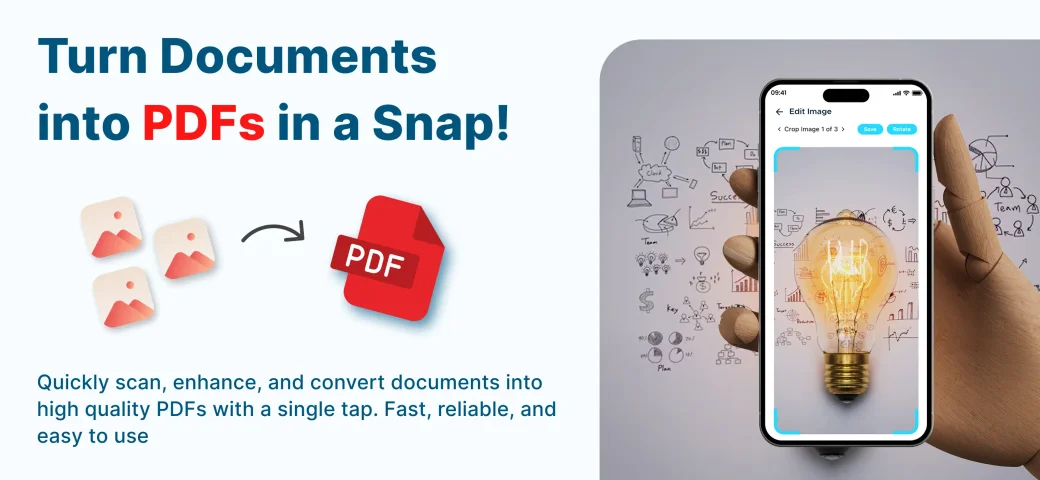
Transform Your Files into Customizable PDFs – Fast and Easy!
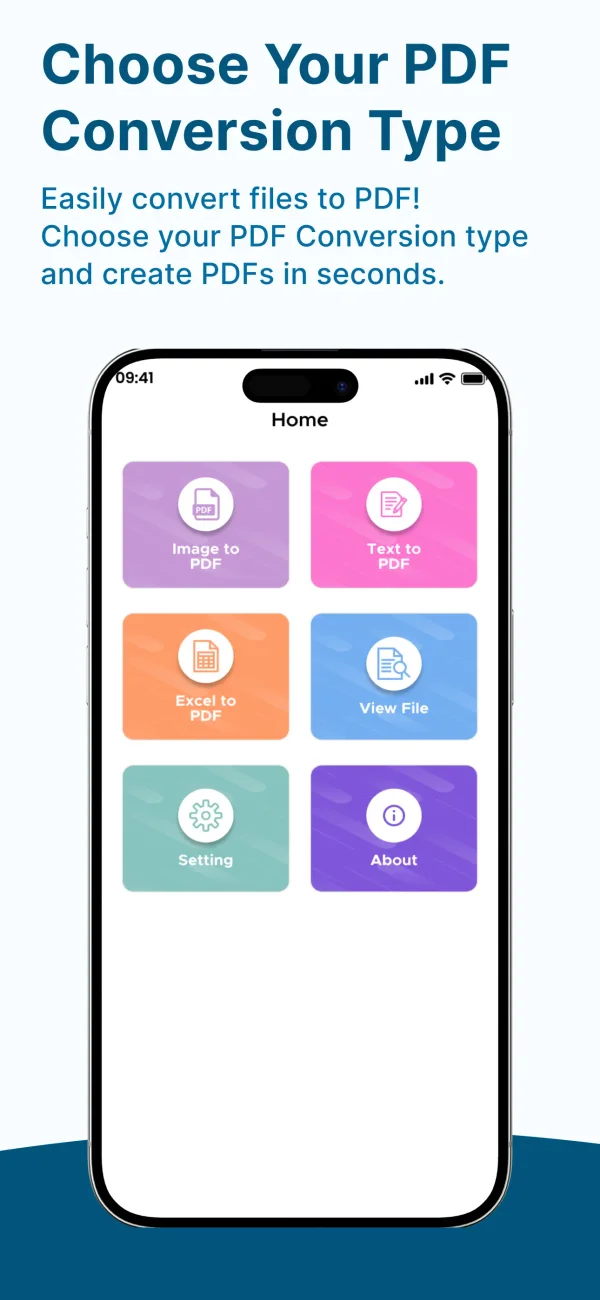
Convert images, text files, and Excel spreadsheets into professional-quality PDFs in seconds. Whether you're organizing documents, sharing reports, or archiving files, our all-in-one PDF Converter app for iOS gives you complete control over how your PDFs look and function.
Key Features:
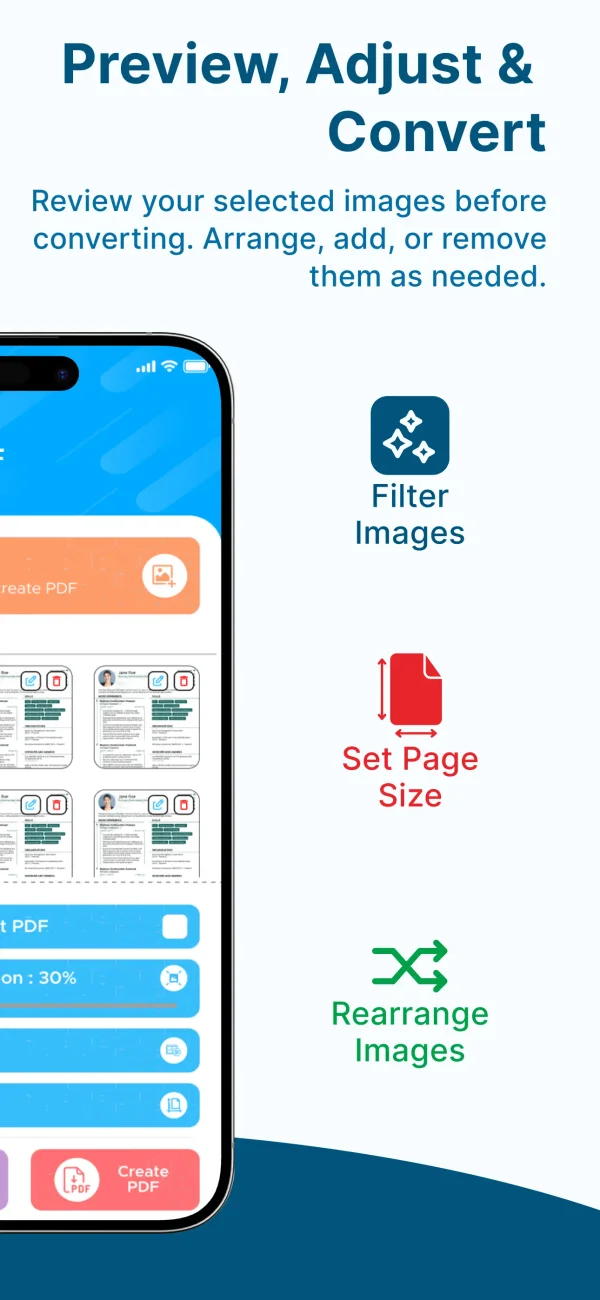
Image to PDF
Select photos from your gallery
Customize layout, orientation, padding, and borders
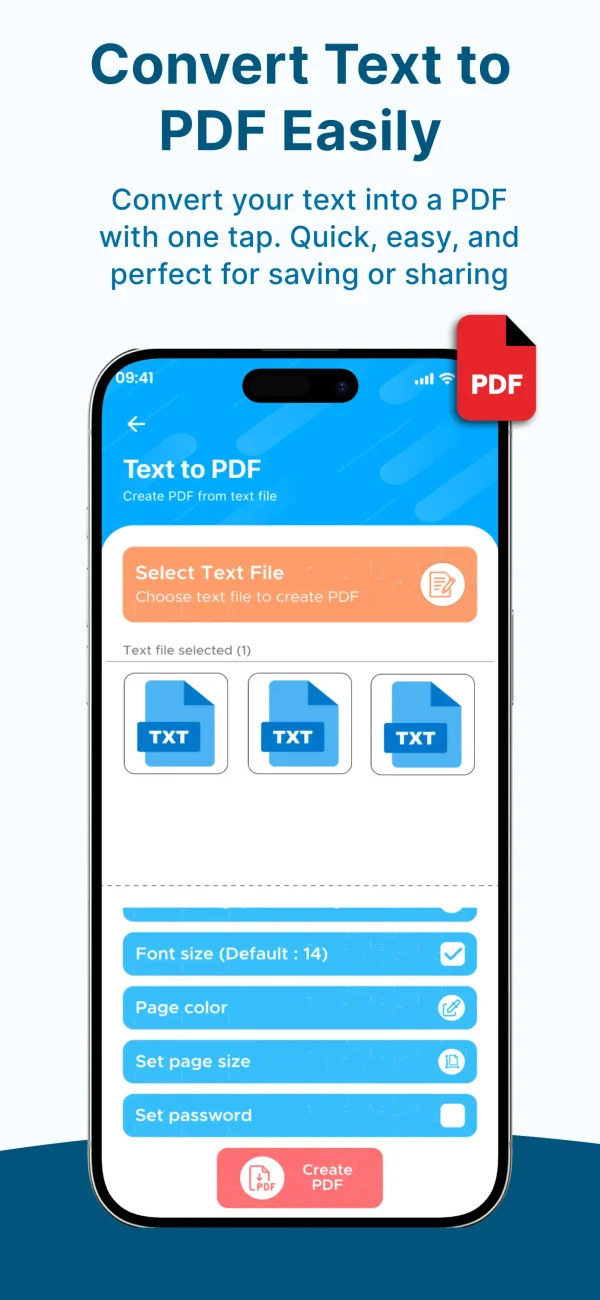
Text File to PDF
Import text files
Adjust font, size, alignment, and styling
Add headers, footers, and page numbers
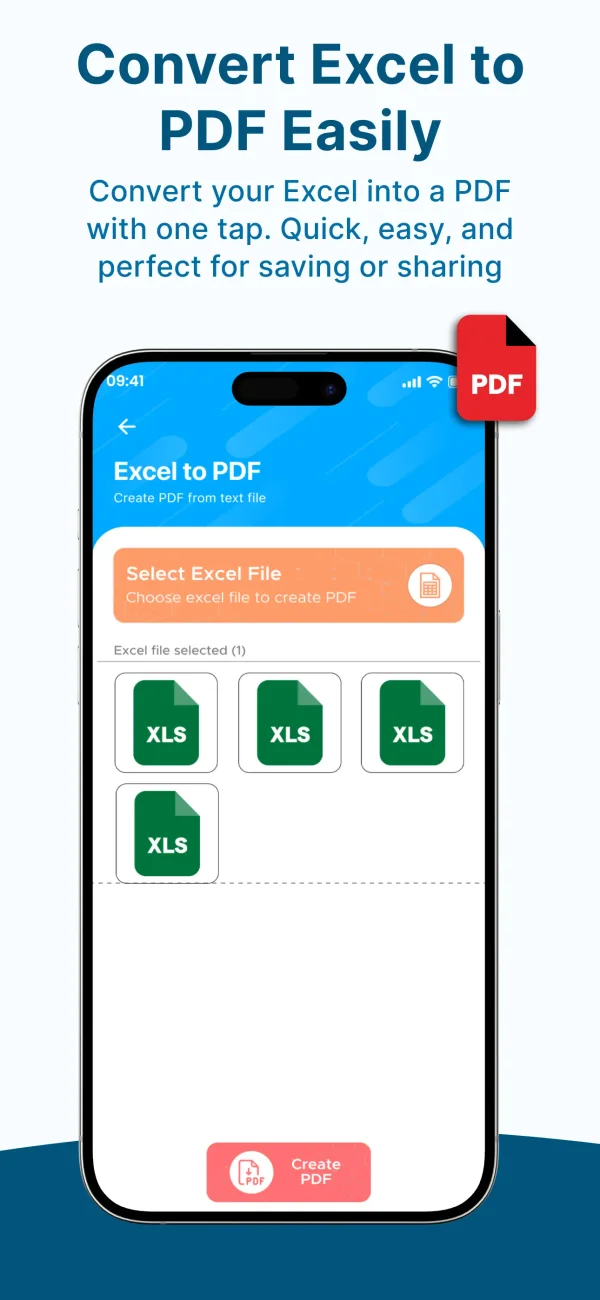
Excel to PDF
Convert spreadsheets with accurate formatting
Choose print areas, scaling, and sheet selection
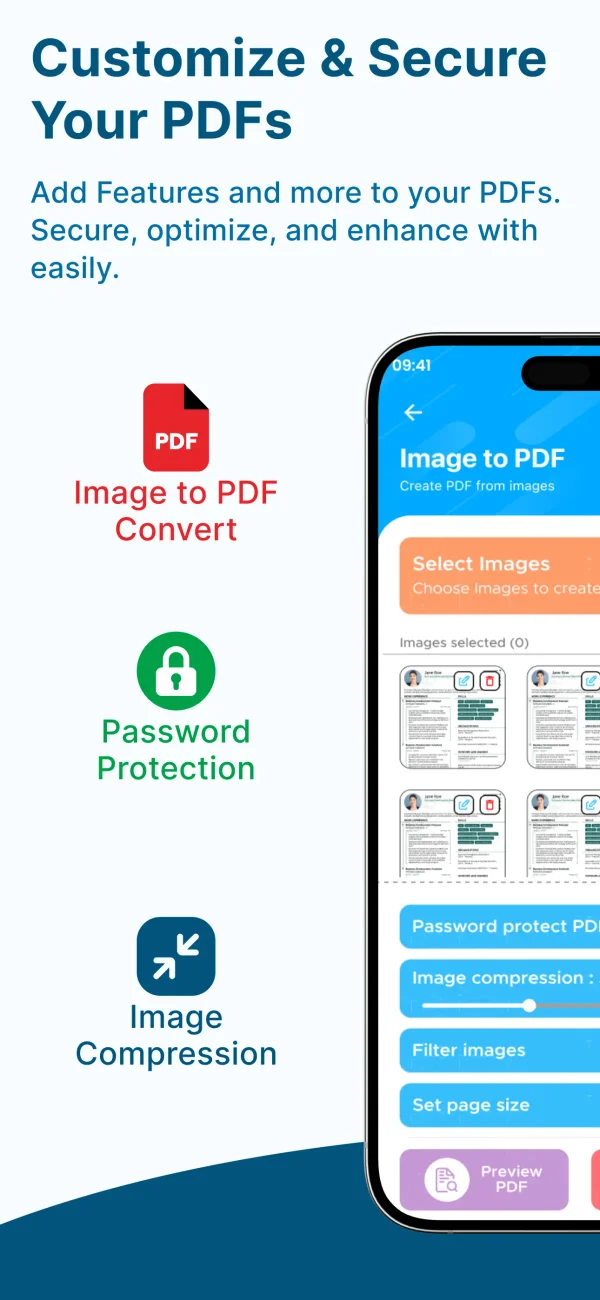
Full PDF Customization:
Font & Styling Options
Customize your PDF’s look with your favorite font, size, and alignment.
Watermark Support
Add custom text or image watermarks to protect your documents.
Add Password Protection
Secure your PDFs with passwords before sharing or saving.
Page Layout Control
Manage margins, page padding, orientation (portrait/landscape), and border styling.
Preview Before Saving
Instantly view your PDF before finalizing it to ensure everything looks perfect.
Built-in PDF History:
Track and Manage All PDFs You’ve Created:
View full history of created PDFs
Re-open, edit, and update old files
Rename, delete, or re-export as needed
Settings for a Personalized Experience:
Set Your Defaults Once – Use Everywhere:
Choose your preferred fonts, margins, and watermark settings
Save time by auto-applying default settings to all new conversions
Seamless File Handling:
Import files from Files app, email attachments, or other apps
Save to Files, share via AirDrop, mail, or any other app
Print directly from your iPhone or iPad
Whether you’re a student, professional, or everyday user, this app makes PDF creation simple, flexible, and fast. Download now to take control of your PDF workflow!
We offer following plans:
- PDF Converter Monthly Subscription: $1.00
- PDF Converter Lifetime: $10.00
Terms of use: https://www.apple.com/legal/internet-services/itunes/dev/stdeula/
Privacy policy: https://www.termsfeed.com/live/bd26a8ab-d0fc-4174-841d-422d20523d59
Neue Funktionen
Version 1.0.2 · 28.07.2025
- Downgrade required iOS
App-Datenschutz
Was Bhautik Gadhiya im App Store zum Umgang dieser App mit Daten angibt.
-
Keine Daten erfasst
Der Entwickler erfasst keine Daten von dieser App.
Die Datenschutzpraktiken können variieren, zum Beispiel je nach den von Ihnen verwendeten Funktionen oder Ihrem Alter.
Informationen
- Anbieter
- KMSOFT
- Kategorie
- Produktivität
- Version
- 1.0.2
- Aktualisiert
- 28.07.2025
- Veröffentlicht
- 15.07.2025
- Größe
- 18,2 MB
- Erfordert
- iOS 16.0 oder neuer
- Altersfreigabe
- 4+
- Preis
- Kostenlos
- In-App-Käufe
- Ja
- Sprachen
- Englisch
- Copyright
- © 2023 KMSOFT!.
Das könnte Ihnen auch gefallen
-
 Daylight: Time Block PlannerProduktivität
-
 PDF Easy ToolsProduktivität
-
 PDF Opus: Scanner & EditorDokumente scannen, bearbeiten
-
 Einfacher Text zu PDF: SlateAISofort teilbares PDF-Layout
-
 Photo PDF: Maker and ConverterProduktivität
-
 PDF Converter: Create PDF FileProduktivität
-
 PDF Scanner & Editor ++PDF Bearbeiten, Unterschreiben
-
 See Breakthrough Goal TrackerProduktivität
-
 PDF Editor & Übersetzer: KIBearbeiten, Editor & Reader