- 対象年齢4+
- カテゴリ仕事効率化
- 開発元Bhautik Gadhiya
- 言語英語
- サイズ18.2 MB
App Storeの公式ページにリンクしています
Download.orgはSimple PDF Converterのファイルを一切ホストしていません。ボタンを押すと、Bhautik Gadhiyaが公開しているApp Storeのアプリページが開きます。ページの最終確認:2026/11/18。
スクリーンショット
概要
開発元はこのテキストをお使いの言語で提供していません。
Transform Your Files into Customizable PDFs – Fast and Easy!
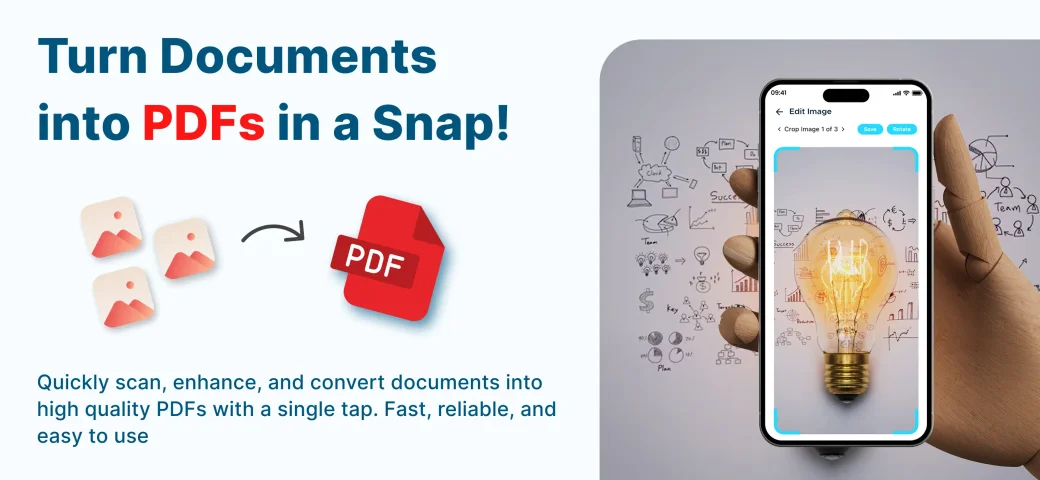
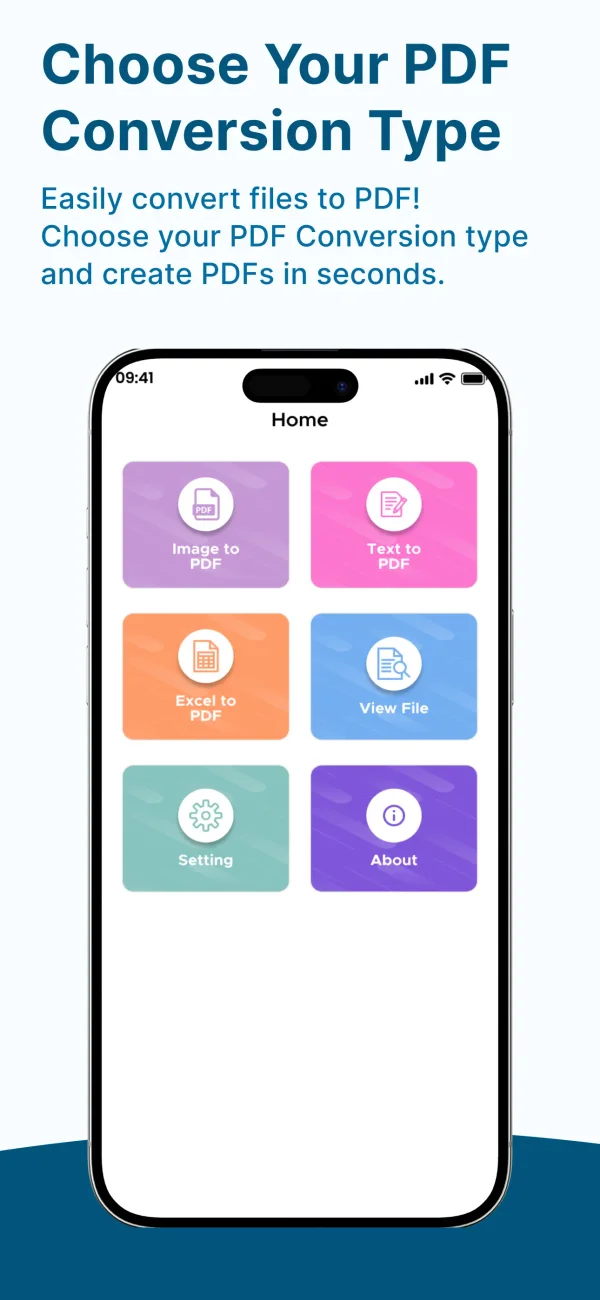
Convert images, text files, and Excel spreadsheets into professional-quality PDFs in seconds. Whether you're organizing documents, sharing reports, or archiving files, our all-in-one PDF Converter app for iOS gives you complete control over how your PDFs look and function.
Key Features:
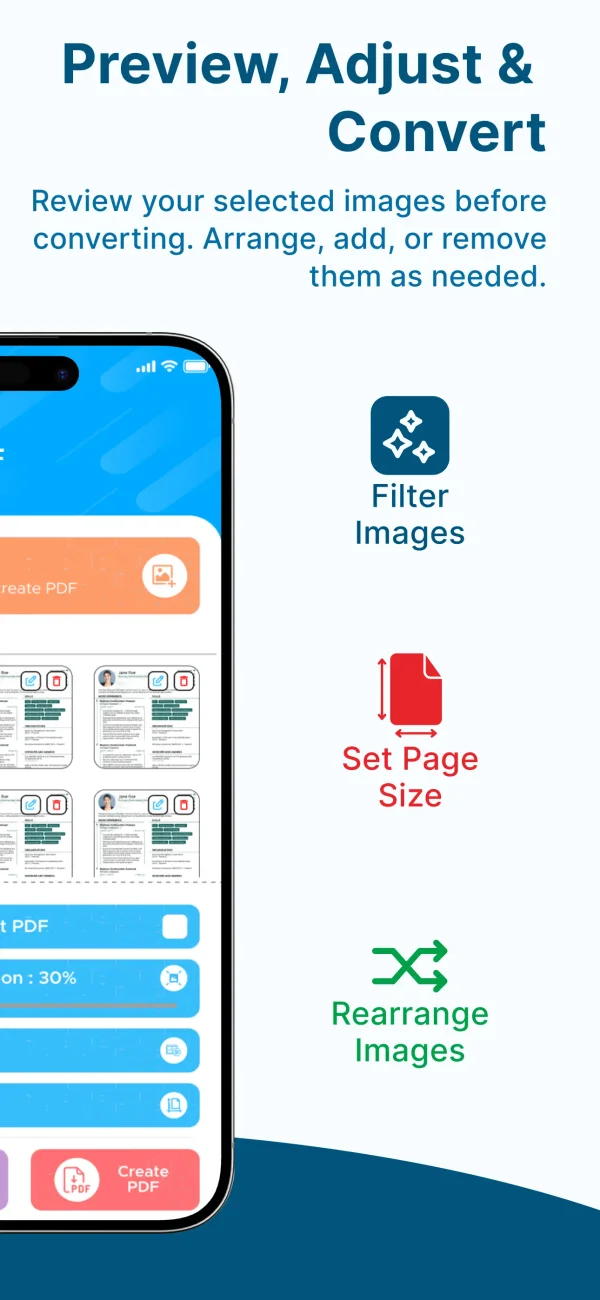
Image to PDF
Select photos from your gallery
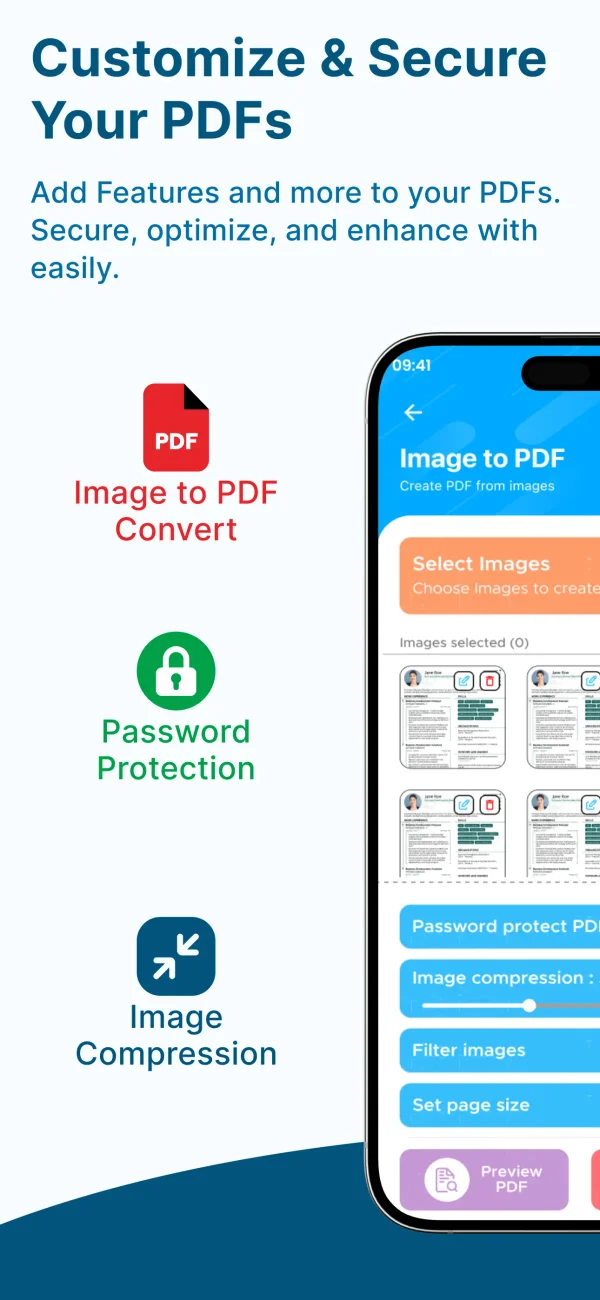
Customize layout, orientation, padding, and borders
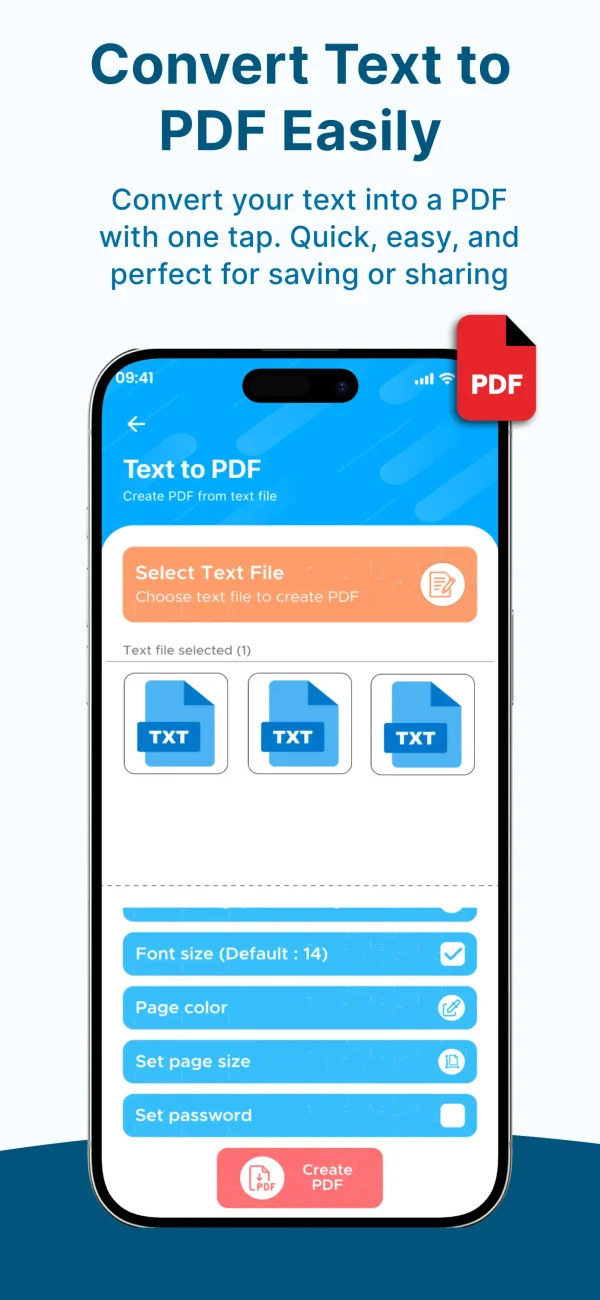
Text File to PDF
Import text files
Adjust font, size, alignment, and styling
Add headers, footers, and page numbers
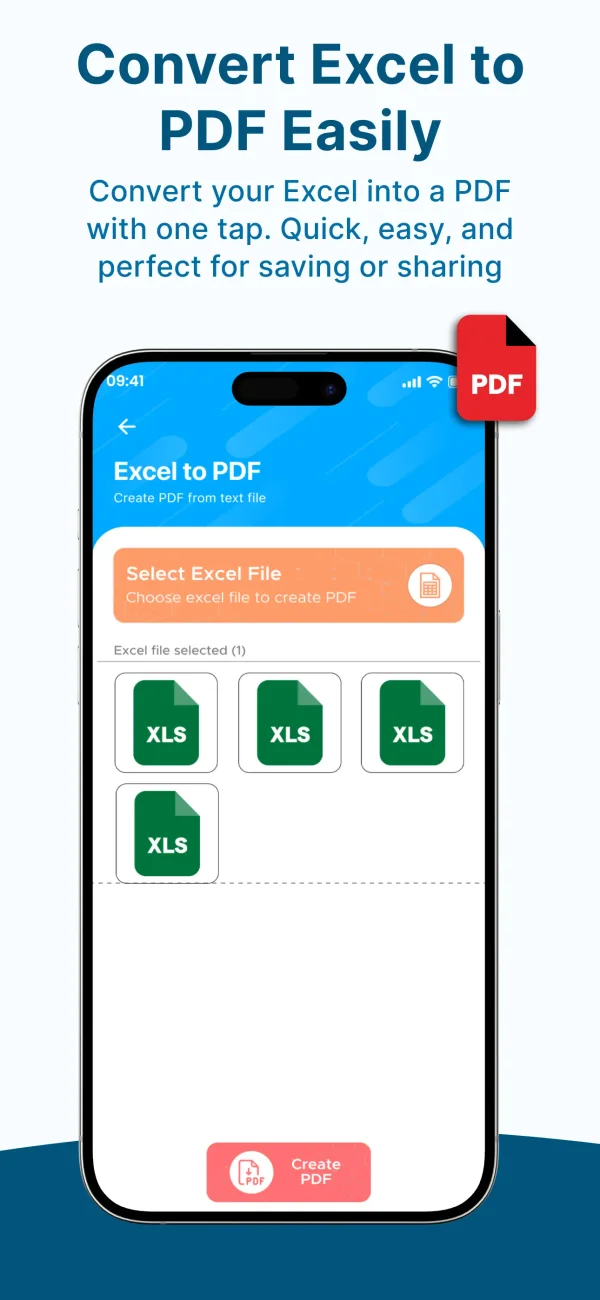
Excel to PDF
Convert spreadsheets with accurate formatting
Choose print areas, scaling, and sheet selection
Full PDF Customization:
Font & Styling Options
Customize your PDF’s look with your favorite font, size, and alignment.
Watermark Support
Add custom text or image watermarks to protect your documents.
Add Password Protection
Secure your PDFs with passwords before sharing or saving.
Page Layout Control
Manage margins, page padding, orientation (portrait/landscape), and border styling.
Preview Before Saving
Instantly view your PDF before finalizing it to ensure everything looks perfect.
Built-in PDF History:
Track and Manage All PDFs You’ve Created:
View full history of created PDFs
Re-open, edit, and update old files
Rename, delete, or re-export as needed
Settings for a Personalized Experience:
Set Your Defaults Once – Use Everywhere:
Choose your preferred fonts, margins, and watermark settings
Save time by auto-applying default settings to all new conversions
Seamless File Handling:
Import files from Files app, email attachments, or other apps
Save to Files, share via AirDrop, mail, or any other app
Print directly from your iPhone or iPad
Whether you’re a student, professional, or everyday user, this app makes PDF creation simple, flexible, and fast. Download now to take control of your PDF workflow!
We offer following plans:
- PDF Converter Monthly Subscription: $1.00
- PDF Converter Lifetime: $10.00
Terms of use: https://www.apple.com/legal/internet-services/itunes/dev/stdeula/
Privacy policy: https://www.termsfeed.com/live/bd26a8ab-d0fc-4174-841d-422d20523d59
新機能
バージョン 1.0.2 · 2025/7/28
- Downgrade required iOS
アプリのプライバシー
このアプリのデータの取り扱いについて、Bhautik GadhiyaがApp Storeで申告している内容です。
-
データの収集なし
開発元はこのアプリからデータを収集しません。
プライバシーの取り扱いは、ご利用の機能やお客様の年齢などに応じて異なる場合があります。
情報
- 販売元
- KMSOFT
- カテゴリ
- 仕事効率化
- バージョン
- 1.0.2
- 更新日
- 2025/7/28
- リリース
- 2025/7/15
- サイズ
- 18.2 MB
- 必要条件
- iOS 16.0以降
- 対象年齢
- 4+
- 価格
- 無料
- アプリ内課金
- あり
- 言語
- 英語
- 著作権
- © 2023 KMSOFT!.
こちらもおすすめ
-
 Daylight: Time Block Planner仕事効率化
-
 PDF Easy Tools仕事効率化
-
 PDF Opus: スキャナー&編集書類スキャン・署名・変換・OCR
-
 シンプルなテキストからPDFへ: SlateAI瞬時に共有可能なPDFレイアウト
-
 Photo PDF: Maker and Converter仕事効率化
-
 PDF Converter: Create PDF File仕事効率化
-
 PDF編集 & スキャン ++書類スキャン & PDF署名
-
 See Breakthrough Goal Tracker仕事効率化
-
 PDF翻訳・編集・スキャン AI文章を校正・リライトできる対訳リーダー