SketchifyTracer
Traces to Art Fast
Entwickelt für iPhone, iPad, iPod touch
Kostenlos
- Altersfreigabe4+
- KategorieDienstprogramme
- EntwicklerDharmesh Hirpara
- SprachenEnglisch
- Größe56,0 MB
Verlinkt auf die offizielle App Store-Seite
Download.org hostet keine Datei von SketchifyTracer. Die Schaltfläche öffnet die App-Seite bei App Store, wo Dharmesh Hirpara die App veröffentlicht. Eintrag zuletzt geprüft am 14.11.2026.
Screenshots

Info
Der Entwickler hat diesen Text nicht in Ihrer Sprache bereitgestellt.
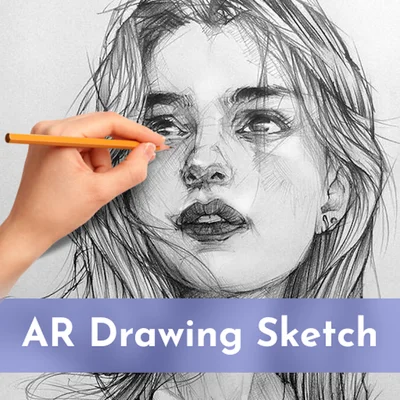
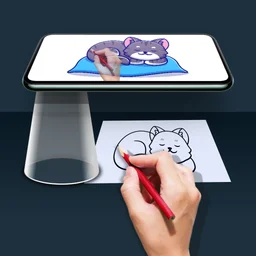
Tracing is used to transfer an image into line work from a photo or artwork. You place your tracing paper over it and draw the lines that you see. So, Trace it & Sketch it. Using this app you can learn drawing or tracing.
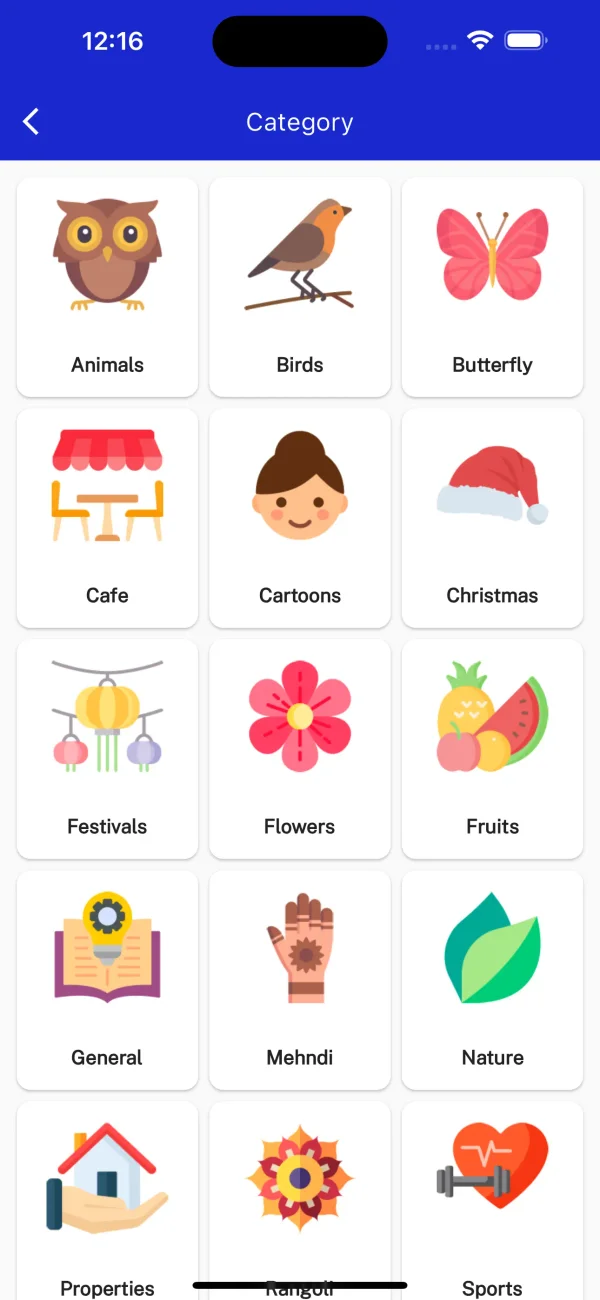
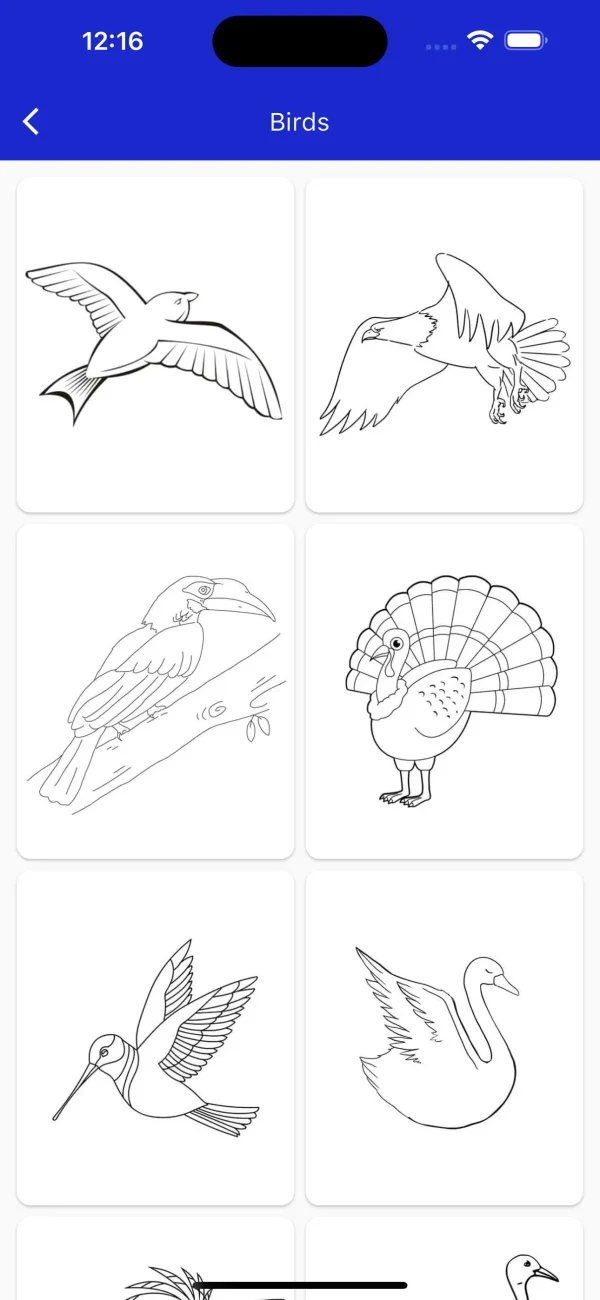
Select an image from the gallery or capture an image with a camera then just apply the filter. After that, you will see that image on the camera screen with transparency & you have to put drawing paper or book anything on which you want to trace and draw. Your image will not appear on paper but a transparent image with camera so that you can trace it on paper.
Key Feature:
Edge level:
Edge Level filter, you can control the sharpness and definition of edges in your drawings, giving them a different and professional look. Adjusting the Edge Level can help you achieve different artistic styles and emphasise specific details.
Noise:
To tackle any unwanted noise in your drawings or images, we have included a Noise filter. This feature helps reduce graininess or pixelation, resulting in cleaner and smoother lines and surfaces.
Contrast:
The Contrast filter lets you enhance the tonal range in your drawings, making the colors appear more vibrant and the shadows and highlights more pronounced. It adds depth and richness to your artwork.
Sharpness:
The Sharpness filter enables you to enhance the overall clarity and crispness of your drawings. By adjusting the sharpness level, you can achieve a more defined and polished look, making your artwork stand out.
Using this you may learn and practice drawing. Also make tracing an image easy. Just select an image from the app or gallery apply filter to create image traceable. The image will appear on screen with camera open. Place phone about 1feet above and look into the phone and draw on paper.
Neue Funktionen
Version 2.0 · 15.02.2024
bug fixes
App-Datenschutz
Was Dharmesh Hirpara im App Store zum Umgang dieser App mit Daten angibt.
-
Keine Daten erfasst
Der Entwickler erfasst keine Daten von dieser App.
Die Datenschutzpraktiken können variieren, zum Beispiel je nach den von Ihnen verwendeten Funktionen oder Ihrem Alter.
Informationen
- Anbieter
- Dharmesh Hirpara
- Kategorie
- Dienstprogramme
- Version
- 2.0
- Aktualisiert
- 15.02.2024
- Veröffentlicht
- 02.01.2024
- Größe
- 56,0 MB
- Erfordert
- iOS 12.0 oder neuer
- Altersfreigabe
- 4+
- Preis
- Kostenlos
- Sprachen
- Englisch
- Copyright
- © SAT TechnoLab @2023
Das könnte Ihnen auch gefallen
-
 AR Draw Sketch & PaintDienstprogramme
-
 AR Drawing: Trace & SketchDienstprogramme
-
 AR Draw Sketch: Sketch & PaintDienstprogramme
-
 GridSketcher - Photo to SketchDienstprogramme
-
 AR Sketch - Draw & TraceDienstprogramme
-
 Wie man zeichnet –Verfolgen Sie Schriftarten
-
 Drawing Grid For The ArtistDienstprogramme
-
 AR Tracing: Anime DrawingDienstprogramme
-
 AR Draw Sketch & Trace ©Creative way to sketch image
-
 Draw Easy AI: AR Trace SketchDienstprogramme