- Age rating4+
- CategoryUtilities
- DeveloperDharmesh Hirpara
- LanguagesEnglish
- Size56.0 MB
Links to the official App Store page
Download.org hosts no file of SketchifyTracer. The button opens its official App Store page, published by Dharmesh Hirpara. Listing last checked on Nov 14, 2026.
Screenshots
About
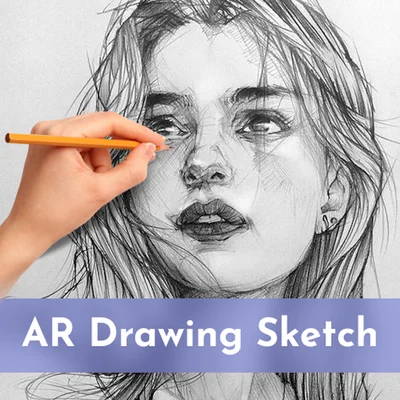
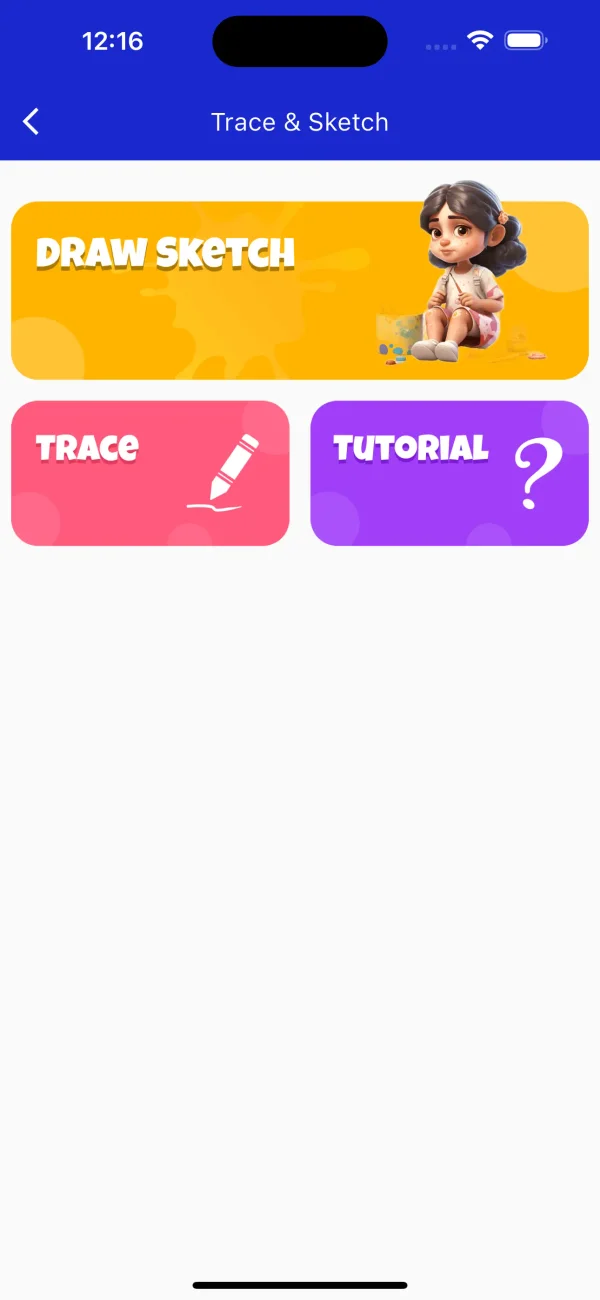
Tracing is used to transfer an image into line work from a photo or artwork. You place your tracing paper over it and draw the lines that you see. So, Trace it & Sketch it. Using this app you can learn drawing or tracing.
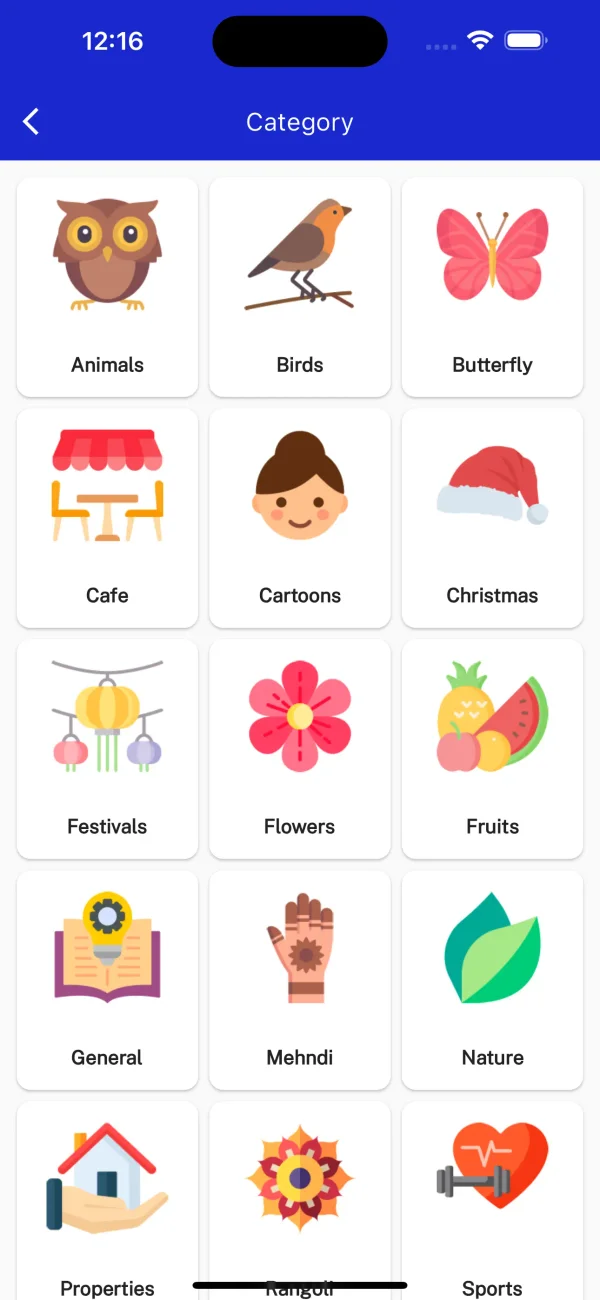
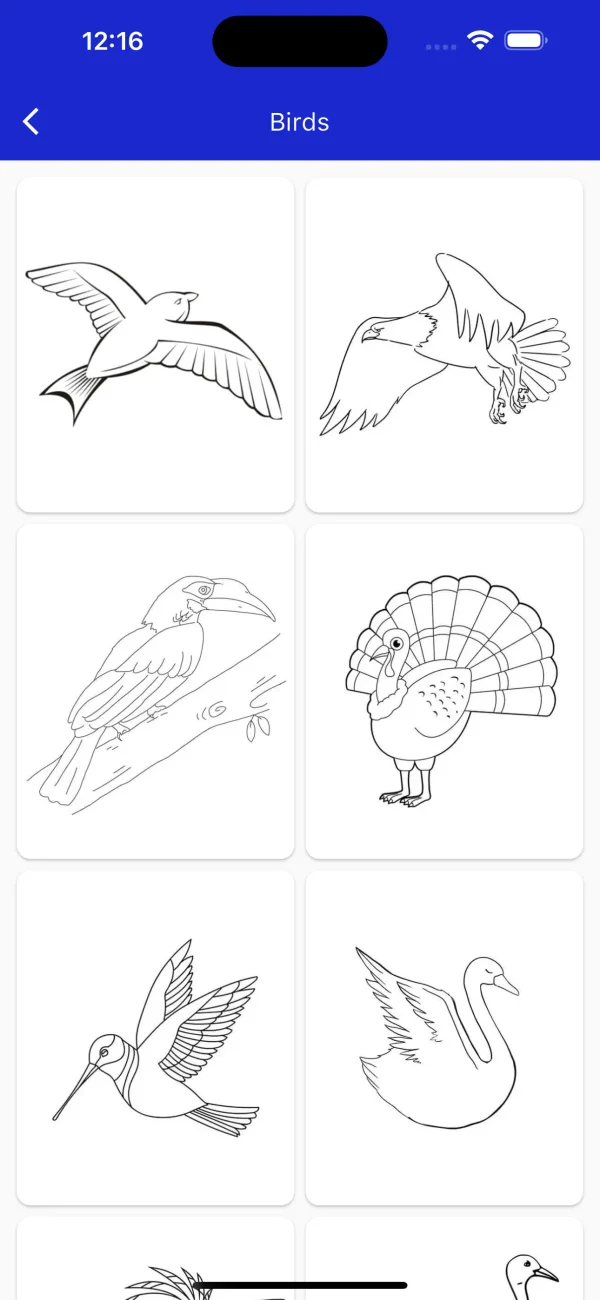
Select an image from the gallery or capture an image with a camera then just apply the filter. After that, you will see that image on the camera screen with transparency & you have to put drawing paper or book anything on which you want to trace and draw. Your image will not appear on paper but a transparent image with camera so that you can trace it on paper.
Key Feature:
Edge level:
Edge Level filter, you can control the sharpness and definition of edges in your drawings, giving them a different and professional look. Adjusting the Edge Level can help you achieve different artistic styles and emphasise specific details.
Noise:
To tackle any unwanted noise in your drawings or images, we have included a Noise filter. This feature helps reduce graininess or pixelation, resulting in cleaner and smoother lines and surfaces.
Contrast:
The Contrast filter lets you enhance the tonal range in your drawings, making the colors appear more vibrant and the shadows and highlights more pronounced. It adds depth and richness to your artwork.
Sharpness:
The Sharpness filter enables you to enhance the overall clarity and crispness of your drawings. By adjusting the sharpness level, you can achieve a more defined and polished look, making your artwork stand out.
Using this you may learn and practice drawing. Also make tracing an image easy. Just select an image from the app or gallery apply filter to create image traceable. The image will appear on screen with camera open. Place phone about 1feet above and look into the phone and draw on paper.
What’s new
Version 2.0 · Feb 15, 2024
bug fixes
App privacy
What Dharmesh Hirpara declares on the App Store about how this app handles data.
-
Data not collected
The developer does not collect any data from this app.
Privacy practices may vary, for example with the features you use or your age.
Information
- Seller
- Dharmesh Hirpara
- Category
- Utilities
- Version
- 2.0
- Updated
- Feb 15, 2024
- Released
- Jan 2, 2024
- Size
- 56.0 MB
- Requires
- iOS 12.0 or later
- Age rating
- 4+
- Price
- Free
- Languages
- English
- Copyright
- © SAT TechnoLab @2023
You might also like
-
 AR Draw Sketch & PaintUtilities
-
 AR Drawing: Trace & SketchTrace Photos & Learn to Draw
-
 AR Draw Sketch: Sketch & PaintDraw AR - Trace to Sketch
-
 GridSketcher - Photo to SketchPhoto to Sketch made easy
-
 AR Sketch - Draw & TraceAI Drawing Paint Anime Cartoon
-
 How to Draw - Drawing GuideTrace on fonts step by step
-
 Drawing Grid For The ArtistSupport portrait painter
-
 AR Tracing: Anime DrawingEasy sketch & draw on paper
-
 AR Draw Sketch & Trace ©Creative way to sketch image
-
 Draw Easy AI: AR Trace SketchTrace Images & Learn Drawing