- Altersfreigabe4+
- KategoriePuzzle
- EntwicklerNeil Rohan
- SprachenEnglisch
- Größe5,9 MB
Verlinkt auf die offizielle App Store-Seite
Download.org hostet keine Datei von Slide Scramble. Die Schaltfläche öffnet die App-Seite bei App Store, wo Neil Rohan die App veröffentlicht. Eintrag zuletzt geprüft am 18.11.2026.
Screenshots

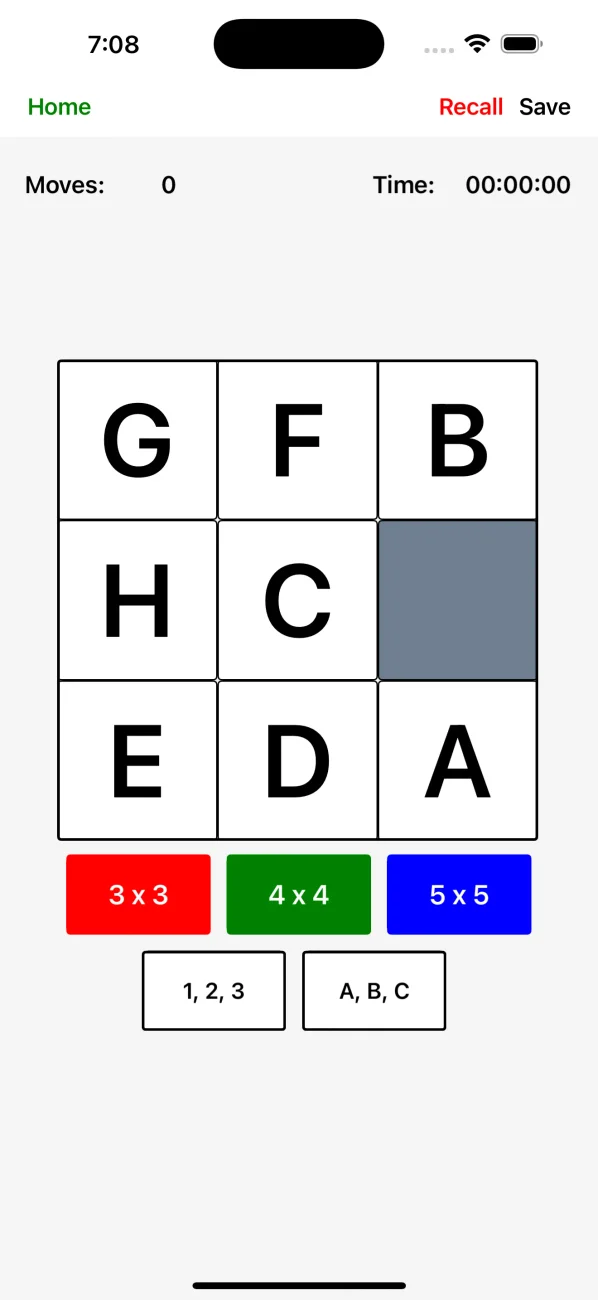
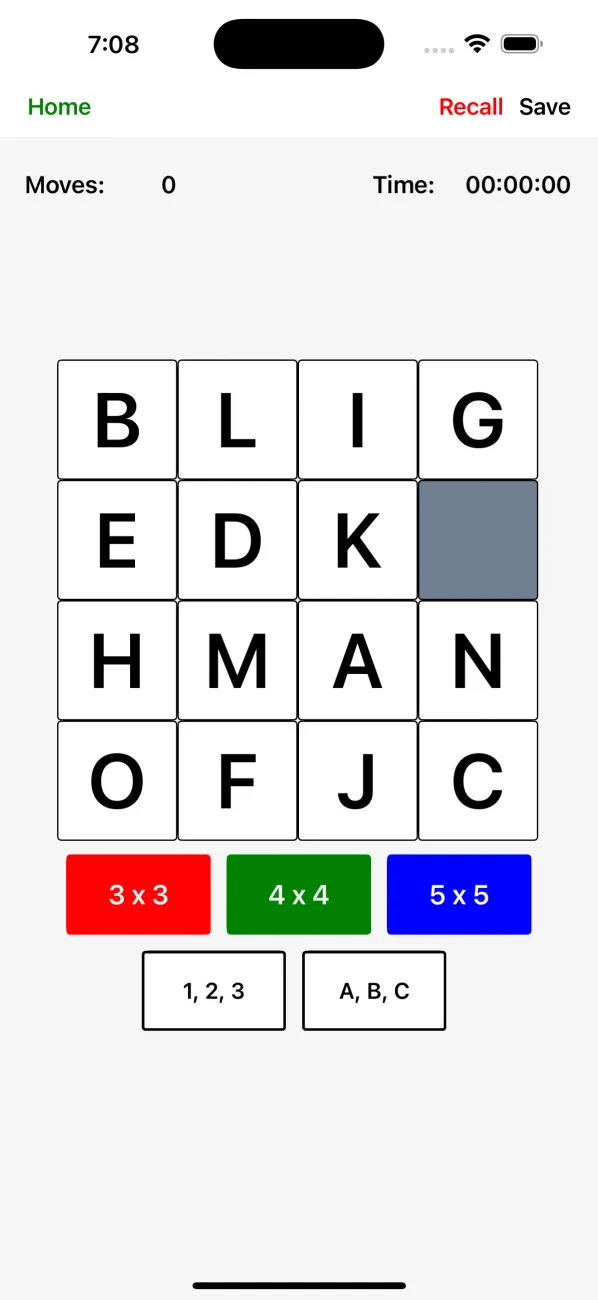
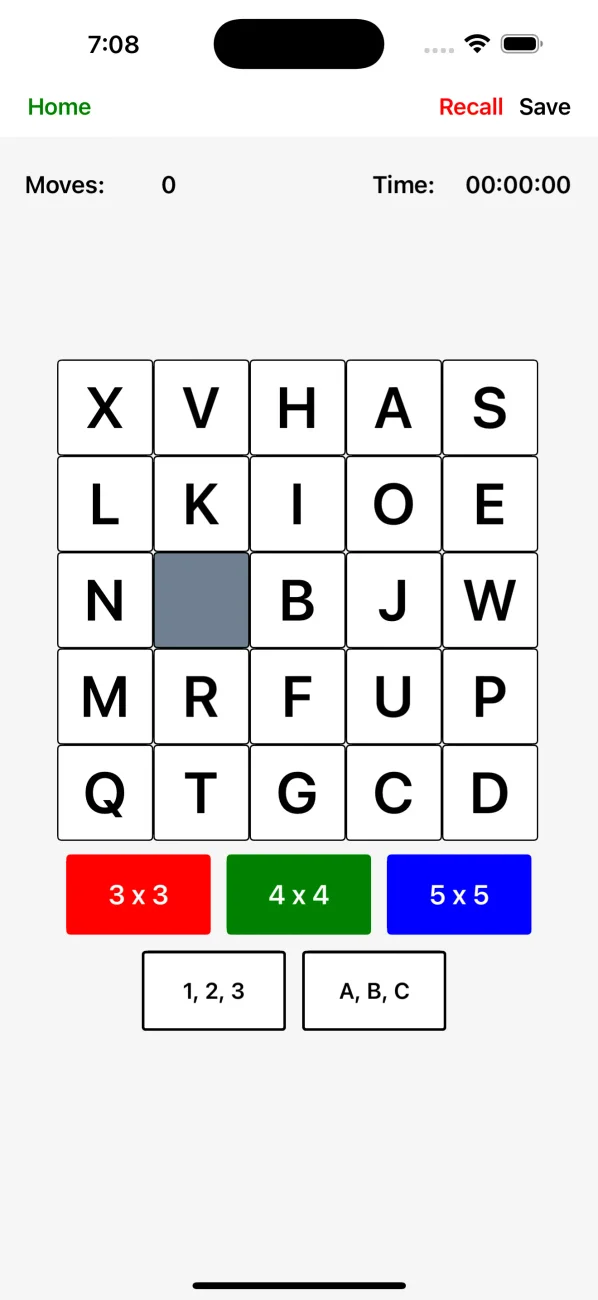
Info
Der Entwickler hat diesen Text nicht in Ihrer Sprache bereitgestellt.
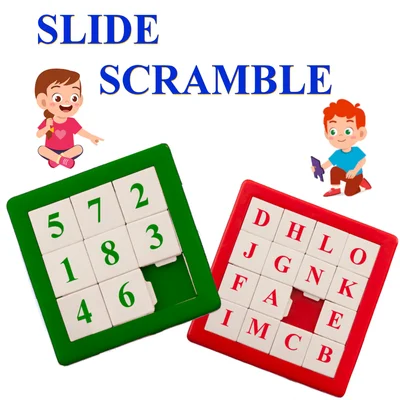
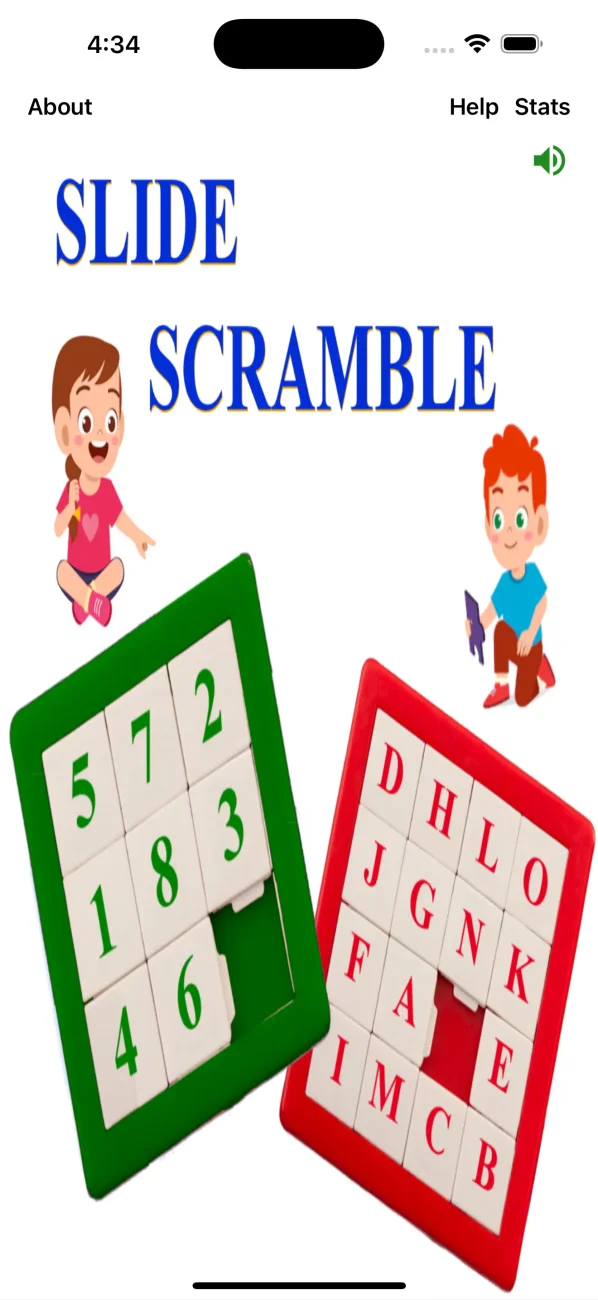
This delightful puzzle game invites you to shuffle numbered or lettered tiles across a 3x3, 4x4, or 5x5 grid, chasing the perfect order with every tap. Will you align numbers in a neat sequence or sort letters from A to Z? Choose your mode, pick your grid, and let the tiles dance into place as you solve each charming challenge.
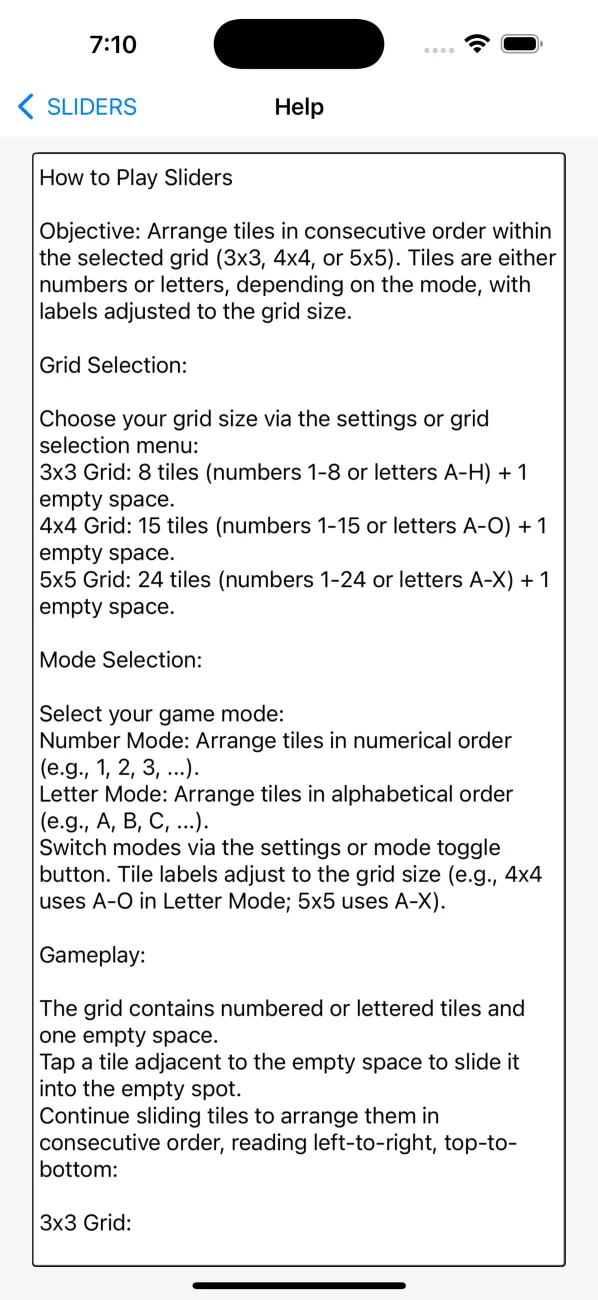
Objective: Arrange tiles in consecutive order within the selected grid (3x3, 4x4, or 5x5). Tiles are either numbers or letters, depending on the mode, with labels adjusted to the grid size.
Grid Selection:
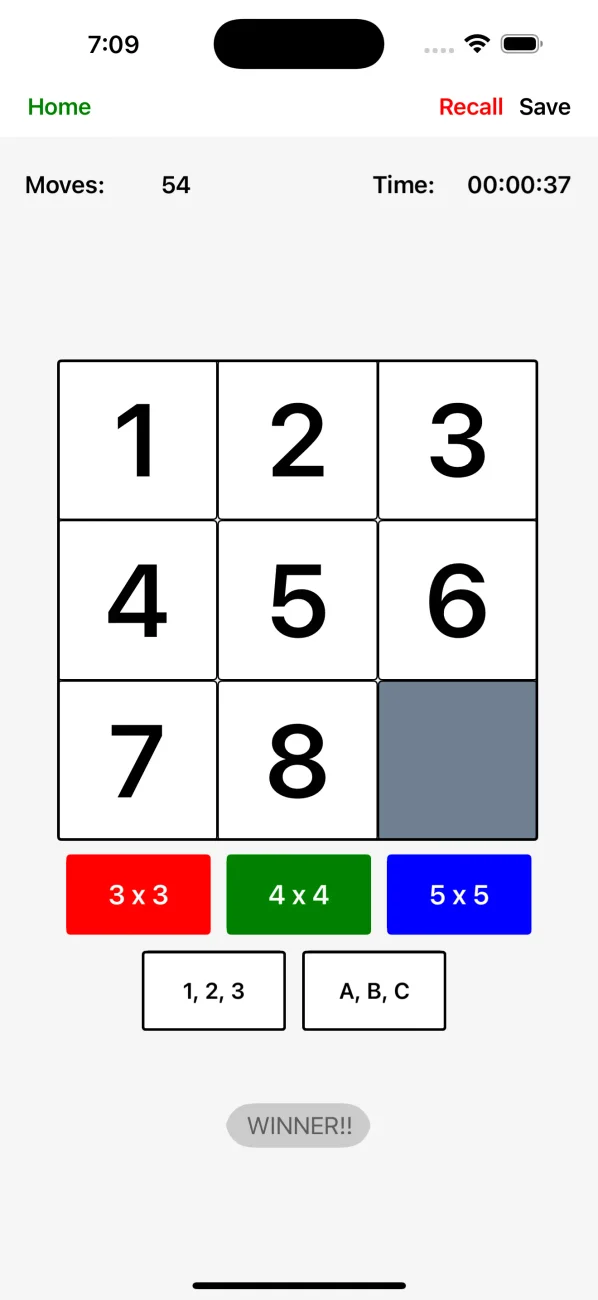
3x3 Grid: 8 tiles (numbers 1-8 or letters A-H) + 1 empty space.
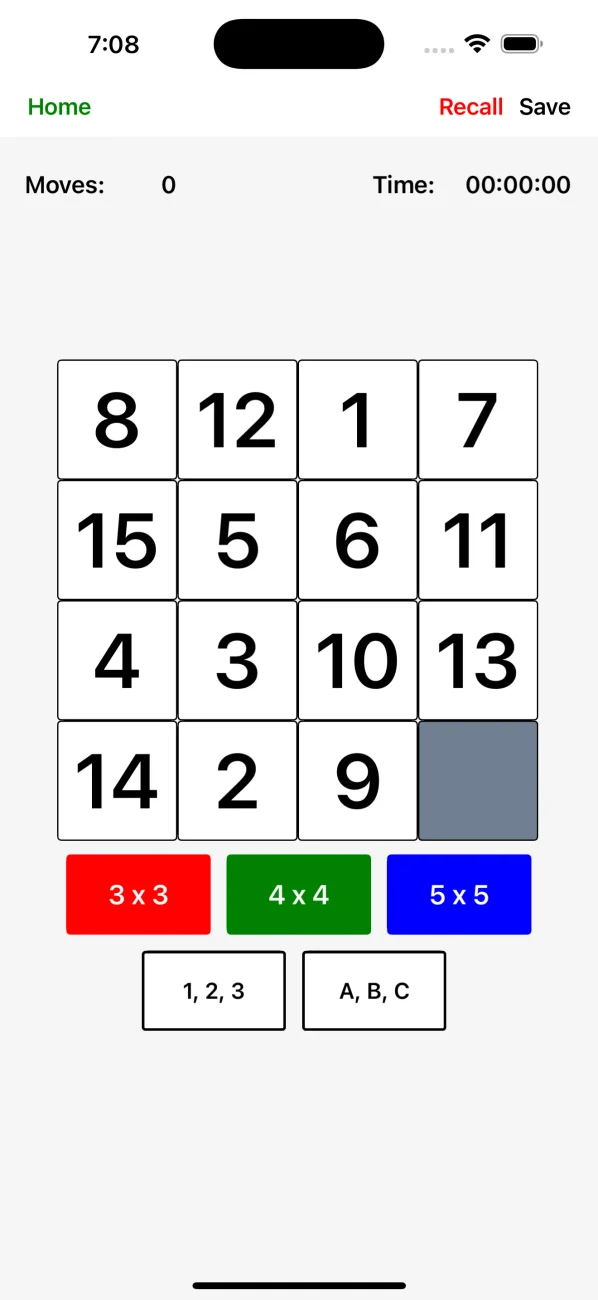
4x4 Grid: 15 tiles (numbers 1-15 or letters A-O) + 1 empty space.
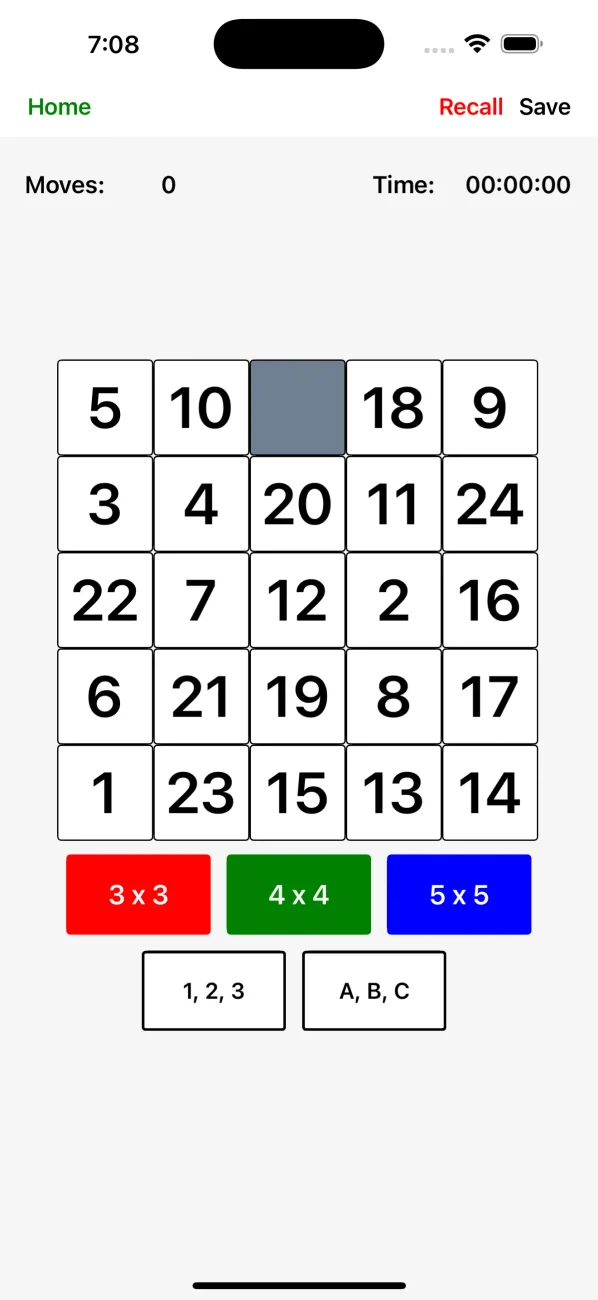
5x5 Grid: 24 tiles (numbers 1-24 or letters A-X) + 1 empty space.
Mode Selection:
Number Mode: Arrange tiles in numerical order (e.g., 1, 2, 3, ...).
Letter Mode: Arrange tiles in alphabetical order (e.g., A, B, C, ...).
Switch modes via the mode toggle button. Tile labels adjust to the grid size (e.g., 4x4 uses A-O in Letter Mode; 5x5 uses A-X).
Gameplay:
The grid contains numbered or lettered tiles and one empty space.
Tap a tile adjacent to the empty space to slide it into the empty spot.
Continue sliding tiles to arrange them in consecutive order, reading left-to-right, top-to-bottom:
3x3 Grid:
Numbers: 1-2-3 in the first row, 4-5-6 in the second, 7-8 in the third, empty space at bottom right.
Letters: A-B-C in the first row, D-E-F in the second, G-H in the third, empty space at bottom right.
4x4 Grid:
Numbers: 1-2-3-4 in the first row, 5-6-7-8 in the second, 9-10-11-12 in the third, 13-14-15 in the fourth, empty space at bottom right.
Letters: A-B-C-D in the first row, E-F-G-H in the second, I-J-K-L in the third, M-N-O in the fourth, empty space at bottom right.
5x5 Grid:
Numbers: 1-2-3-4-5 in the first row, 6-7-8-9-10 in the second, 11-12-13-14-15 in the third, 16-17-18-19-20 in the fourth, 21-22-23-24 in the fifth, empty space at bottom right.
Letters: A-B-C-D-E in the first row, F-G-H-I-J in the second, K-L-M-N-O in the third, P-Q-R-S-T in the fourth, U-V-W-X in the fifth, empty space at bottom right.
Scoring:
Timer: Tracks the time taken to solve the puzzle, starting when you make your first move and stopping when the puzzle is solved.
Move Counter: Counts the number of tile slides made to solve the puzzle. Each slide of a tile into the empty space increments the counter by 1.
Lower times and fewer moves indicate better performance.
Statistics:
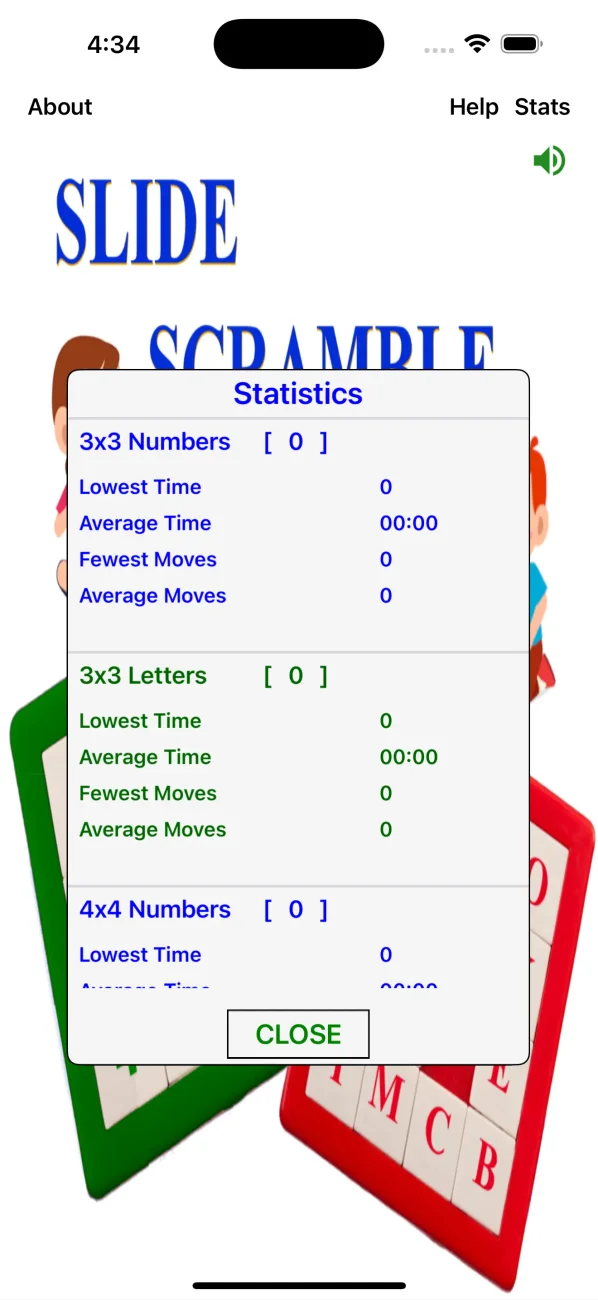
View statistics for both Number Mode and Letter Mode in the app’s statistics menu, organized by grid size (3x3, 4x4, 5x5).
Stats include:
Best (lowest) time and move count for each mode and grid size.
Average time and move count across all completed puzzles.
Total number of puzzles solved per mode and grid size.
Statistics are saved and updated after each completed puzzle.
Winning:
The puzzle is solved when tiles are arranged in the correct consecutive order (numerical or alphabetical) for the selected mode and grid size, with the empty space in the bottom-right corner. Upon completion, your time and move count are recorded, and stats are updated.
Tips:
Plan moves to minimize tile slides, especially in larger grids.
In Number Mode, prioritize lower numbers (e.g., 1, 2, 3) to their correct positions.
In Letter Mode, focus on placing earlier letters (e.g., A, B, C) first.
Larger grids (4x4, 5x5) require more moves, so break the puzzle into smaller sections (e.g., solve the first row, then the second).
To improve your score, aim for efficient paths to reduce both time and moves.
Enjoy mastering puzzles with numbers or letters across different grid sizes while aiming for the best time and fewest moves in Slide Scramble!
Neue Funktionen
Version 2.1.0 · 02.08.2026
addes share option for iPads
App-Datenschutz
Was Neil Rohan im App Store zum Umgang dieser App mit Daten angibt.
-
Keine Daten erfasst
Der Entwickler erfasst keine Daten von dieser App.
Die Datenschutzpraktiken können variieren, zum Beispiel je nach den von Ihnen verwendeten Funktionen oder Ihrem Alter.
Informationen
- Anbieter
- Neil Rohan
- Kategorie
- Puzzle
- Version
- 2.1.0
- Aktualisiert
- 02.08.2026
- Veröffentlicht
- 05.05.2025
- Größe
- 5,9 MB
- Erfordert
- iOS 16.0 oder neuer
- Altersfreigabe
- 4+
- Preis
- Kostenlos
- Sprachen
- Englisch
- Copyright
- © 2026 Neil Rohan