- Độ tuổi4+
- Danh mụcGiải Đố
- Nhà phát triểnNeil Rohan
- Ngôn ngữTiếng Anh
- Kích thước5,9 MB
Liên kết đến trang App Store chính thức
Download.org không lưu trữ tệp nào của Slide Scramble. Nút này mở trang ứng dụng trên App Store, nơi Neil Rohan phát hành ứng dụng. Trang được kiểm tra lần cuối: 18/11/2026.
Ảnh chụp màn hình

Giới thiệu
Nhà phát triển chưa cung cấp nội dung này bằng ngôn ngữ của bạn.
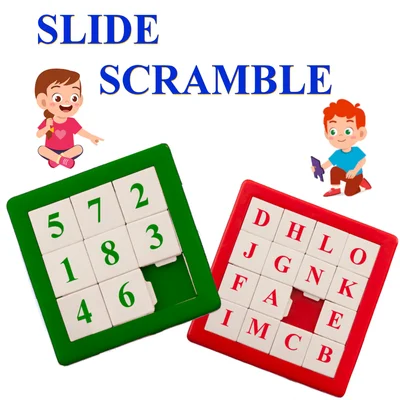
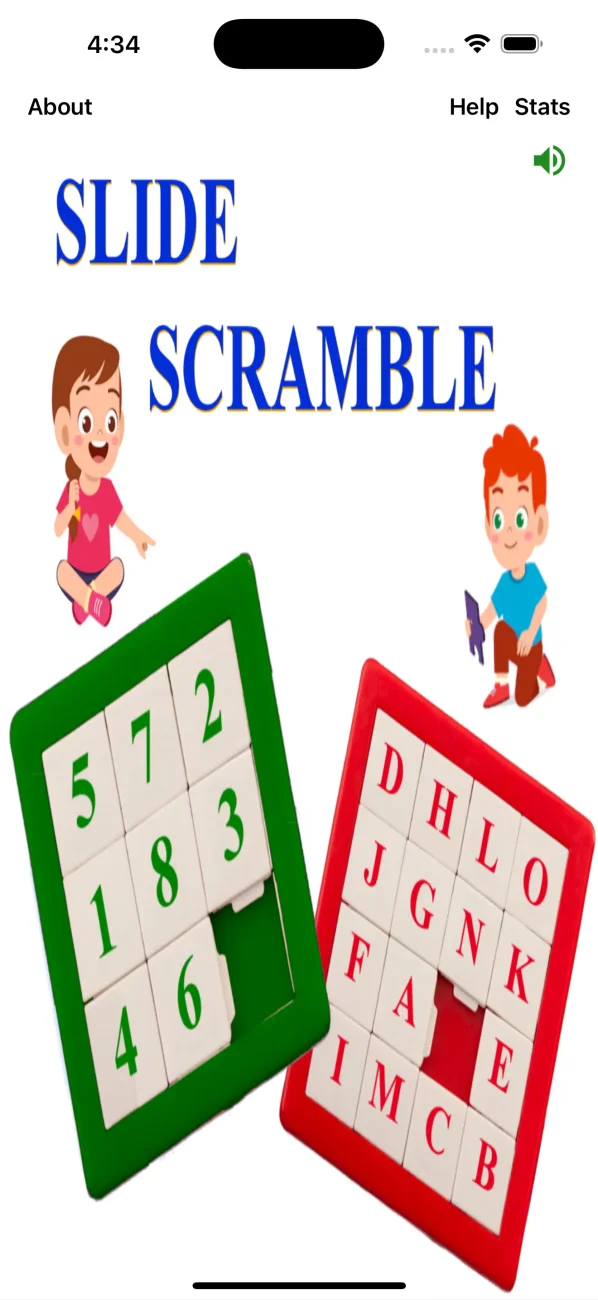
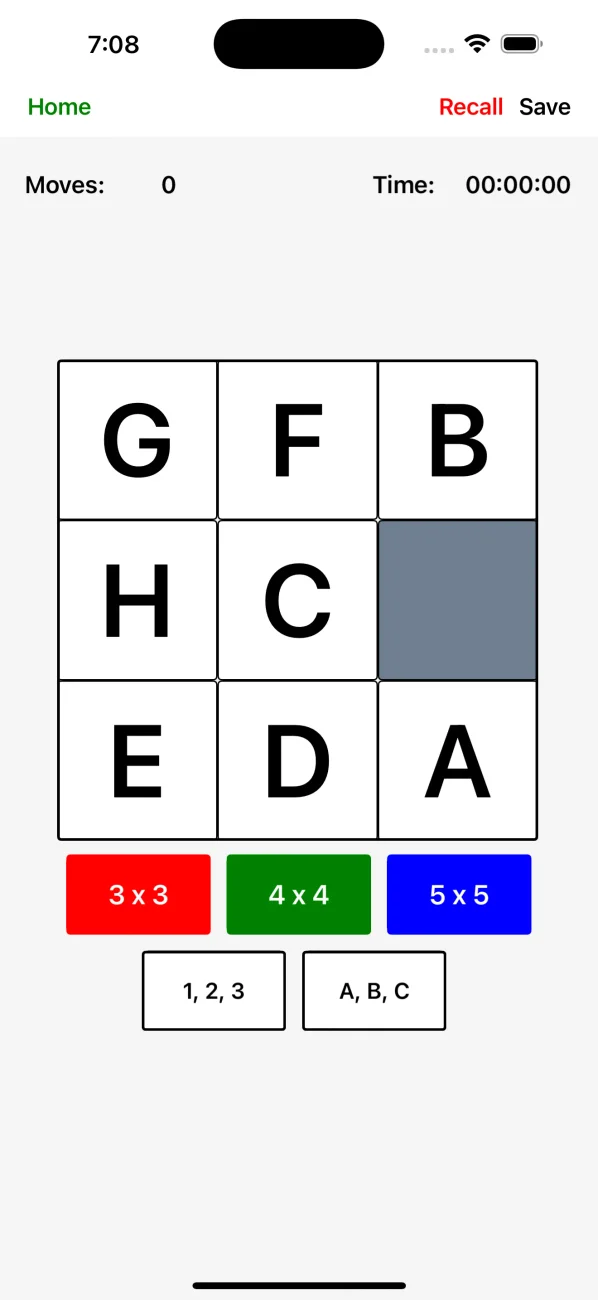
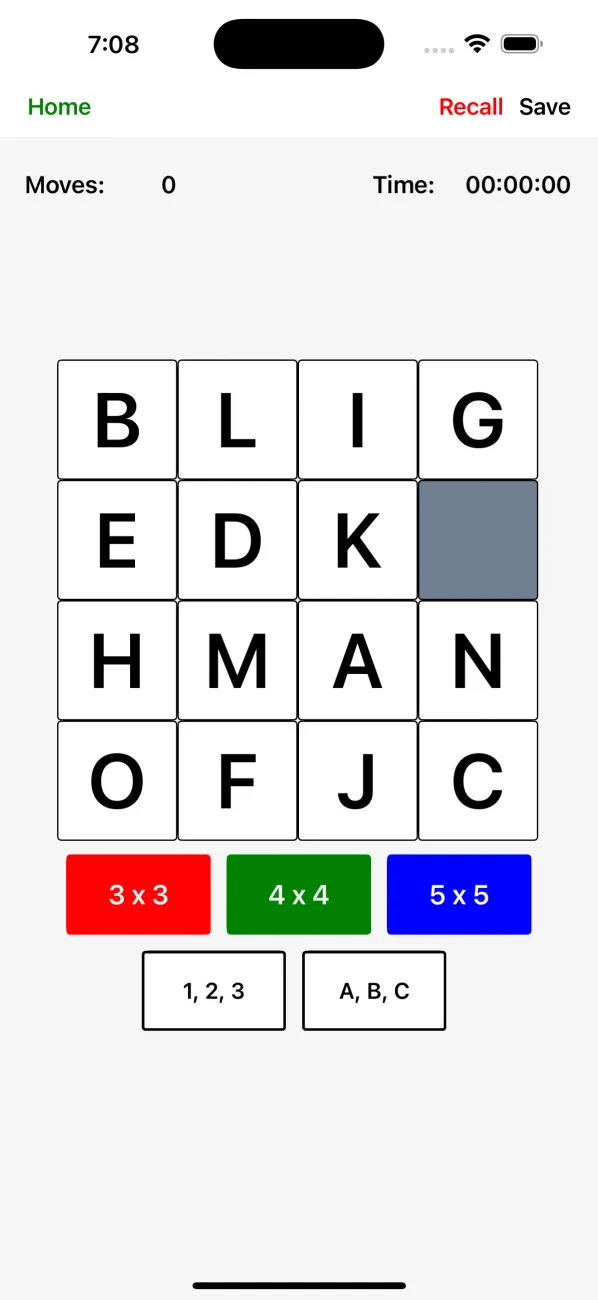
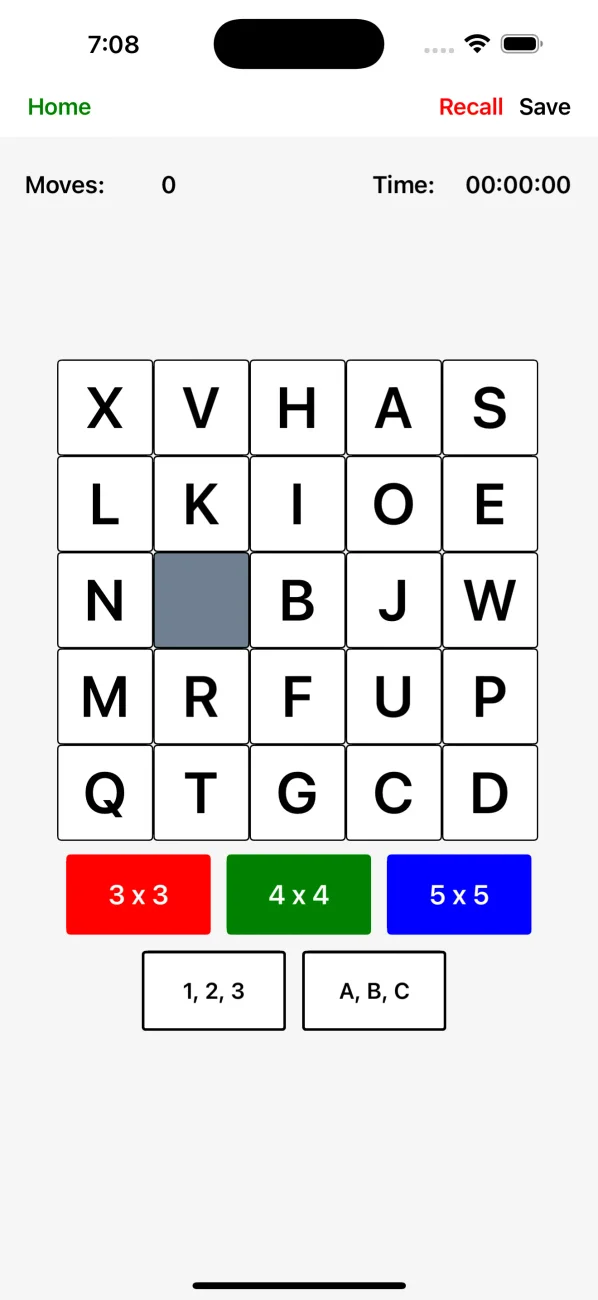
This delightful puzzle game invites you to shuffle numbered or lettered tiles across a 3x3, 4x4, or 5x5 grid, chasing the perfect order with every tap. Will you align numbers in a neat sequence or sort letters from A to Z? Choose your mode, pick your grid, and let the tiles dance into place as you solve each charming challenge.
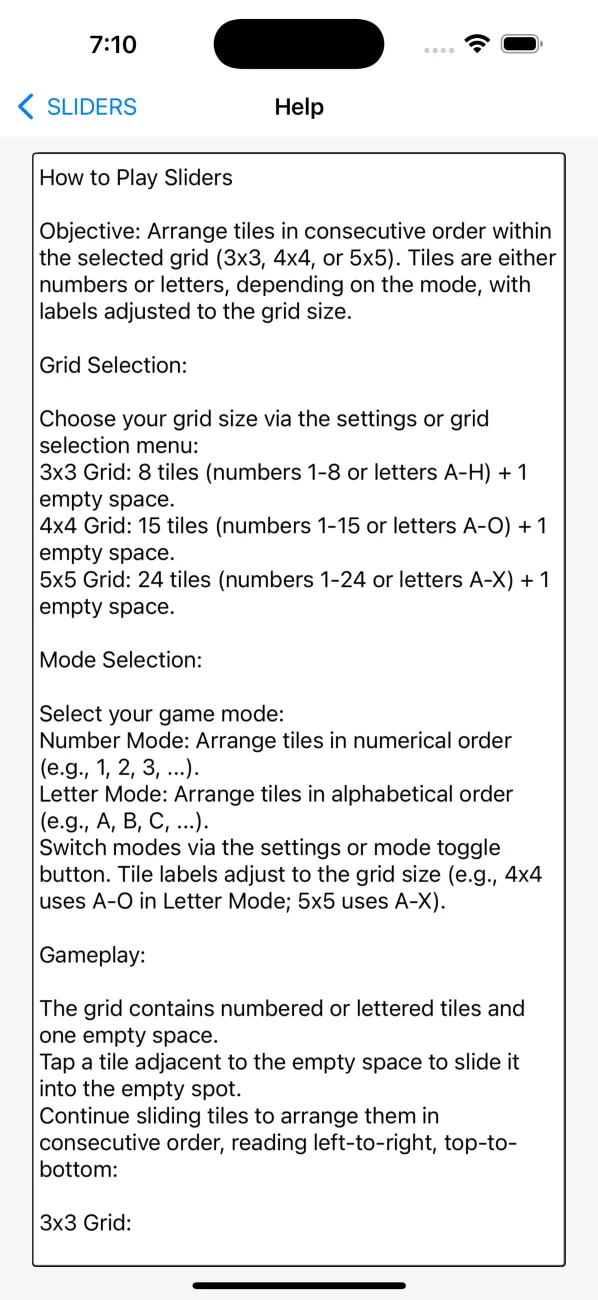
Objective: Arrange tiles in consecutive order within the selected grid (3x3, 4x4, or 5x5). Tiles are either numbers or letters, depending on the mode, with labels adjusted to the grid size.
Grid Selection:
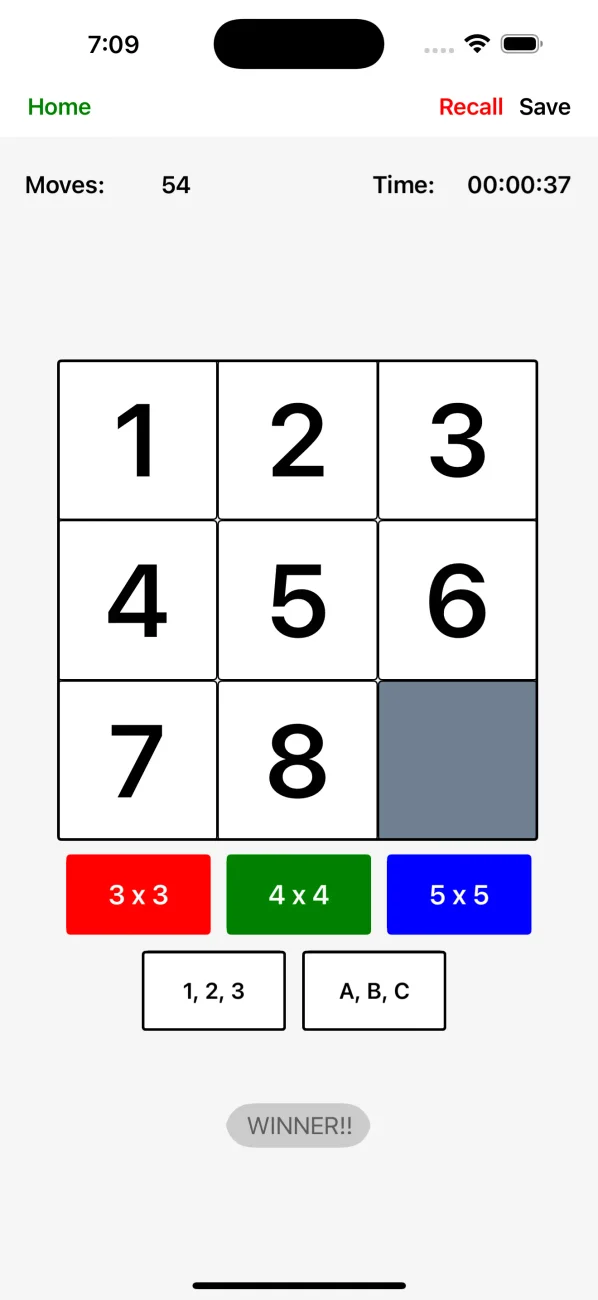
3x3 Grid: 8 tiles (numbers 1-8 or letters A-H) + 1 empty space.
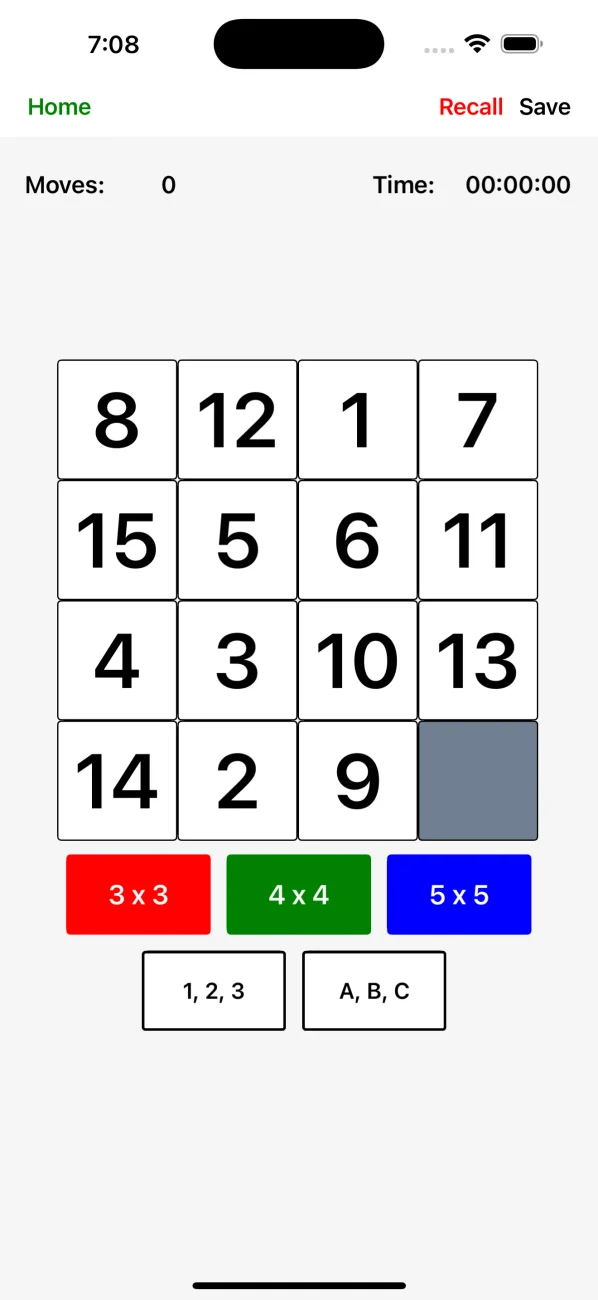
4x4 Grid: 15 tiles (numbers 1-15 or letters A-O) + 1 empty space.
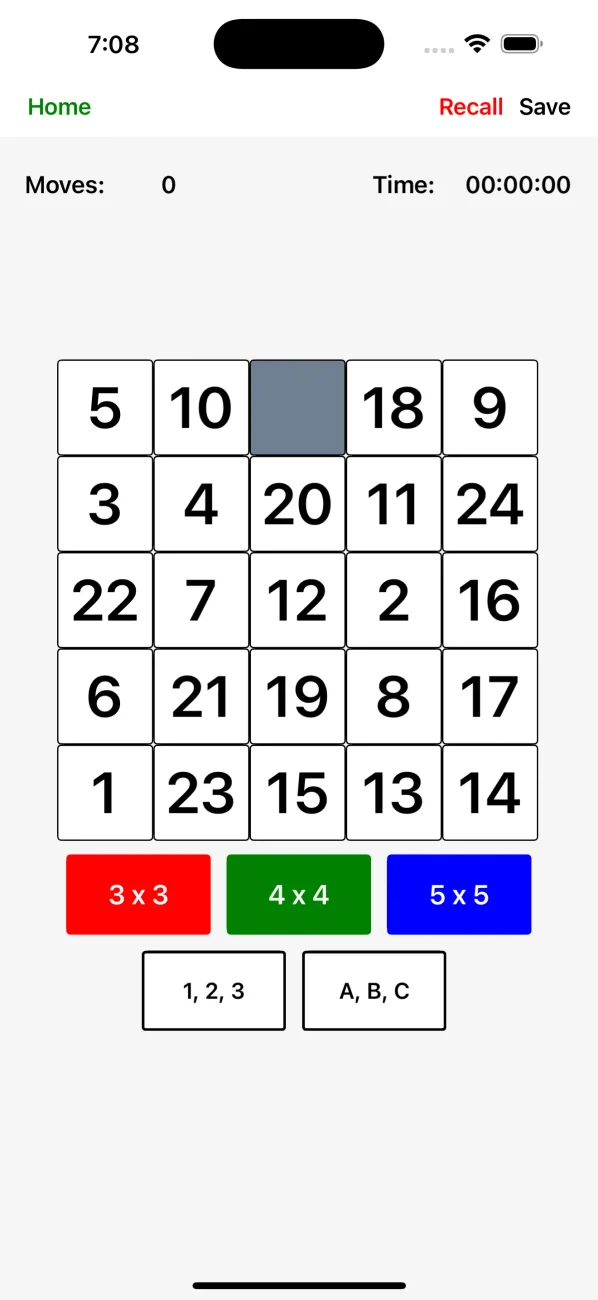
5x5 Grid: 24 tiles (numbers 1-24 or letters A-X) + 1 empty space.
Mode Selection:
Number Mode: Arrange tiles in numerical order (e.g., 1, 2, 3, ...).
Letter Mode: Arrange tiles in alphabetical order (e.g., A, B, C, ...).
Switch modes via the mode toggle button. Tile labels adjust to the grid size (e.g., 4x4 uses A-O in Letter Mode; 5x5 uses A-X).
Gameplay:
The grid contains numbered or lettered tiles and one empty space.
Tap a tile adjacent to the empty space to slide it into the empty spot.
Continue sliding tiles to arrange them in consecutive order, reading left-to-right, top-to-bottom:
3x3 Grid:
Numbers: 1-2-3 in the first row, 4-5-6 in the second, 7-8 in the third, empty space at bottom right.
Letters: A-B-C in the first row, D-E-F in the second, G-H in the third, empty space at bottom right.
4x4 Grid:
Numbers: 1-2-3-4 in the first row, 5-6-7-8 in the second, 9-10-11-12 in the third, 13-14-15 in the fourth, empty space at bottom right.
Letters: A-B-C-D in the first row, E-F-G-H in the second, I-J-K-L in the third, M-N-O in the fourth, empty space at bottom right.
5x5 Grid:
Numbers: 1-2-3-4-5 in the first row, 6-7-8-9-10 in the second, 11-12-13-14-15 in the third, 16-17-18-19-20 in the fourth, 21-22-23-24 in the fifth, empty space at bottom right.
Letters: A-B-C-D-E in the first row, F-G-H-I-J in the second, K-L-M-N-O in the third, P-Q-R-S-T in the fourth, U-V-W-X in the fifth, empty space at bottom right.
Scoring:
Timer: Tracks the time taken to solve the puzzle, starting when you make your first move and stopping when the puzzle is solved.
Move Counter: Counts the number of tile slides made to solve the puzzle. Each slide of a tile into the empty space increments the counter by 1.
Lower times and fewer moves indicate better performance.
Statistics:
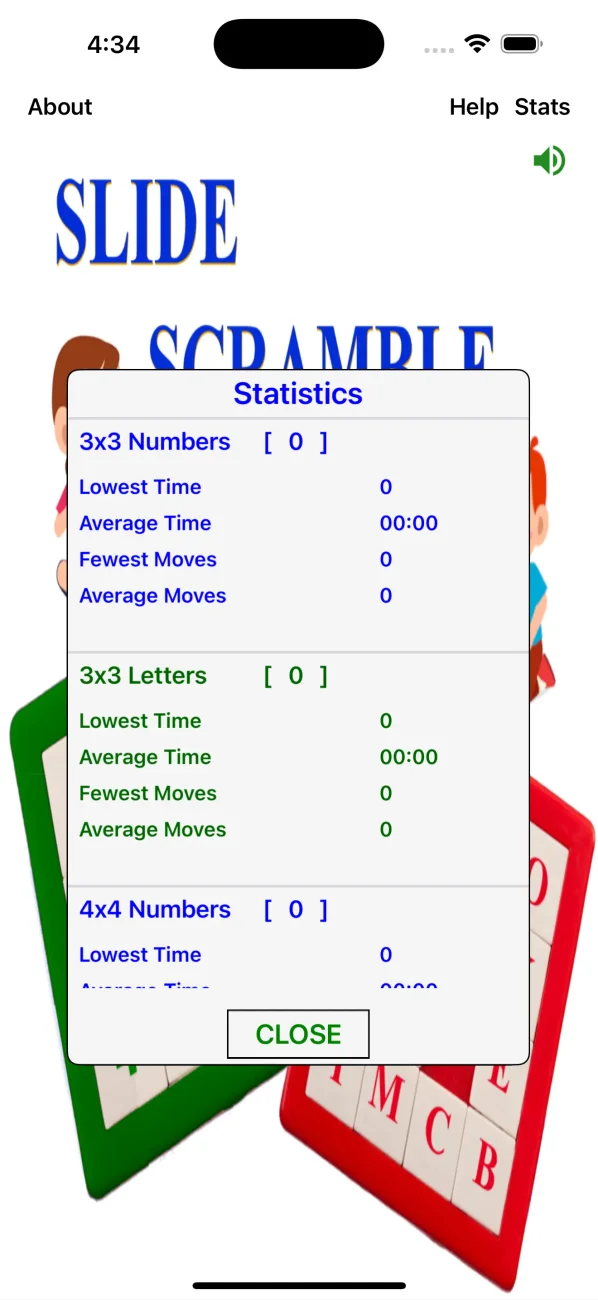
View statistics for both Number Mode and Letter Mode in the app’s statistics menu, organized by grid size (3x3, 4x4, 5x5).
Stats include:
Best (lowest) time and move count for each mode and grid size.
Average time and move count across all completed puzzles.
Total number of puzzles solved per mode and grid size.
Statistics are saved and updated after each completed puzzle.
Winning:
The puzzle is solved when tiles are arranged in the correct consecutive order (numerical or alphabetical) for the selected mode and grid size, with the empty space in the bottom-right corner. Upon completion, your time and move count are recorded, and stats are updated.
Tips:
Plan moves to minimize tile slides, especially in larger grids.
In Number Mode, prioritize lower numbers (e.g., 1, 2, 3) to their correct positions.
In Letter Mode, focus on placing earlier letters (e.g., A, B, C) first.
Larger grids (4x4, 5x5) require more moves, so break the puzzle into smaller sections (e.g., solve the first row, then the second).
To improve your score, aim for efficient paths to reduce both time and moves.
Enjoy mastering puzzles with numbers or letters across different grid sizes while aiming for the best time and fewest moves in Slide Scramble!
Có gì mới
Phiên bản 2.1.0 · 02/08/2026
addes share option for iPads
Quyền riêng tư của ứng dụng
Những gì Neil Rohan khai báo trên App Store về cách ứng dụng này xử lý dữ liệu.
-
Dữ liệu không được thu thập
Nhà phát triển không thu thập bất kỳ dữ liệu nào từ ứng dụng này.
Phương thức đảm bảo quyền riêng tư có thể khác nhau, chẳng hạn như tuỳ theo các tính năng bạn sử dụng hoặc độ tuổi của bạn.
Thông tin
- Người bán
- Neil Rohan
- Danh mục
- Giải Đố
- Phiên bản
- 2.1.0
- Cập nhật
- 02/08/2026
- Phát hành
- 05/05/2025
- Kích thước
- 5,9 MB
- Yêu cầu
- iOS 16.0 trở lên
- Độ tuổi
- 4+
- Giá
- Miễn phí
- Ngôn ngữ
- Tiếng Anh
- Bản quyền
- © 2026 Neil Rohan