SlideFlow AI
AI-native slide authoring tool
Entwickelt für iPad
Kostenlos · In-App-Käufe
- Altersfreigabe4+
- KategorieEntwickler-Tools
- Entwickler永乐 黄
- SprachenVereinf. Chinesisch
- Größe40,6 MB
Verlinkt auf die offizielle App Store-Seite
Download.org hostet keine Datei von SlideFlow AI. Die Schaltfläche öffnet die App-Seite bei App Store, wo 永乐 黄 die App veröffentlicht. Eintrag zuletzt geprüft am 21.11.2026.
Screenshots



Info
Der Entwickler hat diesen Text nicht in Ihrer Sprache bereitgestellt.
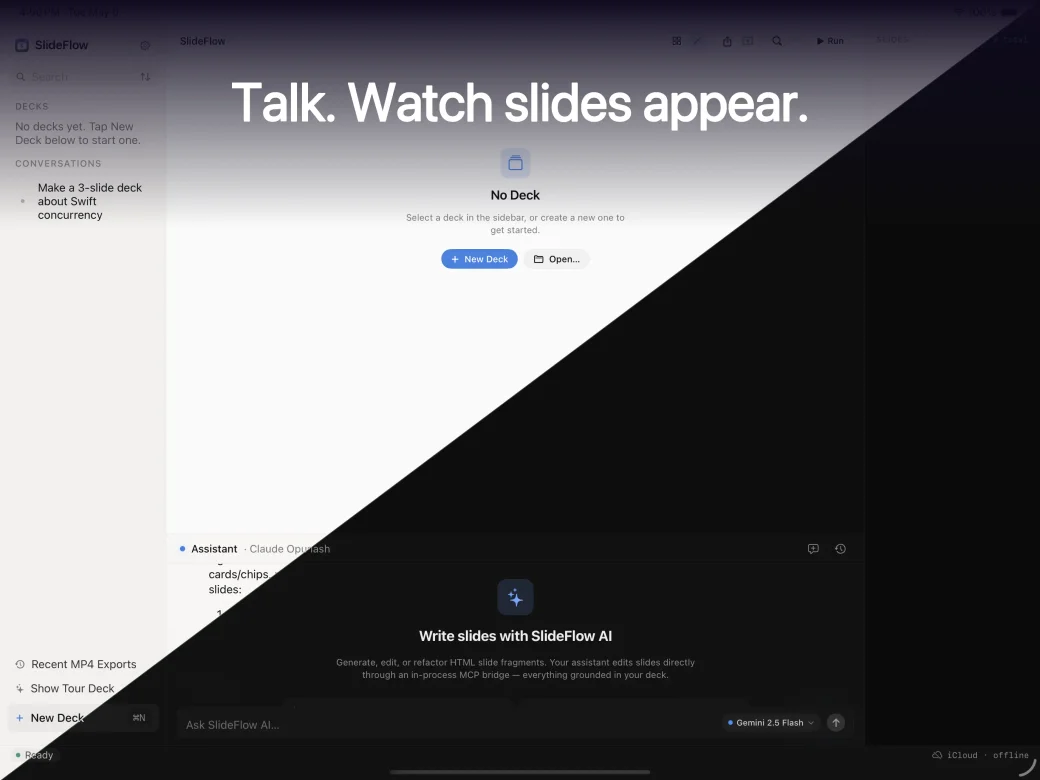
SlideFlow is an AI-native slide authoring tool for iPad. Describe what you want — your chosen AI model writes every slide as a live Reveal.js 5 canvas while you watch.
MULTI-PROVIDER AI — BRING YOUR OWN MODEL
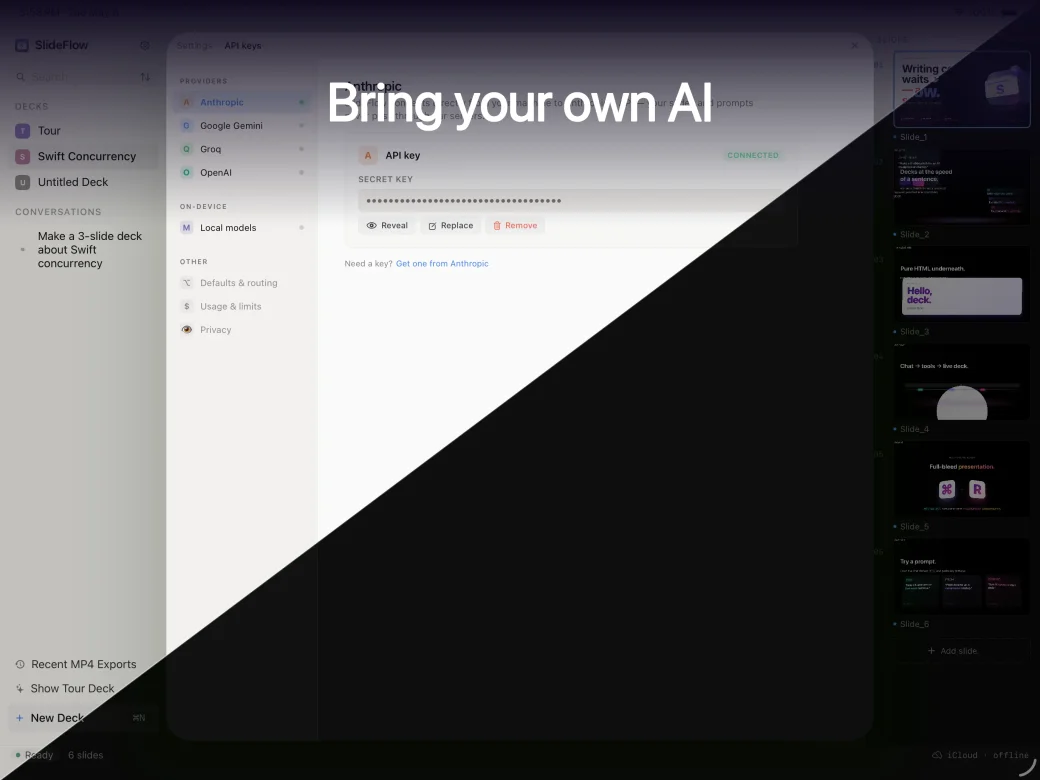
Choose from Anthropic Claude (Opus, Sonnet, Haiku), Google Gemini (2.5 Pro, 2.5 Flash), Groq Llama, OpenAI GPT, or Apple Intelligence on-device. No lock-in. If you already pay for a model, SlideFlow uses it.
LIVE HTML OUTPUT — NOT LOCKED-IN TEMPLATES
Every slide is a real HTML fragment inside Reveal.js 5. You own the output. Open it in any browser, share it as a URL, or hand it to a developer — no proprietary format.
CLICK-TO-EDIT INSPECTOR
Tap any element on the stage to change text, font, color, size, or alignment inline. Or send a focused AI rewrite scoped to just that element. Fine-grain and broad-stroke editing in the same tool.
DESIGN SYSTEM BUILT IN
The AI knows six visual aesthetic buckets — editorial/heritage, tech/dev (including phosphor-green and synthwave-launch variants), consumer/product, food/lifestyle, academic/research, and data/dashboard — and picks typography pairings accordingly.
ANIMATE WITHOUT CODE
Named animation patterns — float, pulse, shine sweep, arrow run, glow drift — are baked into the authoring guide.
EXPORT AS MP4
Record any deck as an MP4 with frame-accurate slide timing for video presentations, async walkthroughs, or social content.
HOW IT WORKS
1. Create a deck and describe it to the AI assistant.
2. Slides appear in the canvas in real time as the model writes them.
3. Tap the stage to edit any element directly, or prompt the AI to refine specific slides.
4. Press Run to see a full-bleed Reveal.js presentation. Press Export to save as MP4.
SlideFlow requires an API key from your chosen AI provider. Apple Intelligence (on-device) works without any key.
Terms of Use: https://anderson-hyl.github.io/slideflow-site/terms
Privacy Policy: https://anderson-hyl.github.io/slideflow-site/privacy
App-Datenschutz
Was 永乐 黄 im App Store zum Umgang dieser App mit Daten angibt.
-
Keine Daten erfasst
Der Entwickler erfasst keine Daten von dieser App.
Die Datenschutzpraktiken können variieren, zum Beispiel je nach den von Ihnen verwendeten Funktionen oder Ihrem Alter.
Informationen
- Anbieter
- 永乐 黄
- Kategorie
- Entwickler-Tools
- Version
- 1.0
- Aktualisiert
- 13.05.2026
- Veröffentlicht
- 13.05.2026
- Größe
- 40,6 MB
- Erfordert
- iOS 26.0 oder neuer
- Altersfreigabe
- 4+
- Preis
- Kostenlos
- In-App-Käufe
- Ja
- Sprachen
- Vereinf. Chinesisch
- Copyright
- © 2026 Anderson Huang
Das könnte Ihnen auch gefallen
-
 CodeAgent: AI Agent MonitorEntwickler-Tools
-
 HTML Viewer : Editor & CreatorDateien bearbeiten & Vorschau
-
 Python Coding – IDE & EditorPython lernen · Offline Editor
-
 Python IDE und Jupyter – JunoCode-Editor, Notebooks & KI
-
 Textastic Code EditorText, Coding, SFTP Client, SSH
-
 Pyto IDEPython, C/C++
-
 xTerminal - SSH Terminal ShellEntwickler-Tools