
SlideFlow AI
AI-native slide authoring tool
Conçue pour iPad
Gratuit · Achats intégrés
- Classification d’âge4+
- CatégorieOutils de développement
- Développeur永乐 黄
- LanguesChinois simplifié
- Taille40,6 Mo
Renvoie vers la page App Store officielle
Download.org n’héberge aucun fichier de SlideFlow AI. Le bouton ouvre la page de l’application sur App Store, où 永乐 黄 la publie. Fiche vérifiée pour la dernière fois le 21/11/2026.
Captures d’écran



À propos
Le développeur n’a pas fourni ce texte dans votre langue.
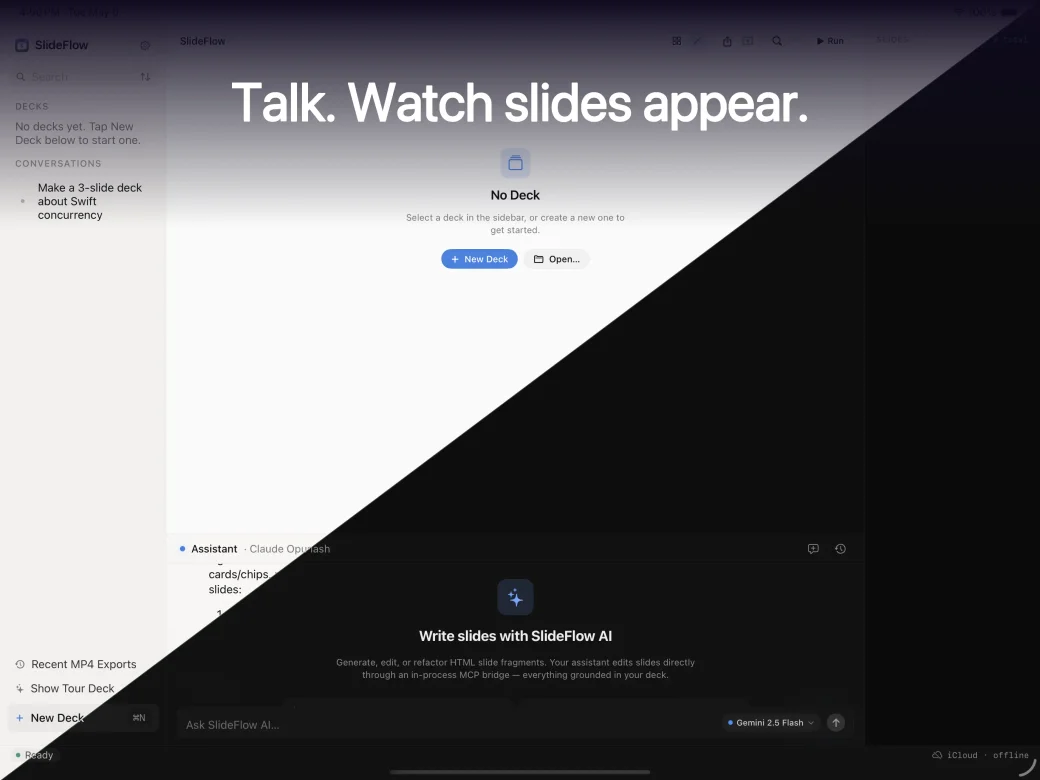
SlideFlow is an AI-native slide authoring tool for iPad. Describe what you want — your chosen AI model writes every slide as a live Reveal.js 5 canvas while you watch.
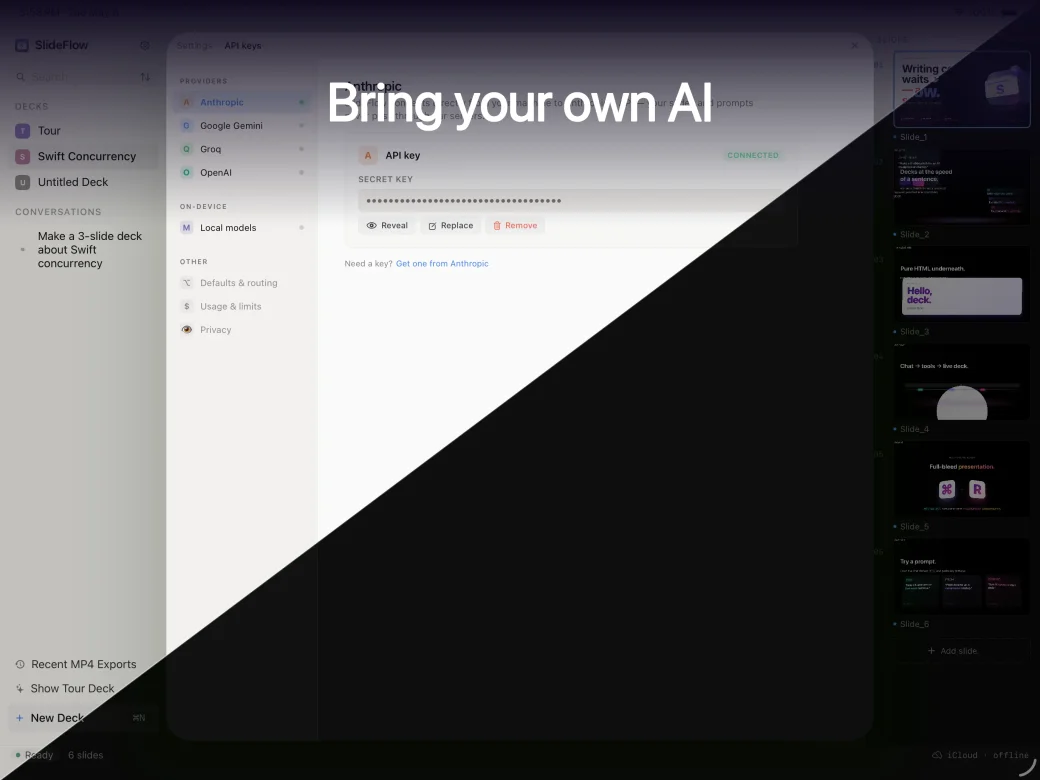
MULTI-PROVIDER AI — BRING YOUR OWN MODEL
Choose from Anthropic Claude (Opus, Sonnet, Haiku), Google Gemini (2.5 Pro, 2.5 Flash), Groq Llama, OpenAI GPT, or Apple Intelligence on-device. No lock-in. If you already pay for a model, SlideFlow uses it.
LIVE HTML OUTPUT — NOT LOCKED-IN TEMPLATES
Every slide is a real HTML fragment inside Reveal.js 5. You own the output. Open it in any browser, share it as a URL, or hand it to a developer — no proprietary format.
CLICK-TO-EDIT INSPECTOR
Tap any element on the stage to change text, font, color, size, or alignment inline. Or send a focused AI rewrite scoped to just that element. Fine-grain and broad-stroke editing in the same tool.
DESIGN SYSTEM BUILT IN
The AI knows six visual aesthetic buckets — editorial/heritage, tech/dev (including phosphor-green and synthwave-launch variants), consumer/product, food/lifestyle, academic/research, and data/dashboard — and picks typography pairings accordingly.
ANIMATE WITHOUT CODE
Named animation patterns — float, pulse, shine sweep, arrow run, glow drift — are baked into the authoring guide.
EXPORT AS MP4
Record any deck as an MP4 with frame-accurate slide timing for video presentations, async walkthroughs, or social content.
HOW IT WORKS
1. Create a deck and describe it to the AI assistant.
2. Slides appear in the canvas in real time as the model writes them.
3. Tap the stage to edit any element directly, or prompt the AI to refine specific slides.
4. Press Run to see a full-bleed Reveal.js presentation. Press Export to save as MP4.
SlideFlow requires an API key from your chosen AI provider. Apple Intelligence (on-device) works without any key.
Terms of Use: https://anderson-hyl.github.io/slideflow-site/terms
Privacy Policy: https://anderson-hyl.github.io/slideflow-site/privacy
Confidentialité de l’application
Ce que 永乐 黄 déclare sur l’App Store au sujet du traitement des données par cette application.
-
Données non collectées
Le développeur ne collecte aucune donnée à partir de cette application.
Les pratiques en matière de confidentialité peuvent varier, notamment en fonction des fonctionnalités que vous utilisez ou de votre âge.
Informations
- Vendeur
- 永乐 黄
- Catégorie
- Outils de développement
- Version
- 1.0
- Mis à jour
- 13/05/2026
- Publié
- 13/05/2026
- Taille
- 40,6 Mo
- Nécessite
- iOS 26.0 ou version ultérieure
- Classification d’âge
- 4+
- Prix
- Gratuit
- Achats intégrés
- Oui
- Langues
- Chinois simplifié
- Copyright
- © 2026 Anderson Huang
Vous aimerez peut-être aussi
-
 CodeAgent: AI Agent MonitorOutils de développement
-
 HTML Visionneuse et éditeurÉditeur HTML, créer et tester
-
 Python Coding – IDE & ÉditeurApprenez Python · Éditeur Code
-
 IDE Python et Jupyter – JunoÉditeur de code, notebooks, IA
-
 Textastic Code EditorOutils de développement
-
 Pyto IDEPython, C/C++
-
 xTerminal - SSH Terminal ShellOutils de développement