
Solution Dilution Calculator
Calculate the dilution require
Entwickelt für iPhone, iPad, iPod touch
2,99 €
- Altersfreigabe4+
- KategorieDienstprogramme
- EntwicklerNitrio
- SprachenEnglisch
- Größe784,0 KB
Verlinkt auf die offizielle App Store-Seite
Download.org hostet keine Datei von Solution Dilution Calculator. Die Schaltfläche öffnet die App-Seite bei App Store, wo Nitrio die App veröffentlicht. Eintrag zuletzt geprüft am 12.11.2026.
Screenshots
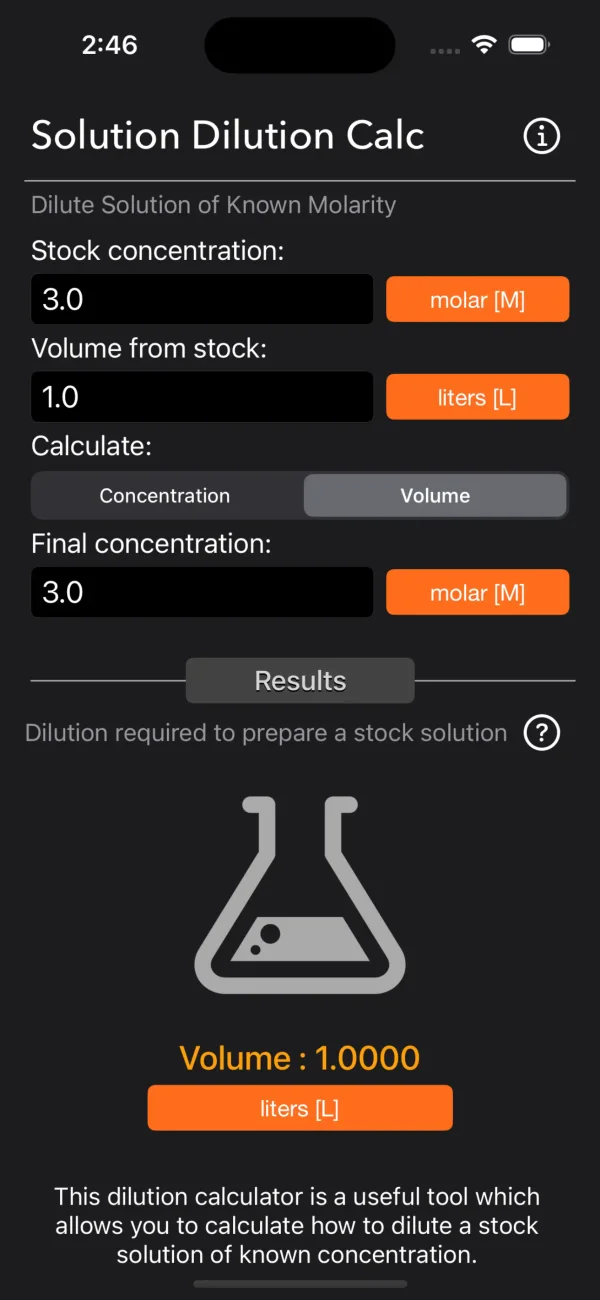
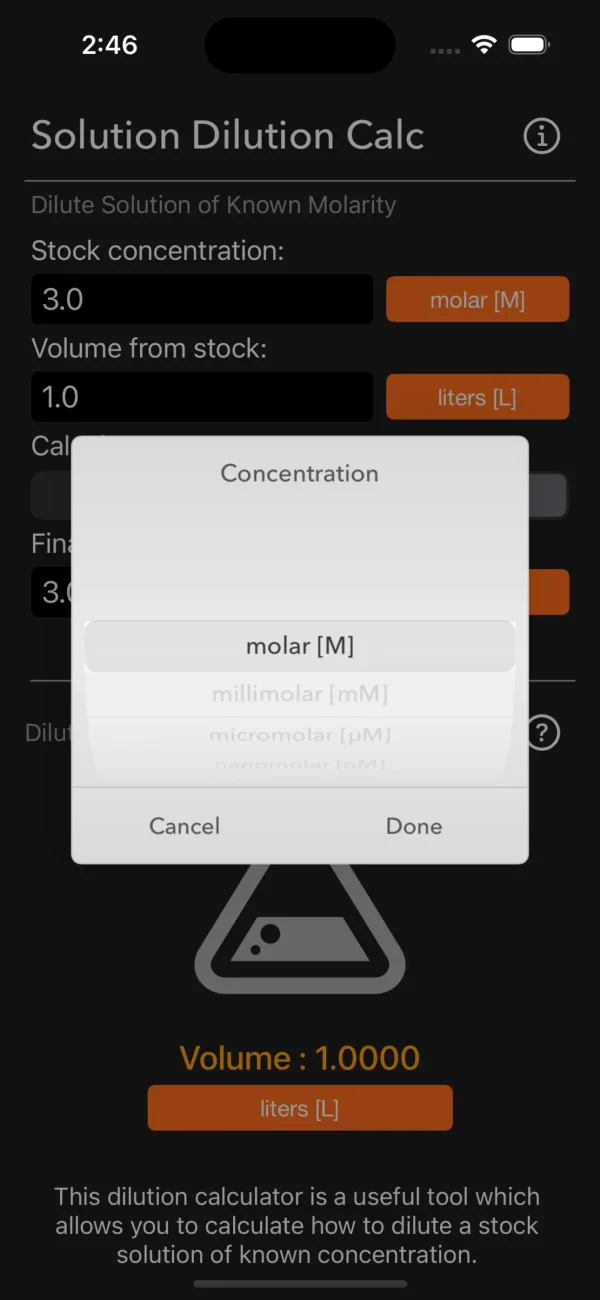
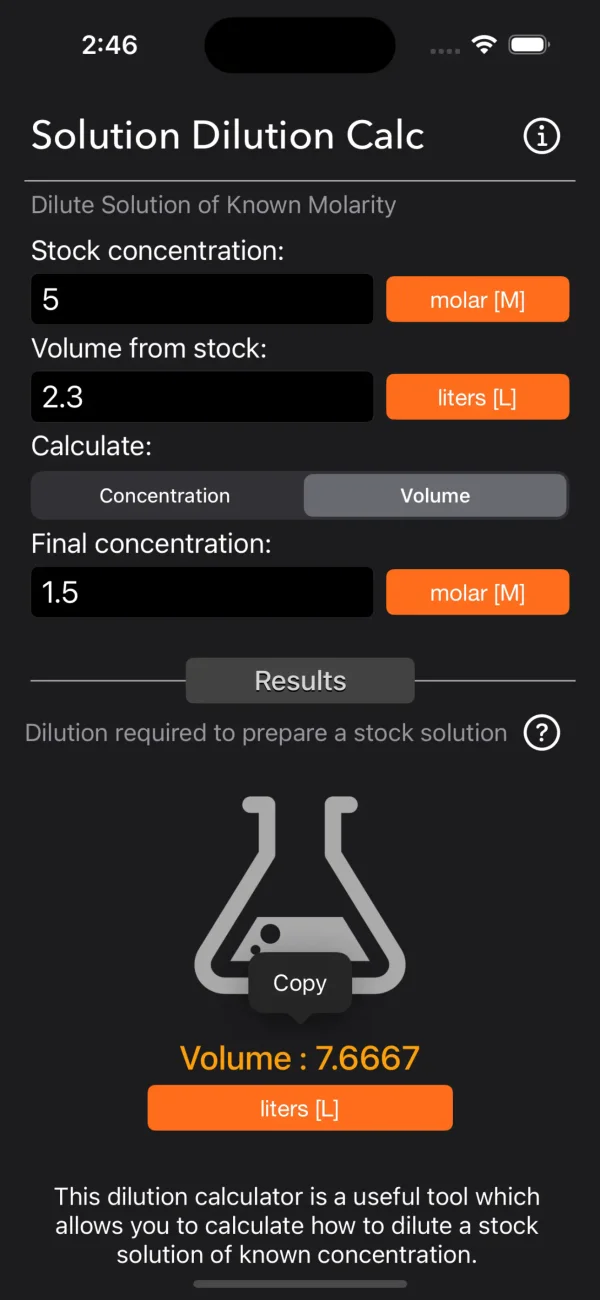
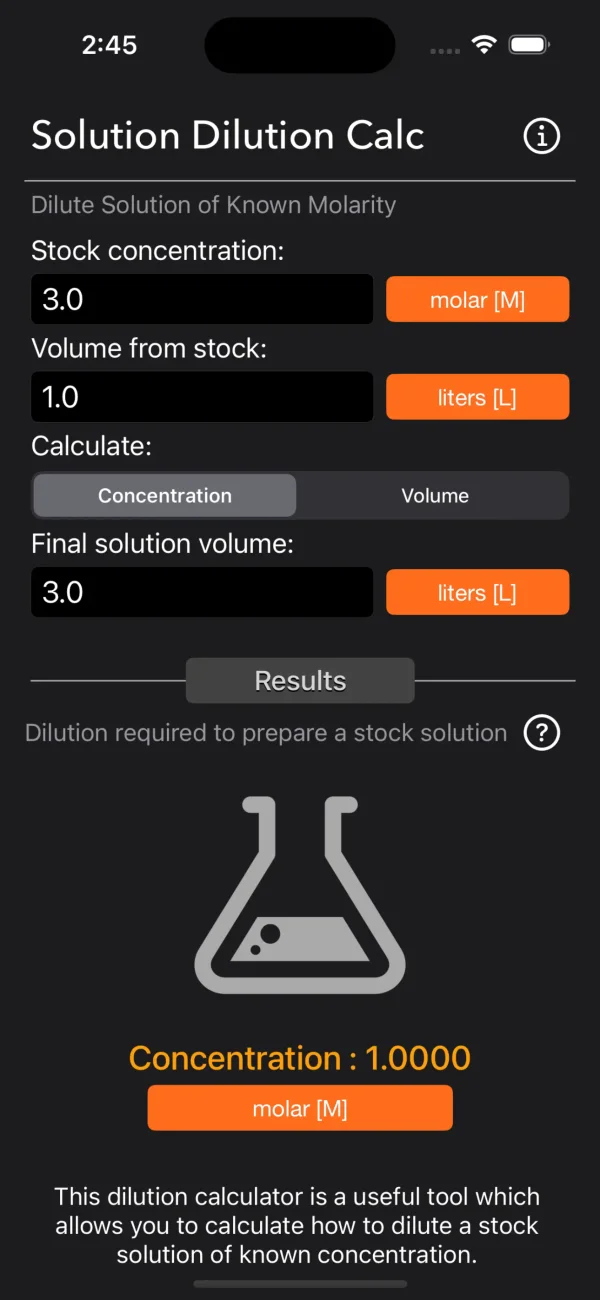
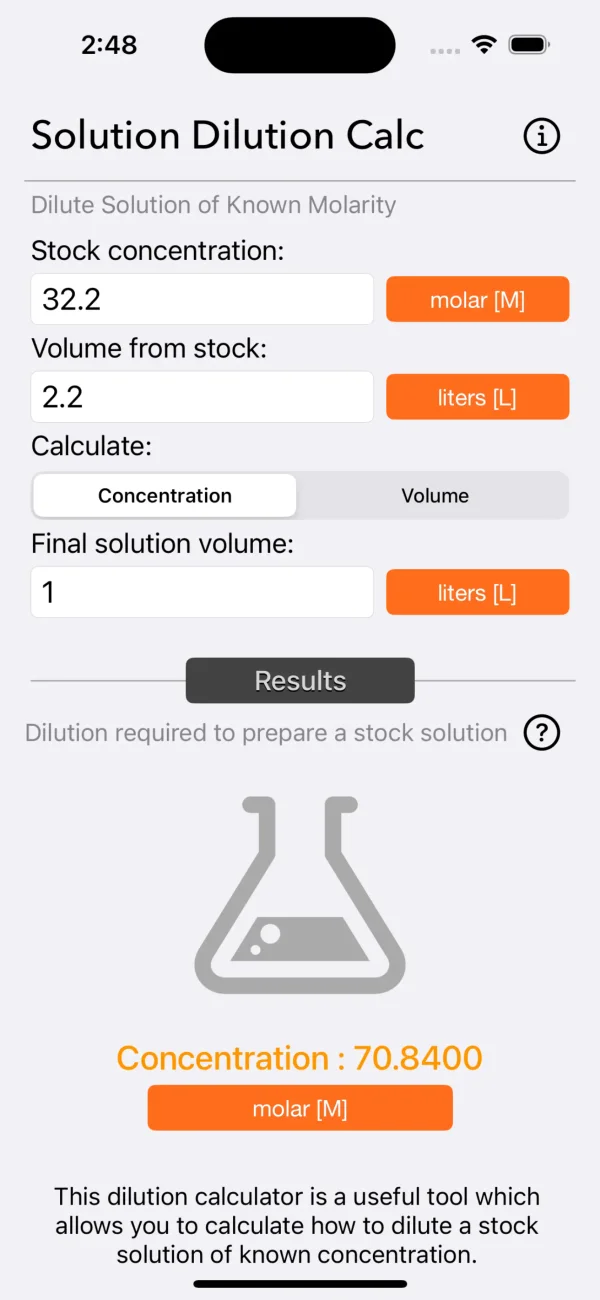
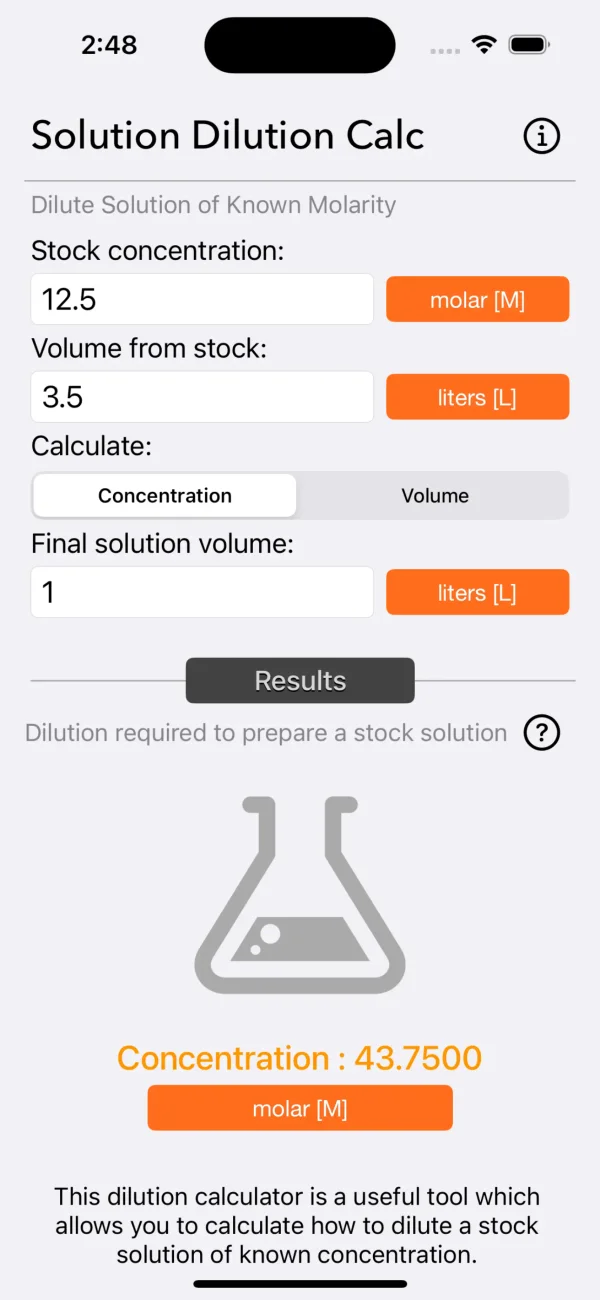
Info
Der Entwickler hat diesen Text nicht in Ihrer Sprache bereitgestellt.
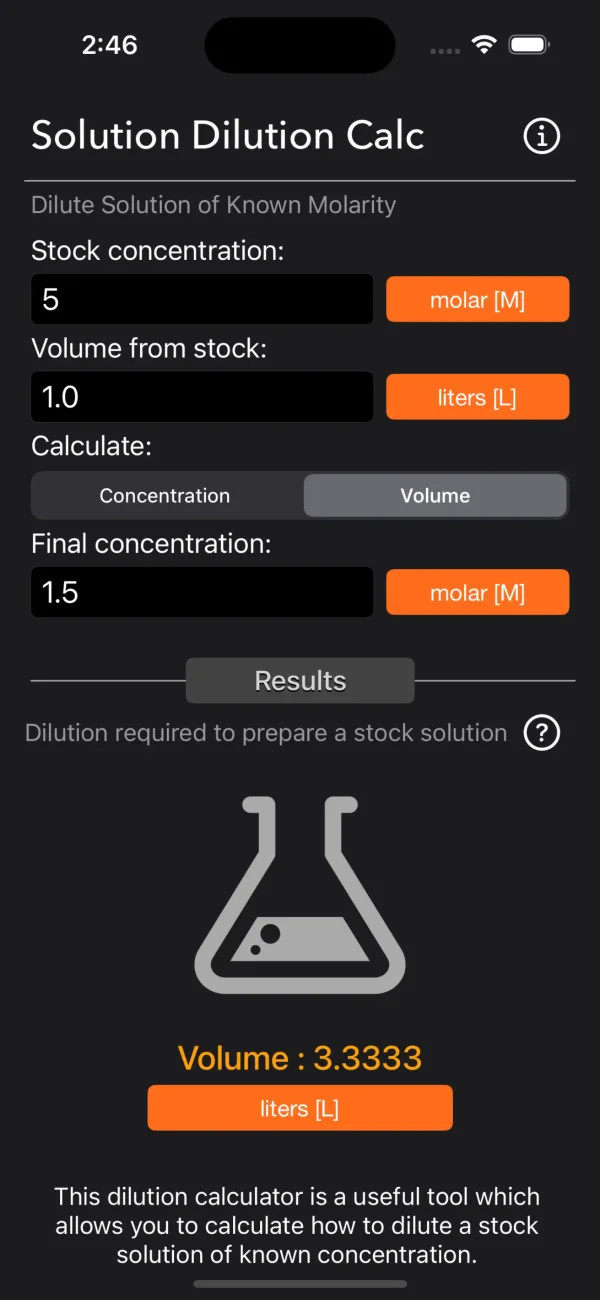
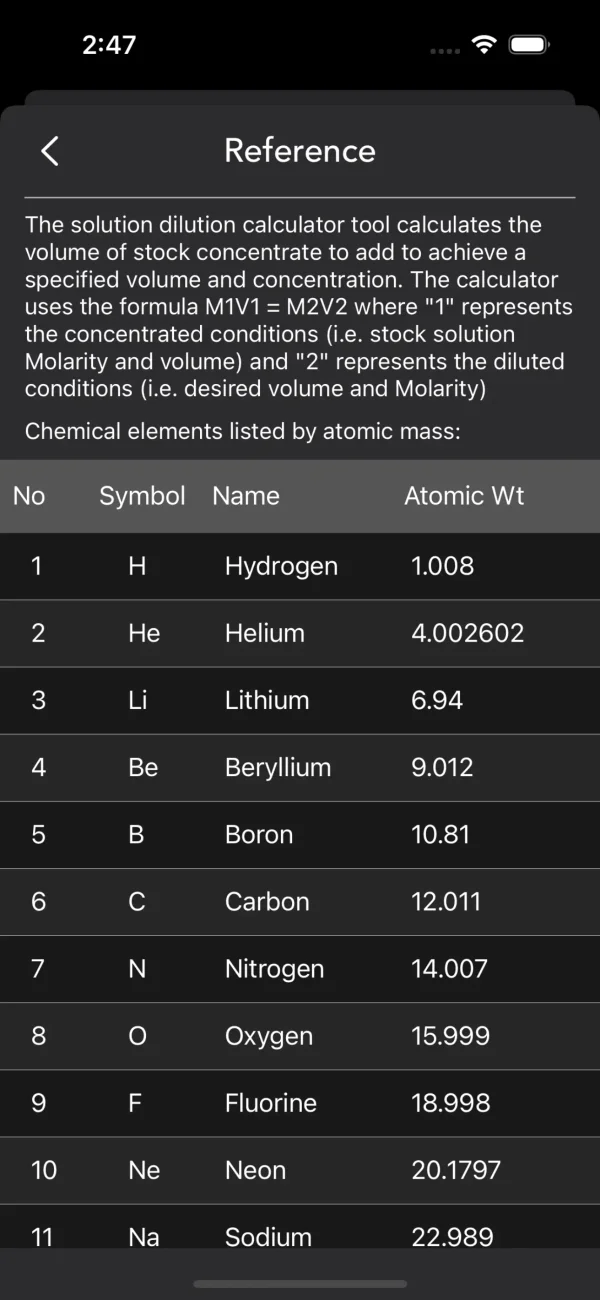
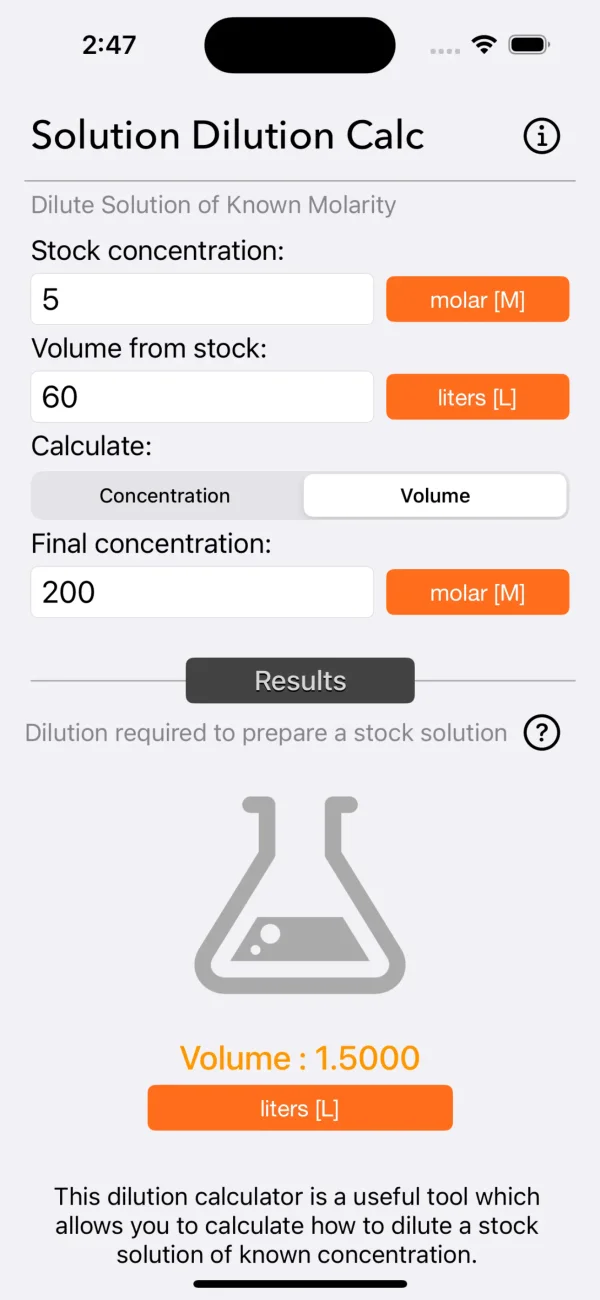
The Solution Dilution Calculator calculates the volume of stock concentrate needed to achieve a specified volume and concentration. It uses the formula:
C₁V₁ = C₂V₂
where:
C₁ = Initial concentration (stock solution)
V₁ = Volume to be removed (aliquot) from the stock solution
C₂ = Final concentration of the diluted solution
V₂ = Final volume of the diluted solution (after dilution with the solvent)
Designed for both teaching and research laboratories, this calculator can be used for dilution calculations with solutions expressed in mass per volume (e.g., g/L, mg/mL) or weight per volume (e.g., % w/v) concentration units.
Example Dilution Calculation:
Question: What volume of a 10 mM stock solution is required to prepare 20 mL of a 50 μM solution?
Solution:
Using the equation C₁V₁ = C₂V₂, where:
C₁ = 10 mM
C₂ = 50 μM
V₂ = 20 mL
V₁ = Unknown
Steps:
Enter 10 into the Concentration (start) box and select millimolar (mM).
Enter 50 into the Concentration (final) box and select micromolar (μM).
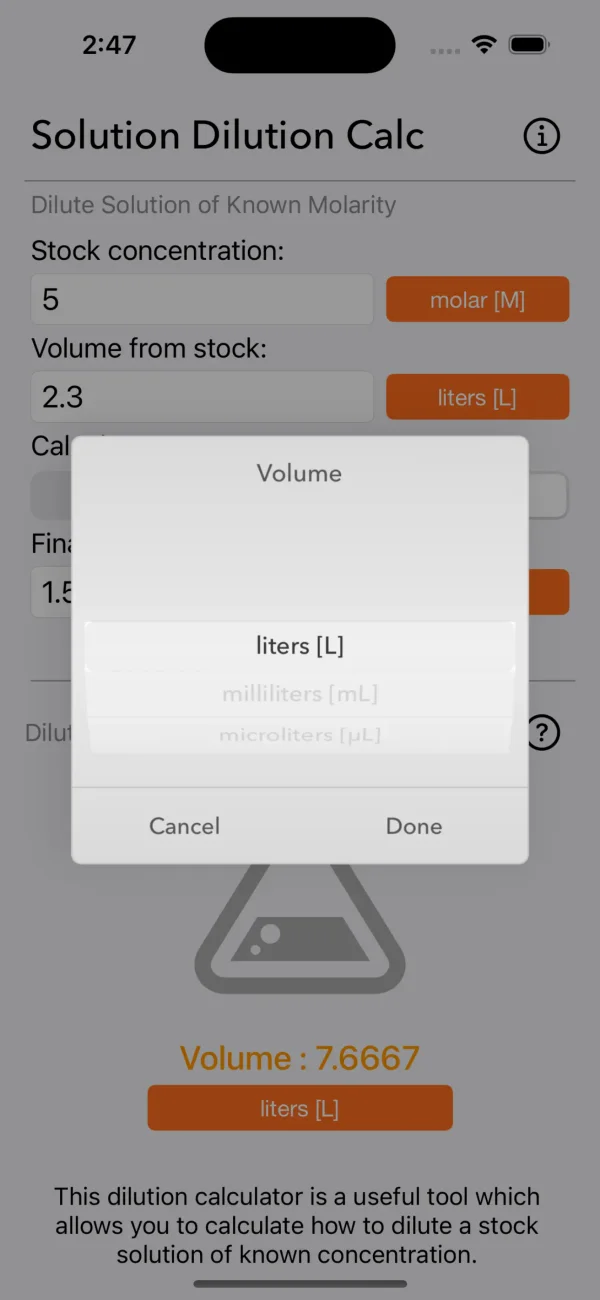
Enter 20 into the Volume (final) box and select milliliters (mL).
The result, 100 microliters (0.1 mL), will appear automatically.
Thank you for your support! Stay tuned for more updates.
Neue Funktionen
Version 1.4 · 27.02.2026
- Updated for the newest devices.
- Minor bugs fixed.
App-Datenschutz
Was Nitrio im App Store zum Umgang dieser App mit Daten angibt.
-
Keine Daten erfasst
Der Entwickler erfasst keine Daten von dieser App.
Die Datenschutzpraktiken können variieren, zum Beispiel je nach den von Ihnen verwendeten Funktionen oder Ihrem Alter.
Informationen
- Anbieter
- Tan Chia Ling
- Kategorie
- Dienstprogramme
- Version
- 1.4
- Aktualisiert
- 27.02.2026
- Veröffentlicht
- 28.02.2018
- Größe
- 784,0 KB
- Erfordert
- iOS 13 oder neuer
- Altersfreigabe
- 4+
- Preis
- 2,99 €
- Sprachen
- Englisch
- Copyright
- © Tan Chia Ling
Das könnte Ihnen auch gefallen
-
 Lab Mate — MolaritätsrechnerMolarität und Verdünnung
-
 Centrifugal Pump SpecDienstprogramme
-
 NearONDienstprogramme
-
 Gauss Tesla MeterDienstprogramme
-
 Maybank eID VNDienstprogramme
-
 JUMO DeviceDienstprogramme
-
 EleksTubeDienstprogramme
-
 Bracelet Sizer & ChartDienstprogramme
-
 Notepad Pro - Color Memo NotesDienstprogramme
-
 Pressure Converter Psi Bar PaDienstprogramme