Solution Dilution Calculator
Calculate the dilution require
Dirancang untuk iPhone, iPad, iPod touch
Rp 59ribu
- Batasan usia4+
- KategoriKegunaan
- PengembangNitrio
- BahasaInggris
- Ukuran784,0 KB
Tertaut ke halaman resmi App Store
Download.org tidak menyimpan file Solution Dilution Calculator apa pun. Tombol ini membuka halaman aplikasi di App Store, tempat Nitrio menerbitkannya. Halaman terakhir diperiksa pada 12/11/2026.
Tangkapan layar
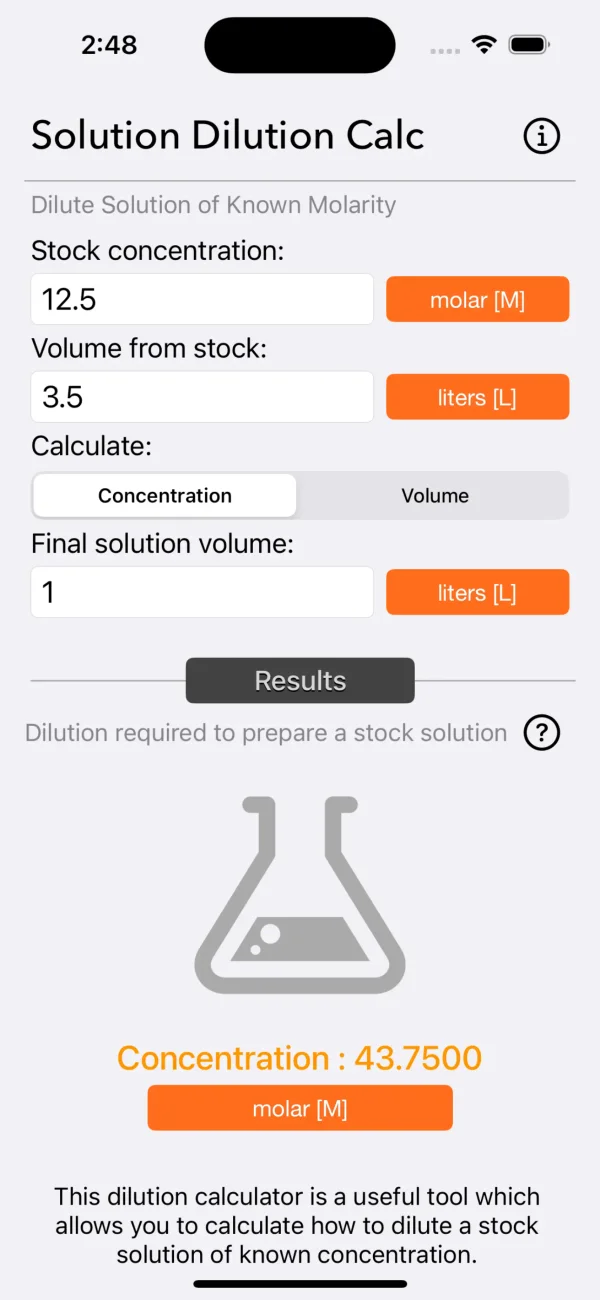
Tentang
Pengembang belum menyediakan teks ini dalam bahasa Anda.
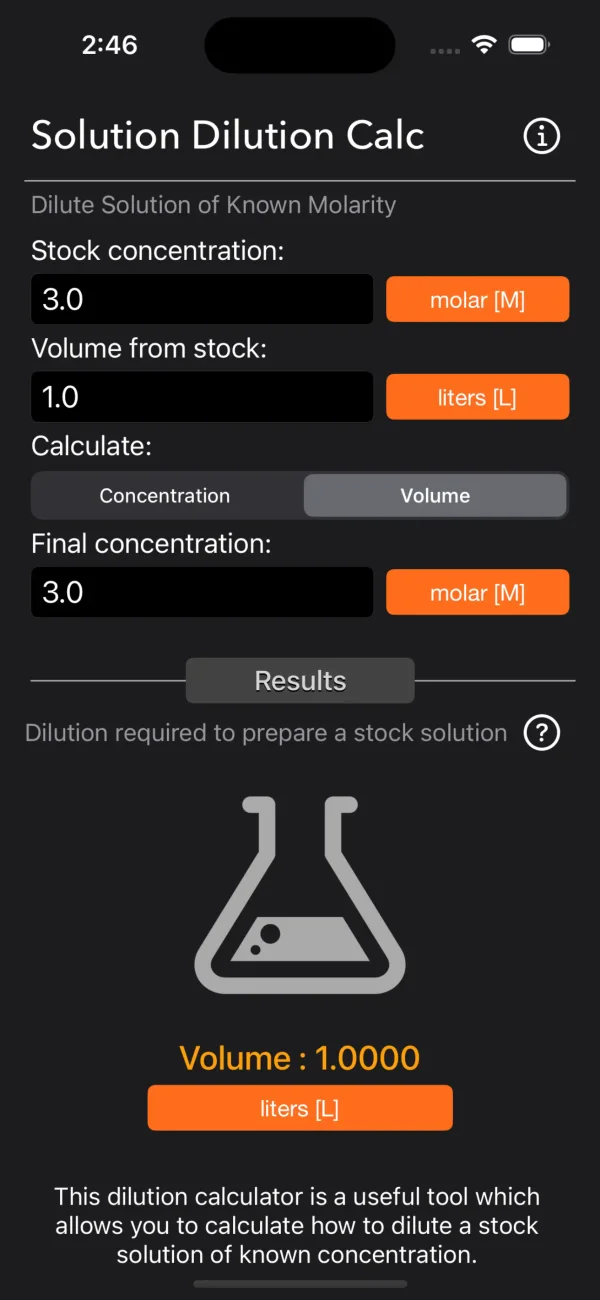
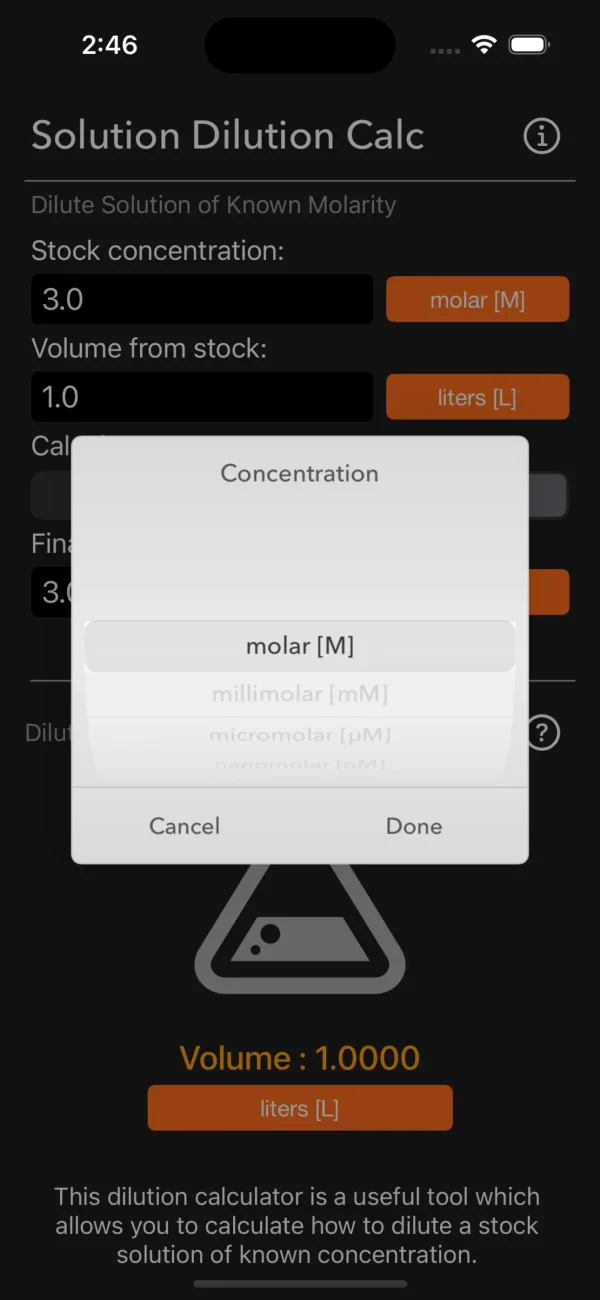
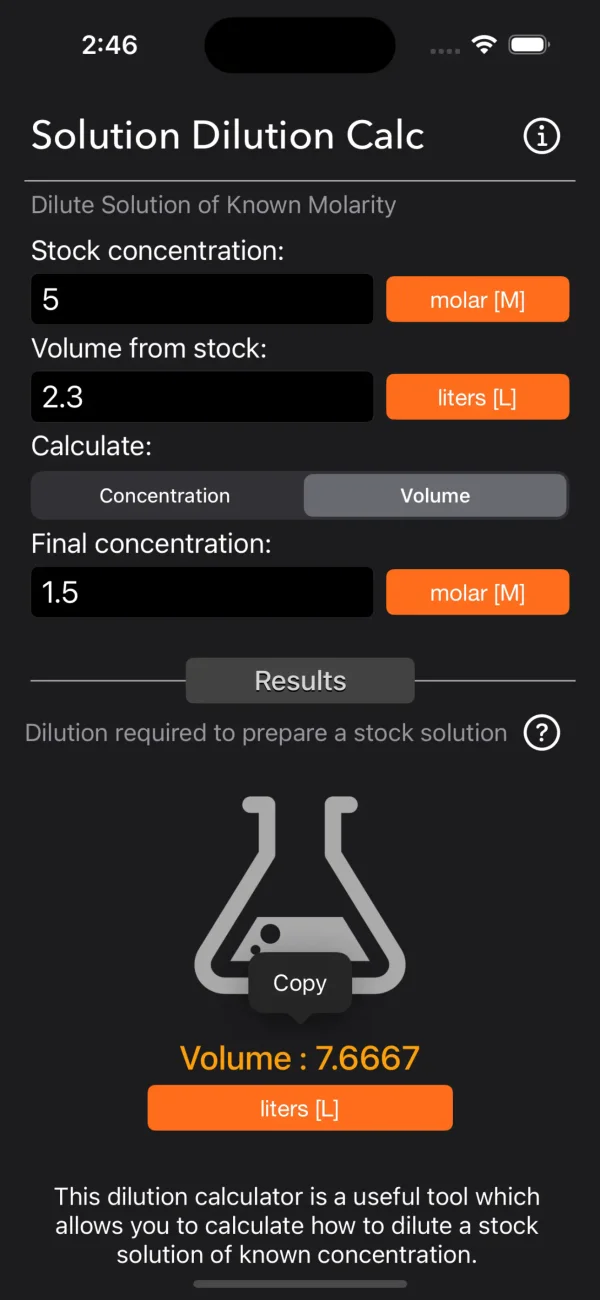
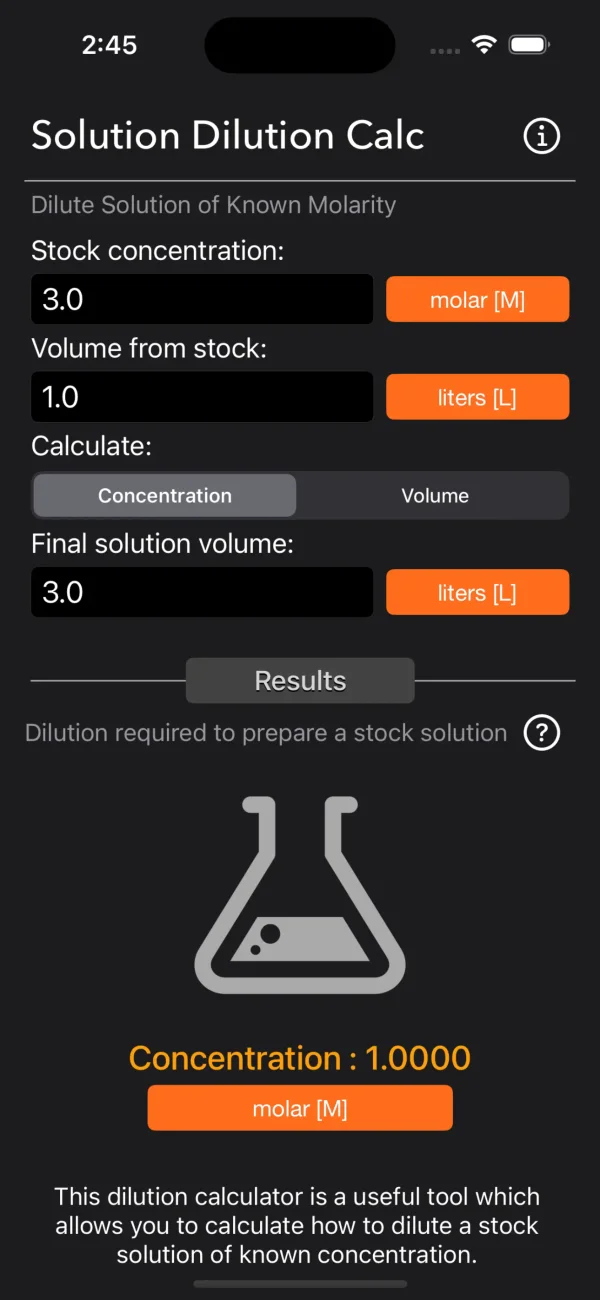
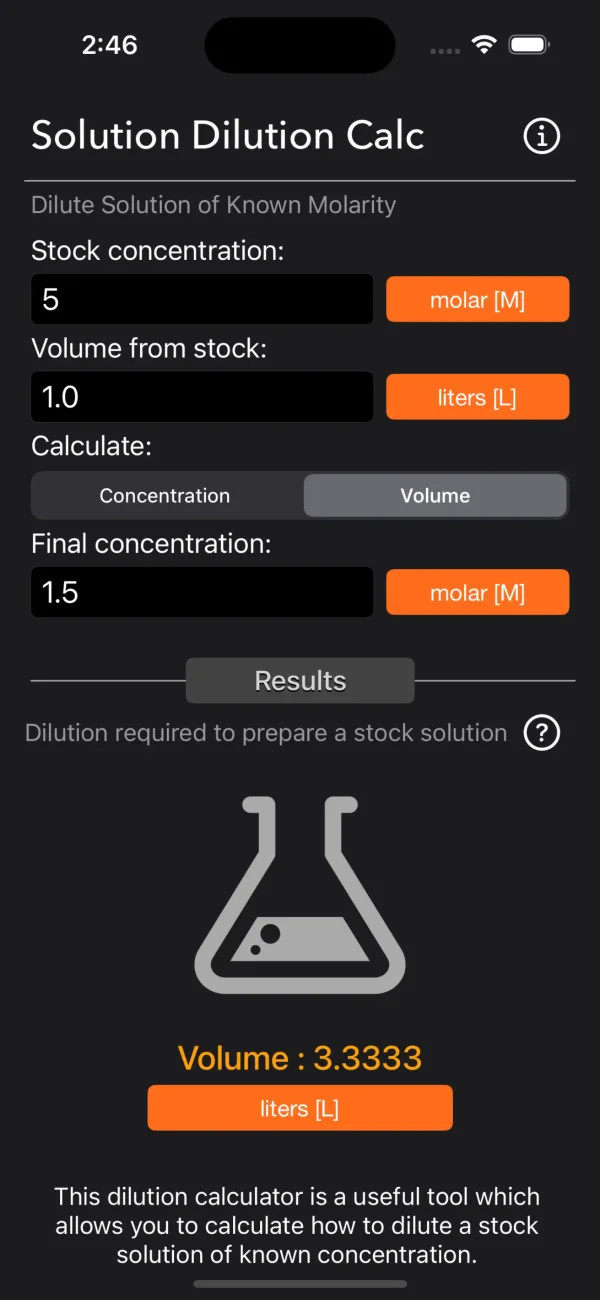
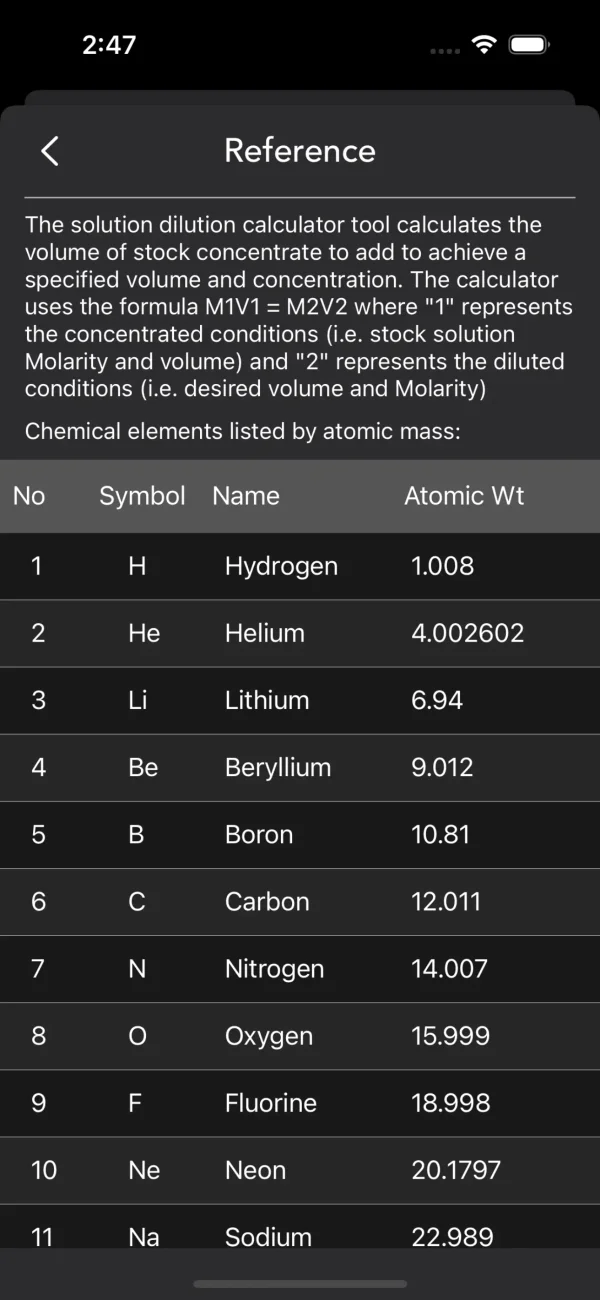
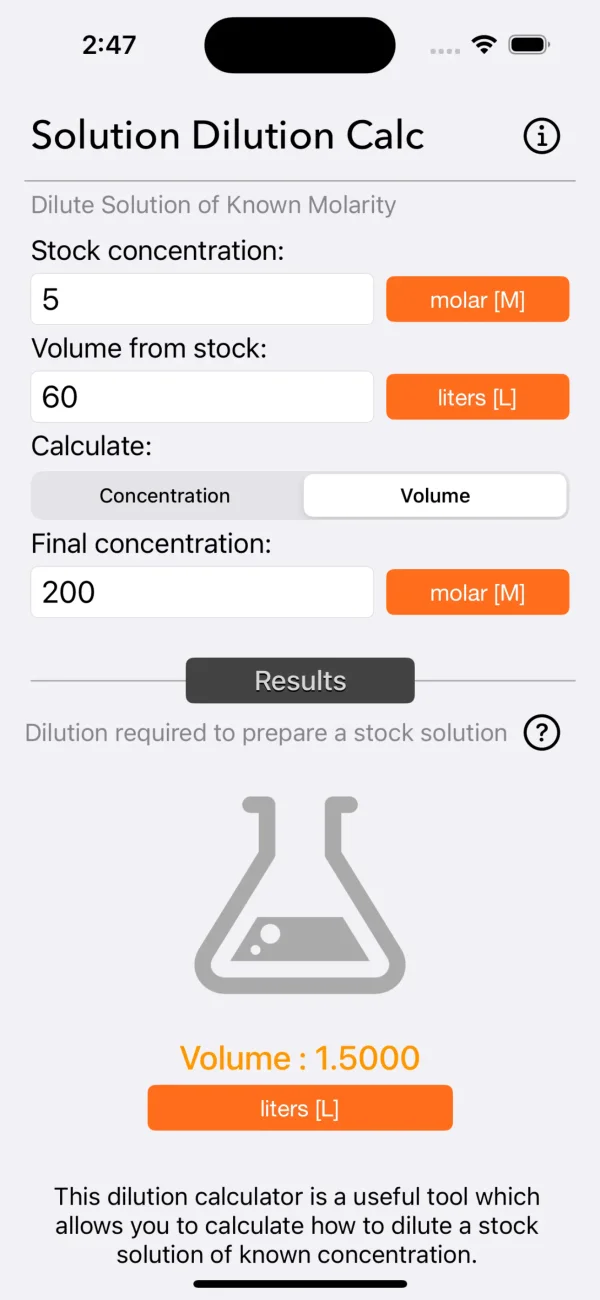
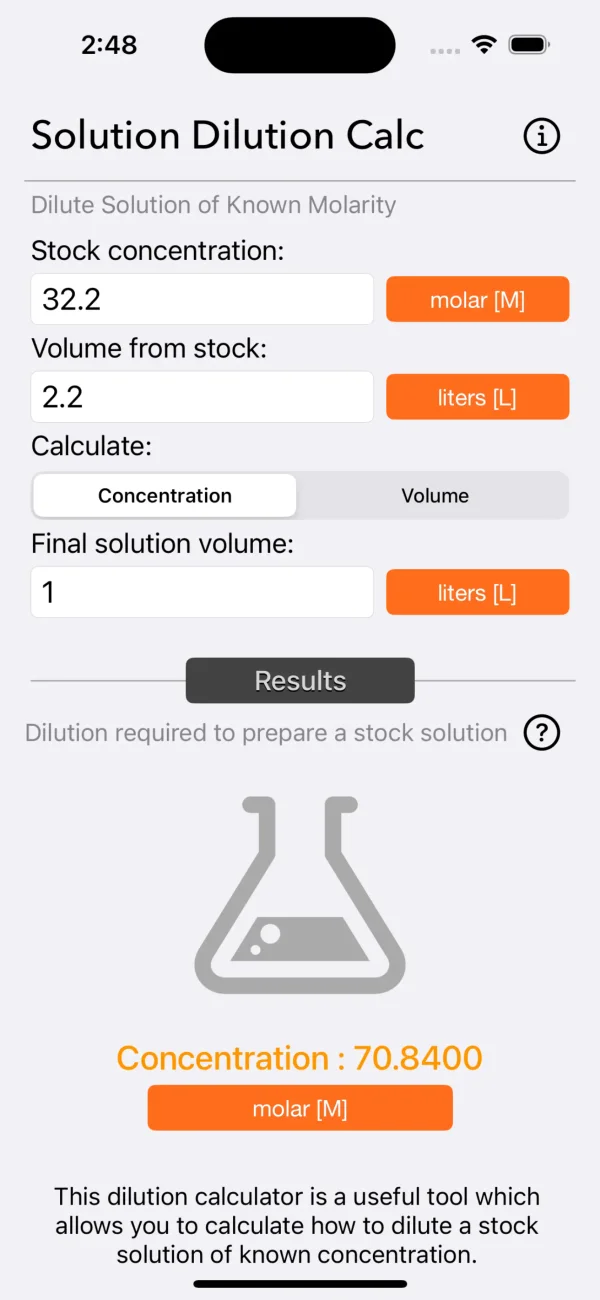
The Solution Dilution Calculator calculates the volume of stock concentrate needed to achieve a specified volume and concentration. It uses the formula:
C₁V₁ = C₂V₂
where:
C₁ = Initial concentration (stock solution)
V₁ = Volume to be removed (aliquot) from the stock solution
C₂ = Final concentration of the diluted solution
V₂ = Final volume of the diluted solution (after dilution with the solvent)
Designed for both teaching and research laboratories, this calculator can be used for dilution calculations with solutions expressed in mass per volume (e.g., g/L, mg/mL) or weight per volume (e.g., % w/v) concentration units.
Example Dilution Calculation:
Question: What volume of a 10 mM stock solution is required to prepare 20 mL of a 50 μM solution?
Solution:
Using the equation C₁V₁ = C₂V₂, where:
C₁ = 10 mM
C₂ = 50 μM
V₂ = 20 mL
V₁ = Unknown
Steps:
Enter 10 into the Concentration (start) box and select millimolar (mM).
Enter 50 into the Concentration (final) box and select micromolar (μM).
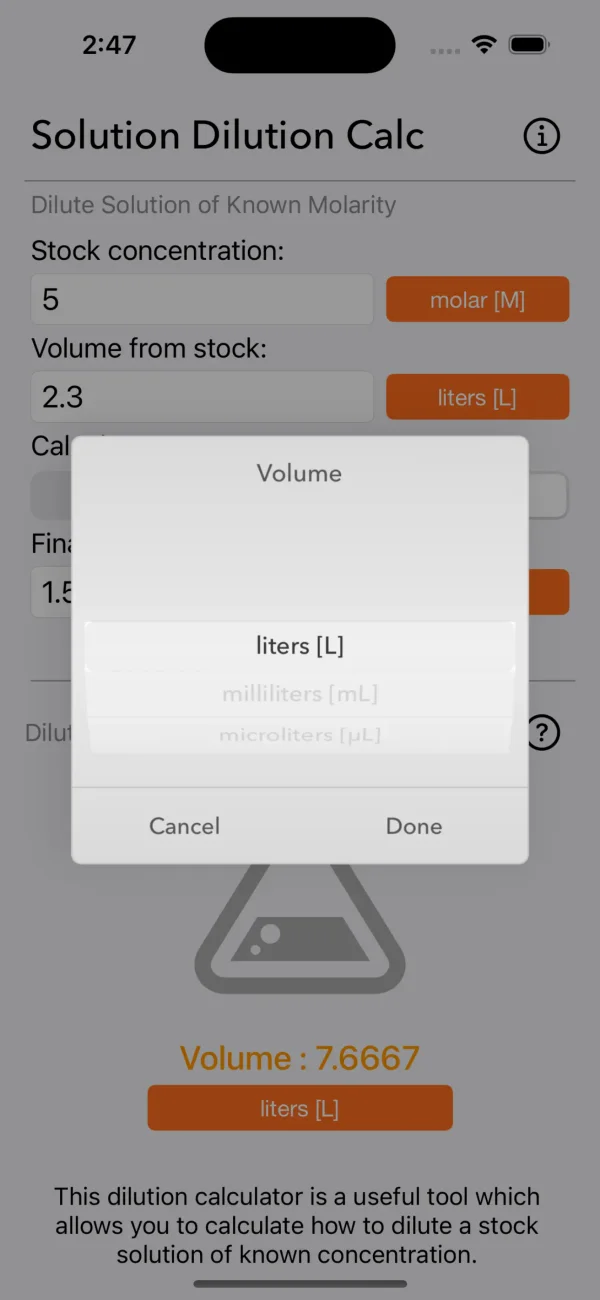
Enter 20 into the Volume (final) box and select milliliters (mL).
The result, 100 microliters (0.1 mL), will appear automatically.
Thank you for your support! Stay tuned for more updates.
Yang baru
Versi 1.4 · 27/2/2026
- Updated for the newest devices.
- Minor bugs fixed.
Privasi aplikasi
Yang dinyatakan Nitrio di App Store tentang cara aplikasi ini menangani data.
-
Data tidak dikumpulkan
Pengembang tidak mengumpulkan data apa pun dari aplikasi ini.
Praktik privasi dapat bervariasi, misalnya berdasarkan fitur yang Anda gunakan atau usia Anda.
Informasi
- Penjual
- Tan Chia Ling
- Kategori
- Kegunaan
- Versi
- 1.4
- Diperbarui
- 27/2/2026
- Dirilis
- 28/2/2018
- Ukuran
- 784,0 KB
- Memerlukan
- iOS 13 atau yang lebih baru
- Batasan usia
- 4+
- Harga
- Rp 59ribu
- Bahasa
- Inggris
- Hak cipta
- © Tan Chia Ling