Stickered
Sticker maker & cutout studio
Entwickelt für iPhone
Kostenlos · In-App-Käufe
- Altersfreigabe4+
- KategorieGrafik und Design
- EntwicklerJing Zhe Lim
- SprachenEnglisch
- Größe69,2 MB
Verlinkt auf die offizielle App Store-Seite
Download.org hostet keine Datei von Stickered. Die Schaltfläche öffnet die App-Seite bei App Store, wo Jing Zhe Lim die App veröffentlicht. Eintrag zuletzt geprüft am 17.11.2026.
Screenshots


Info
Der Entwickler hat diesen Text nicht in Ihrer Sprache bereitgestellt.
Turn any photo into a transparent-background sticker in a few taps — add your own text, then arrange your stickers into a Scene. All on your device.
MAKE A STICKER
1. Capture a photo or import one from your library.
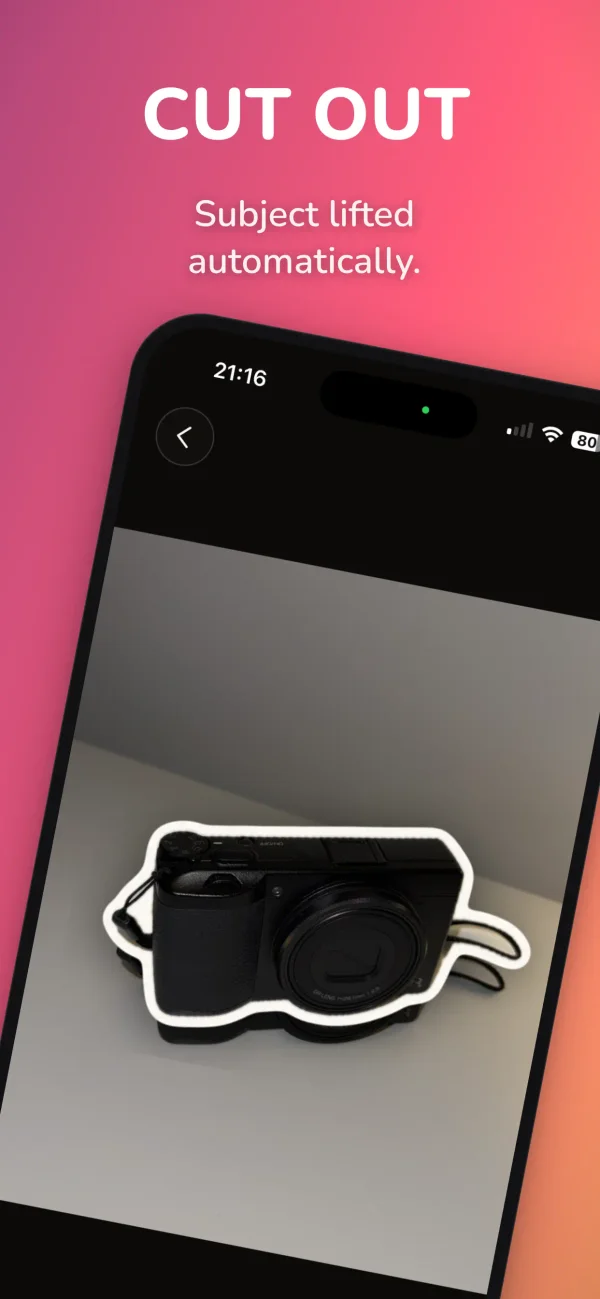
2. Auto-cutout lifts the subject — clean edges, no green screen, no fuss.
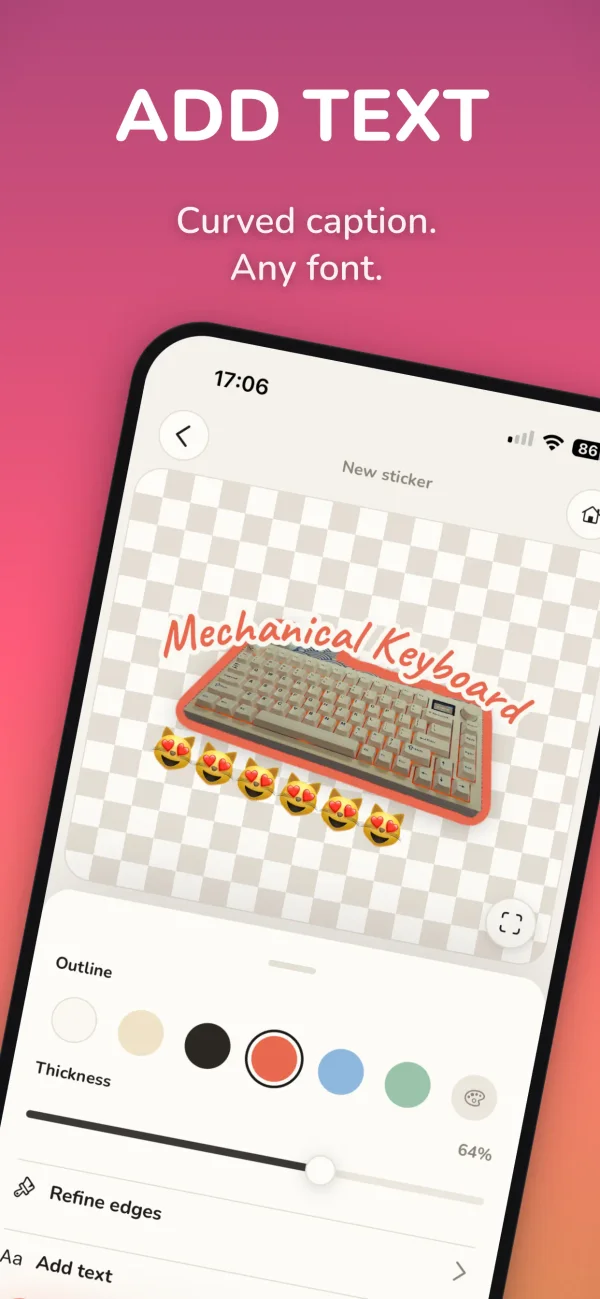
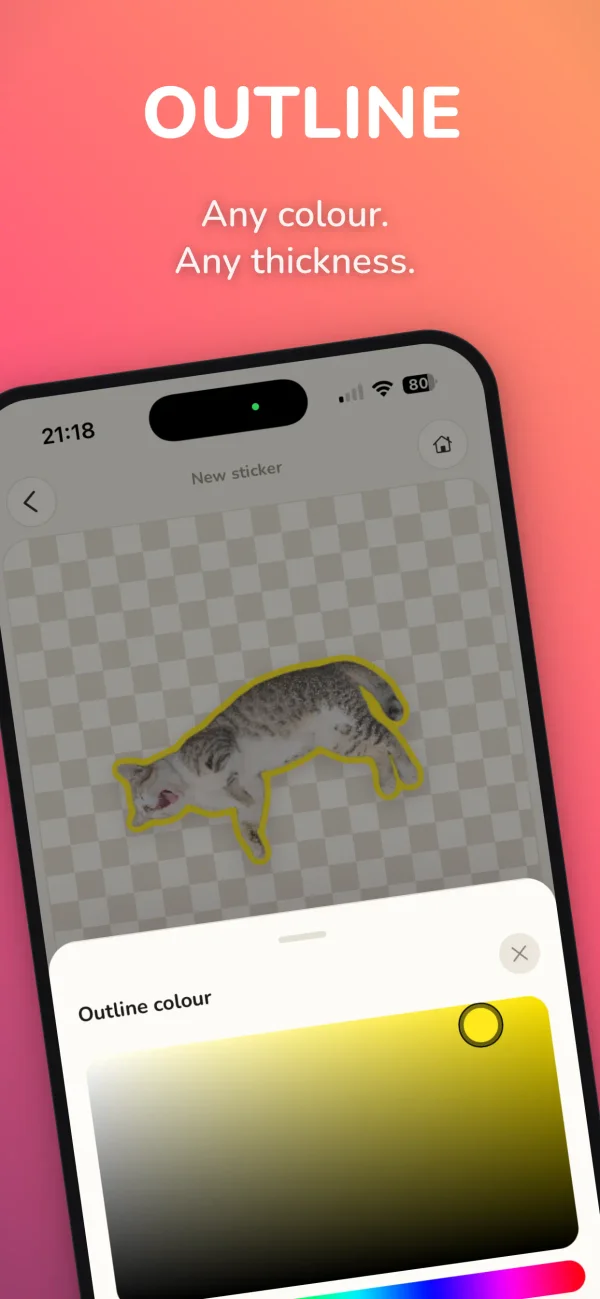
3. Add an Outline. Set the thickness and colour for that classic die-cut look.
4. Add text — straight or curved — in the font and colour you want.
5. Fine-tune edges by hand with the Refine brush. Pan, pinch to zoom, two-finger tap to undo.
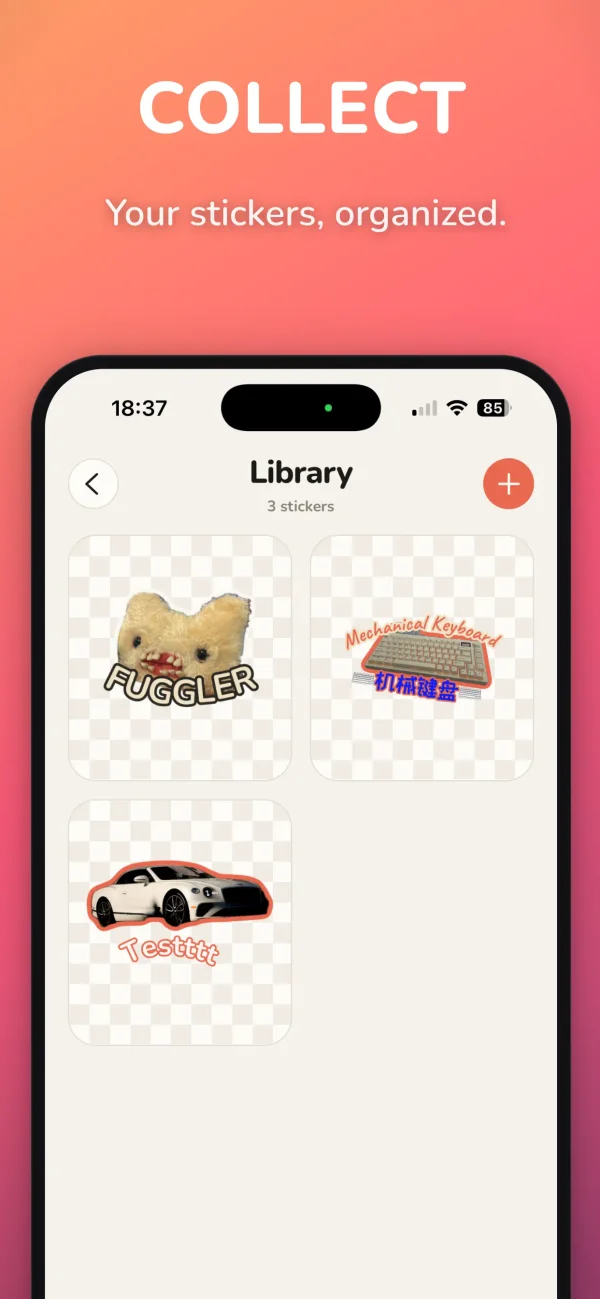
6. Save to your on-device Library, or share to Messages, Instagram, AirDrop, or Files.
BUILD A SCENE (new)
Drop several stickers onto a background and arrange them into one image — a wallpaper, a collage, a layout. Add text, layer elements front to back, and pick a background: a solid colour, a gradient, or one of your own photos. Export the whole Scene as a single image.
MADE FOR
- Journalers and scrapbookers who want stickers from their own photos.
- Anyone who's ever wanted a sticker of their dog, their plant, or their breakfast — with a caption.
- People who care that their photos stay private.
FREE, FOREVER
- On-device subject detection — no cloud, no upload, no account.
- Adjustable Outline: any thickness, any colour.
- Refine brush for pixel-perfect edges.
- One text element with our free font set.
- On-device Library. No watermark. No usage cap. No ads.
- Start building Scenes right away.
STICKERED PRO — ONE-TIME UNLOCK, NO SUBSCRIPTION
- Multiple text elements per sticker.
- Curved / arc text (emoji included).
- Per-element text outline.
- The full premium font catalogue — 20+ fonts, including 9 Simplified Chinese styles.
- Re-open and re-edit any sticker you've saved.
- Scene extras: gradient and photo backgrounds.
Buy once, keep every Pro feature we add in future updates.
PRIVACY
Your photos never leave your device. Stickered does not upload, transmit, or store your photos on any server. No accounts. No tracking. Optional anonymous usage stats (never your photos or text) help us decide what to build next — turn them off anytime in Settings.
Privacy policy: https://jzlim.github.io/stickered-privacy/
REQUIREMENTS
iPhone on iOS 17 or later. Subject detection uses Apple's on-device Vision framework.
Neue Funktionen
Version 1.4.1 · 14.11.2026
Fixes a crash when making a sticker from several subjects in one photo. Under the hood: a newer app engine with lower memory use, for smoother editing.
App-Datenschutz
Was Jing Zhe Lim im App Store zum Umgang dieser App mit Daten angibt.
-
Nicht mit Ihnen verknüpfte Daten
Können erfasst werden, sind aber nicht mit Ihrer Identität verknüpft.
- Kennungen
- Nutzungsdaten
- Diagnose
Die Datenschutzpraktiken können variieren, zum Beispiel je nach den von Ihnen verwendeten Funktionen oder Ihrem Alter.
Informationen
- Anbieter
- Jing Zhe Lim
- Kategorie
- Grafik und Design
- Version
- 1.4.1
- Aktualisiert
- 14.11.2026
- Veröffentlicht
- 25.06.2026
- Größe
- 69,2 MB
- Erfordert
- iOS 17.0 oder neuer
- Altersfreigabe
- 4+
- Preis
- Kostenlos
- In-App-Käufe
- Ja
- Sprachen
- Englisch
- Copyright
- © 2026 Jing Zhe Lim
Das könnte Ihnen auch gefallen
-
 StickerCut StudioGrafik und Design
-
 Cutout Sticker MakerFreistellen auf dem Gerät
-
 Cropcut: Sticker erstellenFreistellen & Hintergrund weg
-
 Pipday: Sticker & ScrapbookFotos freistellen & gestalten
-
 Cutmoji: Sticker erstellenFreistellen, Memes & Pakete
-
 Glypho: Stickers & FontsGrafik und Design
-
 VectoSolveGrafik und Design
-
 Stiki: Sticker & Meme MakerStickers Pack For Messenger
-
 StickerVerse: AI Sticker MakerGrafik und Design