
StickerMaker Keyboard*
Entwickelt für iPhone, iPod touch
Kostenlos · In-App-Käufe
- Altersfreigabe4+
- KategorieDienstprogramme
- Entwickler红燕 马
- SprachenEnglisch
- Größe74,5 MB
Verlinkt auf die offizielle App Store-Seite
Download.org hostet keine Datei von StickerMaker Keyboard*. Die Schaltfläche öffnet die App-Seite bei App Store, wo 红燕 马 die App veröffentlicht. Eintrag zuletzt geprüft am 27.11.2026.
Screenshots


Info
Der Entwickler hat diesen Text nicht in Ihrer Sprache bereitgestellt.
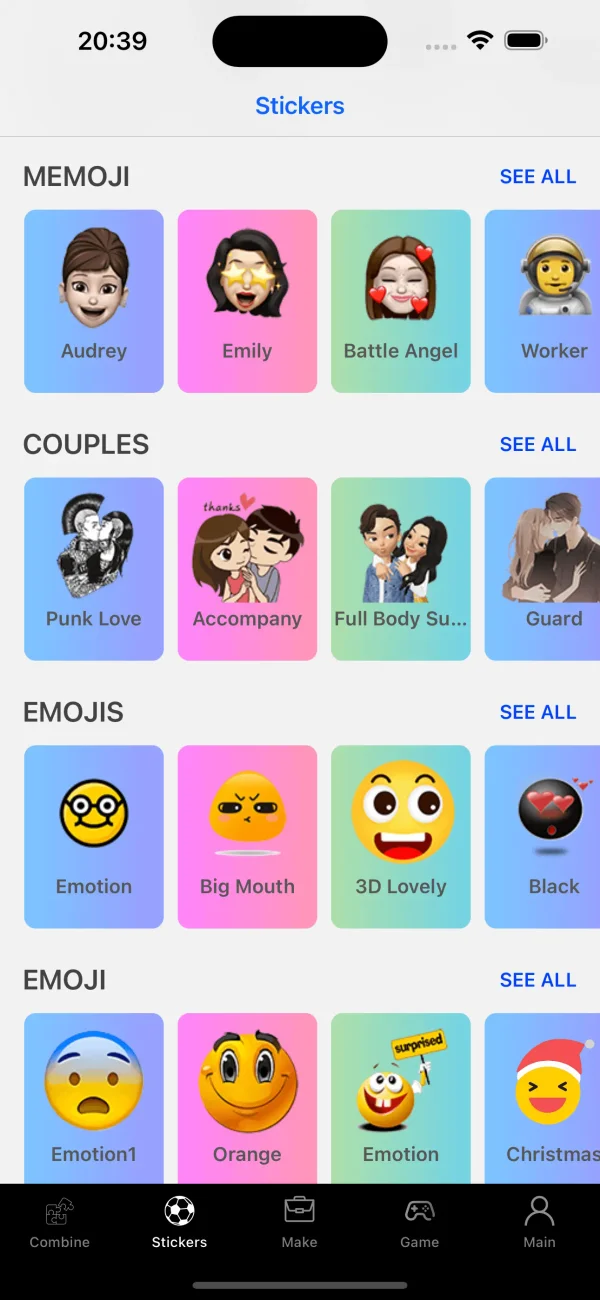
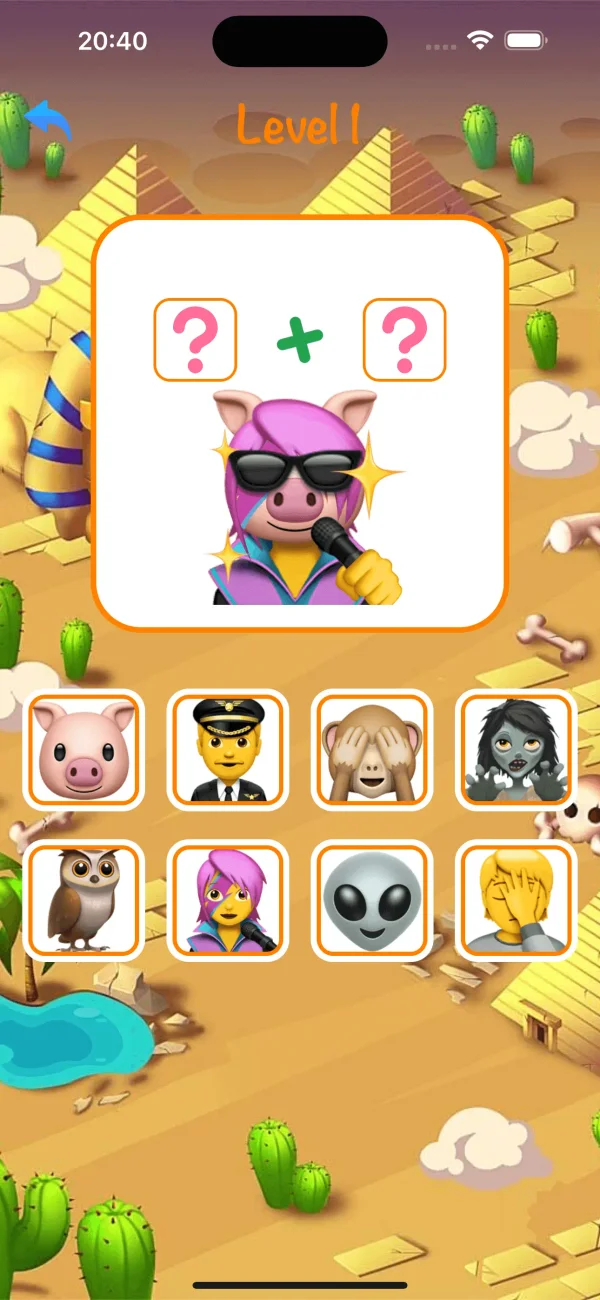
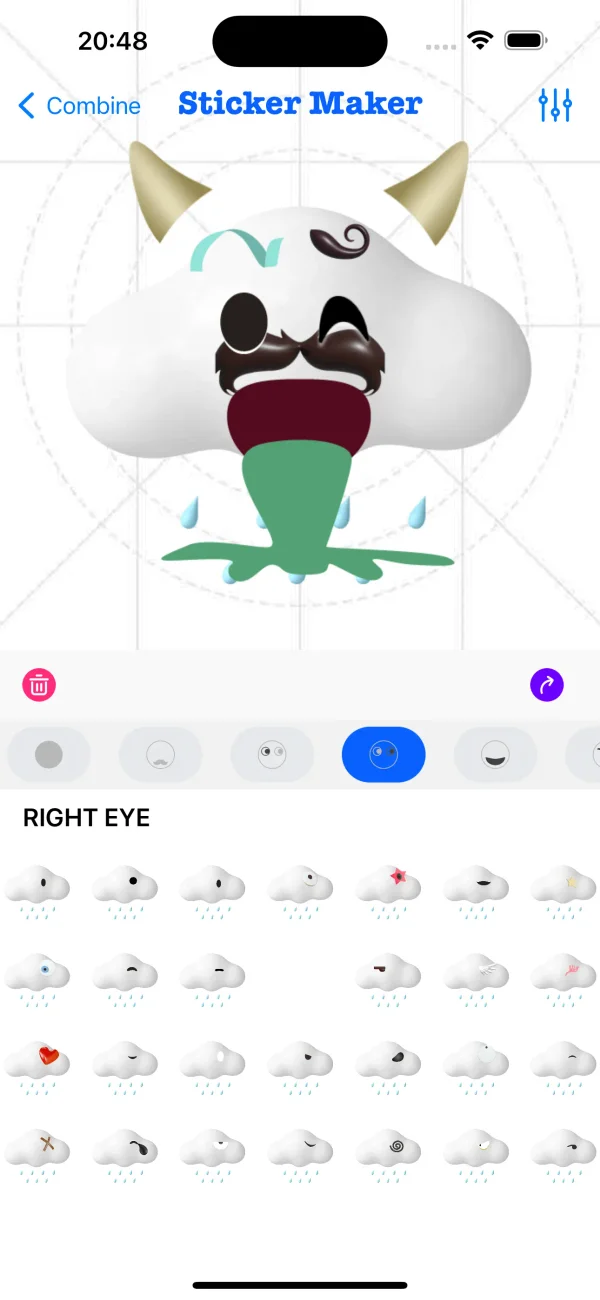
Create your own stickers and combine them as you like.
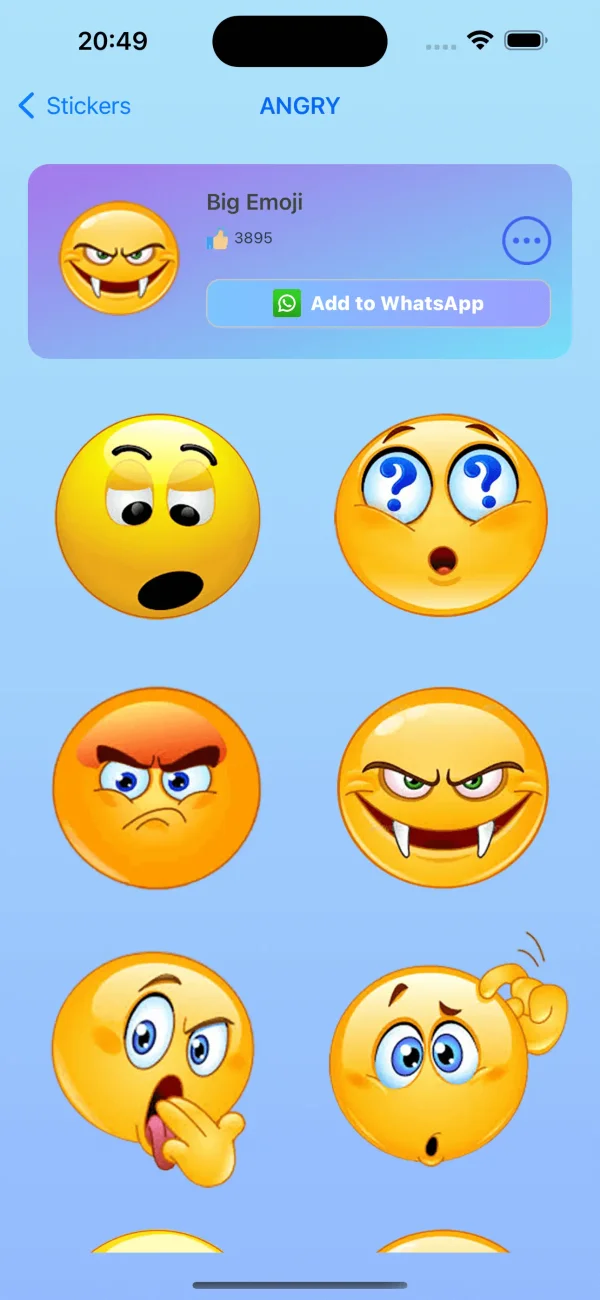
- Explore countless emoji combinations and use them in your chats
- Use your imagination to combine different expressions to make them more interesting
- Drag, zoom, and rotate them with your finger to make your stickers unique
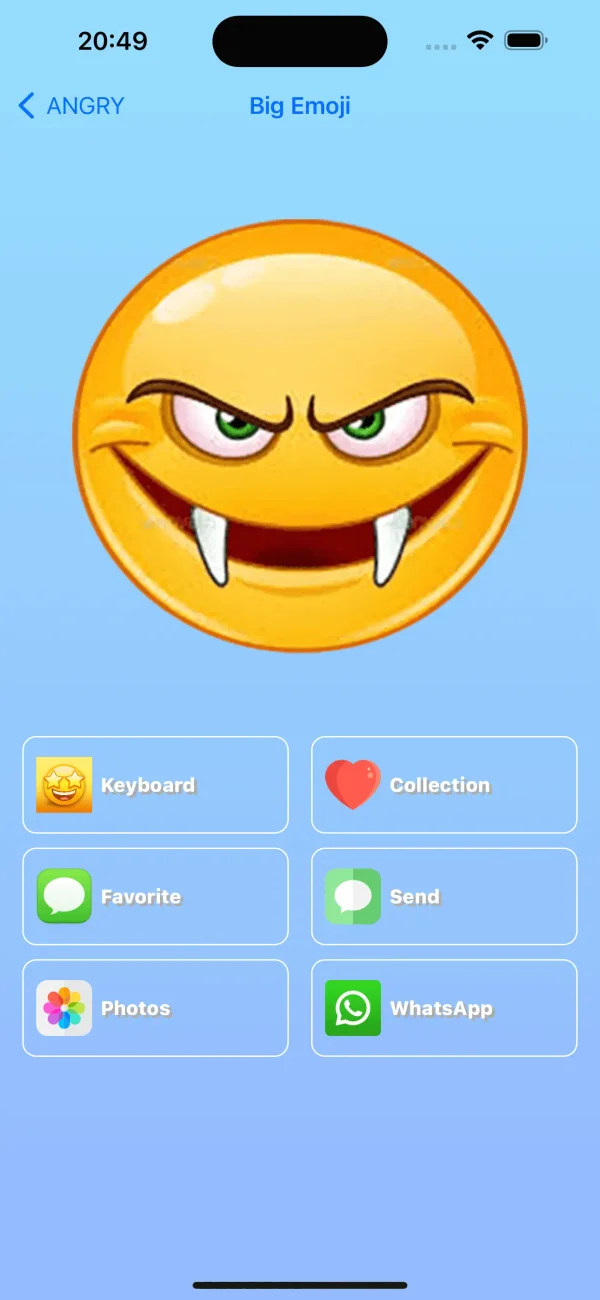
- Easily export your stickers to our keyboard, when you are chatting with other people, open our keyboard and send your exclusive stickers, go spoof your friends
- Open the keyboard, click on the sticker, successfully copy it to the clipboard, click in your chat input box and paste it in, then you can successfully send it to your chat partner
- Impress your friends with the StickerMaker Keyboar and get pranked by you
Emoji Text feature:
- You can convert a simple text, such as "Hello", into emoji text. It is best to make the emojis quite different, so that you can get a string of text. You just need to click "Copy" and paste it in other social software to amaze your friends.
Here's how to create stickers with StickerMaker Keyboard.
1. Select Create New Sticker
2. Select different emoji options and find the sticker component you want in the sticker list
3. Make the sticker look more funny by dragging your finger or zooming and rotating, or you can make subtle adjustments to it through the Adjust module
4. If you don't want to be so complicated, you can skip all the above steps and go directly to the random generation option to get a spoof sticker directly. Maybe you will get an unexpected surprise
Here's how to use the StickerMaker Keyboard.
1. First you need to go to System Settings -> Keyboard -> Third Party Keyboard, add our StickerMaker Keyboard to your favorite keyboards
2. Open WhatsApp, TikTok, iMessage or other chat software
3. Switch the keyboard and select our StickerMaker Keyboard
4. Click on the already created sticker to copy it to the clipboard
5. Double-click or long-press the chat input box, paste your exclusive sticker on it and click send
Go prank your friends!
Learn more about StickerMaker Keyboard!
- Privacy Policy: https://www.freeprivacypolicy.com/live/e8e14320-ca09-41cf-970e-35697d7d50e9
- Terms of Service: https://www.freeprivacypolicy.com/live/3d291d75-66f9-4419-833d-516258ccfadf
- Contact me: mah40445@gmail.com, if you have any suggestions, you can give me feedback by email, please bring StickerMaker Keyboard in the subject of the email, I will carefully check your feedback and optimize our App, looking forward to your feedback mail
Neue Funktionen
Version 3.0.6 · 20.08.2026
Optimized sticker editing functionality
Fixed bugs
App-Datenschutz
Was 红燕 马 im App Store zum Umgang dieser App mit Daten angibt.
-
Daten, die zum Tracking Ihrer Person verwendet werden
Können verwendet werden, um Sie über Apps und Websites anderer Unternehmen hinweg zu verfolgen.
- Standort
- Kennungen
-
Mit Ihnen verknüpfte Daten
Können erfasst und mit Ihrer Identität verknüpft werden.
- Standort
-
Nicht mit Ihnen verknüpfte Daten
Können erfasst werden, sind aber nicht mit Ihrer Identität verknüpft.
- Kennungen
- Nutzungsdaten
- Diagnose
Die Datenschutzpraktiken können variieren, zum Beispiel je nach den von Ihnen verwendeten Funktionen oder Ihrem Alter.
Informationen
- Anbieter
- 红燕 马
- Kategorie
- Dienstprogramme
- Version
- 3.0.6
- Aktualisiert
- 20.08.2026
- Veröffentlicht
- 23.07.2022
- Größe
- 74,5 MB
- Erfordert
- iOS 15.6 oder neuer
- Altersfreigabe
- 4+
- Preis
- Kostenlos
- In-App-Käufe
- Ja
- Sprachen
- Englisch
- Copyright
- © StickerMaker Keyboard
Das könnte Ihnen auch gefallen
-
 Sticker Maker: Emoji CreatorDienstprogramme
-
 V Keyboard - DIY Themes, FontsDienstprogramme
-
 Jigsaw Keyboard-win Kika ThemeDienstprogramme
-
 Skizz - Drawing TogetherDrawing Together On Skizz
-
 Don't Touch Phone: Handy AlarmSchütze dein Handy sicher
-
 AR Draw to Sketch PhotoDienstprogramme
-
 Kika Keyboard: Custom ThemesDienstprogramme
-
 All Mods SP GuideDienstprogramme
-
 Time Warp: Scan Filter & EmojiDienstprogramme