
- Age rating4+
- CategoryUtilities
- Developer红燕 马
- LanguagesEnglish
- Size74.5 MB
Links to the official App Store page
Download.org hosts no file of StickerMaker Keyboard*. The button opens its official App Store page, published by 红燕 马. Listing last checked on Nov 20, 2026.
Screenshots
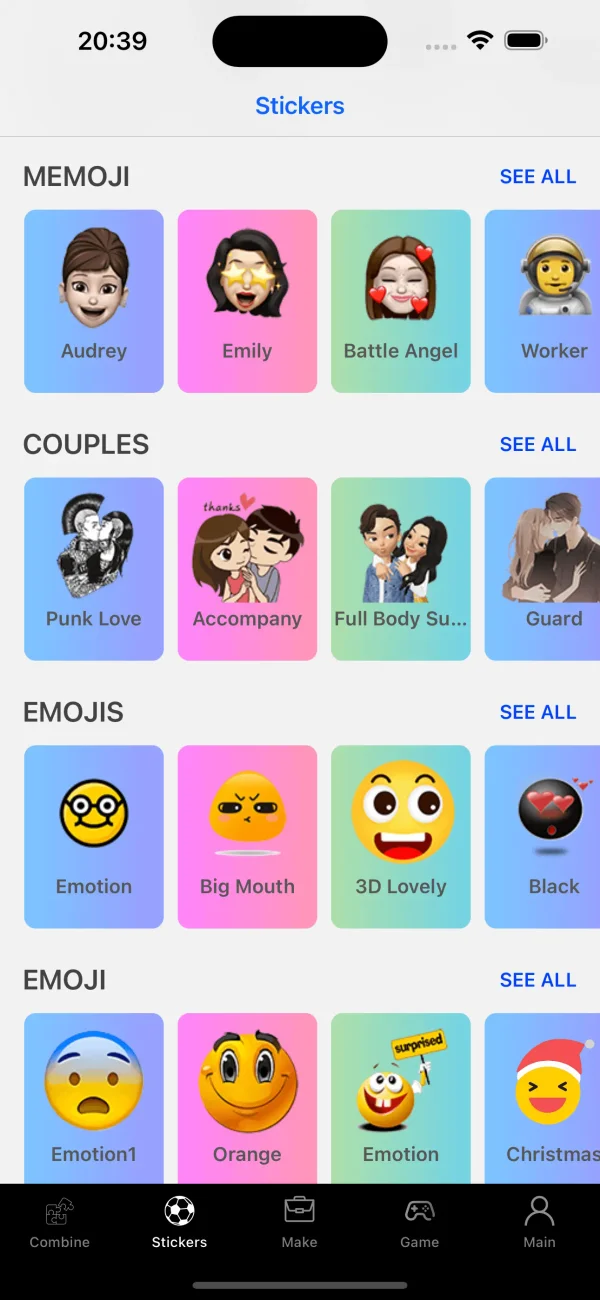


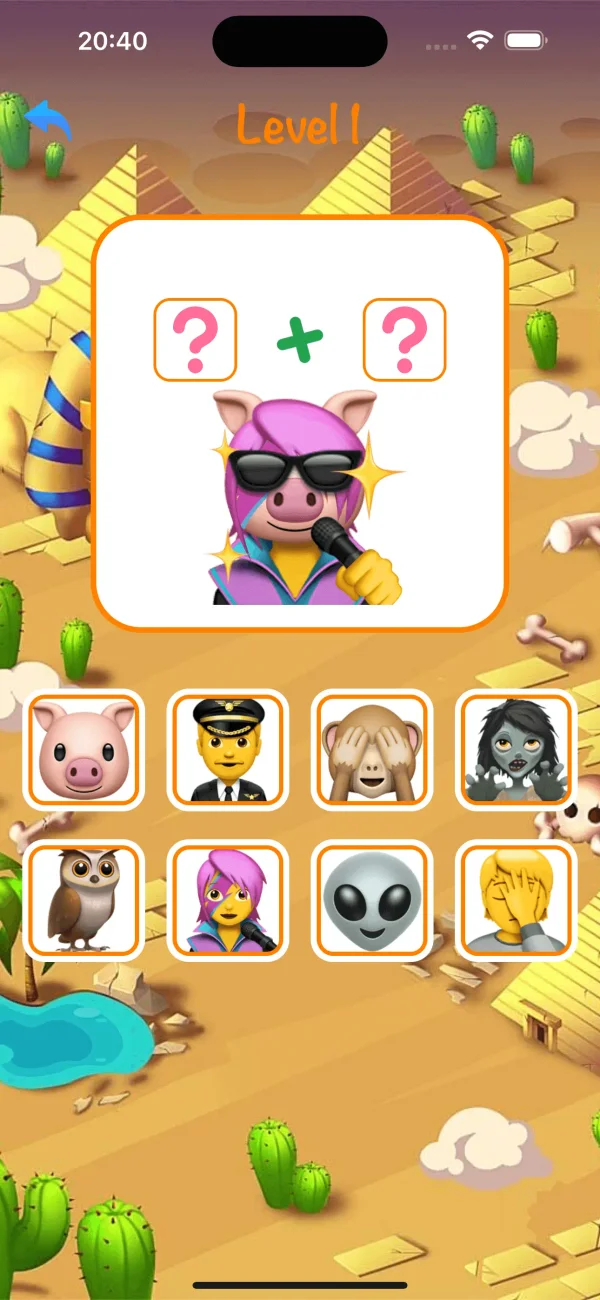
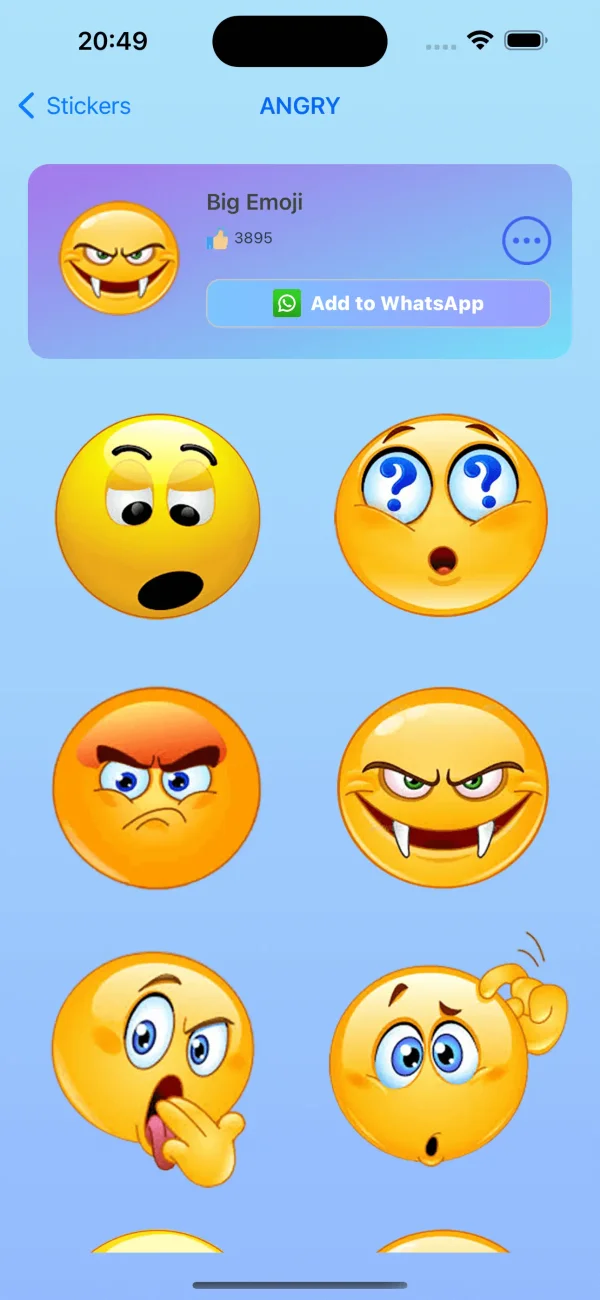
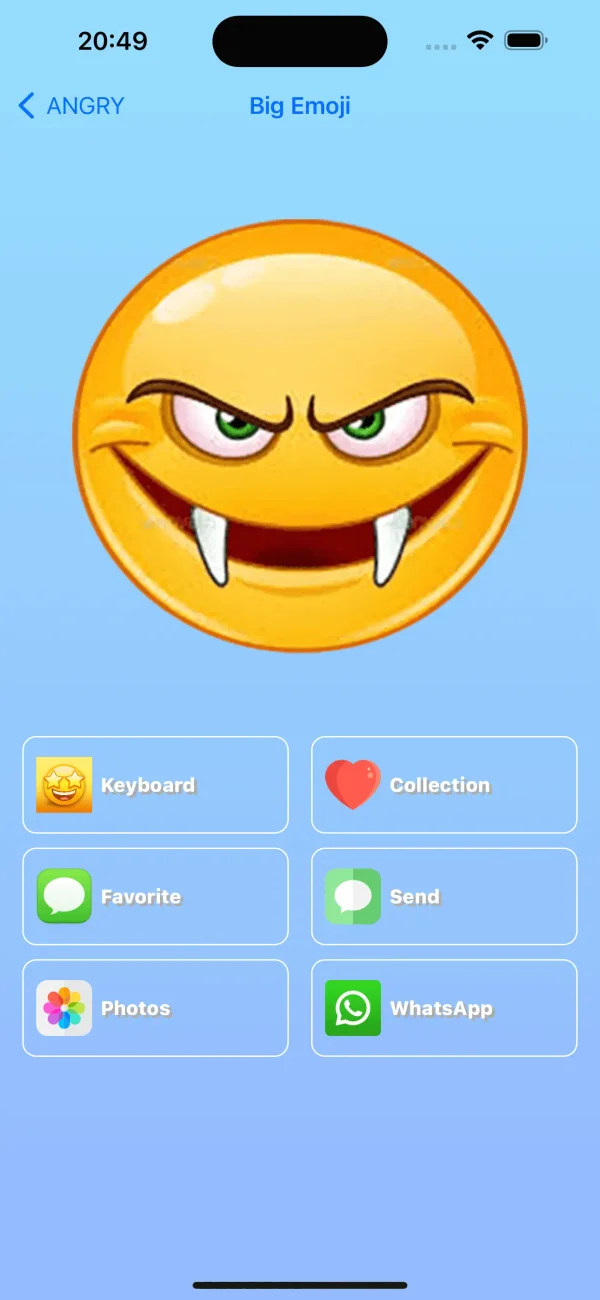
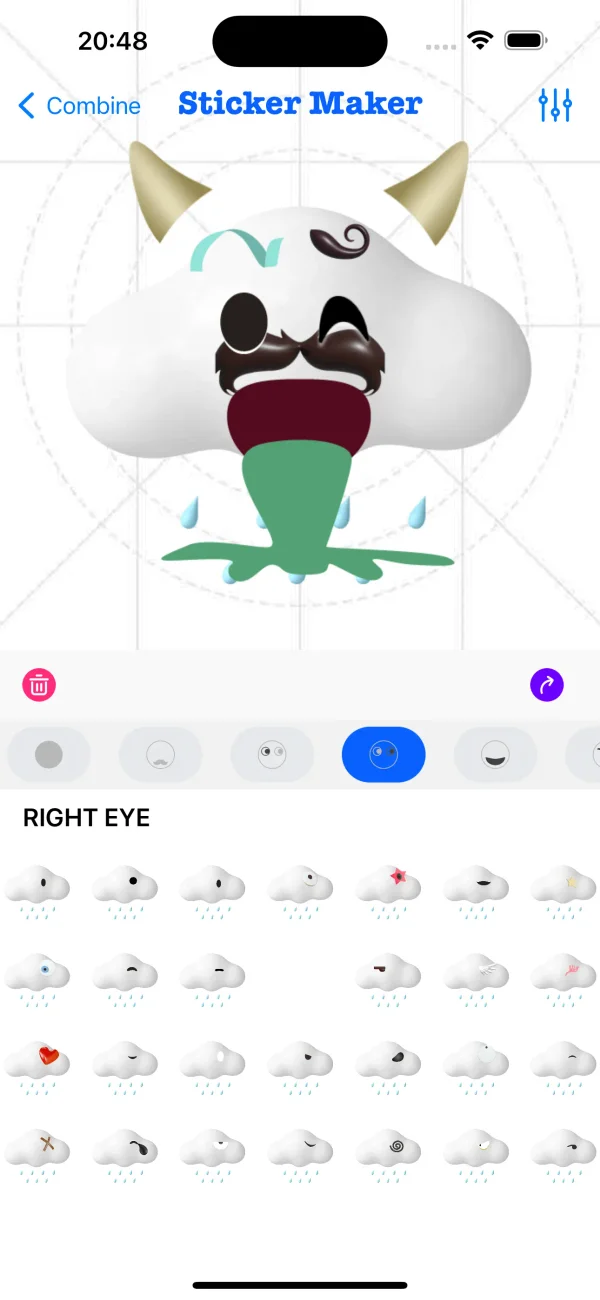
About
Create your own stickers and combine them as you like.
- Explore countless emoji combinations and use them in your chats
- Use your imagination to combine different expressions to make them more interesting
- Drag, zoom, and rotate them with your finger to make your stickers unique
- Easily export your stickers to our keyboard, when you are chatting with other people, open our keyboard and send your exclusive stickers, go spoof your friends
- Open the keyboard, click on the sticker, successfully copy it to the clipboard, click in your chat input box and paste it in, then you can successfully send it to your chat partner
- Impress your friends with the StickerMaker Keyboar and get pranked by you
Emoji Text feature:
- You can convert a simple text, such as "Hello", into emoji text. It is best to make the emojis quite different, so that you can get a string of text. You just need to click "Copy" and paste it in other social software to amaze your friends.
Here's how to create stickers with StickerMaker Keyboard.
1. Select Create New Sticker
2. Select different emoji options and find the sticker component you want in the sticker list
3. Make the sticker look more funny by dragging your finger or zooming and rotating, or you can make subtle adjustments to it through the Adjust module
4. If you don't want to be so complicated, you can skip all the above steps and go directly to the random generation option to get a spoof sticker directly. Maybe you will get an unexpected surprise
Here's how to use the StickerMaker Keyboard.
1. First you need to go to System Settings -> Keyboard -> Third Party Keyboard, add our StickerMaker Keyboard to your favorite keyboards
2. Open WhatsApp, TikTok, iMessage or other chat software
3. Switch the keyboard and select our StickerMaker Keyboard
4. Click on the already created sticker to copy it to the clipboard
5. Double-click or long-press the chat input box, paste your exclusive sticker on it and click send
Go prank your friends!
Learn more about StickerMaker Keyboard!
- Privacy Policy: https://www.freeprivacypolicy.com/live/e8e14320-ca09-41cf-970e-35697d7d50e9
- Terms of Service: https://www.freeprivacypolicy.com/live/3d291d75-66f9-4419-833d-516258ccfadf
- Contact me: mah40445@gmail.com, if you have any suggestions, you can give me feedback by email, please bring StickerMaker Keyboard in the subject of the email, I will carefully check your feedback and optimize our App, looking forward to your feedback mail
What’s new
Version 3.0.6 · Aug 20, 2026
Optimized sticker editing functionality
Fixed bugs
App privacy
What 红燕 马 declares on the App Store about how this app handles data.
-
Data used to track you
May be used to track you across apps and websites owned by other companies.
- Location
- Identifiers
-
Data linked to you
May be collected and linked to your identity.
- Location
-
Data not linked to you
May be collected but is not linked to your identity.
- Identifiers
- Usage data
- Diagnostics
Privacy practices may vary, for example with the features you use or your age.
Information
- Seller
- 红燕 马
- Category
- Utilities
- Version
- 3.0.6
- Updated
- Aug 20, 2026
- Released
- Jul 23, 2022
- Size
- 74.5 MB
- Requires
- iOS 15.6 or later
- Age rating
- 4+
- Price
- Free
- In-app purchases
- Yes
- Languages
- English
- Copyright
- © StickerMaker Keyboard
You might also like
-
 Sticker Maker: Emoji CreatorCreate funny sticker and emoji
-
 V Keyboard - DIY Themes, FontsCustomized key & Handwriting
-
 Jigsaw Keyboard-win Kika ThemePlay Puzzle win 9K Themes
-
 Skizz - Drawing TogetherDrawing Together On Skizz
-
 Dont Touch My Phone: AntitheftProtect Your Phone's Safety
-
 AR Draw to Sketch PhotoSketch photo, learn to draw
-
 Kika Keyboard: Custom ThemesAI Custom Wallpaper Background
-
 All Mods SP GuideUtilities
-
 Time Warp: Scan Filter & EmojiFunny Predict & Split Filters