
Sticky Notes: Free Note Taking
To Do List & Notepad Reminders
Entwickelt für iPhone, iPad, iPod touch
Kostenlos · In-App-Käufe
- Altersfreigabe4+
- KategorieProduktivität
- EntwicklerEpiphany Labs
- SprachenEnglisch
- Größe167,6 MB
Verlinkt auf die offizielle App Store-Seite
Download.org hostet keine Datei von Sticky Notes: Free Note Taking. Die Schaltfläche öffnet die App-Seite bei App Store, wo Epiphany Labs die App veröffentlicht. Eintrag zuletzt geprüft am 17.11.2026.
Screenshots
Info
Der Entwickler hat diesen Text nicht in Ihrer Sprache bereitgestellt.
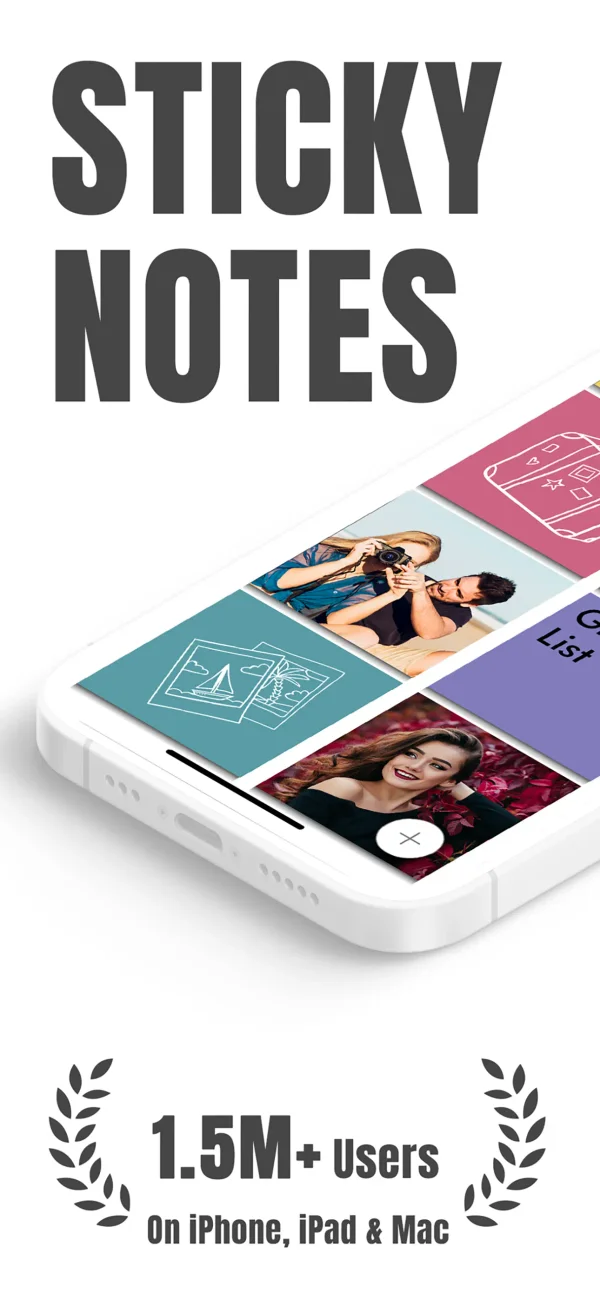
StickMe Notes lets you pin colorful sticky notes, to-do lists and reminders right on your Home Screen and Lock Screen, so what matters is in front of you every time you pick up your phone. Write it, color-code it, categorise it, set an alarm and organise your life your way!
WHAT IS STICKME NOTES?
StickMe Notes is a sticky notes and reminder app for iPhone, iPad and Mac. Trusted by 1.5 Mn+ users worldwide, it’s one of the oldest and most used sticky notes apps for Apple users.
Featured by Apple in ‘What's Hot’ and ‘New & Noteworthy’.
PERFECT FOR
• Jotting down ideas, memos and thoughts on the go
• To-do lists, checklists and daily planners
• Grocery, shopping and packing lists
• Reminders for bills, subscription renewals, calls, meetings and appointments
• Study notes, class notes, workout plans and meeting notes
• Students, professionals and anyone with a busy day
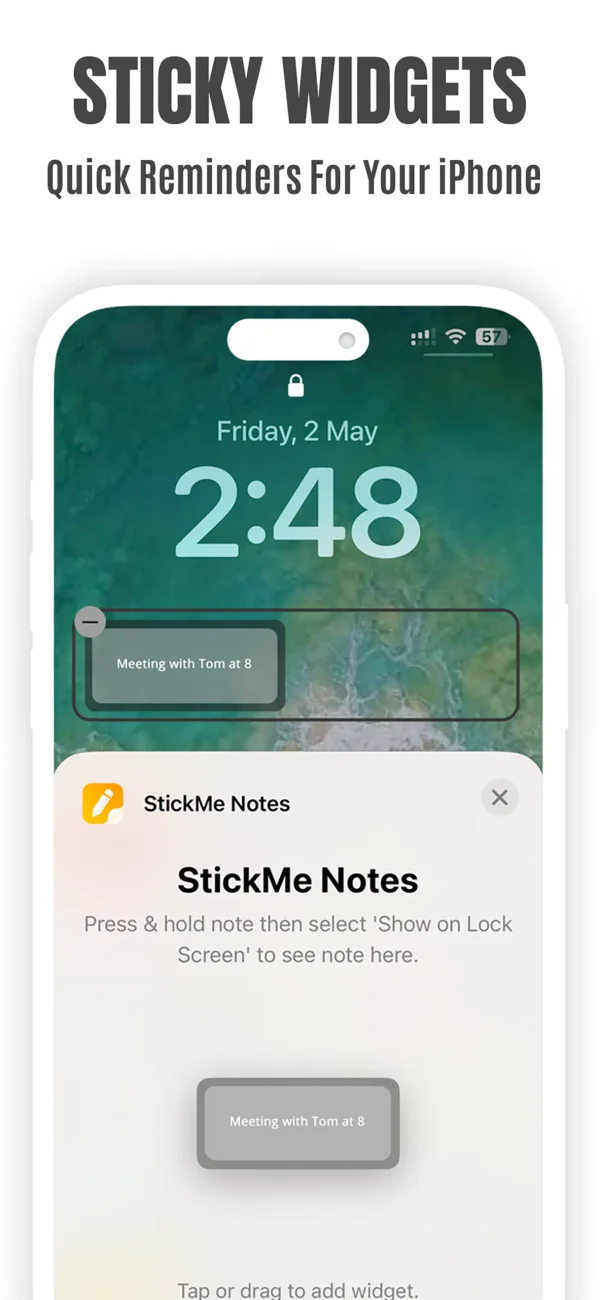
PIN NOTES TO YOUR HOME SCREEN & LOCK SCREEN
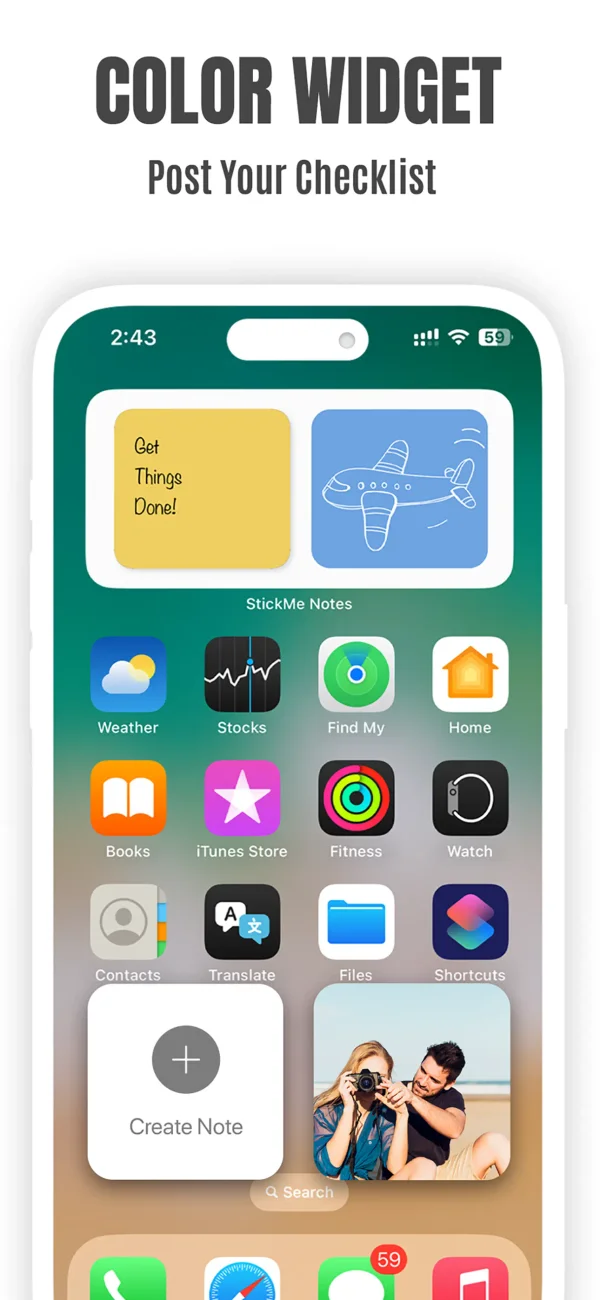
• Interactive Home Screen widgets: tick off checklist items without opening the app
• Pin any note, checklist or reminder to a widget
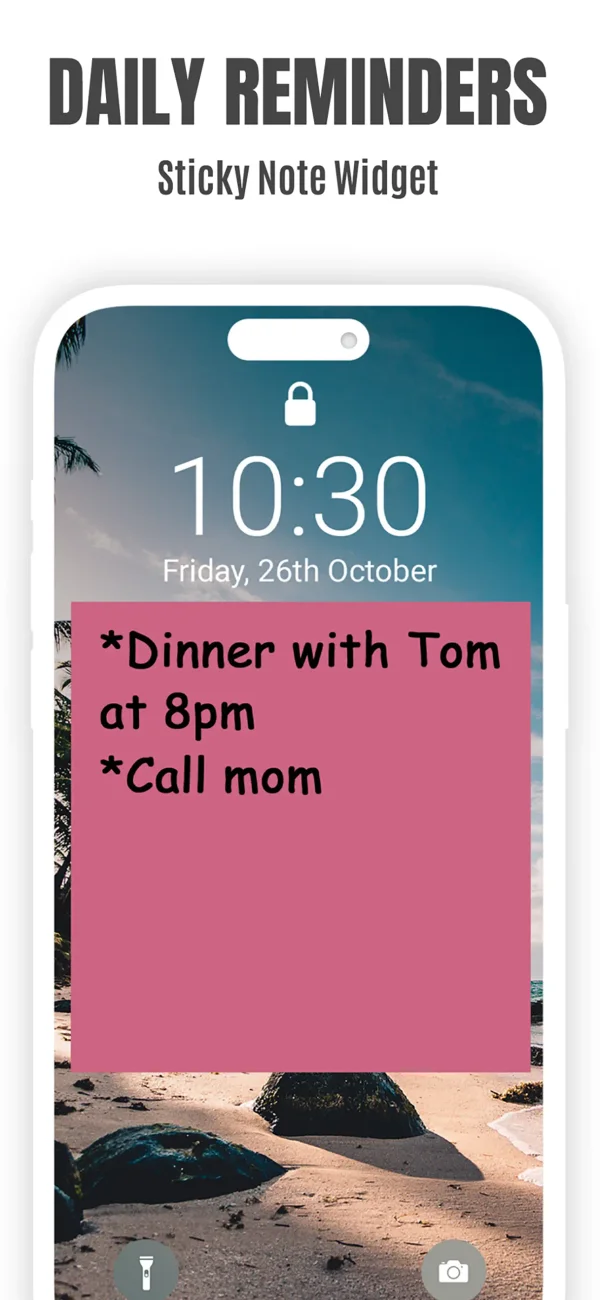
• Lock Screen widgets (iOS 16+): see your tasks at a glance, no unlock needed
• Set a note as your Lock Screen wallpaper
• Works with Siri and Spotlight
Ideas: keep your grocery list on your Home Screen and check items off in the store, pin your top three tasks for a busy day, or keep your packing list and flight details on your Lock Screen.
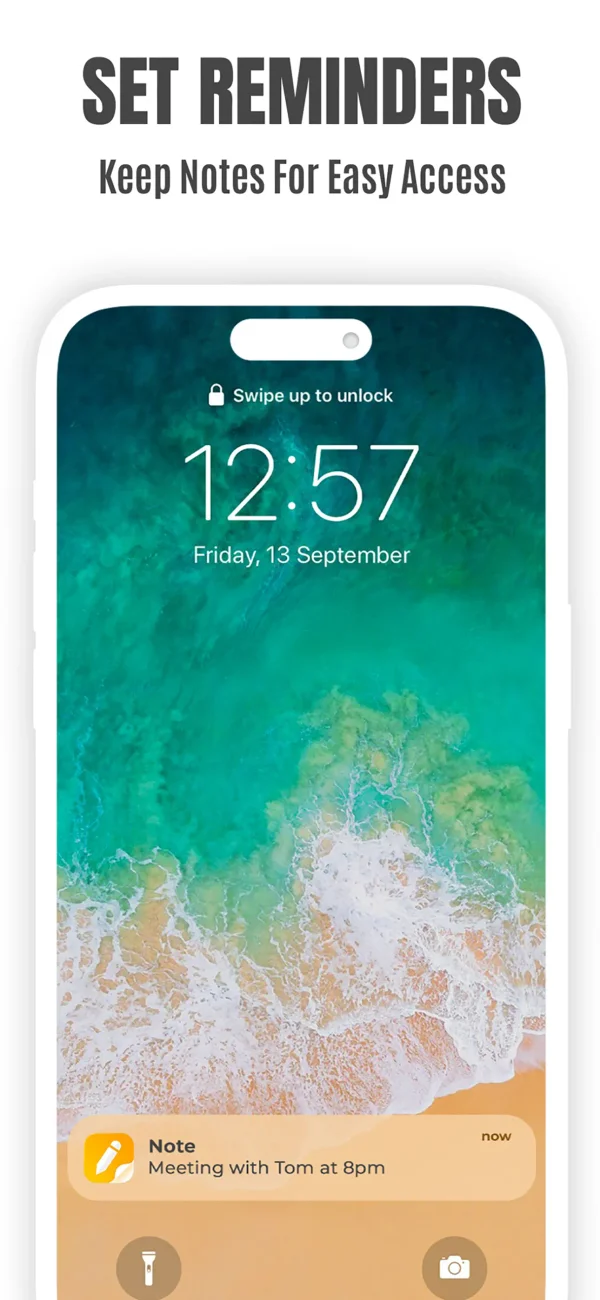
REMINDERS & ALARMS THAT WORK
• Add an alarm to any note and get notified exactly when you need it
• Pay bills and renew subscriptions on time
• Schedule study sessions and workouts
• Plan your day as a checklist and tick tasks off as you go
WRITE NOTES YOUR WAY
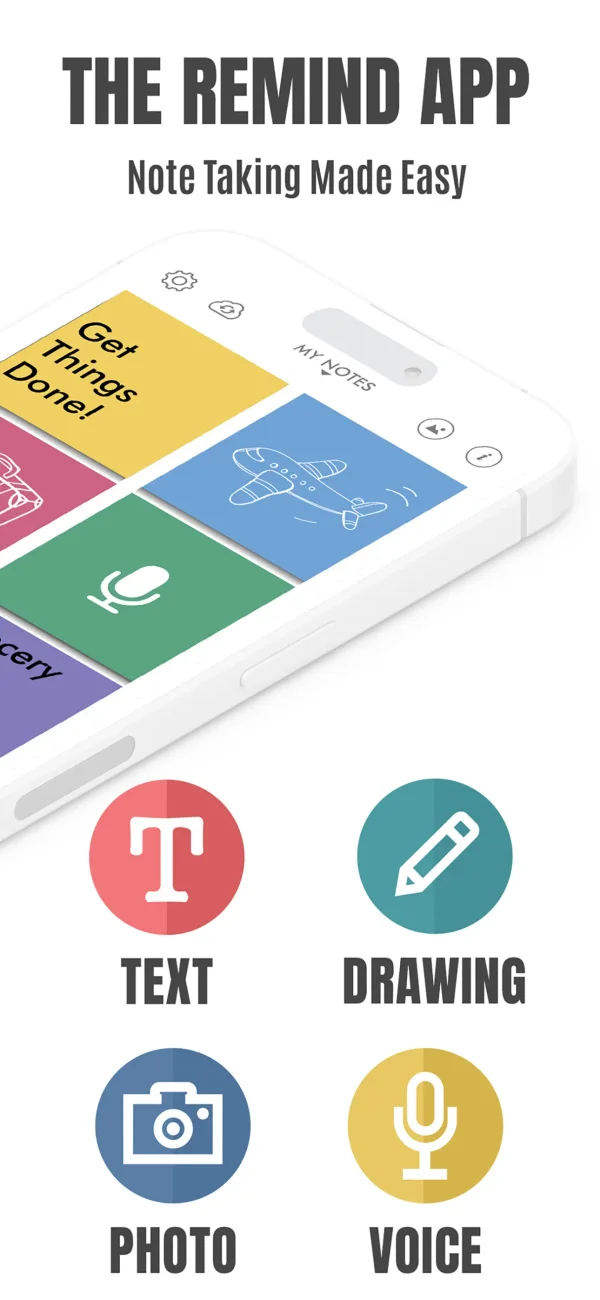
• Type a note in seconds — create as many as you need
• Handwrite or sketch with your finger, just like a real sticky note
• Snap a photo of a whiteboard, receipt or document
• Record a voice note when typing isn't an option
• Save links and web pages to revisit later
TEXT FORMATTING & CUSTOM COLORS
• Bold, italic and underline text
• Bullet points, numbered lists and checklists
• Multiple font styles, sizes and text colors
• Notes in bright colors or clean white
• Set your default note color, font, size and name
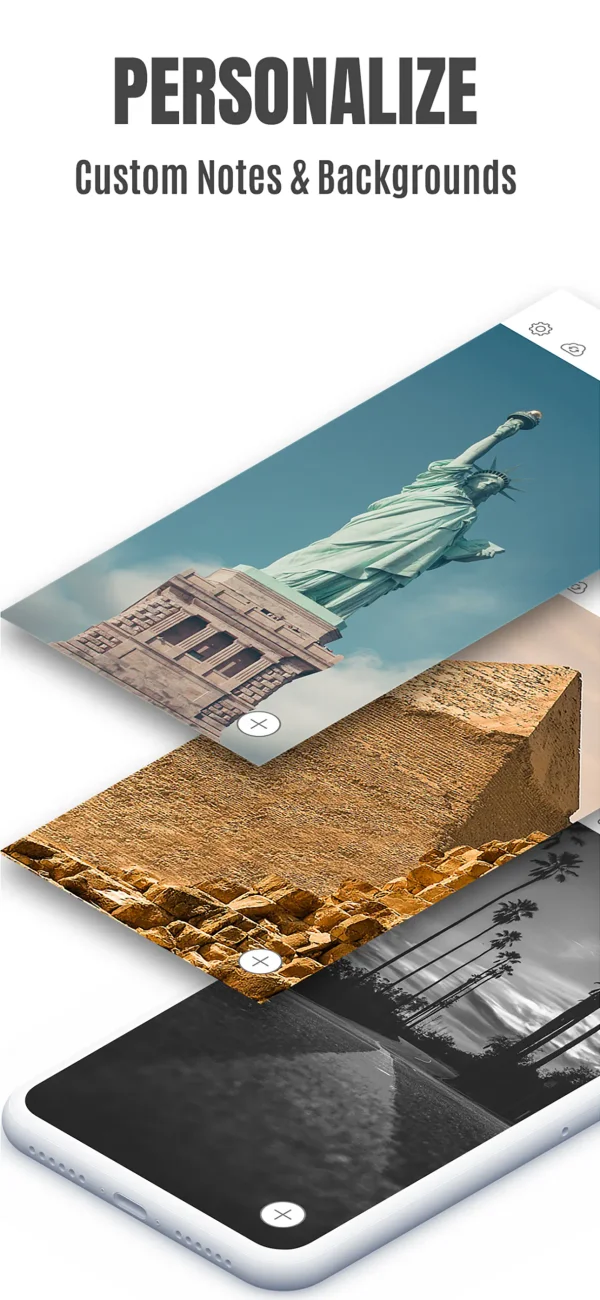
• Personalize your board background, from minimal to colorful
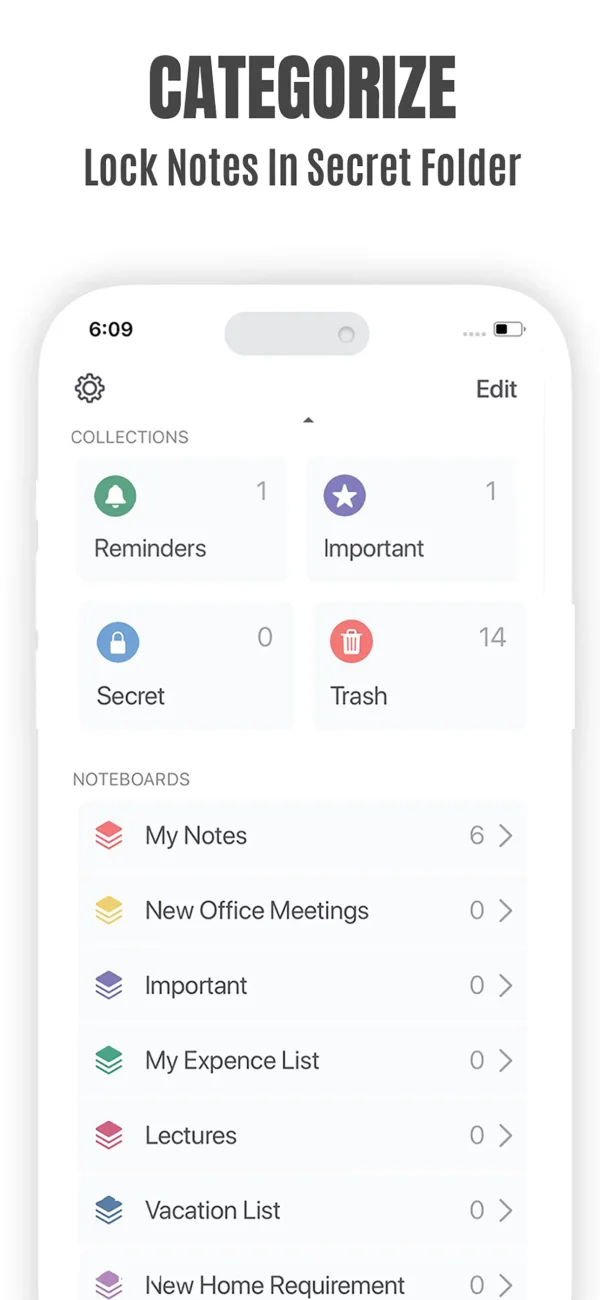
CATEGORIZE & ORGANIZE
• Categorize notes by color, noteboard or folder: work, home, school, personal, or by project, class or client
• Drag and drop notes between folders
• Mark favorites and pin priority notes so the important ones stand out
• Secret folder locked with Face ID or passcode keeps private notes hidden
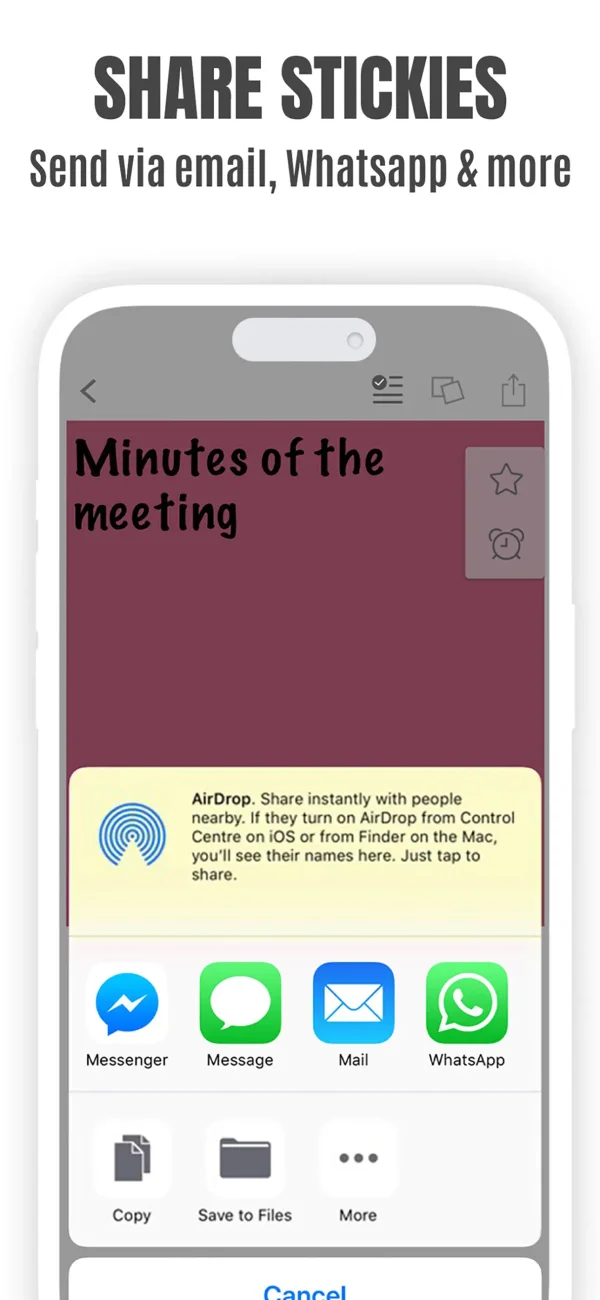
• Print notes, or share via email, WhatsApp and Messages
ICLOUD SYNC ACROSS YOUR APPLE DEVICES
Start a note on iPhone, continue on iPad, review it on Mac. iCloud keeps everything in sync.
StickMe Notes is free to download and subscription is required to unlock all features. You can try all premium features free during the trial period, then choose the plan that suits you.
SUBSCRIPTION TERMS
• Payment is charged to your Apple Account at confirmation of purchase
• Subscriptions renew automatically unless auto-renew is turned off at least 24 hours before the current period ends
• Your account is charged for renewal within 24 hours before the period ends
• Manage or cancel anytime in your Account Settings
• Any unused part of a free trial is forfeited when you subscribe
NEED HELP?
We are here to help you! Please email us at customer.support@epiphanylabs.in .
Terms of Use: https://epiphanylabs.in/termsofuse/
Privacy Policy: https://epiphanylabs.in/privacy/
Sound effects: https://www.zapsplat.com
Neue Funktionen
Version 3.1.55 · 16.11.2026
- Improved UI responsiveness
- Performance and stability optimizations
App-Datenschutz
Was Epiphany Labs im App Store zum Umgang dieser App mit Daten angibt.
-
Nicht mit Ihnen verknüpfte Daten
Können erfasst werden, sind aber nicht mit Ihrer Identität verknüpft.
- Käufe
- Nutzungsdaten
- Diagnose
Die Datenschutzpraktiken können variieren, zum Beispiel je nach den von Ihnen verwendeten Funktionen oder Ihrem Alter.
Informationen
- Anbieter
- Epiphany Labs
- Kategorie
- Produktivität
- Version
- 3.1.55
- Aktualisiert
- 16.11.2026
- Veröffentlicht
- 21.03.2013
- Größe
- 167,6 MB
- Erfordert
- iOS 15.0 oder neuer
- Altersfreigabe
- 4+
- Preis
- Kostenlos
- In-App-Käufe
- Ja
- Sprachen
- Englisch
- Copyright
- © Epiphany Labs - Sticky Notes, To Do List and Other Free Utility Tools
Das könnte Ihnen auch gefallen
-
 Sticky Notes + Widget MemoProduktivität
-
 V2T: KI SprachtranskriptionTranskriptor: Sprache zu Text
-
 Sticky Notes: Haftnotiz WidgetNotizen am Sperrbildschirm
-
 AI-Story: Write, Talk & ChatProduktivität
-
 Credible: Speech CoachProduktivität
-
 PDF Converter: Pictures To PDFProduktivität
-
 Sticky Board with WidgetProduktivität
-
 SolveX - Ai Homework HelperProduktivität
-
 Putzplan Haushalt: NeatNookHaushaltsplaner & Putzen App
-
 SleepScout® : Sleep RecoderProduktivität