
Sticky Notes: Free Note Taking
To Do List & Notepad Reminders
Designed for iPhone, iPad, iPod touch
Free · In-app purchases
- Age rating4+
- CategoryProductivity
- DeveloperEpiphany Labs
- LanguagesEnglish
- Size167.6 MB
Links to the official App Store page
Download.org hosts no file of Sticky Notes: Free Note Taking. The button opens its official App Store page, published by Epiphany Labs. Listing last checked on Nov 17, 2026.
Screenshots
About
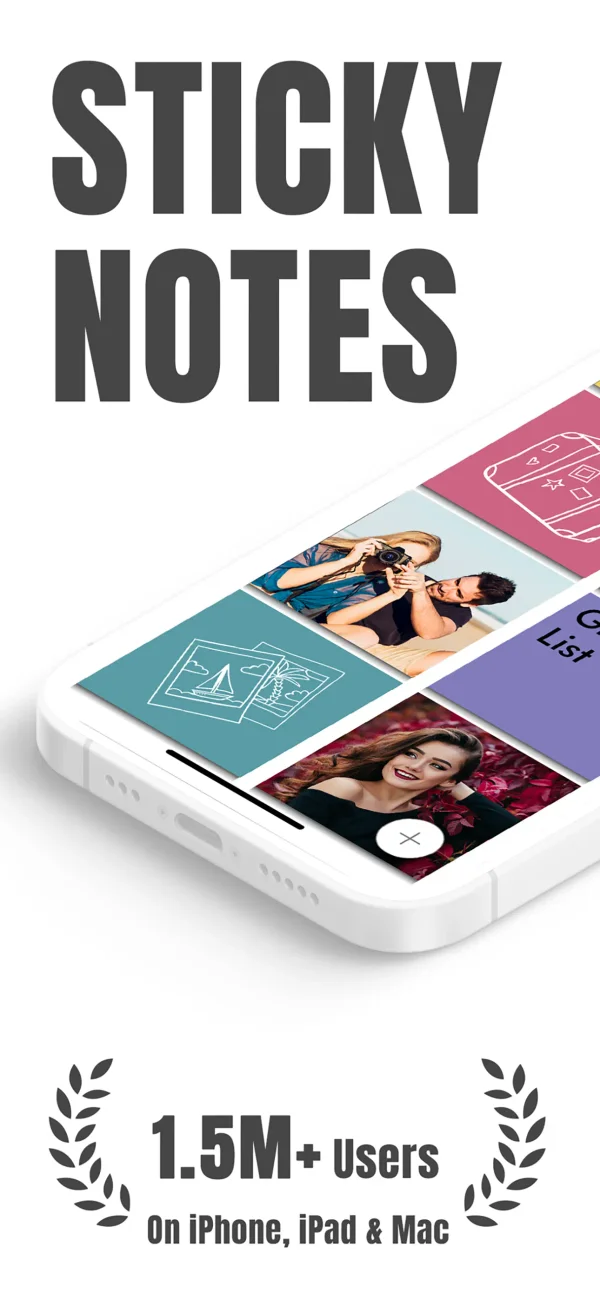
StickMe Notes lets you pin colorful sticky notes, to-do lists and reminders right on your Home Screen and Lock Screen, so what matters is in front of you every time you pick up your phone. Write it, color-code it, categorise it, set an alarm and organise your life your way!
WHAT IS STICKME NOTES?
StickMe Notes is a sticky notes and reminder app for iPhone, iPad and Mac. Trusted by 1.5 Mn+ users worldwide, it’s one of the oldest and most used sticky notes apps for Apple users.
Featured by Apple in ‘What's Hot’ and ‘New & Noteworthy’.
PERFECT FOR
• Jotting down ideas, memos and thoughts on the go
• To-do lists, checklists and daily planners
• Grocery, shopping and packing lists
• Reminders for bills, subscription renewals, calls, meetings and appointments
• Study notes, class notes, workout plans and meeting notes
• Students, professionals and anyone with a busy day
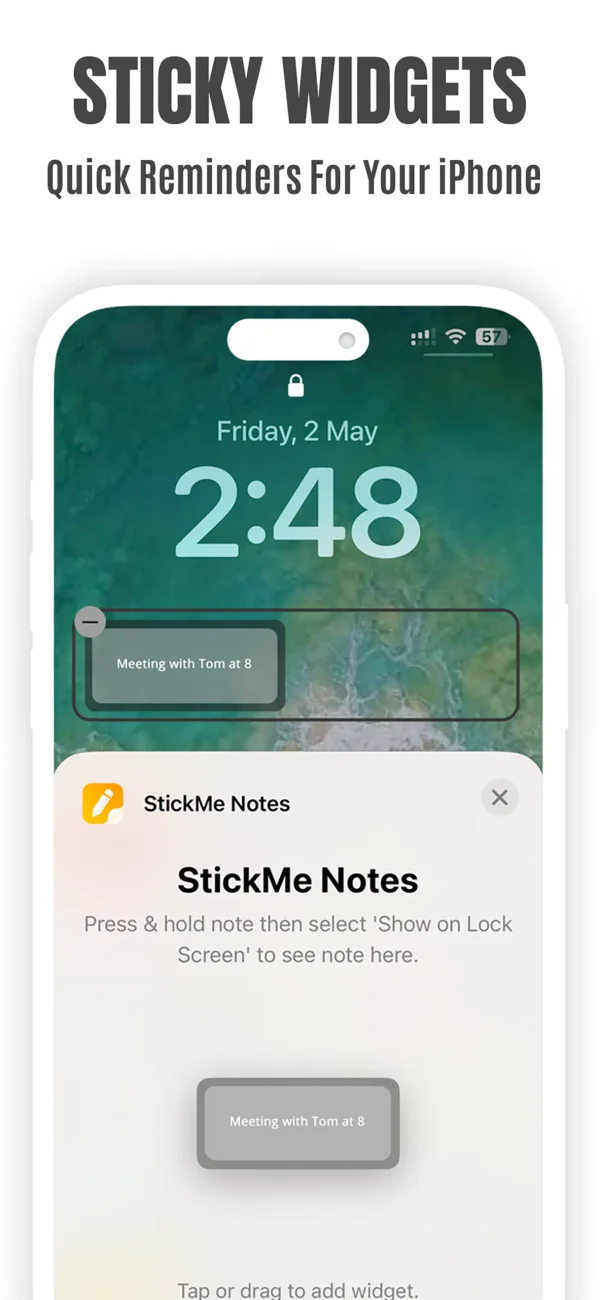
PIN NOTES TO YOUR HOME SCREEN & LOCK SCREEN
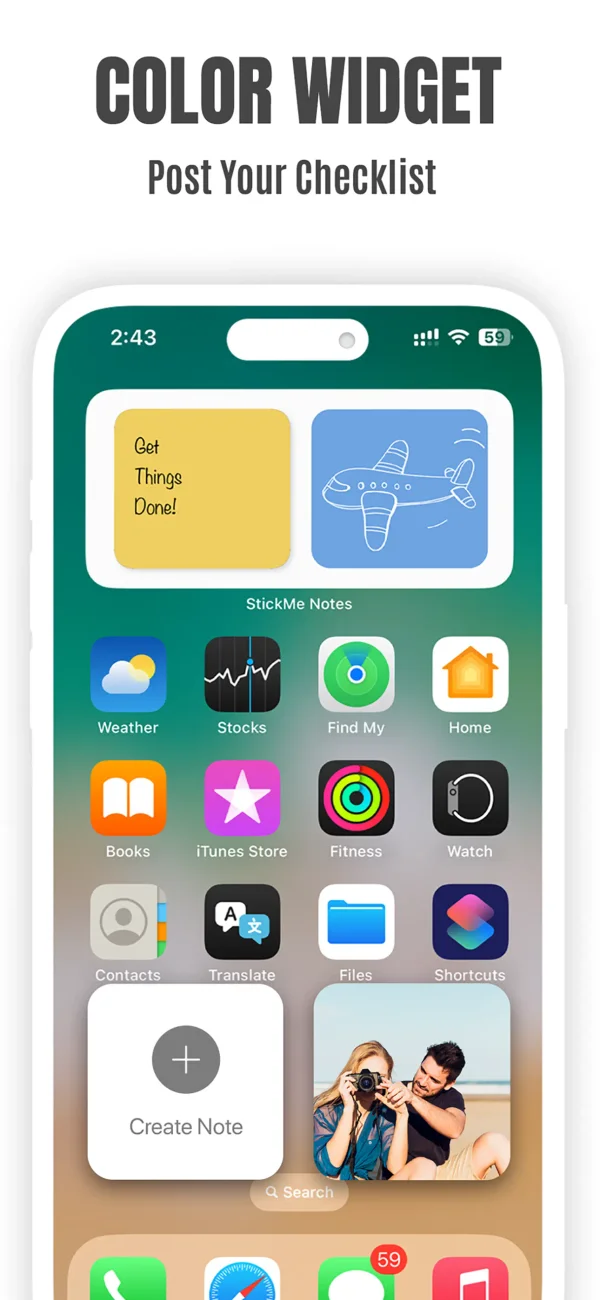
• Interactive Home Screen widgets: tick off checklist items without opening the app
• Pin any note, checklist or reminder to a widget
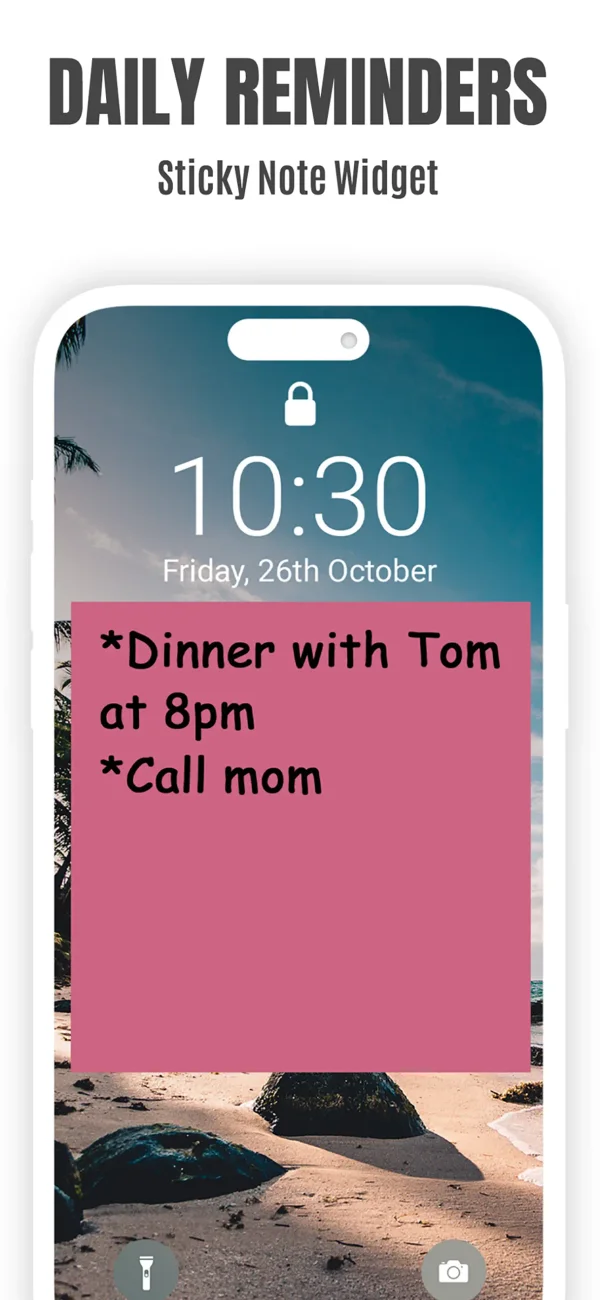
• Lock Screen widgets (iOS 16+): see your tasks at a glance, no unlock needed
• Set a note as your Lock Screen wallpaper
• Works with Siri and Spotlight
Ideas: keep your grocery list on your Home Screen and check items off in the store, pin your top three tasks for a busy day, or keep your packing list and flight details on your Lock Screen.
REMINDERS & ALARMS THAT WORK
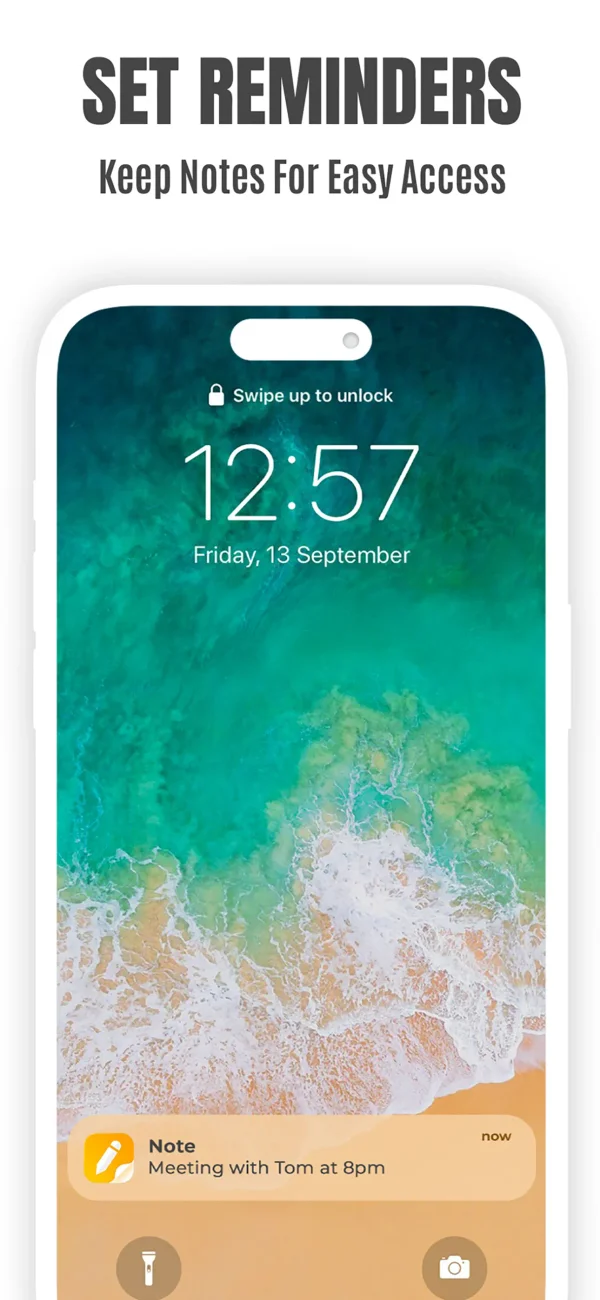
• Add an alarm to any note and get notified exactly when you need it
• Pay bills and renew subscriptions on time
• Schedule study sessions and workouts
• Plan your day as a checklist and tick tasks off as you go
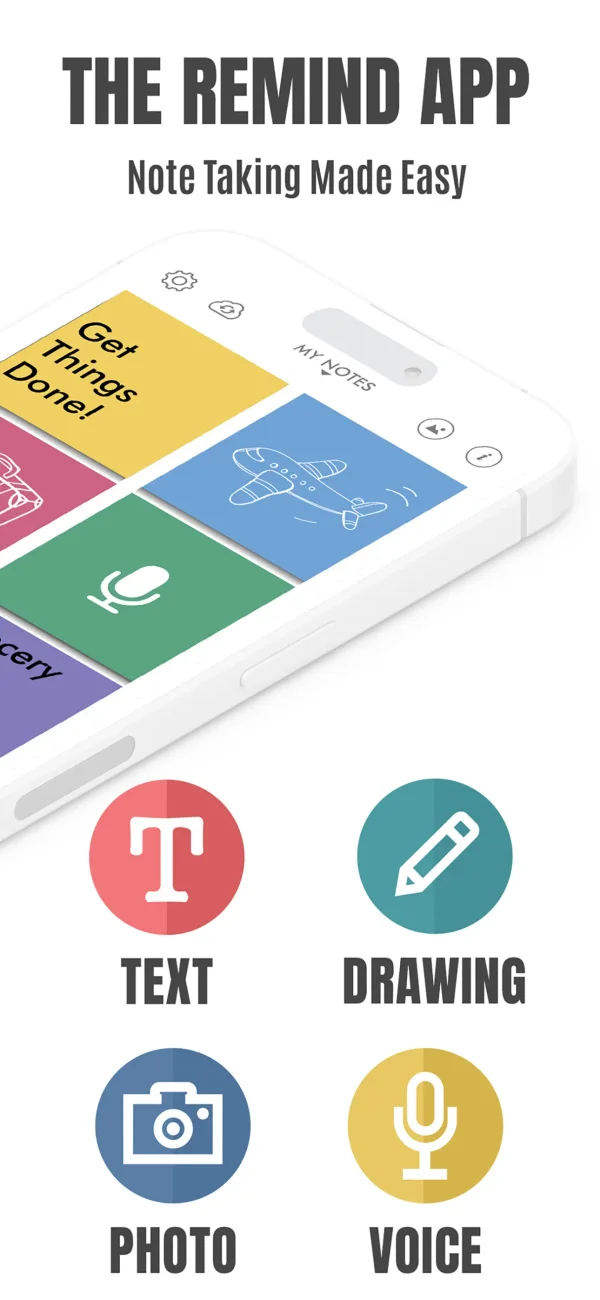
WRITE NOTES YOUR WAY
• Type a note in seconds — create as many as you need
• Handwrite or sketch with your finger, just like a real sticky note
• Snap a photo of a whiteboard, receipt or document
• Record a voice note when typing isn't an option
• Save links and web pages to revisit later
TEXT FORMATTING & CUSTOM COLORS
• Bold, italic and underline text
• Bullet points, numbered lists and checklists
• Multiple font styles, sizes and text colors
• Notes in bright colors or clean white
• Set your default note color, font, size and name
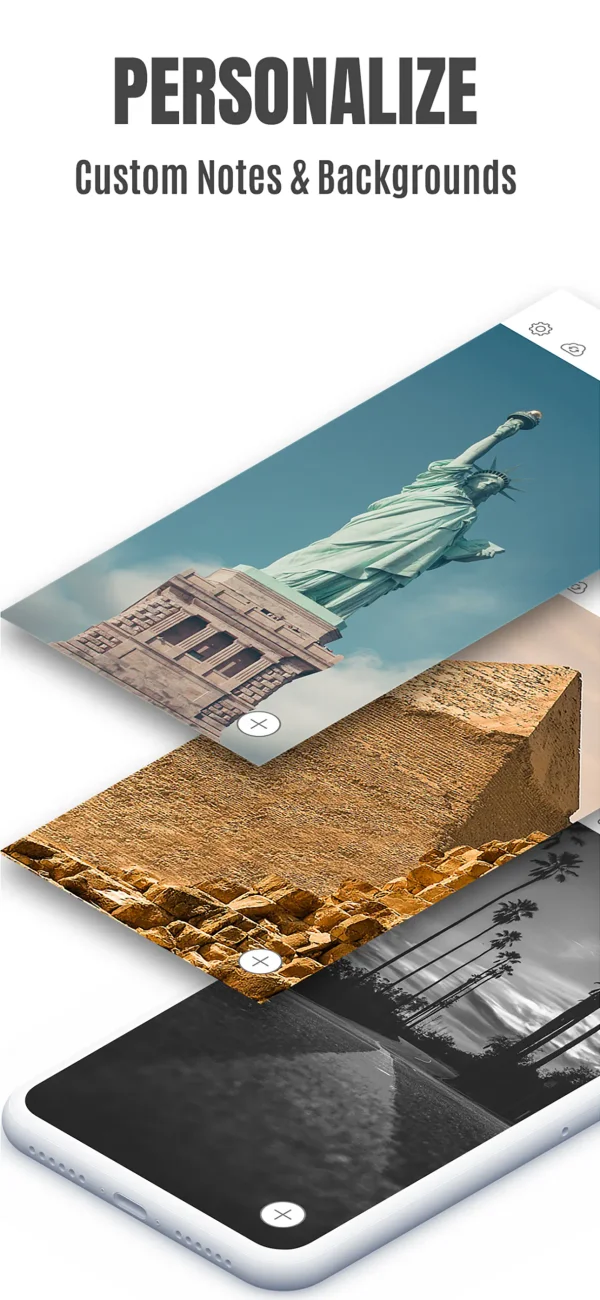
• Personalize your board background, from minimal to colorful
CATEGORIZE & ORGANIZE
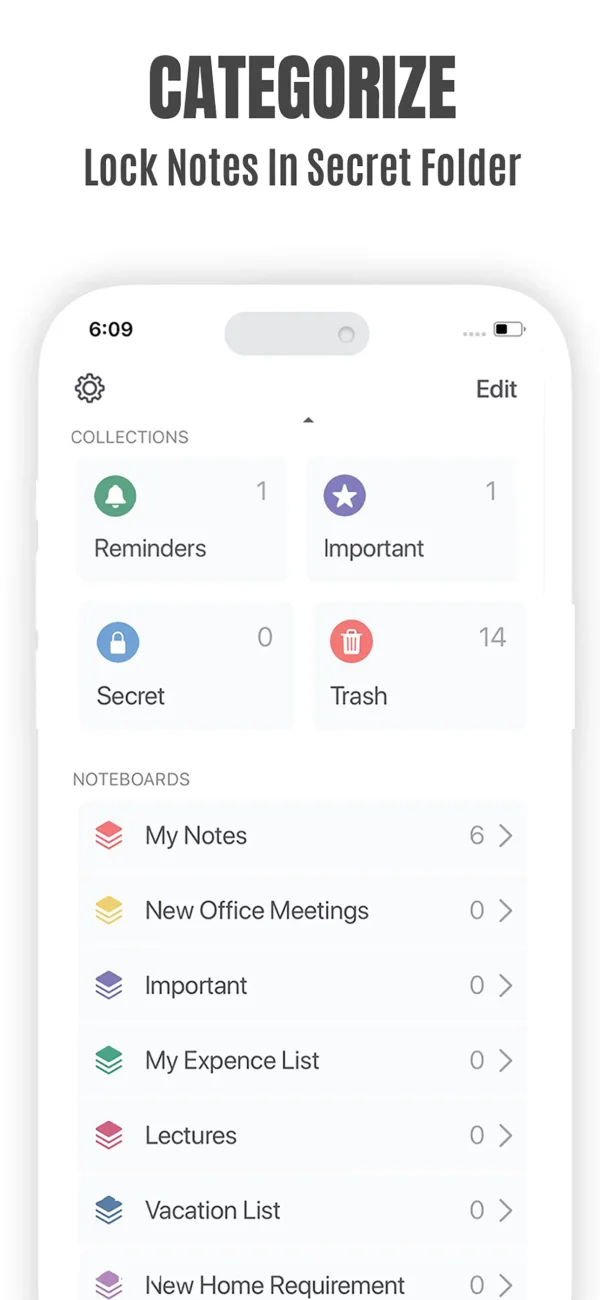
• Categorize notes by color, noteboard or folder: work, home, school, personal, or by project, class or client
• Drag and drop notes between folders
• Mark favorites and pin priority notes so the important ones stand out
• Secret folder locked with Face ID or passcode keeps private notes hidden
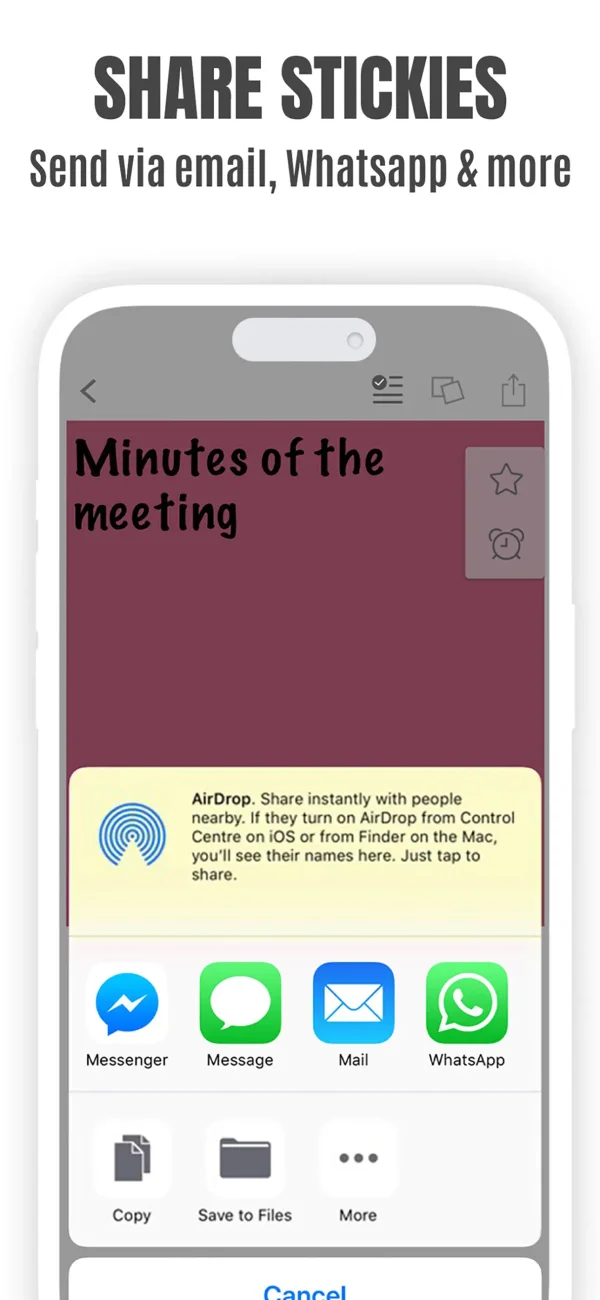
• Print notes, or share via email, WhatsApp and Messages
ICLOUD SYNC ACROSS YOUR APPLE DEVICES
Start a note on iPhone, continue on iPad, review it on Mac. iCloud keeps everything in sync.
StickMe Notes is free to download and subscription is required to unlock all features. You can try all premium features free during the trial period, then choose the plan that suits you.
SUBSCRIPTION TERMS
• Payment is charged to your Apple Account at confirmation of purchase
• Subscriptions renew automatically unless auto-renew is turned off at least 24 hours before the current period ends
• Your account is charged for renewal within 24 hours before the period ends
• Manage or cancel anytime in your Account Settings
• Any unused part of a free trial is forfeited when you subscribe
NEED HELP?
We are here to help you! Please email us at customer.support@epiphanylabs.in .
Terms of Use: https://epiphanylabs.in/termsofuse/
Privacy Policy: https://epiphanylabs.in/privacy/
Sound effects: https://www.zapsplat.com
What’s new
Version 3.1.55 · Nov 16, 2026
- Improved UI responsiveness
- Performance and stability optimizations
App privacy
What Epiphany Labs declares on the App Store about how this app handles data.
-
Data not linked to you
May be collected but is not linked to your identity.
- Purchases
- Usage data
- Diagnostics
Privacy practices may vary, for example with the features you use or your age.
Information
- Seller
- Epiphany Labs
- Category
- Productivity
- Version
- 3.1.55
- Updated
- Nov 16, 2026
- Released
- Mar 21, 2013
- Size
- 167.6 MB
- Requires
- iOS 15.0 or later
- Age rating
- 4+
- Price
- Free
- In-app purchases
- Yes
- Languages
- English
- Copyright
- © Epiphany Labs - Sticky Notes, To Do List and Other Free Utility Tools
You might also like
-
 Sticky Notes + Widget MemoColor Stickies with iCloud
-
 V2T: Whisper AI TranscriptionAudio to text converter
-
 Sticky Notes: Notepad WidgetHome & Lock Screen To-Do List
-
 AI-Story: Write, Talk & ChatAI.Chat - No Filter, 18+ AI
-
 Credible: Speech CoachCommunication Skills Training
-
 PDF Converter: Pictures To PDFPhotos to PDF & Word to PDF
-
 Sticky Board with WidgetCute notes & Color memo
-
 SolveX - Ai Homework HelperThe Math Solver App
-
 Cleaning Schedule: NeatNookHouse Chores Tracker
-
 SleepScout® : Sleep RecoderSleep Music & Snoring Tracker