StoreCut: App Preview Maker
App Promo Videos & Trailers
Entwickelt für iPhone
Kostenlos · In-App-Käufe
- Altersfreigabe4+
- KategorieProduktivität
- EntwicklerAxis SA
- SprachenEnglisch
- Größe21,8 MB
Verlinkt auf die offizielle App Store-Seite
Download.org hostet keine Datei von StoreCut: App Preview Maker. Die Schaltfläche öffnet die App-Seite bei App Store, wo Axis SA die App veröffentlicht. Eintrag zuletzt geprüft am 19.11.2026.
Screenshots
Info
Der Entwickler hat diesen Text nicht in Ihrer Sprache bereitgestellt.
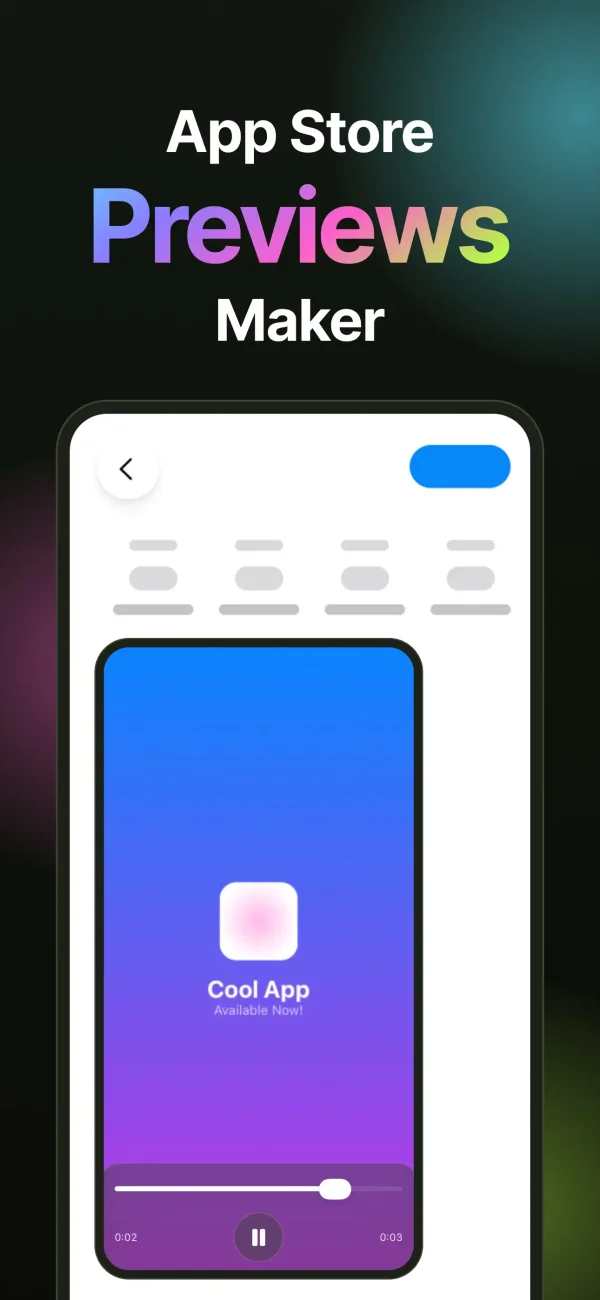
StoreCut is the iPhone app that turns your simulator recordings and screen capture clips into App Store preview videos with a real, studio-quality look — the kind that play right on your product page, not animated mockups.
Build a project, drop in your screens, write your headlines, pick a template, and export a real .mp4 sized exactly for App Store Connect. No Mac, no After Effects, no plugin chain. Everything composes on-device.
KEY FEATURES
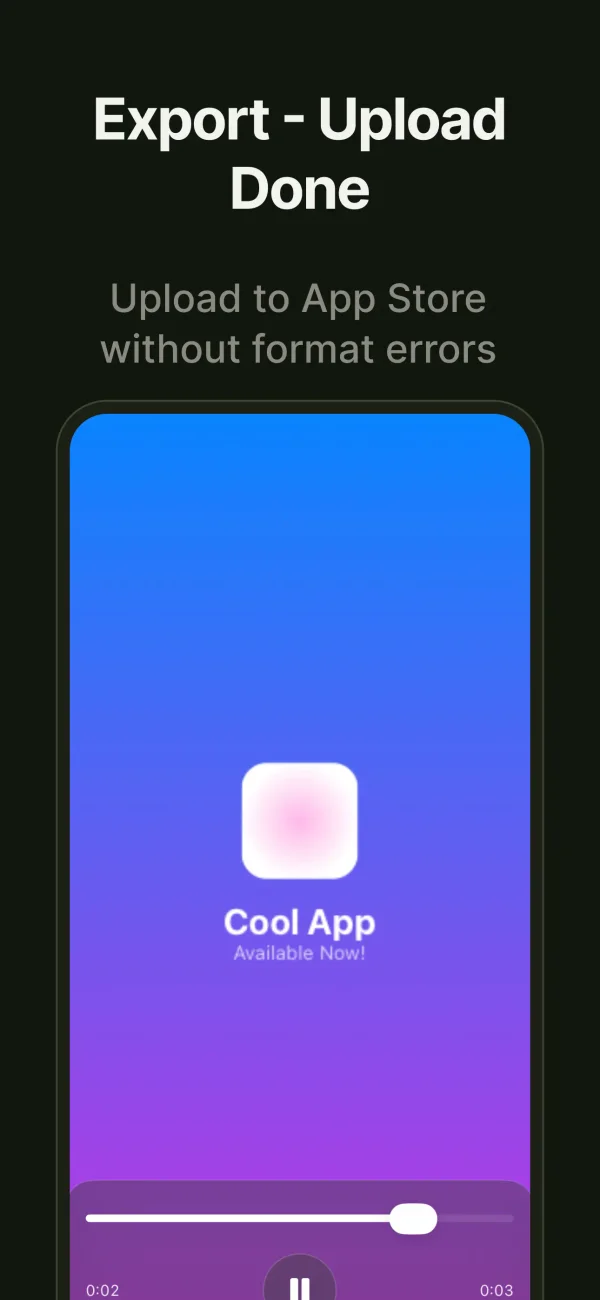
• Real Preview Videos — Render true App-Store-sized .mp4 files using a custom AVFoundation compositor. Drop straight into App Store Connect.
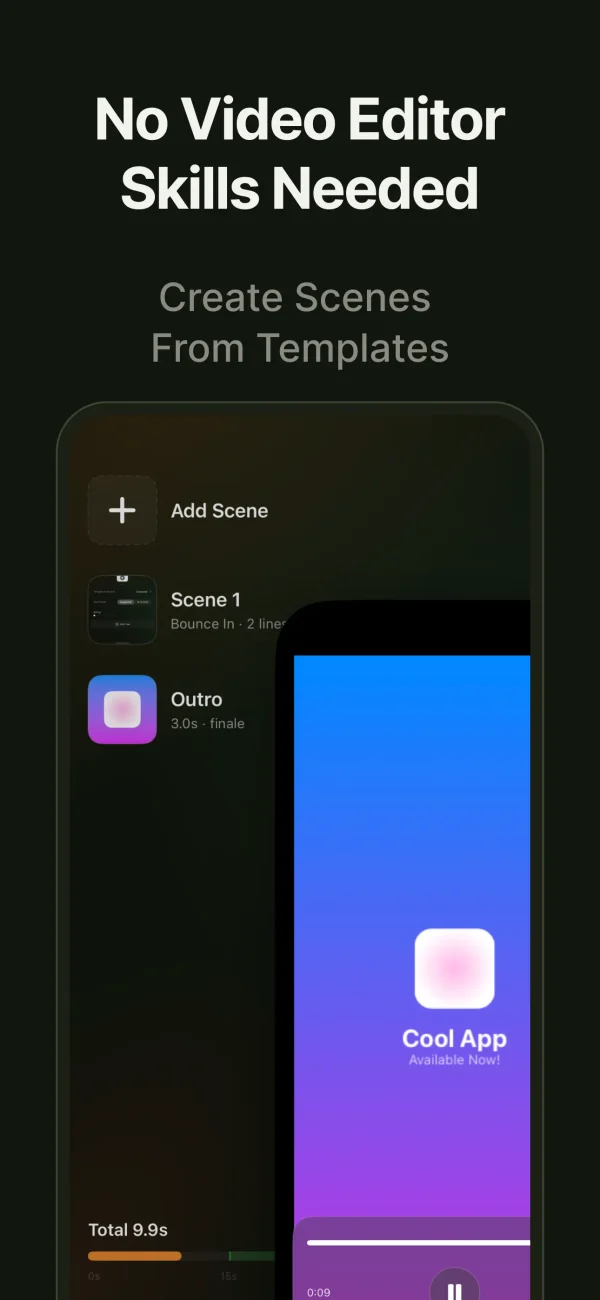
• Multi-Scene Editor — Build your preview as a sequence of scenes with a smooth carousel. Add screenshots or short video clips, reorder, duplicate, delete.
• Portrait and Landscape — Switch any project between portrait and landscape orientation. The compositor, previews, and final export all follow.
• Animated Templates — Pick a template per scene (Crossfade, Slide, fullscreen Media). Every frame is composed in real time, so the preview matches the export exactly.
• Video Speed Control — Speed scene clips from 1× up to 2.5×. Duration recalculates instantly; the source file is never altered.
• Multi-Line Styled Text — Write multiple headline lines per scene. Bold, italic, and color overrides per line. Pick from SF Pro, New York, Avenir Next, or Georgia.
• Reveal Modes — Bring text in line-by-line (staggered) or all at once. Pick what fits your pacing.
• Custom Backgrounds — Solid color, linear or radial gradient, or your own image. Override per scene if a single screen needs a different look.
• Background Music — Toggle the built-in theme music on or off per project. Mixes into the export with smooth fade in and fade out.
• Animated Outro — A built-in three-second outro auto-renders with your project's icon, name, caption, and brand colors so every preview ends with your identity.
• Project Library — Save unlimited preview projects locally. Each project keeps its own font, colors, music, and brand settings.
• On-Device Rendering — Everything composes on your iPhone. No cloud upload, no account, no telemetry.
• Camera Roll Export — Export the finished .mp4 and AirDrop, AirPlay, or upload directly to App Store Connect from your phone.
WHO IT'S FOR
• Indie iOS developers preparing their App Store listing
• App marketers and growth teams cutting preview videos at scale
• Studios shipping multiple apps that need consistent preview-video branding
• Anyone tired of paying for a Mac-only animator just to ship a 30-second clip
THE WORKFLOW
1. Create a project. Set your brand: name, icon, accent color, font, background.
2. Add scenes. For each scene, drop a short screen capture or prepared video clip and write your headlines.
3. Pick a template and reveal mode. Live-preview your work as you edit.
4. Export to Camera Roll. Upload the .mp4 to App Store Connect.
That's it. The same app preview video that takes a freelancer a week takes you 10 minutes on your phone.
Privacy Policy:
https://appstorecut.com/privacy.html
Support:
https://appstorecut.com/
Neue Funktionen
Version 1.1.0 · 03.06.2026
New in 1.1
• Landscape support — switch any project to landscape orientation. The compositor, previews, and export all follow.
• Video speed control — speed up scene clips from 1× up to 2.5×. The scene's on-screen duration adjusts instantly; the source file is never altered.
• Swipe-to-hide preview — drag the bottom preview down to get it out of the way while editing text. Tap the pill to bring it back.
• Scene titles — the scene list now shows the first headline as the row title instead of "Scene N".
App-Datenschutz
Was Axis SA im App Store zum Umgang dieser App mit Daten angibt.
-
Keine Daten erfasst
Der Entwickler erfasst keine Daten von dieser App.
Die Datenschutzpraktiken können variieren, zum Beispiel je nach den von Ihnen verwendeten Funktionen oder Ihrem Alter.
Informationen
- Anbieter
- Axis SA
- Kategorie
- Produktivität
- Version
- 1.1.0
- Aktualisiert
- 03.06.2026
- Veröffentlicht
- 02.06.2026
- Größe
- 21,8 MB
- Erfordert
- iOS 26 oder neuer
- Altersfreigabe
- 4+
- Preis
- Kostenlos
- In-App-Käufe
- Ja
- Sprachen
- Englisch
- Copyright
- © Three Axis
Das könnte Ihnen auch gefallen
-
 Keyboard Themes & WallpapersProduktivität
-
 Pelican: KI-Chat-AssistentFrag alles. Pelican erledigt’s
-
 Kawaii Keyboard WallpapersProduktivität
-
 Chinese - English : TranslatorProduktivität
-
 Spellar: KI-Meeting-NotizenMeeting-Protokoll ohne Bot
-
 Widget-ToDoProduktivität
-
 Conduit: Open WebUI & KIOpen WebUI, APIs & Agenten
-
 Elephas: Secure AI for FilesProduktivität
-
 DIGITAL SEAL: ID- & NFC-LeserPass- und Ausweis-Prüf-App
-
 MollamaLokale KI, voller Datenschutz