- 対象年齢4+
- カテゴリ仕事効率化
- 開発元Axis SA
- 言語英語
- サイズ21.8 MB
App Storeの公式ページにリンクしています
Download.orgはStoreCut: App Preview Makerのファイルを一切ホストしていません。ボタンを押すと、Axis SAが公開しているApp Storeのアプリページが開きます。ページの最終確認:2026/11/19。
スクリーンショット
概要
開発元はこのテキストをお使いの言語で提供していません。
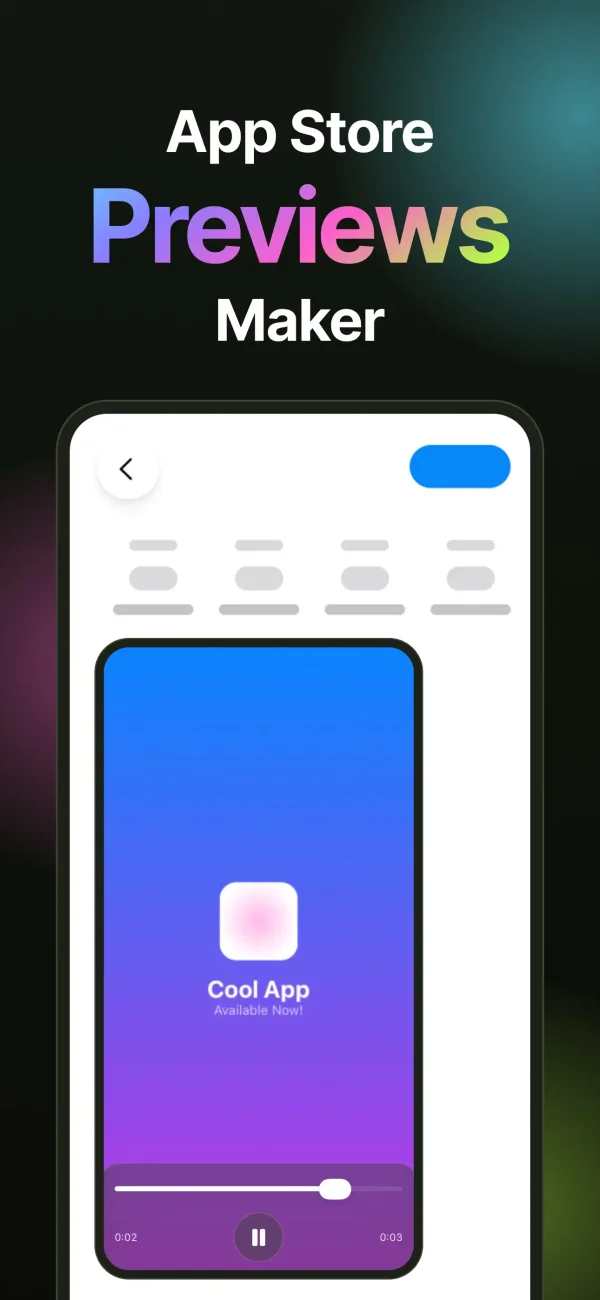
StoreCut is the iPhone app that turns your simulator recordings and screen capture clips into App Store preview videos with a real, studio-quality look — the kind that play right on your product page, not animated mockups.
Build a project, drop in your screens, write your headlines, pick a template, and export a real .mp4 sized exactly for App Store Connect. No Mac, no After Effects, no plugin chain. Everything composes on-device.
KEY FEATURES
• Real Preview Videos — Render true App-Store-sized .mp4 files using a custom AVFoundation compositor. Drop straight into App Store Connect.
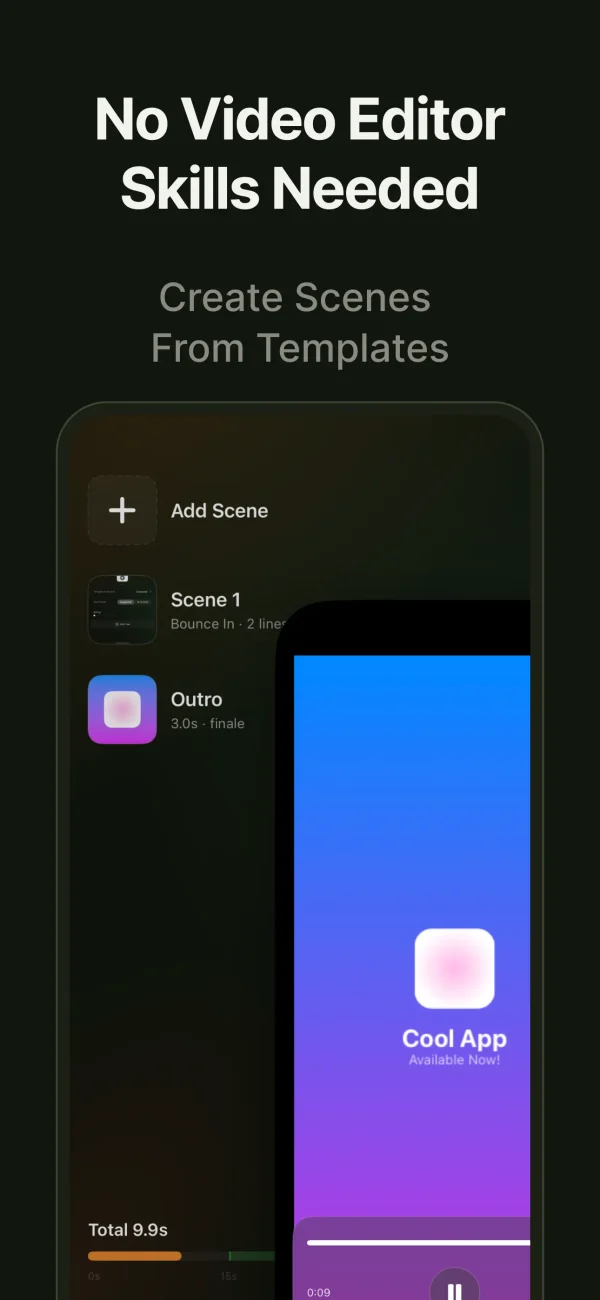
• Multi-Scene Editor — Build your preview as a sequence of scenes with a smooth carousel. Add screenshots or short video clips, reorder, duplicate, delete.
• Portrait and Landscape — Switch any project between portrait and landscape orientation. The compositor, previews, and final export all follow.
• Animated Templates — Pick a template per scene (Crossfade, Slide, fullscreen Media). Every frame is composed in real time, so the preview matches the export exactly.
• Video Speed Control — Speed scene clips from 1× up to 2.5×. Duration recalculates instantly; the source file is never altered.
• Multi-Line Styled Text — Write multiple headline lines per scene. Bold, italic, and color overrides per line. Pick from SF Pro, New York, Avenir Next, or Georgia.
• Reveal Modes — Bring text in line-by-line (staggered) or all at once. Pick what fits your pacing.
• Custom Backgrounds — Solid color, linear or radial gradient, or your own image. Override per scene if a single screen needs a different look.
• Background Music — Toggle the built-in theme music on or off per project. Mixes into the export with smooth fade in and fade out.
• Animated Outro — A built-in three-second outro auto-renders with your project's icon, name, caption, and brand colors so every preview ends with your identity.
• Project Library — Save unlimited preview projects locally. Each project keeps its own font, colors, music, and brand settings.
• On-Device Rendering — Everything composes on your iPhone. No cloud upload, no account, no telemetry.
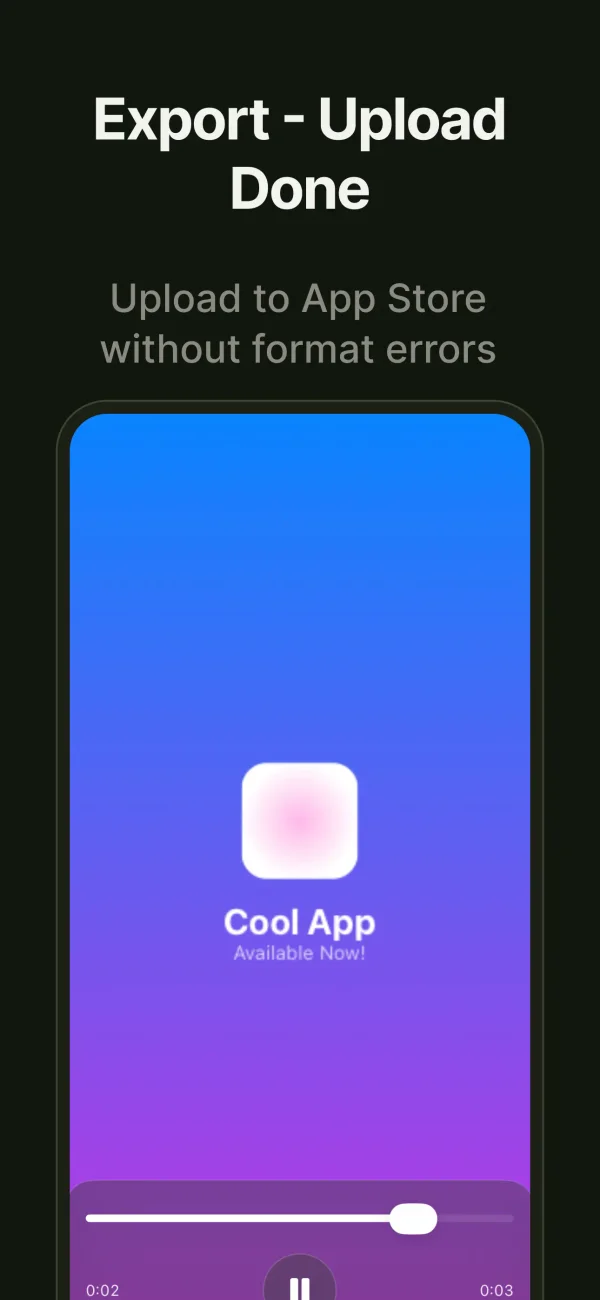
• Camera Roll Export — Export the finished .mp4 and AirDrop, AirPlay, or upload directly to App Store Connect from your phone.
WHO IT'S FOR
• Indie iOS developers preparing their App Store listing
• App marketers and growth teams cutting preview videos at scale
• Studios shipping multiple apps that need consistent preview-video branding
• Anyone tired of paying for a Mac-only animator just to ship a 30-second clip
THE WORKFLOW
1. Create a project. Set your brand: name, icon, accent color, font, background.
2. Add scenes. For each scene, drop a short screen capture or prepared video clip and write your headlines.
3. Pick a template and reveal mode. Live-preview your work as you edit.
4. Export to Camera Roll. Upload the .mp4 to App Store Connect.
That's it. The same app preview video that takes a freelancer a week takes you 10 minutes on your phone.
Privacy Policy:
https://appstorecut.com/privacy.html
Support:
https://appstorecut.com/
新機能
バージョン 1.1.0 · 2026/6/3
New in 1.1
• Landscape support — switch any project to landscape orientation. The compositor, previews, and export all follow.
• Video speed control — speed up scene clips from 1× up to 2.5×. The scene's on-screen duration adjusts instantly; the source file is never altered.
• Swipe-to-hide preview — drag the bottom preview down to get it out of the way while editing text. Tap the pill to bring it back.
• Scene titles — the scene list now shows the first headline as the row title instead of "Scene N".
アプリのプライバシー
このアプリのデータの取り扱いについて、Axis SAがApp Storeで申告している内容です。
-
データの収集なし
開発元はこのアプリからデータを収集しません。
プライバシーの取り扱いは、ご利用の機能やお客様の年齢などに応じて異なる場合があります。
情報
- 販売元
- Axis SA
- カテゴリ
- 仕事効率化
- バージョン
- 1.1.0
- 更新日
- 2026/6/3
- リリース
- 2026/6/2
- サイズ
- 21.8 MB
- 必要条件
- iOS 26以降
- 対象年齢
- 4+
- 価格
- 無料
- アプリ内課金
- あり
- 言語
- 英語
- 著作権
- © Three Axis
こちらもおすすめ
-
 Keyboard Themes & Wallpapers仕事効率化
-
 Pelican: AIチャットアシスタント何でも聞いて、すぐ片づける
-
 Kawaii Keyboard Wallpapers仕事効率化
-
 Chinese - English : Translator仕事効率化
-
 Spellar: AI Meeting Note Taker仕事効率化
-
 ウィジェット ToDoリスト : Widget-ToDoウィジェット対応のToDoリスト。
-
 Conduit: Open WebUI & AIOpen WebUI・API・エージェント
-
 Elephas: Secure AI for Files仕事効率化
-
 DIGITAL SEAL: ID & NFC Reader仕事効率化
-
 MollamaローカルAI、完全なプライバシー