- Altersfreigabe4+
- KategorieProduktivität
- Entwickler士岩 李
- SprachenEnglisch
- Größe5,4 MB
TapNote AI ist bei App Store derzeit möglicherweise nicht verfügbar
Bei unserer letzten Prüfung war der Store-Eintrag nicht erreichbar. Der Link führt weiterhin zur offiziellen App Store-Seite.
Screenshots


Info
Der Entwickler hat diesen Text nicht in Ihrer Sprache bereitgestellt.
TapNote AI turns screenshots into searchable memory.
Use iPhone Back Tap with Shortcuts to capture what is on screen, add a quick note, and save both into a private visual library. TapNote AI recognizes text inside screenshots, helps you search what you saved, and turns raw screenshot notes into polished, share-ready cards.
Key features:
- Capture screenshots through a Back Tap Shortcut
- Add a note at the moment you capture
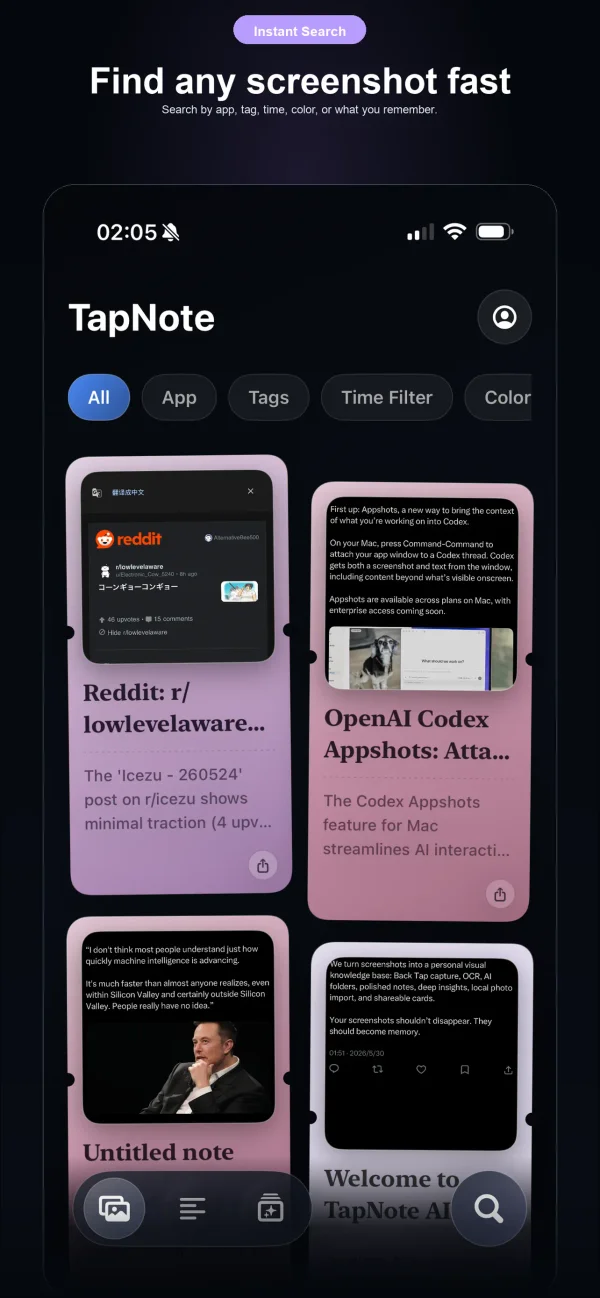
- Search notes, OCR text, source app, tags, time, and color
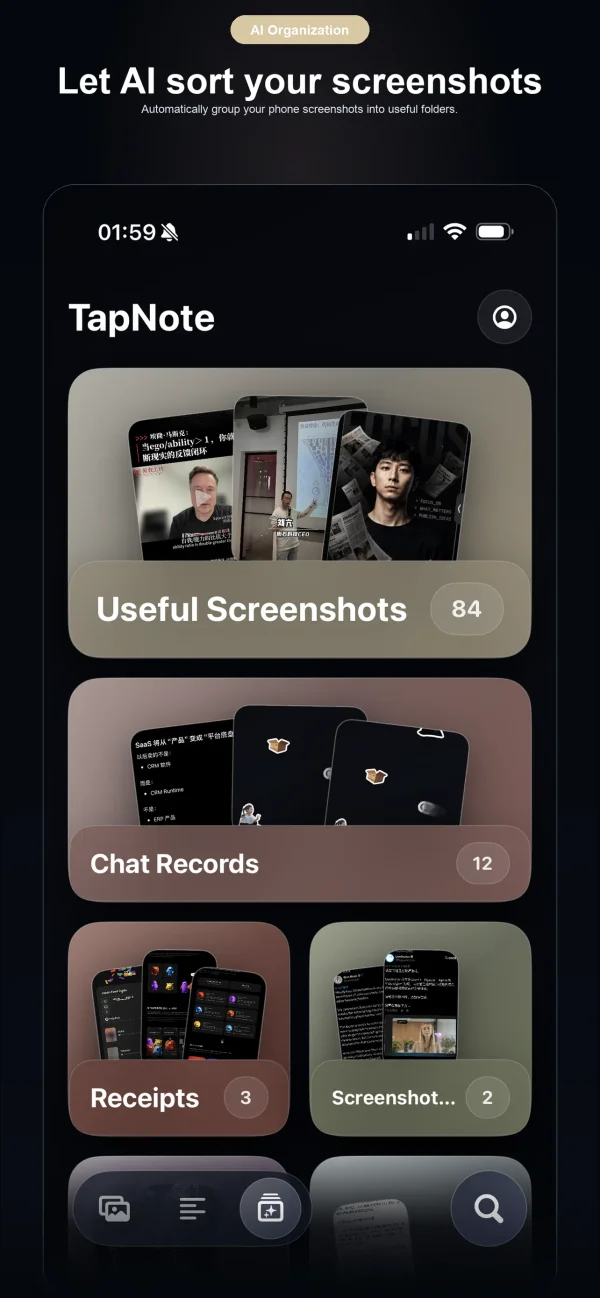
- Browse screenshots in a clean visual archive
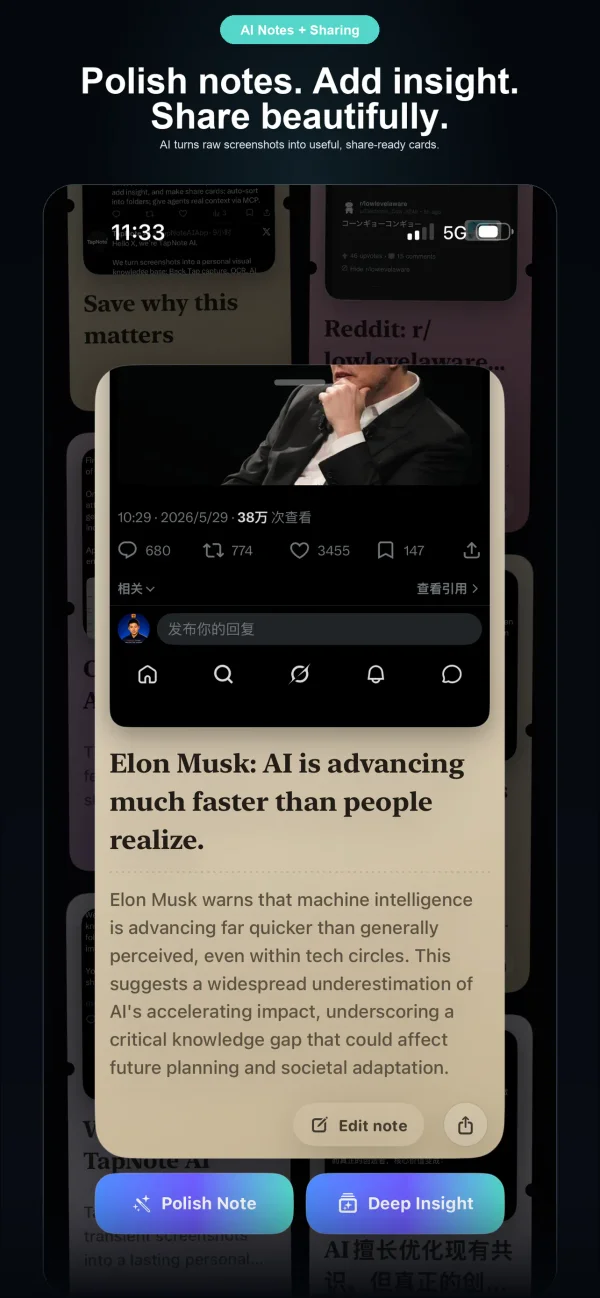
- Let AI polish notes and add deeper insight
- Automatically organize screenshots into useful folders
- Share beautiful screenshot memory cards
- Use TapNote Cloud and MCP to make Pro memory available to agents
- Try the first screenshot notes for free
- Upgrade to TapNote Go, Plus, or Pro for unlimited screenshot notes and more AI capacity
TapNote AI is built for people who save useful screenshots but forget why they mattered. Your screenshots should not disappear into the camera roll. They should become memory.
App-Datenschutz
Was 士岩 李 im App Store zum Umgang dieser App mit Daten angibt.
-
Nicht mit Ihnen verknüpfte Daten
Können erfasst werden, sind aber nicht mit Ihrer Identität verknüpft.
- Benutzerinhalte
Die Datenschutzpraktiken können variieren, zum Beispiel je nach den von Ihnen verwendeten Funktionen oder Ihrem Alter.
Informationen
- Anbieter
- 士岩 李
- Kategorie
- Produktivität
- Version
- 1.0
- Aktualisiert
- 04.06.2026
- Veröffentlicht
- 03.06.2026
- Größe
- 5,4 MB
- Erfordert
- iOS 17.0 oder neuer
- Altersfreigabe
- 4+
- In-App-Käufe
- Ja
- Sprachen
- Englisch
- Copyright
- © 2026 Shihyan Li
Das könnte Ihnen auch gefallen
-
 CaptureMobile AIProduktivität
-
 SnapActionProduktivität
-
 Aura FocusProduktivität
-
 KI Vertrag: Prüfung & AnalyseRechtliche Dokumente Check
-
 ScreenNote – KI-NotizenScreenshots suchen mit OCR
-
 Flodo - Flow TodoProduktivität
-
 SnapCal - KI-KalenderhelferScreenshot zum Kalender
-
 Keep AwareProduktivität
-
 Scrolled: Limit Reels & ShortsProduktivität
-
 AskPics: Search ScreenshotsProduktivität