tcCalc - timecode & frame calc
Drop frame timecode calculator
Entwickelt für iPhone, iPad
1,99 €
- Altersfreigabe4+
- KategorieFoto und Video
- EntwicklerRYUICHIROU SHIMONO
- SprachenEnglisch+ 1 weitere
- Größe568,0 KB
Verlinkt auf die offizielle App Store-Seite
Download.org hostet keine Datei von tcCalc - timecode & frame calc. Die Schaltfläche öffnet die App-Seite bei App Store, wo RYUICHIROU SHIMONO die App veröffentlicht. Eintrag zuletzt geprüft am 12.11.2026.
Screenshots
Info
Der Entwickler hat diesen Text nicht in Ihrer Sprache bereitgestellt.
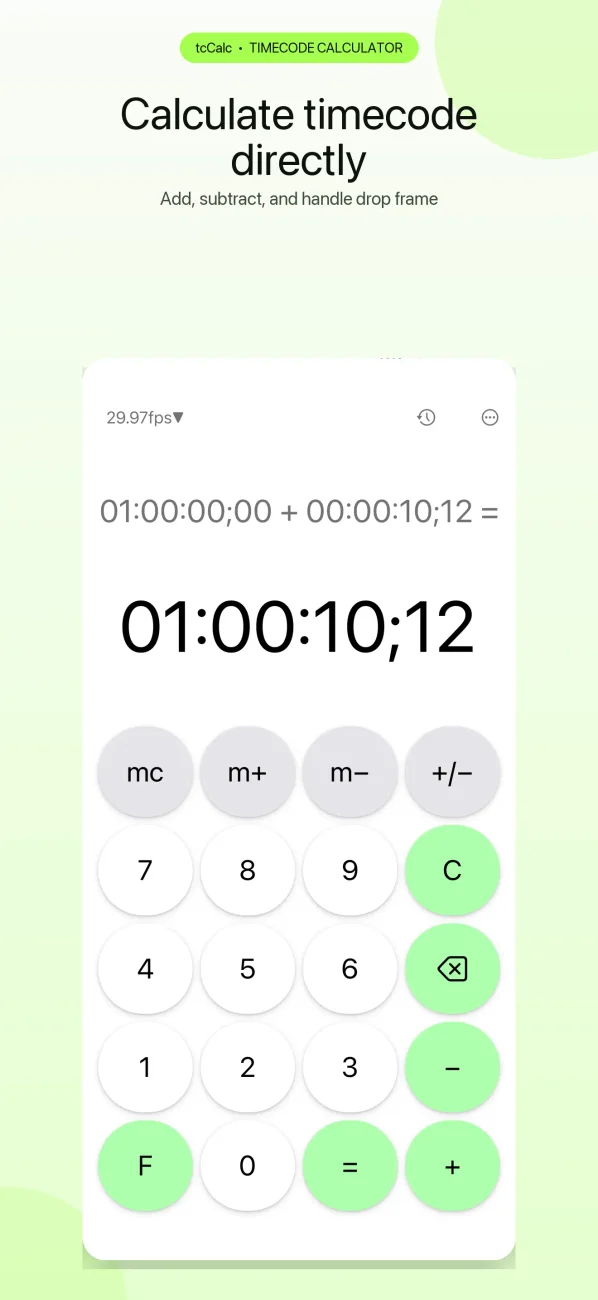
tcCalc is a calculator built for one job: timecode math for video production. Add and subtract timecode, let it handle drop frame for you, and switch to a frame count with a single tap, all with the feel of an ordinary calculator.
Time bases
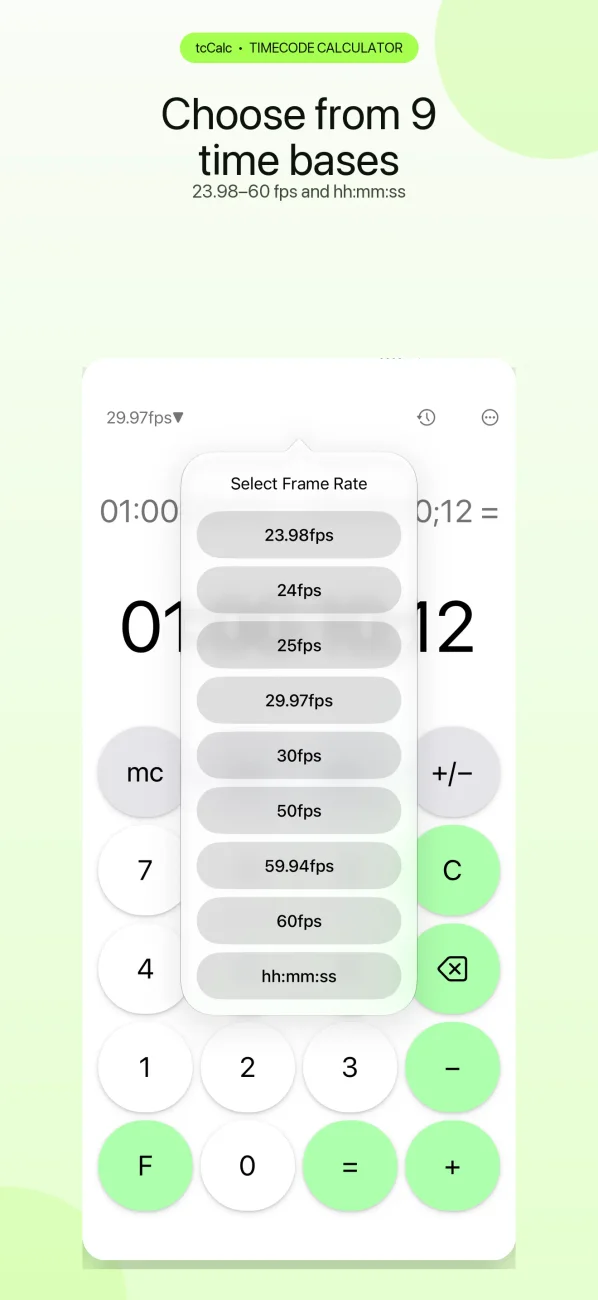
23.98 / 24 / 25 / 29.97 / 30 / 50 / 59.94 / 60 fps, plus hh:mm:ss for working without frames. Drop frame is applied automatically at 29.97 and 59.94 fps.
Features
- Add and subtract timecode
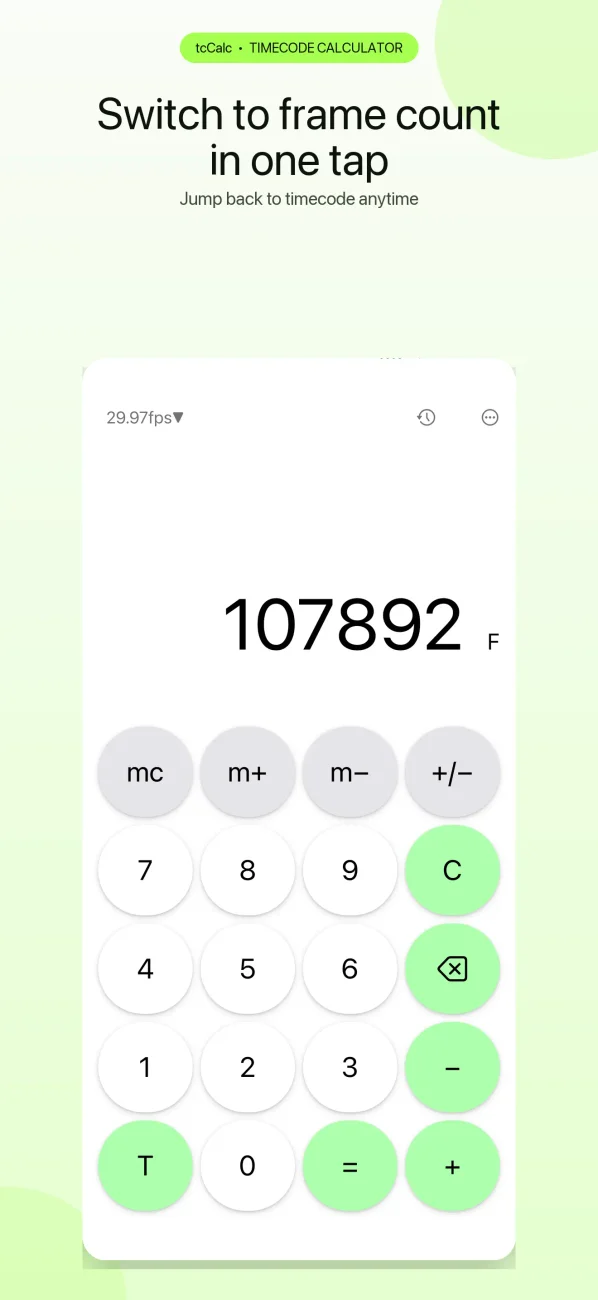
- One-tap switching between timecode and frame count (seconds in hh:mm:ss mode)
- Automatic drop frame handling (29.97 / 59.94 fps)
- Constant calculation: press = again to repeat the last operation
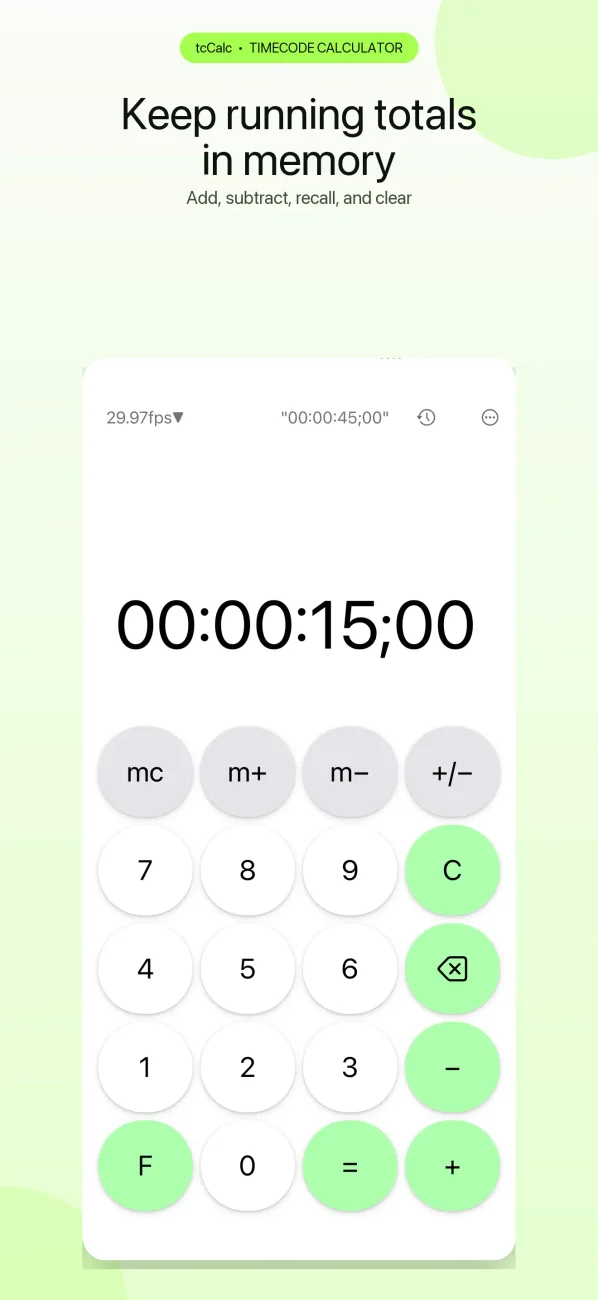
- Memory: add, subtract, recall, and clear
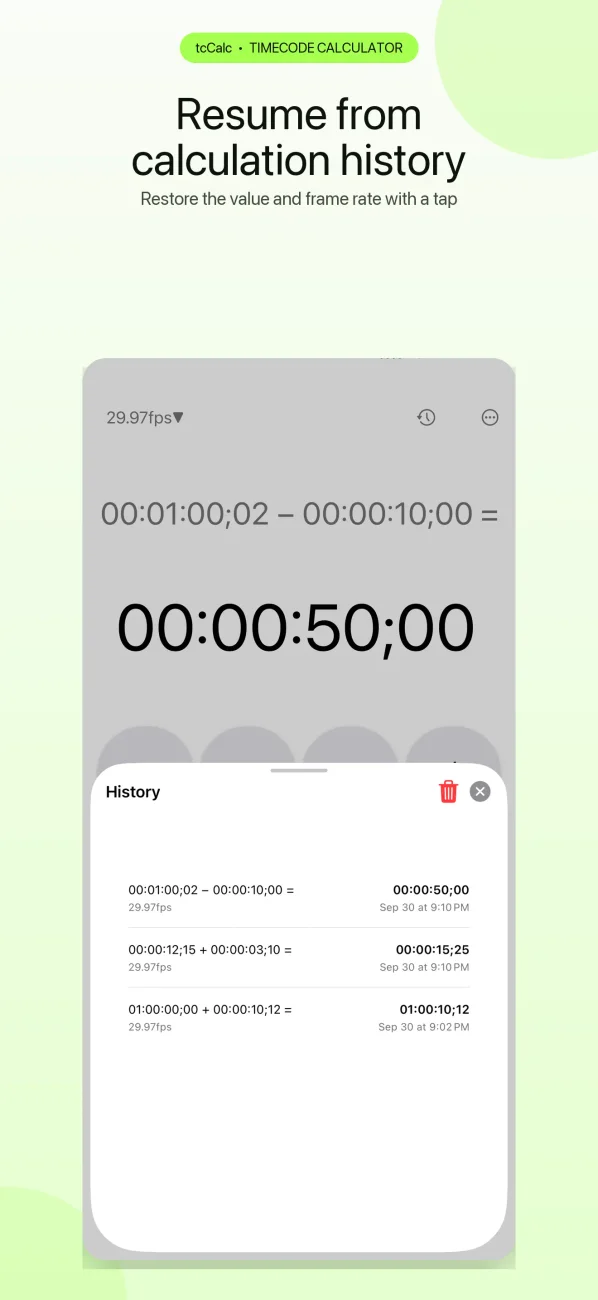
- Calculation history: up to 20 entries with frame rate and date; tap to restore, swipe to delete
- Open history with the clock button or by swiping up on the display
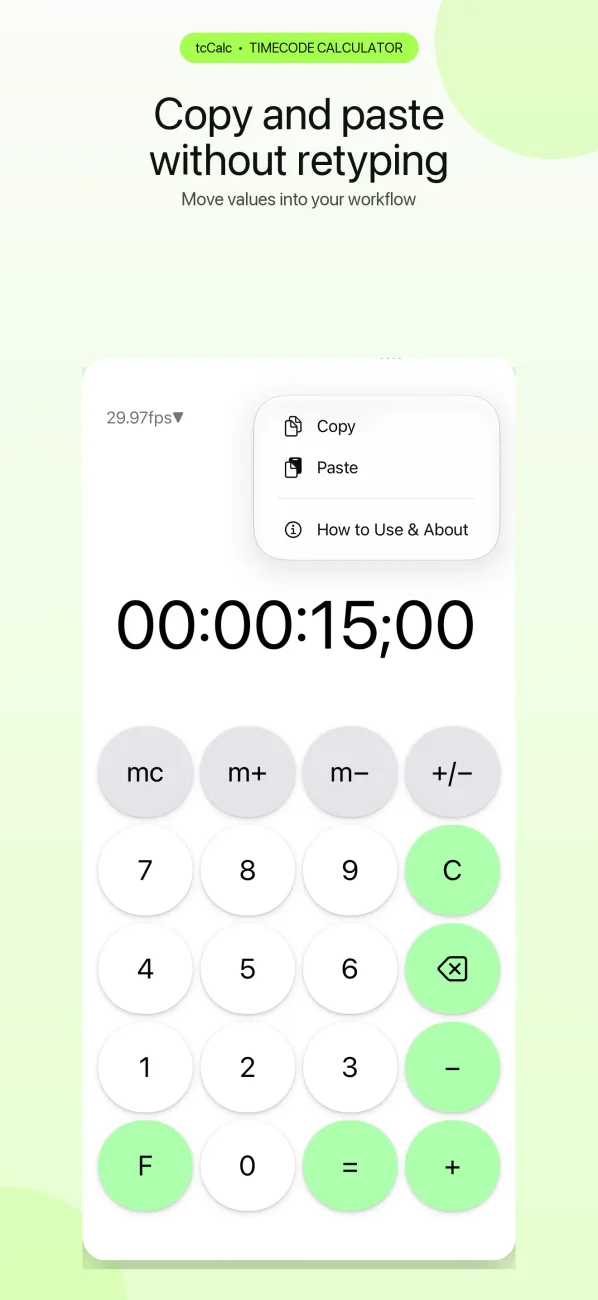
- Copy and paste from the ••• menu or by touching and holding the result
- Built-in How to Use guide
Easy to read
- Large keys, color-coded by role
- Dark mode
- iPhone and iPad, in all four orientations
- Dynamic Type and VoiceOver support
Simple by design
- No ads
- No in-app purchases
- No account or sign-in
- The app itself makes no network connections and works offline
- No analytics and no tracking
Whether you are timing a shoot, finding an edit point, or adding up the length of your footage, tcCalc keeps the math out of your way.
Neue Funktionen
Version 3.8 · 01.10.2026
Version 3.8 makes features easier to find and the screen easier to read.
New
• History and a ••• menu (Copy, Paste, How to Use & About) are now always available at the top of the screen. The swipe-up and touch-and-hold shortcuts still work.
• Added How to Use, which explains the F / T / S keys, memory, history, and copy and paste.
• Each history entry now shows its frame rate and date. Swipe left on an entry to delete it.
• When an entry was recorded at a different frame rate, the history shows which rate restoring it will switch to.
Improvements
• If the clipboard contents can't be pasted, an alert now explains what can be pasted.
• Improved contrast, including the operator keys in dark mode.
• At accessibility text sizes, touch and hold a key or a button at the top of the screen to see it enlarged.
• Improved VoiceOver descriptions for the F / T / S keys and history.
• Fixed the top row being cut off at the top of the screen in landscape.
App-Datenschutz
Was RYUICHIROU SHIMONO im App Store zum Umgang dieser App mit Daten angibt.
-
Keine Daten erfasst
Der Entwickler erfasst keine Daten von dieser App.
Die Datenschutzpraktiken können variieren, zum Beispiel je nach den von Ihnen verwendeten Funktionen oder Ihrem Alter.
Informationen
- Anbieter
- RYUICHIROU SHIMONO
- Kategorie
- Foto und Video
- Version
- 3.8
- Aktualisiert
- 01.10.2026
- Veröffentlicht
- 09.09.2016
- Größe
- 568,0 KB
- Erfordert
- iOS 18.0 oder neuer
- Altersfreigabe
- 4+
- Preis
- 1,99 €
- Sprachen
- Englisch, Japanisch
- Copyright
- © 2016 Ryuichirou Shimono
Das könnte Ihnen auch gefallen
-
 RZ Timecode CalculatorFoto und Video
-
 Catchin' SyncFoto und Video
-
 Tentacle TimebarFoto und Video
-
 Evercast StudioFoto und Video
-
 Streaming PlayerFoto und Video
-
 myLightMeter PROPräziser Belichtungsmesser
-
 Cadrage Director's ViewfinderFoto und Video
-
 Accsoon SEEFoto und Video
-
 Vuer HDRFoto und Video
-
 Previs Pro - Storyboard FastStoryboard Film, TV & Video