tcCalc - timecode & frame calc
Drop frame timecode calculator
Diseñada para iPhone, iPad
1,99 €
- Clasificación por edad4+
- CategoríaFoto y vídeo
- DesarrolladorRYUICHIROU SHIMONO
- IdiomasInglés+ 1 más
- Tamaño568,0 KB
Enlaza a la página oficial de App Store
Download.org no aloja ningún archivo de tcCalc - timecode & frame calc. El botón abre la página de la aplicación en App Store, donde la publica RYUICHIROU SHIMONO. Ficha comprobada por última vez el 12/11/2026.
Capturas de pantalla
Acerca de
El desarrollador no ha proporcionado este texto en tu idioma.
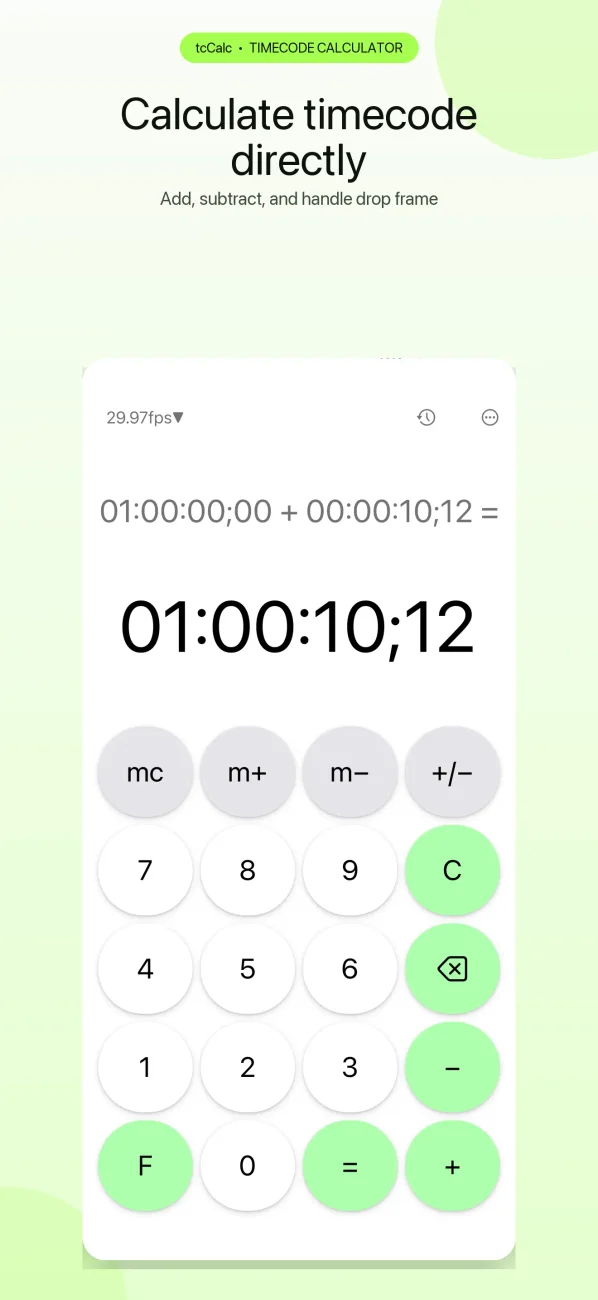
tcCalc is a calculator built for one job: timecode math for video production. Add and subtract timecode, let it handle drop frame for you, and switch to a frame count with a single tap, all with the feel of an ordinary calculator.
Time bases
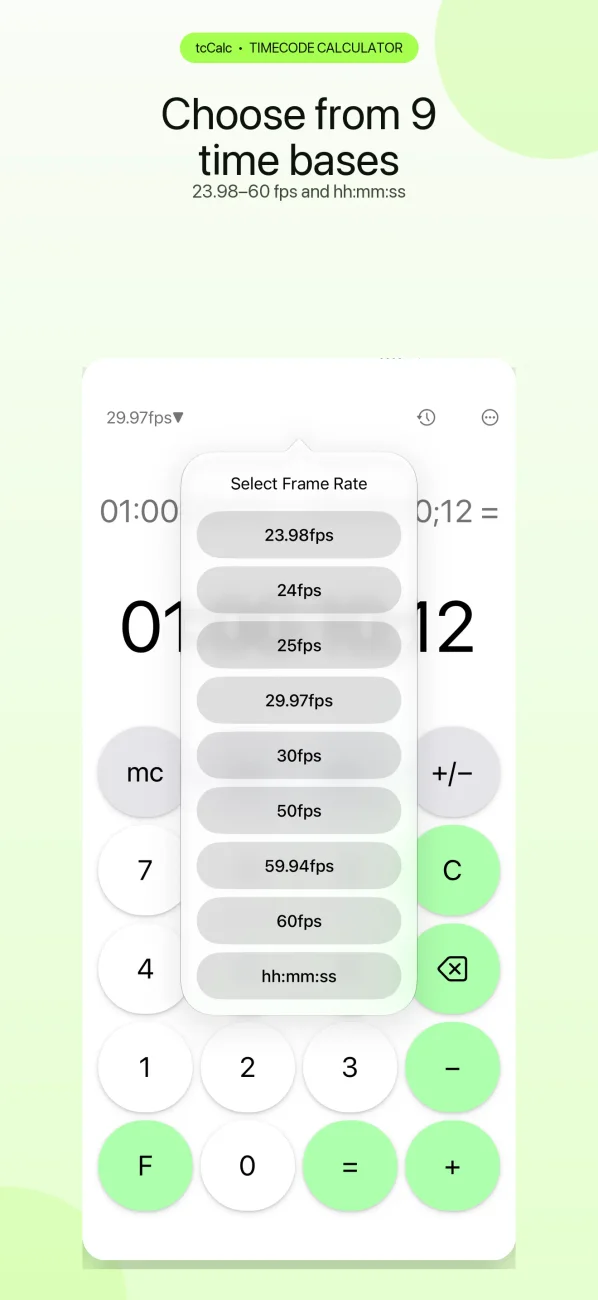
23.98 / 24 / 25 / 29.97 / 30 / 50 / 59.94 / 60 fps, plus hh:mm:ss for working without frames. Drop frame is applied automatically at 29.97 and 59.94 fps.
Features
- Add and subtract timecode
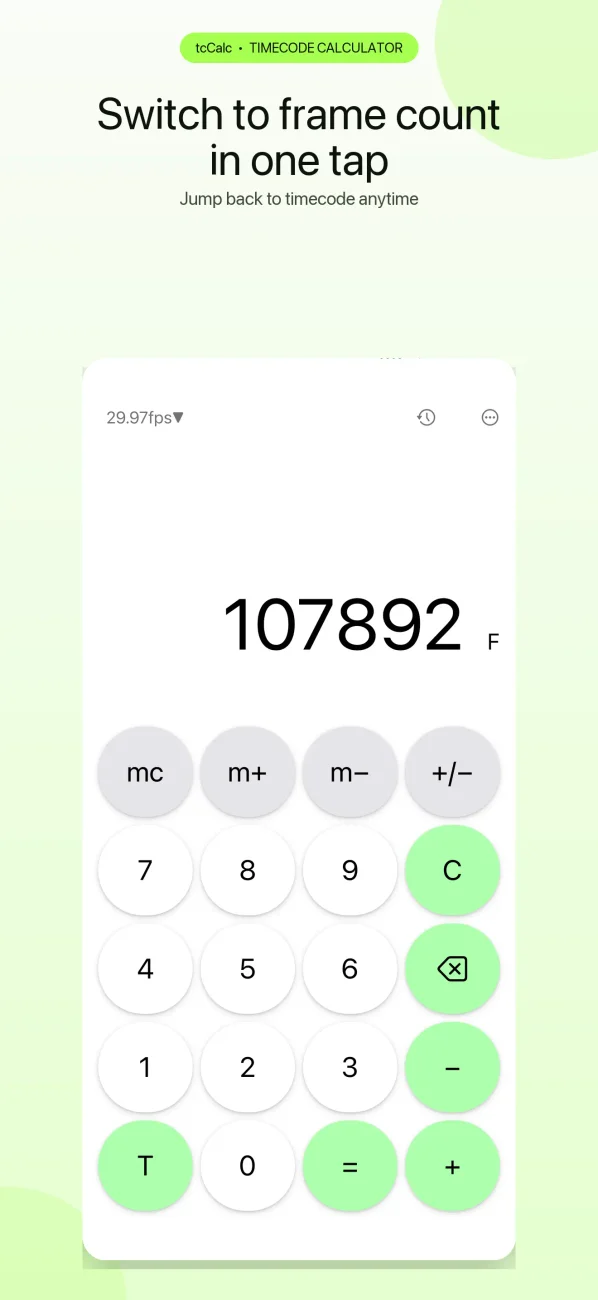
- One-tap switching between timecode and frame count (seconds in hh:mm:ss mode)
- Automatic drop frame handling (29.97 / 59.94 fps)
- Constant calculation: press = again to repeat the last operation
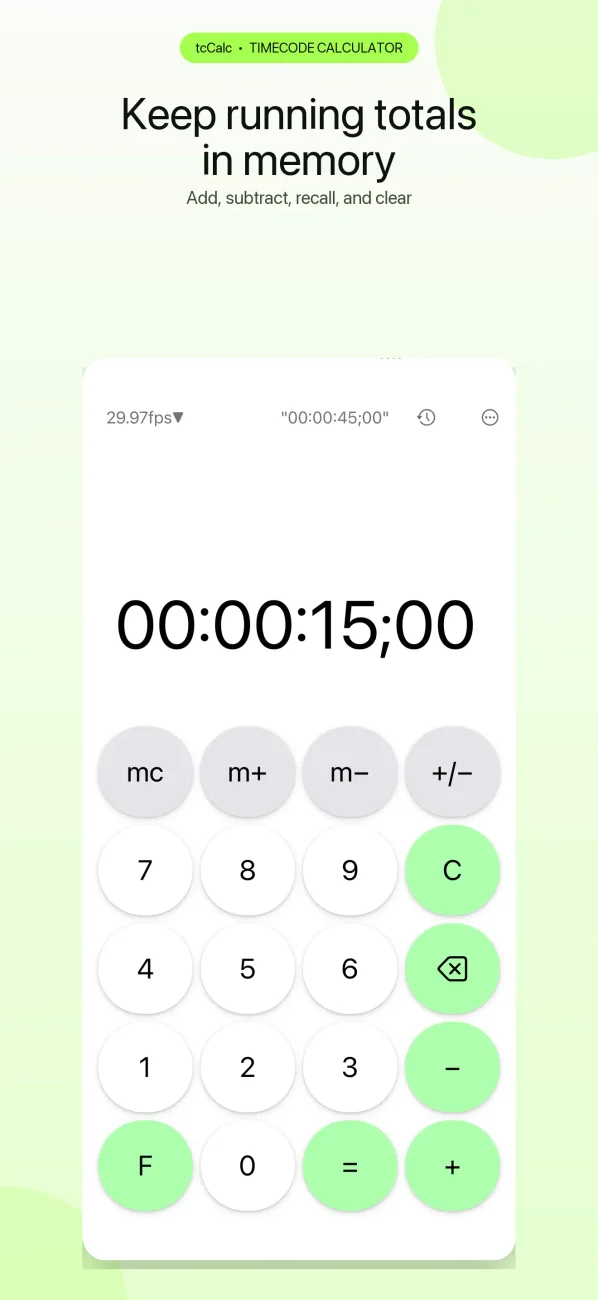
- Memory: add, subtract, recall, and clear
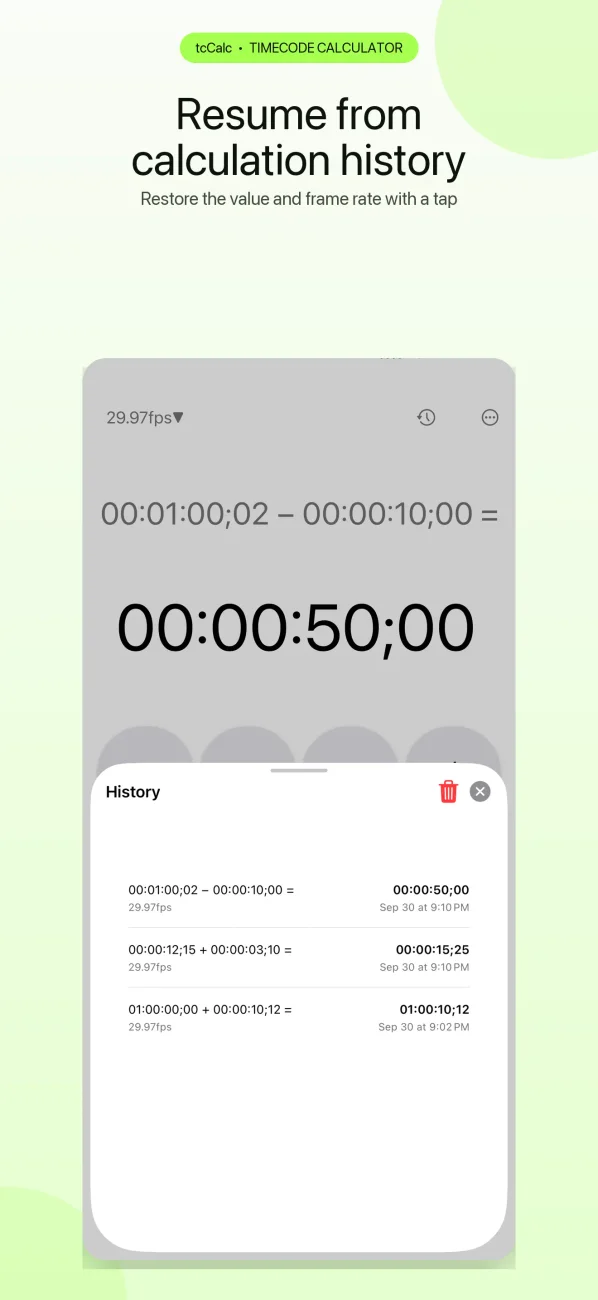
- Calculation history: up to 20 entries with frame rate and date; tap to restore, swipe to delete
- Open history with the clock button or by swiping up on the display
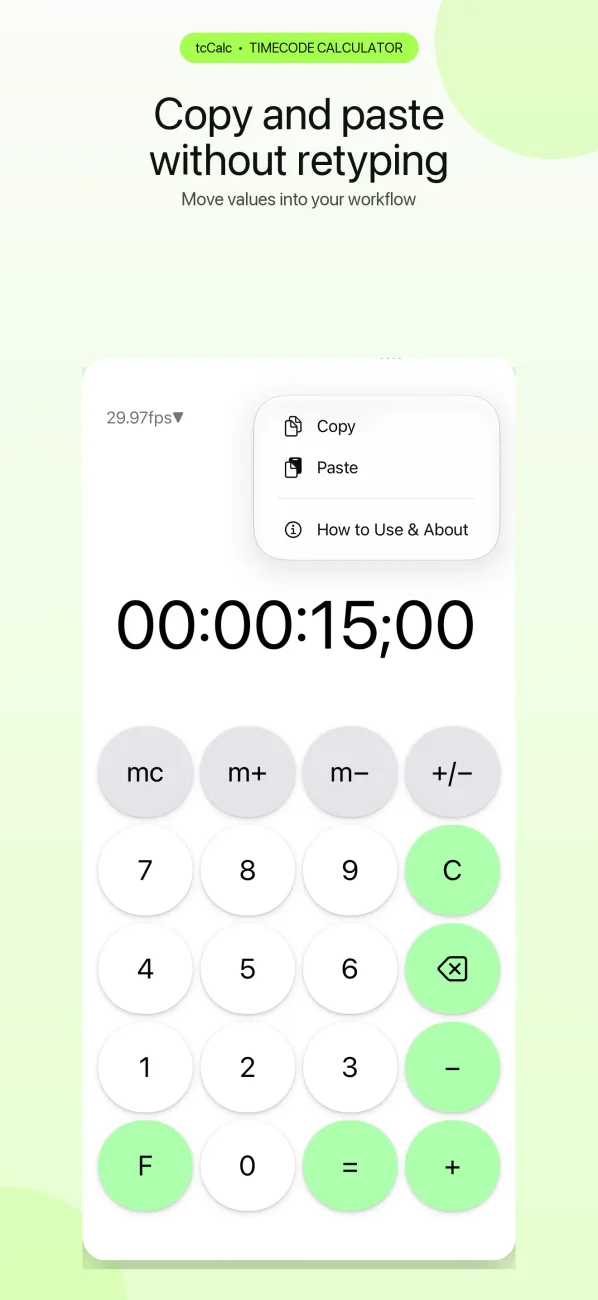
- Copy and paste from the ••• menu or by touching and holding the result
- Built-in How to Use guide
Easy to read
- Large keys, color-coded by role
- Dark mode
- iPhone and iPad, in all four orientations
- Dynamic Type and VoiceOver support
Simple by design
- No ads
- No in-app purchases
- No account or sign-in
- The app itself makes no network connections and works offline
- No analytics and no tracking
Whether you are timing a shoot, finding an edit point, or adding up the length of your footage, tcCalc keeps the math out of your way.
Novedades
Versión 3.8 · 1/10/2026
Version 3.8 makes features easier to find and the screen easier to read.
New
• History and a ••• menu (Copy, Paste, How to Use & About) are now always available at the top of the screen. The swipe-up and touch-and-hold shortcuts still work.
• Added How to Use, which explains the F / T / S keys, memory, history, and copy and paste.
• Each history entry now shows its frame rate and date. Swipe left on an entry to delete it.
• When an entry was recorded at a different frame rate, the history shows which rate restoring it will switch to.
Improvements
• If the clipboard contents can't be pasted, an alert now explains what can be pasted.
• Improved contrast, including the operator keys in dark mode.
• At accessibility text sizes, touch and hold a key or a button at the top of the screen to see it enlarged.
• Improved VoiceOver descriptions for the F / T / S keys and history.
• Fixed the top row being cut off at the top of the screen in landscape.
Privacidad de la aplicación
Lo que RYUICHIROU SHIMONO declara en App Store sobre cómo esta aplicación gestiona los datos.
-
No se recopilan datos
El desarrollador no recopila ningún dato de esta aplicación.
Las prácticas de privacidad pueden variar, por ejemplo, según las funciones que uses o tu edad.
Información
- Vendedor
- RYUICHIROU SHIMONO
- Categoría
- Foto y vídeo
- Versión
- 3.8
- Actualizado
- 1/10/2026
- Publicado
- 9/9/2016
- Tamaño
- 568,0 KB
- Requiere
- iOS 18.0 o posterior
- Clasificación por edad
- 4+
- Precio
- 1,99 €
- Idiomas
- Inglés, Japonés
- Copyright
- © 2016 Ryuichirou Shimono
Quizá también te guste
-
 RZ Timecode CalculatorFoto y vídeo
-
 Catchin' SyncFoto y vídeo
-
 Tentacle TimebarFoto y vídeo
-
 Evercast StudioFoto y vídeo
-
 Streaming PlayerFoto y vídeo
-
 myLightMeter PROFoto y vídeo
-
 Cadrage Director's ViewfinderVisor de Director
-
 Accsoon SEEFoto y vídeo
-
 Vuer HDRFoto y vídeo
-
 Previs Pro - Storyboard FastStoryboard Film, TV & Video