Telecraft: Studio Camera
Record, Mix & Go Live
Entwickelt für iPhone, iPad
1,99 €
- Altersfreigabe4+
- KategorieFoto und Video
- EntwicklerRafael Guilherme Bertholdo
- SprachenEnglisch+ 3 weitere
- Größe33,1 MB
Verlinkt auf die offizielle App Store-Seite
Download.org hostet keine Datei von Telecraft: Studio Camera. Die Schaltfläche öffnet die App-Seite bei App Store, wo Rafael Guilherme Bertholdo die App veröffentlicht. Eintrag zuletzt geprüft am 20.11.2026.
Screenshots

Info
Der Entwickler hat diesen Text nicht in Ihrer Sprache bereitgestellt.
Studio Camera transforms your iPhone or iPad into a professional video and livestreaming studio—now with powerful audio capabilities through Tone3000 integration and virtual channel mixing.
Professional Audio Control
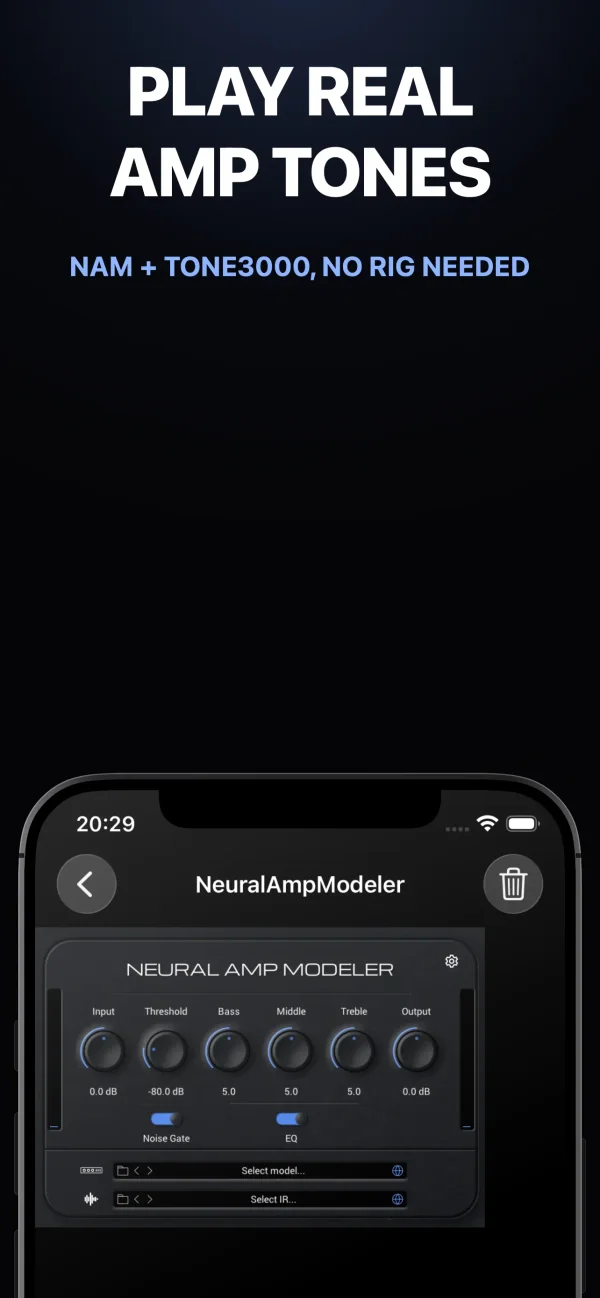
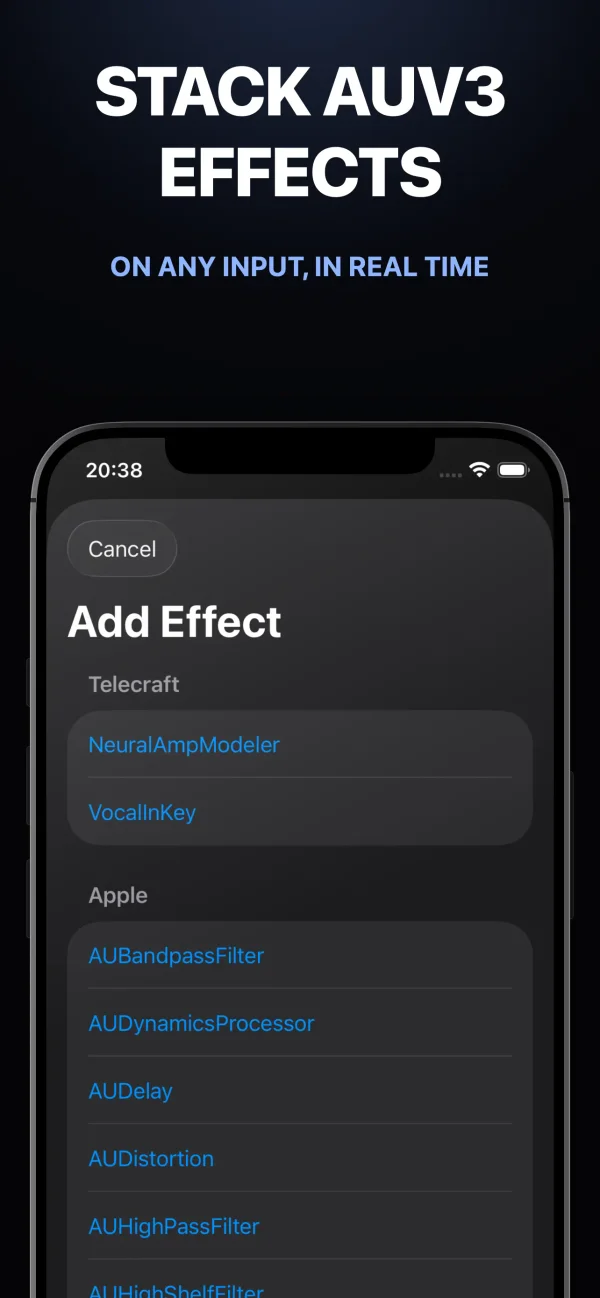
- Tone3000 Integration: Expand your sound with AUv3 audio effects plugins. Add studio-grade effects like overdrive, chorus, delay, reverb, and auto-wah to any input channel in real time.
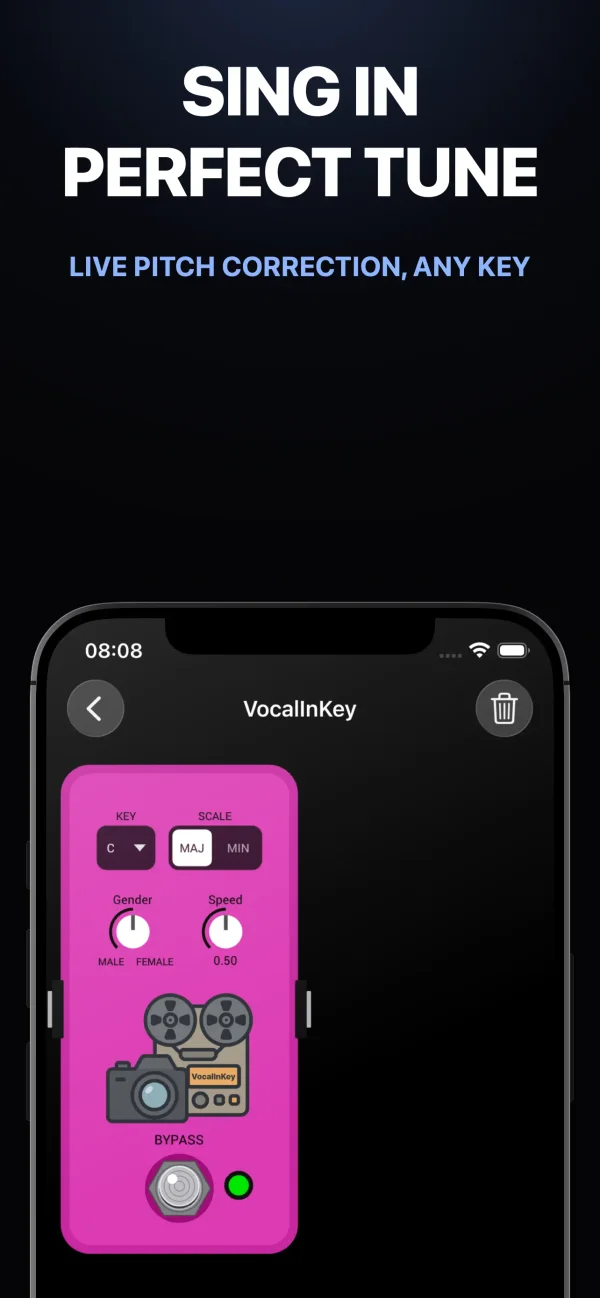
- VocalInKey: Real-time vocal pitch correction. Pick a key and scale and VocalInKey snaps your singing in tune automatically, live.
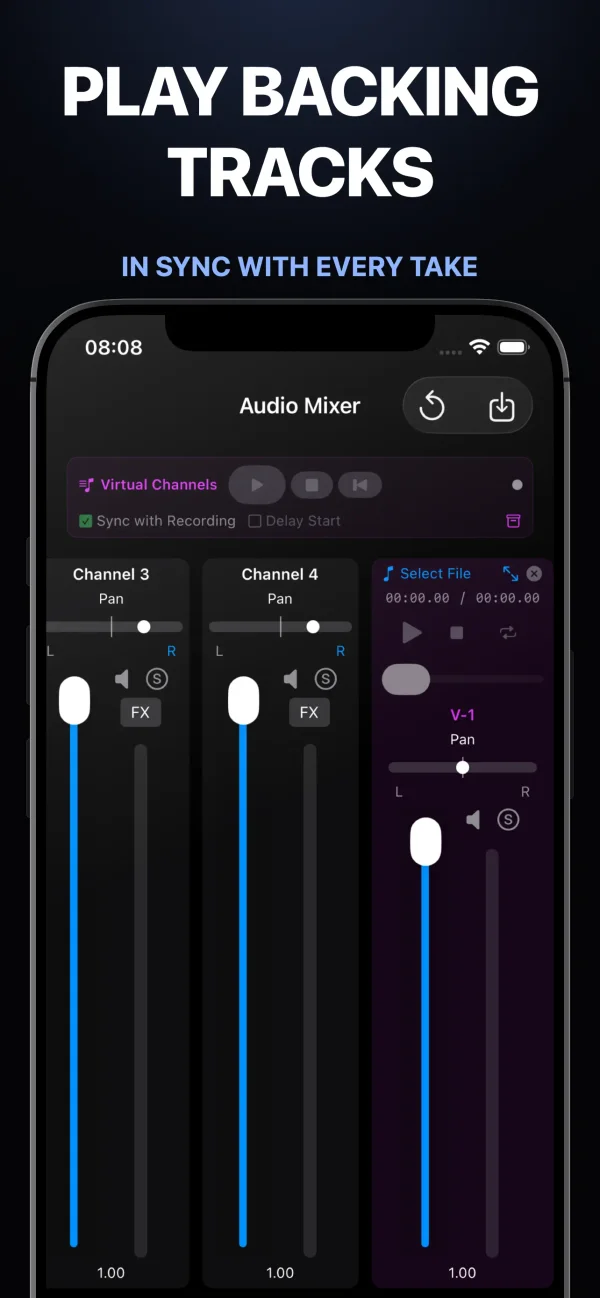
- Virtual Channels: Import and play backing tracks, background music, or pre-recorded audio alongside your live inputs. Mix multiple audio sources simultaneously—perfect for karaoke, live performances with accompaniment, or layered podcast production.
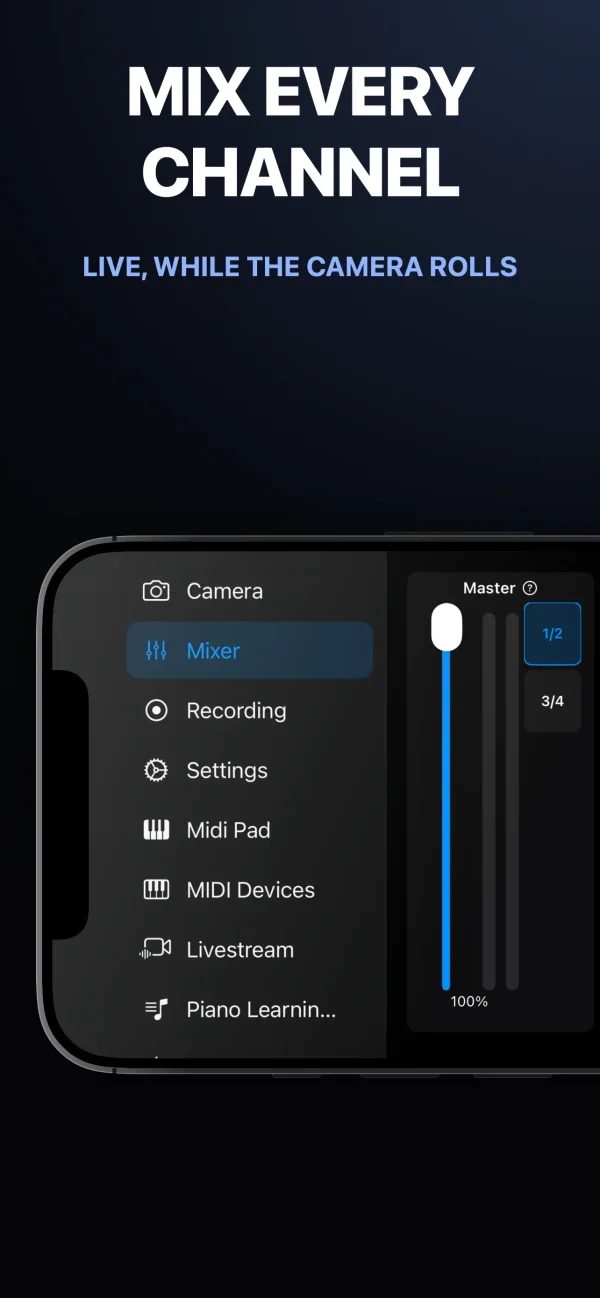
- Advanced Mixing: Connect professional audio interfaces, control per-channel levels and panning, apply effects chains, and monitor everything with precision VU meters.
Complete Video Studio
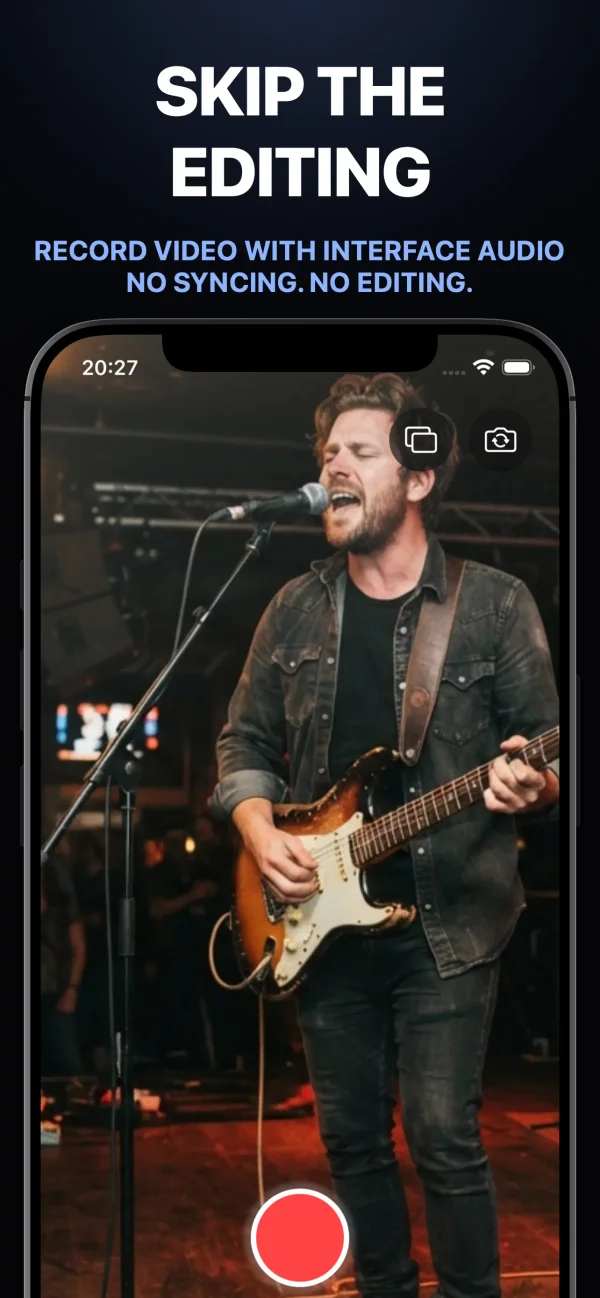
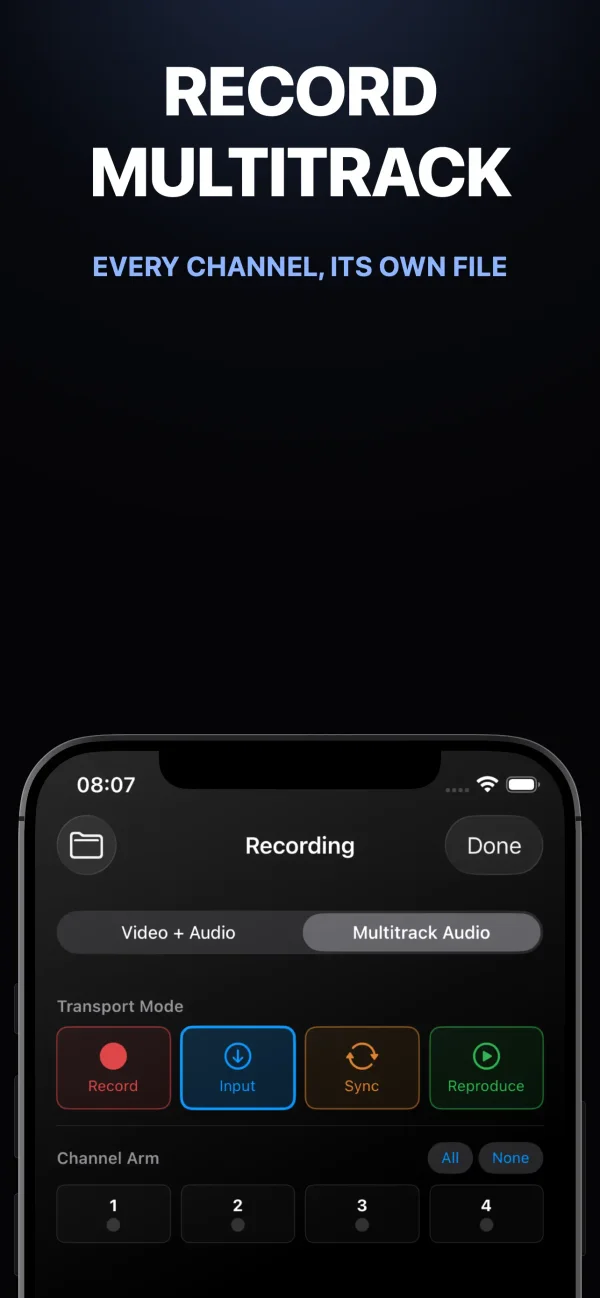
- High-Quality Recording: Capture broadcast-ready video with reliable performance and quick setup controls.
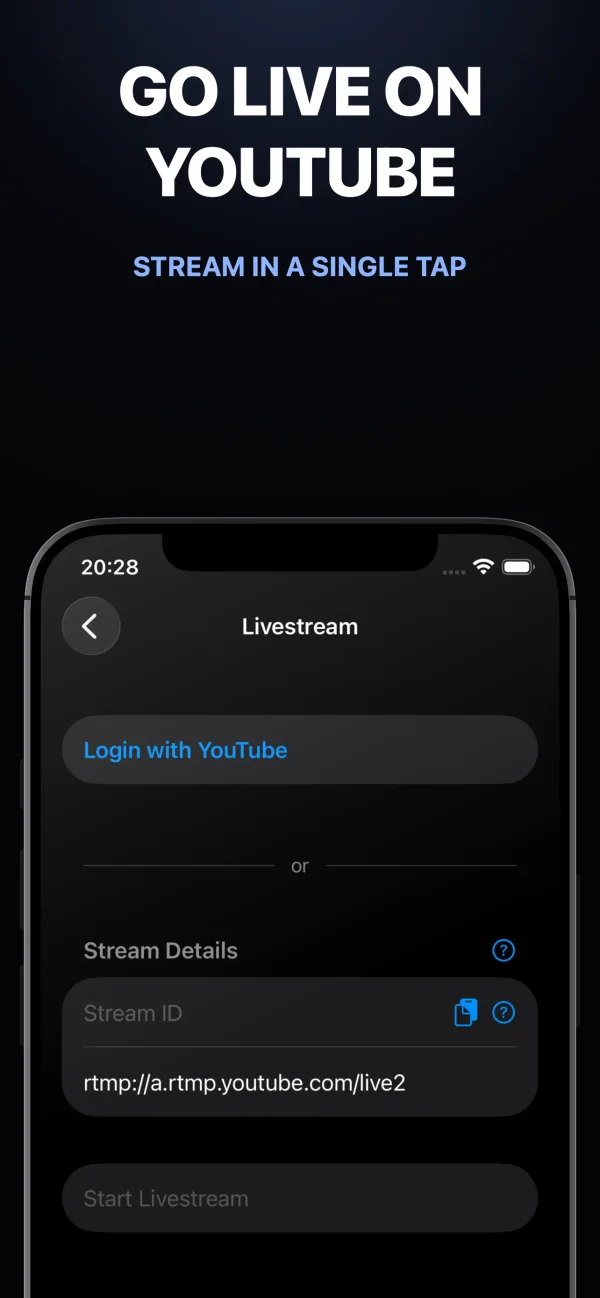
- Livestreaming Simplified: Go live instantly using Stream Key and RTMP URL. Native YouTube integration makes setup effortless.
- Flexible Monitoring: Adjust monitor mixes independently from your broadcast output—hear exactly what you need while streaming clean audio to your audience.
Designed for Creators
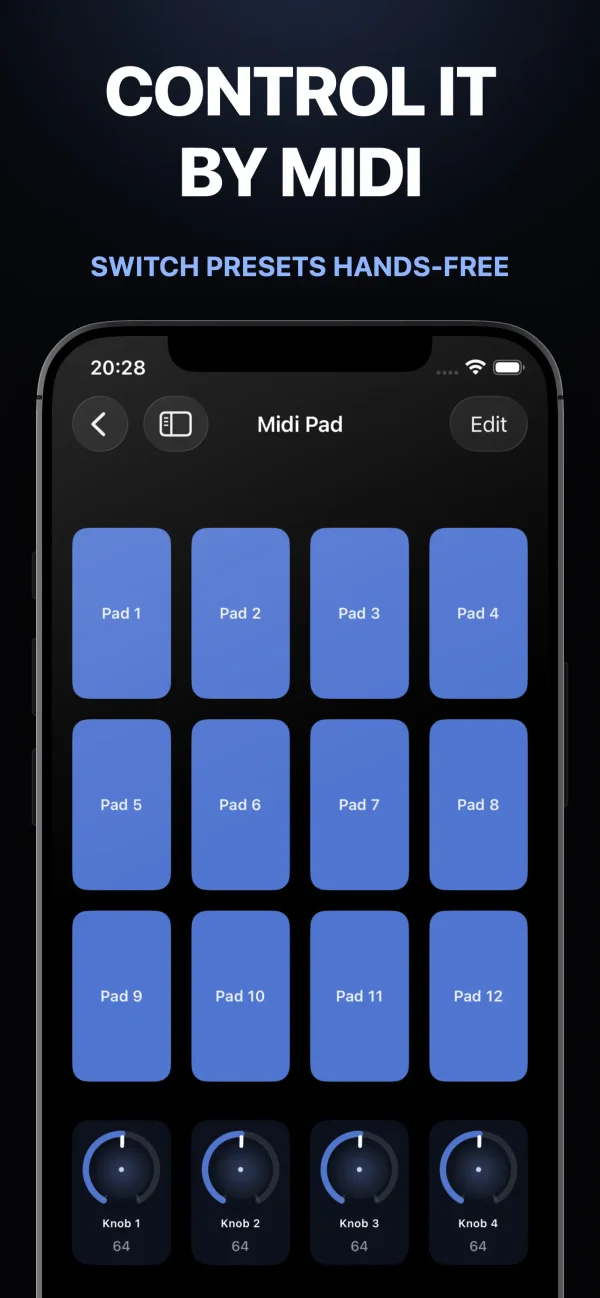
- Midi support: Control effect presets and toggle using Midi messages
Clean, focused interface puts controls at your fingertips. Switch inputs, balance your mix, and start recording or streaming in seconds. Save device presets and resume sessions instantly.
Perfect for: musicians performing with backing tracks, podcasters mixing remote guests and intro music, broadcasters managing multiple audio sources, and creators who demand professional sound.
Studio Camera: Professional video meets powerful audio mixing—all from your iOS device.
Neue Funktionen
Version 1.34.1 · 05.11.2026
Fixes a crash that could happen when switching audio inputs.
App-Datenschutz
Was Rafael Guilherme Bertholdo im App Store zum Umgang dieser App mit Daten angibt.
-
Nicht mit Ihnen verknüpfte Daten
Können erfasst werden, sind aber nicht mit Ihrer Identität verknüpft.
- Kennungen
- Nutzungsdaten
- Diagnose
Die Datenschutzpraktiken können variieren, zum Beispiel je nach den von Ihnen verwendeten Funktionen oder Ihrem Alter.
Informationen
- Anbieter
- Rafael Guilherme Bertholdo
- Kategorie
- Foto und Video
- Version
- 1.34.1
- Aktualisiert
- 05.11.2026
- Veröffentlicht
- 21.07.2025
- Größe
- 33,1 MB
- Erfordert
- iOS 17.4 oder neuer
- Altersfreigabe
- 4+
- Preis
- 1,99 €
- Sprachen
- Englisch, Portugiesisch, Vereinf. Chinesisch, Spanisch
- Copyright
- © Rafael Guilherme Betholdo
Das könnte Ihnen auch gefallen
-
 BeatCut - Sampler for VideoFoto und Video
-
 GO:MIXER CamFoto und Video
-
 Mavis Camera: Pro-AufnahmeAufnehmen, live streamen, LUTs
-
 Lumina: Manual CameraFoto und Video
-
 Mideo: Video aufnehmenMusik pausiert nicht
-
 FiLMiC Pro-Profi Video Kamera4K Videos für Filme aufnehmen
-
 Affinity Photo 2 for iPadEntwurf, Bearbeitung, Retusche
-
 ProMovie RecorderFoto und Video
-
 ImmichFoto und Video
-
 Procreate DreamsÄndern. Animieren. Gestalten.