- 対象年齢4+
- カテゴリ写真/ビデオ
- 開発元Rafael Guilherme Bertholdo
- 言語英語ほか3言語
- サイズ33.1 MB
App Storeの公式ページにリンクしています
Download.orgはTelecraft: Studio Cameraのファイルを一切ホストしていません。ボタンを押すと、Rafael Guilherme Bertholdoが公開しているApp Storeのアプリページが開きます。ページの最終確認:2026/11/20。
スクリーンショット
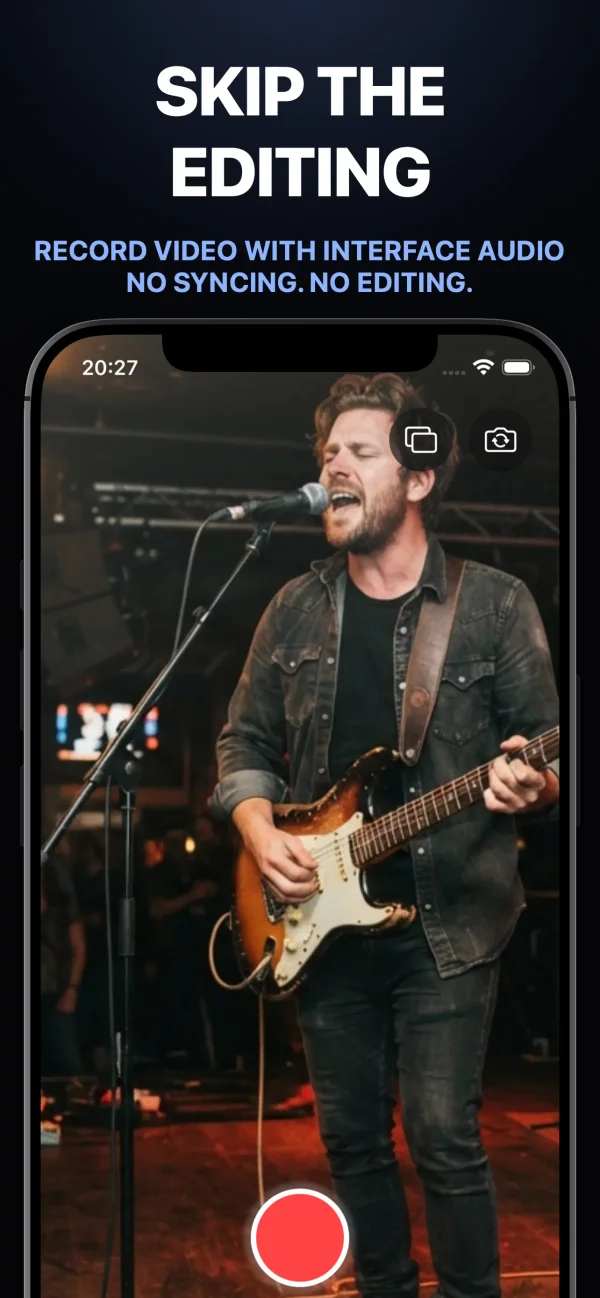
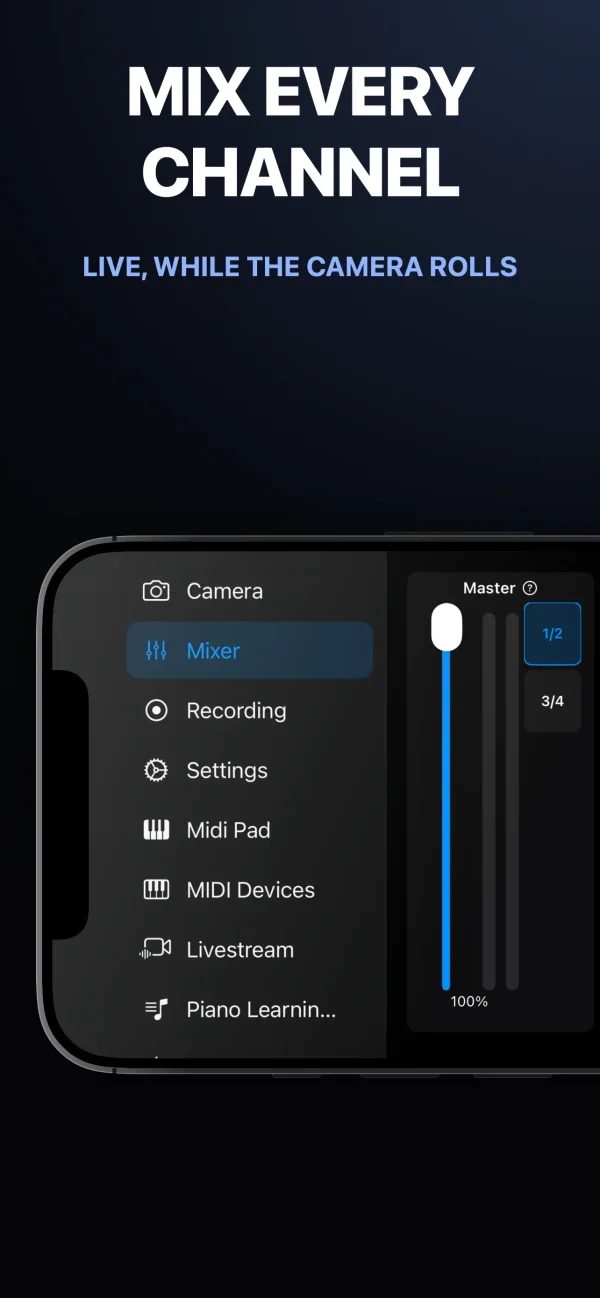

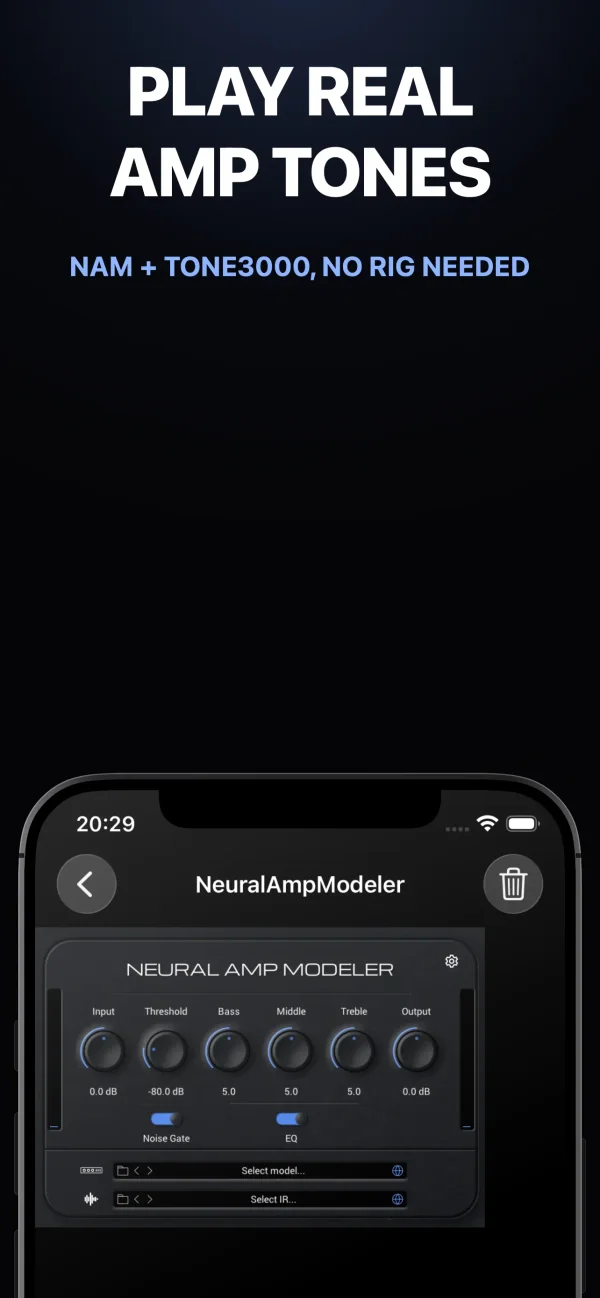
概要
開発元はこのテキストをお使いの言語で提供していません。
Studio Camera transforms your iPhone or iPad into a professional video and livestreaming studio—now with powerful audio capabilities through Tone3000 integration and virtual channel mixing.
Professional Audio Control
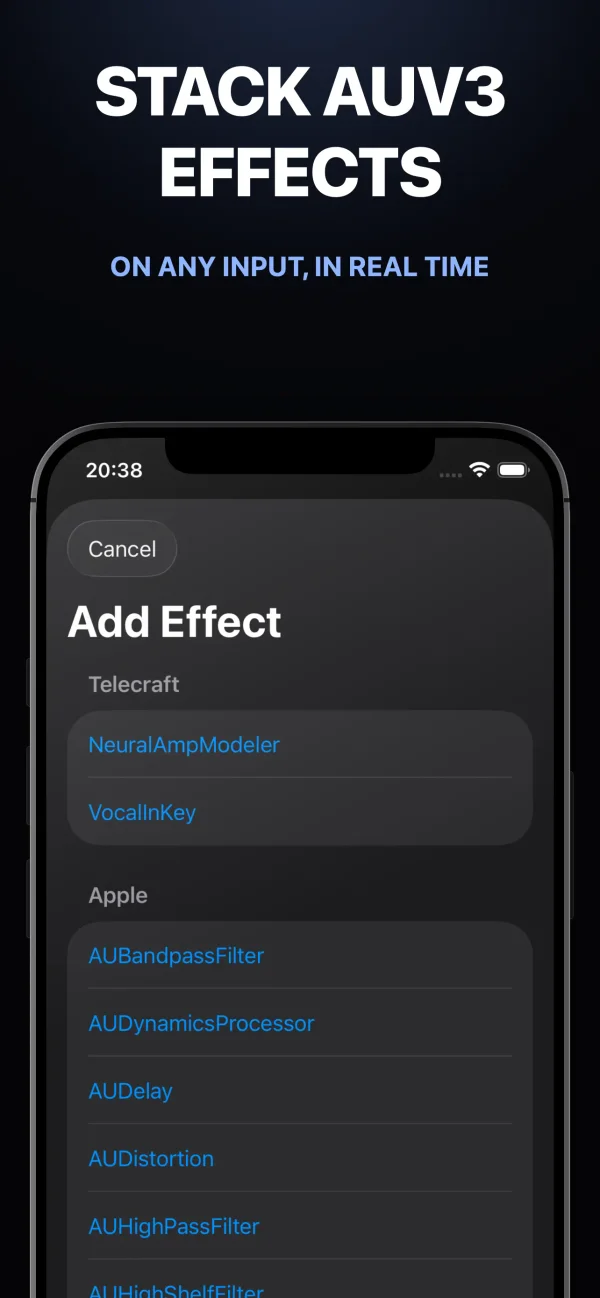
- Tone3000 Integration: Expand your sound with AUv3 audio effects plugins. Add studio-grade effects like overdrive, chorus, delay, reverb, and auto-wah to any input channel in real time.
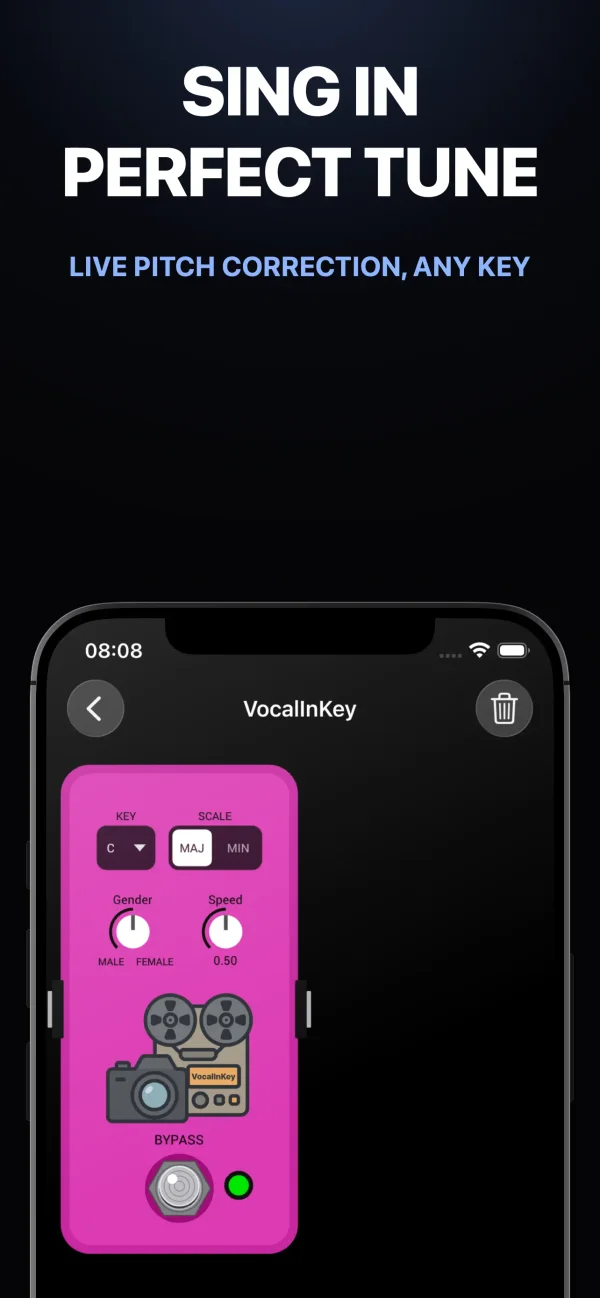
- VocalInKey: Real-time vocal pitch correction. Pick a key and scale and VocalInKey snaps your singing in tune automatically, live.
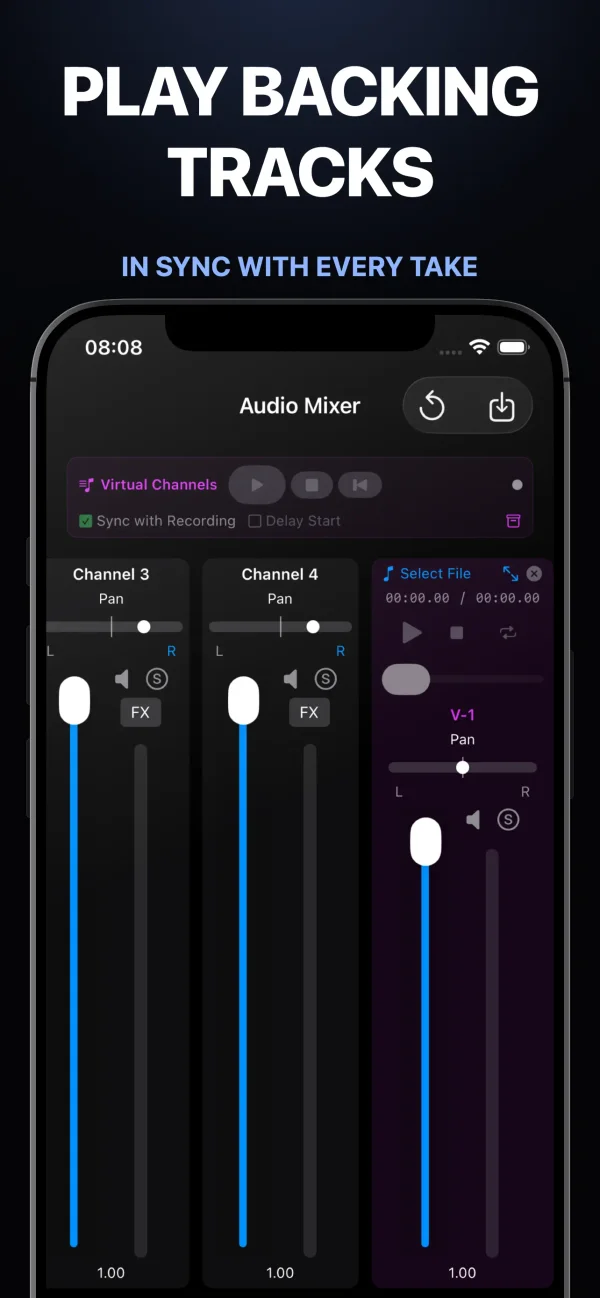
- Virtual Channels: Import and play backing tracks, background music, or pre-recorded audio alongside your live inputs. Mix multiple audio sources simultaneously—perfect for karaoke, live performances with accompaniment, or layered podcast production.
- Advanced Mixing: Connect professional audio interfaces, control per-channel levels and panning, apply effects chains, and monitor everything with precision VU meters.
Complete Video Studio
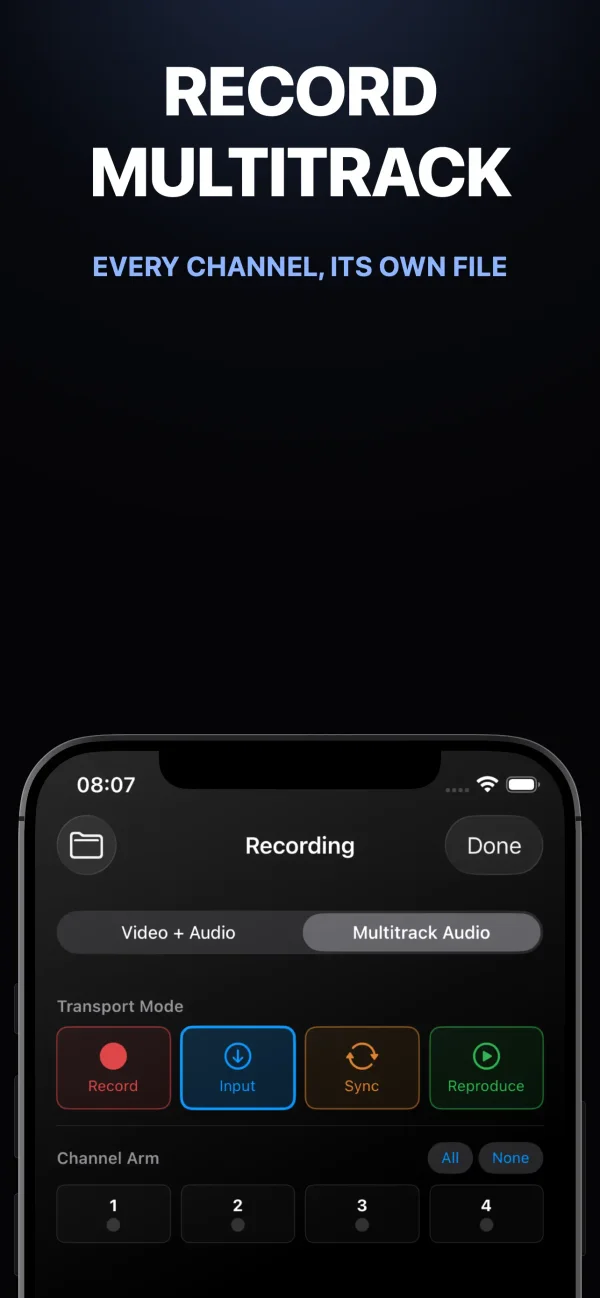
- High-Quality Recording: Capture broadcast-ready video with reliable performance and quick setup controls.
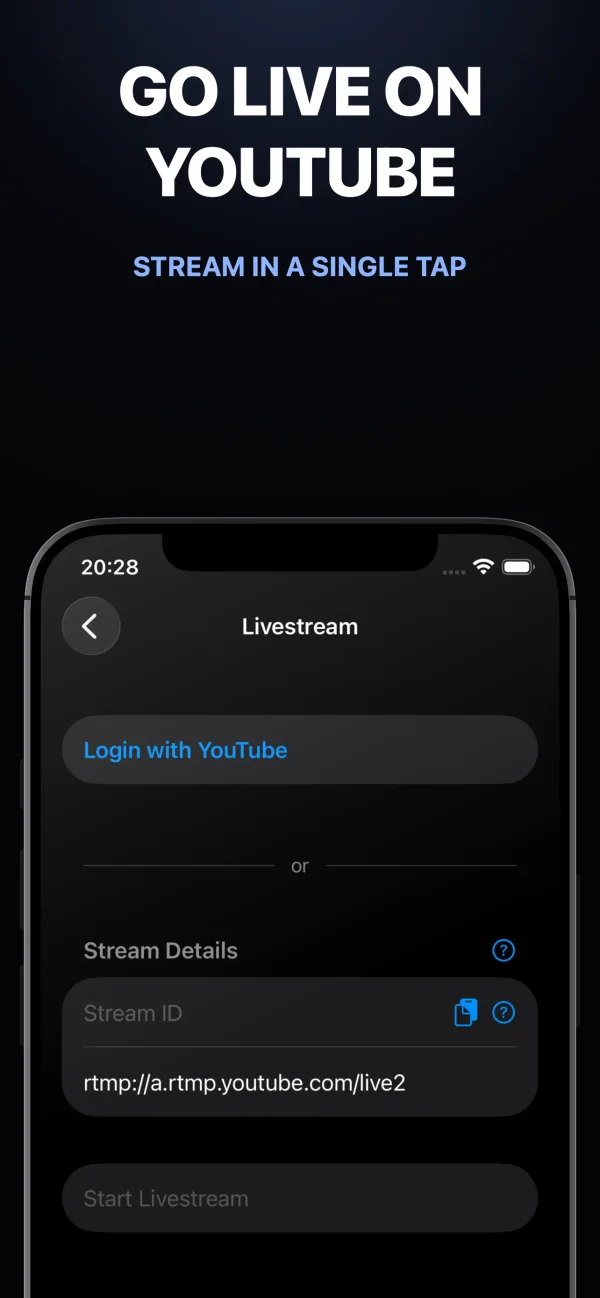
- Livestreaming Simplified: Go live instantly using Stream Key and RTMP URL. Native YouTube integration makes setup effortless.
- Flexible Monitoring: Adjust monitor mixes independently from your broadcast output—hear exactly what you need while streaming clean audio to your audience.
Designed for Creators
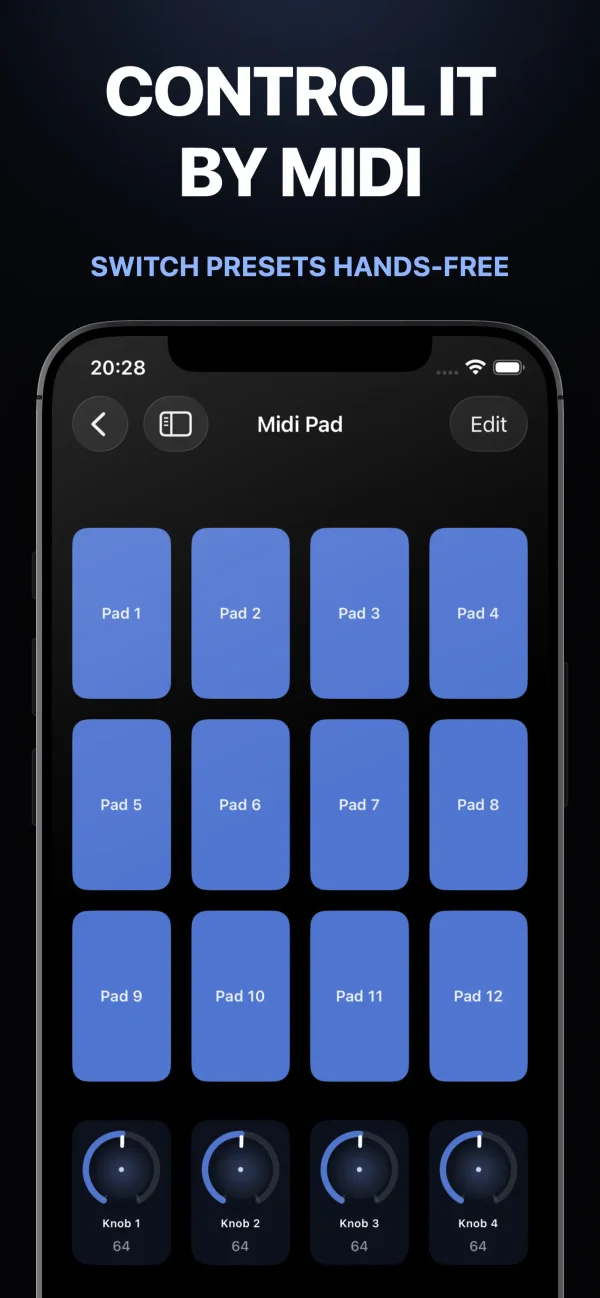
- Midi support: Control effect presets and toggle using Midi messages
Clean, focused interface puts controls at your fingertips. Switch inputs, balance your mix, and start recording or streaming in seconds. Save device presets and resume sessions instantly.
Perfect for: musicians performing with backing tracks, podcasters mixing remote guests and intro music, broadcasters managing multiple audio sources, and creators who demand professional sound.
Studio Camera: Professional video meets powerful audio mixing—all from your iOS device.
新機能
バージョン 1.34.1 · 2026/11/5
Fixes a crash that could happen when switching audio inputs.
アプリのプライバシー
このアプリのデータの取り扱いについて、Rafael Guilherme BertholdoがApp Storeで申告している内容です。
-
ユーザーに関連付けられないデータ
収集される場合がありますが、ユーザーの識別情報には関連付けられません。
- ID
- 使用状況データ
- 診断
プライバシーの取り扱いは、ご利用の機能やお客様の年齢などに応じて異なる場合があります。
情報
- 販売元
- Rafael Guilherme Bertholdo
- カテゴリ
- 写真/ビデオ
- バージョン
- 1.34.1
- 更新日
- 2026/11/5
- リリース
- 2025/7/21
- サイズ
- 33.1 MB
- 必要条件
- iOS 17.4以降
- 対象年齢
- 4+
- 価格
- ¥300
- 言語
- 英語, ポルトガル語, 簡体字中国語, スペイン語
- 著作権
- © Rafael Guilherme Betholdo
こちらもおすすめ
-
 BeatCut - Sampler for Video写真/ビデオ
-
 GO:MIXER Cam写真/ビデオ
-
 Mavis Camera: プロの映画制作録画、ライブ配信、LUTs
-
 Lumina: Manual Camera写真/ビデオ
-
 Mideo: ビデオ録画録音中の音楽再生
-
 Filmic Pro-Video CameraCinema Quality Video Capture
-
 Affinity Photo 2 iPad版作成, 編集, レタッチ & 共有
-
 ProMovie Recorder4K高画質動画を撮影
-
 Immich写真/ビデオ
-
 Procreate Dreamsエディット・アニメイト・クリエイト