Text Behind Me
Put text behind your photos
Entwickelt für iPhone
Kostenlos · In-App-Käufe
- Altersfreigabe4+
- KategorieFoto und Video
- EntwicklerYingtao Guo
- SprachenEnglisch+ 2 weitere
- Größe1,8 MB
Verlinkt auf die offizielle App Store-Seite
Download.org hostet keine Datei von Text Behind Me. Die Schaltfläche öffnet die App-Seite bei App Store, wo Yingtao Guo die App veröffentlicht. Eintrag zuletzt geprüft am 12.11.2026.
Screenshots



Info
Der Entwickler hat diesen Text nicht in Ihrer Sprache bereitgestellt.
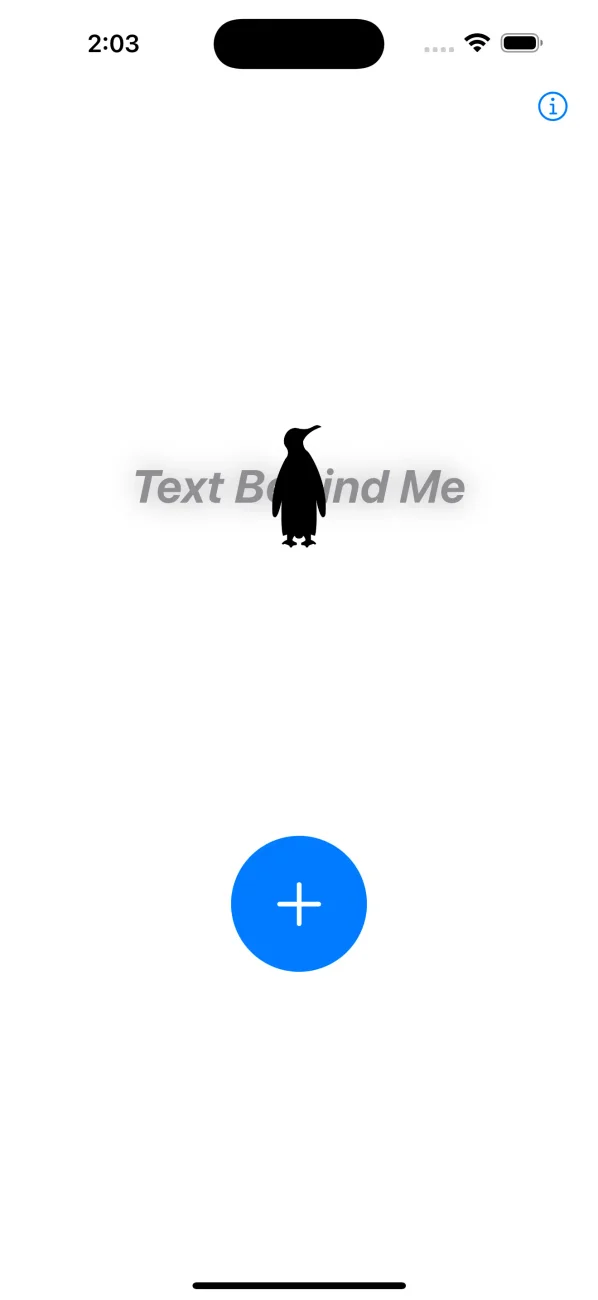
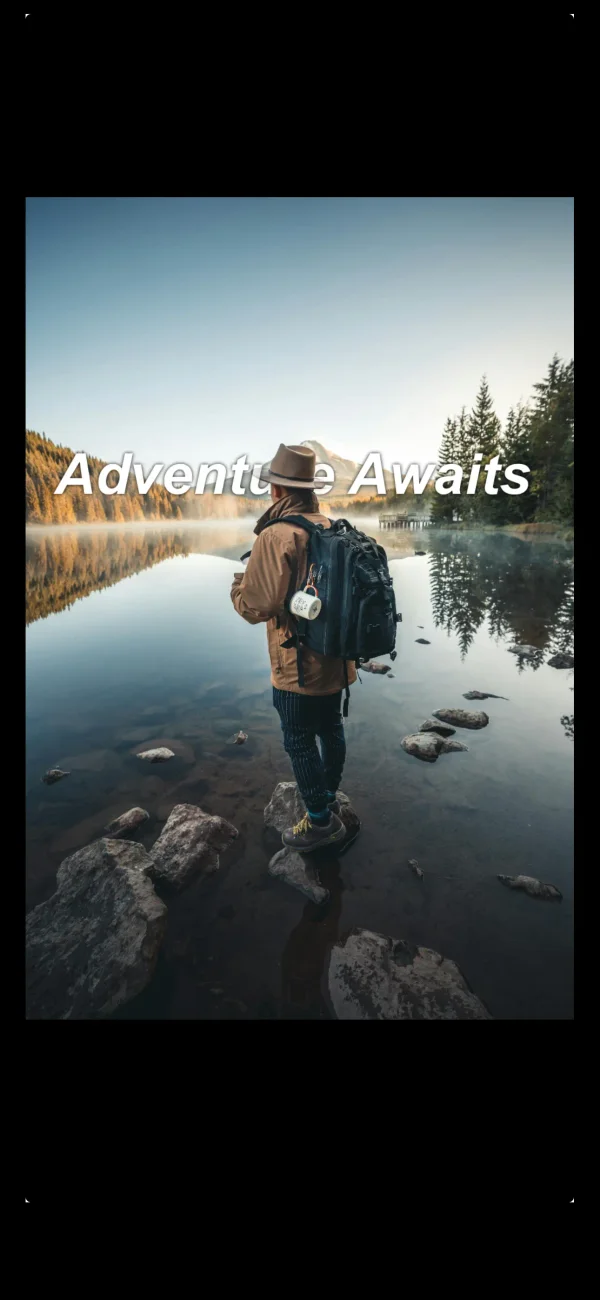
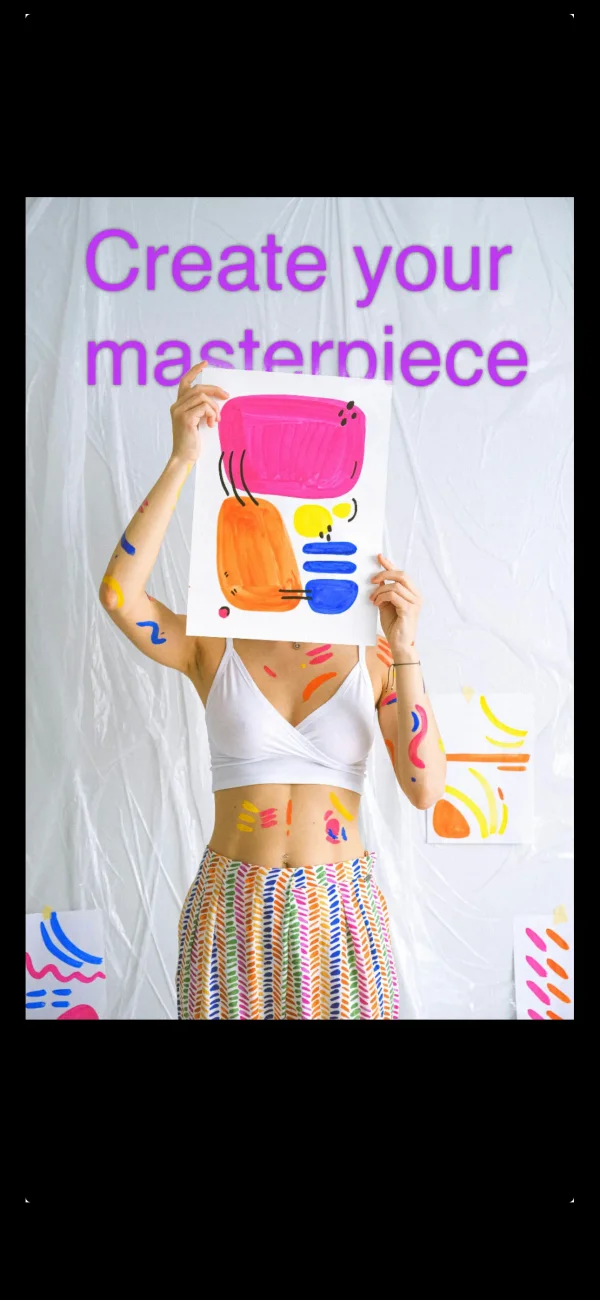
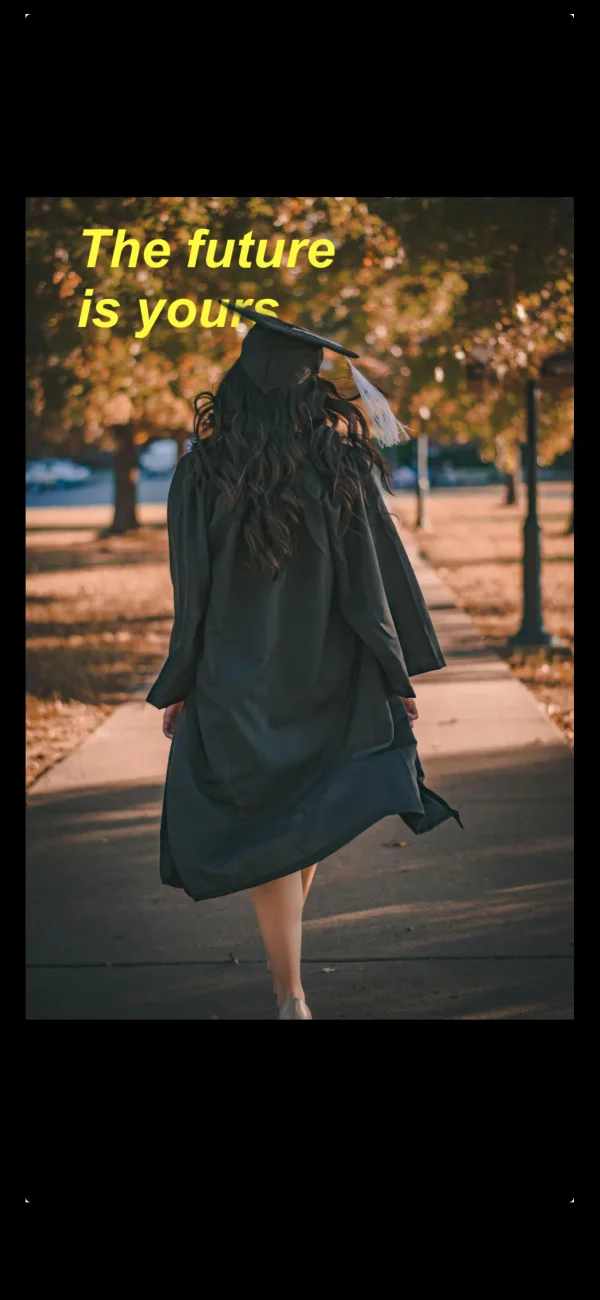
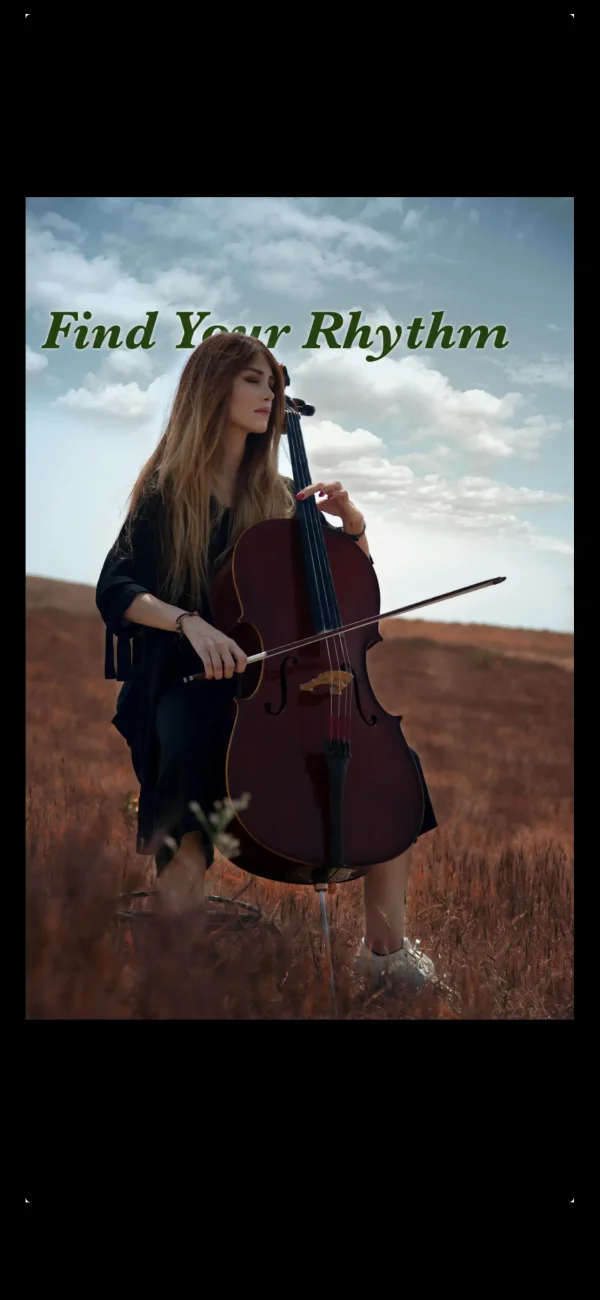
Text Behind Me makes your photos look like magic: your words appear BEHIND the subject, creating a striking sense of depth — the effect you've seen all over Instagram and TikTok.
Just pick a photo, type your text, and the subject is detected automatically. No manual masking, no complicated tools.
WHY YOU'LL LOVE IT
• Works with people, pets, and objects — on-device subject detection
• Tap the text to edit; drag to move, pinch to resize, twist to rotate
• Style your text: outline, gradient fill, opacity, letter spacing, fonts, colors
• Clean, modern design that stays out of your way
• Everything happens on your device — your photos never leave your phone
GO PREMIUM
• Remove the watermark
• Export at your photo's full, original resolution
• One-time purchase — yours forever, no subscription
Turn any photo into a share-worthy, layered masterpiece.
Privacy Policy: https://www.yingtaog.com/app/textbehindme/privacy-policy.html
Terms of Use: https://www.yingtaog.com/app/textbehindme/terms-of-use.html
Got questions or suggestions? We'd love to hear from you!
Contact us at: textbehindme@gmail.com
Neue Funktionen
Version 1.4.0 · 05.07.2026
What's New in 1.4.0
• Poster templates — 12 one-tap styles (Magazine, Neon, Script, Retro, and more). Pick a photo and land on a designed look instantly; your own words are kept when you switch styles.
• Multiple text layers — add as many texts as you like. Tap to select, drag, pinch, and twist each one independently. Build magazine-style layouts with a title and subtitle.
• Faster editing — big photos now open and process noticeably quicker, with smoother performance throughout.
• Sharper Premium exports — full-resolution export has been rebuilt to preserve every pixel of your original photo, with a progress indicator while it renders.
Fixes
• Tapping rotated text now works reliably.
• Clear guidance when photo library access is turned off, instead of a silent failure.
• Your Premium unlock is no longer lost when signed out of the App Store or after reinstalling.
App-Datenschutz
Was Yingtao Guo im App Store zum Umgang dieser App mit Daten angibt.
-
Keine Daten erfasst
Der Entwickler erfasst keine Daten von dieser App.
Die Datenschutzpraktiken können variieren, zum Beispiel je nach den von Ihnen verwendeten Funktionen oder Ihrem Alter.
Informationen
- Anbieter
- Yingtao Guo
- Kategorie
- Foto und Video
- Version
- 1.4.0
- Aktualisiert
- 05.07.2026
- Veröffentlicht
- 22.10.2024
- Größe
- 1,8 MB
- Erfordert
- iOS 17.6 oder neuer
- Altersfreigabe
- 4+
- Preis
- Kostenlos
- In-App-Käufe
- Ja
- Sprachen
- Englisch, Japanisch, Vereinf. Chinesisch
- Copyright
- © 2024 EchoStudio All rights reserved.
Das könnte Ihnen auch gefallen
-
 Text Behind ImagesFoto und Video
-
 DeepText: 3D AI Text EffectsFoto und Video
-
 TxtBehi: Text hinter dem BildErstellen Sie attraktive Fotos
-
 AmberNoteFoto und Video
-
 LayerLift: Text hinter BildHintergrund entfernen, Cutout
-
 Sticker with sound: OodiCapFoto und Video
-
 Meme Maker & Text Behind PicFoto und Video
-
 Yeet – Swiping Photo CleanerFoto und Video
-
 nostalgie VIDFoto und Video