
- Age rating4+
- CategoryPhoto & Video
- DeveloperYingtao Guo
- LanguagesEnglish+ 2 more
- Size1.8 MB
Links to the official App Store page
Download.org hosts no file of Text Behind Me. The button opens its official App Store page, published by Yingtao Guo. Listing last checked on Nov 12, 2026.
Screenshots

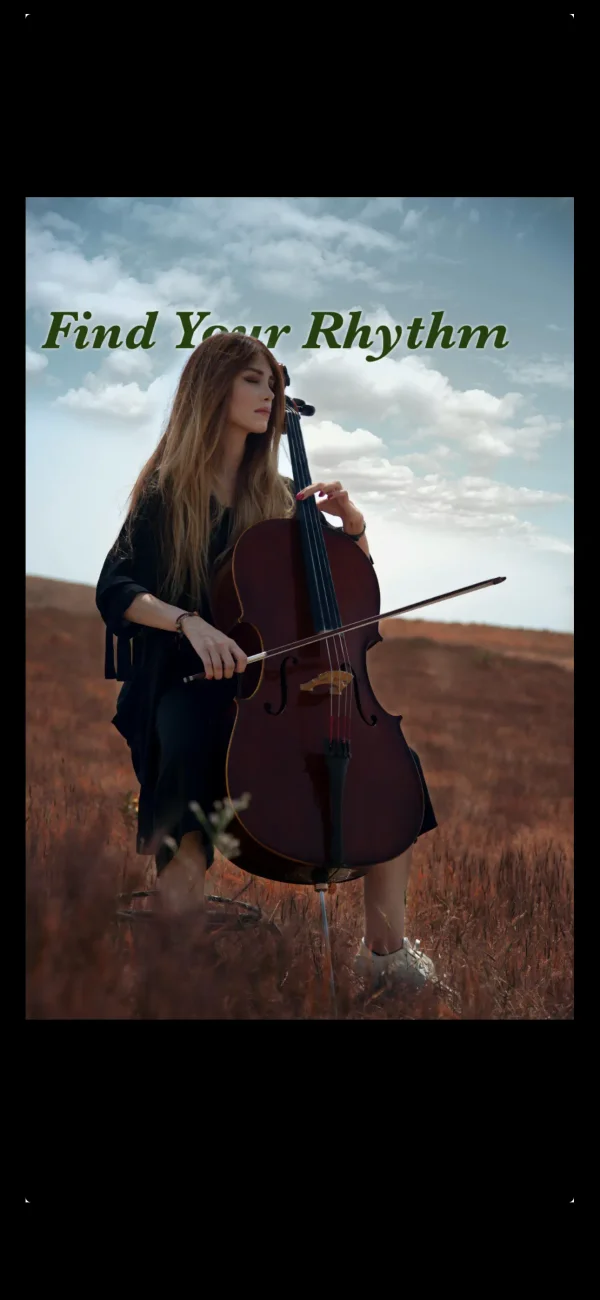

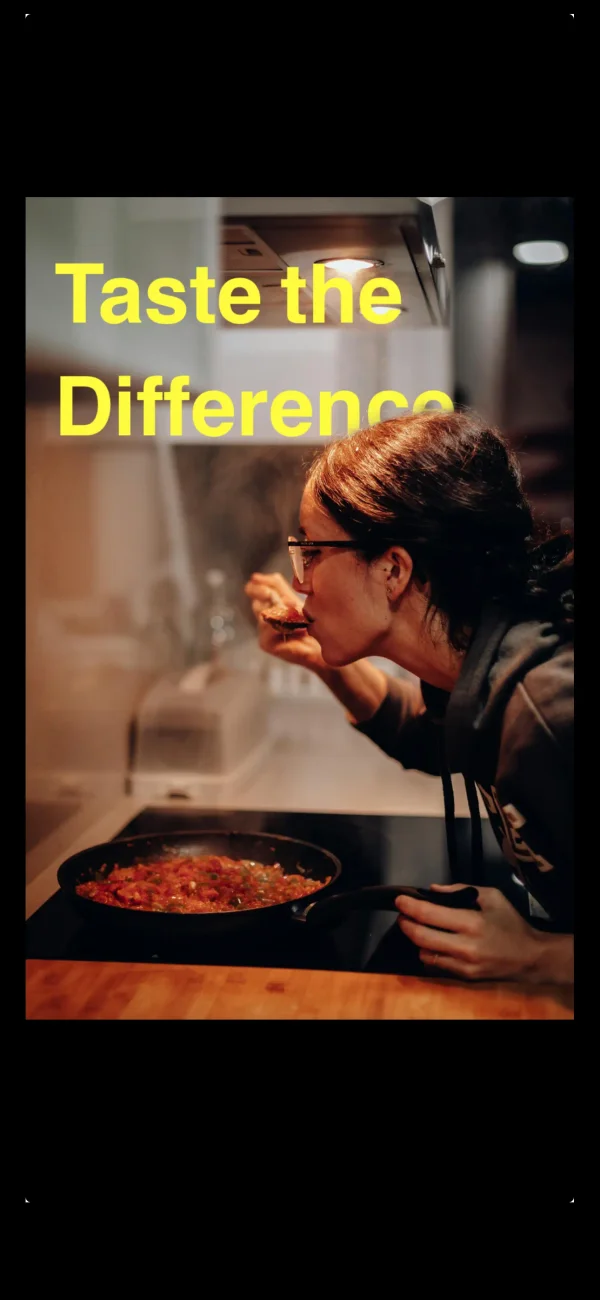
About
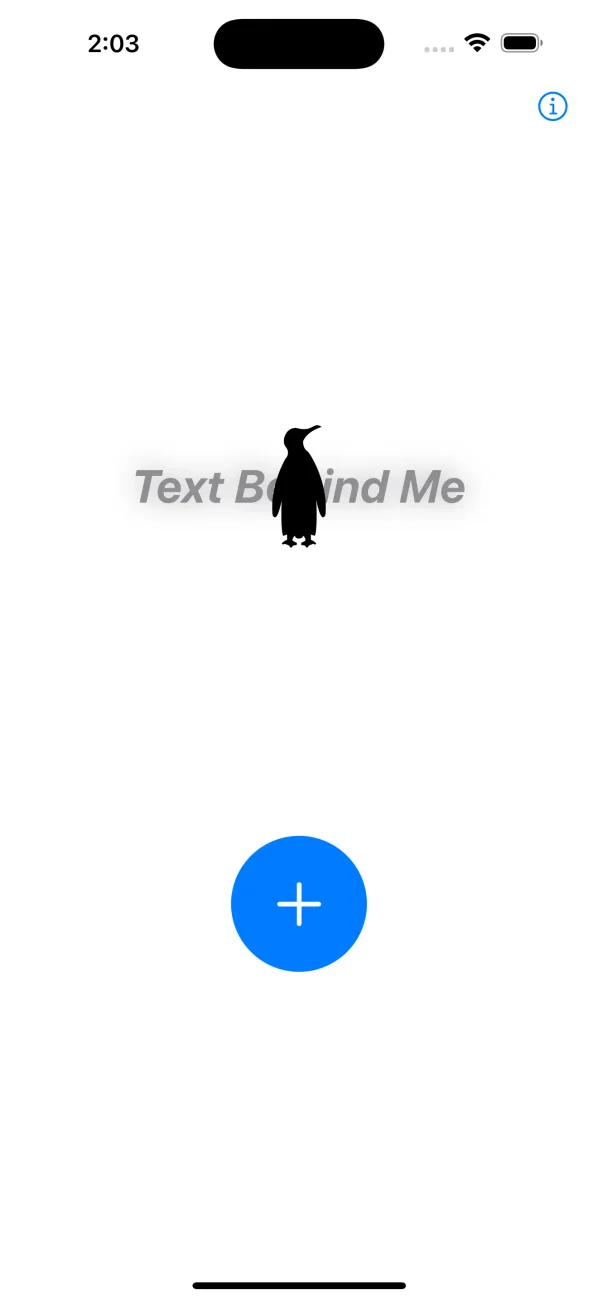
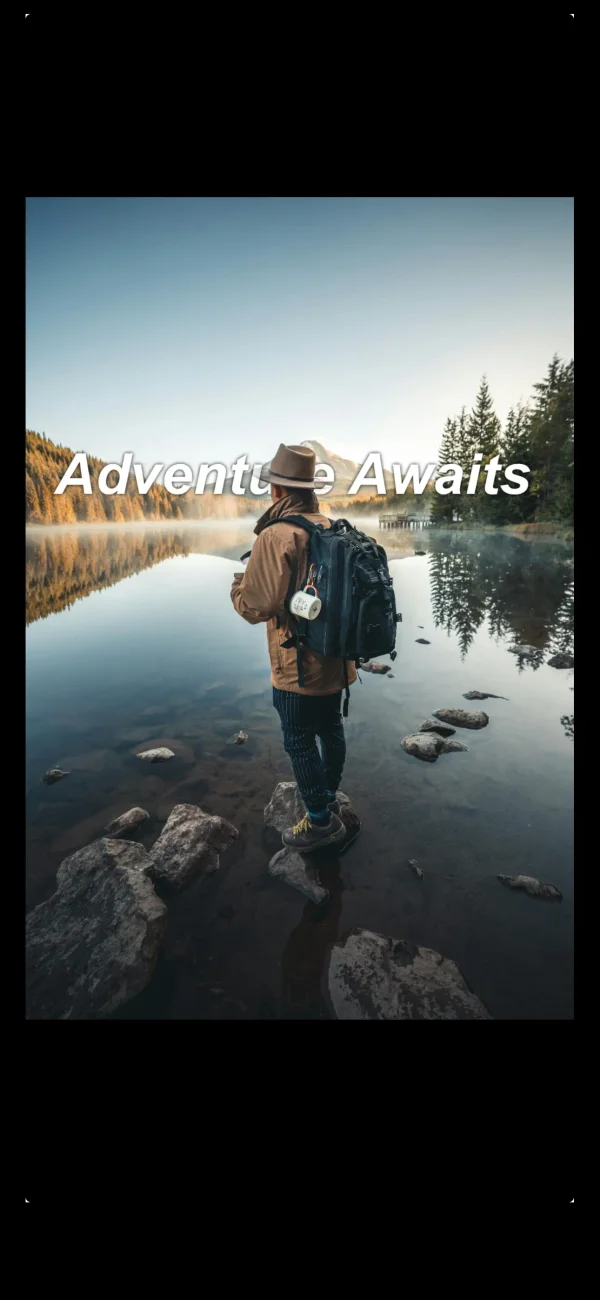
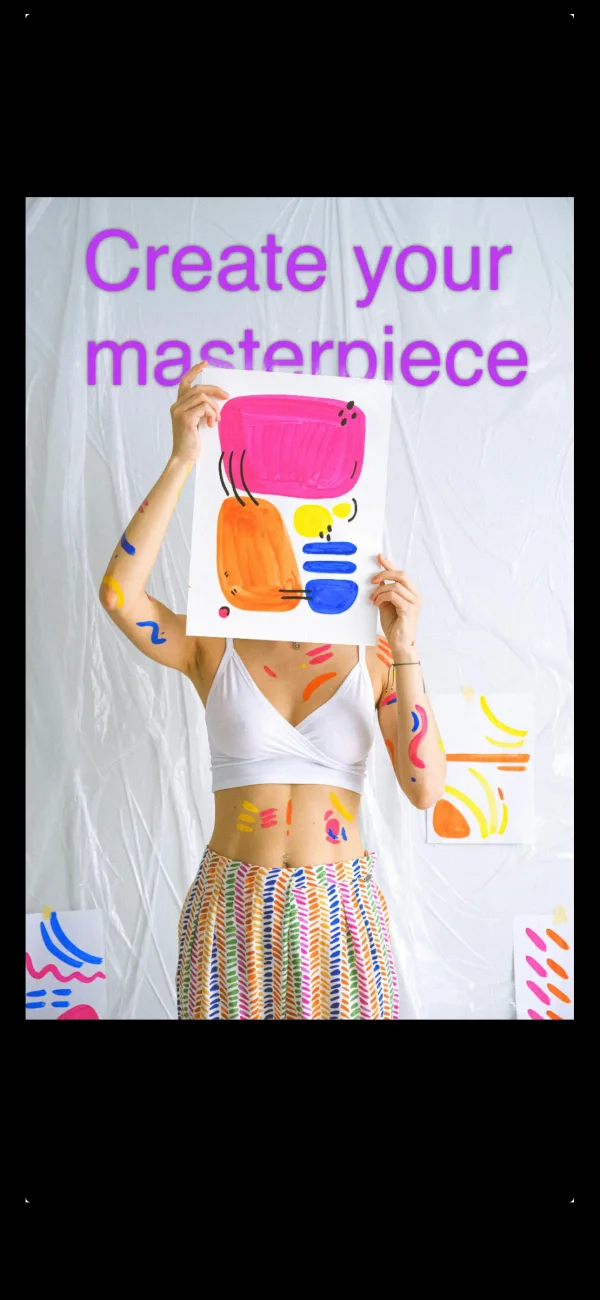
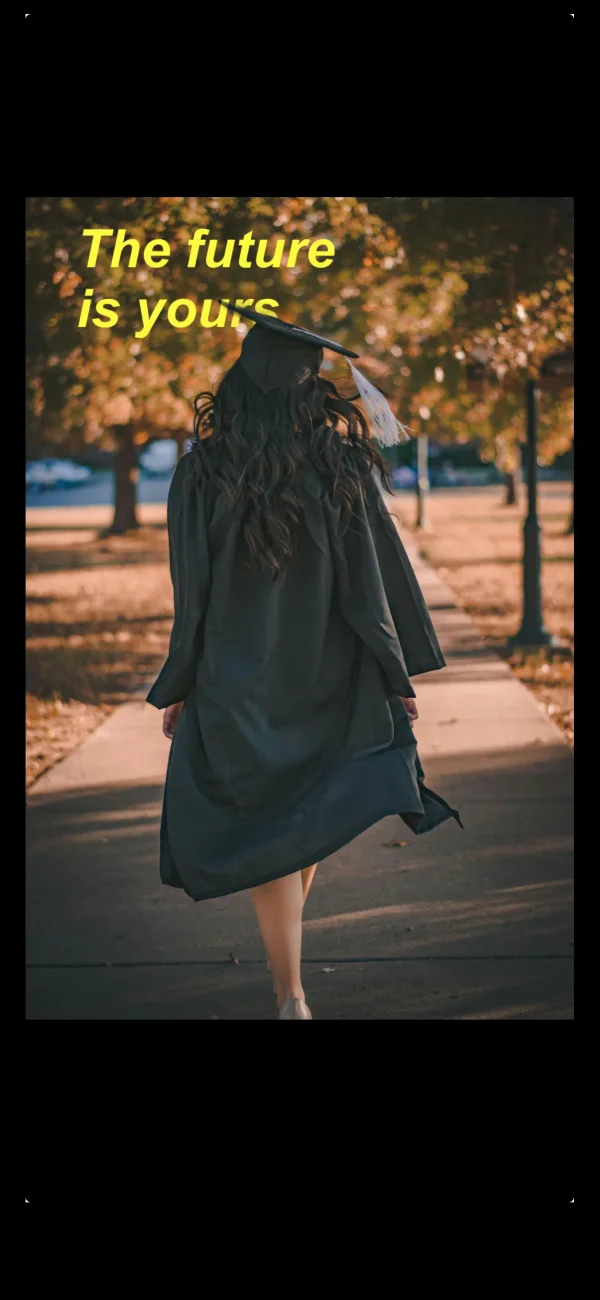
Text Behind Me makes your photos look like magic: your words appear BEHIND the subject, creating a striking sense of depth — the effect you've seen all over Instagram and TikTok.
Just pick a photo, type your text, and the subject is detected automatically. No manual masking, no complicated tools.
WHY YOU'LL LOVE IT
• Works with people, pets, and objects — on-device subject detection
• Tap the text to edit; drag to move, pinch to resize, twist to rotate
• Style your text: outline, gradient fill, opacity, letter spacing, fonts, colors
• Clean, modern design that stays out of your way
• Everything happens on your device — your photos never leave your phone
GO PREMIUM
• Remove the watermark
• Export at your photo's full, original resolution
• One-time purchase — yours forever, no subscription
Turn any photo into a share-worthy, layered masterpiece.
Privacy Policy: https://www.yingtaog.com/app/textbehindme/privacy-policy.html
Terms of Use: https://www.yingtaog.com/app/textbehindme/terms-of-use.html
Got questions or suggestions? We'd love to hear from you!
Contact us at: textbehindme@gmail.com
What’s new
Version 1.4.0 · Jul 5, 2026
What's New in 1.4.0
• Poster templates — 12 one-tap styles (Magazine, Neon, Script, Retro, and more). Pick a photo and land on a designed look instantly; your own words are kept when you switch styles.
• Multiple text layers — add as many texts as you like. Tap to select, drag, pinch, and twist each one independently. Build magazine-style layouts with a title and subtitle.
• Faster editing — big photos now open and process noticeably quicker, with smoother performance throughout.
• Sharper Premium exports — full-resolution export has been rebuilt to preserve every pixel of your original photo, with a progress indicator while it renders.
Fixes
• Tapping rotated text now works reliably.
• Clear guidance when photo library access is turned off, instead of a silent failure.
• Your Premium unlock is no longer lost when signed out of the App Store or after reinstalling.
App privacy
What Yingtao Guo declares on the App Store about how this app handles data.
-
Data not collected
The developer does not collect any data from this app.
Privacy practices may vary, for example with the features you use or your age.
Information
- Seller
- Yingtao Guo
- Category
- Photo & Video
- Version
- 1.4.0
- Updated
- Jul 5, 2026
- Released
- Oct 22, 2024
- Size
- 1.8 MB
- Requires
- iOS 17.6 or later
- Age rating
- 4+
- In-app purchases
- Yes
- Languages
- English, Japanese, Simplified Chinese
- Copyright
- © 2024 EchoStudio All rights reserved.
You might also like
-
 Text Behind ImagesText Behind Image
-
 DeepText: 3D AI Text EffectsAI Text Behind for Photo/Video
-
 TxtBehi: Text Behind ImageCreate Cohesive Graphic Design
-
 AmberNotePhoto & Video
-
 LayerLift: Text behind photoCutout & background remover
-
 Sticker with sound: OodiCapCapture photo voice stickers
-
 Meme Maker & Text Behind PicSticker, Fonts & Collage
-
 Yeet – Swiping Photo CleanerDelete Junk & Free Up Storage
-
 nostalgie VIDA retro video camera