
Text Recognizer: Scan & PDF
OCR scanner, PDF editor & QR
Entwickelt für iPhone, iPad
Kostenlos · In-App-Käufe
- Altersfreigabe4+
- KategorieDienstprogramme
- EntwicklerNavid Bin Mahamud
- SprachenEnglisch+ 6 weitere
- Größe48,3 MB
Verlinkt auf die offizielle App Store-Seite
Download.org hostet keine Datei von Text Recognizer: Scan & PDF. Die Schaltfläche öffnet die App-Seite bei App Store, wo Navid Bin Mahamud die App veröffentlicht. Eintrag zuletzt geprüft am 25.11.2026.
Screenshots
Info
Der Entwickler hat diesen Text nicht in Ihrer Sprache bereitgestellt.
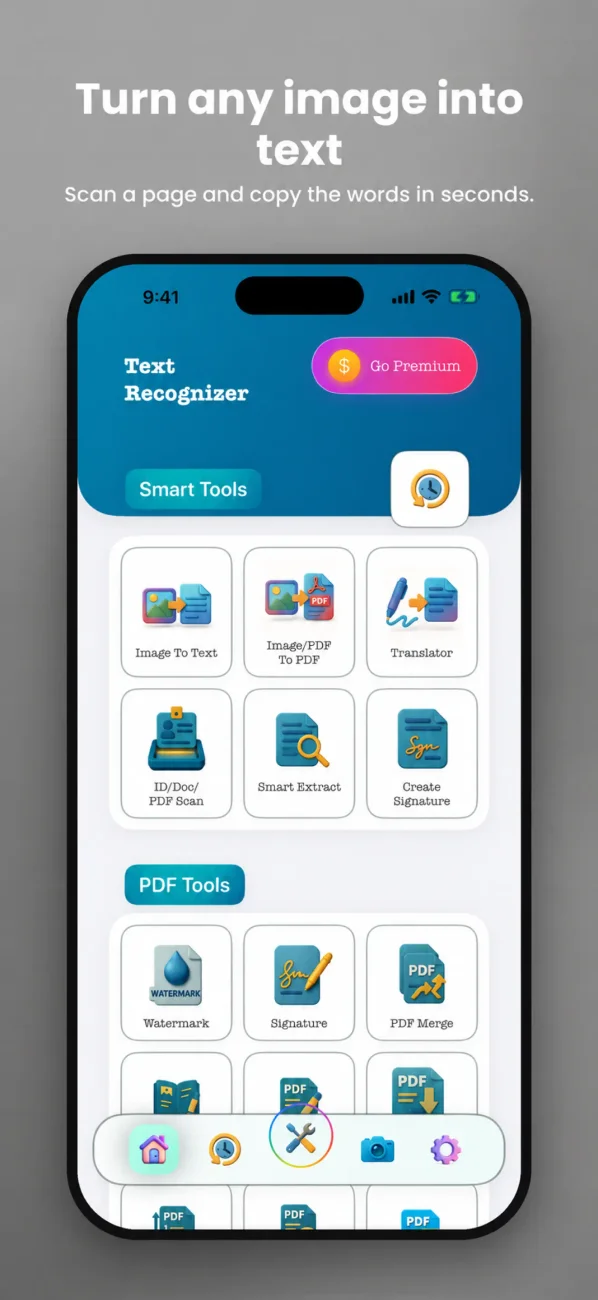
Need to copy text from a photo or scan paperwork into PDF? Text Recognizer combines private on-device OCR, document scanning, PDF editing, translation and QR tools in one app.
IMAGE TO TEXT — ON DEVICE
Photograph a page or choose a photo, screenshot or PDF. Apple Vision recognizes the text on your device, so you can copy, edit, save, translate or read it aloud without uploading the document.
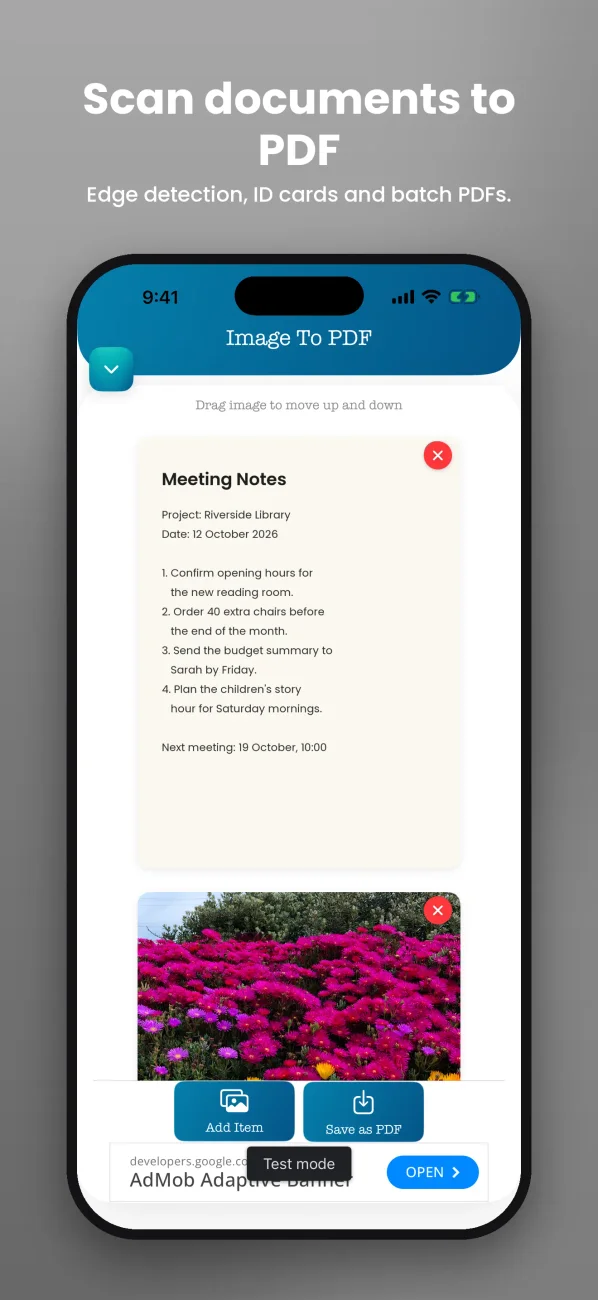
SCAN DOCUMENTS TO PDF
• Automatic edge detection and page capture
• ID card scanner for both sides on one page
• Batch scan multiple pages into text
• Combine several images into one PDF
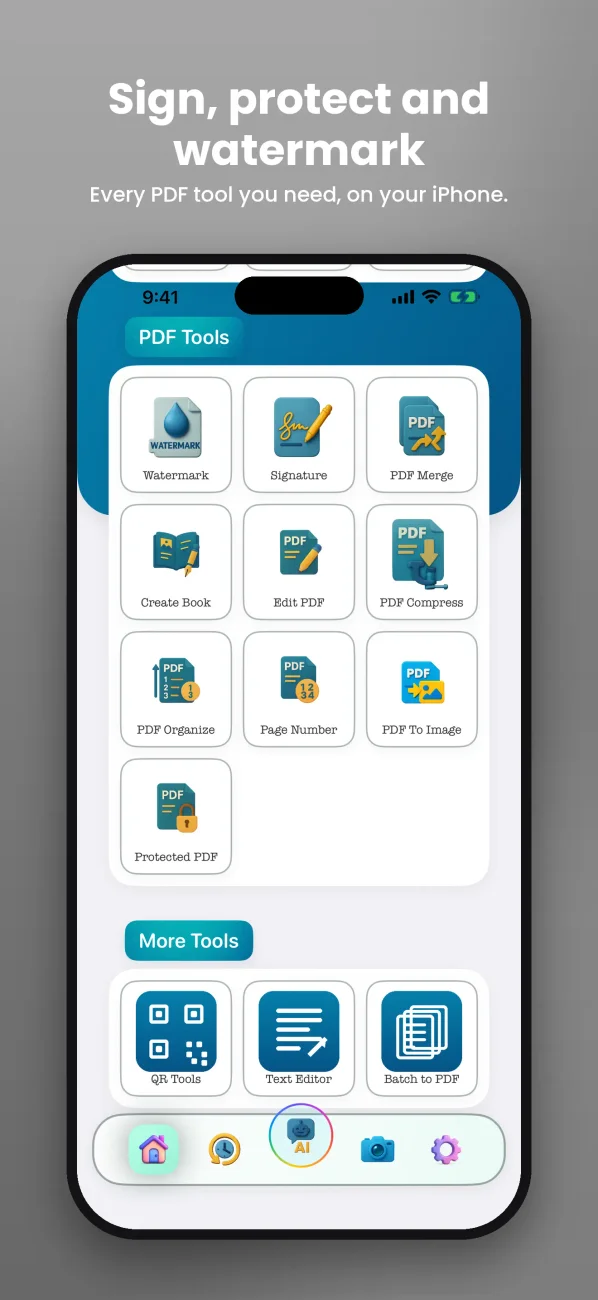
EDIT AND ORGANIZE PDF FILES
• Merge, organize, compress and convert PDFs
• Protect a PDF with a password
• Draw and add your signature
• Add watermarks and page numbers
• Create books and export PDF pages as images
SMART OFFLINE TOOLS
Extract phone numbers, email addresses, links, dates and postal addresses from a photo. Scan business cards, clean text with find and replace, count words, and listen with Read Aloud.
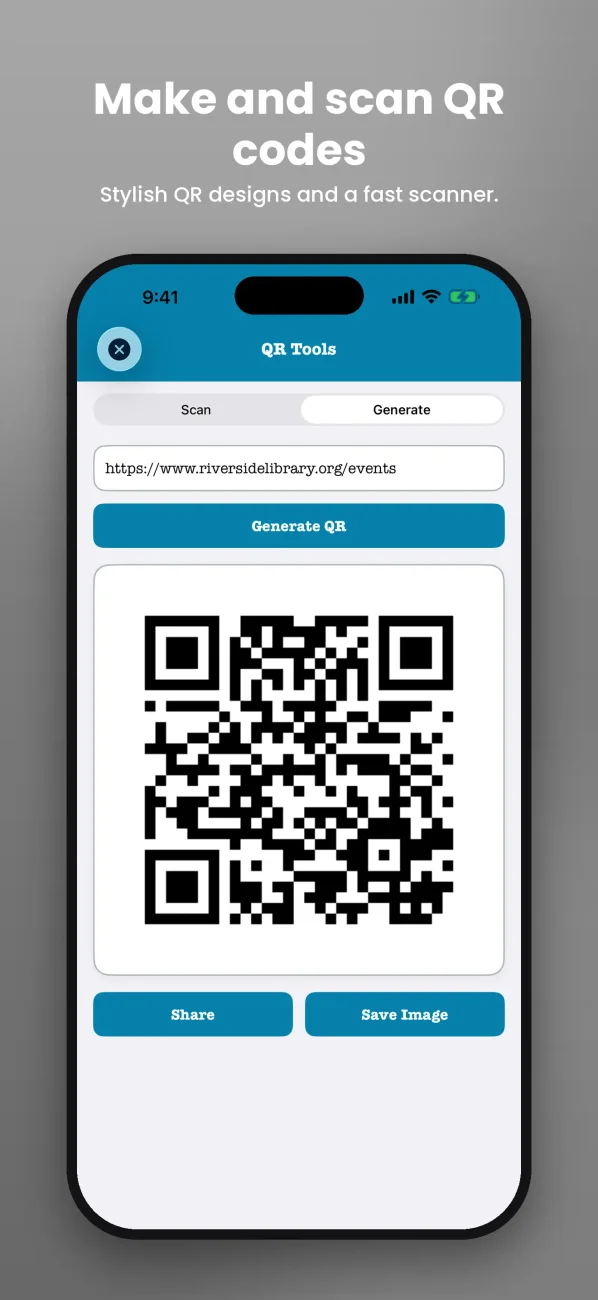
QR CODE TOOLKIT
Create QR codes for links or text with ready-made designs, and scan QR codes quickly with the camera.
LIVE SCAN AND SHORTCUTS
Point the camera at any text and tap a line to copy it, or send everything on screen to the editor. Use the "Extract Text from Image" action in Shortcuts and Siri to read any photo or screenshot on your device.
PRIVACY
Text recognition and document tools work on your device. The app displays ads; your tracking choice controls ad personalization.
Privacy policy URL: https://staff.chakrie.com/policy
Terms of Use (EULA): https://staff.chakrie.com/terms
Neue Funktionen
Version 1.24 · 24.11.2026
New: Live Scan. Point the camera at any text and tap a line to copy it instantly, or send everything on screen to the editor.
New: Shortcuts and Siri. The "Extract Text from Image" action reads any photo or screenshot on your device and returns the text.
Support has moved to chakrie.com/contact.
App-Datenschutz
Was Navid Bin Mahamud im App Store zum Umgang dieser App mit Daten angibt.
-
Daten, die zum Tracking Ihrer Person verwendet werden
Können verwendet werden, um Sie über Apps und Websites anderer Unternehmen hinweg zu verfolgen.
- Kennungen
- Nutzungsdaten
-
Mit Ihnen verknüpfte Daten
Können erfasst und mit Ihrer Identität verknüpft werden.
- Kennungen
- Nutzungsdaten
Die Datenschutzpraktiken können variieren, zum Beispiel je nach den von Ihnen verwendeten Funktionen oder Ihrem Alter.
Informationen
- Anbieter
- Navid Bin Mahamud
- Kategorie
- Dienstprogramme
- Version
- 1.24
- Aktualisiert
- 24.11.2026
- Veröffentlicht
- 14.02.2022
- Größe
- 48,3 MB
- Erfordert
- iOS 17 oder neuer
- Altersfreigabe
- 4+
- Preis
- Kostenlos
- In-App-Käufe
- Ja
- Sprachen
- Englisch, Arabisch, Französisch, Japanisch, Vereinf. Chinesisch, Spanisch, Tradit. Chinesisch
- Copyright
- © 2026 StraitBit
Das könnte Ihnen auch gefallen
-
 JSON Viewer & FormatterDienstprogramme
-
 Contacts Exports - Excel/CSVDienstprogramme
-
 DecibelPeakDienstprogramme
-
 一日一念 - 敲敲打打Dienstprogramme
-
 BackupFlowBackupFlow.
-
 XML Viewer: Editor & FormatterDienstprogramme
-
 Video to MP3 Converter ©Dienstprogramme
-
 Dokumente unterschreiben PDFeSign Maker & Signer
-
 ShelfPulseDienstprogramme
-
 AI recordingDienstprogramme