Text Recognizer: Scan & PDF
OCR scanner, PDF editor & QR
Được thiết kế cho iPhone, iPad
Miễn phí · Mua hàng trong ứng dụng
- Độ tuổi4+
- Danh mụcTiện Ích
- Nhà phát triểnNavid Bin Mahamud
- Ngôn ngữTiếng Anh+ 6 ngôn ngữ khác
- Kích thước48,3 MB
Liên kết đến trang App Store chính thức
Download.org không lưu trữ tệp nào của Text Recognizer: Scan & PDF. Nút này mở trang ứng dụng trên App Store, nơi Navid Bin Mahamud phát hành ứng dụng. Trang được kiểm tra lần cuối: 25/11/2026.
Ảnh chụp màn hình
Giới thiệu
Nhà phát triển chưa cung cấp nội dung này bằng ngôn ngữ của bạn.
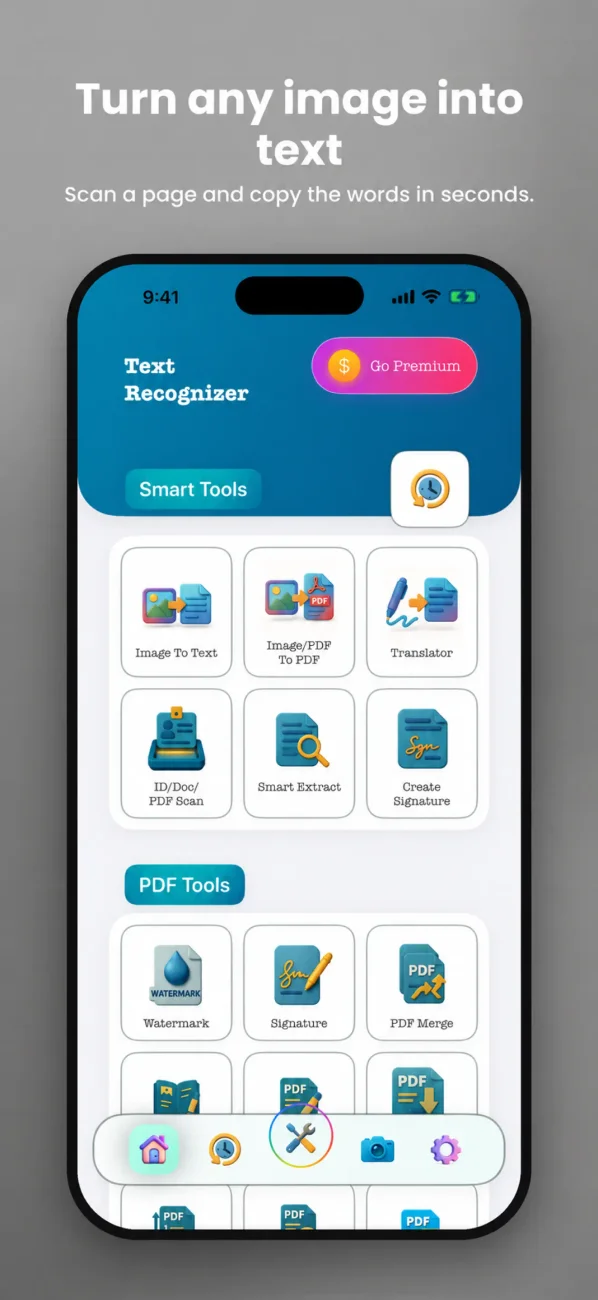
Need to copy text from a photo or scan paperwork into PDF? Text Recognizer combines private on-device OCR, document scanning, PDF editing, translation and QR tools in one app.
IMAGE TO TEXT — ON DEVICE
Photograph a page or choose a photo, screenshot or PDF. Apple Vision recognizes the text on your device, so you can copy, edit, save, translate or read it aloud without uploading the document.
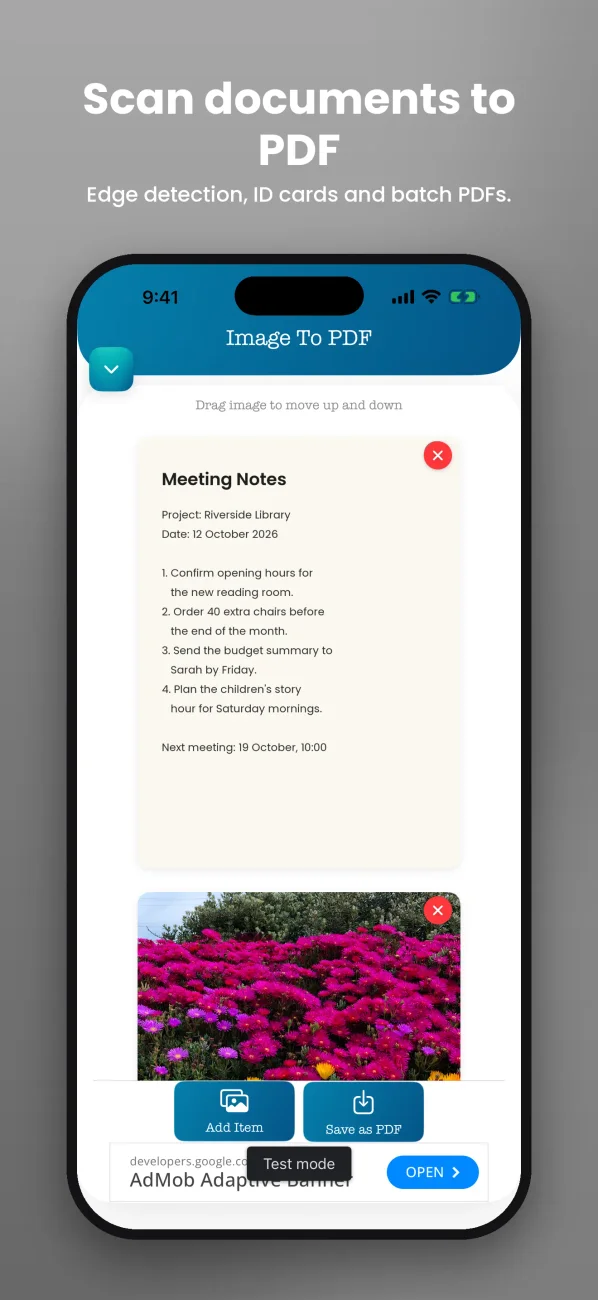
SCAN DOCUMENTS TO PDF
• Automatic edge detection and page capture
• ID card scanner for both sides on one page
• Batch scan multiple pages into text
• Combine several images into one PDF
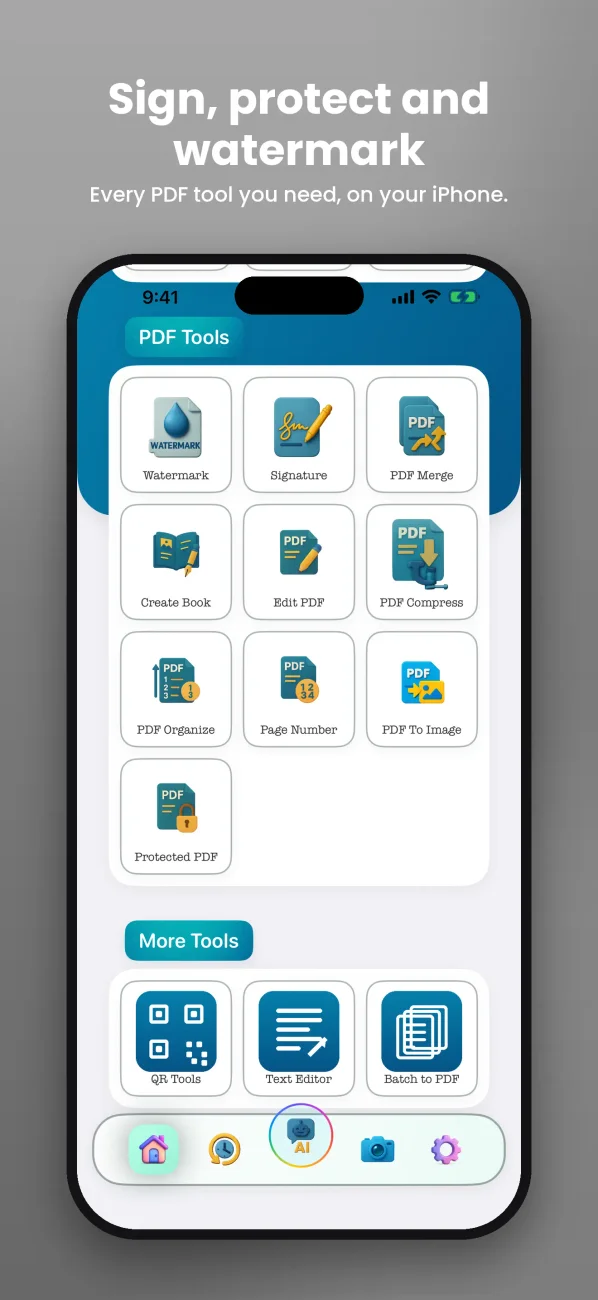
EDIT AND ORGANIZE PDF FILES
• Merge, organize, compress and convert PDFs
• Protect a PDF with a password
• Draw and add your signature
• Add watermarks and page numbers
• Create books and export PDF pages as images
SMART OFFLINE TOOLS
Extract phone numbers, email addresses, links, dates and postal addresses from a photo. Scan business cards, clean text with find and replace, count words, and listen with Read Aloud.
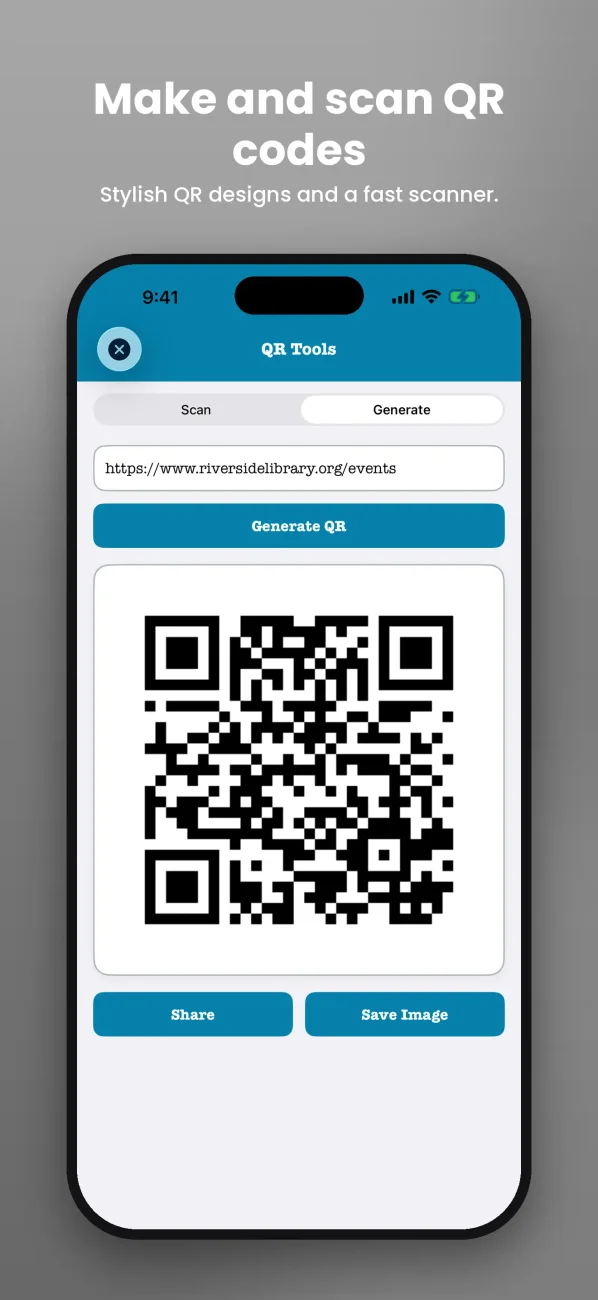
QR CODE TOOLKIT
Create QR codes for links or text with ready-made designs, and scan QR codes quickly with the camera.
LIVE SCAN AND SHORTCUTS
Point the camera at any text and tap a line to copy it, or send everything on screen to the editor. Use the "Extract Text from Image" action in Shortcuts and Siri to read any photo or screenshot on your device.
PRIVACY
Text recognition and document tools work on your device. The app displays ads; your tracking choice controls ad personalization.
Privacy policy URL: https://staff.chakrie.com/policy
Terms of Use (EULA): https://staff.chakrie.com/terms
Có gì mới
Phiên bản 1.24 · 24/11/2026
New: Live Scan. Point the camera at any text and tap a line to copy it instantly, or send everything on screen to the editor.
New: Shortcuts and Siri. The "Extract Text from Image" action reads any photo or screenshot on your device and returns the text.
Support has moved to chakrie.com/contact.
Quyền riêng tư của ứng dụng
Những gì Navid Bin Mahamud khai báo trên App Store về cách ứng dụng này xử lý dữ liệu.
-
Dữ liệu được sử dụng để theo dõi bạn
Có thể được sử dụng để theo dõi bạn trên các ứng dụng và trang web do công ty khác sở hữu.
- Mã định danh
- Dữ liệu sử dụng
-
Dữ liệu liên kết với bạn
Có thể được thu thập và liên kết với danh tính của bạn.
- Mã định danh
- Dữ liệu sử dụng
Phương thức đảm bảo quyền riêng tư có thể khác nhau, chẳng hạn như tuỳ theo các tính năng bạn sử dụng hoặc độ tuổi của bạn.
Thông tin
- Người bán
- Navid Bin Mahamud
- Danh mục
- Tiện Ích
- Phiên bản
- 1.24
- Cập nhật
- 24/11/2026
- Phát hành
- 14/02/2022
- Kích thước
- 48,3 MB
- Yêu cầu
- iOS 17 trở lên
- Độ tuổi
- 4+
- Giá
- Miễn phí
- Mua hàng trong ứng dụng
- Có
- Ngôn ngữ
- Tiếng Anh, Tiếng Ả Rập, Tiếng Pháp, Tiếng Nhật, Tiếng Trung Giản thể, Tiếng Tây Ban Nha, Tiếng Trung Phồn thể
- Bản quyền
- © 2026 StraitBit