The Clock Widget
World Time. Widget. Calendar.
Entwickelt für iPhone, iPad
Kostenlos
- Altersfreigabe4+
- KategorieDienstprogramme
- EntwicklerKintsugi LLC
- SprachenEnglisch
- Größe16,1 MB
Verlinkt auf die offizielle App Store-Seite
Download.org hostet keine Datei von The Clock Widget. Die Schaltfläche öffnet die App-Seite bei App Store, wo Kintsugi LLC die App veröffentlicht. Eintrag zuletzt geprüft am 15.11.2026.
Screenshots


Info
Der Entwickler hat diesen Text nicht in Ihrer Sprache bereitgestellt.
Keep the people and places that matter on one clock.
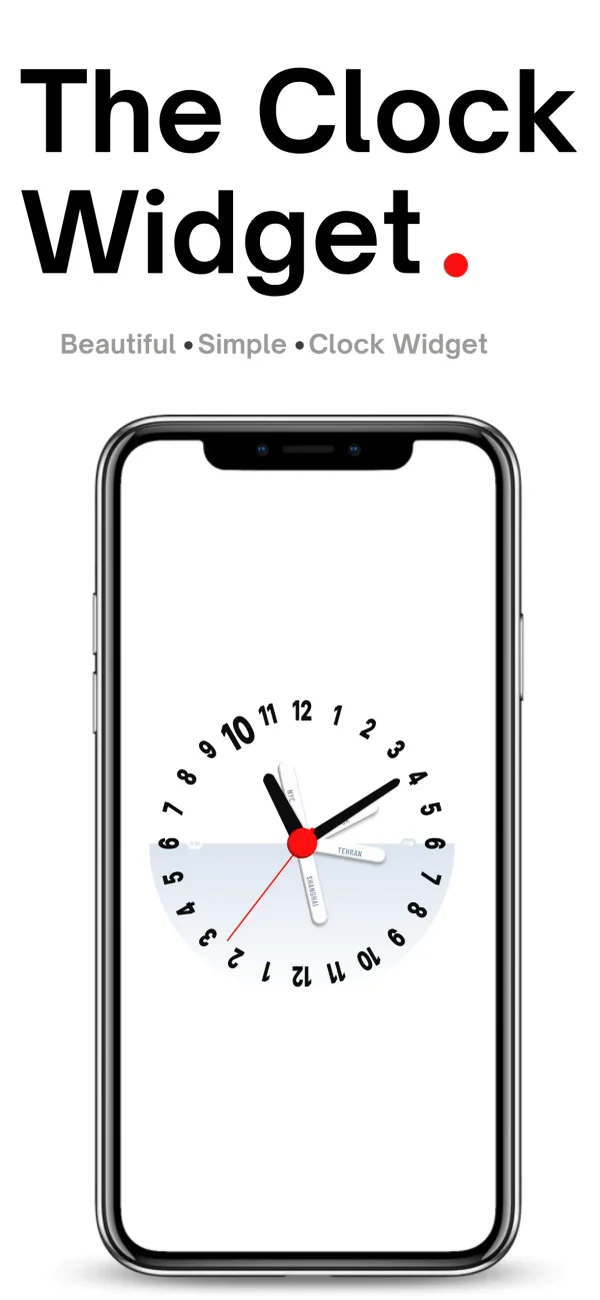
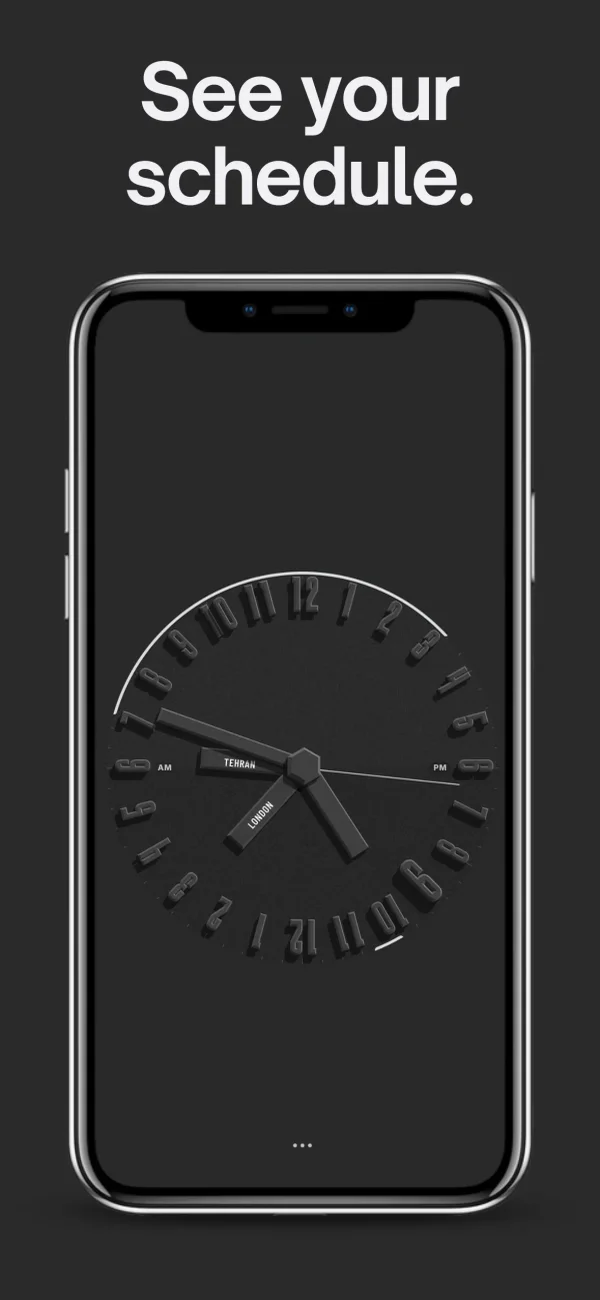
The Clock Widget brings world time, calendar planning, and a personal Home Screen clock together. See how the day lines up across your saved cities, explore a better time to meet, and save an event directly to your device calendar.
SEE YOUR DAY AROUND THE WORLD
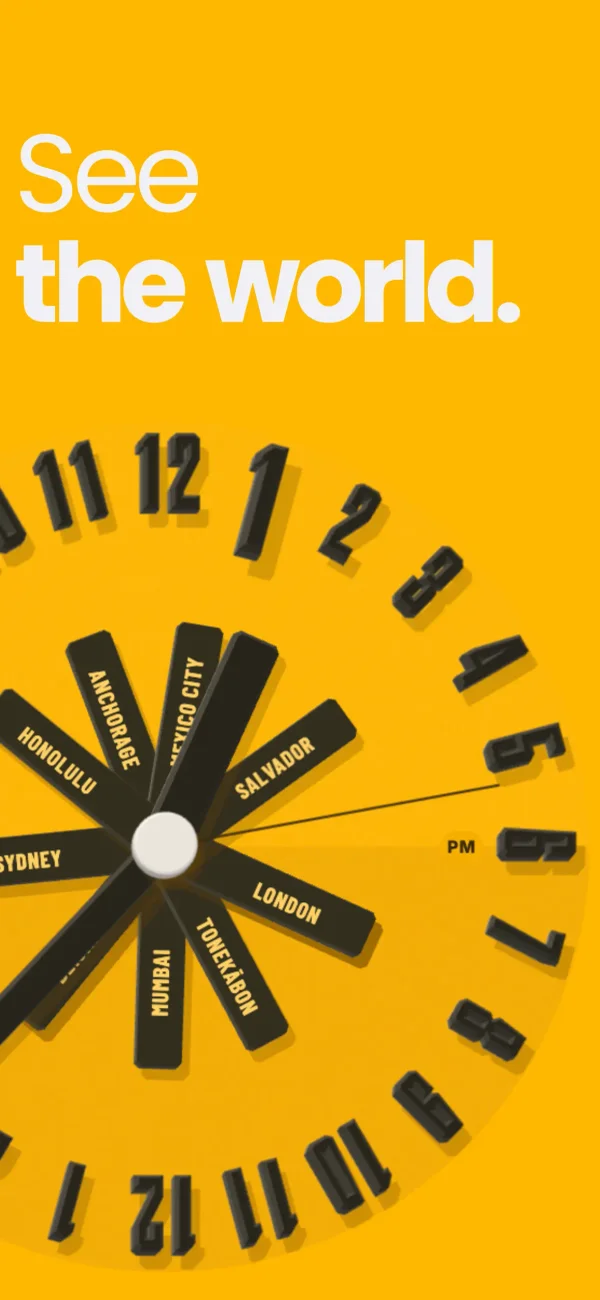
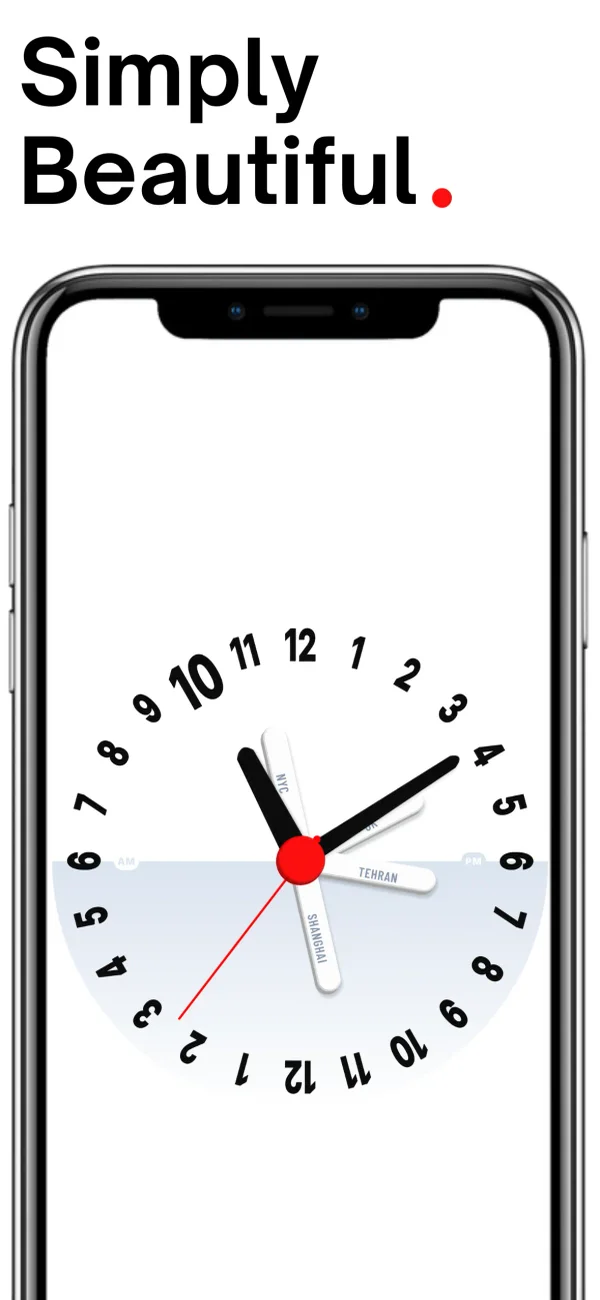
Add cities and compare their times on a shared 24-hour dial. Labeled city hands, day and night colors, optional working-hour shading, and a world map help you understand the day at a glance.
FIND A TIME TO CONNECT
Drag the clock face to explore another time. The event planner shows the corresponding times for your saved cities, so you can consider everyone's day before choosing a date and duration.
BRING YOUR CALENDARS INTO VIEW
Optionally connect selected device calendars to see your agenda and timed events around the clock face. Check overlaps with those calendars, create events, and edit or delete events you select. Your device and calendar provider handle calendar synchronization.
MAKE YOUR HOME SCREEN USEFUL
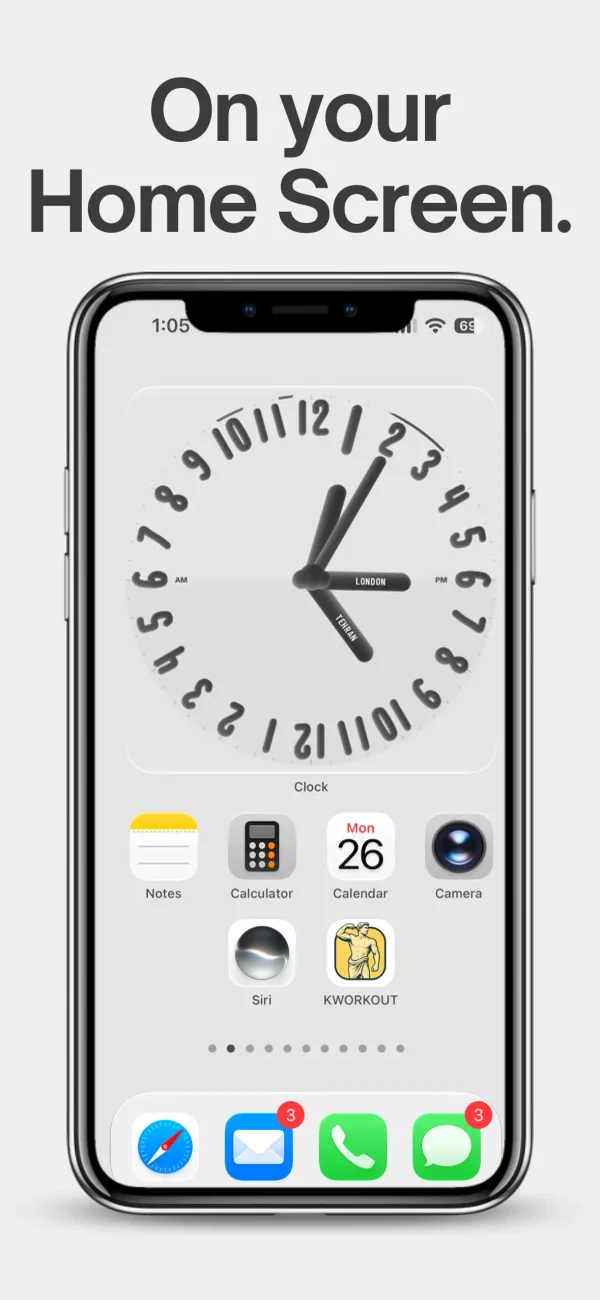
Add a small, medium, or large widget on iPhone or iPad. Your selected face, cities, and supported display preferences follow the app. Connected calendars can add event-time arcs to the widget. Tap the widget to return to the current clock.
MAKE THE CLOCK YOURS
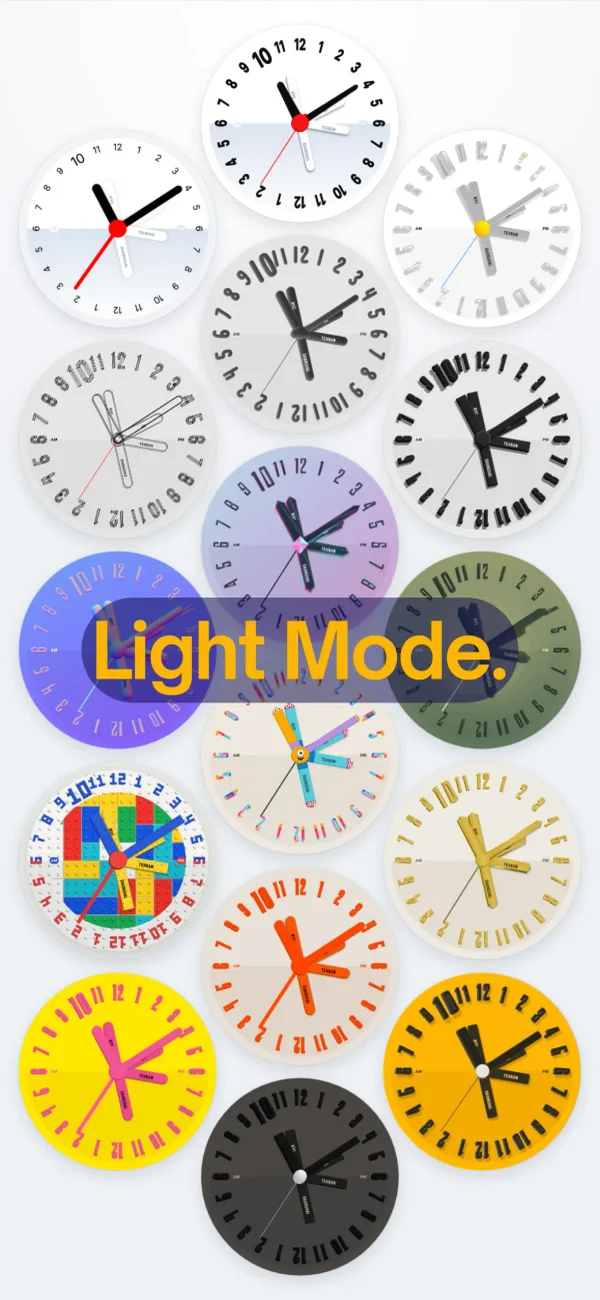
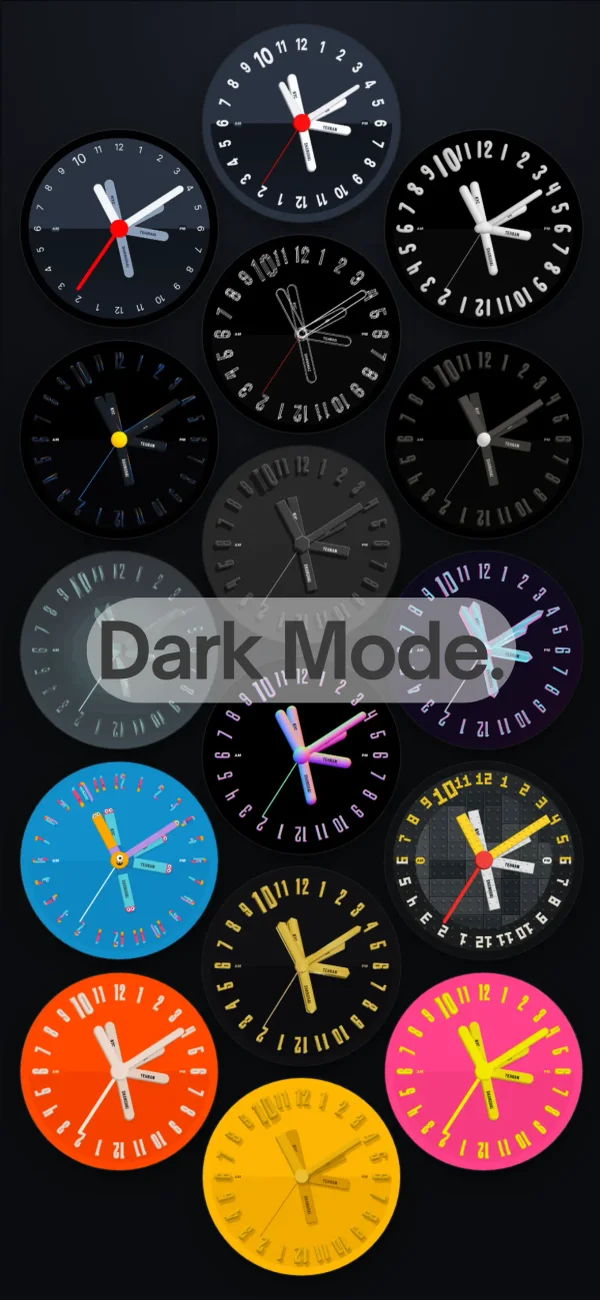
Choose from 19 clock designs, paired light and dark appearances, numeral styles, and display options.
Neue Funktionen
Version 1.0.1 · 05.11.2026
Horizon & Departures.
App-Datenschutz
Was Kintsugi LLC im App Store zum Umgang dieser App mit Daten angibt.
-
Keine Daten erfasst
Der Entwickler erfasst keine Daten von dieser App.
Die Datenschutzpraktiken können variieren, zum Beispiel je nach den von Ihnen verwendeten Funktionen oder Ihrem Alter.
Informationen
- Anbieter
- Kintsugi LLC
- Kategorie
- Dienstprogramme
- Version
- 1.0.1
- Aktualisiert
- 05.11.2026
- Veröffentlicht
- 31.10.2026
- Größe
- 16,1 MB
- Erfordert
- iOS 16.0 oder neuer
- Altersfreigabe
- 4+
- Preis
- Kostenlos
- Sprachen
- Englisch
- Copyright
- © 2026 Kintsugi LLC
Das könnte Ihnen auch gefallen
-
 City Chime: News Alarm ClockDienstprogramme
-
 Multi-Zone Times ToolDienstprogramme
-
 Terminal TockDienstprogramme
-
 AllyClockDienstprogramme
-
 SonnenfreundAufgang, Untergang, Tageslicht
-
 Smart Alarm: Shabbos clockDienstprogramme
-
 TiZoDienstprogramme
-
 Antike Uhr‑WidgetSchönes Analoguhr-Widget
-
 Date & Time - WidgetsDienstprogramme
-
 Brutal Time: Typographic ClockDienstprogramme