- Age rating4+
- CategoryUtilities
- DeveloperKintsugi LLC
- LanguagesEnglish
- Size16.1 MB
Links to the official App Store page
Download.org hosts no file of The Clock Widget. The button opens its official App Store page, published by Kintsugi LLC. Listing last checked on Nov 15, 2026.
Screenshots


About
Keep the people and places that matter on one clock.
The Clock Widget brings world time, calendar planning, and a personal Home Screen clock together. See how the day lines up across your saved cities, explore a better time to meet, and save an event directly to your device calendar.
SEE YOUR DAY AROUND THE WORLD
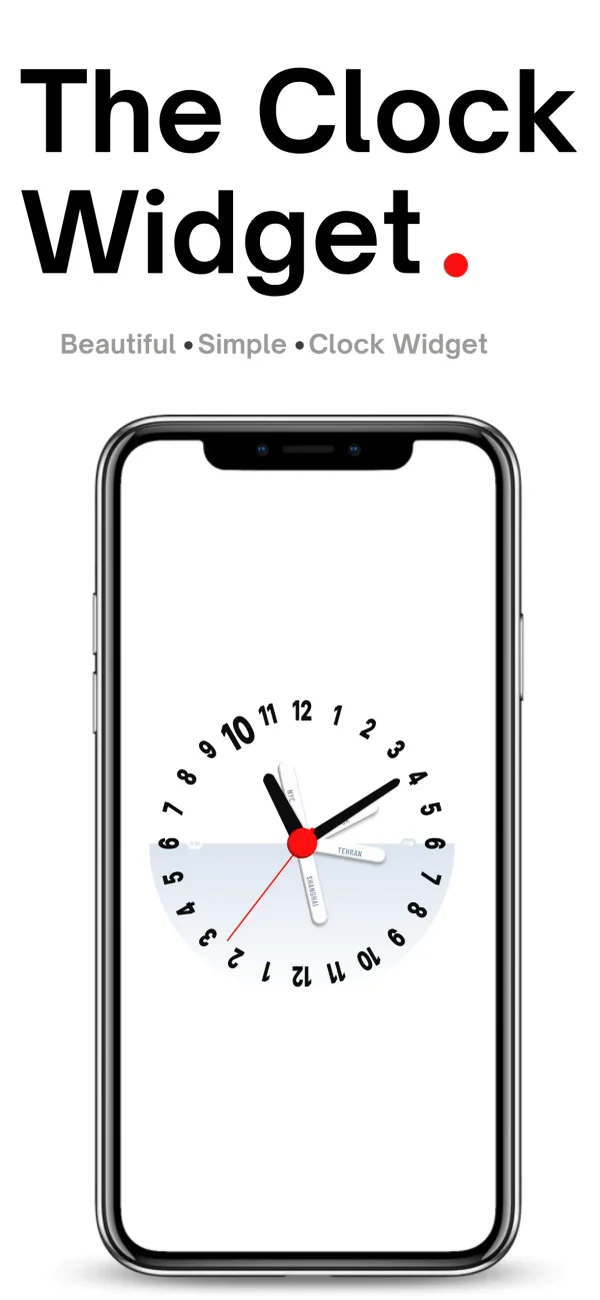
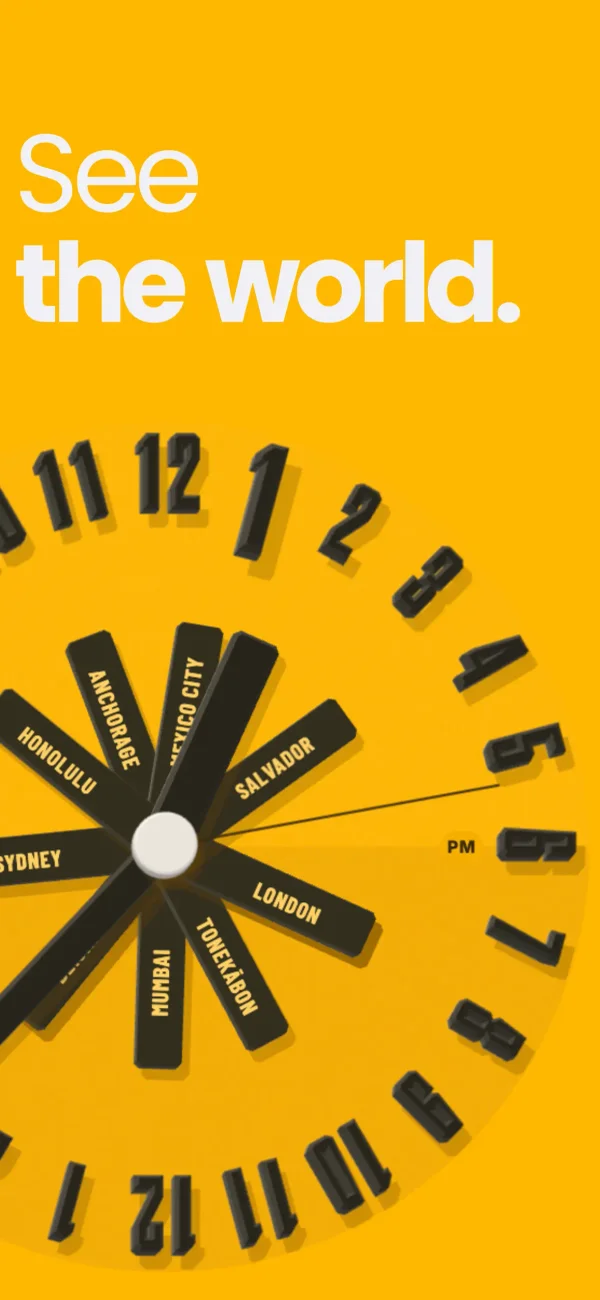
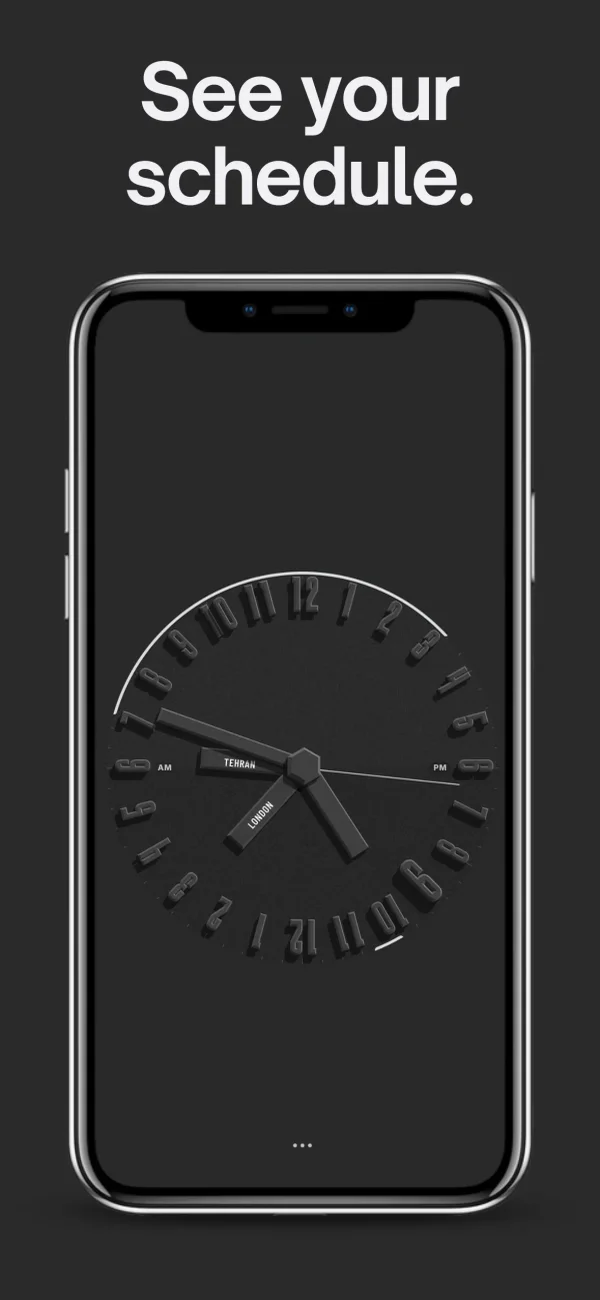
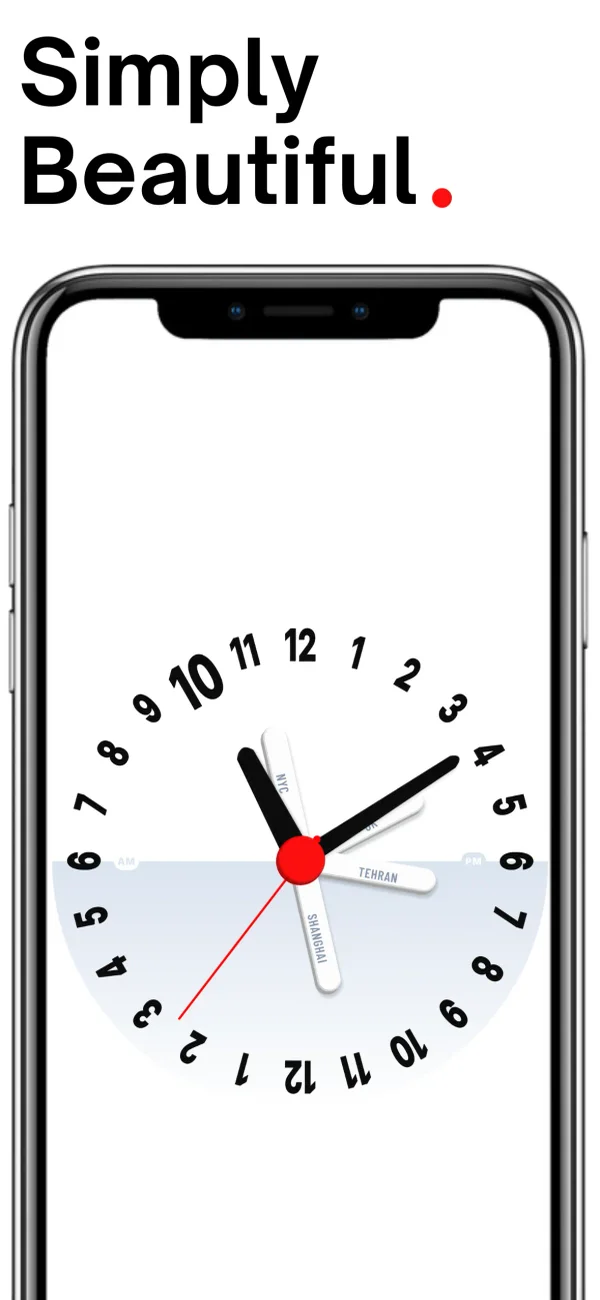
Add cities and compare their times on a shared 24-hour dial. Labeled city hands, day and night colors, optional working-hour shading, and a world map help you understand the day at a glance.
FIND A TIME TO CONNECT
Drag the clock face to explore another time. The event planner shows the corresponding times for your saved cities, so you can consider everyone's day before choosing a date and duration.
BRING YOUR CALENDARS INTO VIEW
Optionally connect selected device calendars to see your agenda and timed events around the clock face. Check overlaps with those calendars, create events, and edit or delete events you select. Your device and calendar provider handle calendar synchronization.
MAKE YOUR HOME SCREEN USEFUL
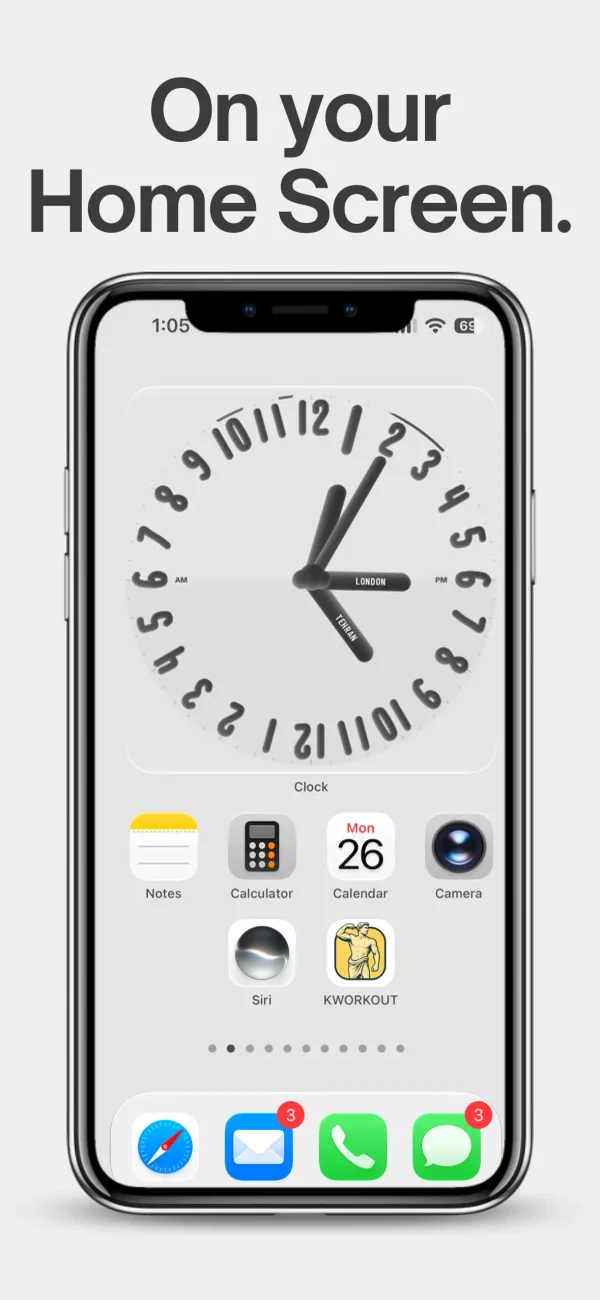
Add a small, medium, or large widget on iPhone or iPad. Your selected face, cities, and supported display preferences follow the app. Connected calendars can add event-time arcs to the widget. Tap the widget to return to the current clock.
MAKE THE CLOCK YOURS
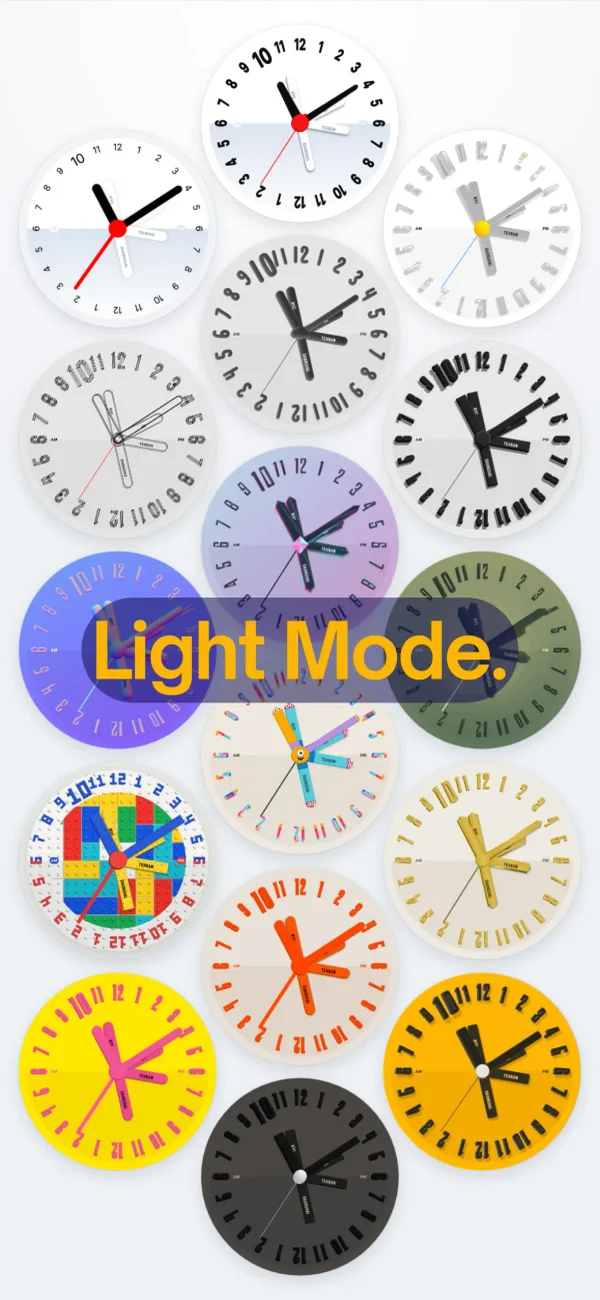
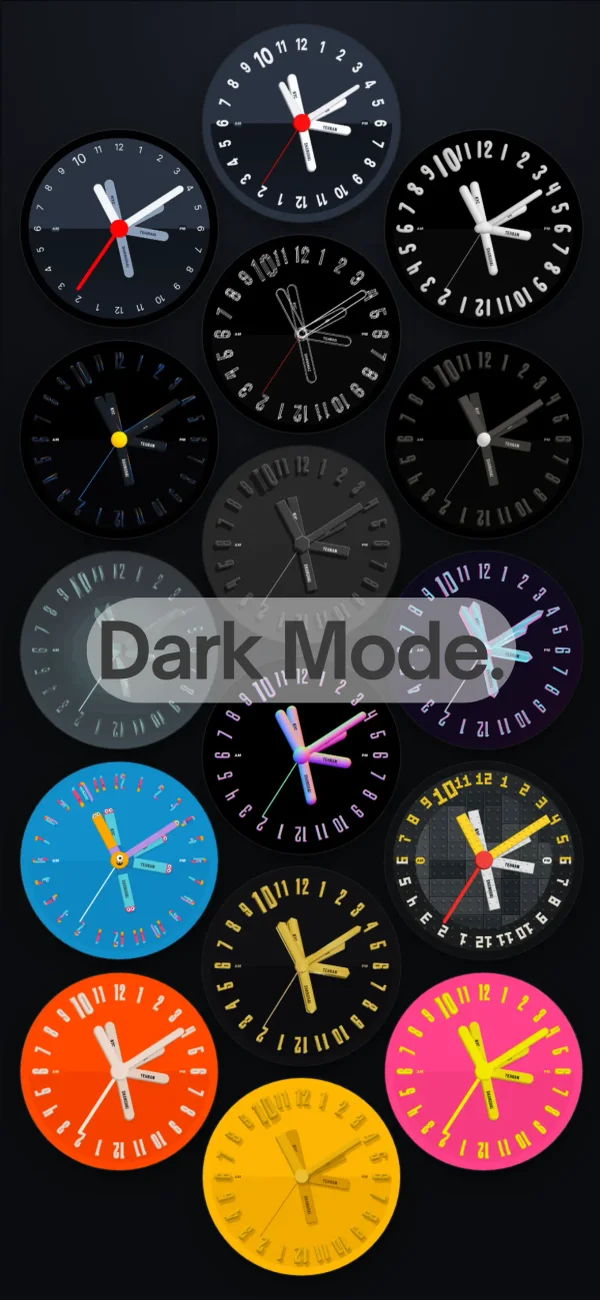
Choose from 19 clock designs, paired light and dark appearances, numeral styles, and display options.
What’s new
Version 1.0.1 · Nov 5, 2026
Horizon & Departures.
App privacy
What Kintsugi LLC declares on the App Store about how this app handles data.
-
Data not collected
The developer does not collect any data from this app.
Privacy practices may vary, for example with the features you use or your age.
Information
- Seller
- Kintsugi LLC
- Category
- Utilities
- Version
- 1.0.1
- Updated
- Nov 5, 2026
- Released
- Oct 31, 2026
- Size
- 16.1 MB
- Requires
- iOS 16.0 or later
- Age rating
- 4+
- Price
- Free
- Languages
- English
- Copyright
- © 2026 Kintsugi LLC
You might also like
-
 City Chime: News Alarm ClockWake to local news & weather
-
 Multi-Zone Times ToolA tool to help on timezones
-
 Terminal TockA split-flap clock that slaps.
-
 AllyClockFullscreen clock, world time
-
 Sun FriendSunset, sunrise & daylight
-
 Smart Alarm: Shabbos clockSimple. Easy. Oneg Shabbos.
-
 TiZoWorld Time Clock
-
 Antique Analog Clock WidgetElegant analog clock widget
-
 Date & Time - WidgetsDigital & analog clock widgets
-
 Brutal Time: Typographic ClockDesk clock & StandBy widgets