Time Lapse Clip
Video base time-lapse
Entwickelt für iPhone, iPad, iPod touch
3,99 €
- Altersfreigabe4+
- KategorieFoto und Video
- EntwicklerHeng Jia Liang
- SprachenEnglisch
- Größe1,7 MB
Verlinkt auf die offizielle App Store-Seite
Download.org hostet keine Datei von Time Lapse Clip. Die Schaltfläche öffnet die App-Seite bei App Store, wo Heng Jia Liang die App veröffentlicht. Eintrag zuletzt geprüft am 18.11.2026.
Screenshots

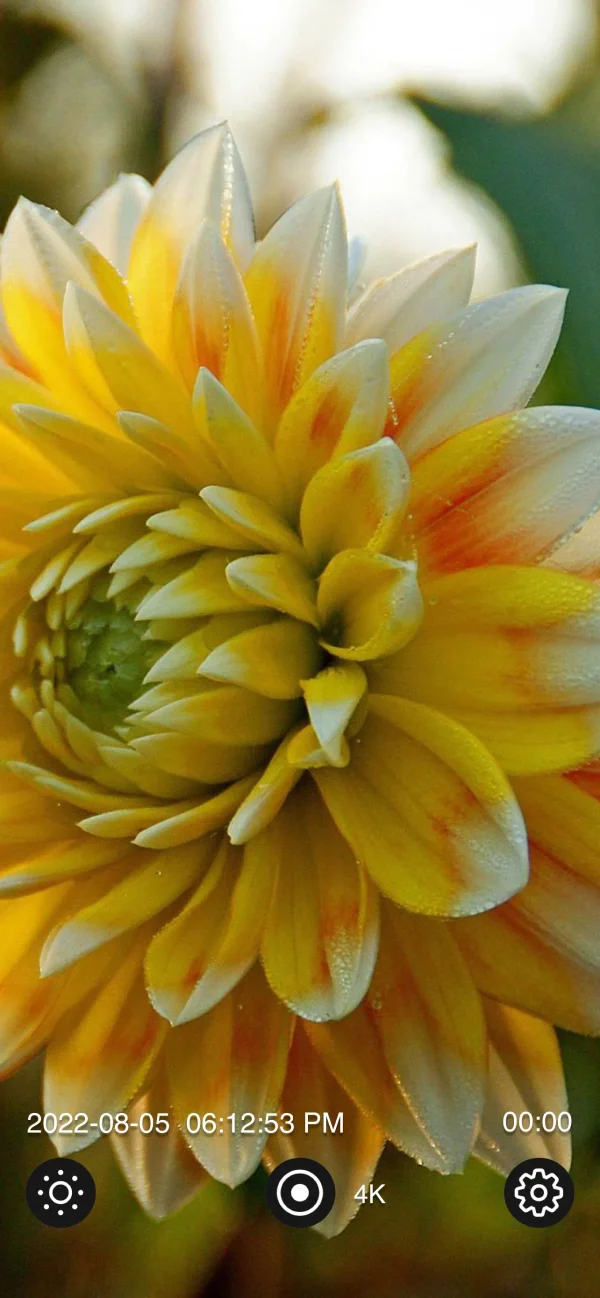

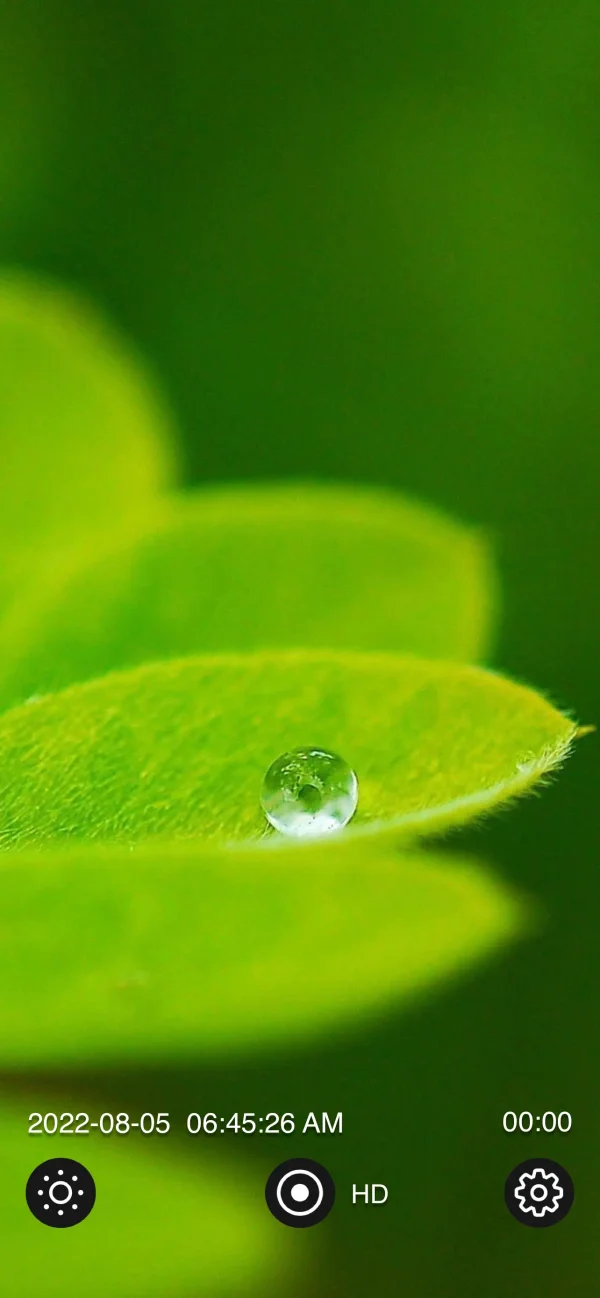
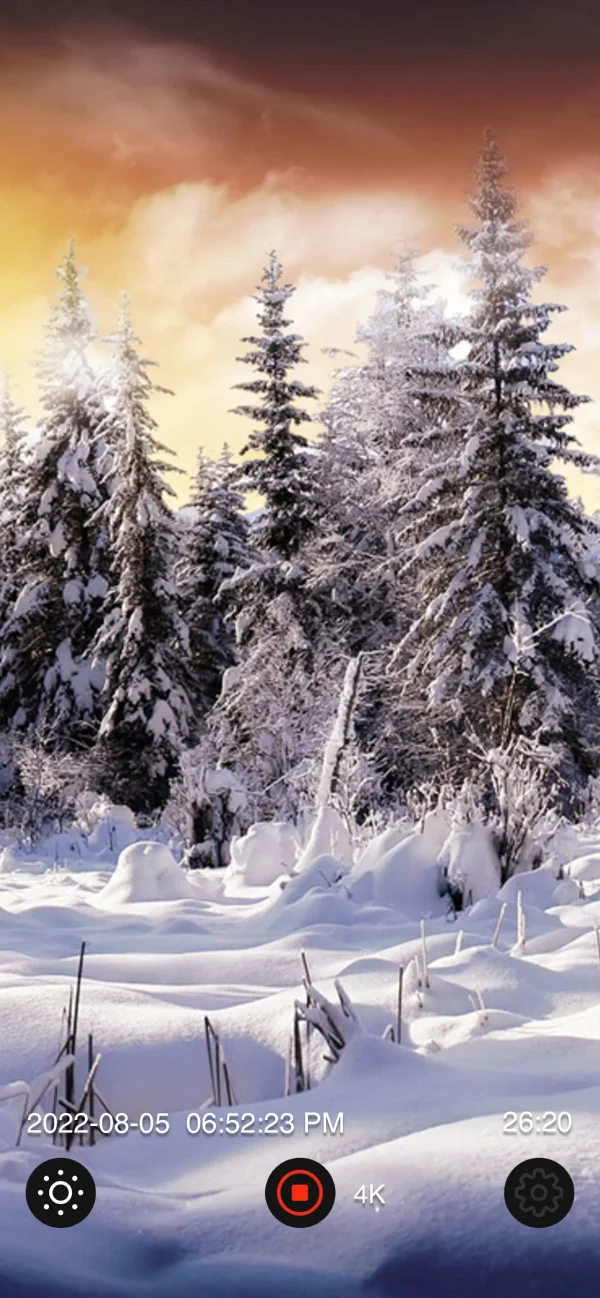
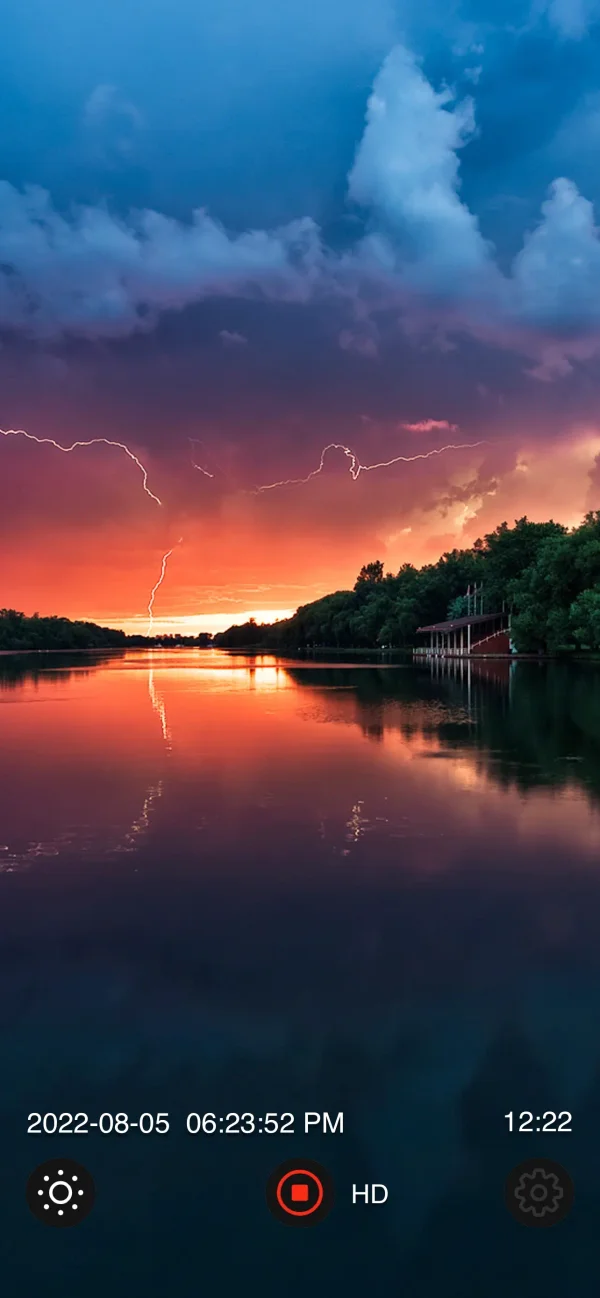

Info
Der Entwickler hat diesen Text nicht in Ihrer Sprache bereitgestellt.
Time Lapse Clip. An effective and easy-to-use time-lapse app. Create stunning time-lapse videos with ease. Perfect for casual users, featuring a simple control panel.
Features:
• Outputs the highest video quality supported by your device
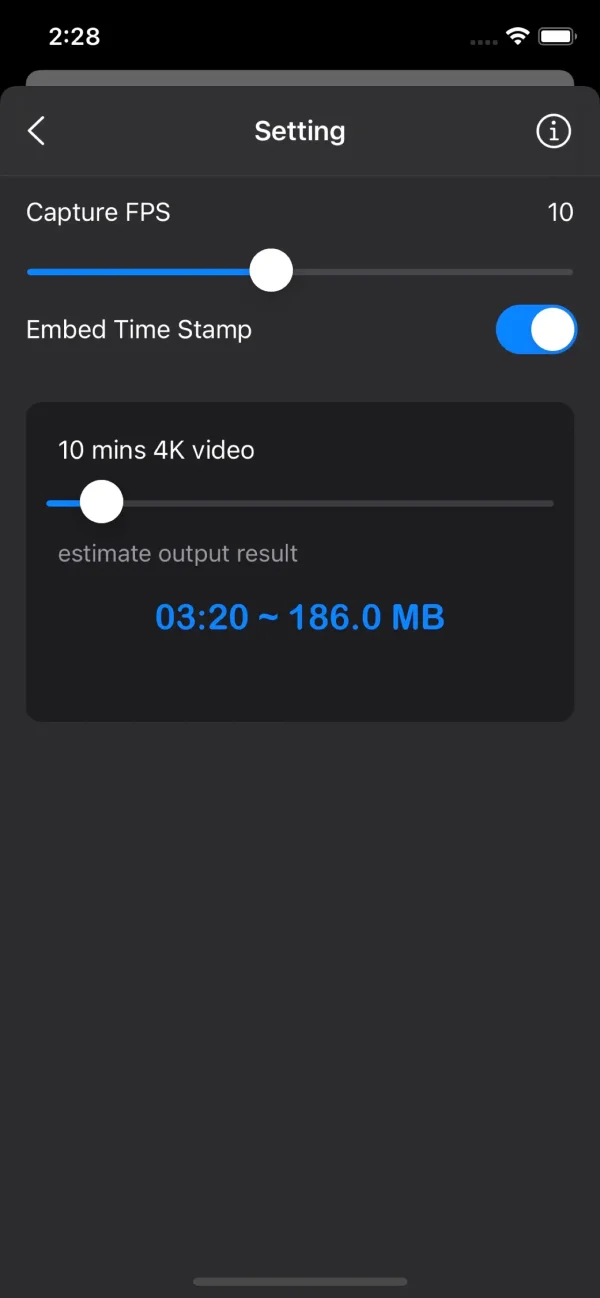
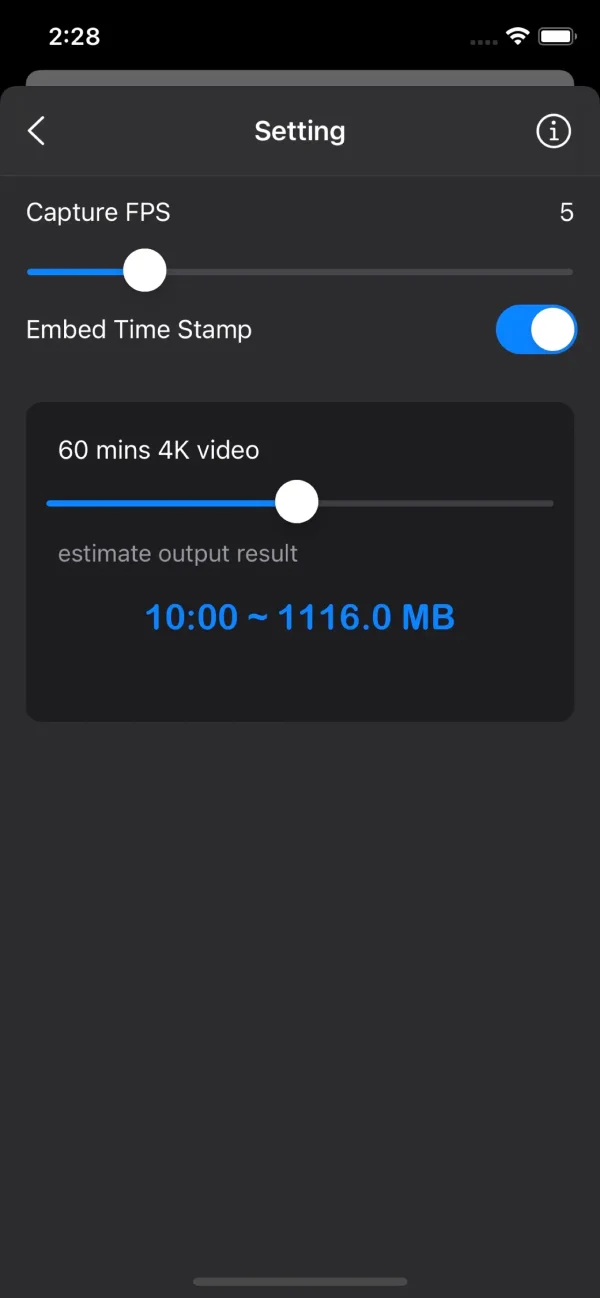
• Adjustable frame rate: 2 to 20 frames per second
• Records sound as well
• Video quality options: 4K (best for viewing), Full HD 1080p, or HD 720p
• Easy Start/Stop recording
• Dim screen during recording to save battery
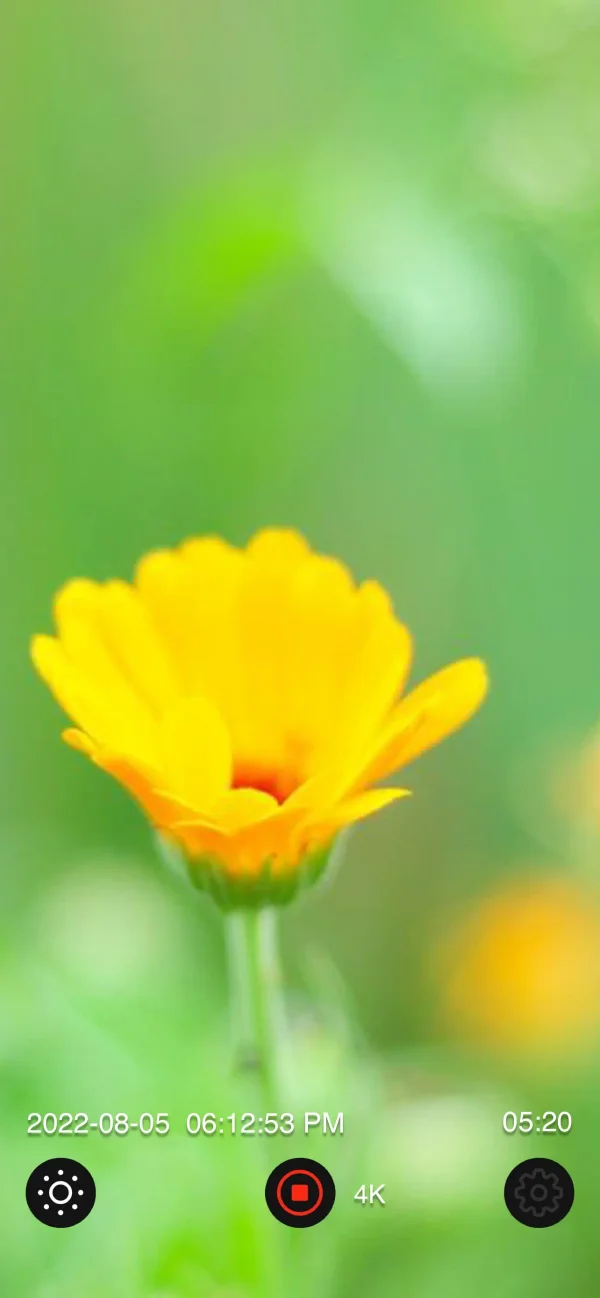
• Option to embed date and time in the video (time-stamped video)
• Supports dual-lens and triple-lens devices
• Pinch to zoom, pinch out for ultra-wide-angle lens
• Calculates estimated file size and video duration to help with planning
• Saves recordings directly to the camera roll
• Supports both landscape and portrait modes
• Small app size
• Simple UI and easy to use
How it works:
Unlike classic time-lapse apps that take still photos at intervals (every few seconds or minutes), Time Lapse Clip records video at a preset frame rate and converts it into a 30fps clip. The result is a smooth time-lapse video.
Examples:
• Record at 15fps for 1 minute → results in a 30-second time-lapse
• Record at 10fps for 1 minute → results in a 20-second time-lapse
Benefits:
Recording long videos can quickly fill up storage and cause recordings to stop. This method saves both space and time compared to capturing long videos and speeding them up later.
Usage ideas:
- Record your road trips
- Capture party moments
- Film flowers blooming
- Record beautiful landscapes
- Record drives as proof in case of accidents
Tips:
• Dim the screen during recording to save battery
• Pinch out to use the ultra-wide lens and capture more of the surroundings
Best for capturing changes over 1–2 hours, e.g. flower blooming, sunset, sunrise, insect activity, etc.
Thanks for your support! Visit nitrio.com for more apps for your iOS devices.
Neue Funktionen
Version 1.1 · 05.10.2025
- Updated for the newest devices.
- Minor bugs fixed.
App-Datenschutz
Was Heng Jia Liang im App Store zum Umgang dieser App mit Daten angibt.
-
Keine Daten erfasst
Der Entwickler erfasst keine Daten von dieser App.
Die Datenschutzpraktiken können variieren, zum Beispiel je nach den von Ihnen verwendeten Funktionen oder Ihrem Alter.
Informationen
- Anbieter
- Heng Jia Liang
- Kategorie
- Foto und Video
- Version
- 1.1
- Aktualisiert
- 05.10.2025
- Veröffentlicht
- 23.08.2022
- Größe
- 1,7 MB
- Erfordert
- iOS 13 oder neuer
- Altersfreigabe
- 4+
- Preis
- 3,99 €
- Sprachen
- Englisch
- Copyright
- © Heng Jia Liang
Das könnte Ihnen auch gefallen
-
 Burst SelfieFoto und Video
-
 iMotion for SchoolsFoto und Video
-
 Guerrilla Filmmaker: CameraFoto und Video
-
 Keepers - Magic Video CaptureFoto und Video
-
 ArtlapseFoto und Video
-
 Burst HD - Super Burst CameraFoto und Video
-
 iMotion ProFoto und Video
-
 Collage Maker ProFoto und Video
-
 Fast CameraFoto und Video
-
 Slow Fast Reverse Motion VideoFoto und Video