- Age rating4+
- CategoryPhoto & Video
- DeveloperHeng Jia Liang
- LanguagesEnglish
- Size1.7 MB
Links to the official App Store page
Download.org hosts no file of Time Lapse Clip. The button opens its official App Store page, published by Heng Jia Liang. Listing last checked on Nov 18, 2026.
Screenshots

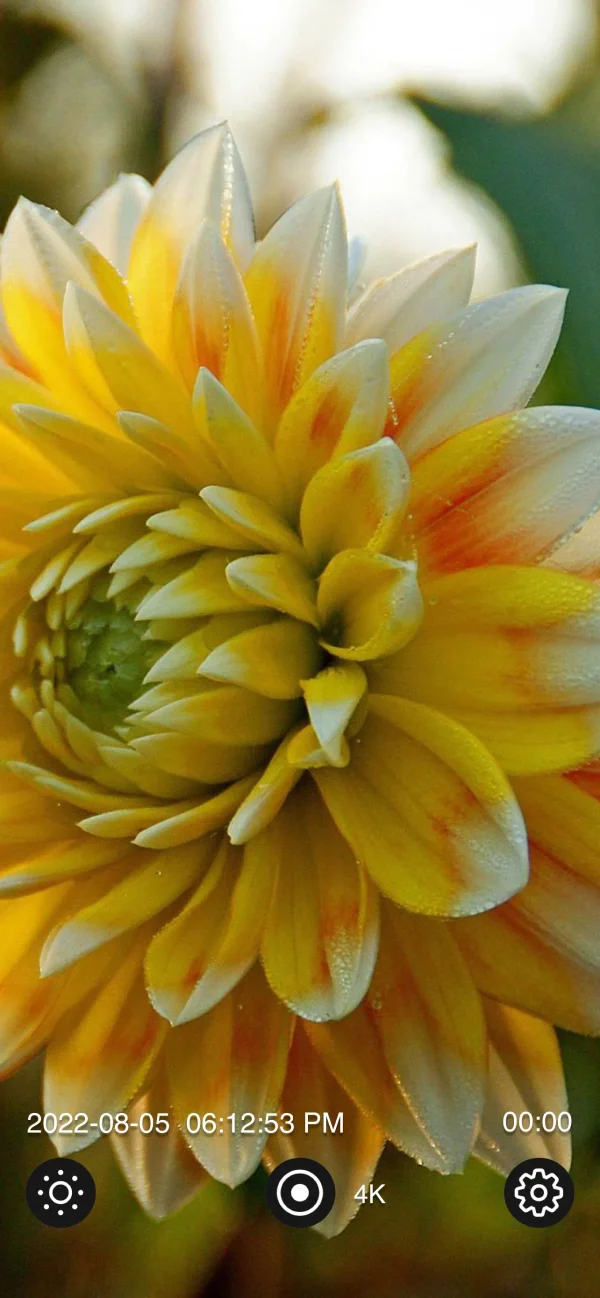

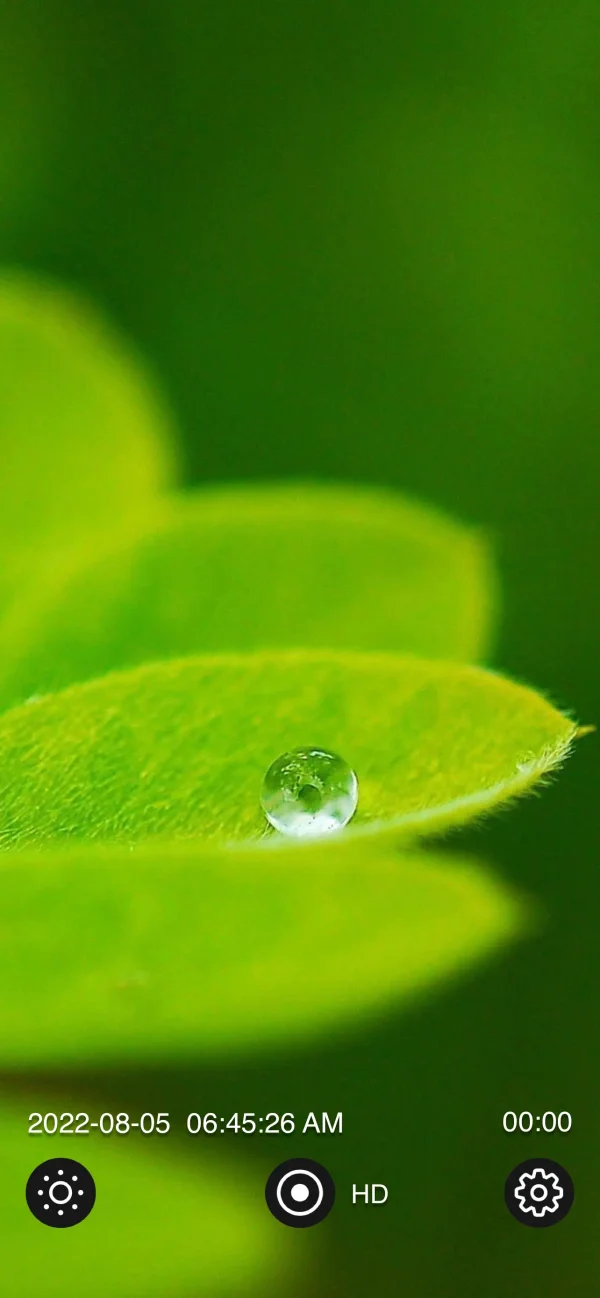
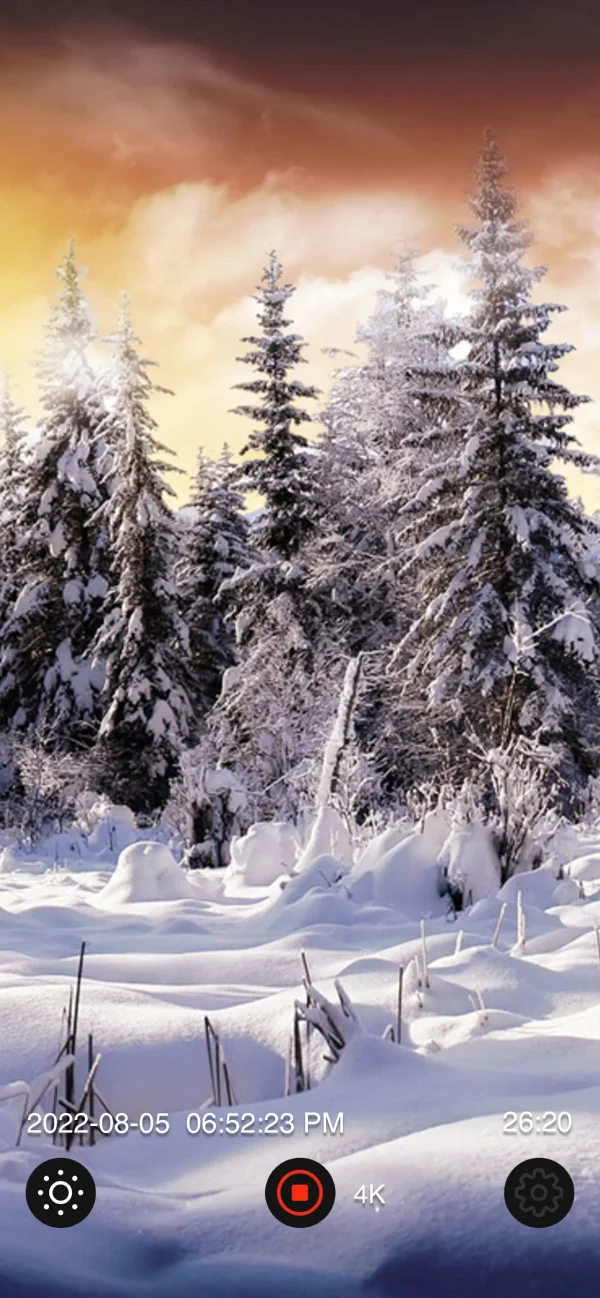
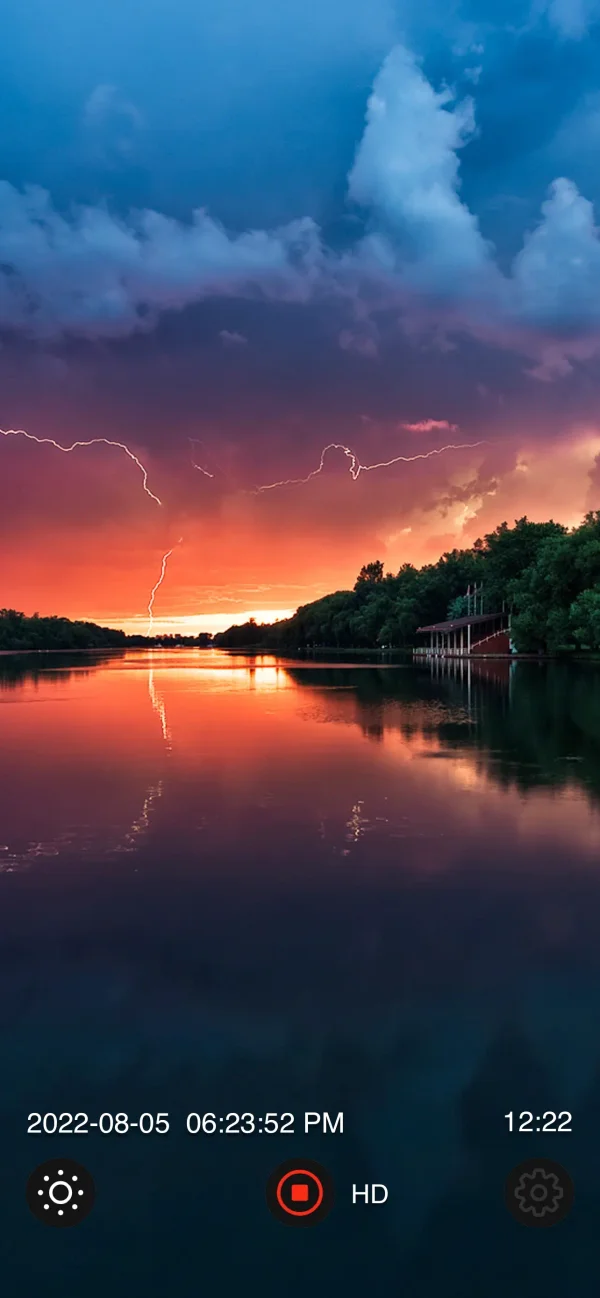

About
Time Lapse Clip. An effective and easy-to-use time-lapse app. Create stunning time-lapse videos with ease. Perfect for casual users, featuring a simple control panel.
Features:
• Outputs the highest video quality supported by your device
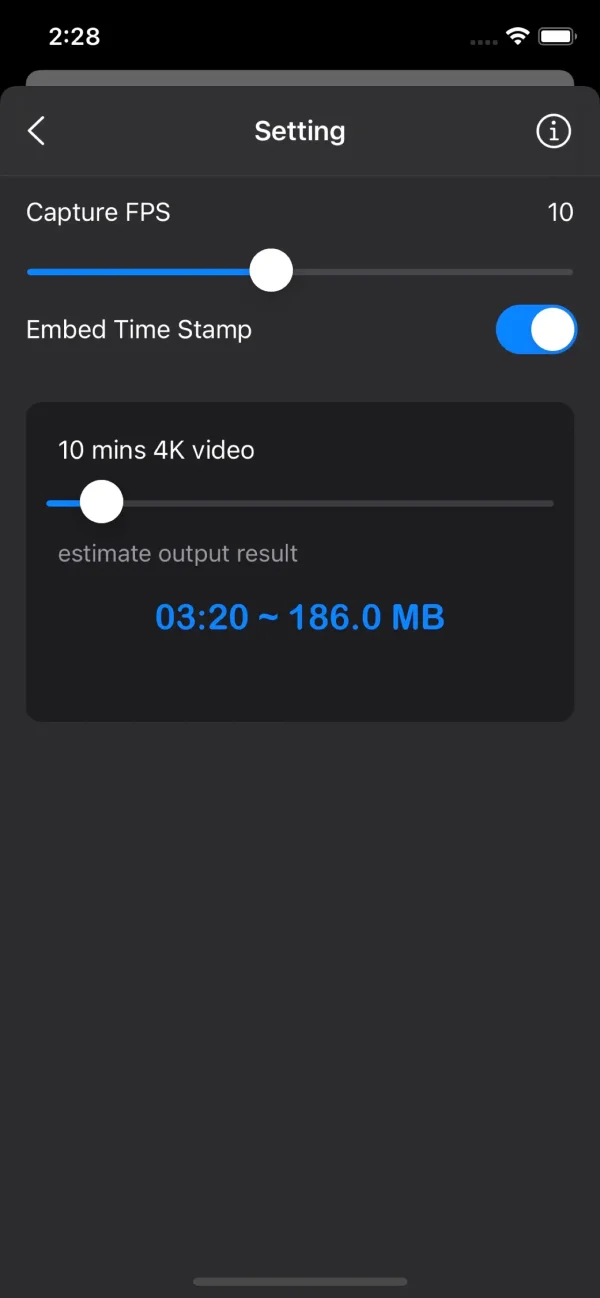
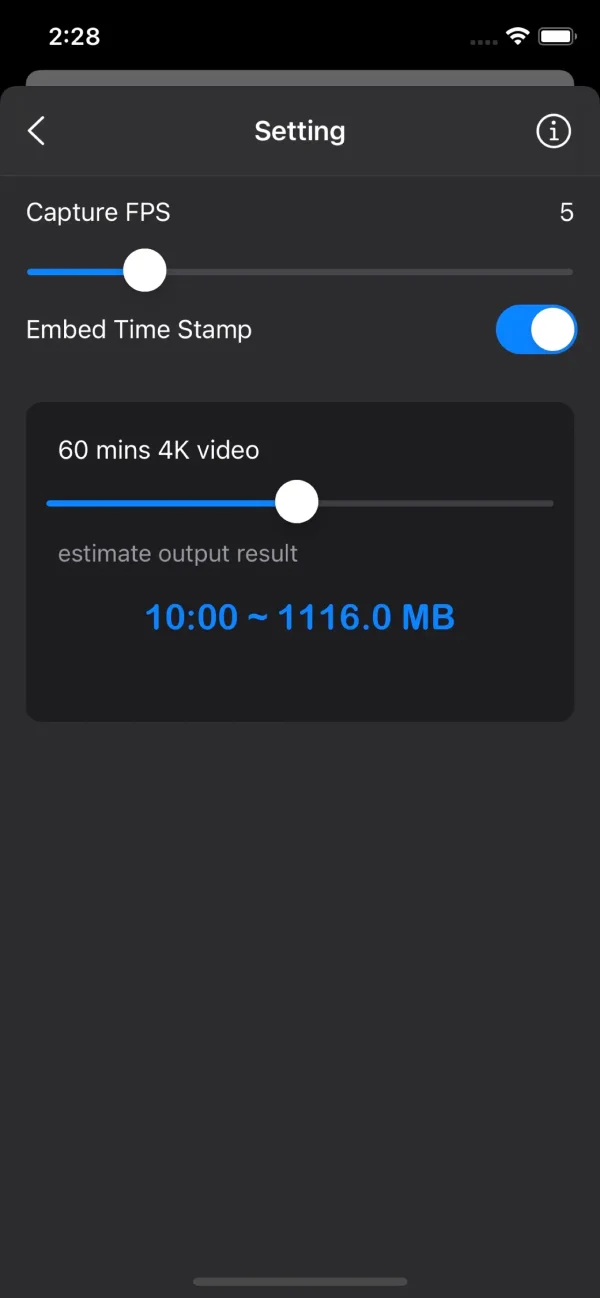
• Adjustable frame rate: 2 to 20 frames per second
• Records sound as well
• Video quality options: 4K (best for viewing), Full HD 1080p, or HD 720p
• Easy Start/Stop recording
• Dim screen during recording to save battery
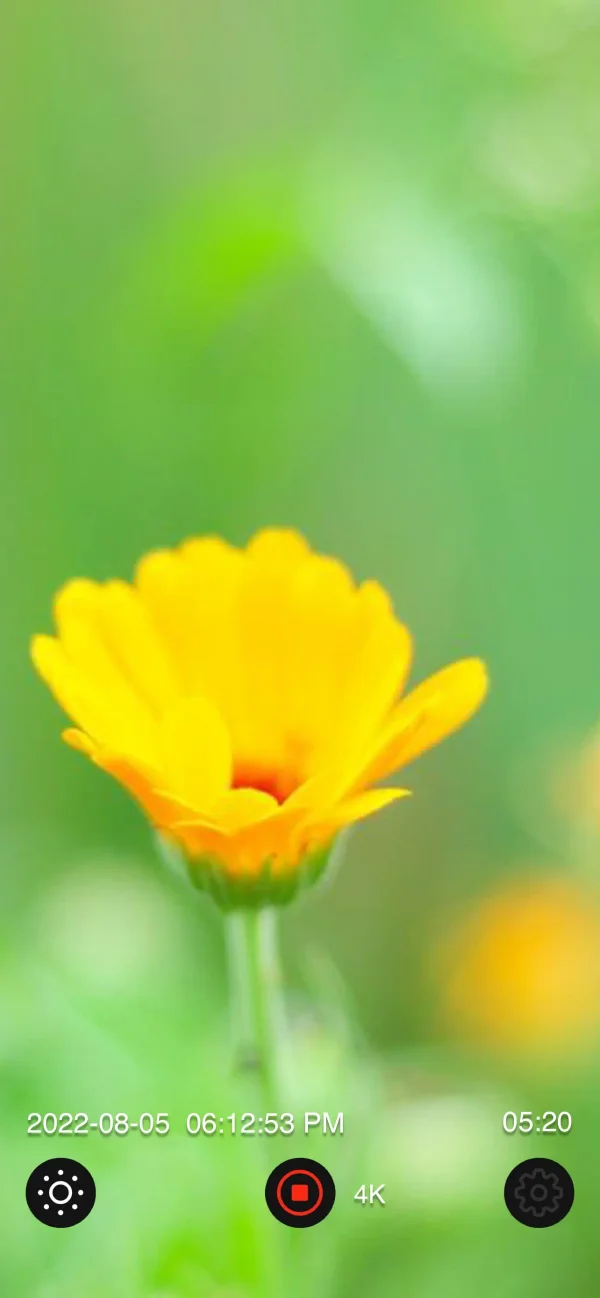
• Option to embed date and time in the video (time-stamped video)
• Supports dual-lens and triple-lens devices
• Pinch to zoom, pinch out for ultra-wide-angle lens
• Calculates estimated file size and video duration to help with planning
• Saves recordings directly to the camera roll
• Supports both landscape and portrait modes
• Small app size
• Simple UI and easy to use
How it works:
Unlike classic time-lapse apps that take still photos at intervals (every few seconds or minutes), Time Lapse Clip records video at a preset frame rate and converts it into a 30fps clip. The result is a smooth time-lapse video.
Examples:
• Record at 15fps for 1 minute → results in a 30-second time-lapse
• Record at 10fps for 1 minute → results in a 20-second time-lapse
Benefits:
Recording long videos can quickly fill up storage and cause recordings to stop. This method saves both space and time compared to capturing long videos and speeding them up later.
Usage ideas:
- Record your road trips
- Capture party moments
- Film flowers blooming
- Record beautiful landscapes
- Record drives as proof in case of accidents
Tips:
• Dim the screen during recording to save battery
• Pinch out to use the ultra-wide lens and capture more of the surroundings
Best for capturing changes over 1–2 hours, e.g. flower blooming, sunset, sunrise, insect activity, etc.
Thanks for your support! Visit nitrio.com for more apps for your iOS devices.
What’s new
Version 1.1 · Oct 5, 2025
- Updated for the newest devices.
- Minor bugs fixed.
App privacy
What Heng Jia Liang declares on the App Store about how this app handles data.
-
Data not collected
The developer does not collect any data from this app.
Privacy practices may vary, for example with the features you use or your age.
Information
- Seller
- Heng Jia Liang
- Category
- Photo & Video
- Version
- 1.1
- Updated
- Oct 5, 2025
- Released
- Aug 23, 2022
- Size
- 1.7 MB
- Requires
- iOS 13 or later
- Age rating
- 4+
- Price
- $3.99
- Languages
- English
- Copyright
- © Heng Jia Liang
You might also like
-
 Burst Selfie30 Full HD photos per second
-
 iMotion for SchoolsTime-lapse and Stop-motion
-
 Guerrilla Filmmaker: CameraPro 4K Video Recorder
-
 Keepers - Magic Video CaptureRecord fast, stop the clutter!
-
 ArtlapseTimelapse videos for your art
-
 Burst HD - Super Burst Camera30 Full HD photos per second
-
 iMotion ProTime-lapse and Stop-motion
-
 Collage Maker ProPhoto & Video
-
 Fast CameraBurst Speed Camera & Filters
-
 Slow Fast Reverse Motion VideoAll Video Motion Effects