Tiny Instrument: Learn Piano
Music Theory, Scales & Chords
Entwickelt für iPhone, iPad, Mac
Kostenlos · In-App-Käufe
- Altersfreigabe4+
- KategorieMusik
- EntwicklerCodeloop
- SprachenEnglisch
- Größe314,6 MB
Verlinkt auf die offizielle App Store-Seite
Download.org hostet keine Datei von Tiny Instrument: Learn Piano. Die Schaltfläche öffnet die App-Seite bei App Store, wo Codeloop die App veröffentlicht. Eintrag zuletzt geprüft am 28.11.2026.
Screenshots
Info
Der Entwickler hat diesen Text nicht in Ihrer Sprache bereitgestellt.
Learn music by playing it.
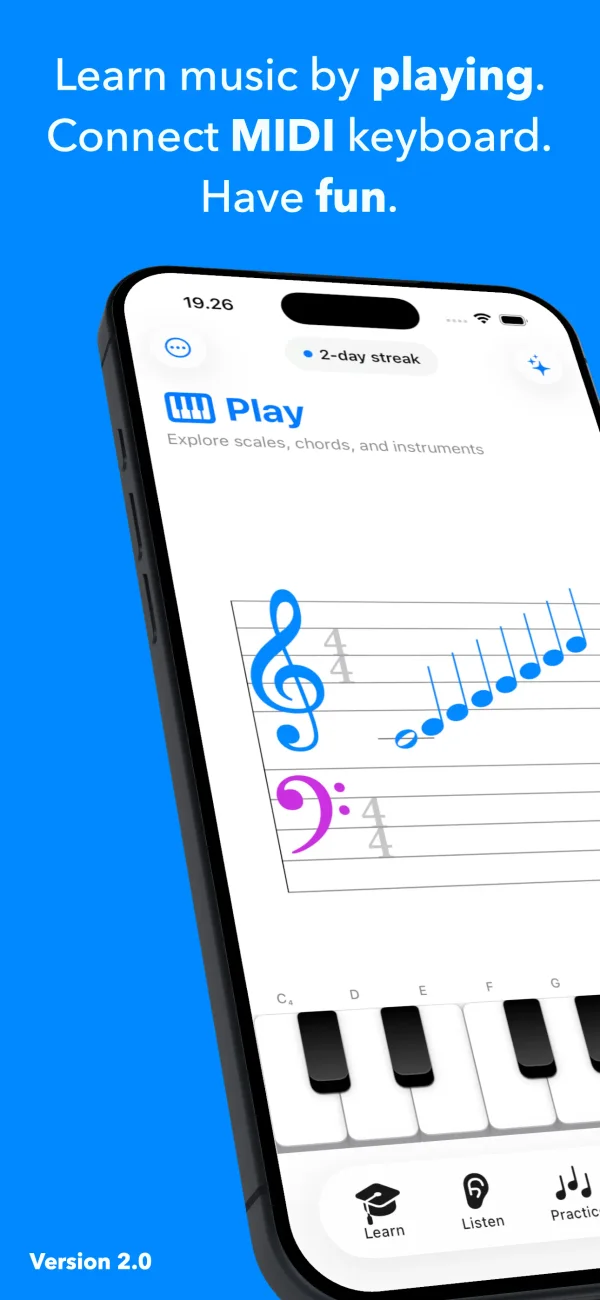
Tiny Instrument is a keyboard-first way to learn music theory, train your ear, and practice scales, chords, and songs on iPhone, iPad, and Mac. Instead of treating theory like a textbook, it turns learning into something hands-on: play notes on the keyboard, hear how they sound, build chords and scales, train your ear, and explore ideas as you go.
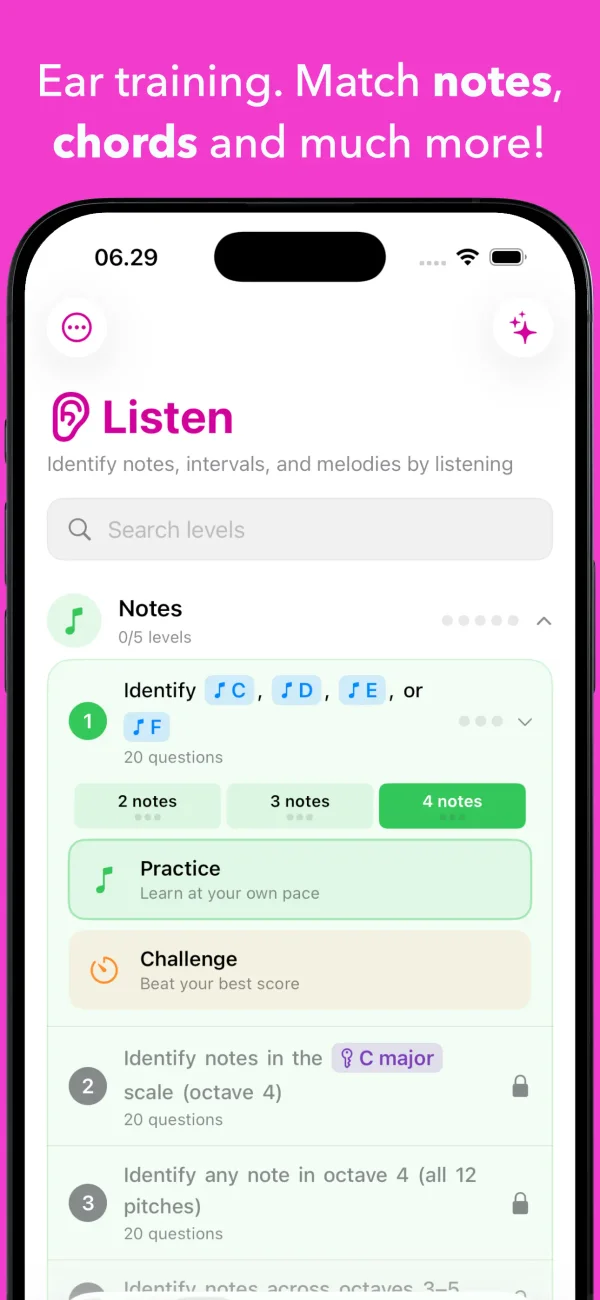
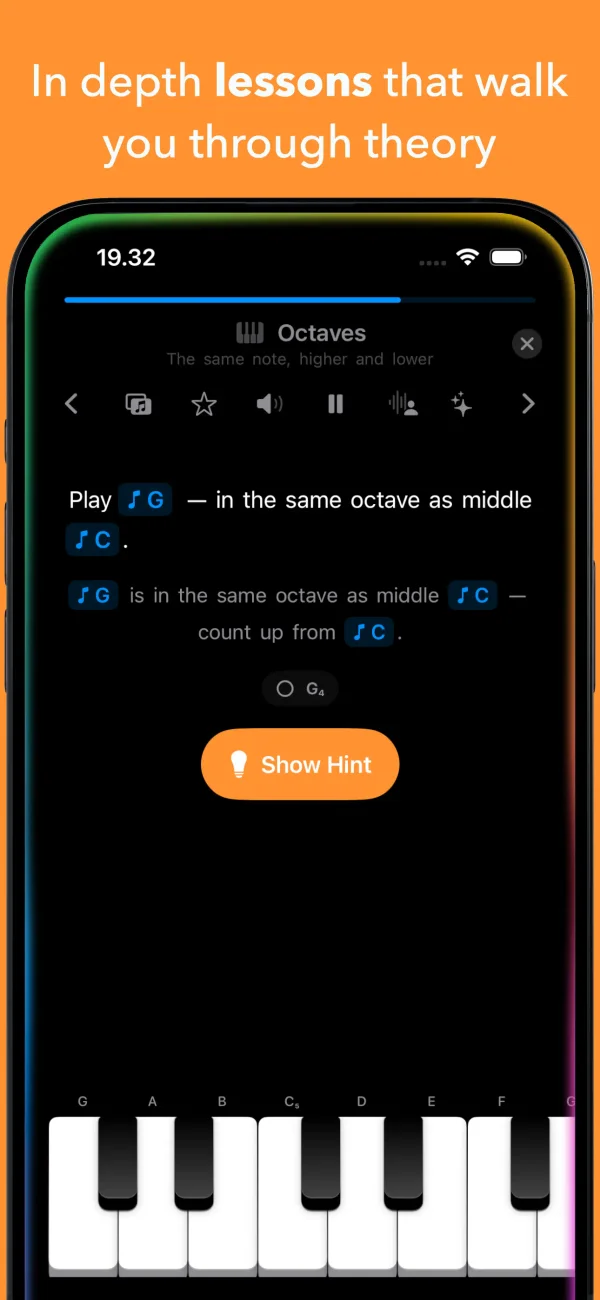
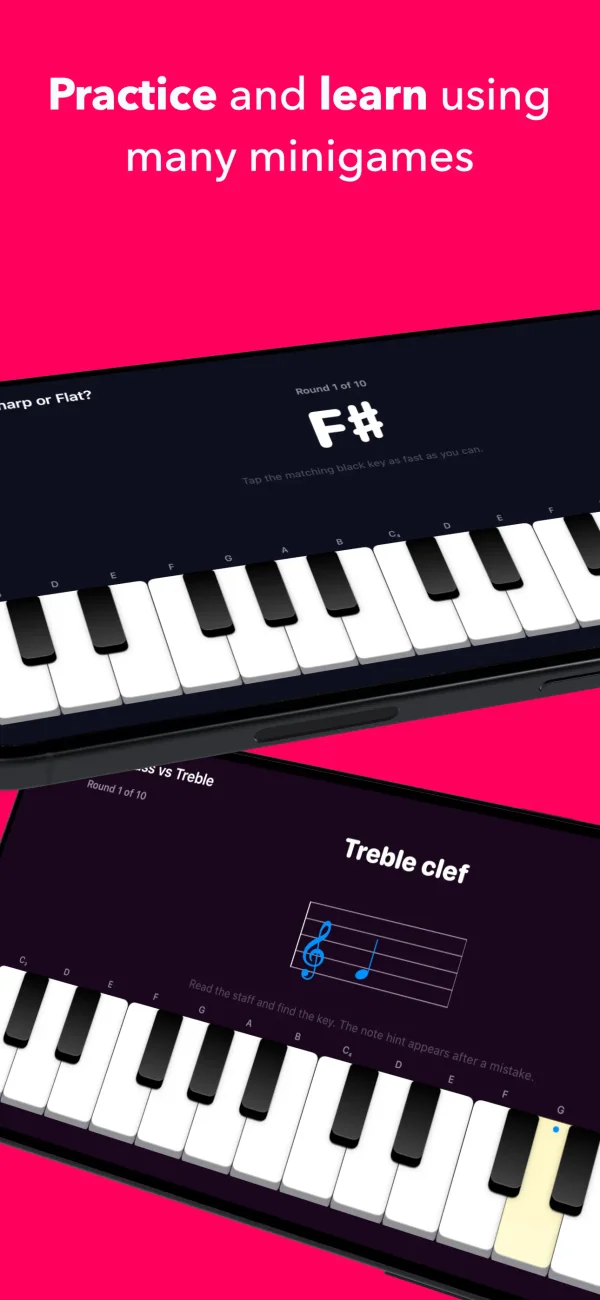
Start with the basics of notes, rhythm, intervals, scales, and chords. Then grow into keys, harmony, progressions, modes, and composition. Tiny Instrument keeps the experience light and musical with guided lessons, day-by-day Courses, playful warm-ups, open-ended exploration, ear training, and beginner-friendly practice tools.
Why Tiny Instrument feels different:
- Learn theory through the keyboard, not away from it
- Follow a Course: a short lesson and something to play each day, with the next day unlocking as you go
- Reinforce concepts with ear training and practice in the same app
- Explore musical ideas through playful exercises and warm-ups
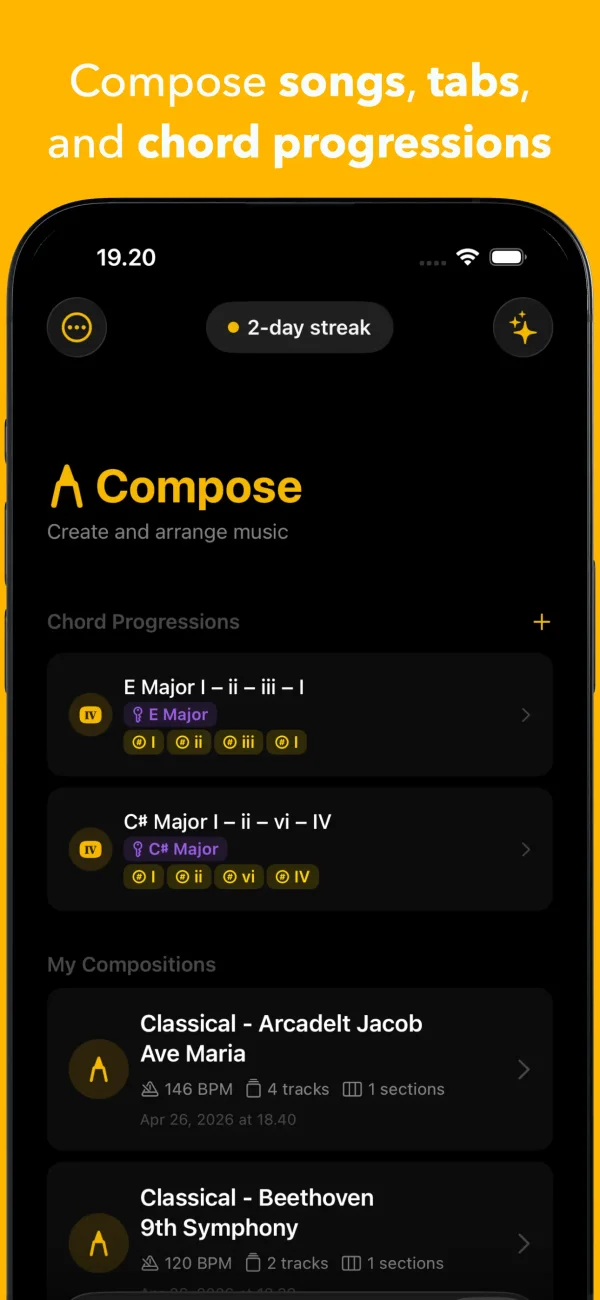
- Sketch chord progressions and first song ideas in Compose
- Turn your iPhone sideways for a live guide: your progression on a staff over a big keyboard
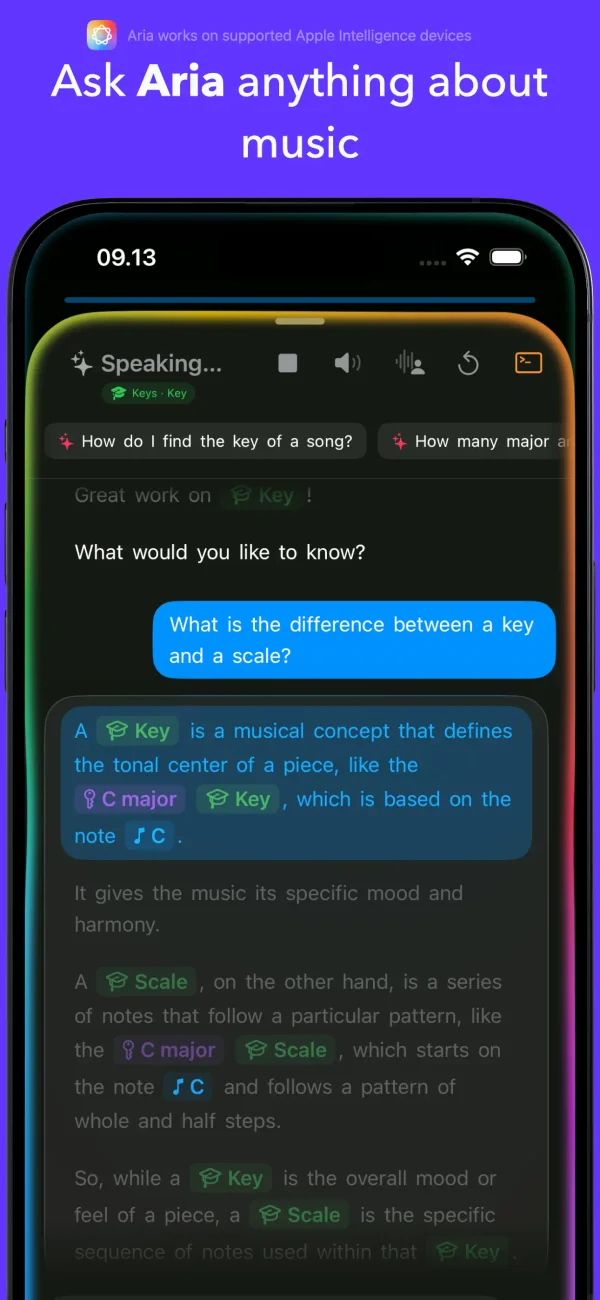
- Use Aria, an optional learning companion, on supported Apple Intelligence devices
- Keep learning across iPhone, iPad, and Mac
- Connect a MIDI keyboard for a more instrument-like experience
- Play from your Mac: connect to MIDI Noodle over Wi-Fi and play with the MIDI keyboard on your desk
Tiny Instrument includes:
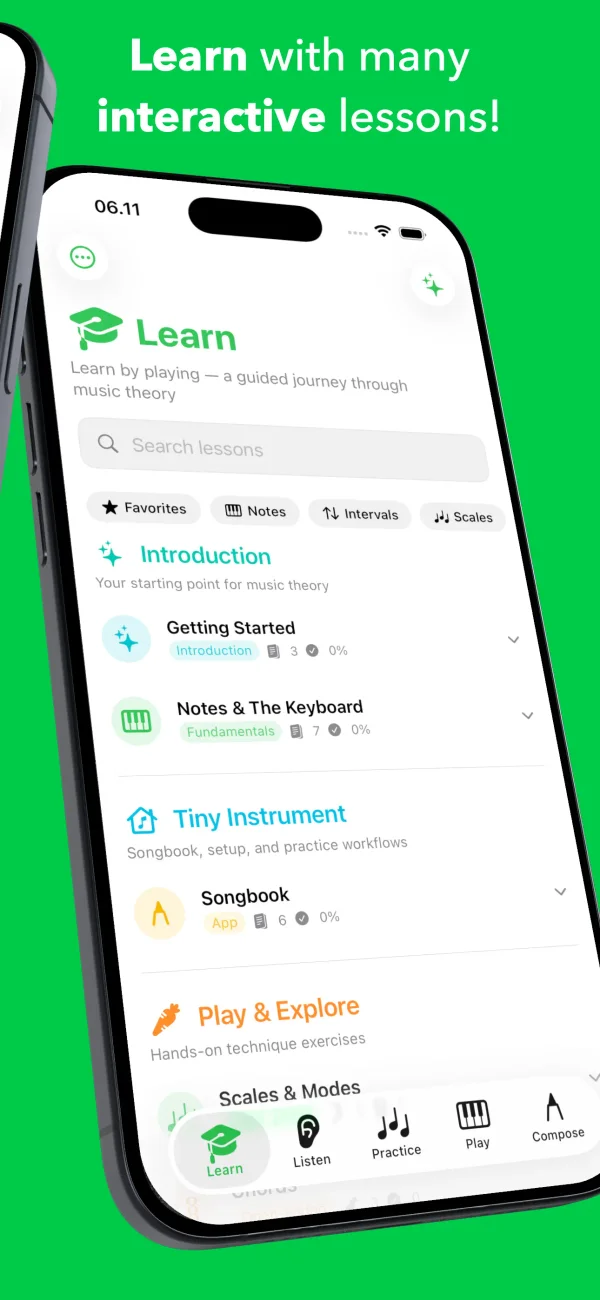
- Guided music theory lessons
- Multi-day Courses, from first chords to reading music, improvising, and writing a song
- Ear training levels
- Play & Explore exercises
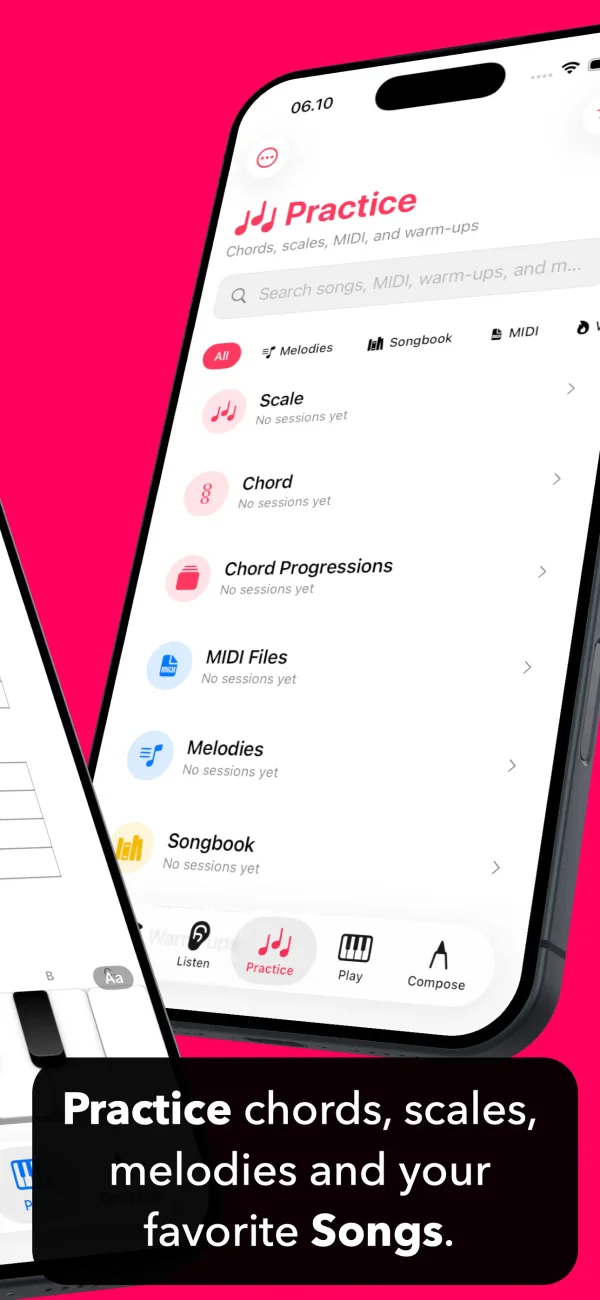
- Practice for scales, chords, songs, and MIDI
- A live chord and scale guide in landscape, on iPhone and Mac
- Beginner-friendly composition tools
- Focus sessions for intentional practice
- Music Library concept browsing
- Spotlight search and other Apple-platform integrations
The app is free to download and includes a genuine free tier you can keep using: Intro lessons, Keyboard basics, the Scales chapter, the Method Unit 1 chapter, starter ear training in every stage, the first Play & Explore group, core practice tools, and Aria on supported Apple Intelligence devices.
When you want more, additional chapters and tools are unlocked with one-time purchases. That includes deeper theory chapters, expanded practice and ear training, extra Play & Explore groups, and the Composition path. No subscription required.
Whether you are starting from your very first keypress or filling in theory gaps as a self-taught player, Tiny Instrument is designed to make learning music feel more playful, connected, and alive.
Terms of Use: https://www.apple.com/legal/internet-services/itunes/dev/stdeula/
Neue Funktionen
Version 2.8.0 · 28.11.2026
Courses, a live chord guide, and your Mac.
Four new Courses. Chord Player, Level 2; Read Sheet Music; First Improvisation; and Write Your First Song. Each is a guided plan where every day pairs a short lesson with hands-on practice, and the next day unlocks once you finish the one before.
Turn it sideways. In the progression builder, rotate your iPhone for the live chord guide: the whole progression on a staff with the chord you're on in green, its numeral, name and notes, what comes next, and a big keyboard with the notes lit up. It works in Play too, for a key, chord, scale or progression. Turn on Auto and it moves on once you have played the chord. On Mac, open Live Guide from the progression builder.
Play from your Mac. Connect your iPhone or iPad to MIDI Noodle on a Mac over Wi-Fi in Settings, Connect to a Mac, and the MIDI keyboard on your desk plays Tiny Instrument straight away. What you play here goes back to the Mac too.
Learn like a method book. A new free chapter, Method Unit 1, teaches the way a printed piano method does: a keyboard drill that counts your clean reps, a warm-up before you play, a piece with the letters printed in the notes, and a challenge to find the same shape on your own.
Also new:
- A Song Form chapter: verse and chorus, AABA and the 12-bar blues.
- Long-press a note on the Play-Along staff to hear it and see what it is.
- Colored Staffs now applies to Practice and the Live Guide.
- In Play, tap the scale or chord chip to change it.
Fixed: turning your iPhone in Play could close the app, loading a MIDI file could freeze it, and the play-along staff now scrolls smoothly.
Thanks for playing.
App-Datenschutz
Was Codeloop im App Store zum Umgang dieser App mit Daten angibt.
-
Nicht mit Ihnen verknüpfte Daten
Können erfasst werden, sind aber nicht mit Ihrer Identität verknüpft.
- Nutzungsdaten
Die Datenschutzpraktiken können variieren, zum Beispiel je nach den von Ihnen verwendeten Funktionen oder Ihrem Alter.
Informationen
- Anbieter
- Codeloop
- Kategorie
- Musik
- Version
- 2.8.0
- Aktualisiert
- 28.11.2026
- Veröffentlicht
- 29.05.2025
- Größe
- 314,6 MB
- Erfordert
- iOS 18.4 oder neuer
- Altersfreigabe
- 4+
- Preis
- Kostenlos
- In-App-Käufe
- Ja
- Sprachen
- Englisch
- Copyright
- © 2026 CodeLoop