Tiny Instrument: Learn Piano
Music Theory, Scales & Chords
Designed for iPhone, iPad, Mac
Free · In-app purchases
- Age rating4+
- CategoryMusic
- DeveloperCodeloop
- LanguagesEnglish
- Size298.7 MB
Links to the official App Store page
Download.org hosts no file of Tiny Instrument: Learn Piano. The button opens its official App Store page, published by Codeloop. Listing last checked on Nov 14, 2026.
Screenshots
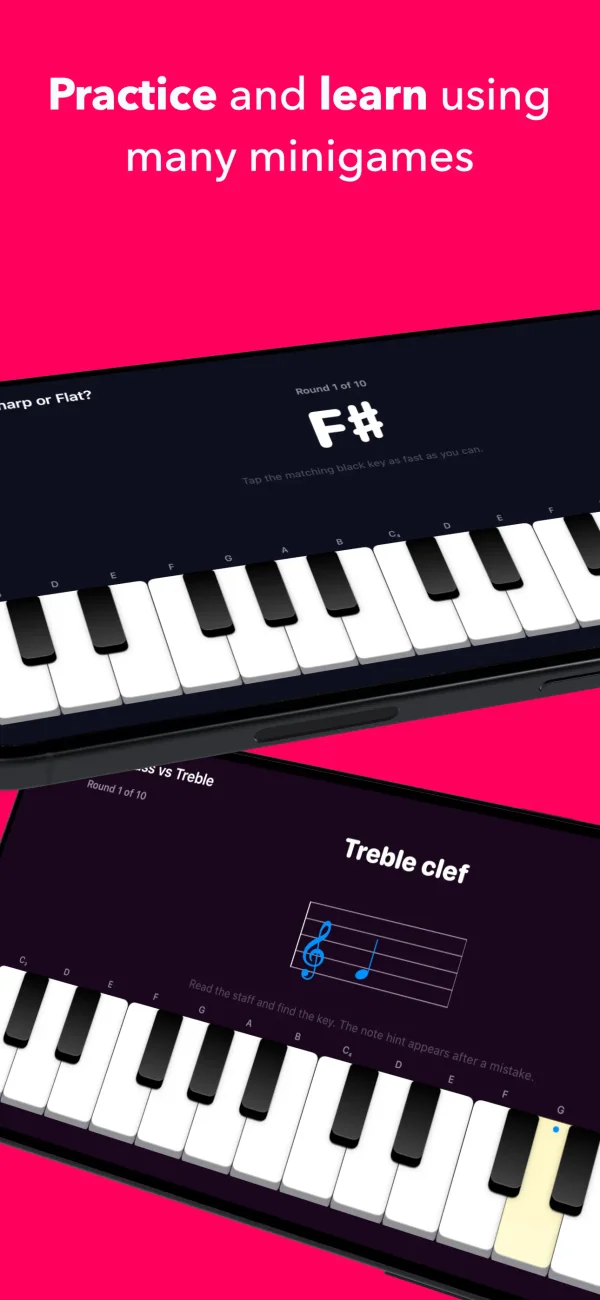
About
Learn music by playing it.
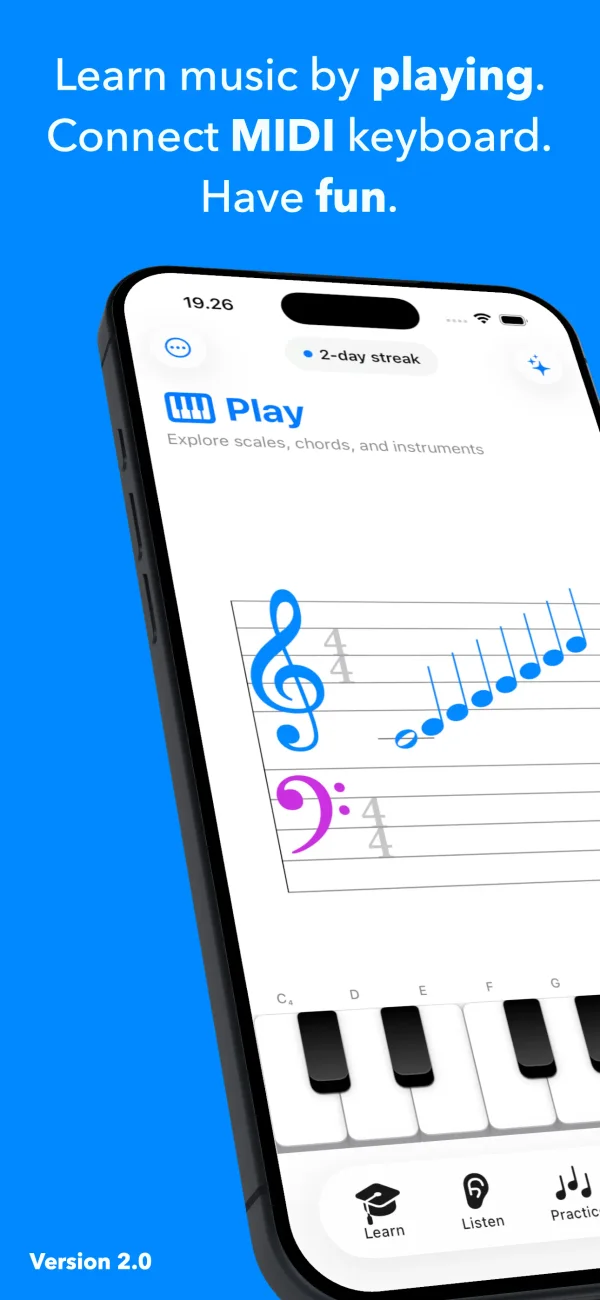
Tiny Instrument is a keyboard-first way to learn music theory, train your ear, and practice scales, chords, and songs on iPhone, iPad, and Mac. Instead of treating theory like a textbook, it turns learning into something hands-on: play notes on the keyboard, hear how they sound, build chords and scales, train your ear, and explore ideas as you go.
Start with the basics of notes, rhythm, intervals, scales, and chords. Then grow into keys, harmony, progressions, modes, and composition. Tiny Instrument keeps the experience light and musical with guided lessons, playful warm-ups, open-ended exploration, ear training, and beginner-friendly practice tools.
Why Tiny Instrument feels different:
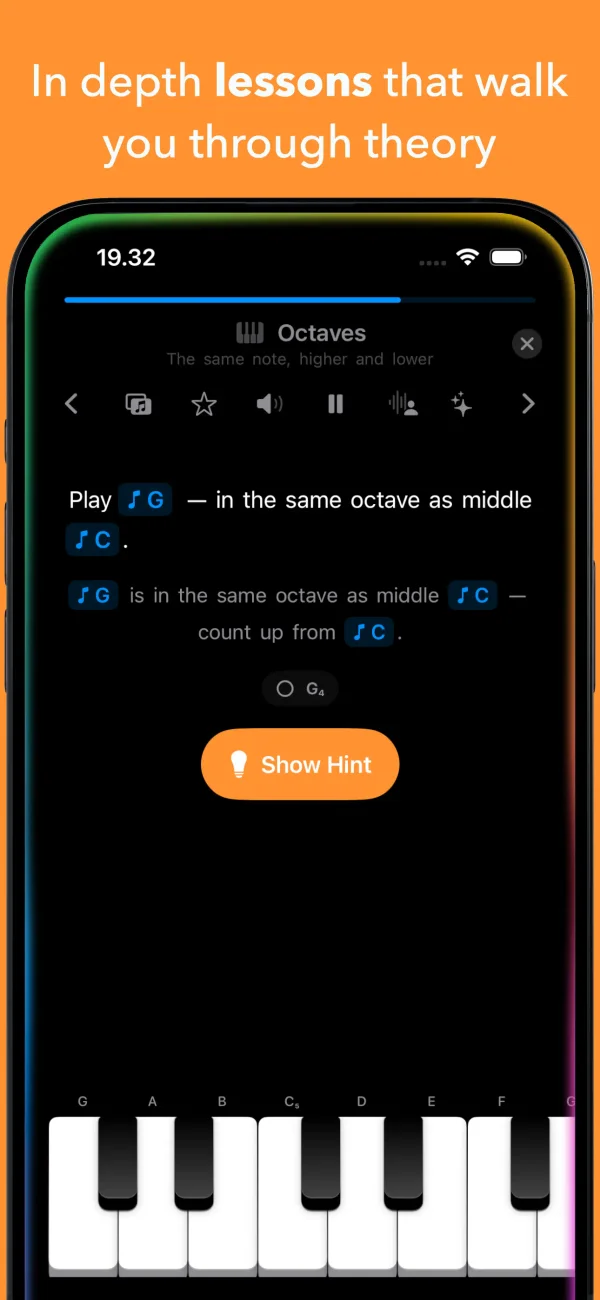
- Learn theory through the keyboard, not away from it
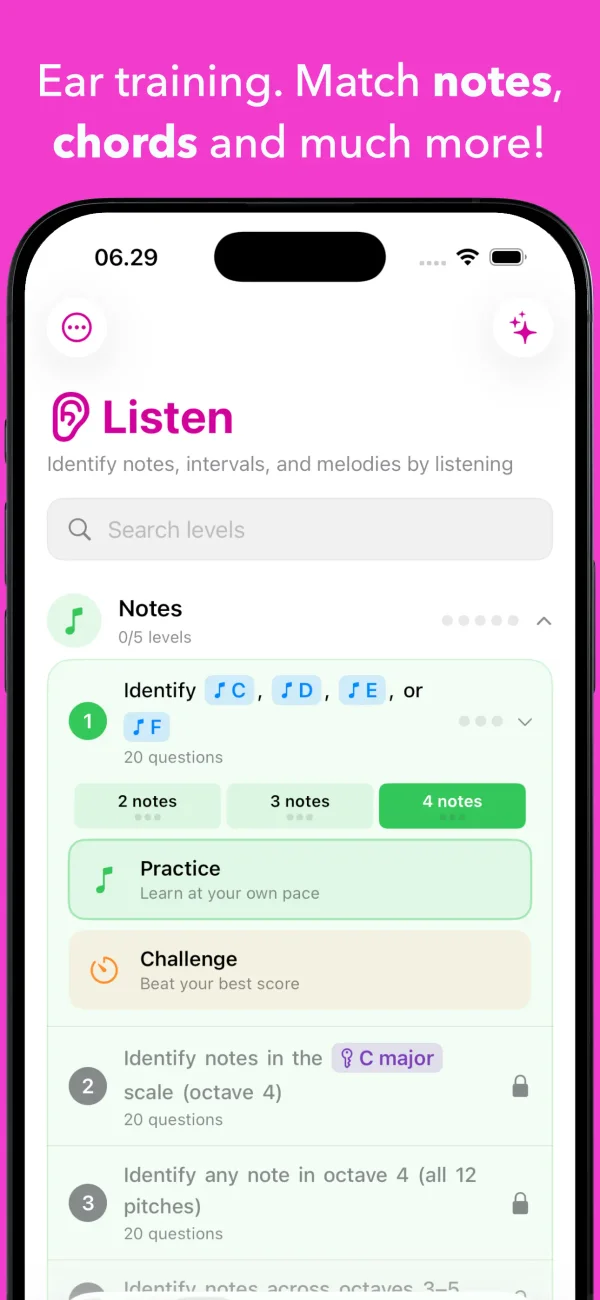
- Reinforce concepts with ear training and practice in the same app
- Explore musical ideas through playful exercises and warm-ups
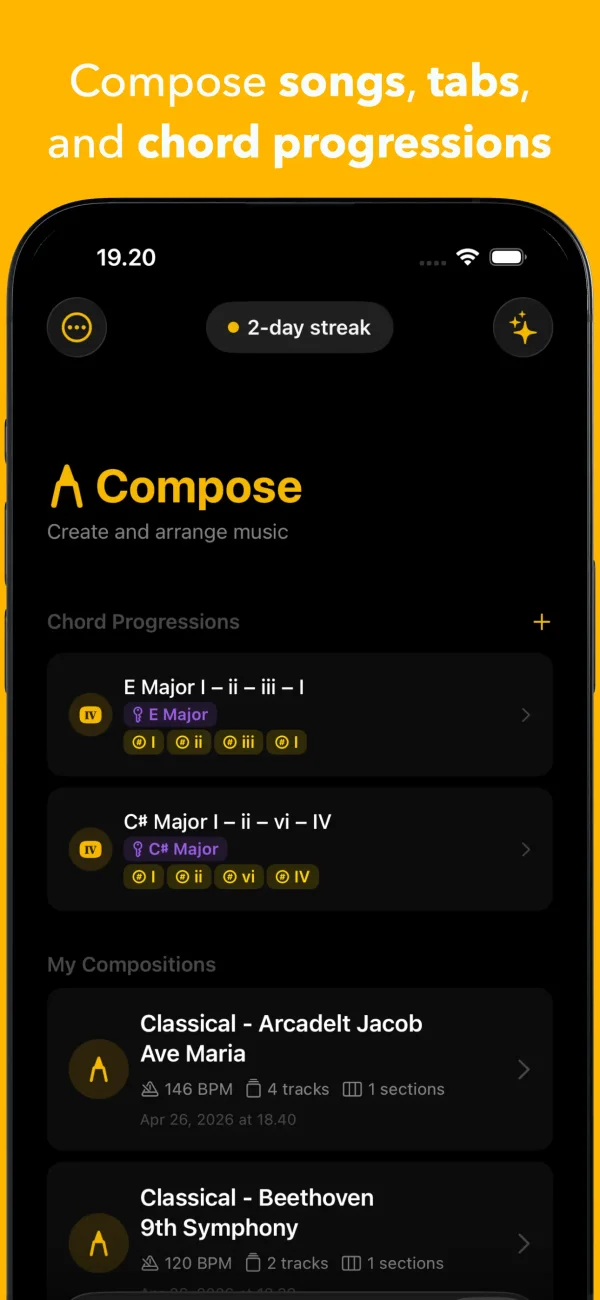
- Sketch chord progressions and first song ideas in Compose
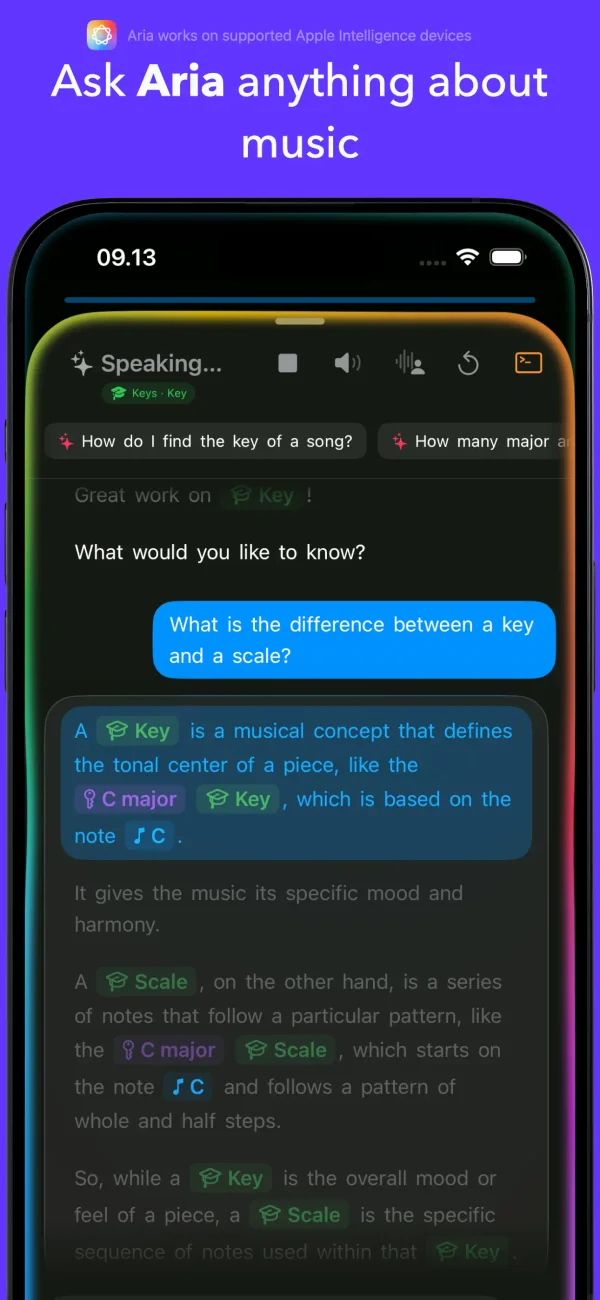
- Use Aria, an optional learning companion, on supported Apple Intelligence devices
- Keep learning across iPhone, iPad, and Mac
- Connect a MIDI keyboard for a more instrument-like experience
Tiny Instrument includes:
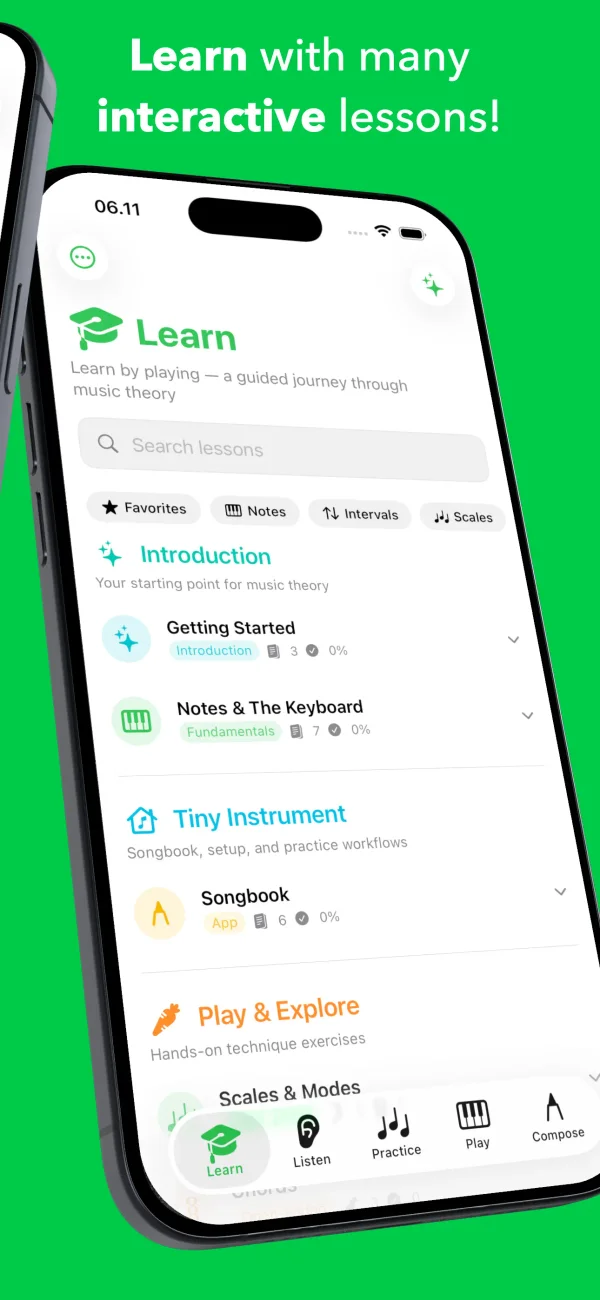
- Guided music theory lessons
- Ear training levels
- Play & Explore exercises
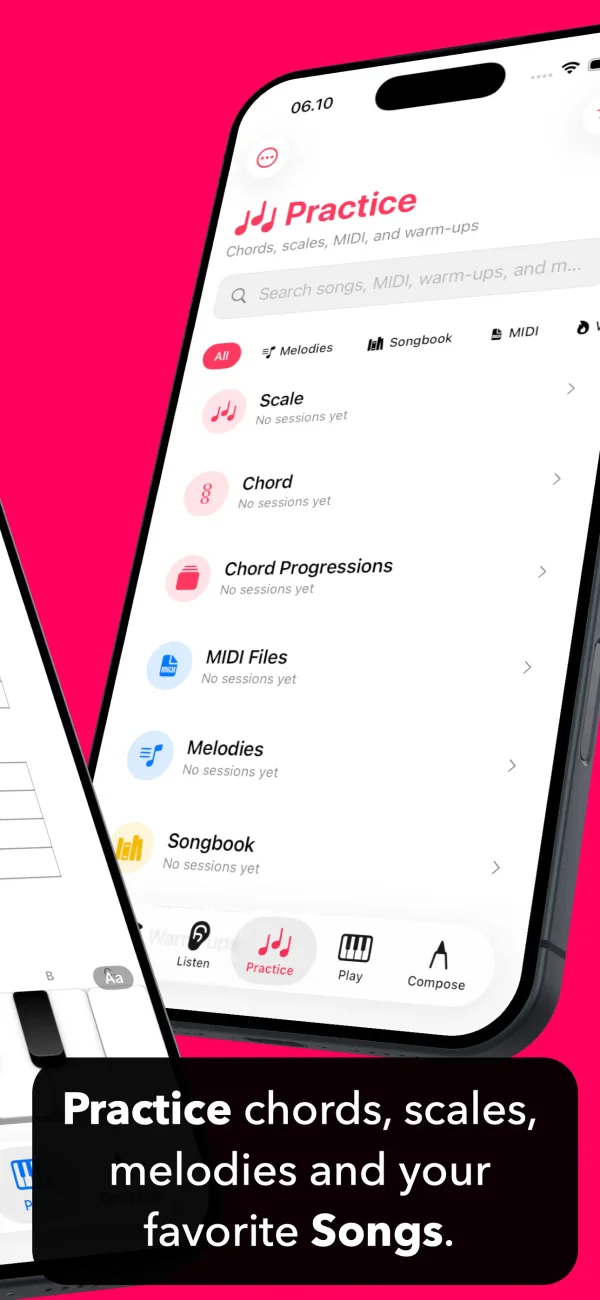
- Practice for scales, chords, songs, and MIDI
- Beginner-friendly composition tools
- Focus sessions for intentional practice
- Music Library concept browsing
- Spotlight search and other Apple-platform integrations
The app is free to download and includes a genuine free tier you can keep using: Intro lessons, Keyboard basics, the Scales chapter, starter ear training in every stage, the first Play & Explore group, core practice tools, and Aria on supported Apple Intelligence devices.
When you want more, additional chapters and tools are unlocked with one-time purchases. That includes deeper theory chapters, expanded practice and ear training, extra Play & Explore groups, and the Composition path. No subscription required.
Whether you are starting from your very first keypress or filling in theory gaps as a self-taught player, Tiny Instrument is designed to make learning music feel more playful, connected, and alive.
Terms of Use: https://www.apple.com/legal/internet-services/itunes/dev/stdeula/
What’s new
Version 2.7.0 · Oct 8, 2026
Theory, complete. Practice with a goal.
Practice with a goal. Scale and chord practice can now finish for you instead of running forever. Choose a number of clean laps or a few minutes, or aim for a target accuracy or tempo. A progress bar tracks you as you play, and reaching the goal ends the session with a next step to try.
Theory, complete. Four new chapters fill the last gaps and turn theory into playing, plus a new Chord Functions lesson on why I, IV and V pull the way they do. Look for the NEW badge in Learn.
Lessons you play, not just read. Progression examples inside lessons are now play-alongs. The chords appear on the staff with their names and Roman numerals, and each bar fills green as you play it.
See what you are playing, engraved. Practice now shows real notation. Short drills show the whole exercise on a grand staff with the current note highlighted, and the new Play-Along Staff follows the music in Play and Practice, with proper beams, rests, ties, slurs and accidentals.
Now play the real thing. Finish a lesson and it hands you a real piece that uses exactly what you just learned, like Ode to Joy, Für Elise and Minuet in G. Pieces light up in the Songbook as you unlock them.
Plan your week. Set your practice days, a reminder time and how long to spend in each area, see today's progress at a glance, and add the whole plan to your calendar.
Also new:
- Finger badges now show which hand to use, and scales can be practiced left-handed.
- Two-Hand Drills can run up, down, or up and back.
- Exercises accept any octave and any chord inversion.
- The Key, Scale and Chord pickers now work the same way.
- A switch in Settings turns off Easter eggs.
- Layouts adapt to any screen size and shape, ready for iPhone Duo.
Plus many fixes and polish. Thanks for playing.
App privacy
What Codeloop declares on the App Store about how this app handles data.
-
Data not linked to you
May be collected but is not linked to your identity.
- Usage data
Privacy practices may vary, for example with the features you use or your age.
Information
- Seller
- Codeloop
- Category
- Music
- Version
- 2.7.0
- Updated
- Oct 8, 2026
- Released
- May 29, 2025
- Size
- 298.7 MB
- Requires
- iOS 18.4 or later
- Age rating
- 4+
- Price
- Free
- In-app purchases
- Yes
- Languages
- English
- Copyright
- © 2026 CodeLoop
You might also like
-
 Piano Chords: keys + accordionKeyboard and Stradella buttons
-
 jAmp ClickstationAUv3 metronome
-
 MIDILODYMusical MIDI Sequencer/Looper
-
 VAPolyTSPolyphonic Synthesizer
-
 L12X Solid State AmplifierMusic
-
 Chords ExplorerChord finder & progressions
-
 SuperSitterSit Your Track Forward & Back
-
 Grand Piano miniMusic
-
 Air SynthMusic
-
 Koom: FM Kick SynthBuilt to Thump