- Altersfreigabe4+
- KategorieMusik
- EntwicklerMatthew Schwartz
- SprachenEnglisch
- Größe43,0 MB
Verlinkt auf die offizielle App Store-Seite
Download.org hostet keine Datei von TinyPitch. Die Schaltfläche öffnet die App-Seite bei App Store, wo Matthew Schwartz die App veröffentlicht. Eintrag zuletzt geprüft am 12.11.2026.
Screenshots
Info
Der Entwickler hat diesen Text nicht in Ihrer Sprache bereitgestellt.
"Tiny Pitch is by far the best pitch pipe app for the Apple watch." -Pixiepepper56, 5-star review
"It is simple enough for elementary students to use yet crafted with attention to the most subtle details useful to pros." --SternVocalStudio, 5-star review
"The only pitch pipe I'll ever need." -JacobMusic100, 5-star review
--
TinyPitch is a pitch pipe that lives on your wrist. Give a choir its starting note, check your own pitch, or find a key without digging your phone out of your pocket.
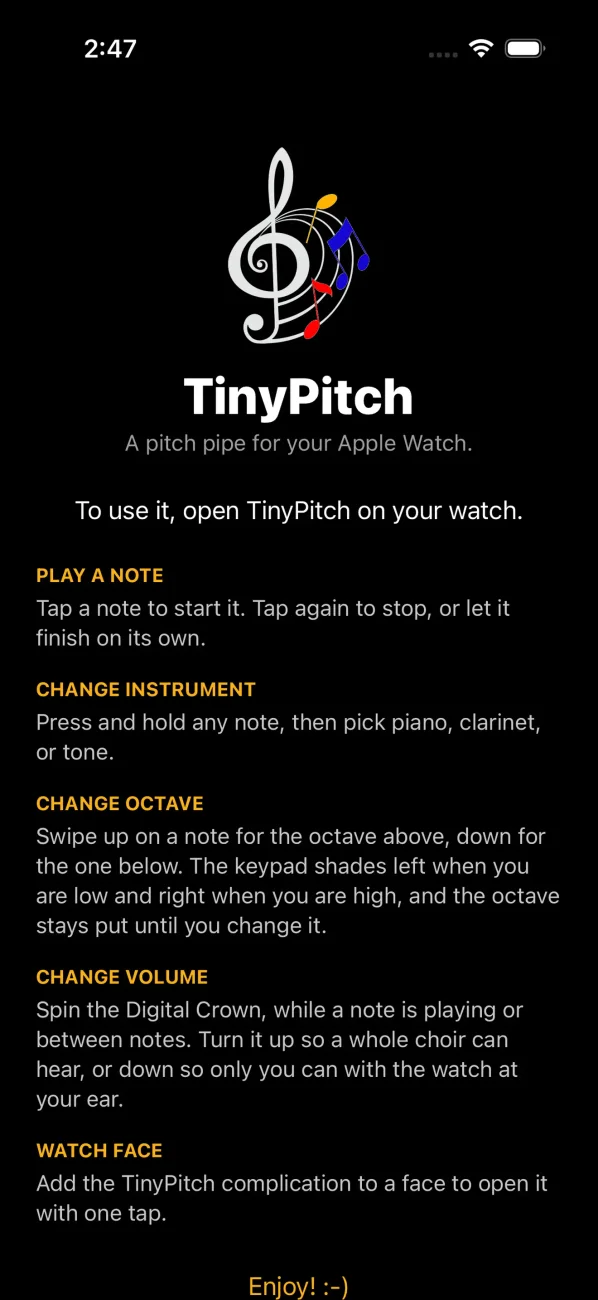
TAP TO PLAY
Every note of the 12-tone chromatic scale is on one screen. Tap a note to start it, tap again to stop, or let it fade out on its own.
THREE INSTRUMENTS
Press and hold any note to choose piano, clarinet, or a pure tone.
THREE OCTAVES, AND IT REMEMBERS
Swipe up on a note for the octave above, down for the one below. Your choice stays until you change it — including the next time you open the app — so you are not resetting it after every note. The keypad shades to the left when you are in the low octave and to the right when you are in the high one, so you can always see where you are.
VOLUME IN YOUR FINGERTIPS
Spin the Digital Crown, while a note is playing or between notes. Loud enough for a whole choir, or quiet enough that only you hear it with the watch held to your ear.
ONE TAP FROM YOUR WATCH FACE
Add the TinyPitch complication to any face, including the modern Infograph faces, and your starting note is one tap away.
No phone required once it is installed. No account, no ads, no subscription.
Neue Funktionen
Version 1.7 · 17.09.2026
Instrument switching works again. It used to rely on Force Touch, which Apple removed from the Apple Watch, so on newer watches there was no way to reach piano, clarinet, and tone. Now you press and hold any note to pick one.
The octave stays where you put it. Swiping up or down used to move only the note that was sounding; every note after it snapped back to the middle. Now it sticks until you change it, and it is remembered the next time you open the app. You can also swipe with nothing playing.
You can see which octave you are in. The keypad shades toward the left in the low octave and toward the right in the high one, and stays flat in the middle.
No more click when you jump between notes quickly. Notes now fade in and out over a few milliseconds instead of being cut off.
The note you are playing stays lit while you change octaves.
The watch face complication shows up properly. It used to appear as an empty dot on most faces; it now works on all of them, including the modern Infograph faces.
Rebuilt for the latest watchOS.
App-Datenschutz
Was Matthew Schwartz im App Store zum Umgang dieser App mit Daten angibt.
-
Keine Daten erfasst
Der Entwickler erfasst keine Daten von dieser App.
Die Datenschutzpraktiken können variieren, zum Beispiel je nach den von Ihnen verwendeten Funktionen oder Ihrem Alter.
Informationen
- Anbieter
- Matthew Schwartz
- Kategorie
- Musik
- Version
- 1.7
- Aktualisiert
- 17.09.2026
- Veröffentlicht
- 03.10.2018
- Größe
- 43,0 MB
- Erfordert
- iOS 15.0 oder neuer
- Altersfreigabe
- 4+
- Preis
- 0,99 €
- Sprachen
- Englisch
- Copyright
- © 2026
Das könnte Ihnen auch gefallen
-
 TinyPitch ReimaginedMusik
-
 Kamerton - tuning forkMusik
-
 GuitarTuningWatchMusik
-
 Musical KeyboardMusik
-
 Stimmgabel: 432, 440, 442 HzTon & Frequenz für Chor, Watch
-
 Beacon - Worship Team AppMusik
-
 Wrist PipeMusik
-
 RagaMalika CarnaticMusik
-
 Stimmgerät für InstrumenteGitarre, Bass, Ukulele & mehr
-
 RUN IT DOWN: Song Form & BarsMusik