
TreeletHub -Efficiency Console
Honeycomb launcher & remote
Entwickelt für iPhone, iPad
Kostenlos
- Altersfreigabe4+
- KategorieProduktivität
- EntwicklerTreelet
- SprachenEnglisch+ 1 weitere
- Größe8,0 MB
Verlinkt auf die offizielle App Store-Seite
Download.org hostet keine Datei von TreeletHub -Efficiency Console. Die Schaltfläche öffnet die App-Seite bei App Store, wo Treelet die App veröffentlicht. Eintrag zuletzt geprüft am 19.11.2026.
Screenshots
Info
Der Entwickler hat diesen Text nicht in Ihrer Sprache bereitgestellt.
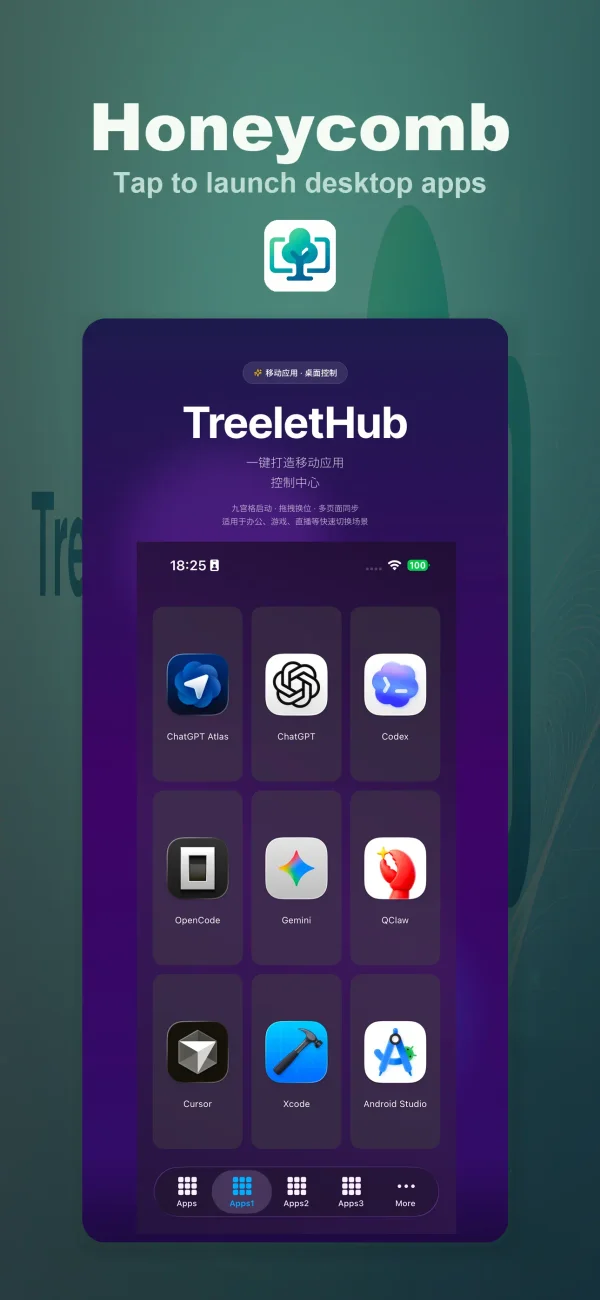
TreeletHub is your phone productivity launcher: a honeycomb wall for the apps you open every day—and a Wi‑Fi remote for the apps and shortcuts on your computer companion.
On your phone alone
• Honeycomb launcher: search and add launchable apps with clear artwork
• Home Screen widgets: hand off from the widget straight into the target app
• One-tap calling: pick contacts, then dial from the honeycomb
• System camera: jump to the system camera capture flow when you need a photo
• Open apps that provide a public launch link; only launchable apps can be added
When paired with the computer companion
• Tap to remote-launch desktop apps, web shortcuts, and system actions
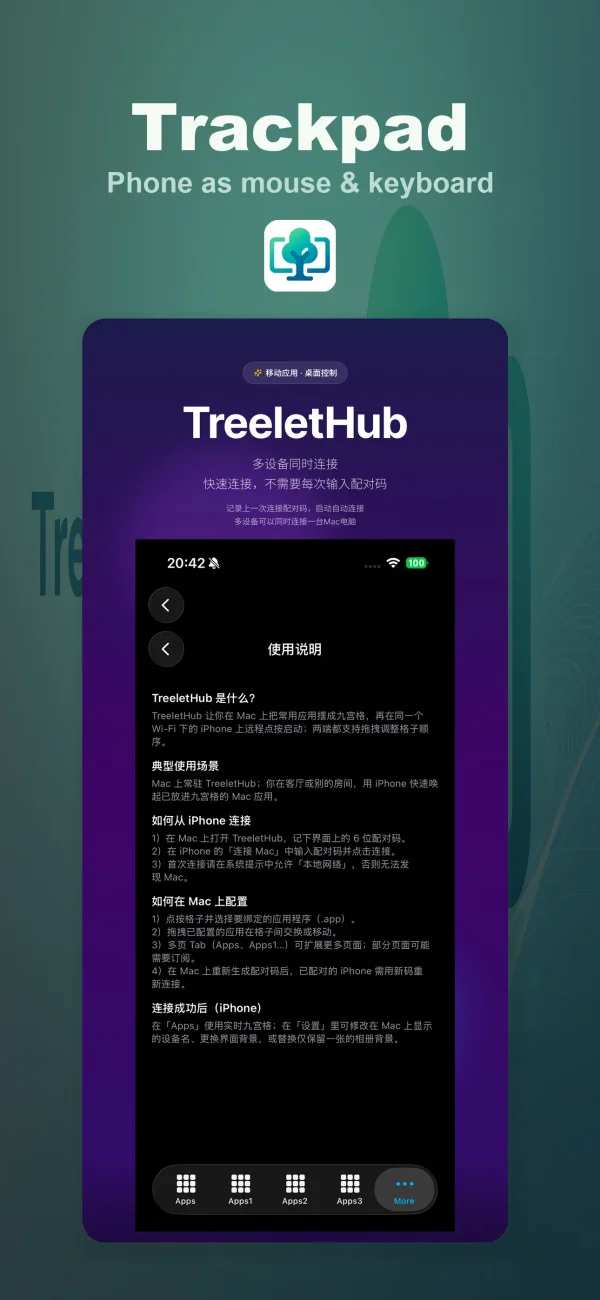
• Use Keyboard & Mouse remote when your computer companion supports it
• Two-finger swipe down to show the desktop; inline volume, brightness, and media controls
• Layouts sync with the companion; multiple phones can connect at once
Privacy & connection
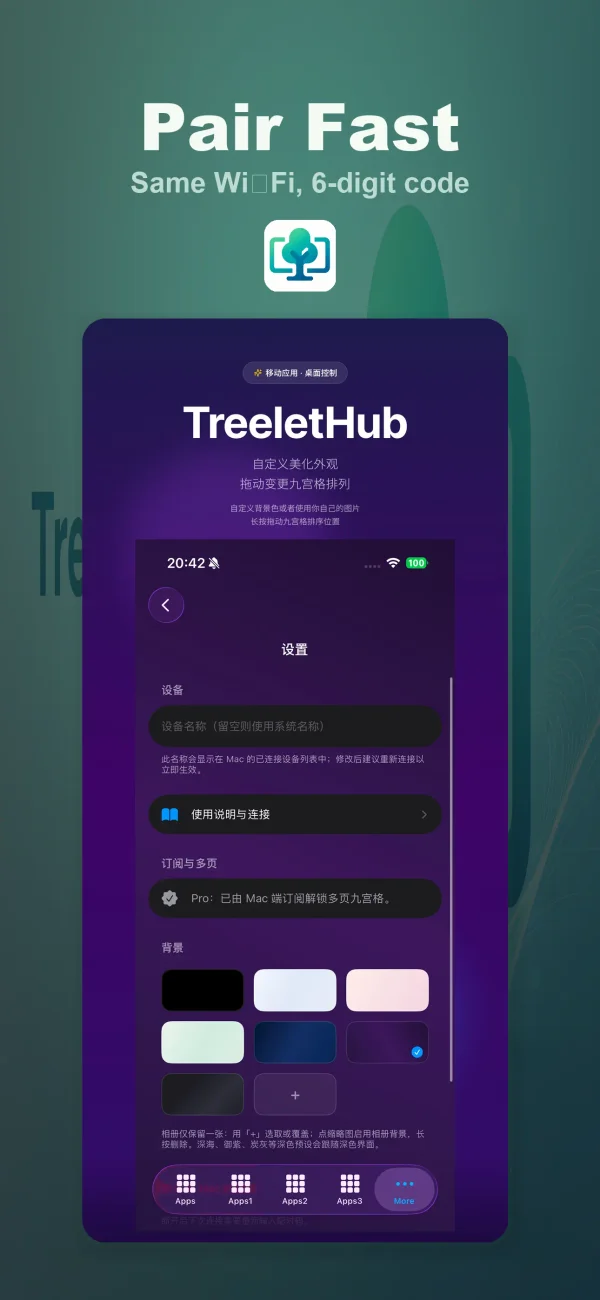
• Short pairing code; discovery and sync stay on your local network by default
• Core pairing and remote control need no cloud account
Set up your phone honeycomb anytime. To remote-control a computer, install the companion and pair on the same network.
Neue Funktionen
Version 1.3.2 · 17.11.2026
• Continued polish for phone honeycomb, Home Screen widgets, and one-tap calling
• Keyboard & Mouse remote when the computer companion provides it
• Shows or hides the trackpad tile based on companion capabilities
• Stability and compatibility improvements
App-Datenschutz
Was Treelet im App Store zum Umgang dieser App mit Daten angibt.
-
Keine Daten erfasst
Der Entwickler erfasst keine Daten von dieser App.
Die Datenschutzpraktiken können variieren, zum Beispiel je nach den von Ihnen verwendeten Funktionen oder Ihrem Alter.
Informationen
- Anbieter
- Treelet Tech LLC
- Kategorie
- Produktivität
- Version
- 1.3.2
- Aktualisiert
- 17.11.2026
- Veröffentlicht
- 12.05.2026
- Größe
- 8,0 MB
- Erfordert
- iOS 17.6 oder neuer
- Altersfreigabe
- 4+
- Preis
- Kostenlos
- Sprachen
- Englisch, Vereinf. Chinesisch
- Copyright
- © @2026 Treelet
Das könnte Ihnen auch gefallen
-
 Hey DuduProduktivität
-
 Gedo: Personal AI & MemoryProduktivität
-
 Inkstone Notes MarkdownProduktivität
-
 Sweden AI - On Device AIProduktivität
-
 时格 纪念日与时间小组件Produktivität
-
 SottoKI, Sprache und Formeln
-
 WristAI+KI mit mehreren Modellen
-
 Folio - 归册Erfassen, lesen, reflektieren
-
 Clipber ClipboardProduktivität
-
 Surge IIProduktivität